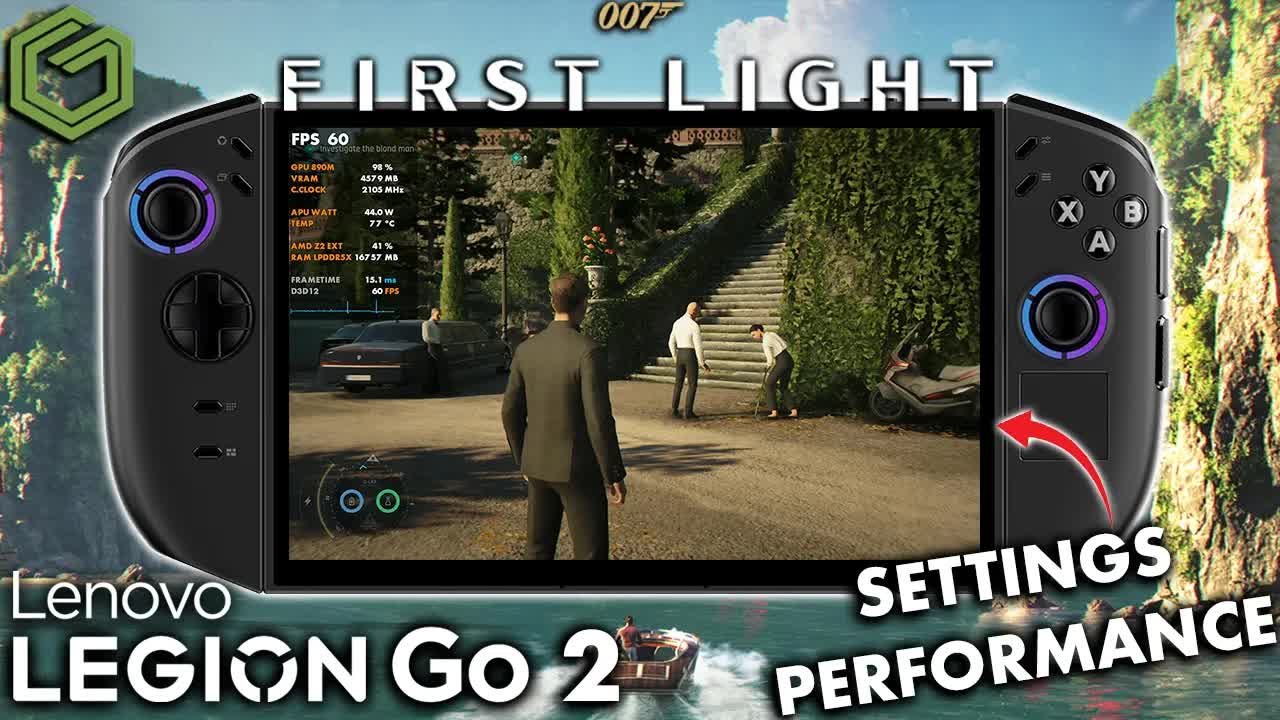
 ▶Watch on YouTube
007 First Light on the Legion Go 2 Z2 Extreme, with a focus on 1000p at 25W with custom settings. We're still on the January-dated GPU driver, and I think a driver update and some game updates would help with the frame time issues. Ultimately, though, the game is very playable and can look pretty good on the Go 2, especially in person on the OLED screen.
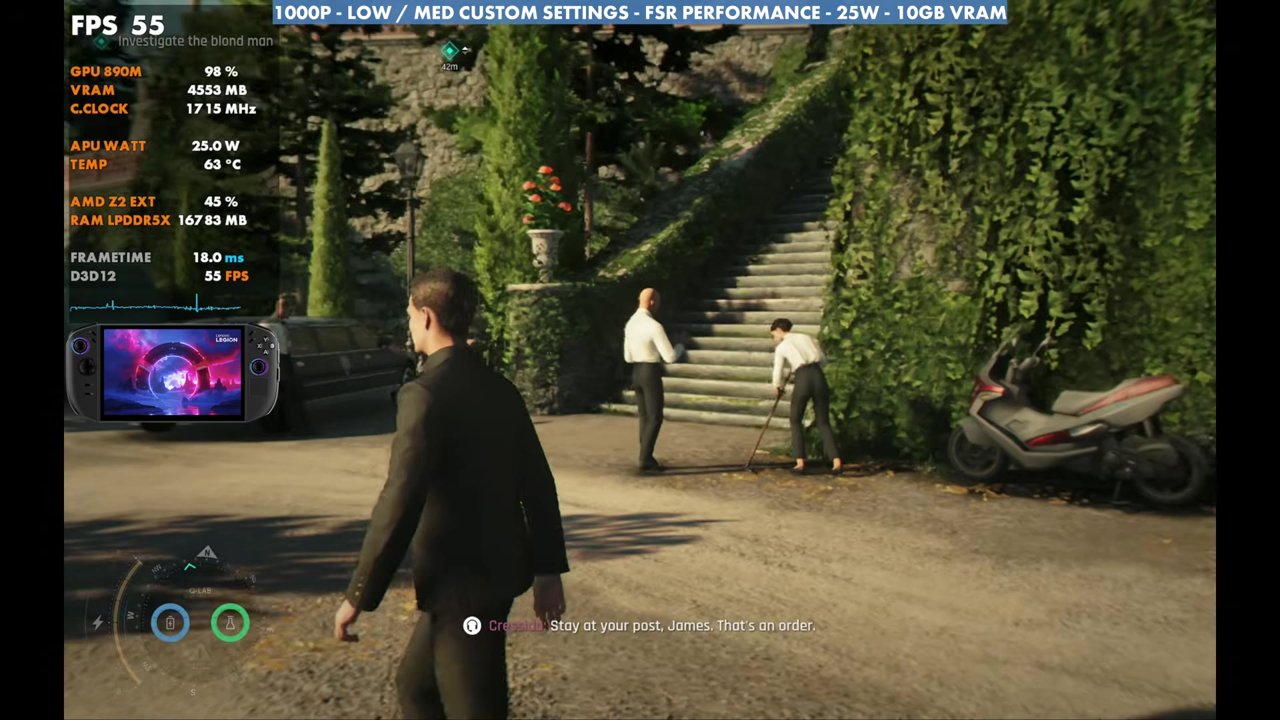
- Tested in Xbox mode at 25W with low/medium custom settings, 1000p and FSR Performance.
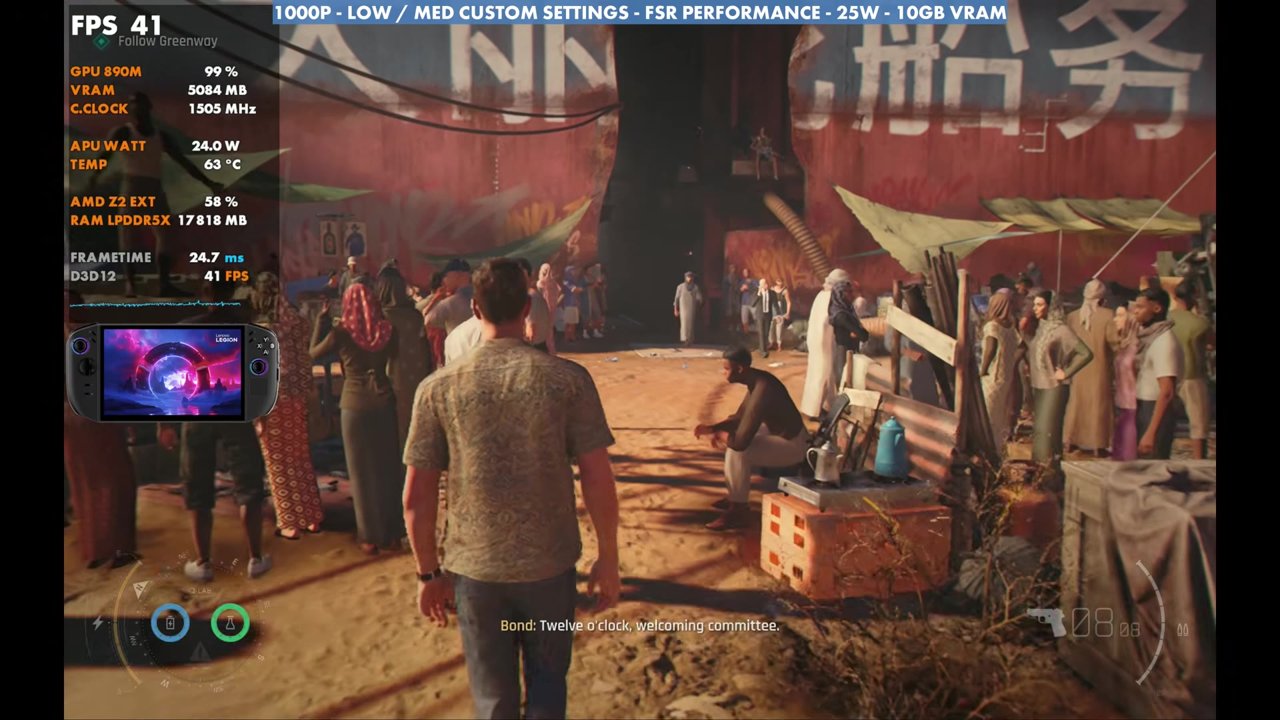
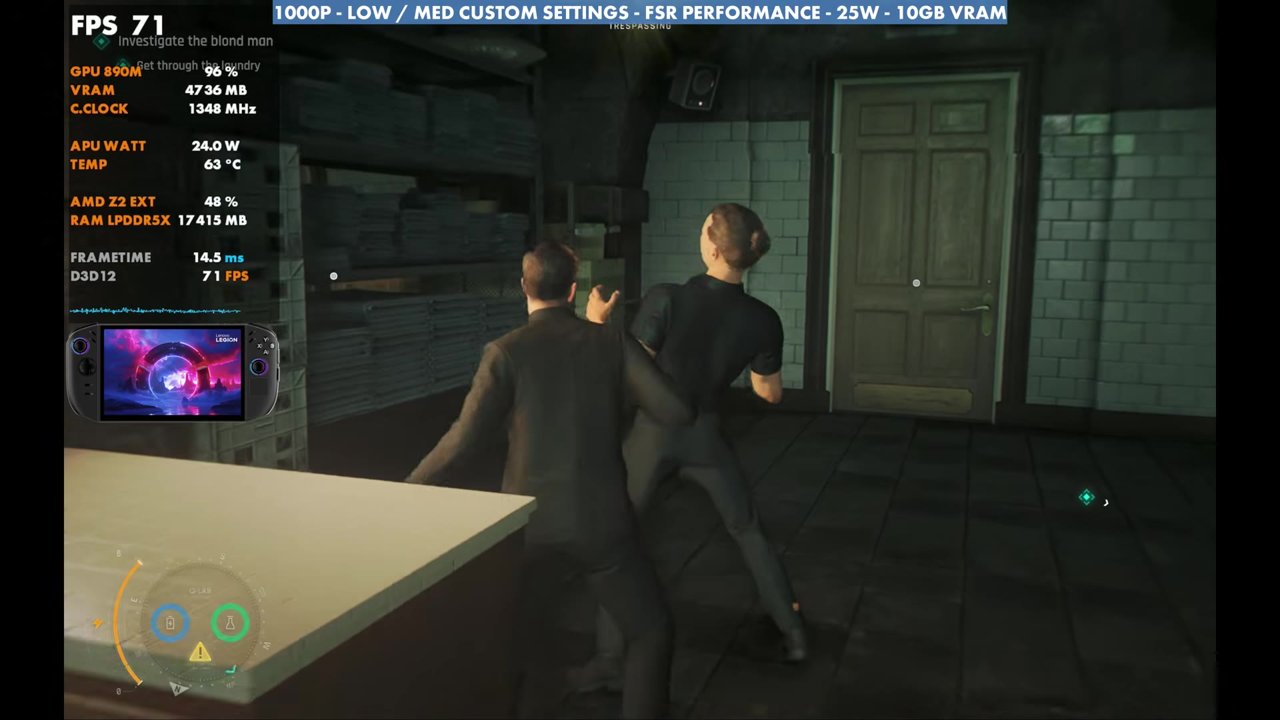
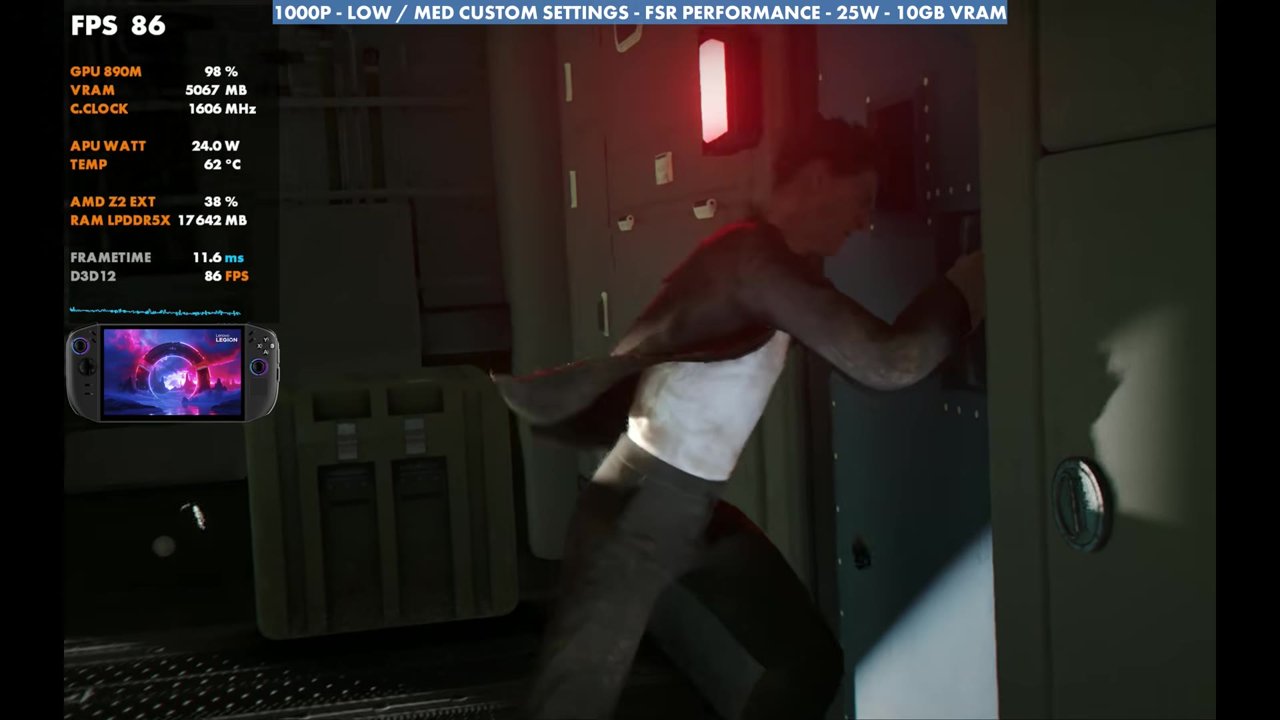
- Through the gameplay in the video, the overlay mostly read the 50s and 60s, around 40 at the lowest in the busy market and up to 90 in the plane sequence.
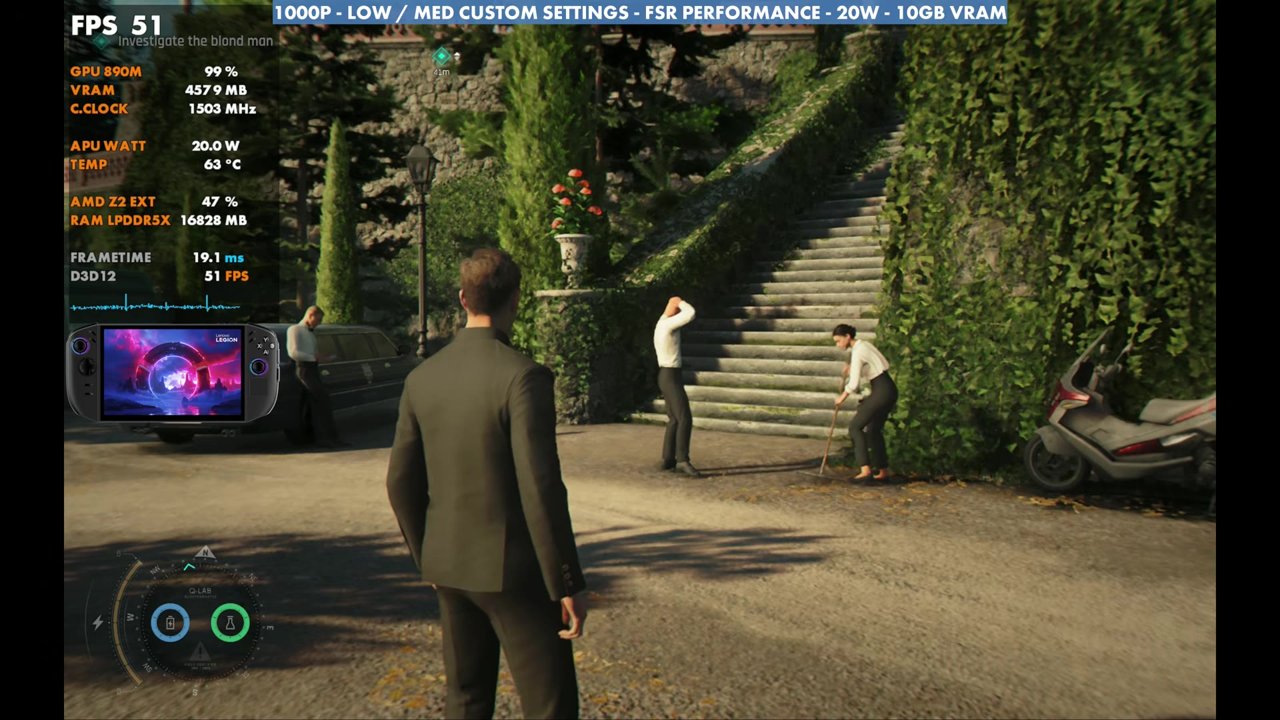
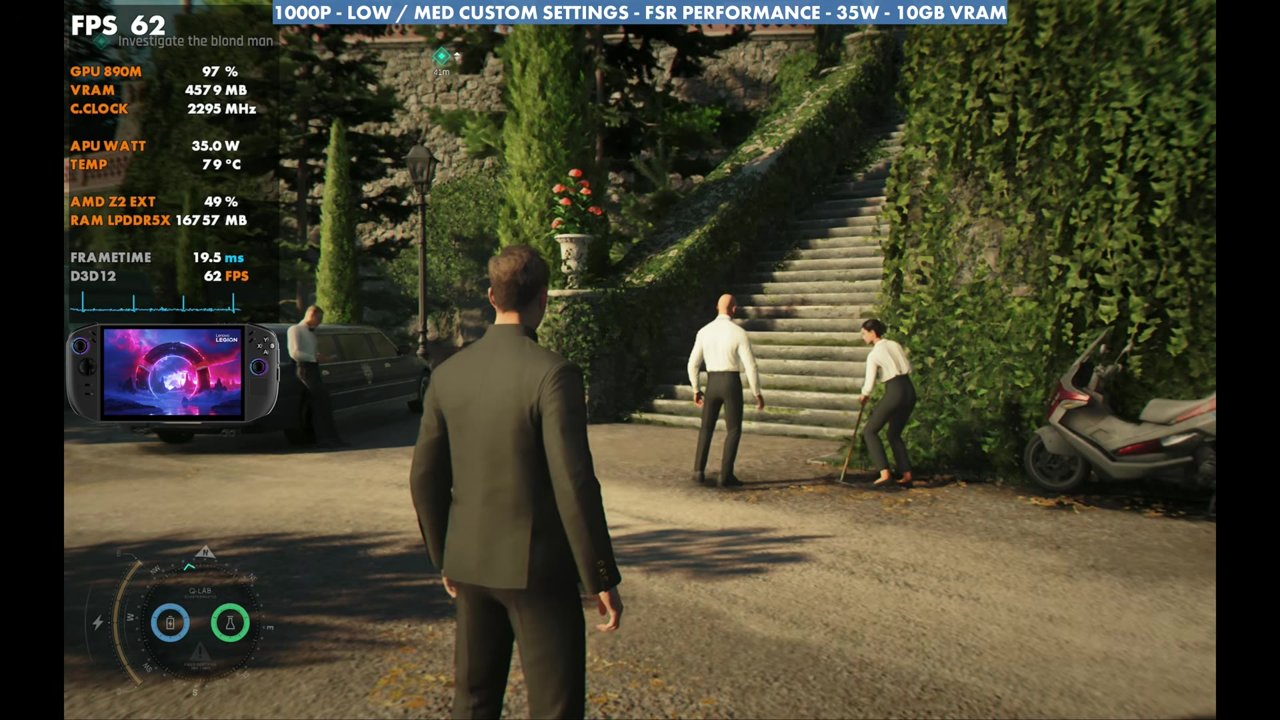
- Same spot: about 49–53 FPS at 20W, 54–57 at 25W and 56–62 at 35W. 35W only adds about 3 or 4 FPS over 25W.
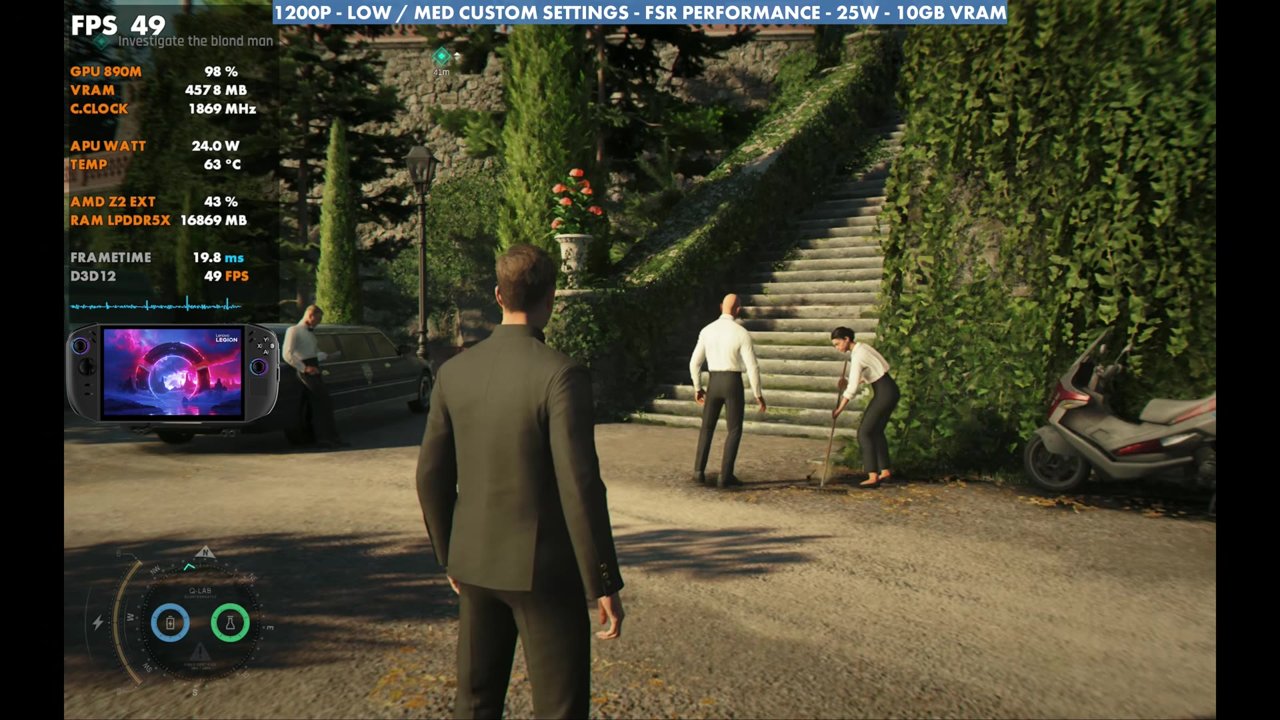
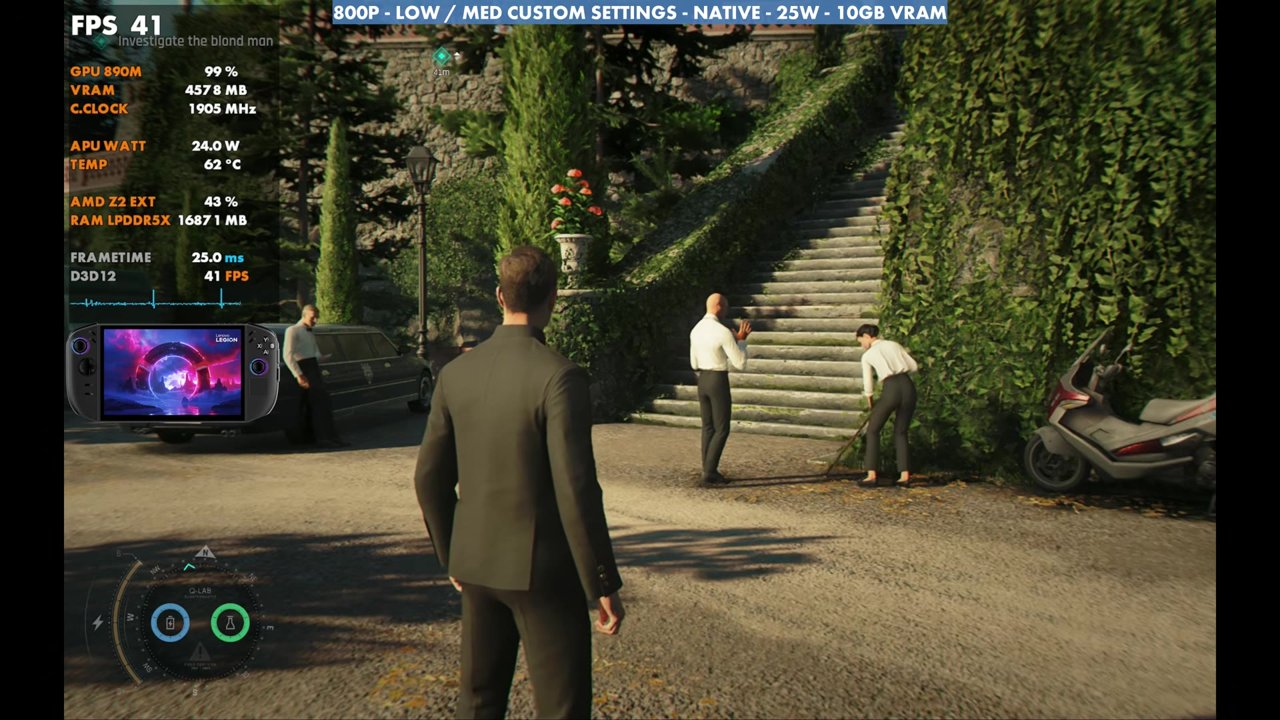
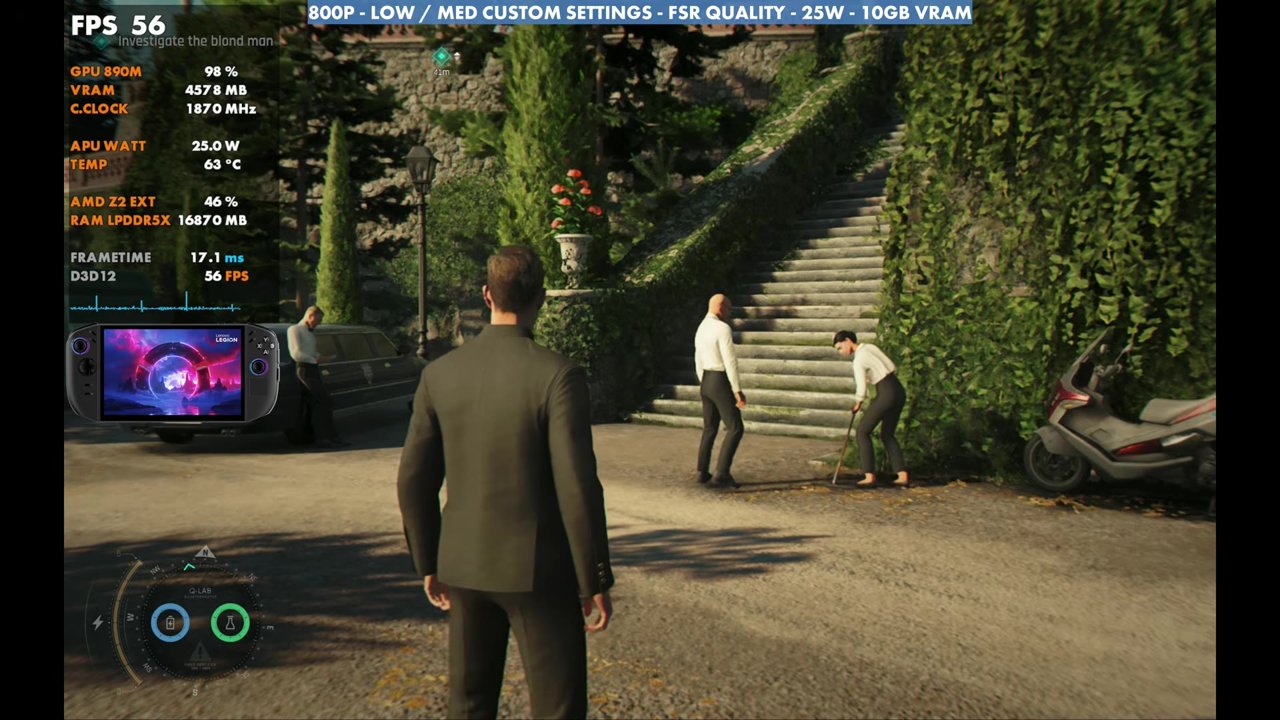
- 1200p FSR Performance read about 49–50, 800p native about 41–42 and 800p FSR Quality about 55–56, the same as 1000p FSR Performance.
Test setup
Everybody has their own preferences, so take these as what I tested and what's been working for me, not the only way to run it. You can also change the settings on the fly without restarting the game for pretty much everything, so it's easy to adjust while you play.
- Device: Lenovo Legion Go 2 with the Z2 Extreme, 10GB VRAM
- Mode: Xbox mode (Xbox full screen experience), on the January-dated GPU driver
- TDP: 25W, which has been a good sweet spot for this game and a lot of harder-to-run games
- Resolution: 1000p with FSR Performance, the same mode I used at 1080p on other devices. V-Sync is off for the video, so you'll see tearing, but on the device you won't with VRR or V-Sync.
- Settings: texture quality medium, 8x texture filtering, level of detail low, terrain medium, shadows low, volumetric fog low, effects low, reflections medium and all post effects off
- FPS numbers are what the on-screen overlay read in the video, checked every two seconds.
20W, 25W and 35W
Dropping to 20W, about the same as performance mode (maybe with slightly different thermals from the fan curve), costs a few FPS, but it's not bad, and even in harder-to-run areas you won't see too much of a dip. In the same spot, the overlay read about 49 to 53 FPS at 20W against 54 to 57 at 25W.
Going all the way up to 35W only gained about 3 or 4 FPS over 25W, reading about 56 to 62. I just think that's a lot of battery burn, with it boosting to around 44 watts at times, to really be worth it. If you're docked, you can certainly get a bit more out of it, but anywhere between 20 and 30 watts should work just fine.
Other resolutions
1200p with FSR Performance costs about six to eight FPS depending on where you are and where you're looking. In this spot, the overlay read about 49 to 50.
800p native loses a bit, but it's an option if you don't want any upscaling. Here it read about 41 to 42, and there are areas of the game where you'll drop to 30 or maybe a little under. You can fix that easily by turning on FSR, even just Quality, which gains about 15 FPS at 800p. 800p with FSR Quality read about 55 to 56, the same as my 1000p FSR Performance setup, which makes sense considering the resolution.
Gameplay at 1000p, 25W
Most areas of the game run really well, and pretty much all of them stay over 40 FPS, though there are some spots where it goes under. Driving, walking around, gun battles, hand-to-hand fights, indoors, outdoors and different missions all perform a little differently. In the gameplay in the video, the overlay mostly read the 50s and 60s, dipped to about 40 to 46 in the busy market, ran into the 70s in some interiors and hit 80s to 90 during the plane sequence.
Verdict
1000p at 25W with these settings has been working pretty well for me, and I was pretty happy with how it runs, even with some frame time issues here and there. I think driver updates would certainly help, along with some game updates. For how the Go 2 stacks up against the original, see my Legion Go Z1E vs Legion Go 2 Z2E head to head in 007 First Light.
FAQ
Is 35W worth it for 007 First Light on the Legion Go 2?
Not really in handheld. 35W only gained about 3 or 4 FPS over 25W in the same spot, with a lot more battery burn. Docked, you can get a bit more out of it.
Should I use 800p native or FSR on the Legion Go 2?
800p native read about 41–42 FPS in the test spot and can drop to 30 or a little under in some areas. FSR Quality at 800p gained about 15 FPS, matching 1000p with FSR Performance.
Want more handheld tests?
New Steam Deck, ROG Ally, Legion Go and Steam Machine performance videos every week.