 ▶Watch on YouTube
I don't always get time to go back and cover the original Legion Go with everything going on, but I really wanted to check 007 First Light on it, and it's actually running really well. A lot more of you have the Legion Go than the Legion Go 2 Z2 Extreme, so this felt like a good one to cover. Here are the settings I landed on with the Z1 Extreme, how they ran, and a few other options to scale up or down.
- Tested at 25W in Xbox mode with low/medium custom settings, 1000p and FSR Performance.
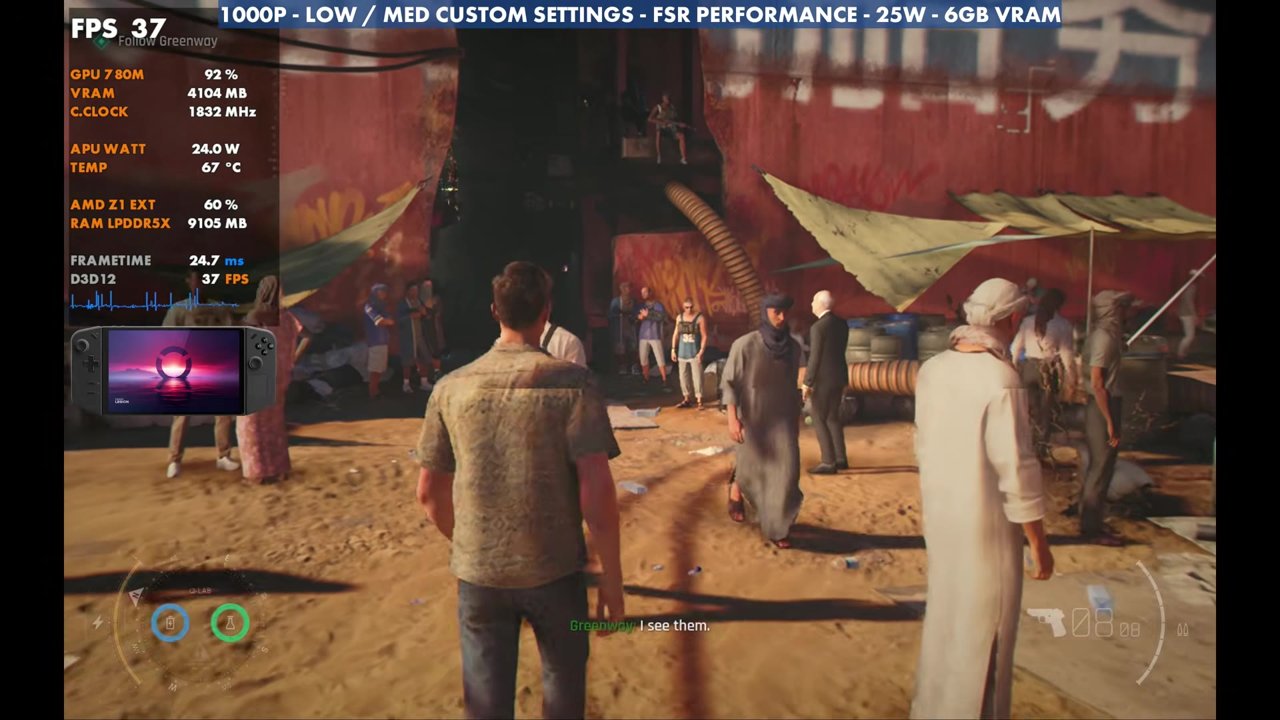
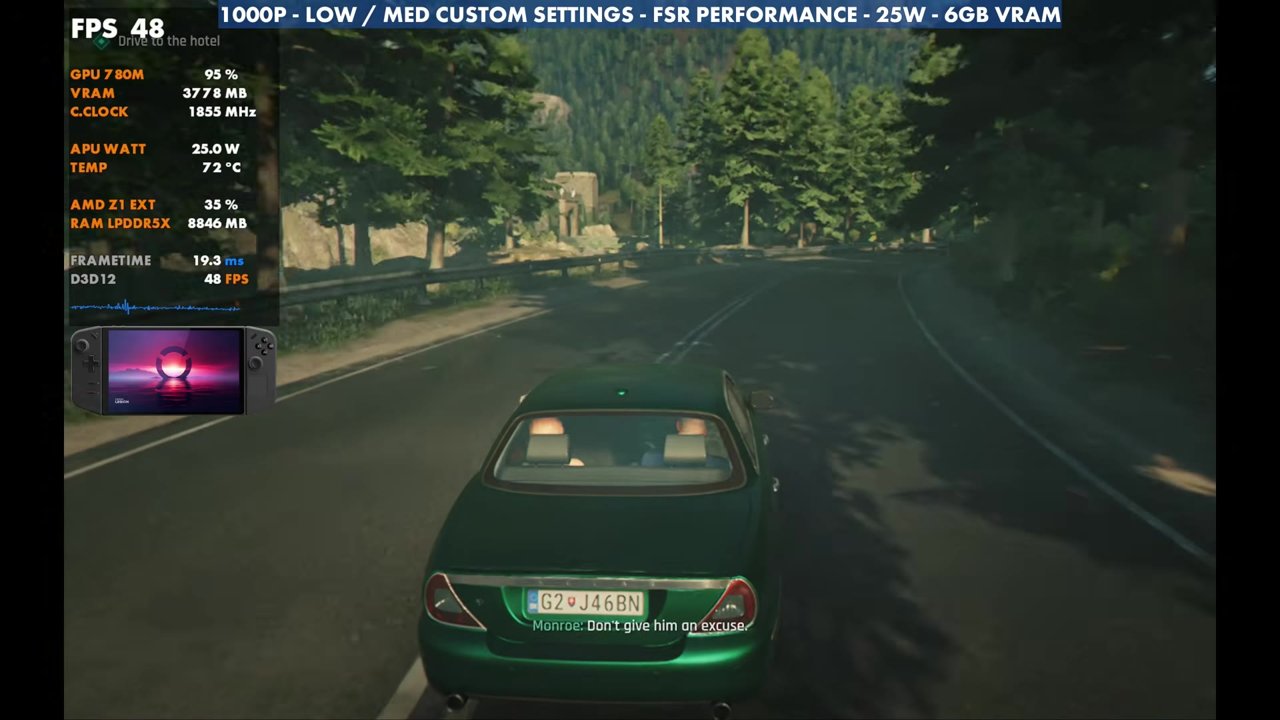
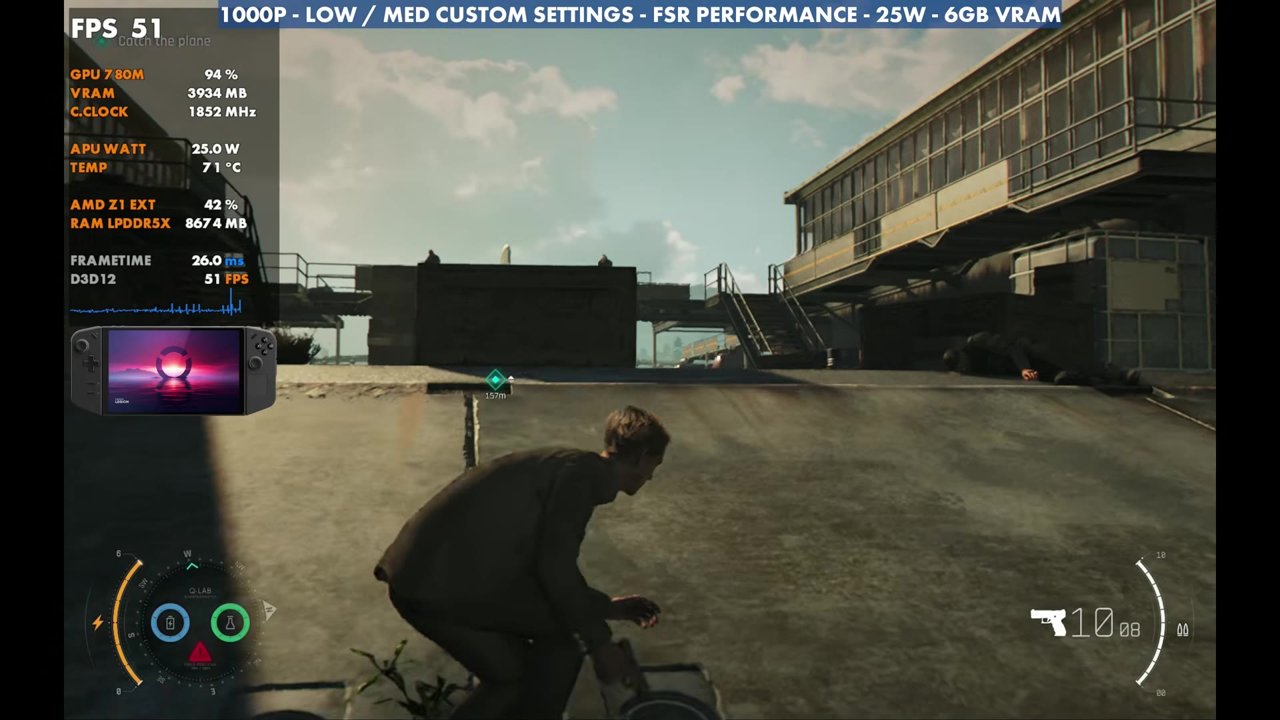
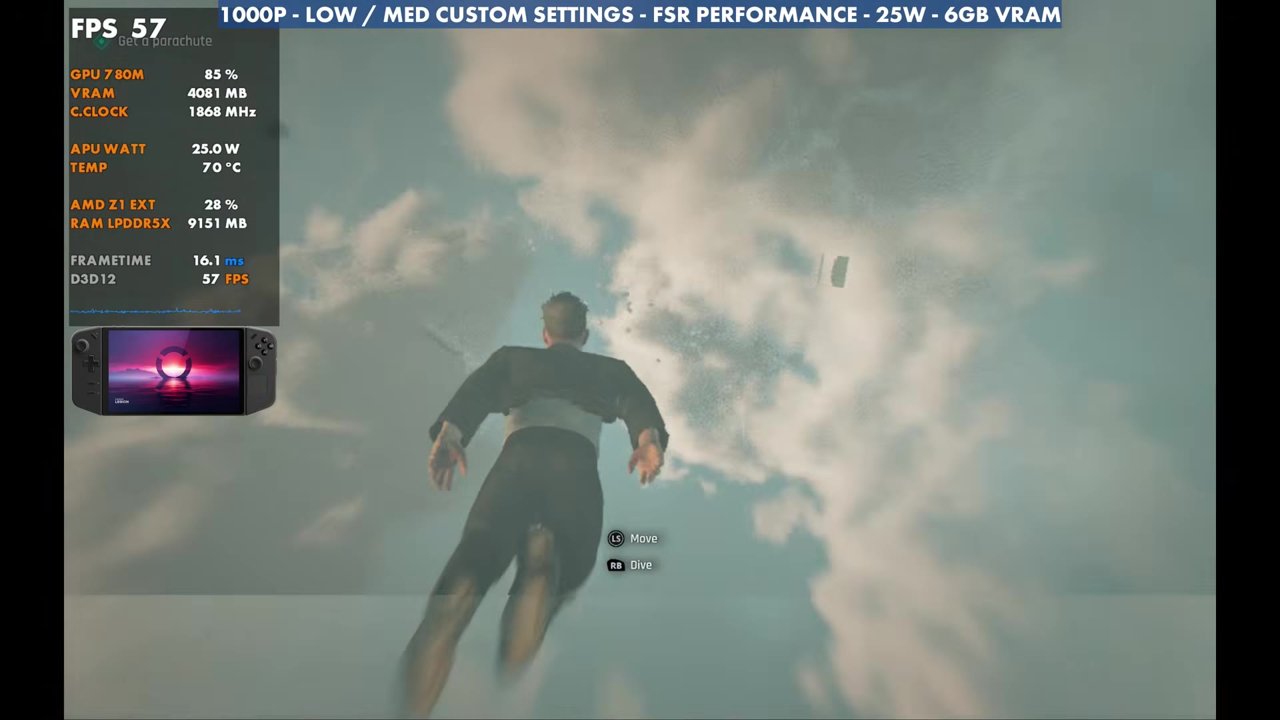
- Through the missions in the video, the overlay mostly read the 40s and 50s, from 36 at the lowest in busy areas up to 77 in lighter scenes.
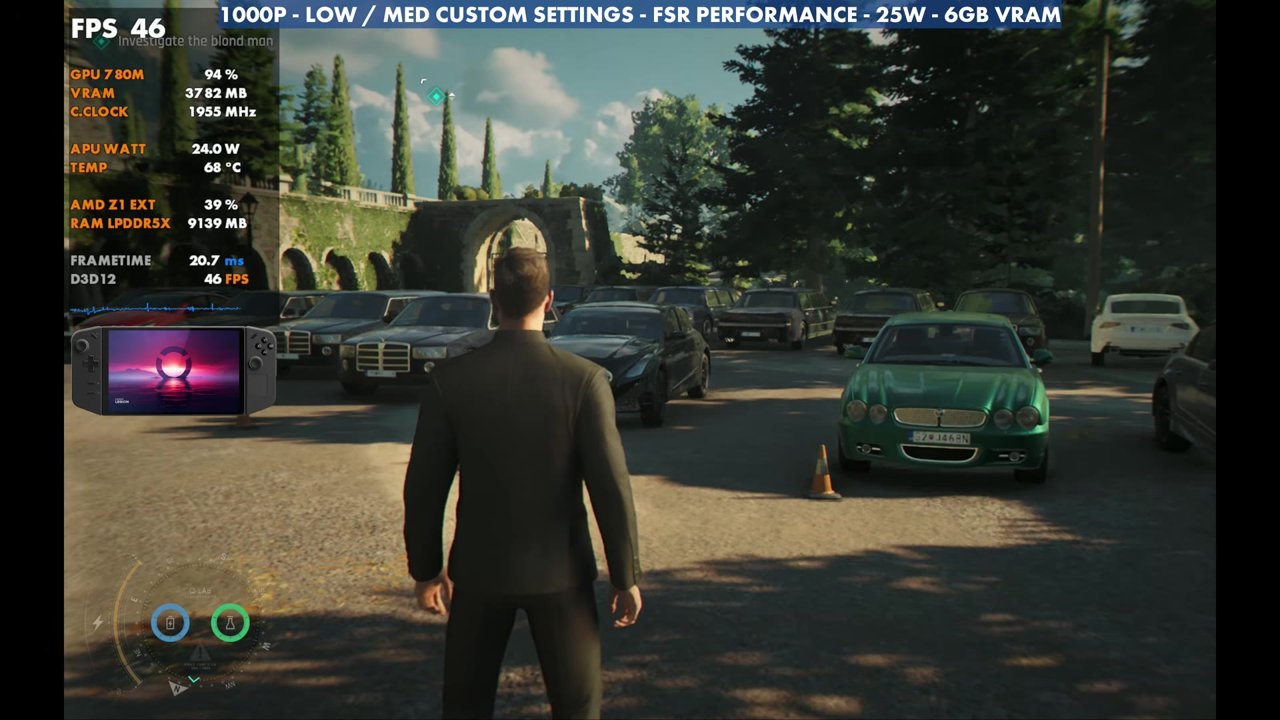
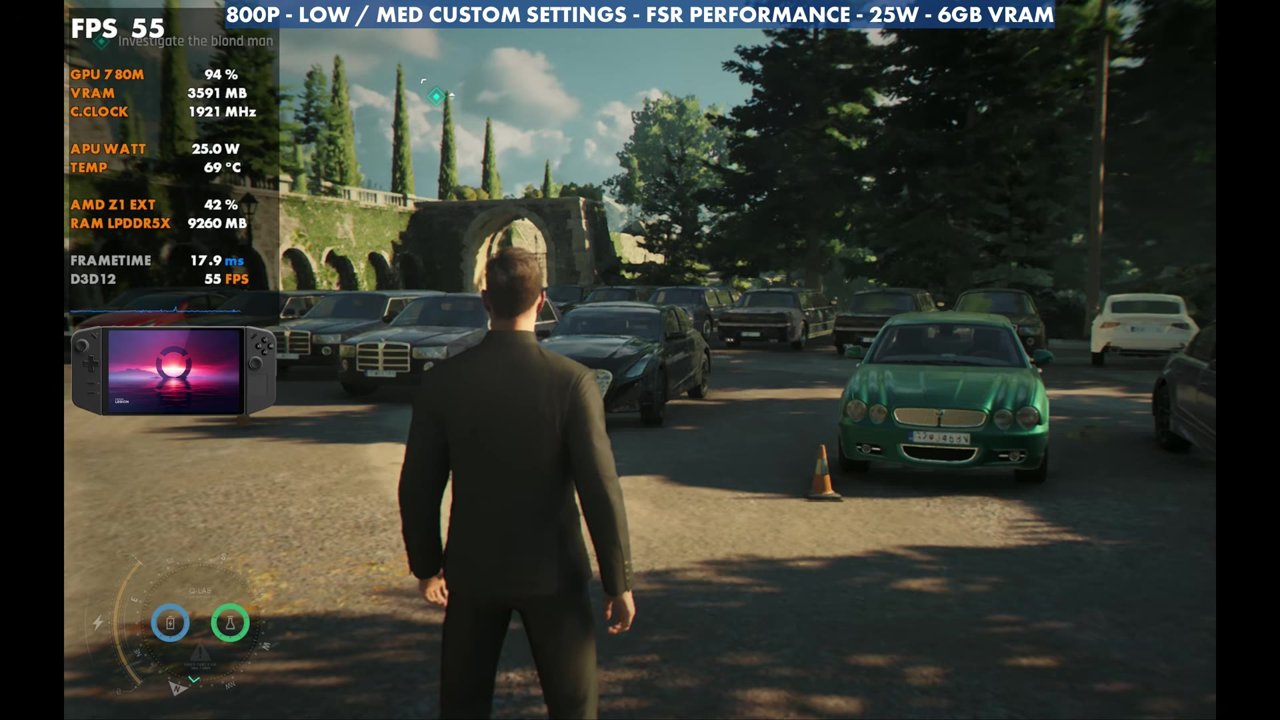
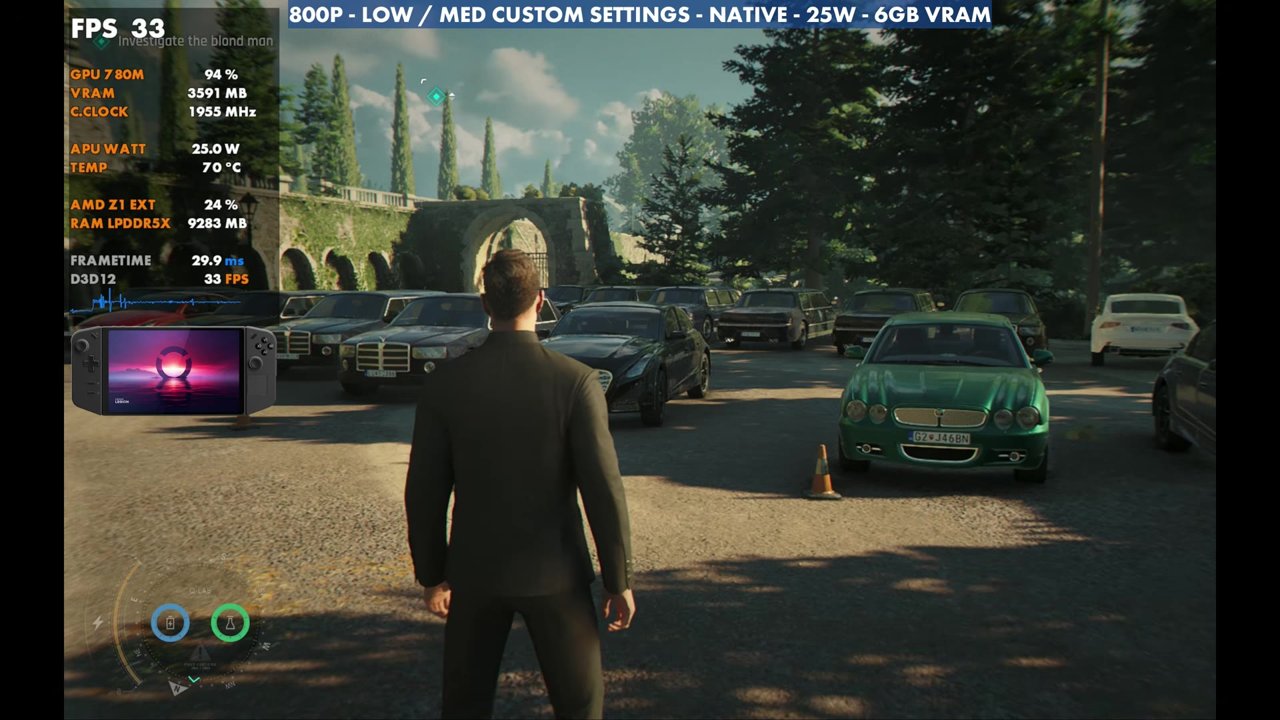
- Same spot, side by side: about 46 FPS at 1000p FSR Performance, 55 at 800p FSR Performance and 33 at 800p native (overlay).
- Some frame time stutter in busy, populated areas, but nothing that made a mission unplayable for me.
Test setup
These are the settings I tested and landed on, not the only way to run it. There's plenty of room to adjust and play around.
- Device: Lenovo Legion Go with the Z1 Extreme, 16GB of RAM with 6GB set to VRAM (a little more than the game actually needed)
- Mode: Xbox mode (Xbox full screen experience), with all the newest updates from Lenovo, including the January-dated GPU driver
- TDP: 25W, as I do for a lot of games on the Z1 Extreme. Anywhere from 20W (performance mode) to 30W should do just fine, depending on what you want out of it.
- Resolution: 1000p with FSR Performance
- Settings: textures low (to not eat up too much RAM and VRAM), 8x texture filtering, level of detail low, terrain low and everything else low except reflections on medium, with all the post effects off
- FPS numbers are what the on-screen overlay read in the video, checked every two seconds.
Medium textures and other resolutions
If you want medium textures, you can bump them up and really not lose much FPS. In the same spot, the overlay read about 45 to 46 FPS with medium textures. You'll probably just get some stutter later on if the game starts using too much memory.
For more FPS, 800p with FSR Performance read 55 FPS in that spot, about a 10 FPS gain over 1000p. Native 800p is going to be tough: the overlay dropped to 33 FPS there, and that's not even a harder-to-run area, so keep that in mind. For me, 1000p with FSR Performance was the sweet spot between 800p and a 1200p upscale.
Gameplay at 1000p, 25W
Different areas of the game perform differently. There are lots of missions inside, outside, driving and in combat, and I've seen anywhere from about 35 FPS up into the 60s and 70s depending on where I'm at. That's quite a variance, but for the most part it stays pretty smooth. In the gameplay in the video, the overlay mostly read the 40s and 50s, with lows of 36 to 37 in the crowded market and highs of 75 to 77 in the plane and skydive sequence. Very populated, busy areas get a bit more stuttery with frame times, but nothing major, and nothing I ran into in the missions I tested made it unplayable.
Verdict
The Legion Go manages its lower amount of RAM pretty well here, especially for such a new title, and in my opinion it's running decently on the Go. If you've got one and you've been wanting to play this game, it seems to be doing just fine, and it's definitely worth a look. For how it compares, see my Legion Go Z1E vs Legion Go 2 Z2E head to head in 007 First Light.
FAQ
Is 007 First Light playable on the original Legion Go?
Yes. At 25W with low/medium custom settings and 1000p FSR Performance, the overlay mostly read the 40s and 50s in the video, with some frame time stutter in busy areas.
Should I run 007 First Light at native 800p on the Legion Go?
It's tough. Native 800p read 33 FPS in a spot where 800p with FSR Performance read 55 and 1000p with FSR Performance read about 46.
Want more handheld tests?
New Steam Deck, ROG Ally, Legion Go and Steam Machine performance videos every week.