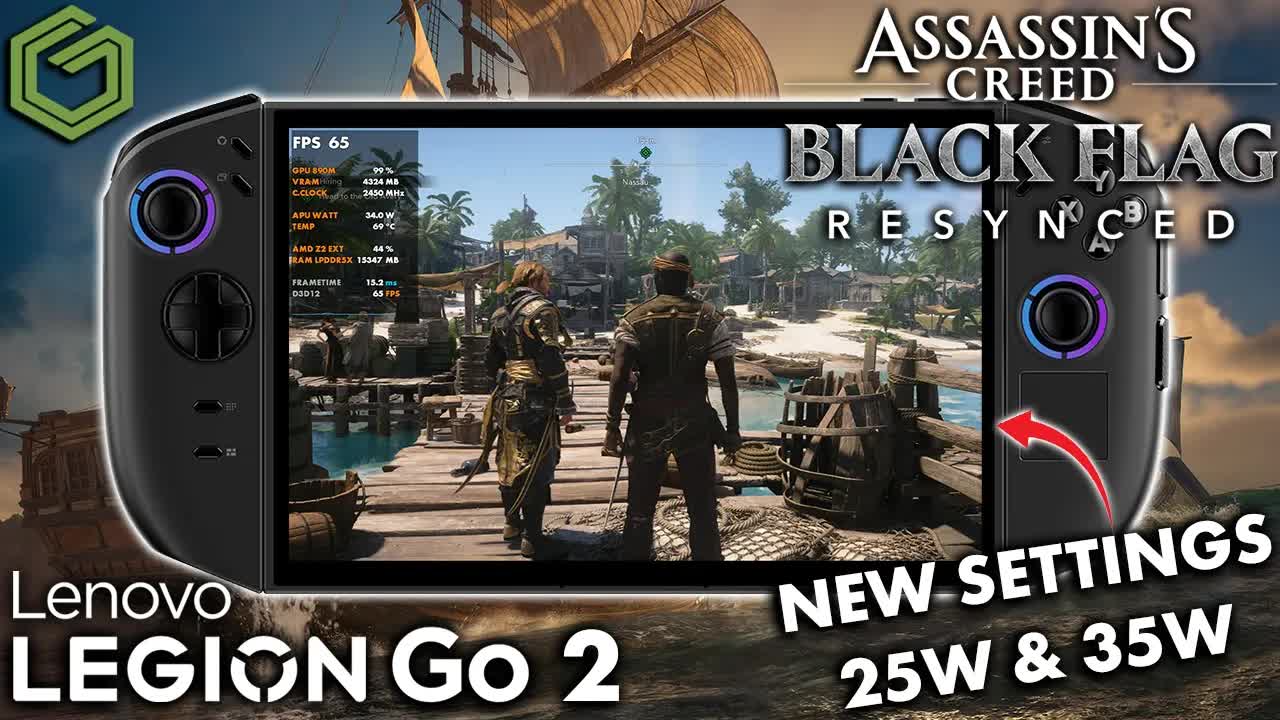
 ▶Watch on YouTube
- This one is about higher settings at higher TDPs: my custom settings with FSR Balanced, at 25W and 35W.
- 35W: native 1200p upscaled, ray traced global illumination (RTGI) on. Benchmark: 41 FPS average, 70 with frame gen.
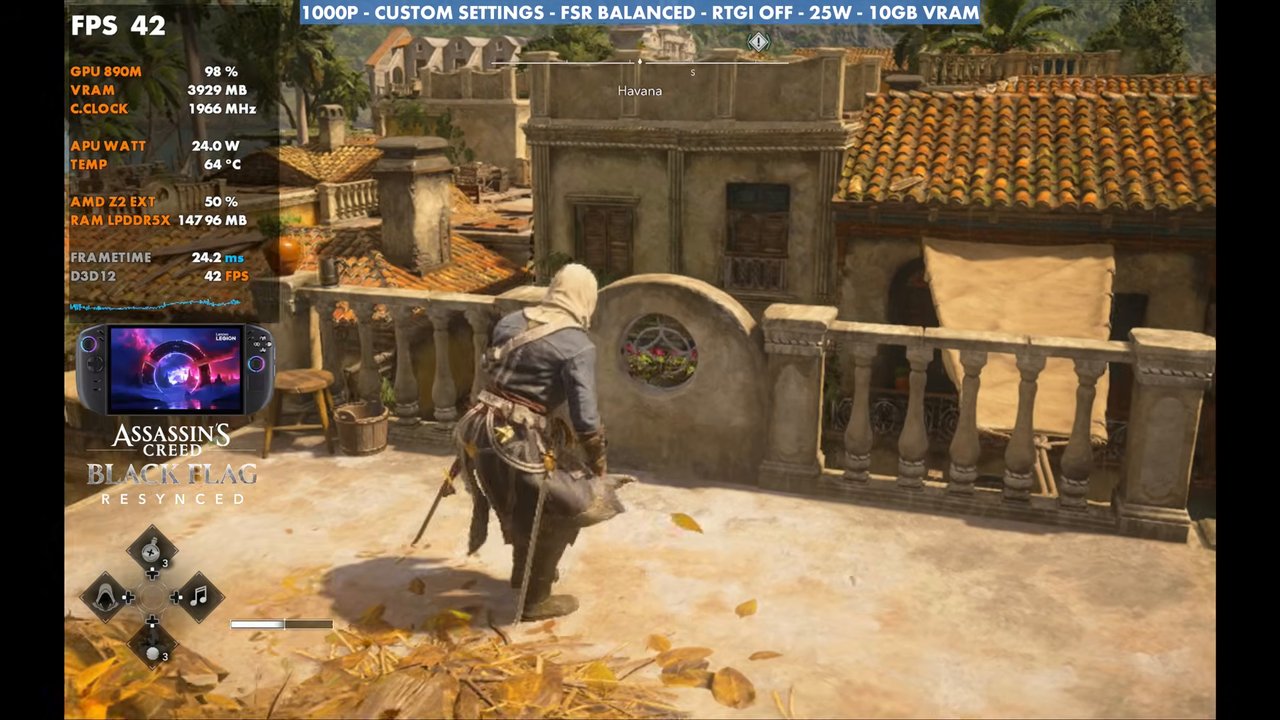
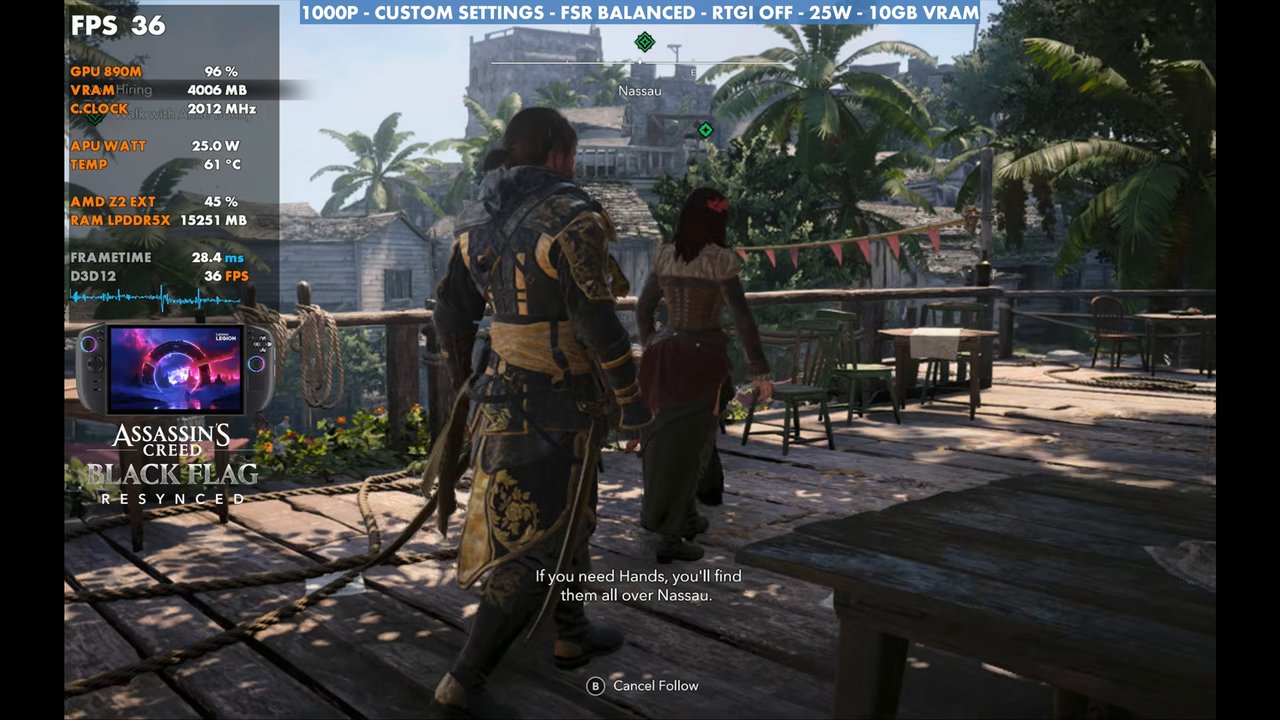
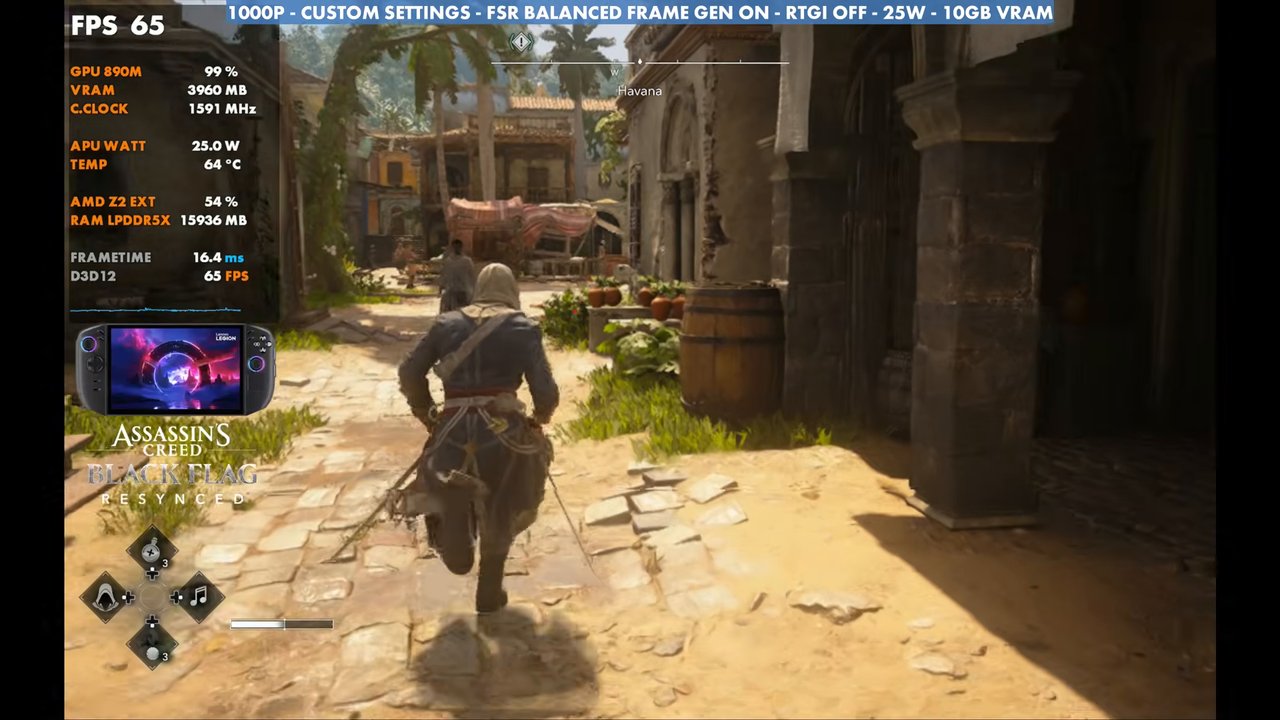
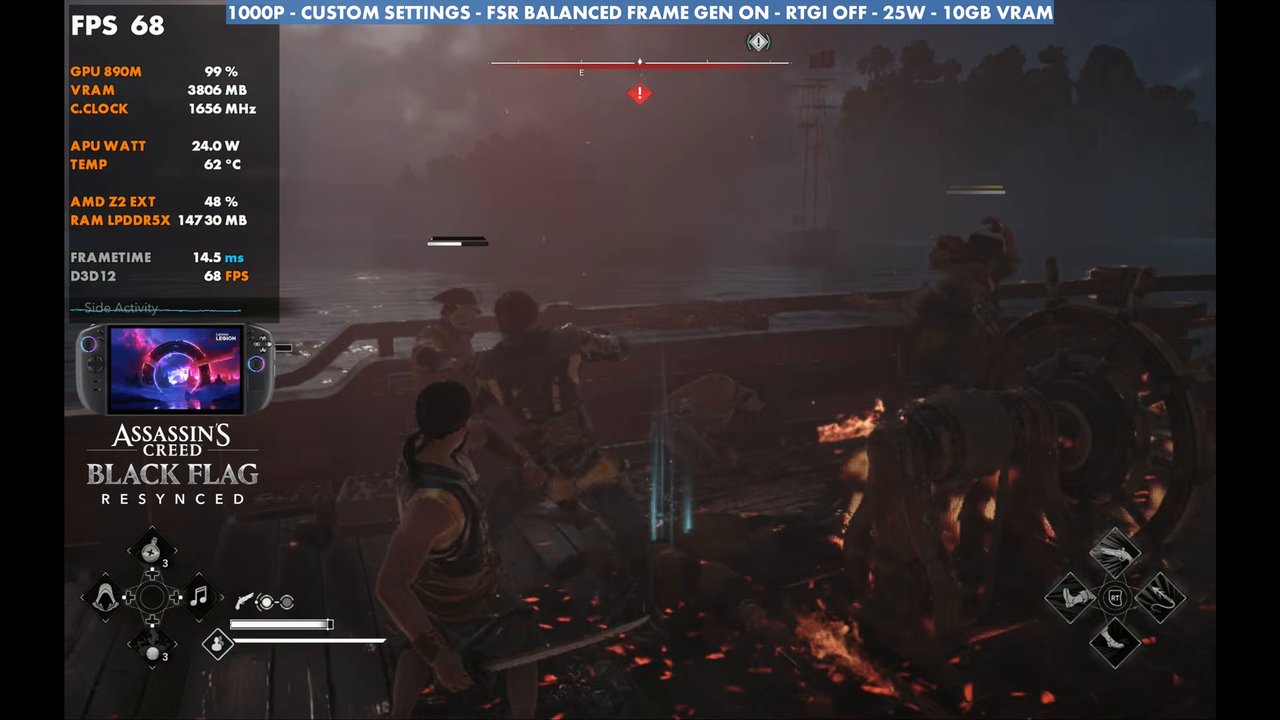
- 25W: 1000p with RTGI off, nothing else changed. Benchmark: 45 FPS average, 72 with frame gen.
- Some areas get down to 30 FPS, maybe 29 a time or two, but I haven't really seen it go below that.
I'm a huge fan of the original Black Flag and really like what they've done with Resynced, and it's running really well on handhelds and everywhere else. Since my Legion Go Z1 Extreme vs Legion Go 2 Z2 Extreme comparison, a lot of you have asked what settings I'm actually playing at on the Legion Go 2, and whether it can handle higher settings at 25W and 35W. That comparison used the game's handheld low, medium and high presets at 25W, which are a good way to start if you want a higher frame rate or want to run at 17 to 25W. This one focuses on the higher TDP range and higher settings instead of high FPS at low TDP.
Test setup
- Legion Go 2 (Z2 Extreme) in Xbox mode, Ubisoft version of the game
- 35W: 1200p (the native screen resolution), upscaled, RTGI on
- 25W: 1000p, RTGI off, no other changes
- Upscaling: AMD FSR Balanced (instead of Performance like in the other video) to clean things up a bit. No dynamic resolution, no frame rate cap.
- Frame gen tested off and on. I prefer this game without it. I think it feels a lot better and looks better.
- 10GB VRAM (labeled in the video)
Custom graphics settings
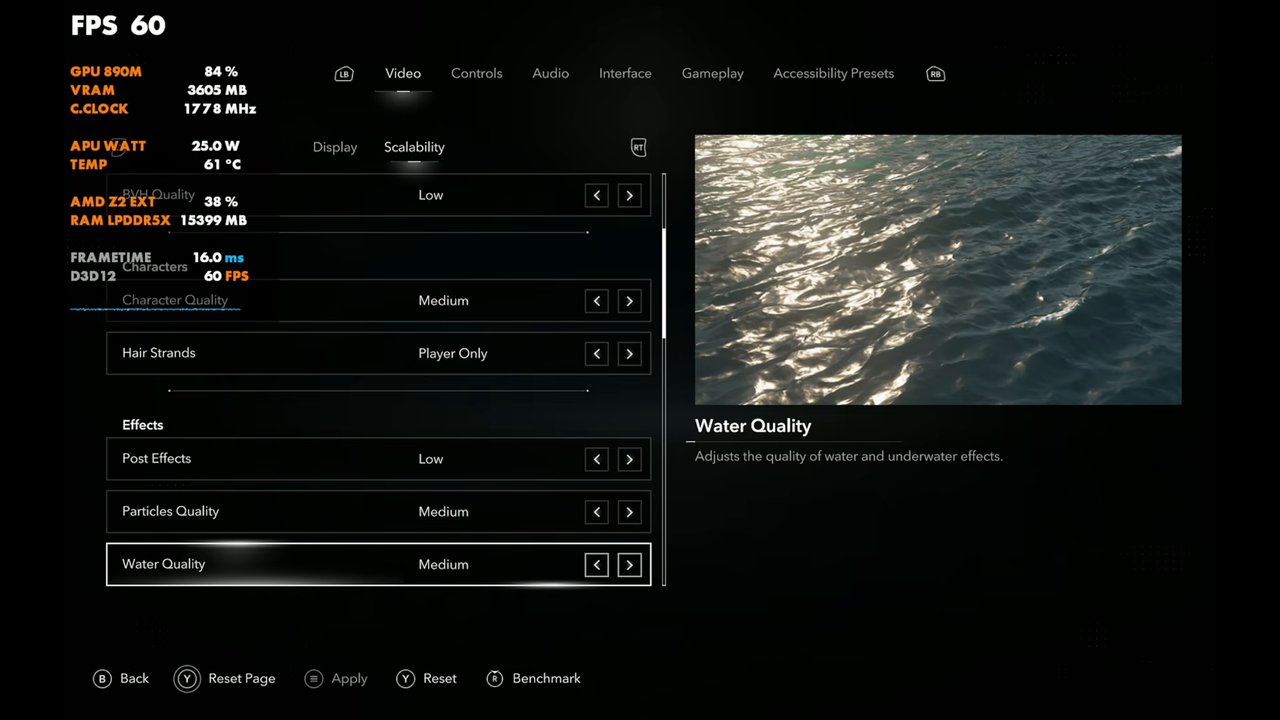
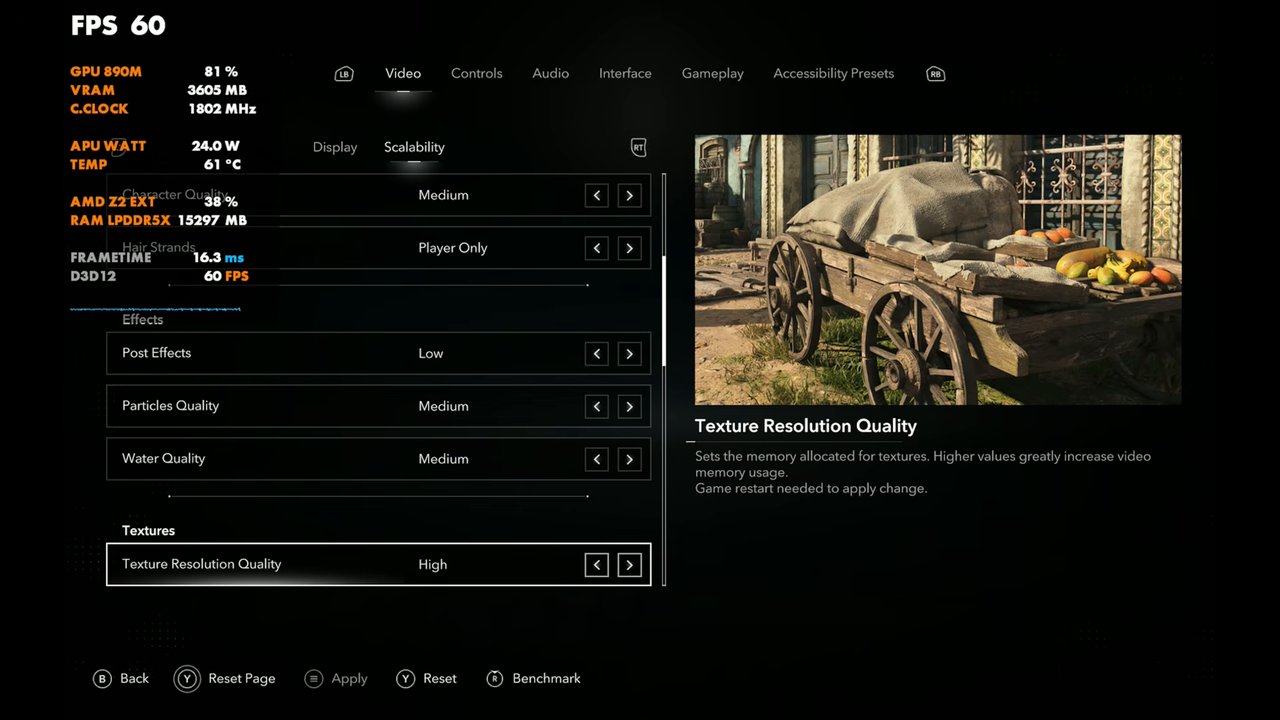
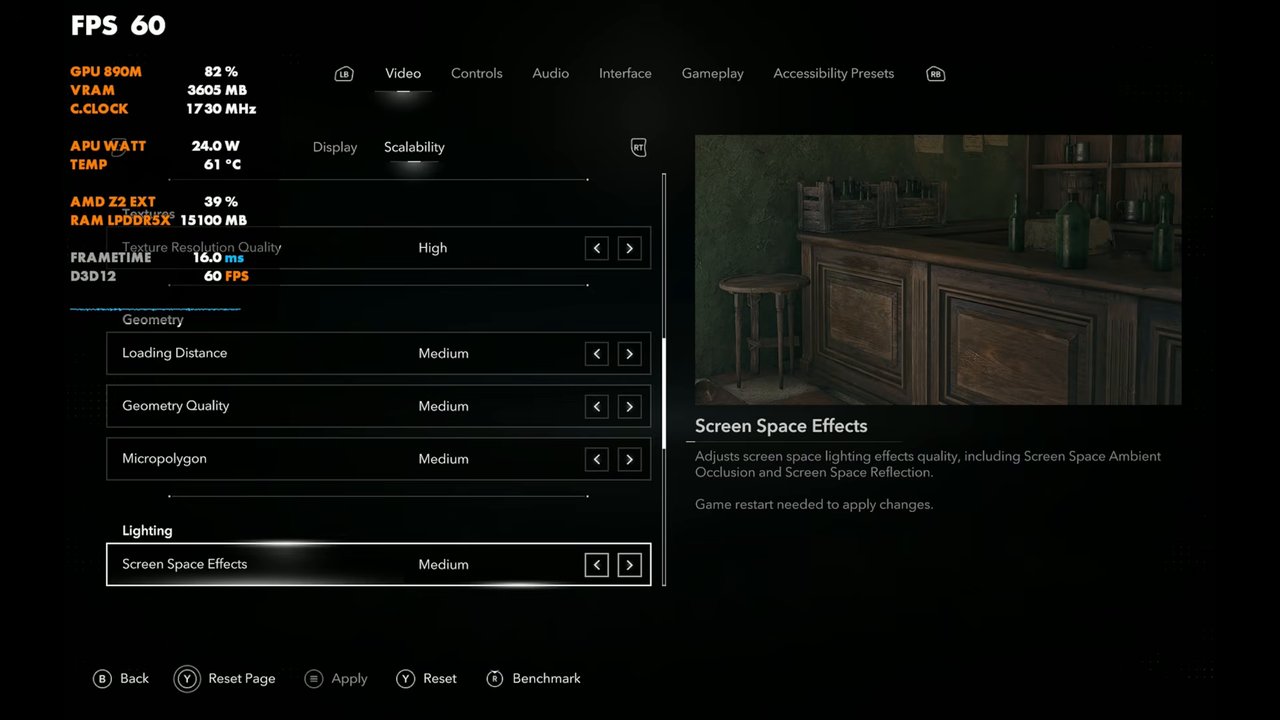
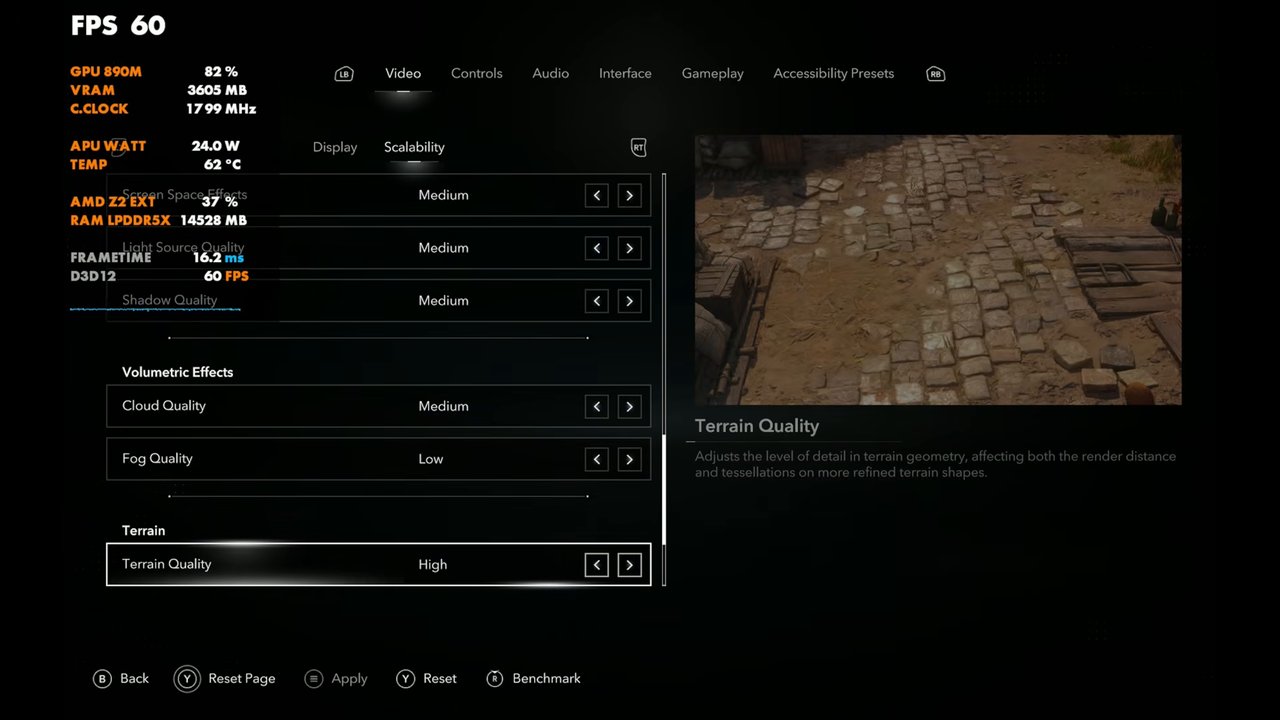
I've been messing around with these for a couple of days. Keep ray tracing on low. Otherwise I was having trouble.
| Setting | What I used |
|---|---|
| Resolution | 1920x1200 at 35W, 1600x1000 at 25W |
| Upscaler | AMD FSR, Balanced (sharpen 50%) |
| Frame Generation | Off or On (tested both) |
| RTGI (ray traced global illumination) | On at 35W, Off at 25W |
| Raytracing Quality / BVH Quality | Low |
| Character Quality | Medium |
| Hair Strands | Player Only |
| Post Effects | Low |
| Particles Quality | Medium |
| Water Quality | Medium |
| Texture Resolution Quality | High |
| Loading Distance / Geometry Quality / Micropolygon | Medium |
| Screen Space Effects | Medium |
| Light Source Quality / Shadows | Medium |
| Cloud Quality | Medium |
| Fog Quality | Low |
| Terrain Quality | High |
| Scatter Density | Medium |
| Deformation | Low |
| Terrain Texture Quality | High |
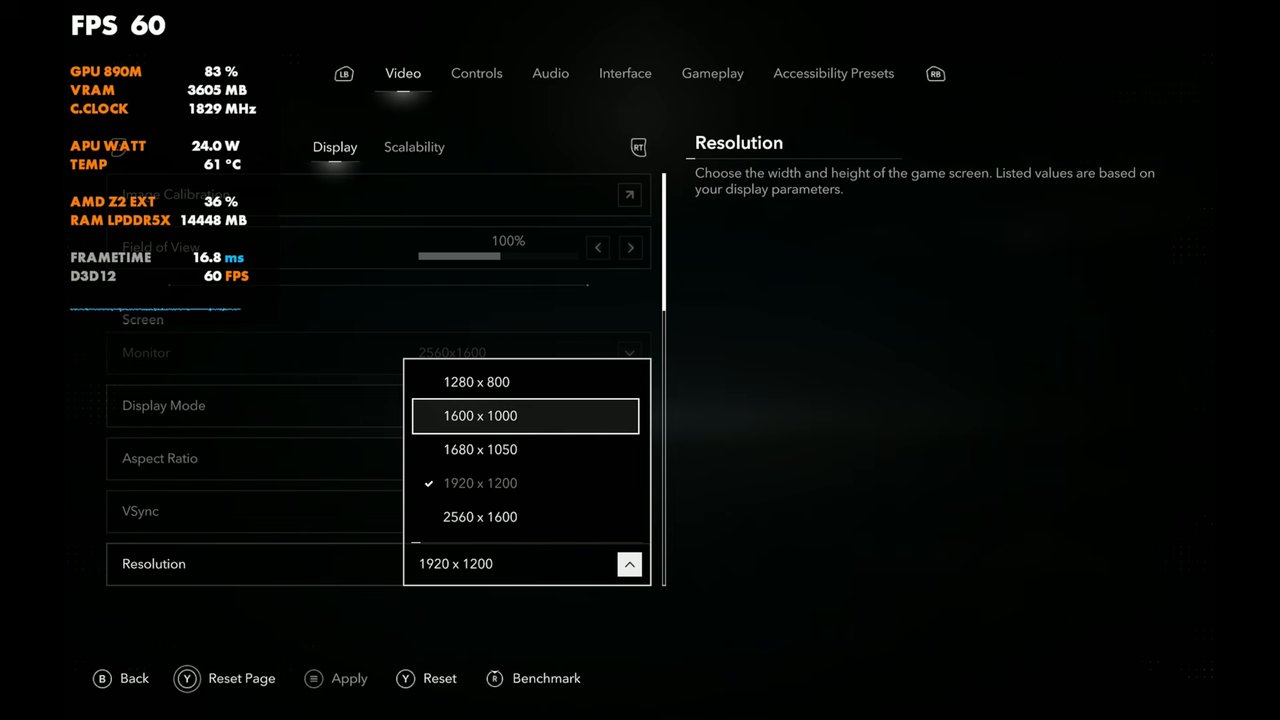
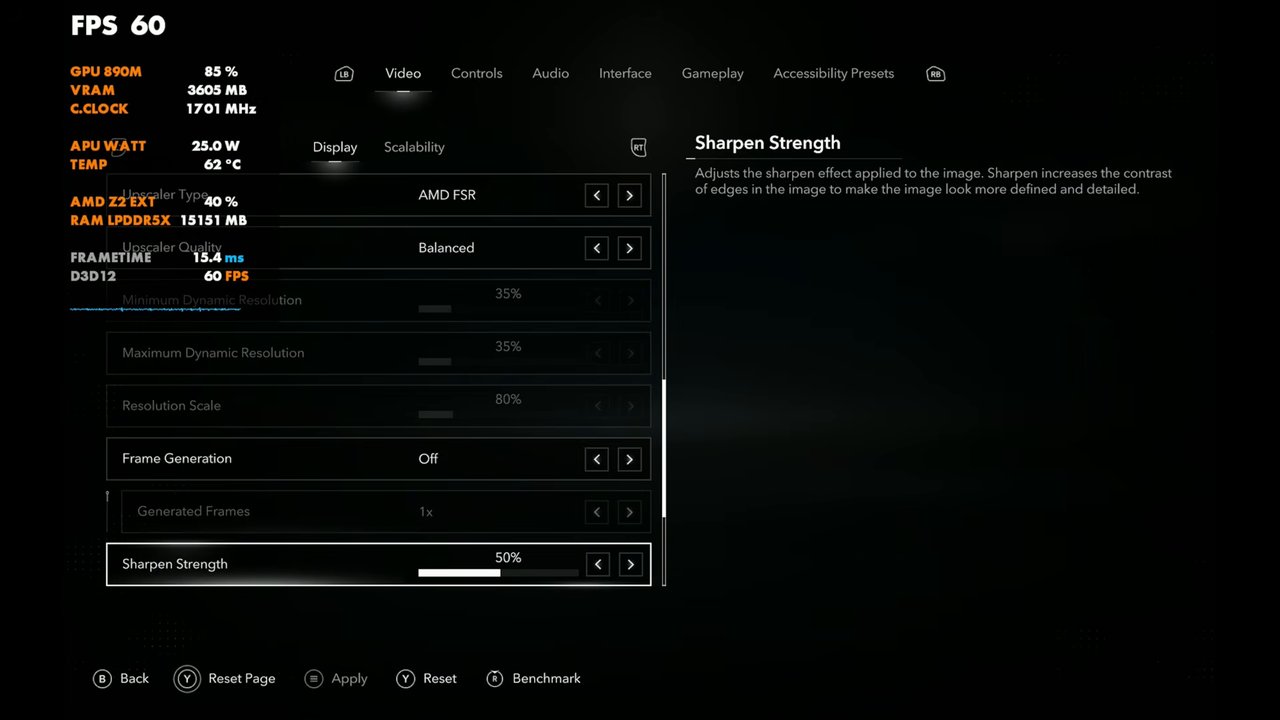
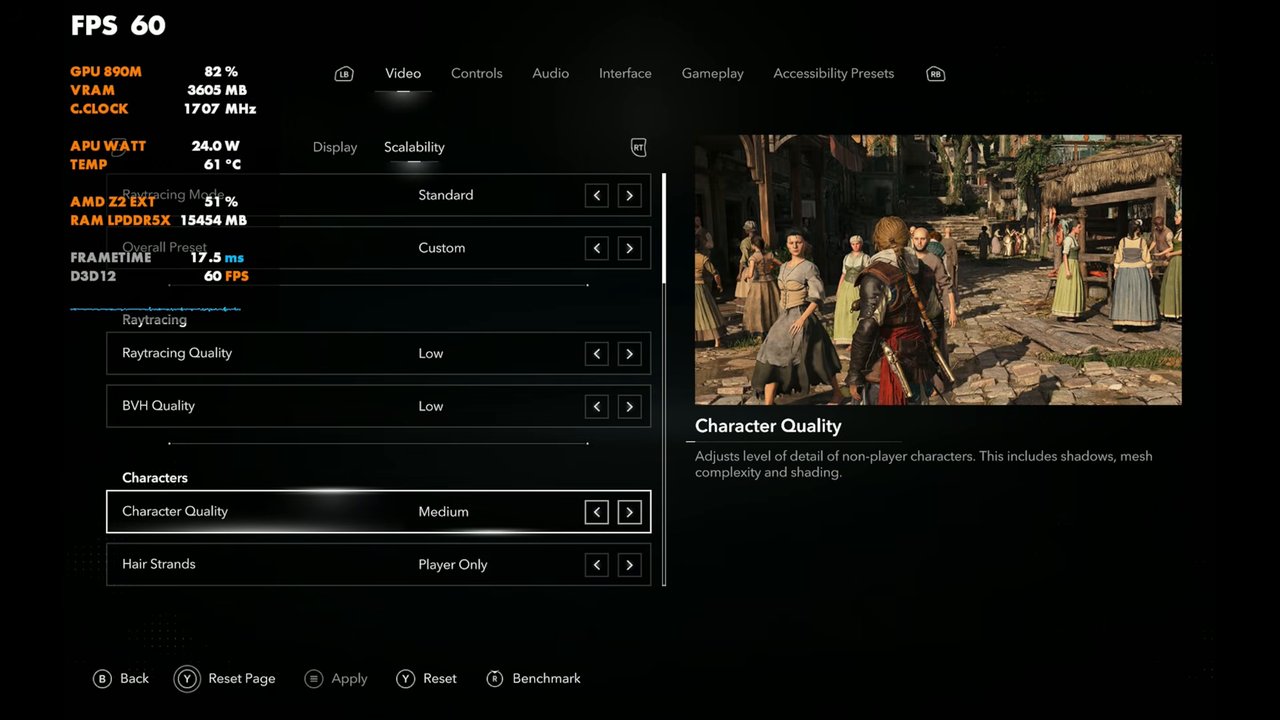
25W vs 35W side by side
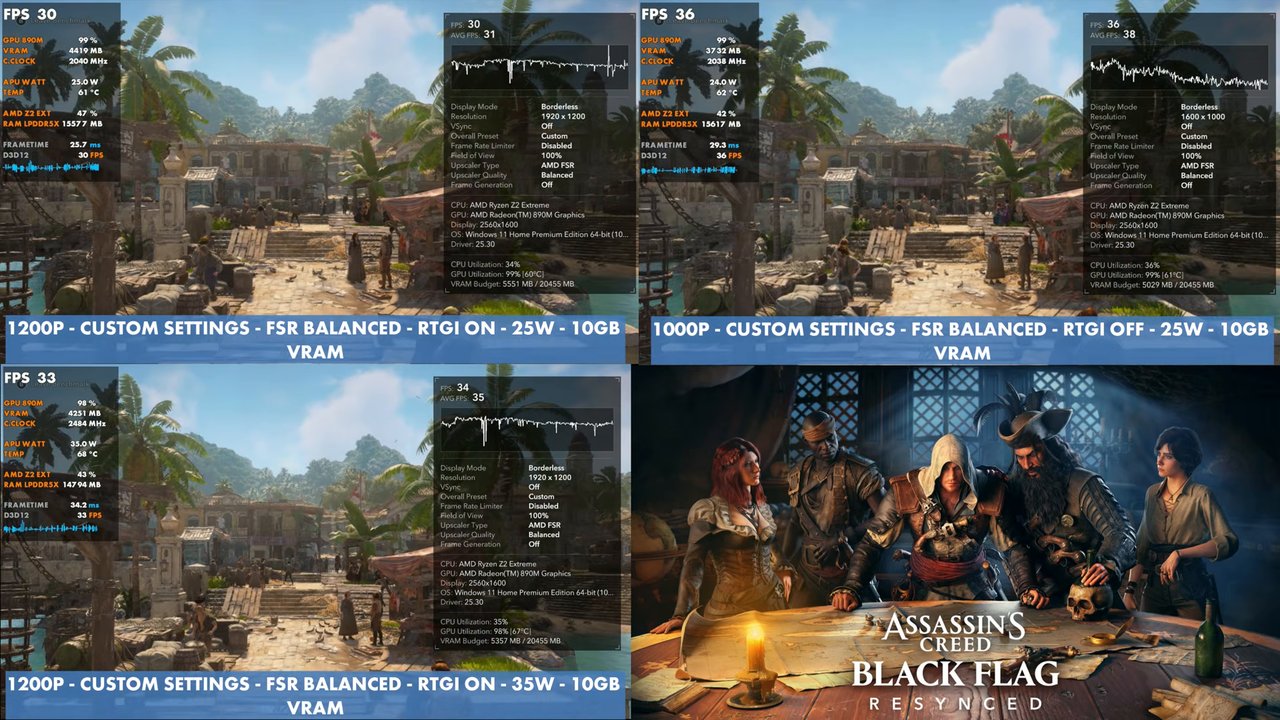
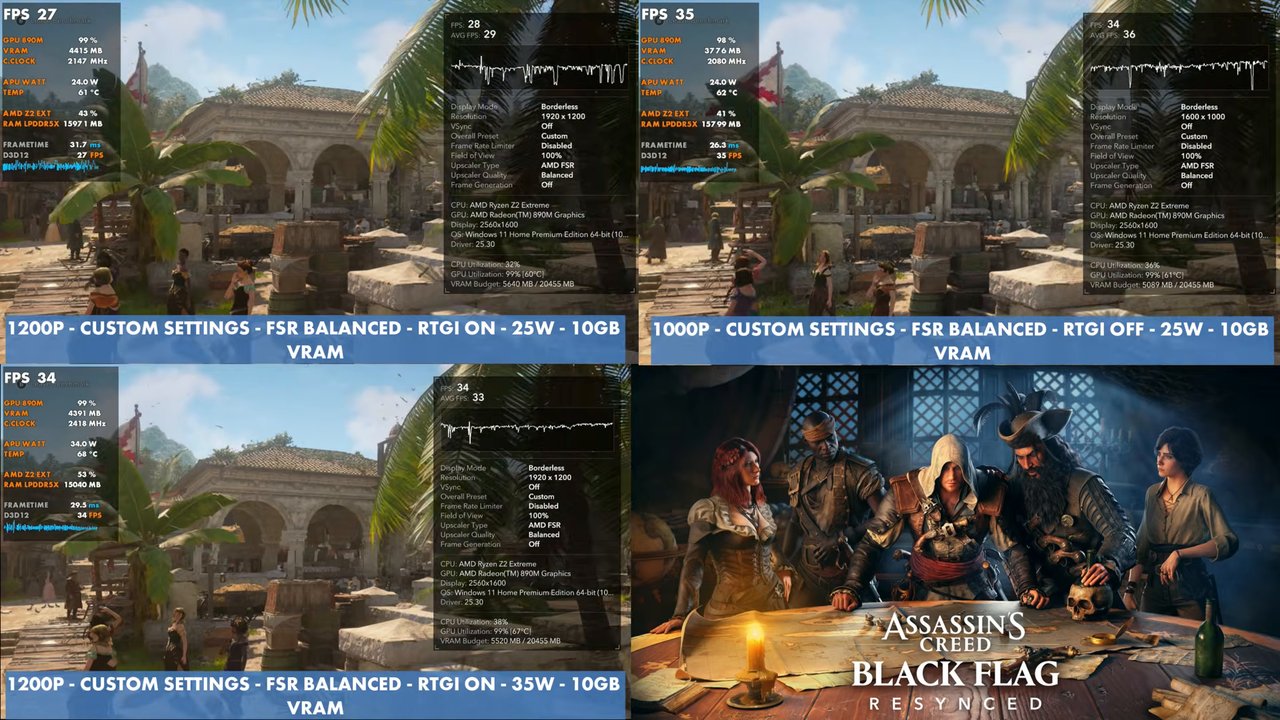
These side-by-sides put 25W on top, with RTGI on at 1200p next to RTGI off at 1000p, against 35W at the bottom with everything on. I couldn't leave RTGI on at 25W, or really keep 1200p upscaled, unless I got more aggressive with the upscaling. That's why I think 1000p with RTGI off is just fine for 25W. It gives the same or better performance than 35W with RTGI on at 1200p.
Benchmark results
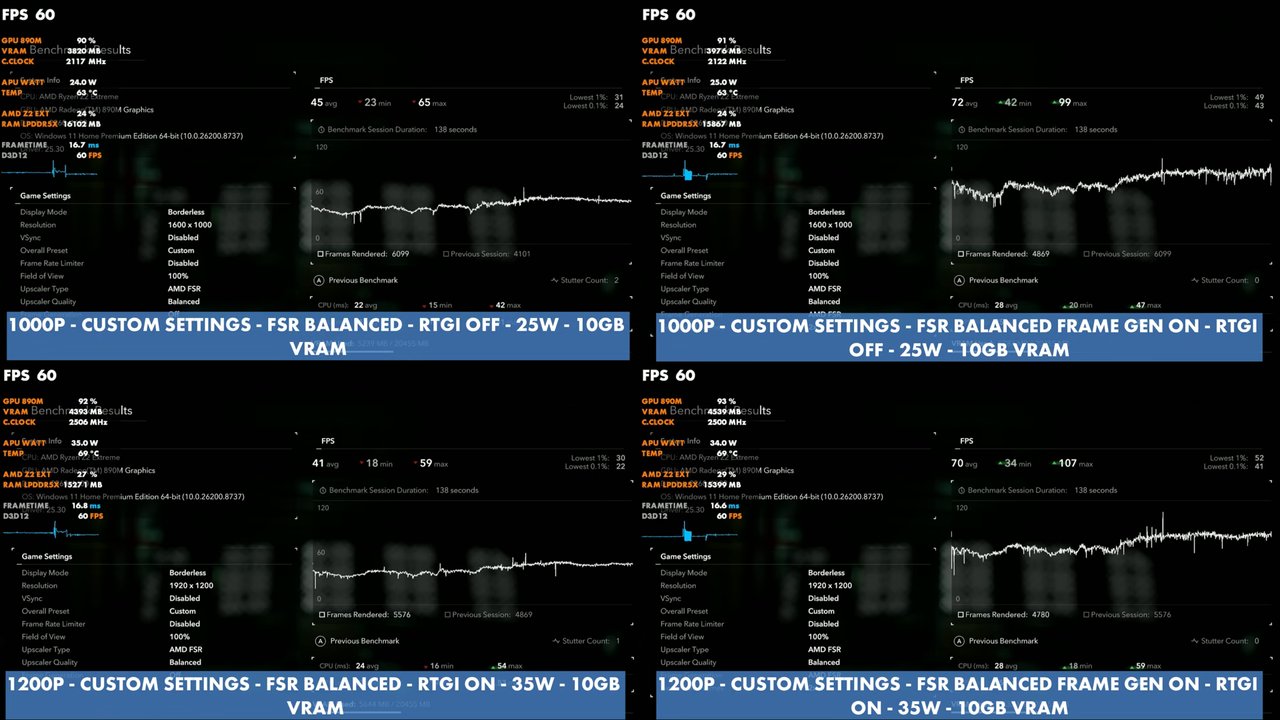
The built-in benchmark with my custom settings and FSR Balanced (138-second runs, results screen shown in the video):
| Setup | Avg | Min | Max | 1% low | 0.1% low |
|---|---|---|---|---|---|
| 1000p, RTGI off, 25W | 45 | 23 | 65 | 31 | 24 |
| 1000p, RTGI off, 25W, frame gen | 72 | 42 | 99 | 49 | 43 |
| 1200p, RTGI on, 35W | 41 | 18 | 59 | 30 | 22 |
| 1200p, RTGI on, 35W, frame gen | 70 | 34 | 107 | 52 | 41 |
Gameplay at 25W and 35W
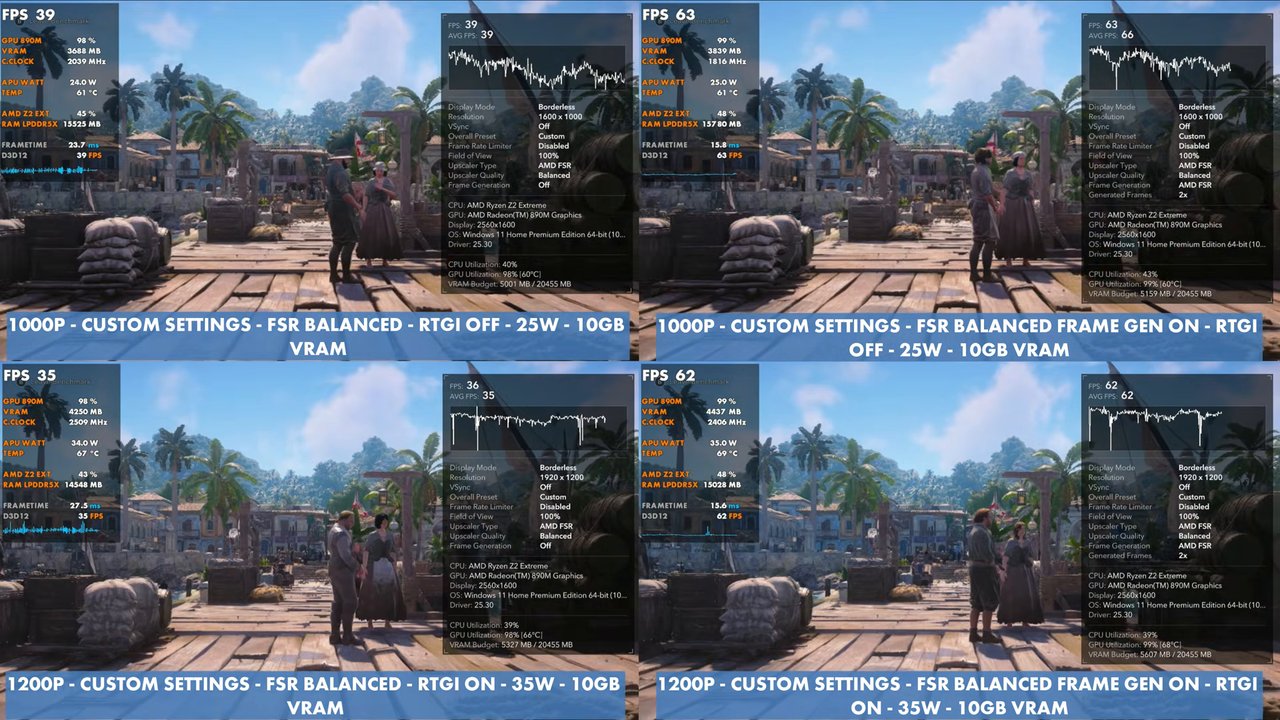
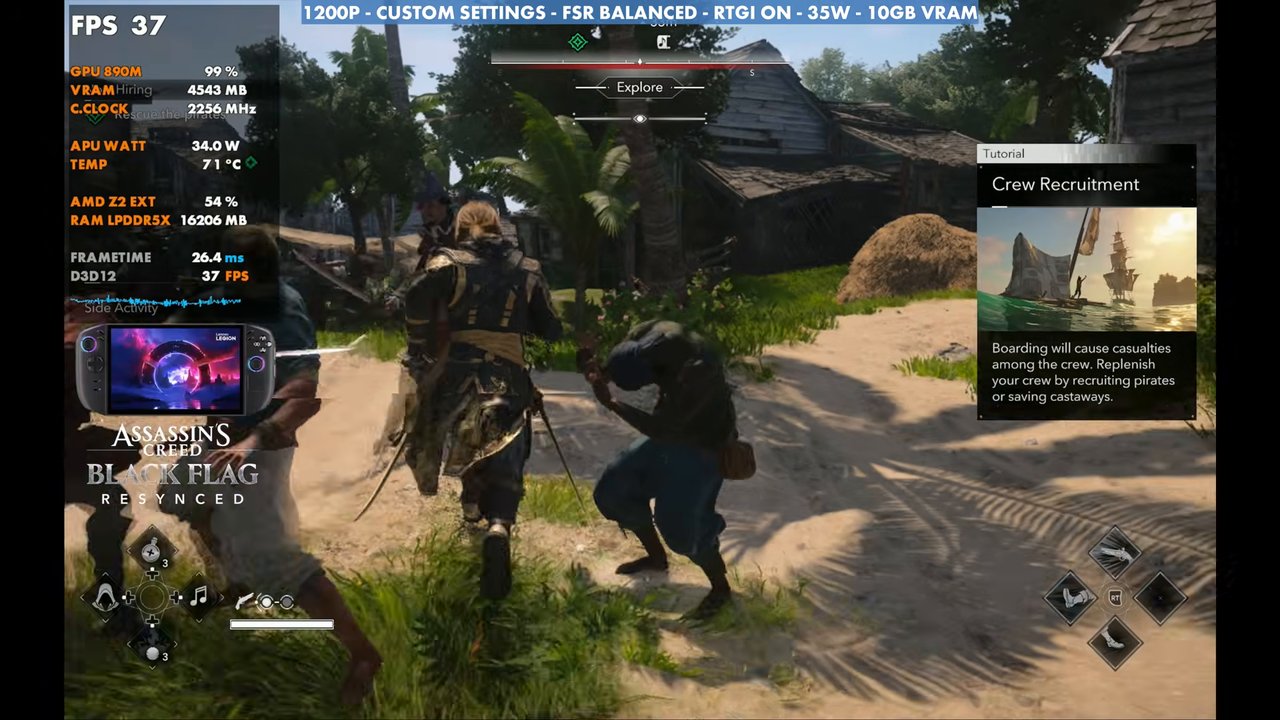
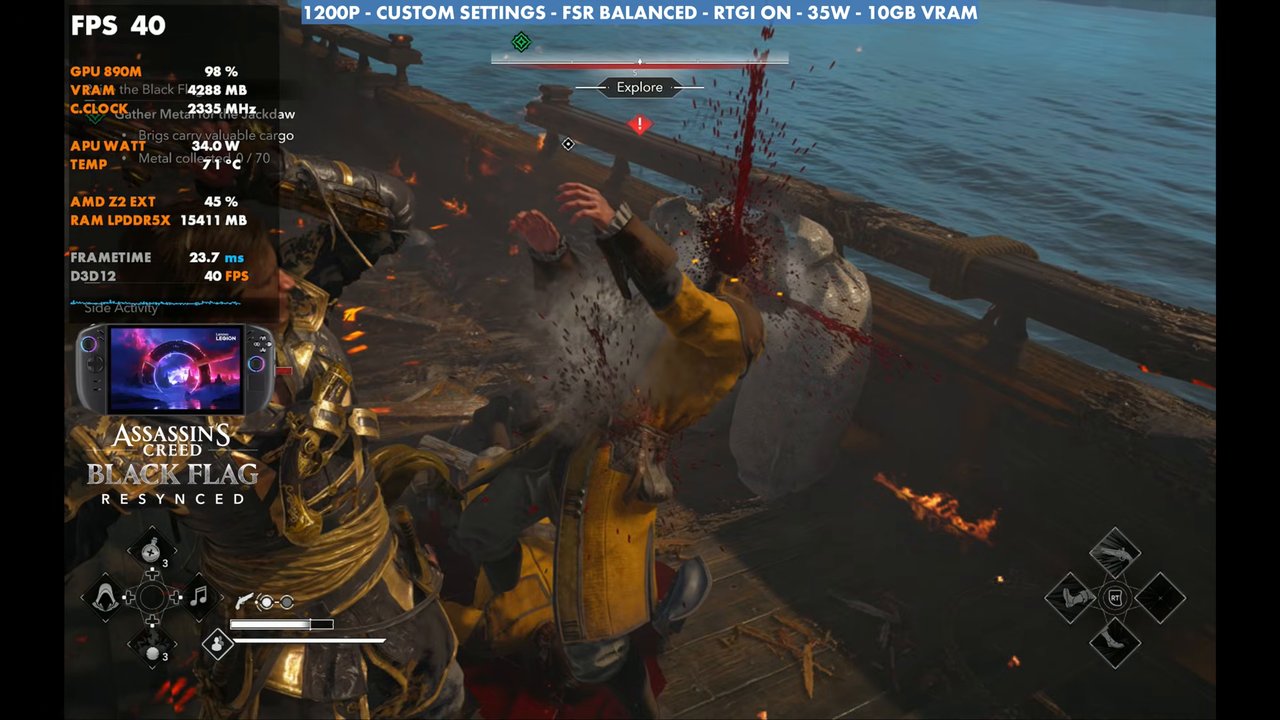
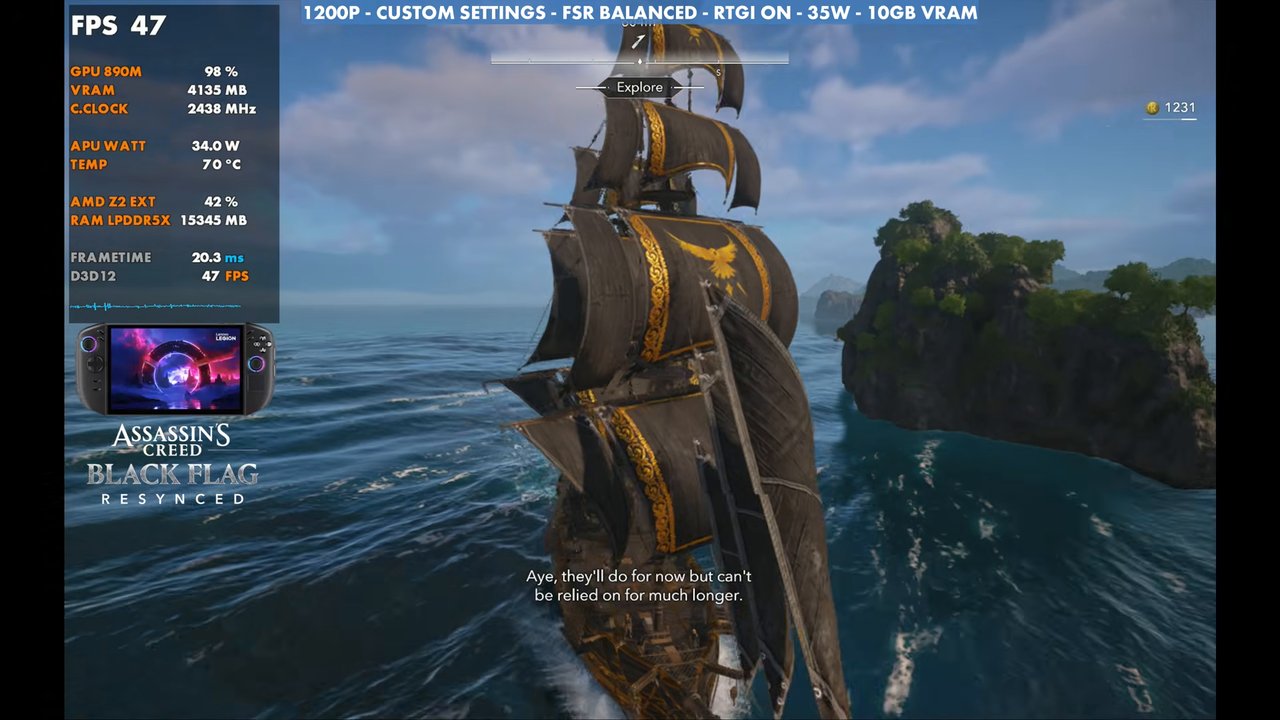
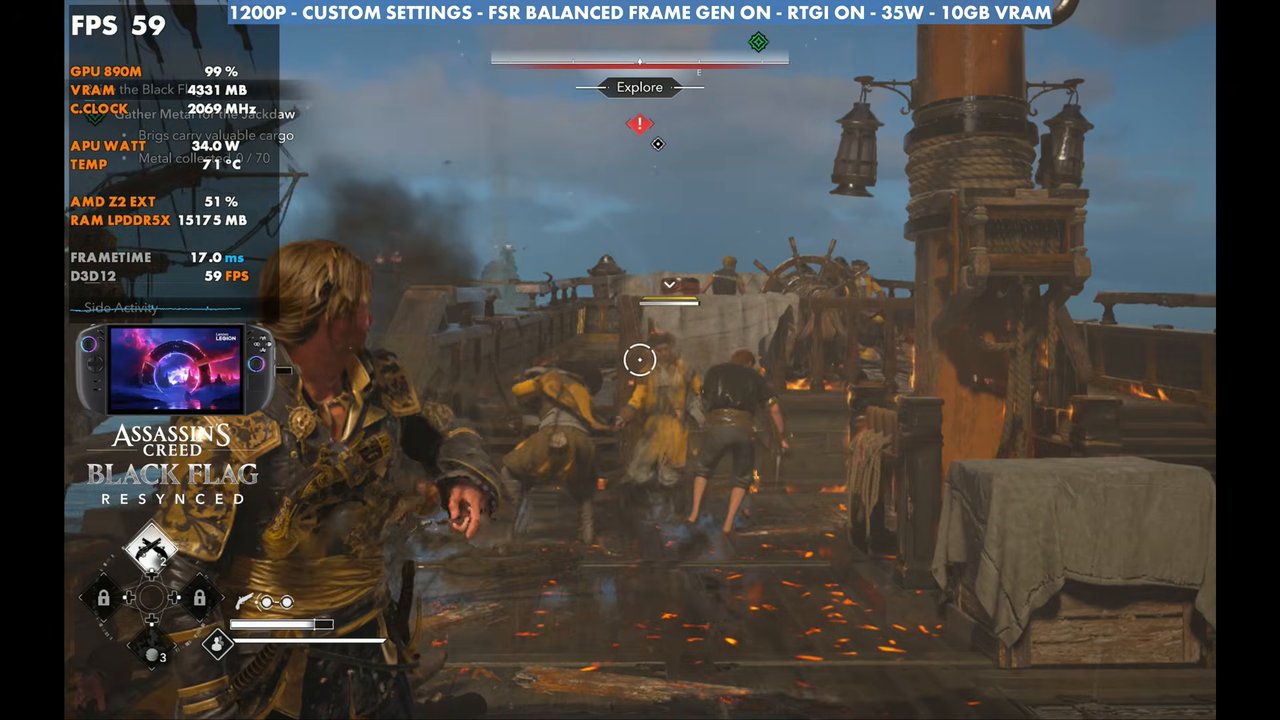
The gameplay covers both setups, with and without frame gen. Overlay readings from a few moments:
Verdict
These aren't necessarily best settings, and everybody will have their own setup they like, but this is pretty much how I've been playing Black Flag Resynced on the Legion Go 2 when I'm in that 25 to 35W range. At 25W, dropping to 1000p and turning RTGI off gets the most out of it, and it matches or beats 35W with RTGI on at 1200p. If you want higher frame rates at lower wattage, the handheld presets from my Z1 Extreme vs Z2 Extreme comparison are the better place to start.
FAQ
What settings work for Black Flag Resynced on the Legion Go 2 at 25W?
I used my custom settings with FSR Balanced at 1000p and RTGI off. The benchmark averaged 45 FPS, or 72 with frame gen.
Is 35W worth it for Black Flag Resynced on the Legion Go 2?
At 35W I ran 1200p with RTGI on, which benchmarked at 41 FPS average. 1000p with RTGI off at 25W gave the same or better performance.
Can you use ray traced global illumination at 25W?
Not at 1200p with these settings, unless you get more aggressive with upscaling. RTGI on at 1200p and 25W read 27 to 30 FPS in my side-by-sides.
Want more handheld tests?
New Steam Deck, ROG Ally, Legion Go and Steam Machine performance videos every week.