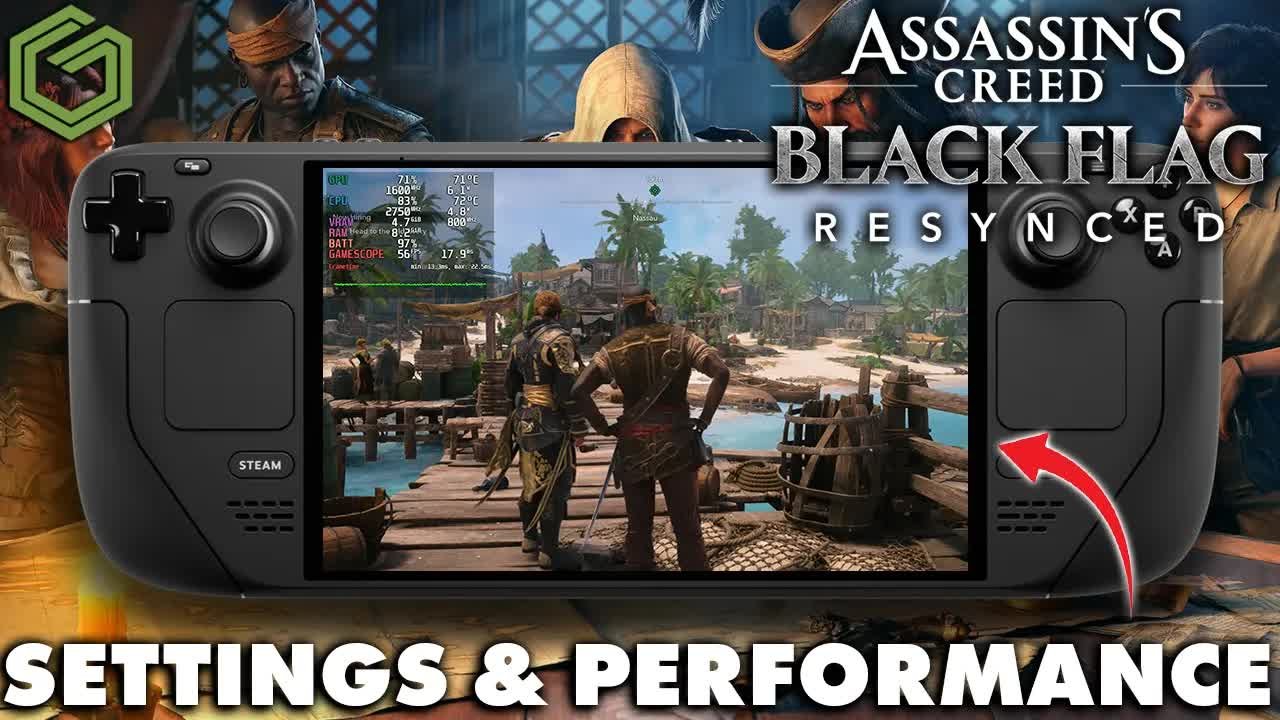
 ▶Watch on YouTube
- Steam Deck OLED at 800p with the game's handheld presets, mostly FSR Balanced.
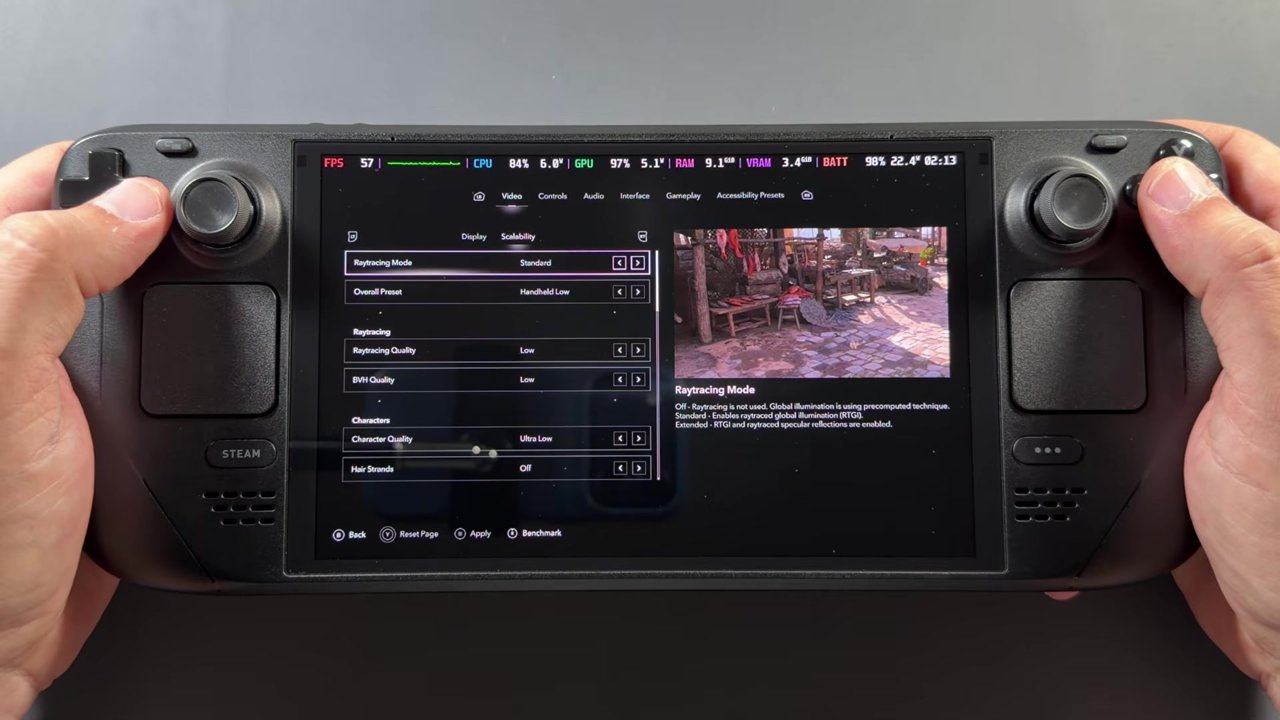
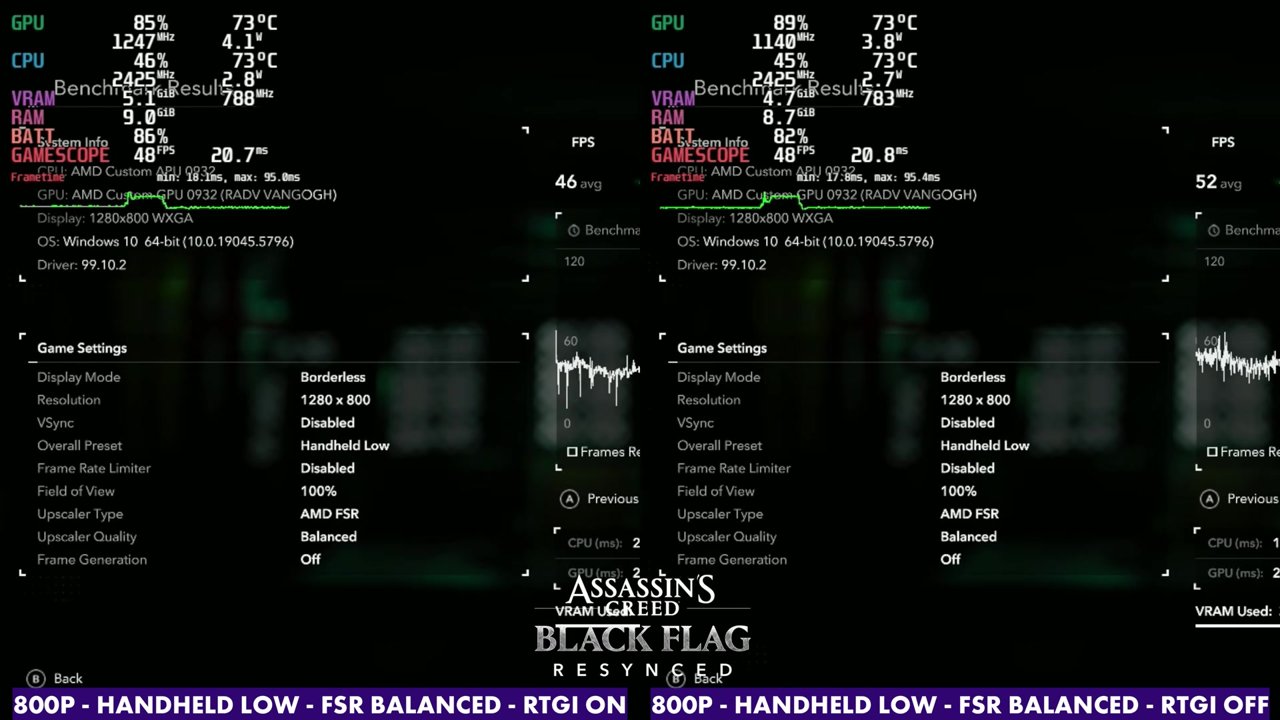
- Benchmark, Handheld Low: 46 FPS average with RTGI on, 52 with RTGI off.
- Benchmark, Handheld Medium: 42 FPS average with RTGI on, 47 with RTGI off.
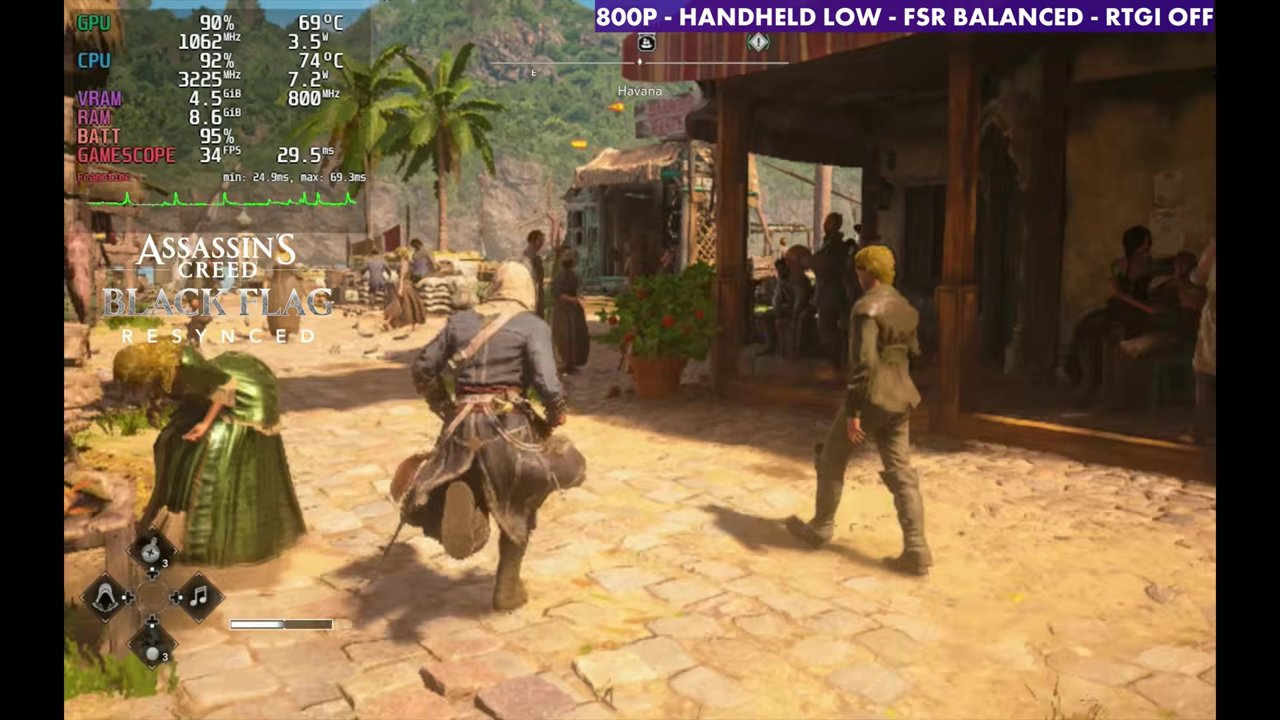
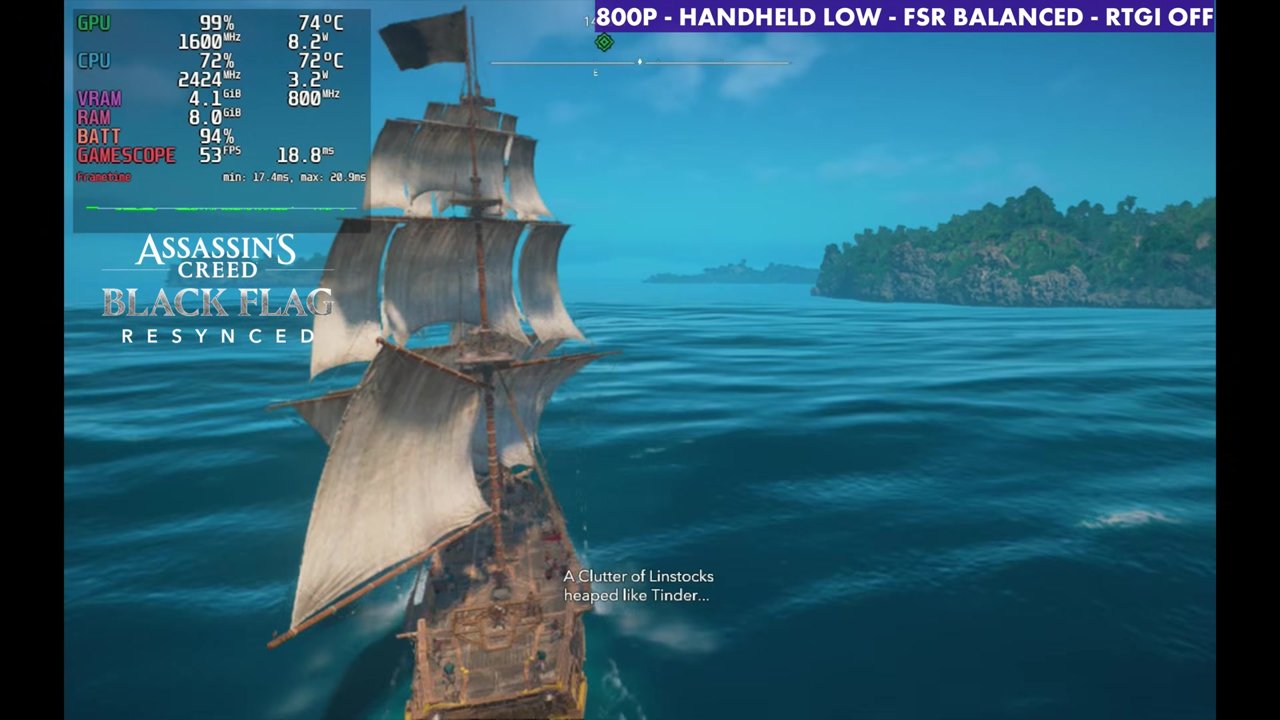
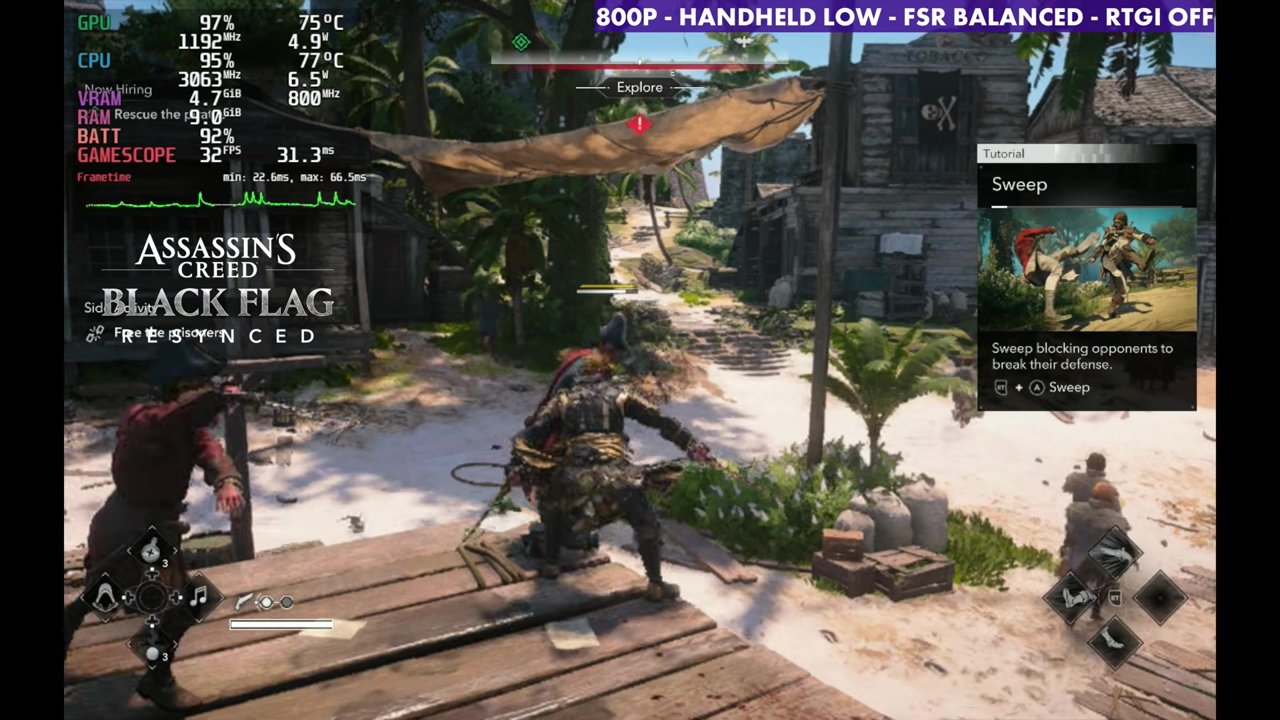
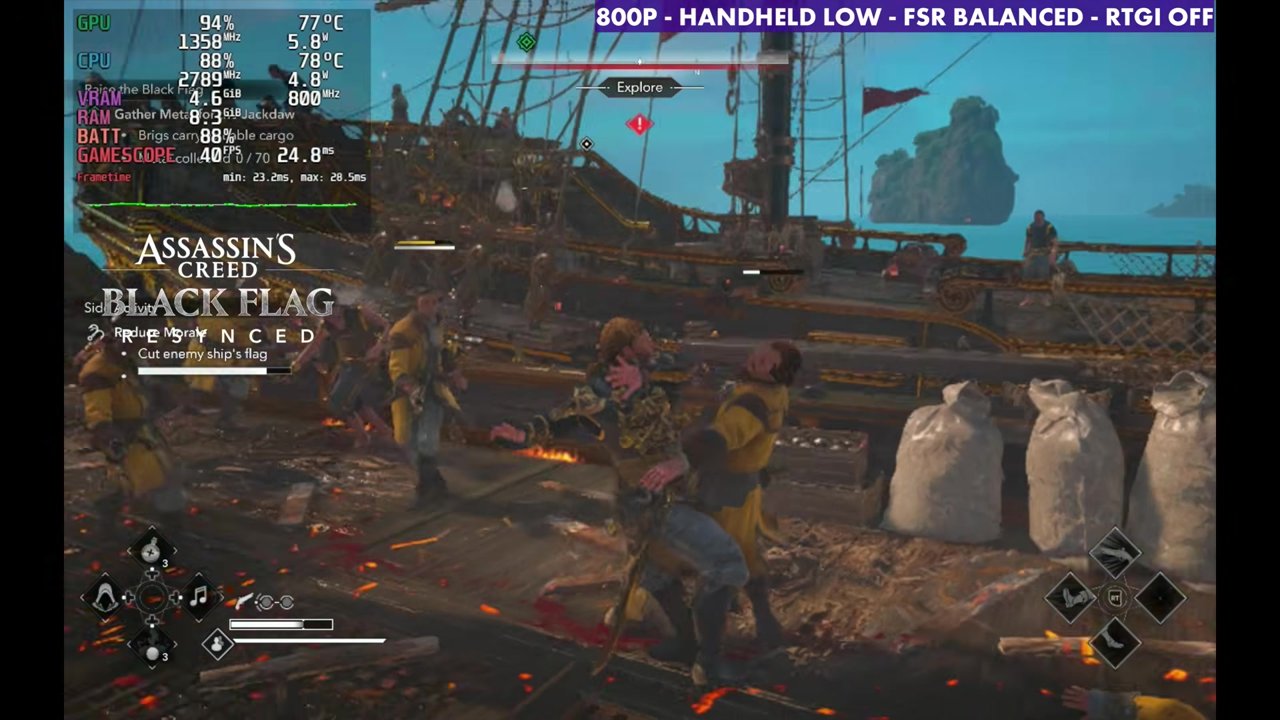
- Gameplay on Handheld Low with RTGI off mostly sits in the 30s and 40s, and higher out at sea.
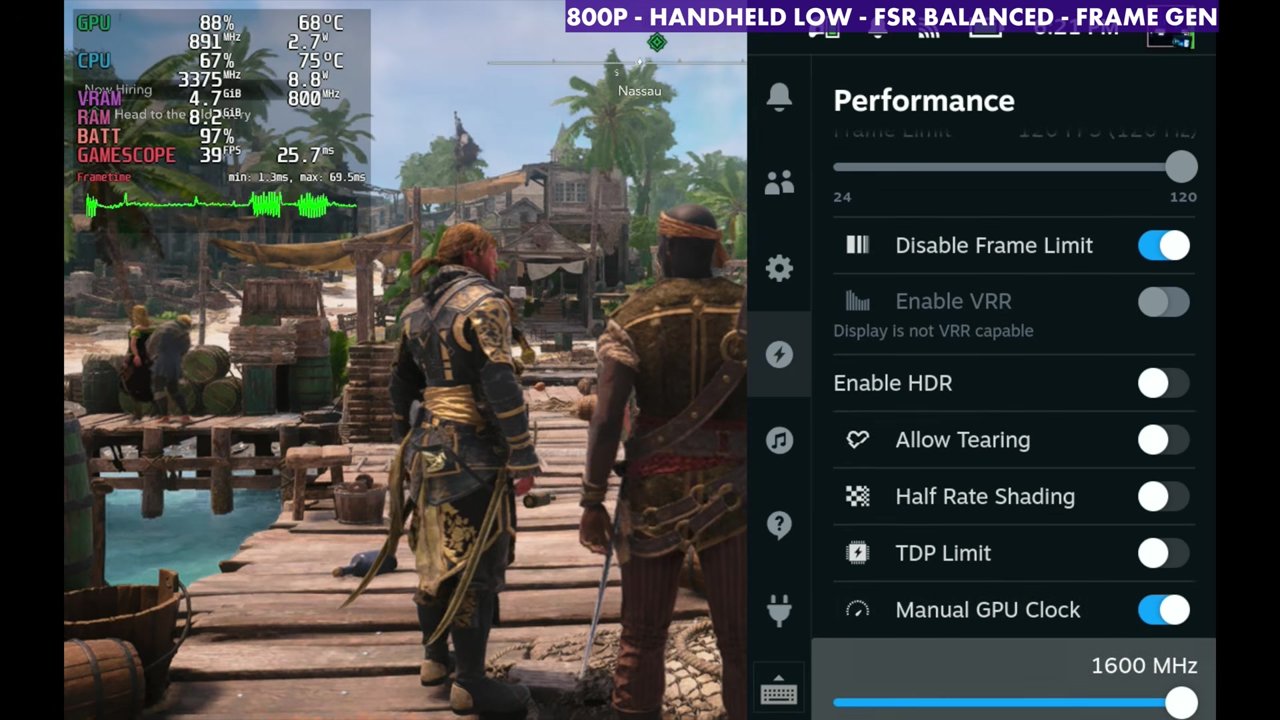
- Frame gen is hit or miss on the Deck. It needs a manual GPU clock and adds input latency I don't really like.
Back on the Steam Deck OLED with the new Assassin's Creed Black Flag Resynced. Thanks to Ubisoft, I'd been playing it for a few days before launch to see how it runs across different devices. There's room here to adjust settings, and Ubisoft has done a pretty good job with presets and options.
Setup: Ubisoft Connect with NonSteamLaunchers
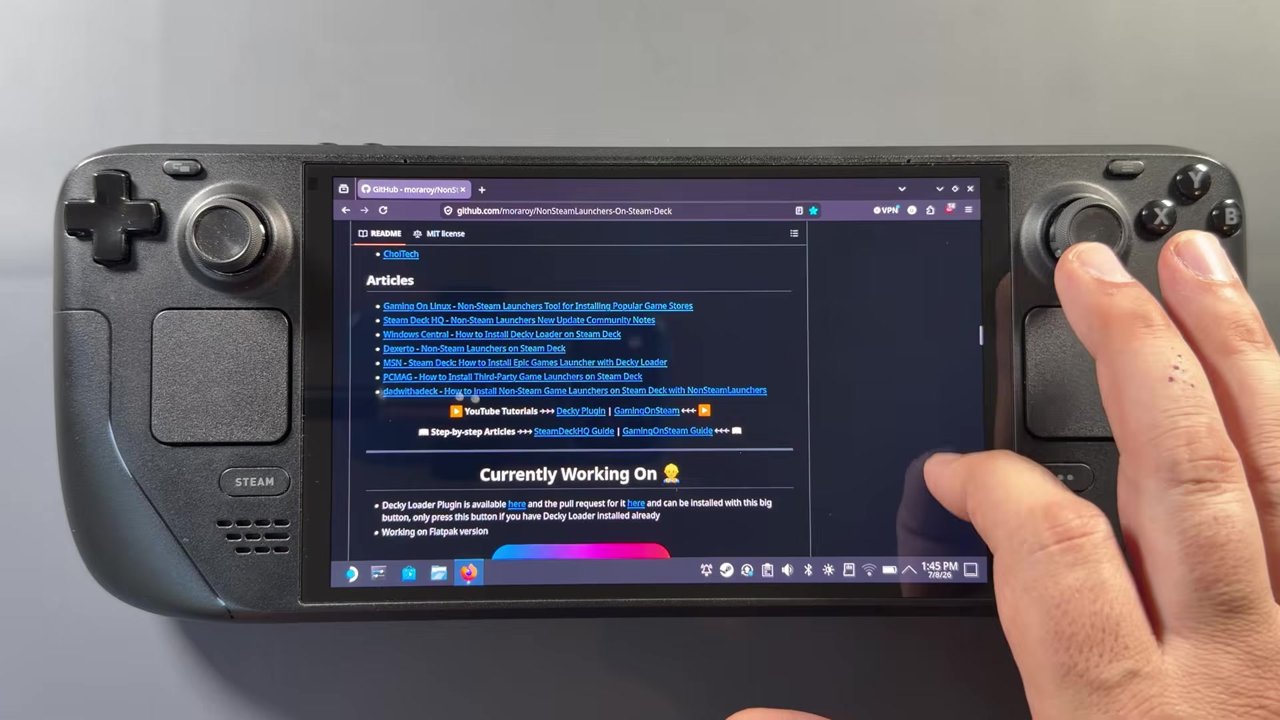
This is the Ubisoft version of the game, not the Steam version. I use NonSteamLaunchers (NSL) all the time to install third-party launchers on the Deck, and there are plenty of videos and instructions out there for it, including my own NonSteamLaunchers guide. I'd had a recent factory reset, so I did a quick reinstall of Ubisoft Connect through NSL and was good to go.
⬇ Download NonSteamLaunchers (GitHub)
github.com/moraroy/NonSteamLaunchers-On-Steam-Deck
Settings in the game
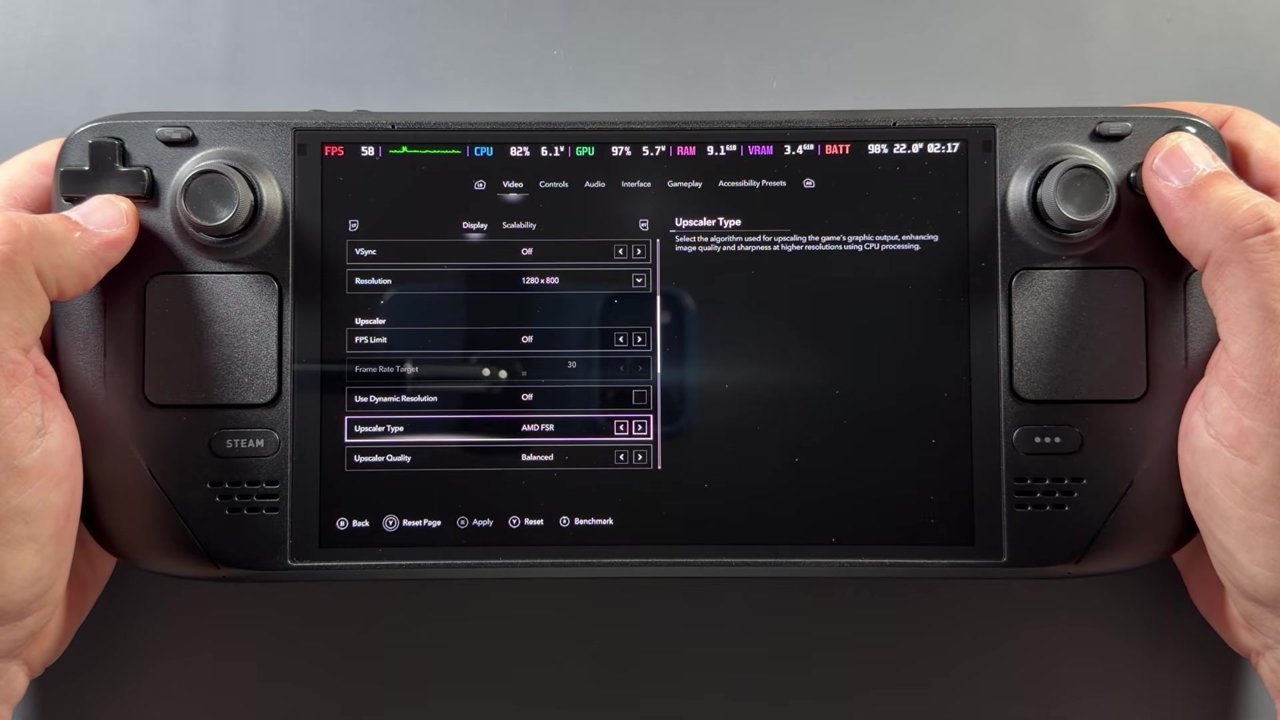
- Upscalers: FSR, TAA, XeSS and more. I mostly focused on FSR. TAA works really well too, so you can go that direction if you want.
- Ray traced global illumination (RTGI): you can turn it on or off.
- Presets: handheld presets (Handheld Low, Medium and High), which are useful, plus the regular presets from Ultra Low up to Ultra High.
- I mostly stuck with the handheld presets. Handheld Low, Medium and High pretty much get us there. You can't really bring up too many settings on the Deck, or you wind up dipping below 30 in a lot of areas.
- Everything here is at 800p (1280x800).
Upscaler and RTGI comparison (standing still)
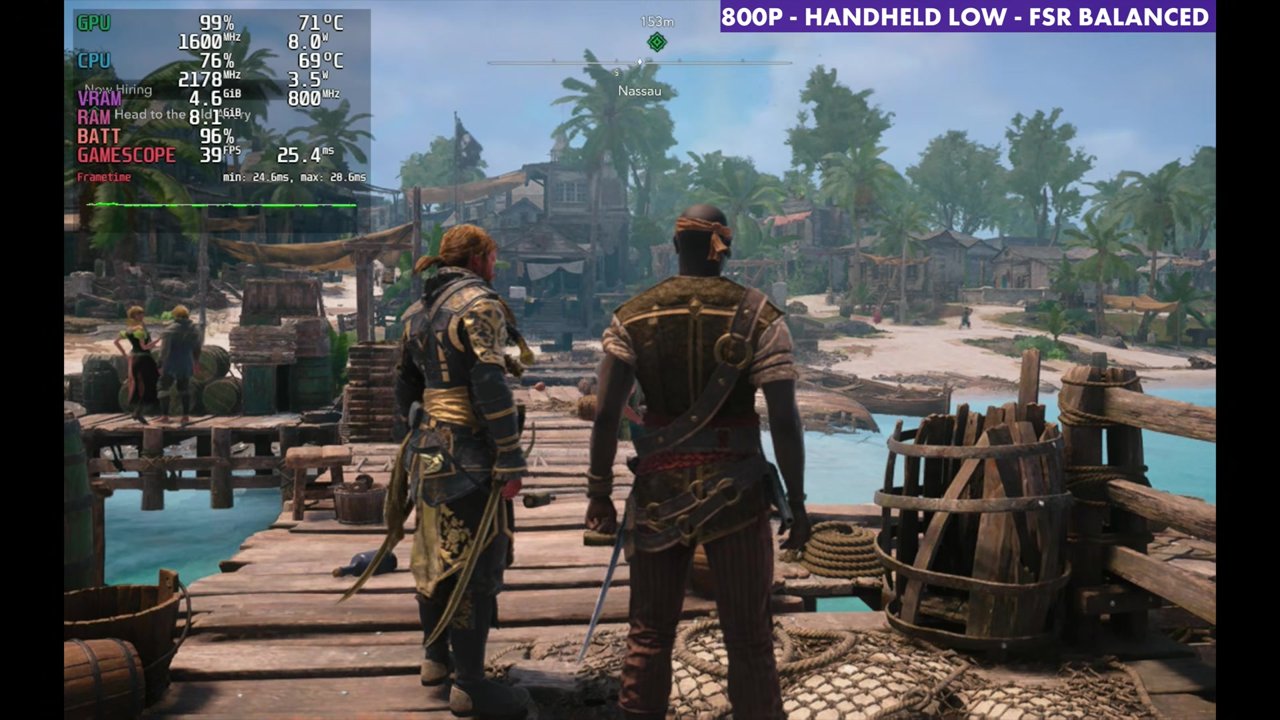
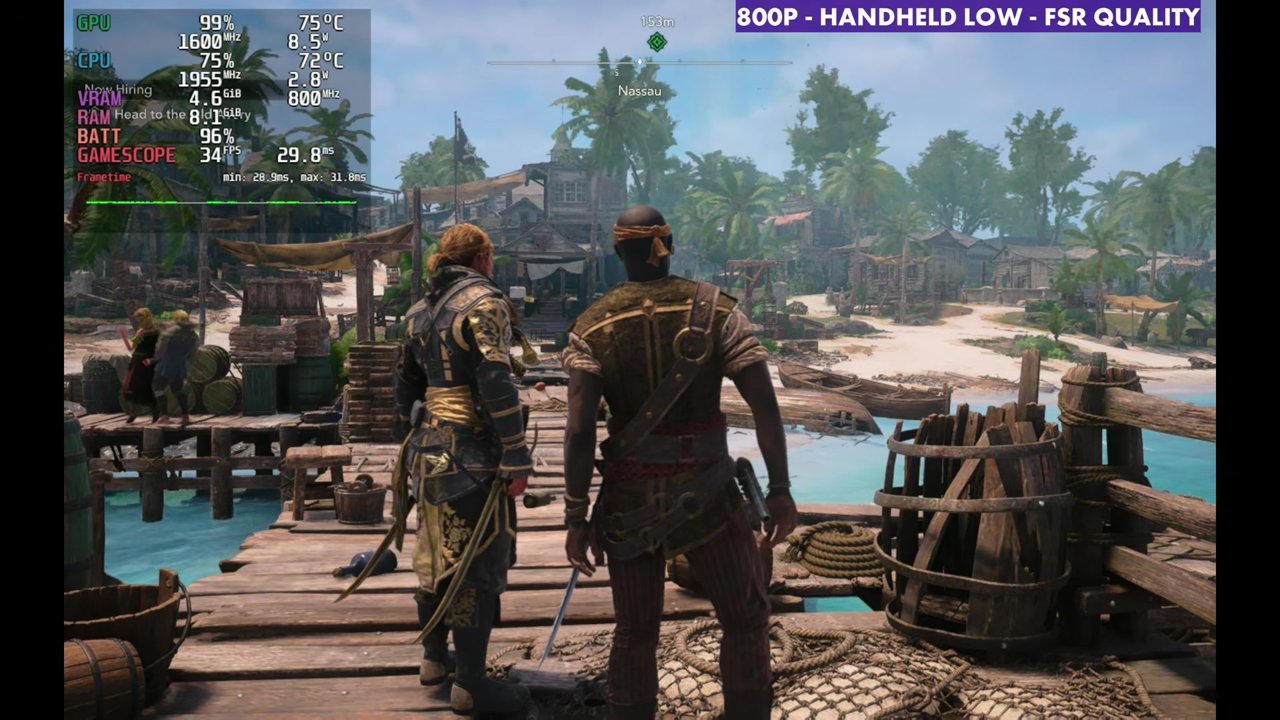
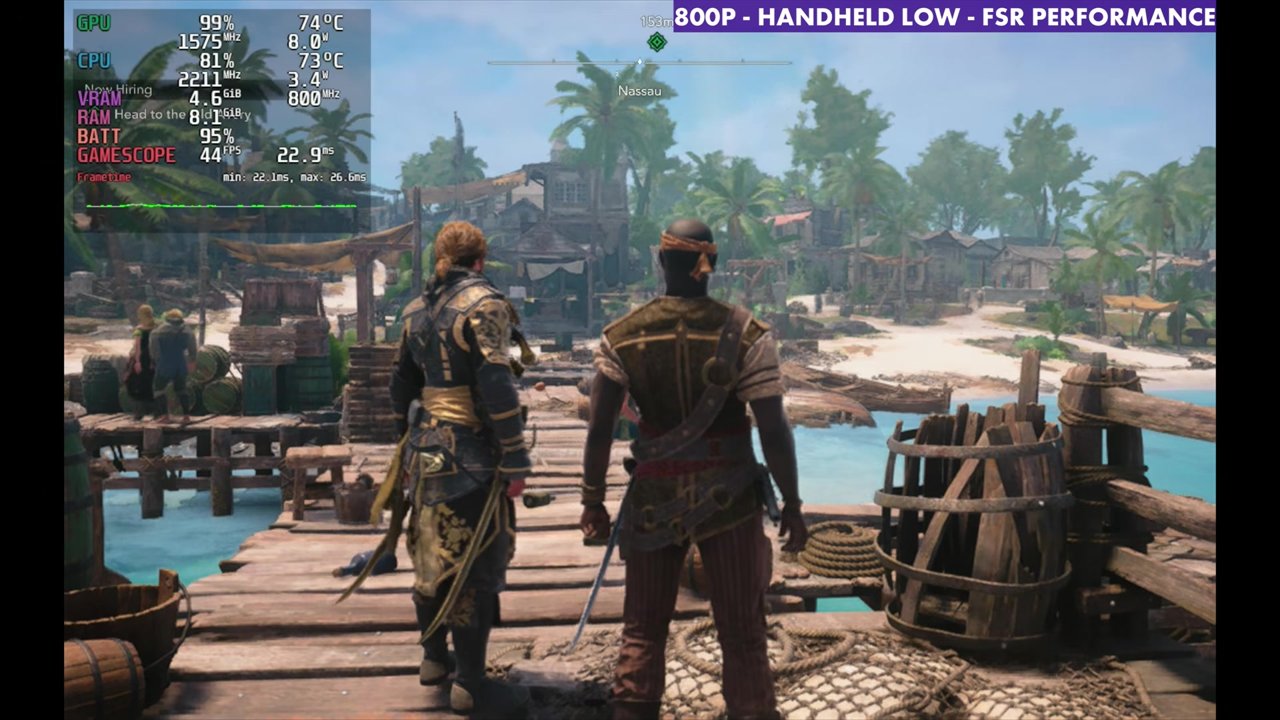
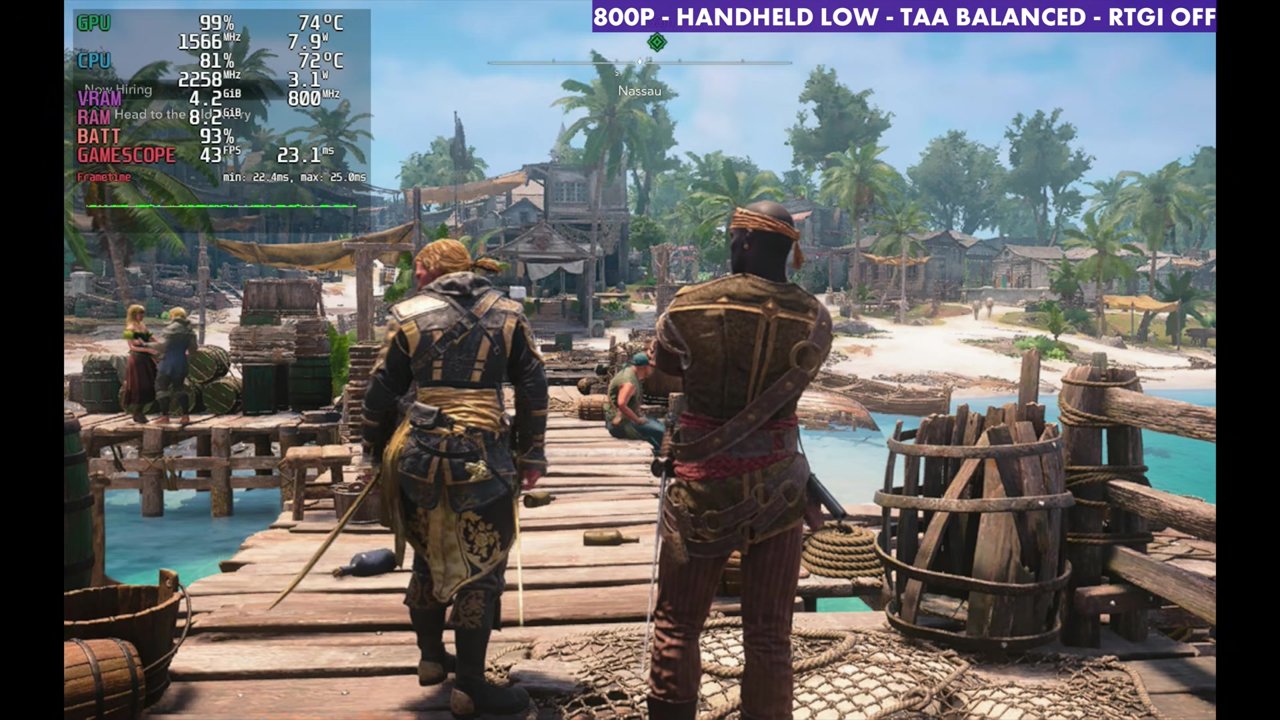
A quick look at the upscaler options at 800p with Handheld Low, standing still in the same spot on the Nassau docks, so the numbers may or may not hold in other areas. FSR Balanced seems to work pretty well with RTGI off. Switching to Quality loses about four to six FPS and comes down to about 34. Performance brings it back up to about 44, but the image gets a bit messier.
TAA looks a bit cleaner and can look a little better, with similar FPS, but it dipped more often on me for whatever reason, so I've stuck with FSR for now. Experiment and see what works better for you, since you can switch these in the game without too much trouble. Turning RTGI off gains some FPS, which you'll also see in the benchmarks, so you may want to run with it off.
| 800p, Handheld Low | Overlay reading (standing still) |
|---|---|
| FSR Balanced | 39 FPS |
| FSR Quality | 34 FPS |
| FSR Performance | 44 FPS |
| TAA Balanced, RTGI on | 39 FPS |
| TAA Balanced, RTGI off | 43 FPS |
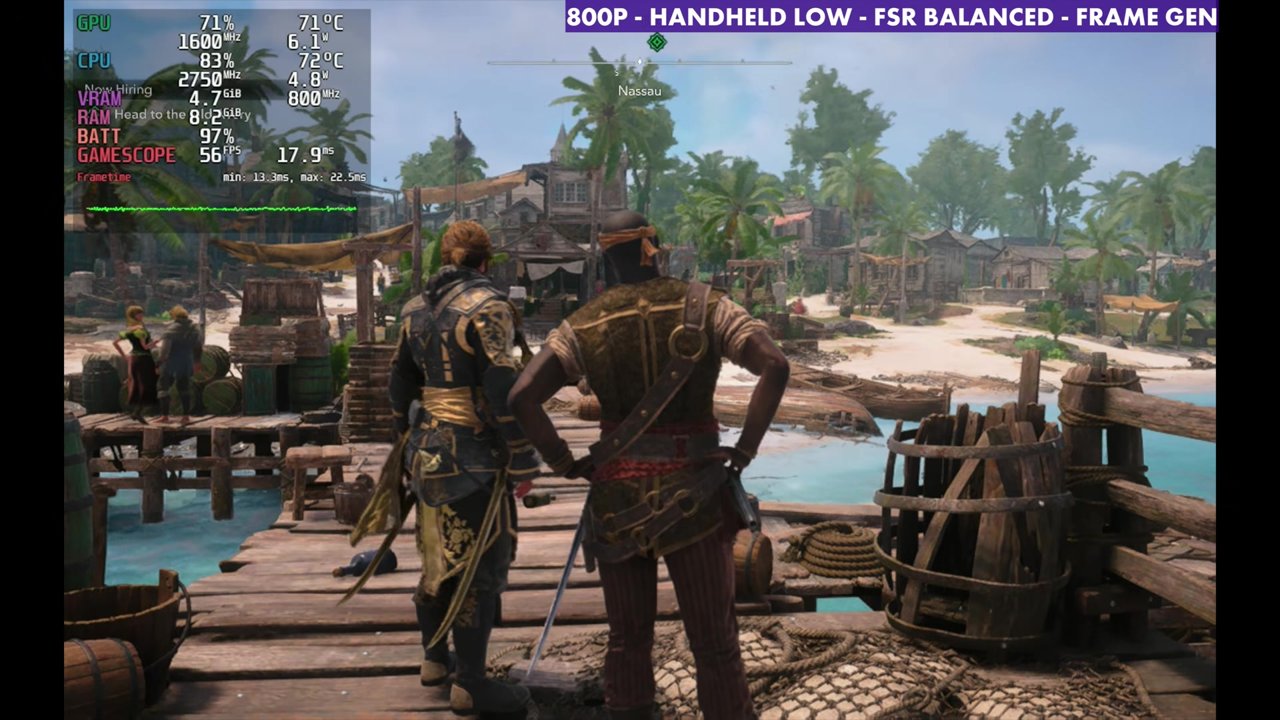
| FSR Balanced + frame gen (manual GPU clock 1600 MHz) | 56 FPS |
Frame gen on the Steam Deck
The game has frame gen built in, and it's hit or miss on the Steam Deck. Sometimes it works really well. You could also opt for something like Lossless Scaling instead. To get the in-game frame gen working, you'll have to set a manual GPU clock: open the Quick Access menu, go to Performance and turn on Manual GPU Clock. Anywhere between 1400 and 1600 MHz will probably work in this game. It does add some input latency that I don't really like.
Benchmark results
The built-in benchmark at 800p with FSR Balanced, RTGI on vs off (results screens shown in the video):
| Preset | RTGI on | RTGI off |
|---|---|---|
| Handheld Low | 46 avg | 52 avg |
| Handheld Medium | 42 avg | 47 avg |
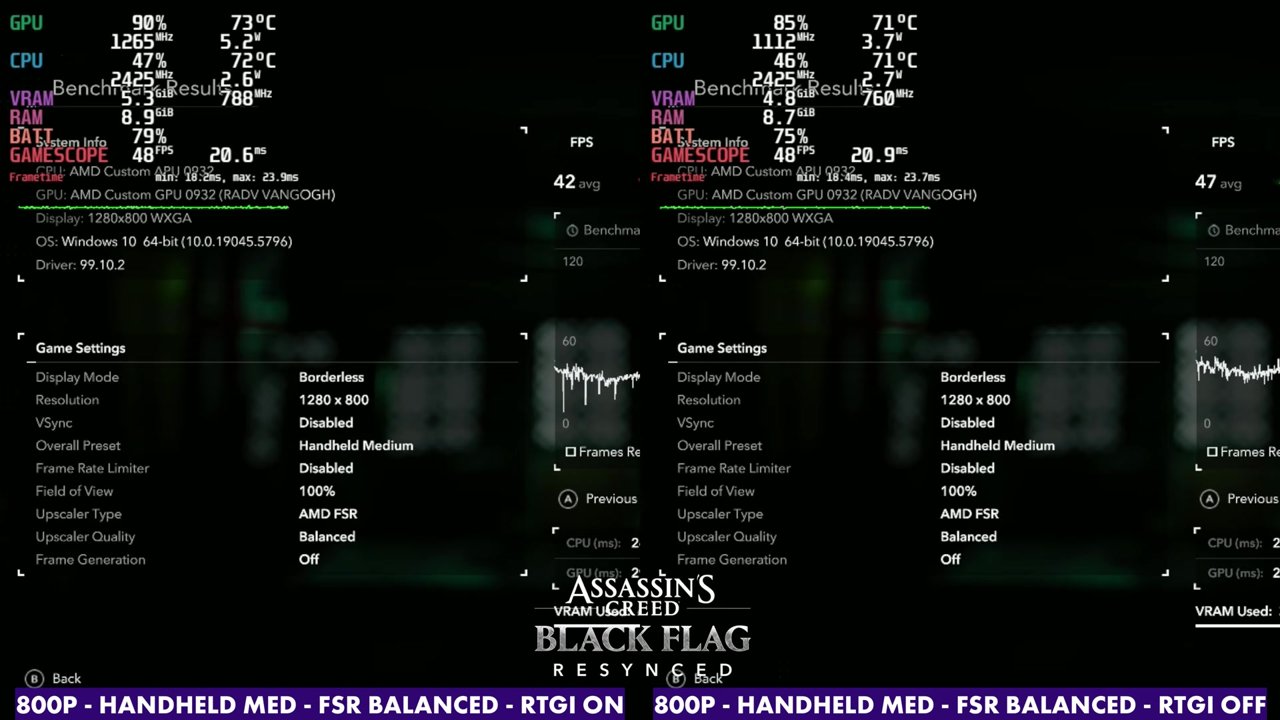
Gameplay
The gameplay runs at 800p, Handheld Low, FSR Balanced with RTGI off, including running around Nassau, one of the heavier areas. Overlay readings from a few moments:
Verdict
There's a lot of room on the Steam Deck OLED to mess around with the upscaling and settings and get them the way you want, at least enough to enjoy Black Flag Resynced on the Deck. The handheld presets at 800p are the place to start, and FSR Balanced with RTGI off seems to work pretty well. TAA is worth trying if you want a cleaner image, and frame gen is there if you don't mind setting a manual GPU clock and some extra input latency.
FAQ
How does Black Flag Resynced run on the Steam Deck?
At 800p with Handheld Low and FSR Balanced, the built-in benchmark averaged 46 FPS with RTGI on and 52 with it off. Handheld Medium averaged 42 and 47.
Does frame gen work in Black Flag Resynced on the Steam Deck?
It's hit or miss. You need a manual GPU clock (about 1400 to 1600 MHz) in the Quick Access Performance menu, and it adds some input latency.
Which version of the game did I test?
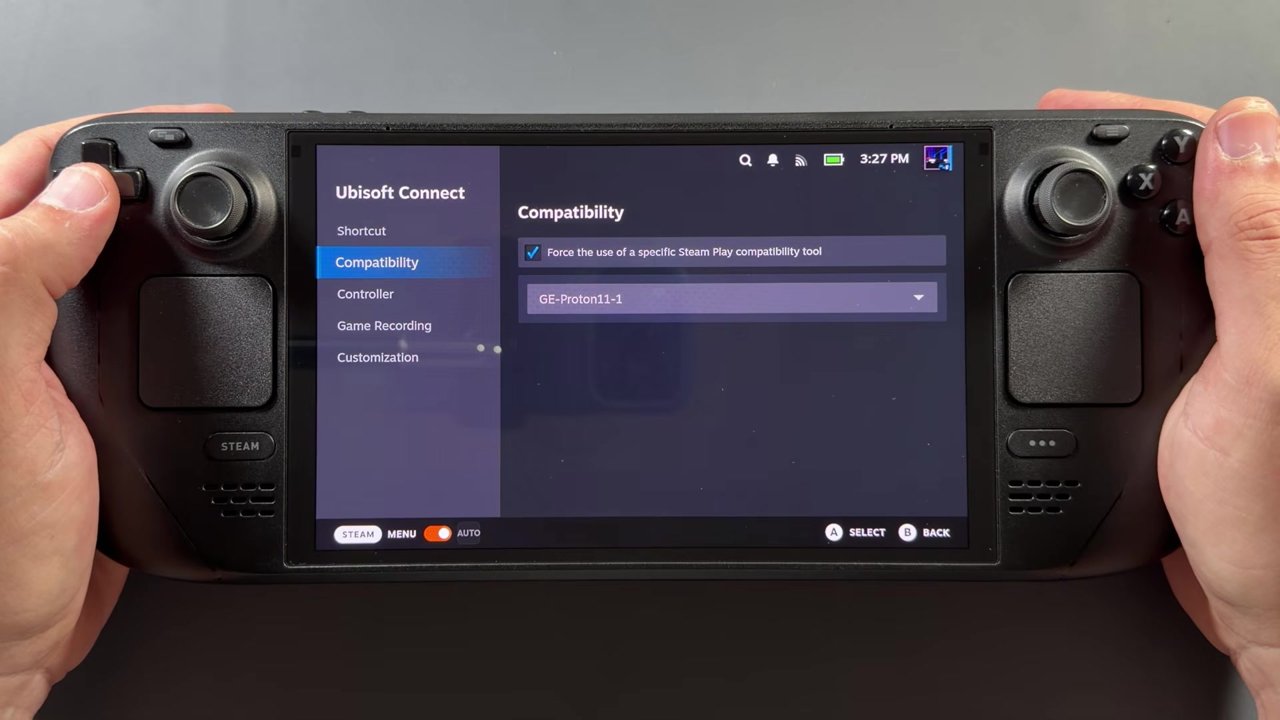
The Ubisoft Connect version, installed with NonSteamLaunchers and run with GE-Proton11-1, not the Steam version.
Want more handheld tests?
New Steam Deck, ROG Ally, Legion Go and Steam Machine performance videos every week.