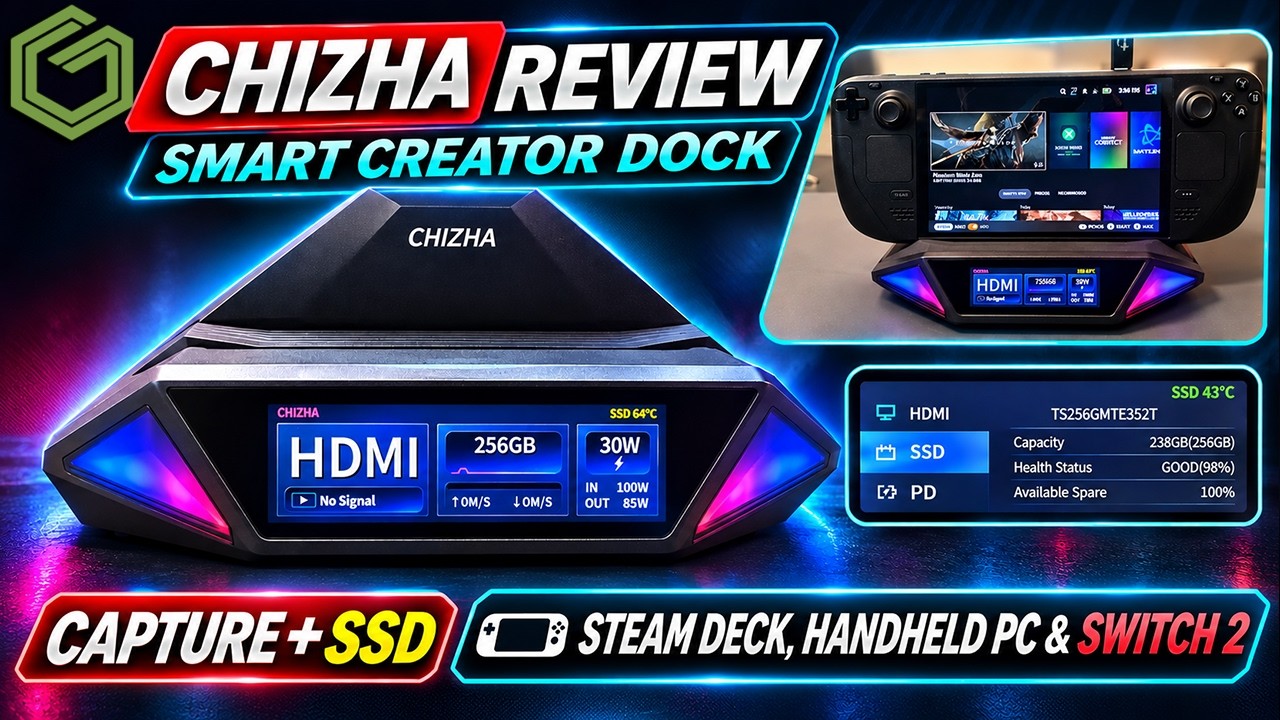
 ▶Watch on YouTube
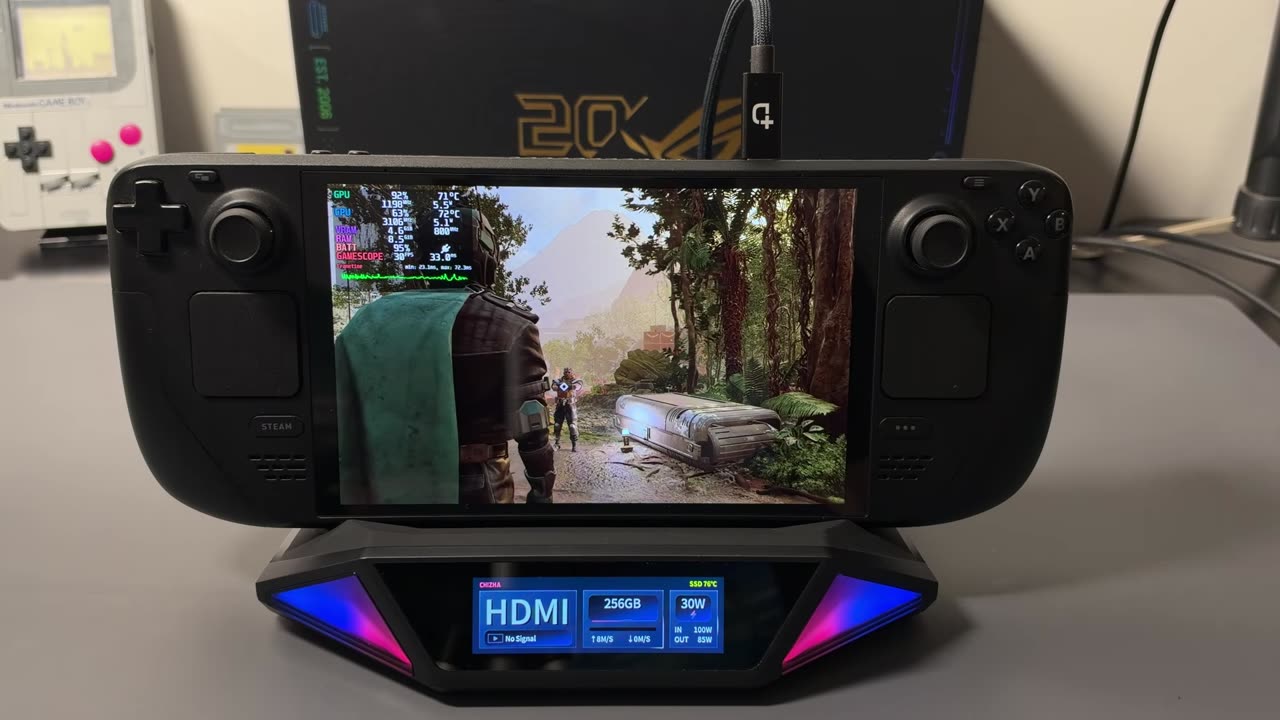
It's been quite a while since I looked at a dock, and the Dockcase CHIZHA Mount Ling 2 Pro is trying to be three things at once: a handheld dock, a capture card and external SSD storage, all in one box. It has built-in capture hardware, so you can record on your PC while also sending the signal to another monitor, an M.2 slot underneath for game storage, and a small touchscreen on the front with all kinds of information. I've had it for a few weeks with the Steam Deck, my Windows handhelds and the Switch 2.
Disclosure: the company sent this dock over for me to check out. No money changed hands and there were no instructions, just an offer to try it and tell people what I think. Whether I buy something or have it sent to me, I review it the same way with my honest opinions. Take that as you will.
- A handheld dock with a built-in capture card, an M.2 SSD slot and a touchscreen showing HDMI, SSD and power info.
- Every device I tried worked: Steam Deck, OneXPlayer 3, Xbox Ally X, Legion Go 2 and Switch 2 (after switching the dock to legacy HDMI mode).
- Capture into OBS was pretty clean with very little input delay.
- The biggest miss: no recording straight to the SSD without a PC, at least not right now.
- On Kickstarter, early bird pricing is $149 / $179 for the Pro, with $249 expected at retail. Under $200 is a good deal; $250 might be pushing it.
Unboxing and what's in the box
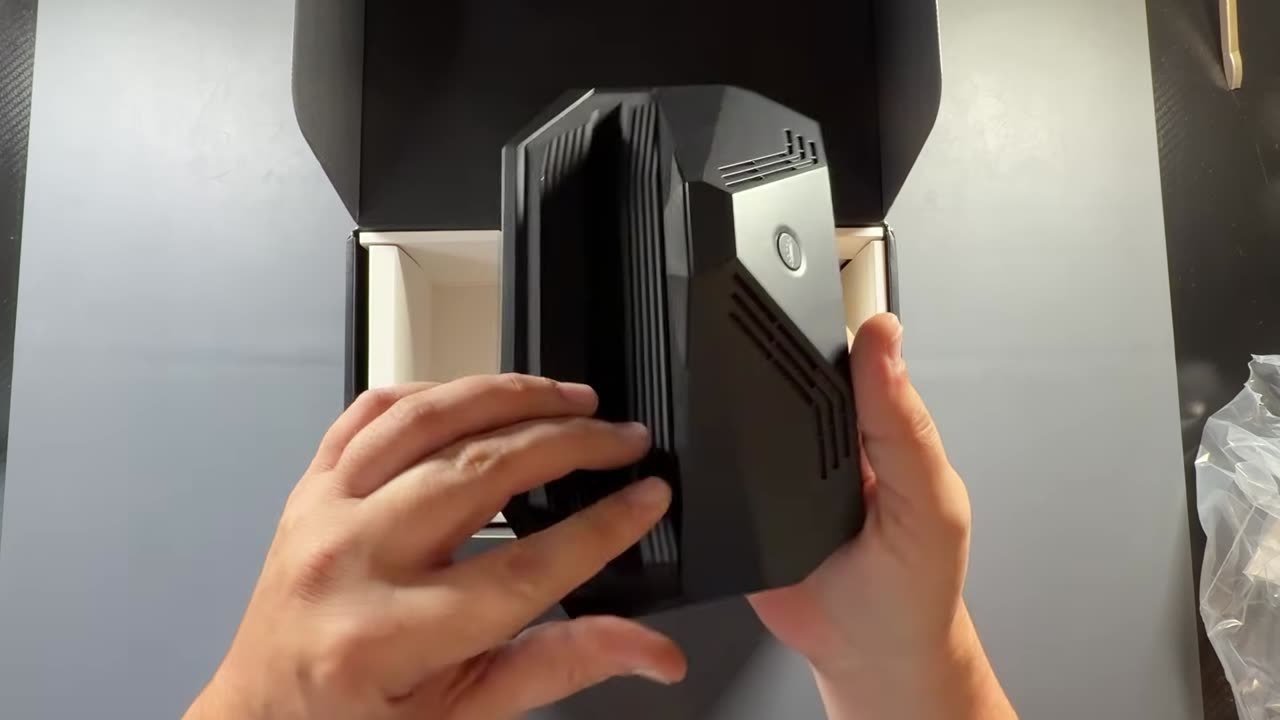
My box was a little beat up when it got here, but everything inside was fine. You get a cable for plugging in your device, a couple of angle adapters (one of them comes in handy for the Switch 2), the bits to install an SSD on the bottom, and getting-started instructions. There's also a lot of good information on their website.
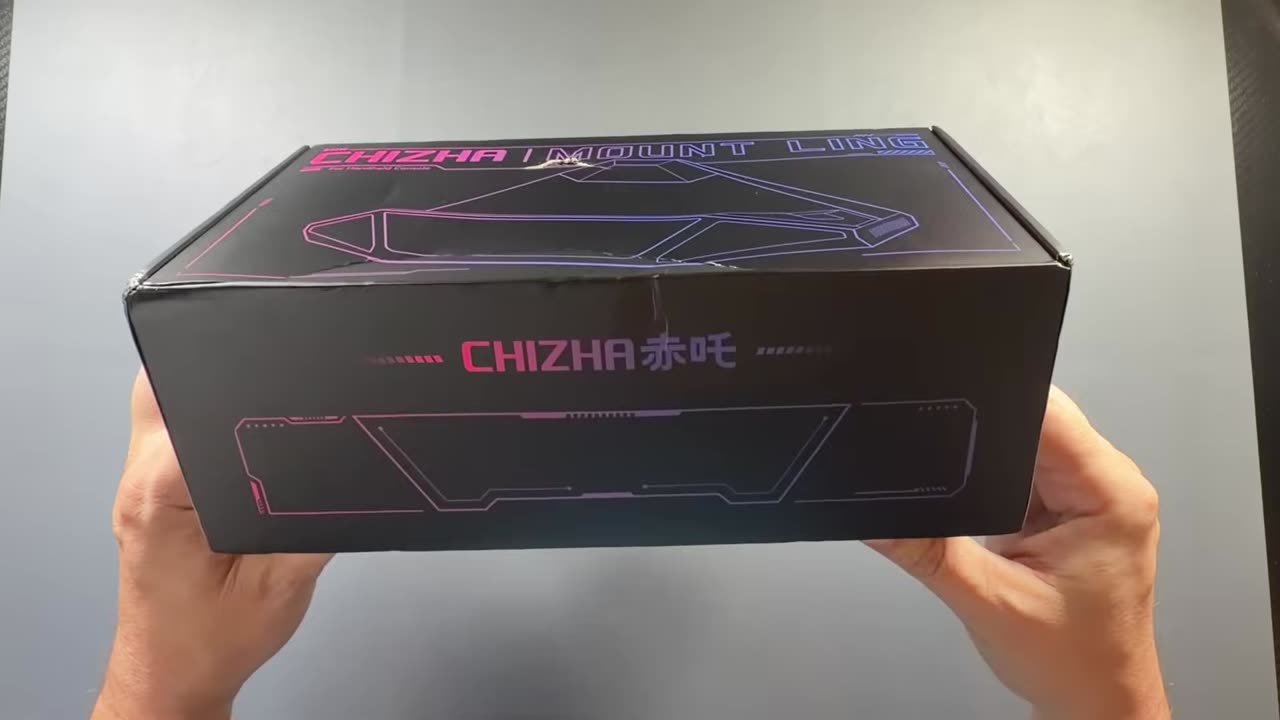
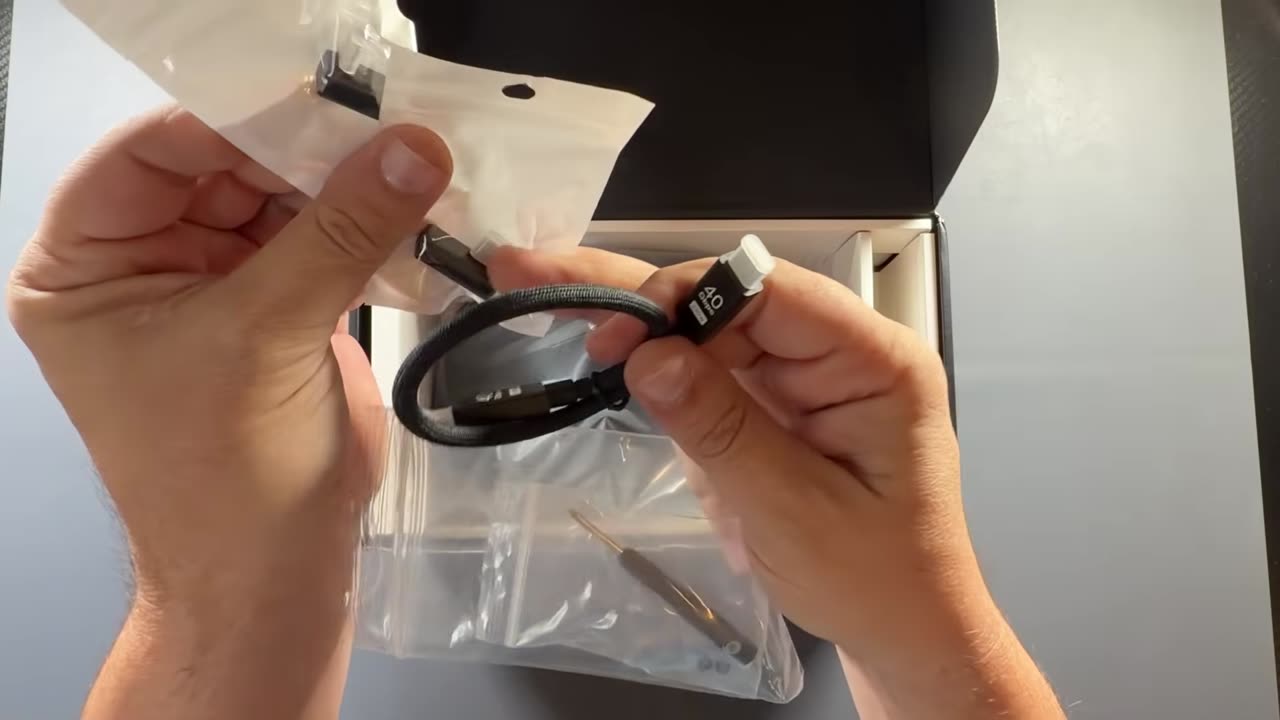
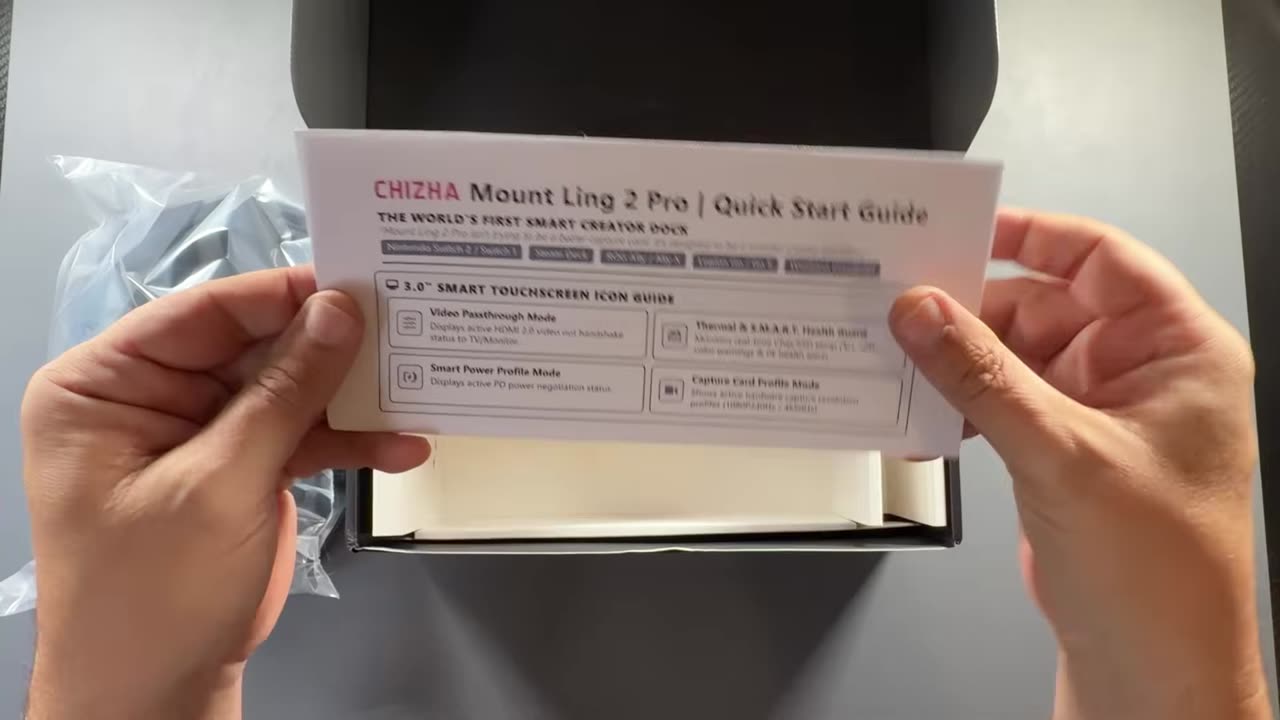
The top has a slot that some devices fit into and some don't, but a full rubber landing pad lets pretty much any device sit on it. Around the back are power delivery in, the capture port, LAN, optical audio, two regular USB ports, HDMI out and the USB-C host connection for your device. The SSD slot is underneath.
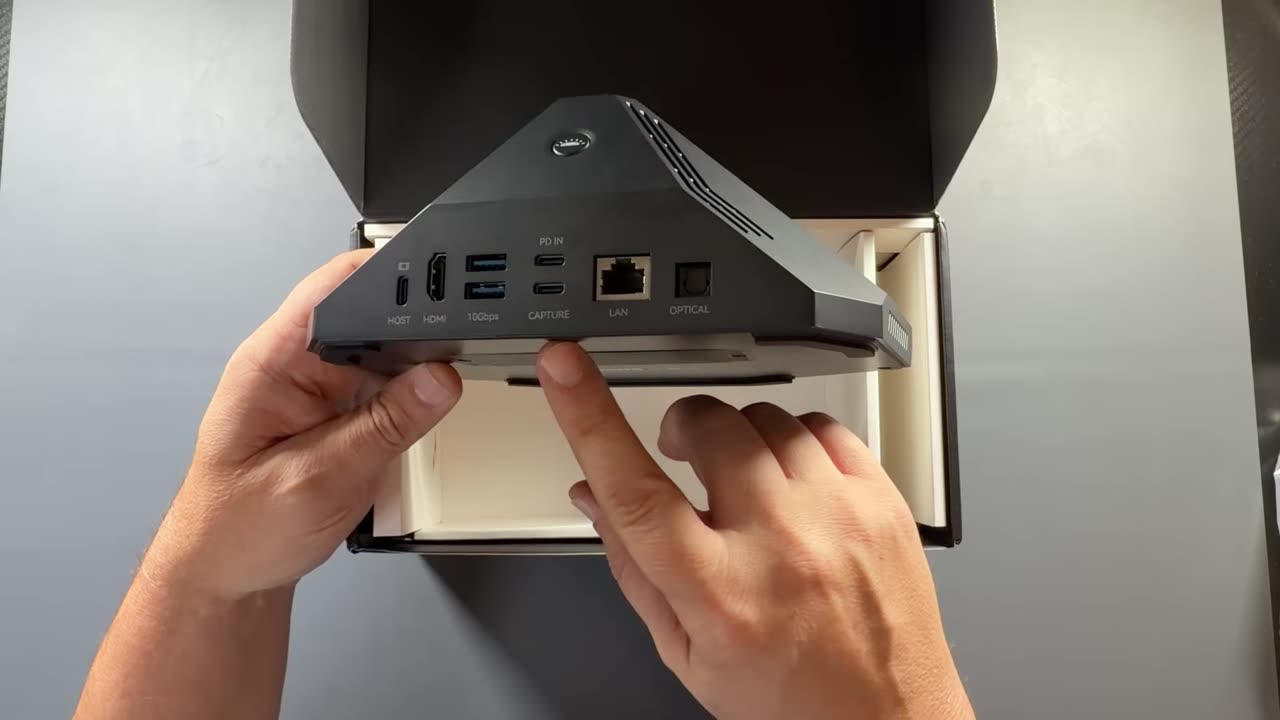
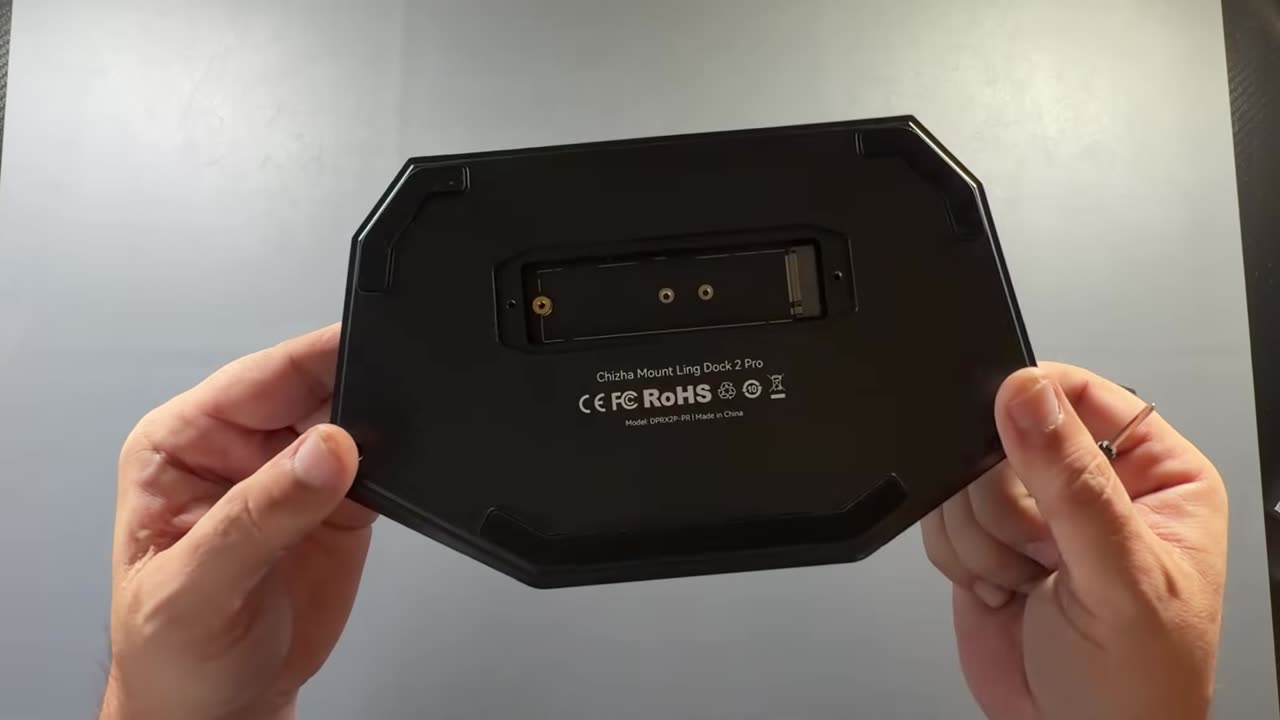
According to the video description, it works with the Steam Deck, ROG Ally, Switch 2, Switch and other handhelds. It has a built-in 4K60 capture card that shows up in OBS as a regular video capture device, HDMI 2.0 output at 4K 60Hz, up to 100W USB-C power delivery, Gigabit Ethernet, USB-A ports and optical audio. The M.2 NVMe slot takes 2230, 2242 or 2280 drives up to 4TB over a 10Gbps USB link.
Price and Kickstarter
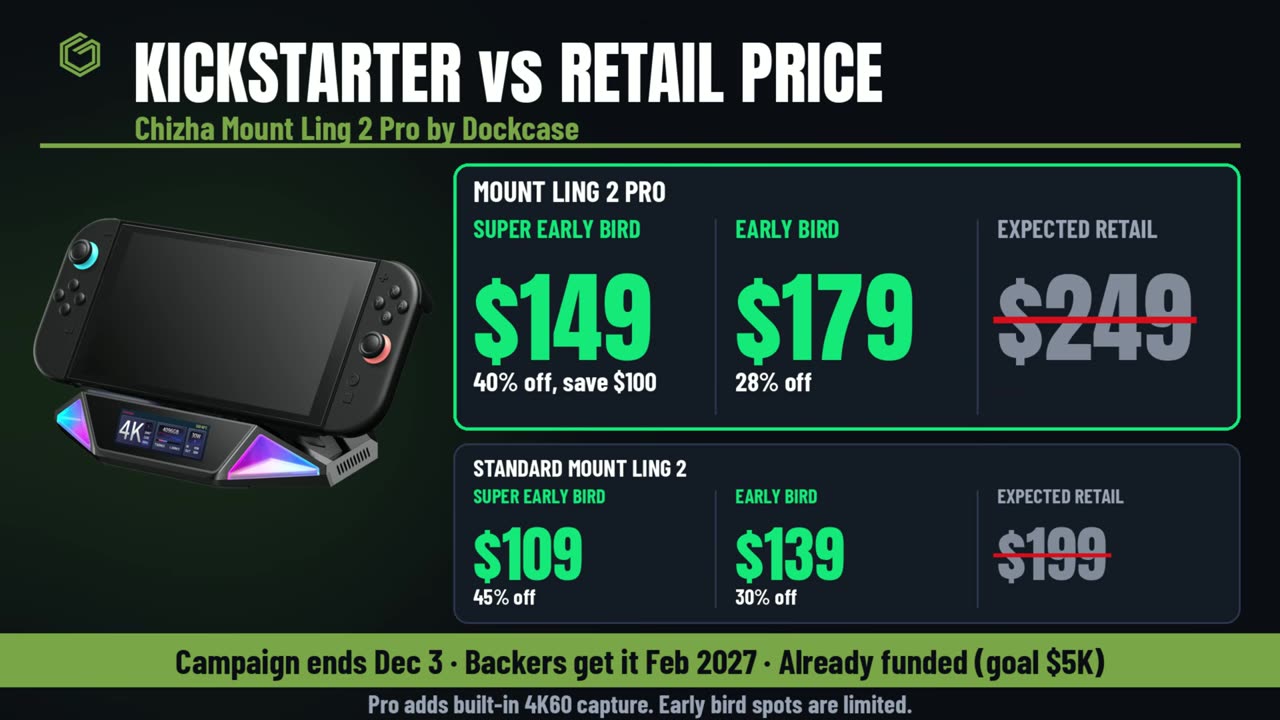
The Mount Ling 2 Pro is on Kickstarter. The Pro model is the one with the capture card, and there's a standard Mount Ling 2 without capture for less. The campaign runs until about December 3rd, and backers are expected to get it in February 2027.
- Mount Ling 2 Pro: $149 super early bird, $179 early bird, $249 expected retail.
- Standard Mount Ling 2 (no capture): $109 super early bird, $139 early bird, $199 expected retail.
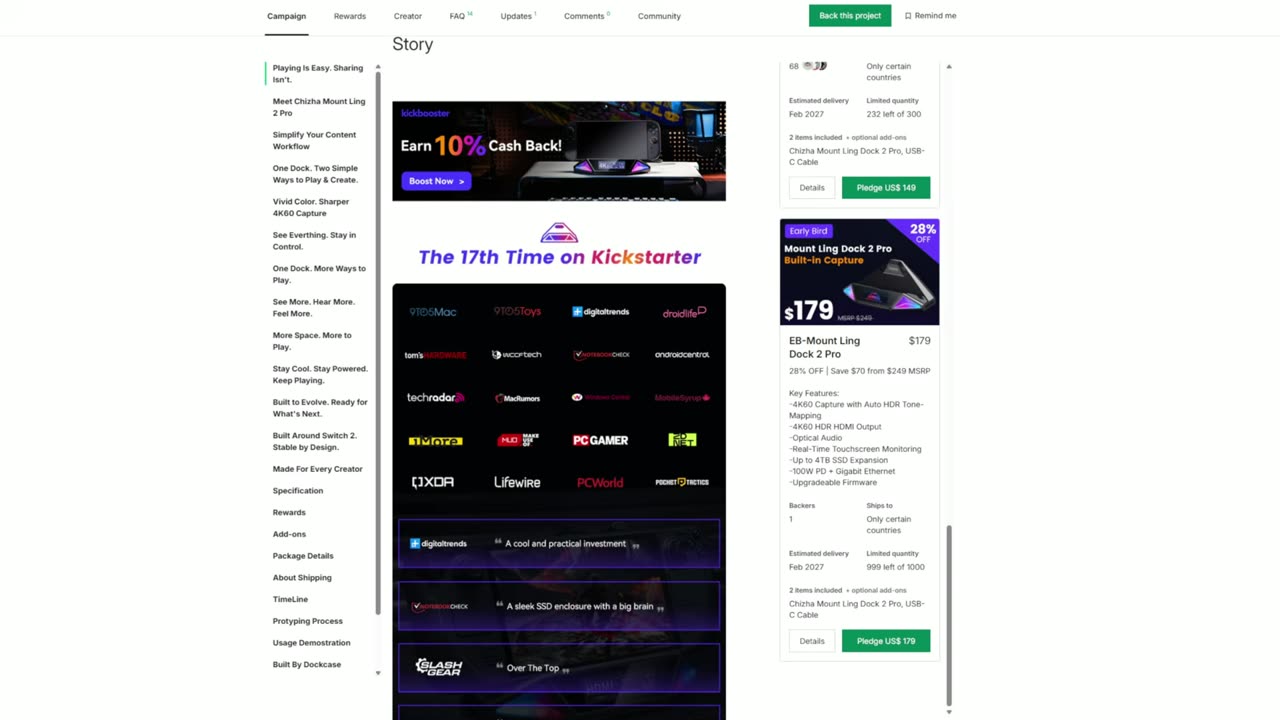
CHIZHA Mount Ling 2 Pro on Kickstarter
SSD storage
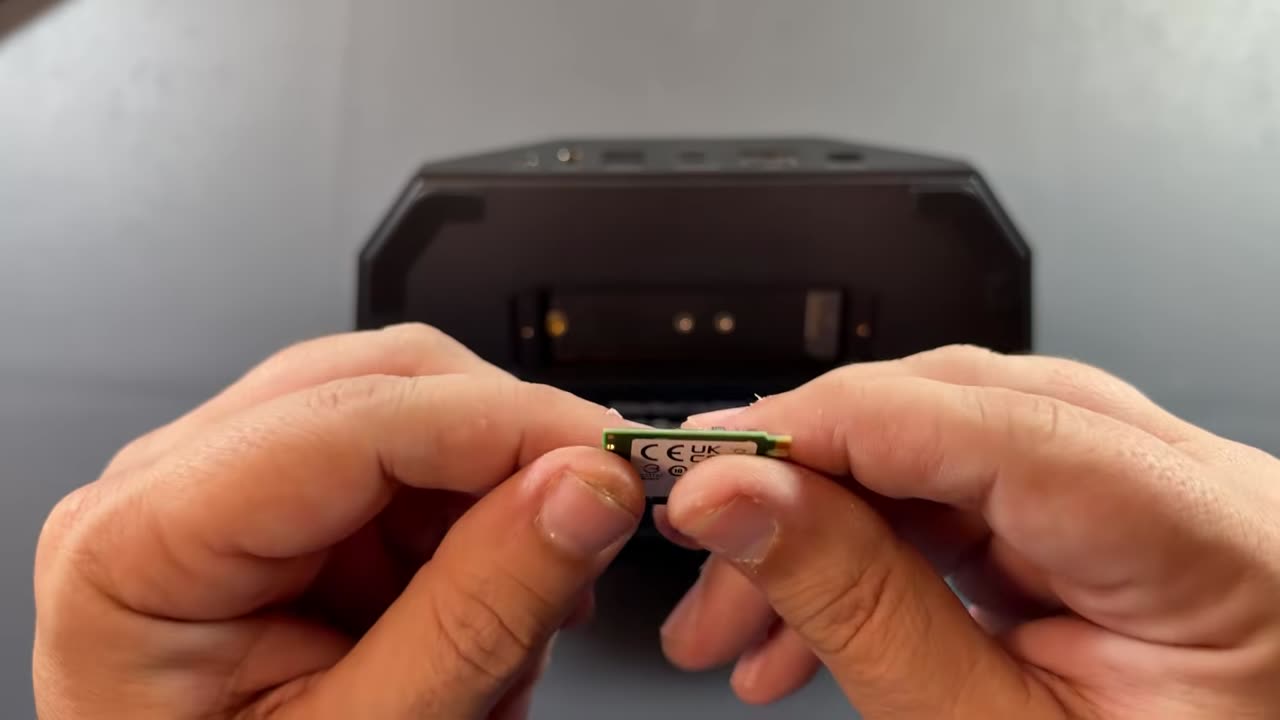
I had an older 256GB SSD from an original Steam Deck, so I put it in the bottom to see how the storage would work before putting the screws back. I didn't have any problems. The front display picked up the 256GB drive even before I formatted it.
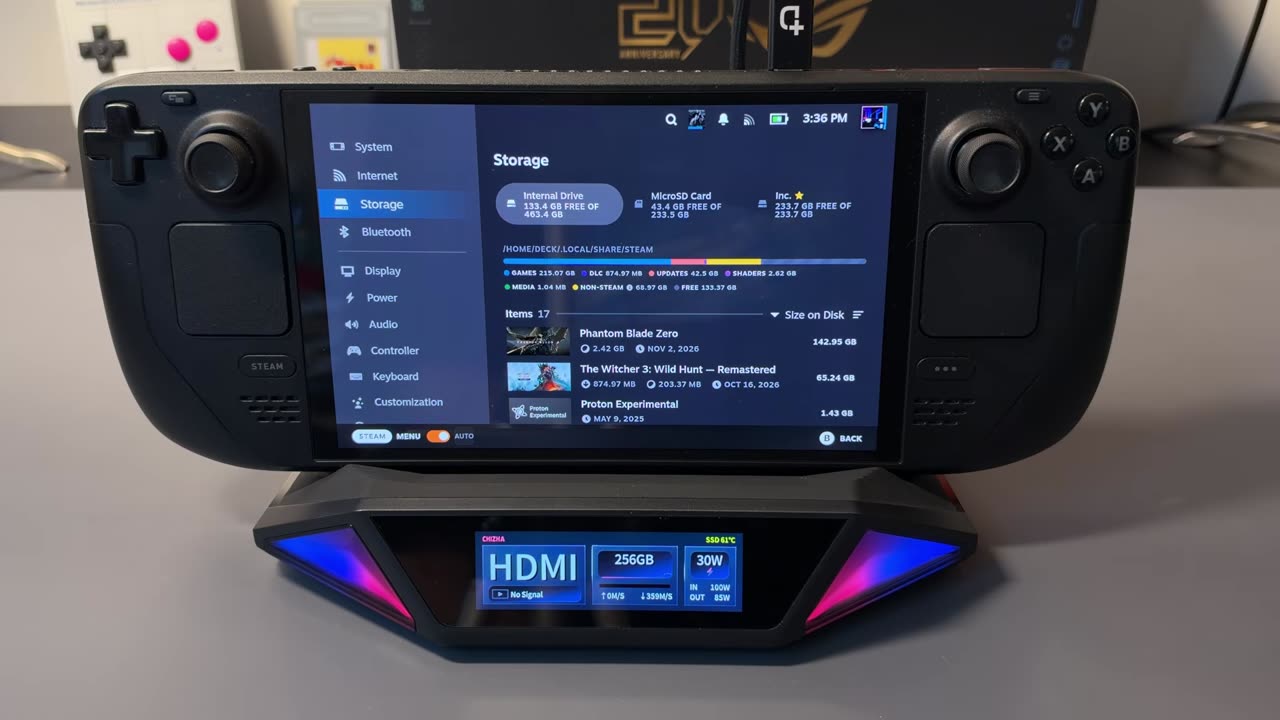
With the Steam Deck docked, the SSD showed up under Settings > Storage. I formatted it for the Deck, and from there I could download games and play them from it without taking up any space on the Steam Deck. You could format it for a Windows PC instead, but you're only going to get one or the other unless you go through extra steps, since they don't use the same partitioning. It won't work with the Switch 2 for storage, since Nintendo doesn't support external storage.
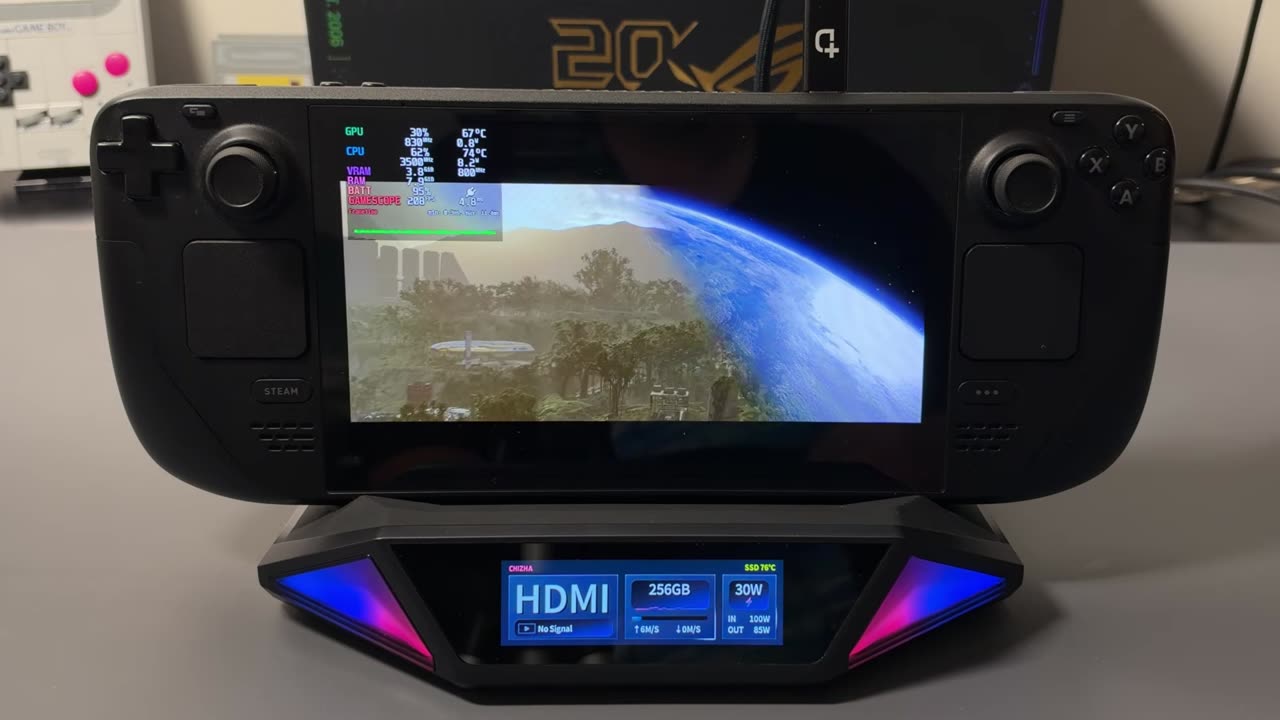
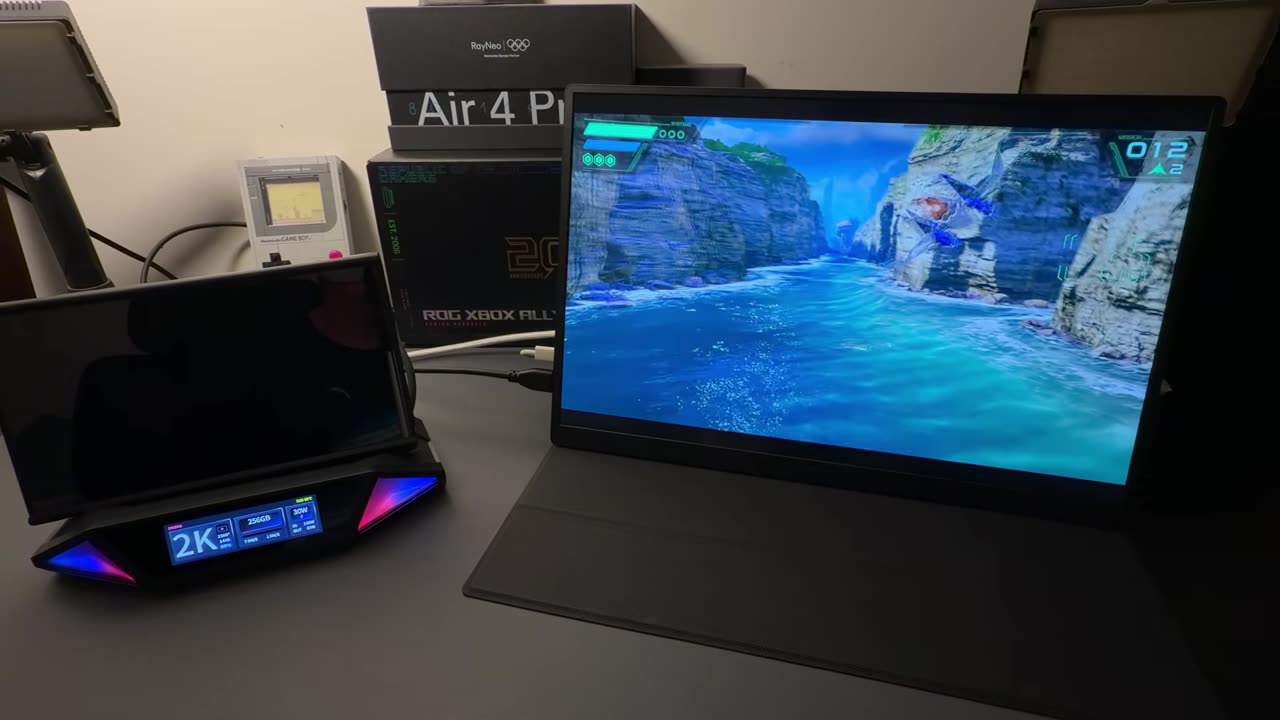
One of the games I installed was Star Wars: Galactic Racer. The dock's display shows the SSD's read and write speeds and its temperature. One drawback: I don't think there's really room for a heat sink in that slot. Since it's vented, I think it'll be fine for playing games.
Display output and hookup
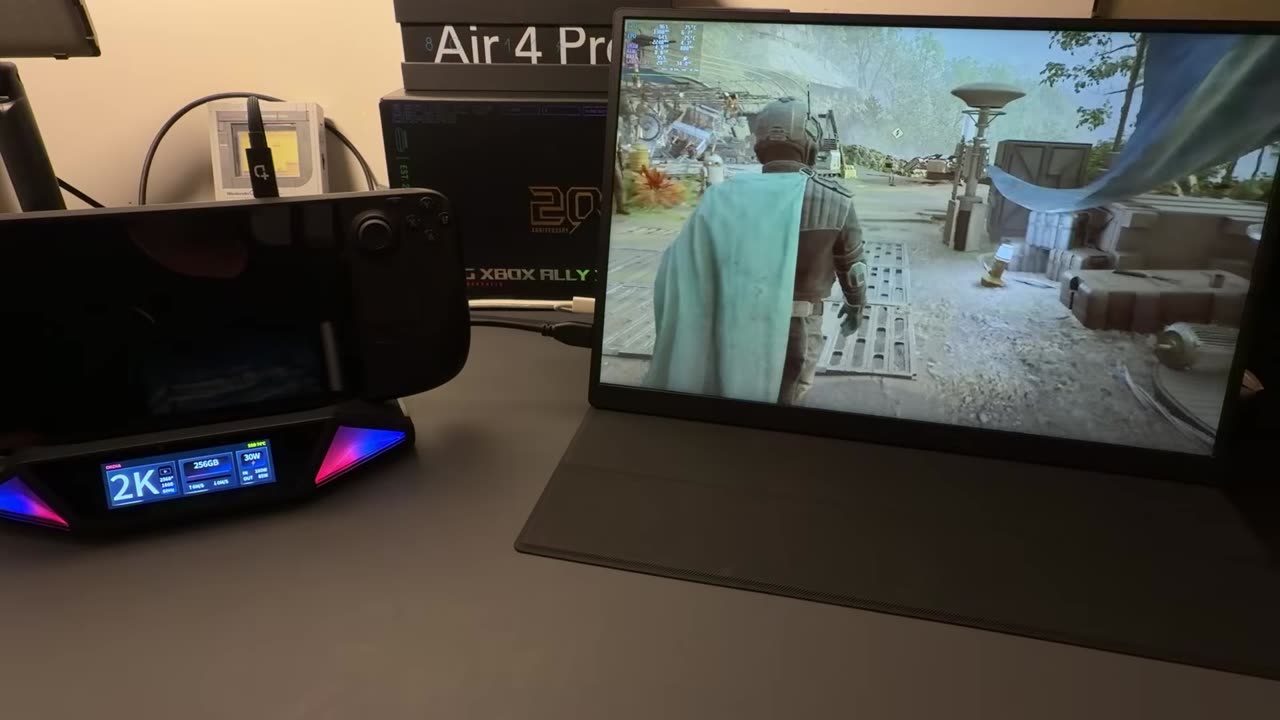
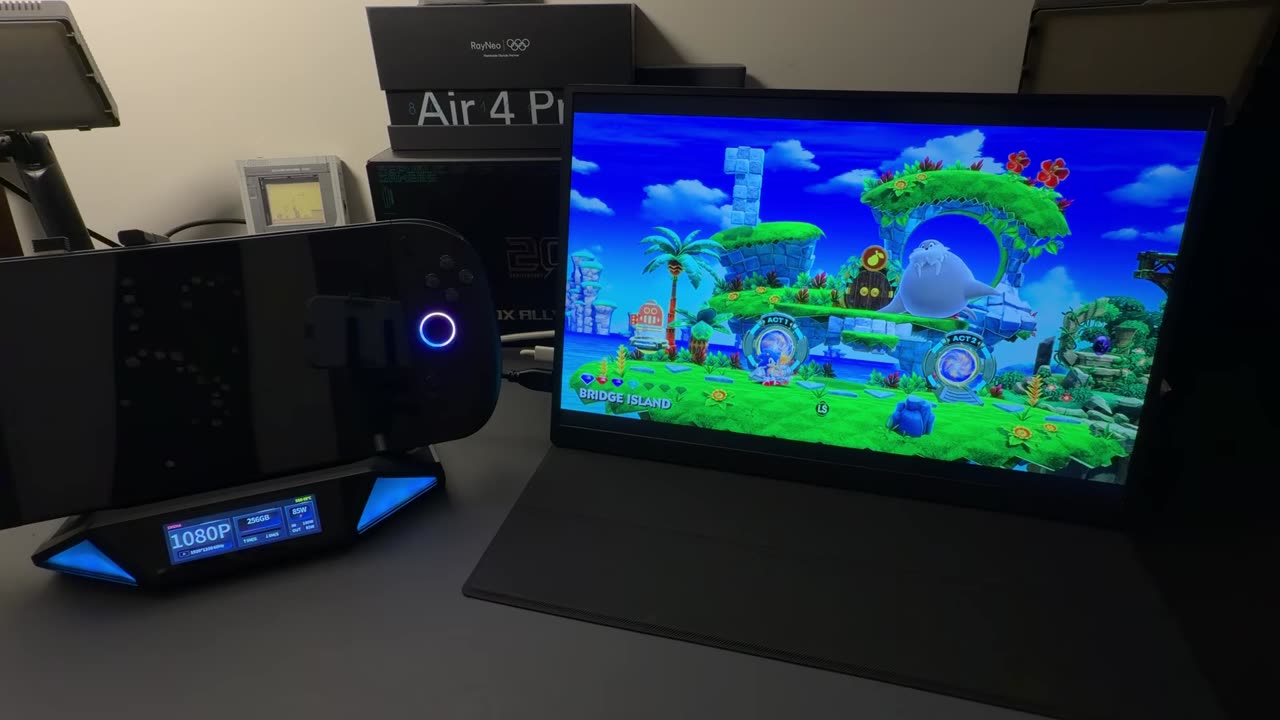
For HDMI I used one of my portable monitors, a 2K screen, and it didn't give me any problems. It connected instantly to all my devices, from the Steam Deck up to my Windows handhelds and the Switch 2. The hookup is simple: power in, HDMI out and the connection to your device.
The touchscreen
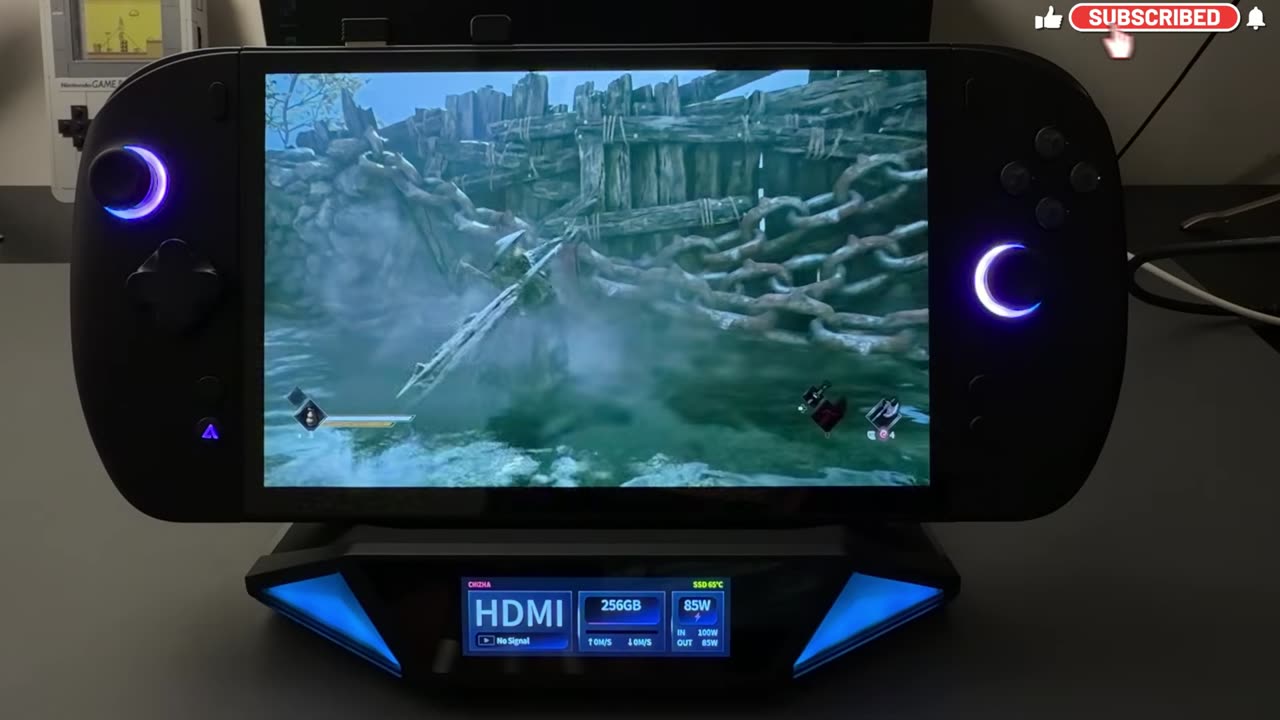
On the front display, you swipe left or right to go through the different menus or get back home. You can set the fan manually or leave it on auto, adjust audio, and tap through options. Under System there's all kinds of info, including updates and restarting the dock. There are also pages for LAN, lighting (turn the light effect off and the lights just stay on), USB ports, capture, HDMI, the SSD and power delivery.
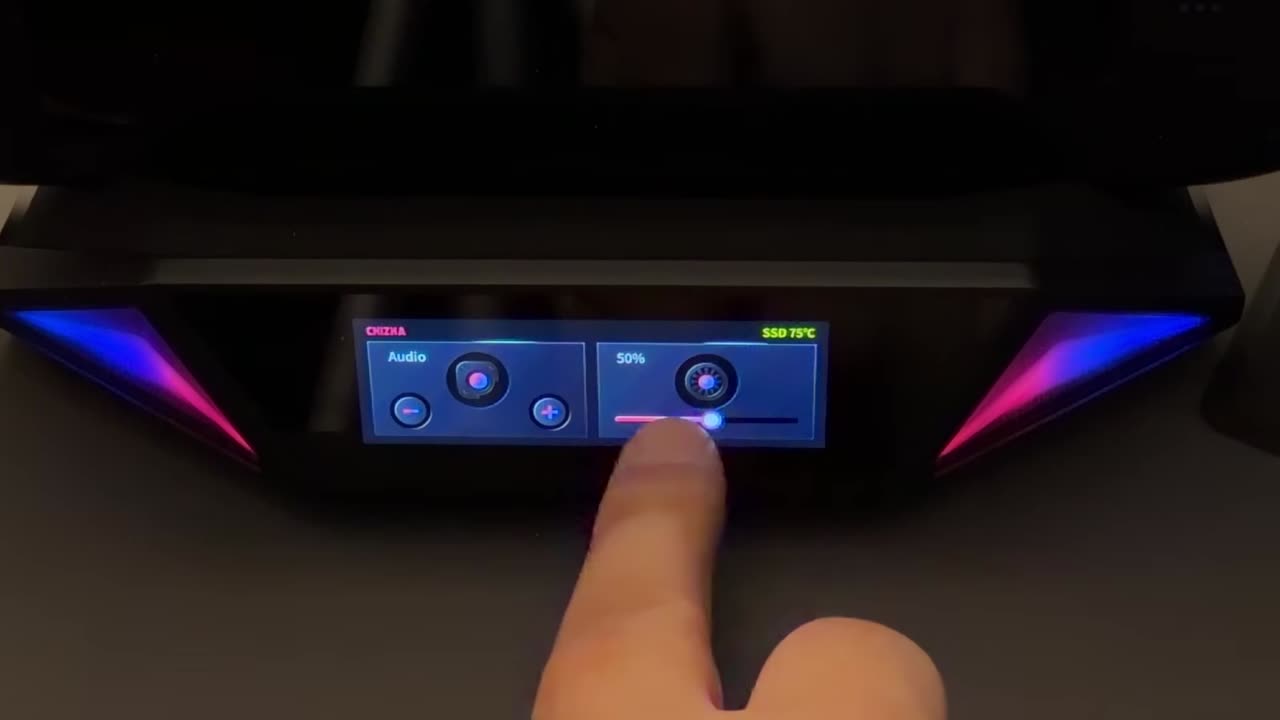
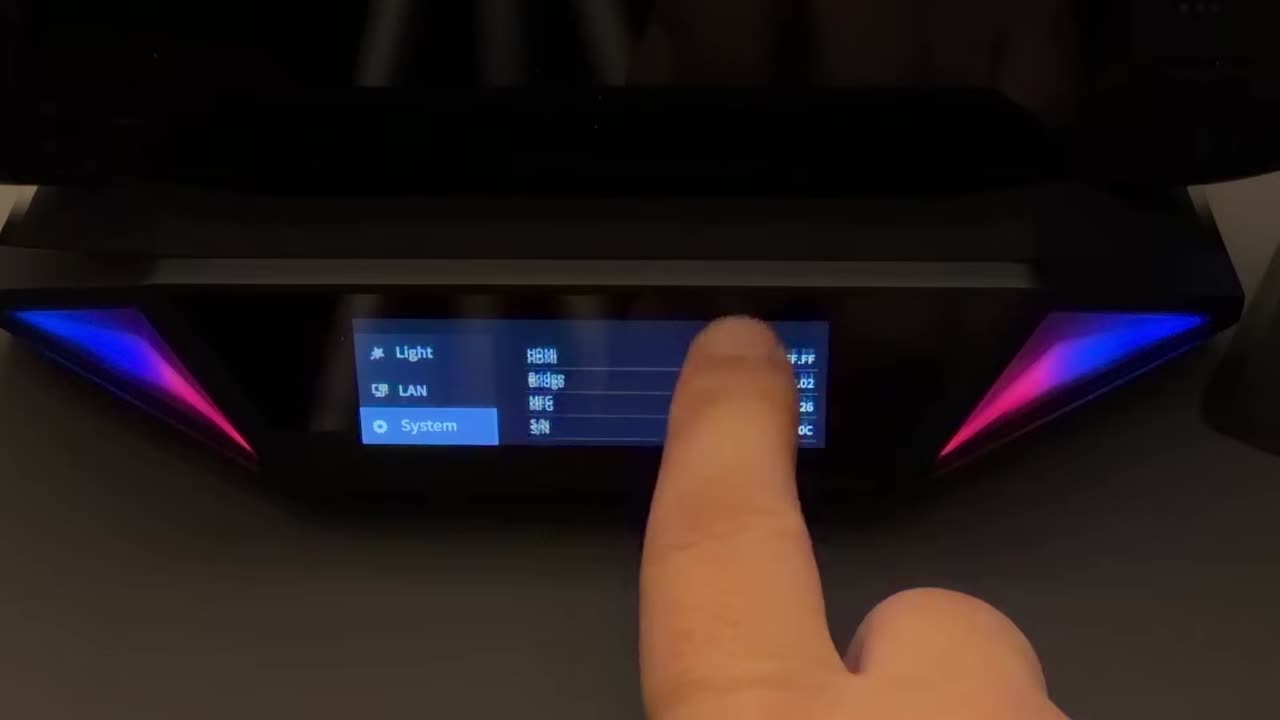
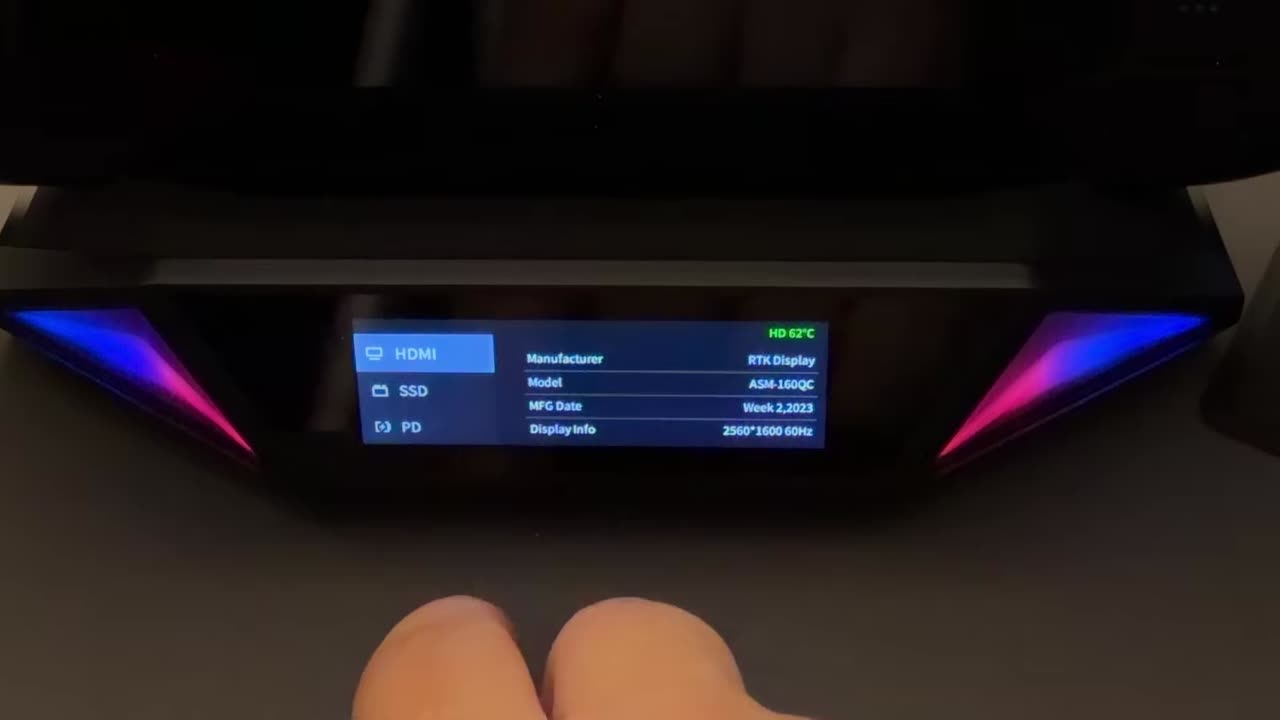
The display has been great overall. It's a little touchy, and I sometimes had to swipe a few times to get it to work, but it gets you to all the settings you need, and I do like having that heads-up information.
Windows handhelds
It's not just for the Steam Deck. I tried my Xbox Ally X, Legion Go 2 and OneXPlayer 3, and they all worked just fine. I used the OneXPlayer 3 the most, docked, and input latency and everything felt great. The front display updates to whatever you're outputting, so with a game at 1080p on my 2K monitor, it showed 1080p. If you're in a hotel room or anywhere without a monitor, it also does a great job just keeping your device charged and giving you a nice place to set it.
Switch 2
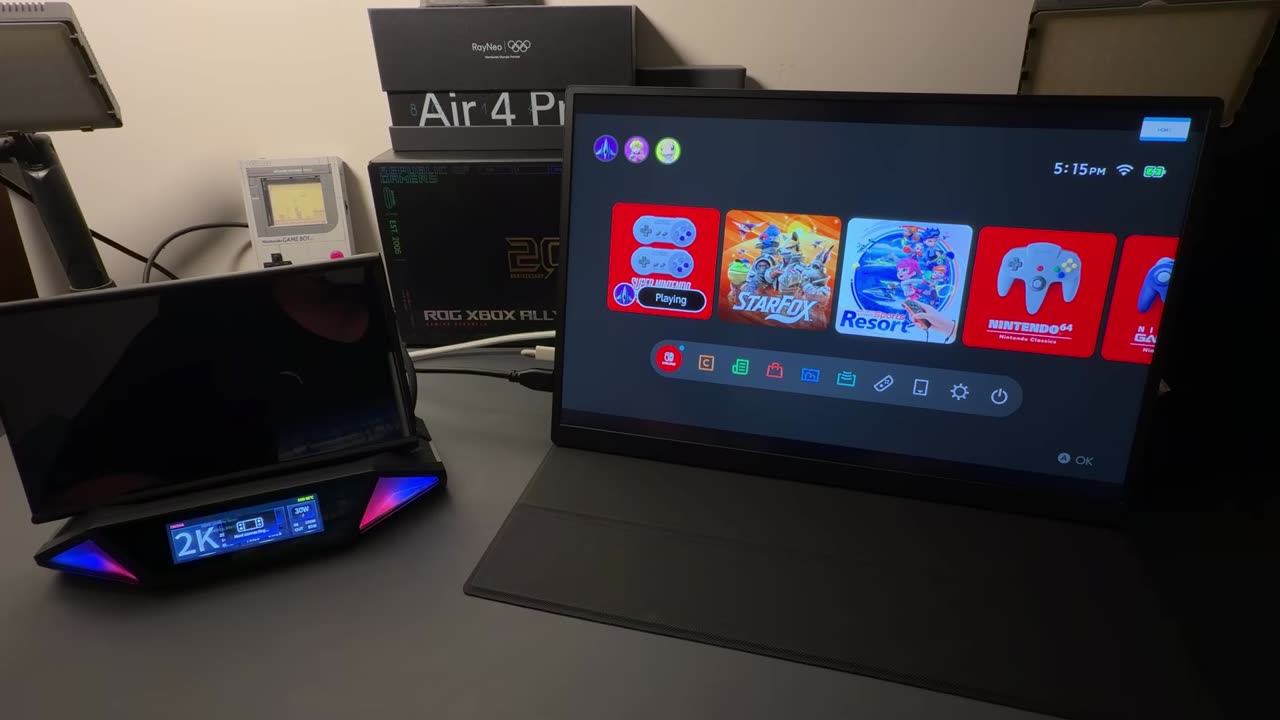
The Switch 2 is a little quirky. In the dock's HDMI settings, switch to legacy mode, then restart the dock. After that, the Switch 2 docks just fine.
The Switch 2's top port doesn't allow docking, which is how Nintendo set it up, so you need to use the bottom port. You could flip the Switch 2 upside down to plug in. I did that just to make sure it would connect, but I wouldn't recommend playing that way for long because of the vents on top. The better option is the included angle adapter: plug it into the bottom port, and the cable sits in the groove in the dock's rubber pad without putting pressure on anything. Nobody told me that's what it's for, but I'm sure it's intended. That's how I played and tested it, outputting 2K, with no problems.
Capture
For streaming or capturing, I brought the setup over to one of my PCs with OBS. There isn't much input delay. I can notice a little, but it's pretty clean, and recording gave me no problems. I didn't get to compare the footage against the Elgato internal card I use for all my captures, but from what I saw in person, I think it's pretty close to what I'm used to from my other cards.
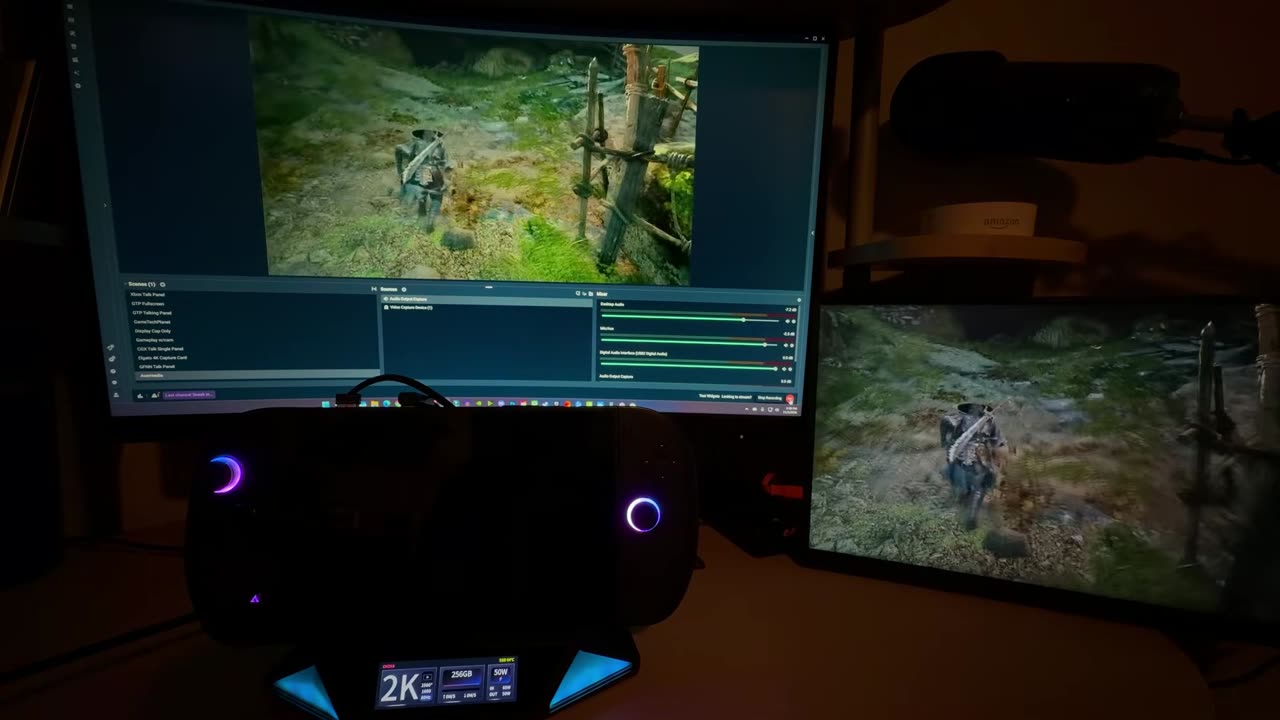
The biggest miss for me is that you can't record directly to the SSD without a PC, at least not that I've seen yet. Other capture docks I've tested can record to memory on the device itself, which is handy if you're traveling or away from your PC and just want to record some gaming. Maybe it'll come with launch or a firmware update, but I don't know what the hardware limits are.
Build quality
Yes, it's all plastic, but the build quality is fine. I've had it for a few weeks with no problems.
Verdict
Other than some quirkiness here and there and the missing onboard recording, it's been a nice, decent dock. Every device connected and showed up fine, the touchscreen works, and capture to my PC looked good. Early bird pricing is pretty good, and getting it for under $200 would be a good deal. At the $250 expected retail it might be pushing it for a lot of people, but it would be a lot more appealing at that price if it could record without a PC. It's a decent capture dock that does a lot for a lot of different devices, especially if you're recording, streaming or getting into that.
Want more handheld tests?
New Steam Deck, ROG Ally, Legion Go and Steam Machine performance videos every week.