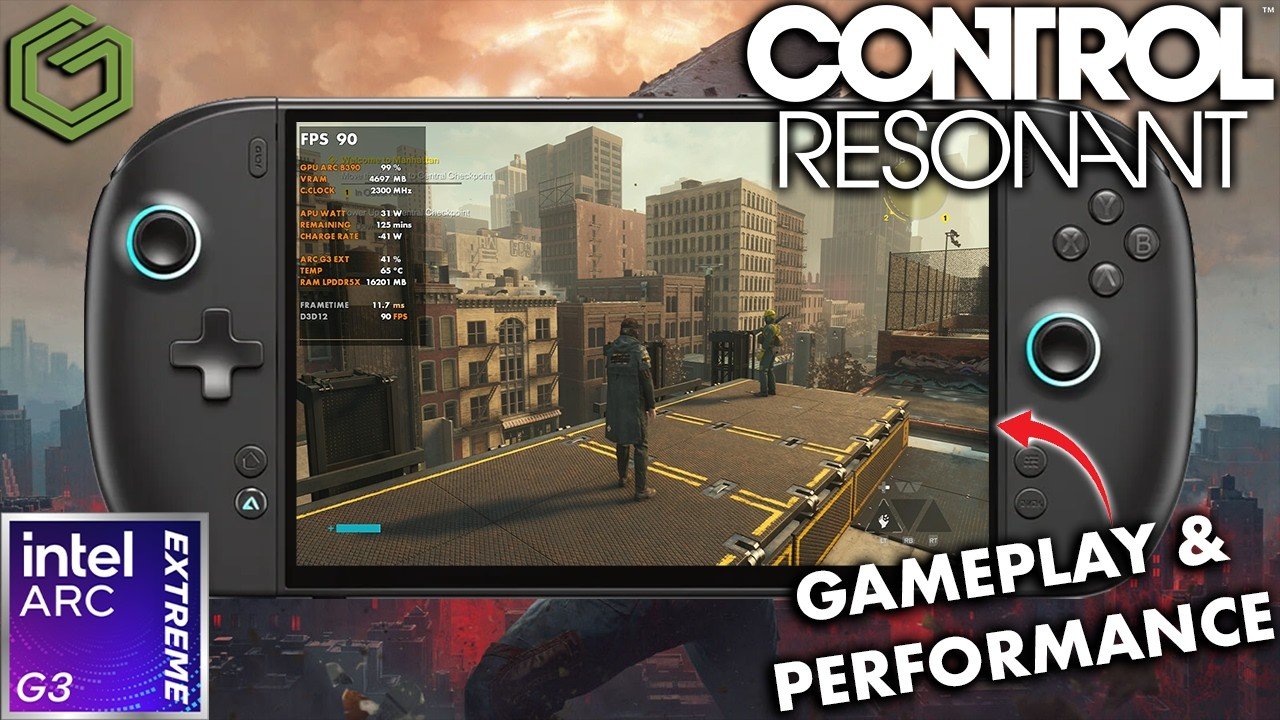
 ▶Watch on YouTube
- Control Resonant launched with a lot of performance issues, but the G3 Extreme can brute force its way through.
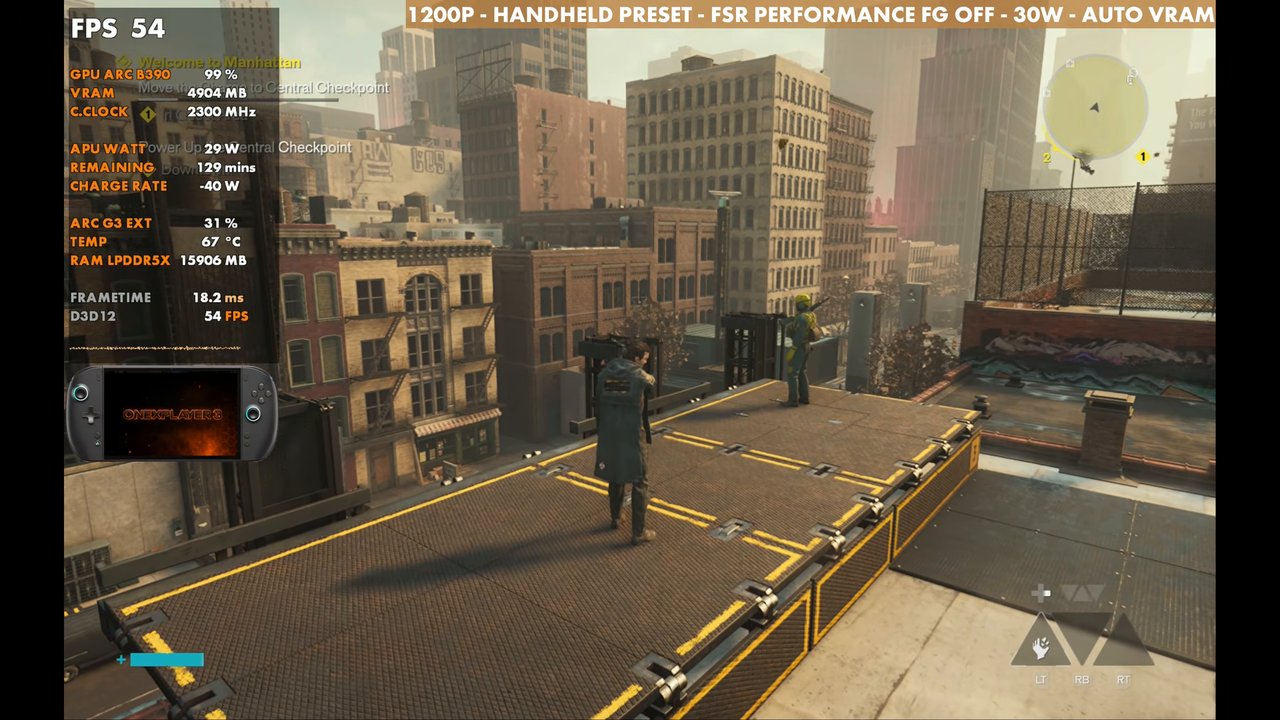
- 1200p, FSR Performance, Handheld preset, 30W: low to mid 50s in my test spot, with a lot of variation in the city areas.
- 20W does OK. 35W didn't gain much over 30W in this game.
- Frame gen does OK thanks to a decent base frame rate, with some input latency and jank.
Intel's third-generation Arc G3 Extreme is what I'm most interested in right now, and for now the OneXPlayer 3 is what I have it in. Control Resonant launched with a lot of performance issues and is hard to run on a lot of hardware, so performance is a little hit and miss. With a bit of brute force from the G3 Extreme, though, we can get through that and play.
What I tested
- Xbox mode, Steam version
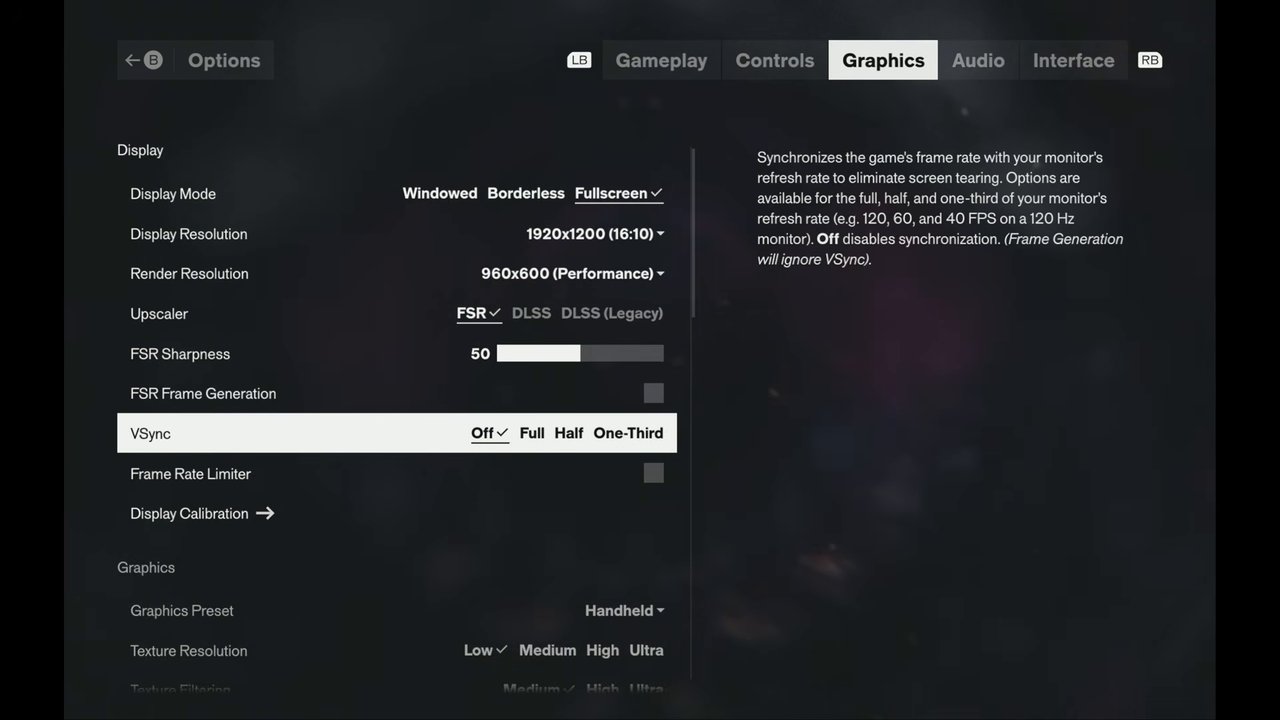
- 1200p fullscreen
- Upscaling: FSR Performance (Quality and Balanced checked too)
- Handheld preset, later with high textures
- Ray tracing off for now, post-processing off
- 30W focus, with 20W and 35W checked
Performance
Out in the city areas, performance varies a lot. You'll get higher FPS in general in the inside areas. I tested in one rooftop spot (overlay readings, standing still):
- 30W, FSR Performance: 54 FPS
- 20W: about 49 to 50 FPS
- 35W: about 52 FPS, so no real gain over 30W here
- FSR Balanced: around 51 FPS
- FSR Quality: about 10 to 12 FPS lower than Performance (44 on the overlay)
Like Black Flag and a few other games, 20 to 35W is a pretty good range, and 20W does OK. In busy combat with a lot of effects on screen, that's where you'll feel the GPU losing power. I didn't see much improvement at 35W over 30W in this game, though it might help hold GPU clocks when the CPU starts demanding more. You could also just drop to 800p instead of using more FSR, but I didn't want to go that route.
Frame generation
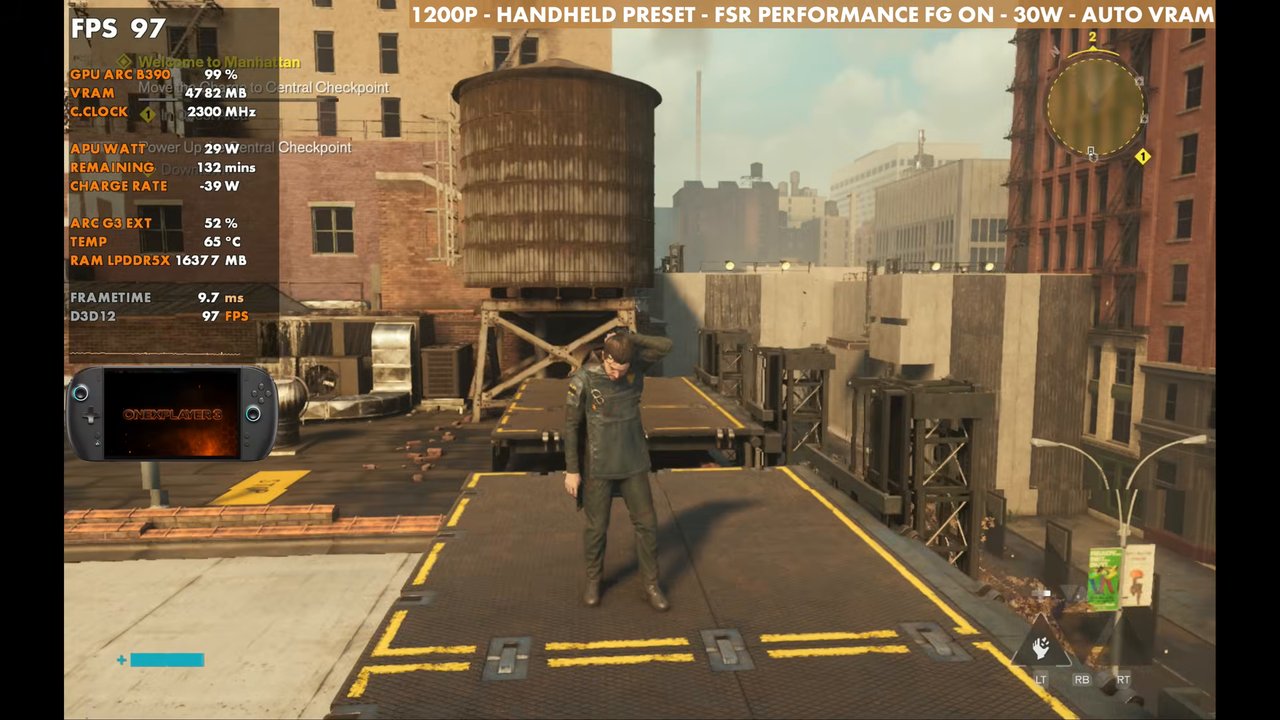
Frame gen does OK here since we can get a pretty decent base frame rate. In the same spot, the overlay read 97 FPS with it on at 30W. It does have a bit of input latency and gets a little janky depending on where you're at. Patches could definitely improve it, but you can use it if you want to.
Higher presets
Going from Handheld to Medium raises a few things, and you lose a little performance. You can get away with that, especially with a lower resolution or more FSR. The High preset read about 48 FPS on the overlay in the same spot, but when things get busy in combat you'll drop into the 30s even with High. Ultra can run sitting up on this building (about 37 on the overlay), but it gets pretty rough, and I wouldn't be surprised to see it go under 30 FPS in heavier areas.
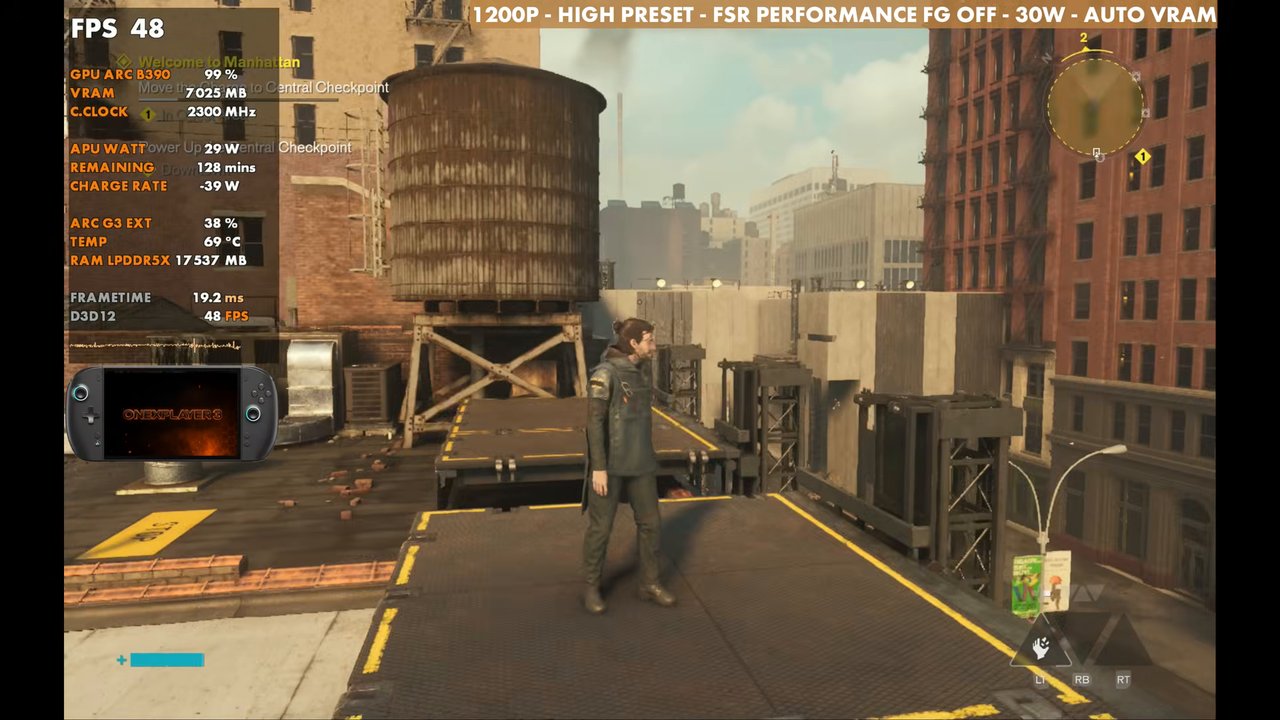
What I'm mostly using is the Handheld preset with high textures and everything else pretty much left alone, with ray tracing and post-processing off. That keeps it high enough that I'm OK with or without frame gen, inside or outside, without constant adjusting. If you're OK with 30 to 40 FPS, you can raise the settings or use less FSR.
Verdict
Control Resonant is suffering at launch, and I'm having trouble running it on a lot of devices, especially the Steam Deck. With the G3 Extreme you can brute force through some of that, go higher on settings if you want, and run it decently enough. It looks great on the OneXPlayer 3's OLED screen. I haven't tried the MSI Claw or the new Acer Predator with this chip yet.
Want more handheld tests?
New Steam Deck, ROG Ally, Legion Go and Steam Machine performance videos every week.