 ▶Watch on YouTube
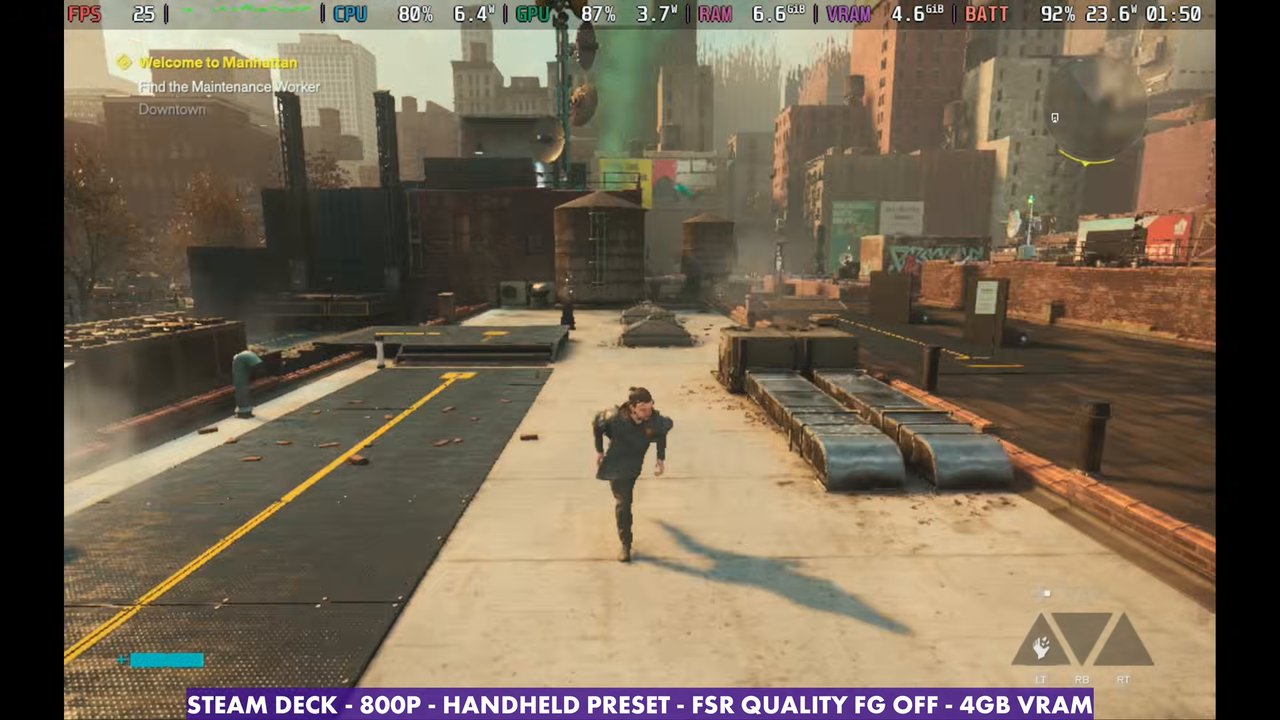
- On the Steam Deck it isn't very playable right now: 20 to 32 FPS in the open areas at 800p with the Handheld preset, plus a lot of stutter.
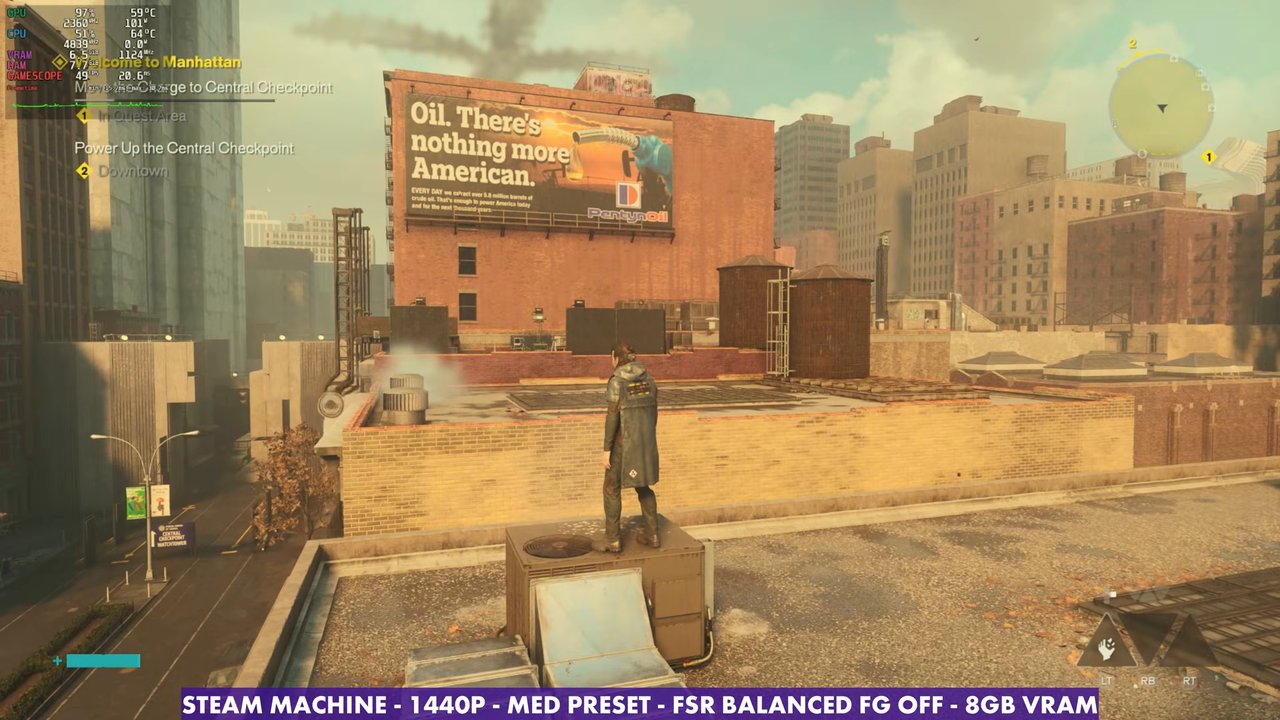
- The Steam Machine does a lot better: 1440p Medium with FSR Balanced sits around 54 FPS standing still.
- Ray tracing crashes the game on SteamOS right now, so leave it off on both.
- Frame gen is there but janky, with noticeable input latency. I'd rather play without it.
Control Resonant doesn't run that great on the Steam Deck, and it struggles on the Steam Machine as well. It's definitely more playable on the more powerful Steam Machine, though. I tested the Deck first, then moved over to the Steam Machine to see how much room the extra power gives you.
Steam Deck: what I tested
- 800p fullscreen, V-Sync off
- Upscaling: FSR (Balanced, Quality and Performance tried; the labels show which one)
- Handheld preset
- Ray tracing off: it crashes the game on SteamOS
- Post-processing and motion blur off (my preference)
- 4GB VRAM
Raising anything on the Deck isn't a great option, and there isn't much more to turn off either. Even turning off SSAO didn't gain anything, so I left it alone.
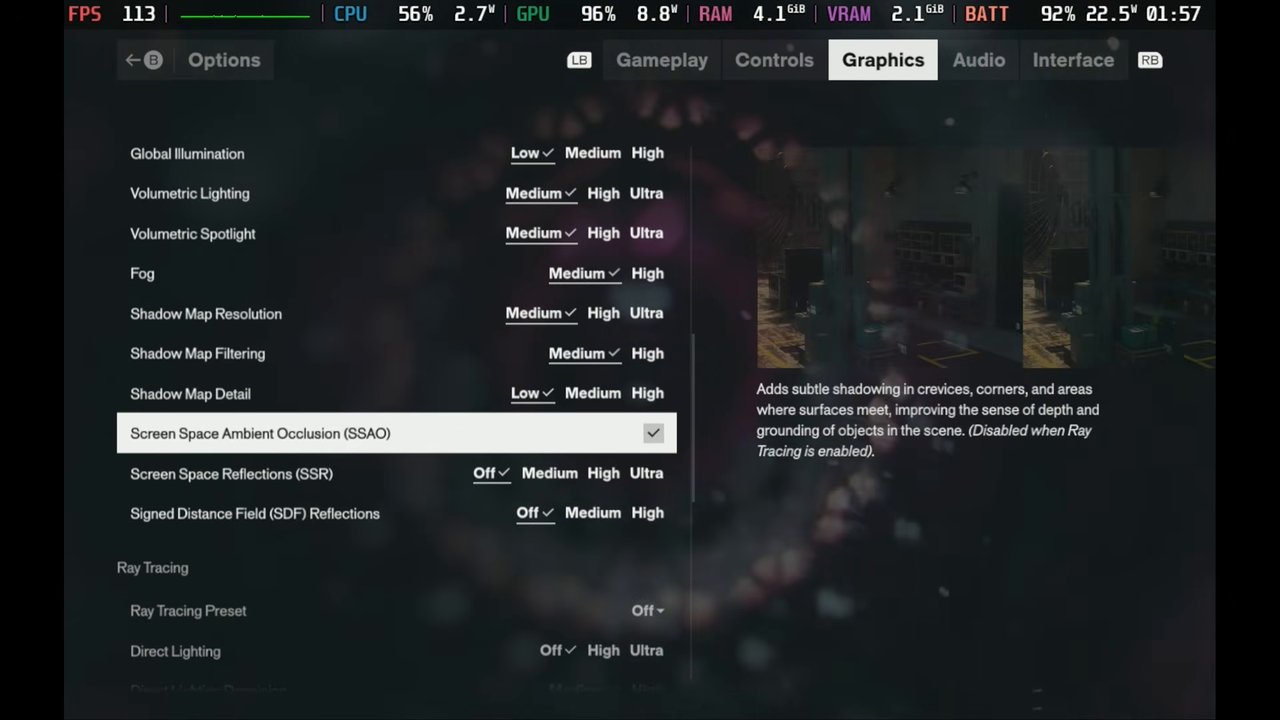
Steam Deck performance
Out in the open-world areas, outside the buildings, you're at about 20 to 30, maybe 32 FPS, depending on what's going on. Inside buildings it depends on whether you're in combat: it can still drop to about 30 to 35 FPS or go up into the 40s or 50s. There's a lot of stutter, frame drops and general challenges for the Deck here.
FSR Performance gains a few FPS, but the image gets muddier, especially in combat with more effects on screen. FSR Quality loses another FPS or two compared to Balanced. With performance like this, the image quality difference probably isn't going to matter much to you anyway.
Frame gen is an option, but it doesn't work great in this game even on good hardware, and it's worse with such a low base frame rate. There's a good bit of input latency and it's a bit janky. If you do use it, setting a manual GPU clock around 1500 to 1600 helps a little. I'd rather play without it, especially in combat.
Steam Machine: what I tested
- Dedicated GPU with 8GB VRAM, 16GB system RAM
- 1440p and 1080p, FSR upscaling
- Medium and High presets
- Post-processing off, ray tracing off (it crashes the game right now)
- Frame gen off unless noted
The Steam Machine is still a 1080p to 1440p machine with or without FSR, depending on the game, and sometimes 4K with FSR. For this game it's 1440p or 1080p, and definitely with some FSR.
Steam Machine performance
All of these are standing still in the same spot:
- 1440p Medium, FSR Quality: about 49 FPS
- 1440p Medium, FSR Balanced: about 54 FPS, in the 50s and sometimes dipping a little under
- 1440p Medium, FSR Performance: about 60 FPS, around 6 more
- 1440p High, FSR Balanced: about 49 FPS
- 1080p High, native: about 44 FPS, dipping into the low 30s in combat
- 1080p High, FSR Quality: around 60 FPS
- 1080p Medium, FSR Quality: around 60 to 70 FPS, higher indoors and a little lower in combat
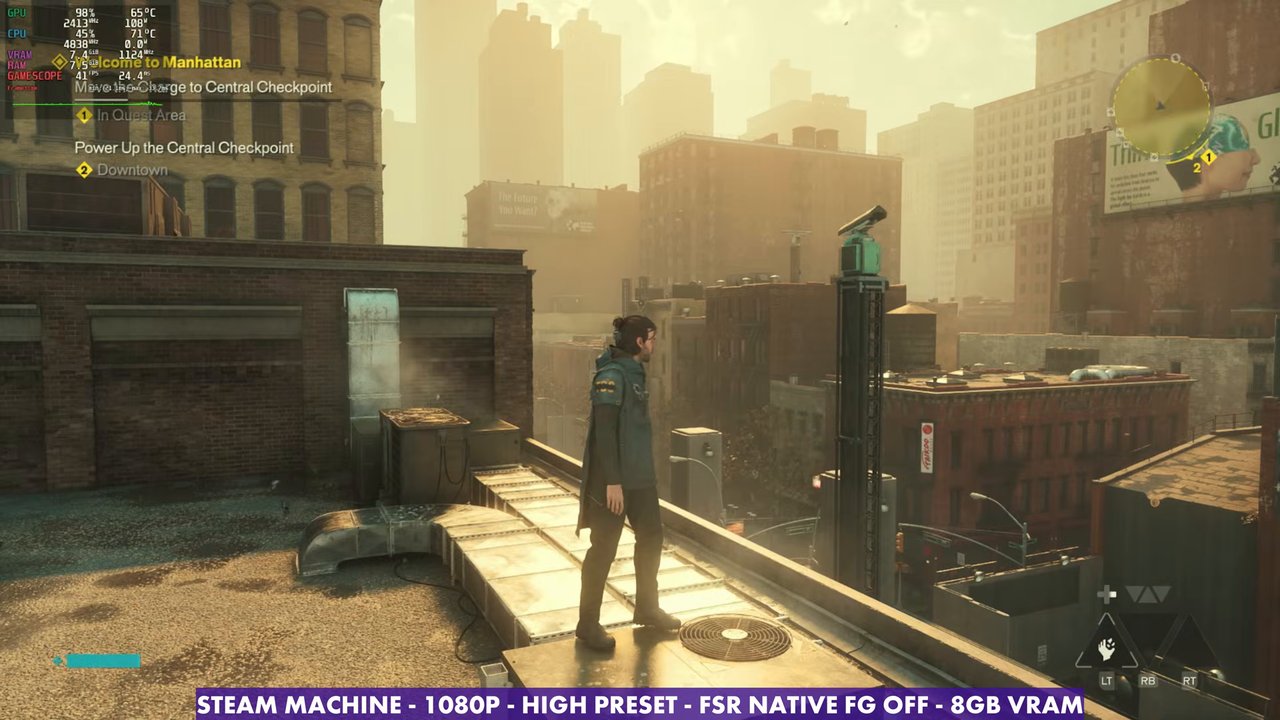
Frame gen feels a little better on the Steam Machine, but there's still input latency and it's a bit janky. I've played a lot of games where frame gen is actually really nice, and this just isn't one of them, at least at launch.
Verdict
Control Resonant is not in a great place on the Steam Deck right now. It's low FPS with a lot of stutter, and I'm hoping for patches and some attention to the Deck. The Steam Machine is way more playable. It's not the best, but between 1440p and 1080p with some FSR and the Medium or High preset, you can find settings that get you through.
Want more handheld tests?
New Steam Deck, ROG Ally, Legion Go and Steam Machine performance videos every week.