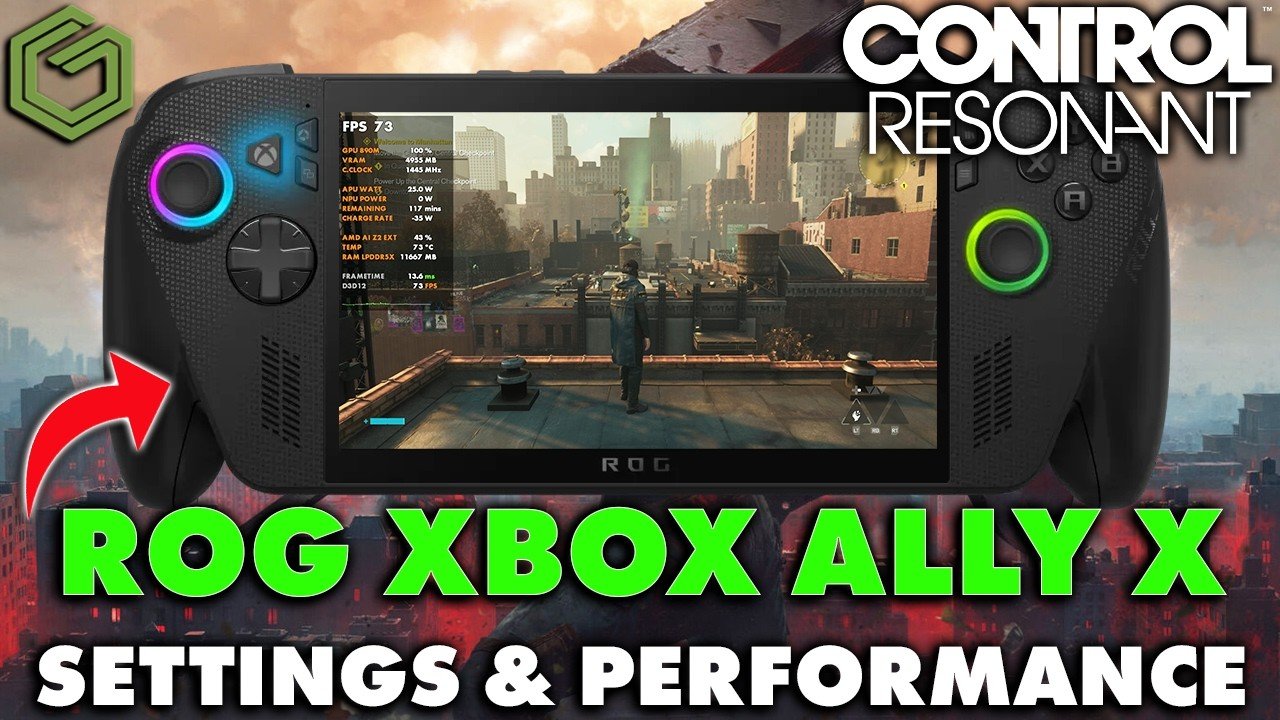
 ▶Watch on YouTube
- Playable and adjustable: about 30 to 50 or 30 to 60 FPS before frame gen, depending on your settings.
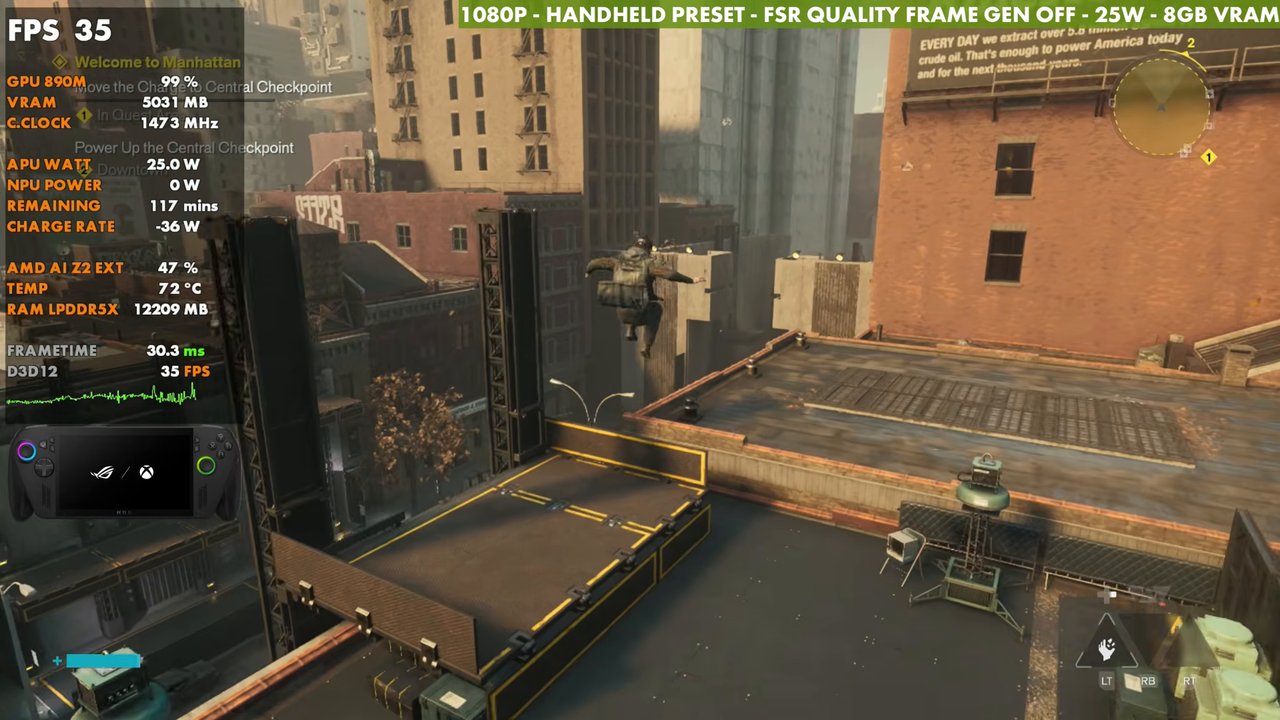
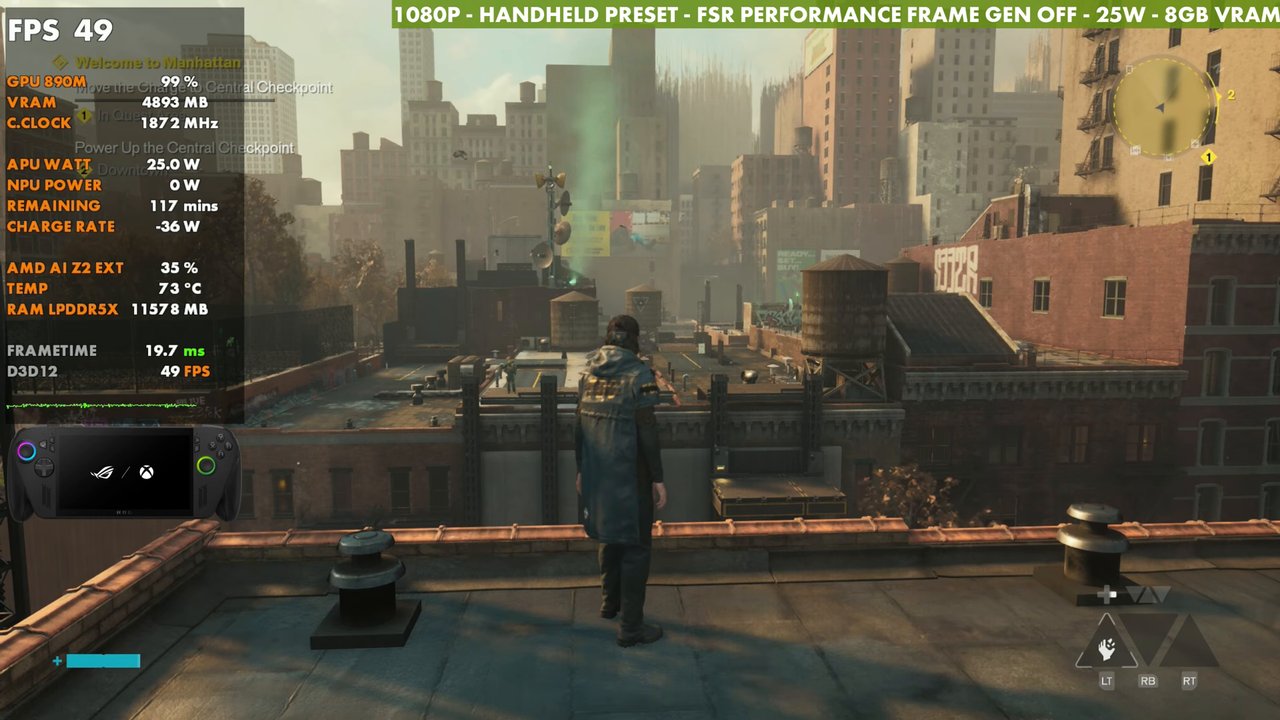
- At 1080p, 25W, Handheld preset: FSR Quality about 35, Balanced about 45, Performance about 49 standing still.
- Frame gen is a little janky, but with a decent base frame rate you can get away with it.
- 35W adds about 6 FPS on average over 25W. 30W lands in between.
I've already tested Control Resonant on the Steam Machine, the Steam Deck and the OneXPlayer 3 with Intel's G3 Extreme, and the G3 Extreme handles it best. On the ROG Xbox Ally X with the Z2 Extreme, though, it's actually pretty playable, and you can adjust it to land around 30 to 50 or 30 to 60 FPS before any frame gen, depending on what you prefer.
What I tested
- Xbox mode (it can help a little with resources, and it's just the easier way to go)
- 1080p fullscreen, V-Sync off (expect tearing in the capture that won't be there on the VRR display)
- Upscaling: FSR Quality, Balanced and Performance
- Handheld preset to start, ray tracing off, post-processing off
- 25W focus, with 30W and 35W checked, 8GB VRAM
Upscaling at 1080p
Standing still on the Handheld preset at 25W, with no frame gen:
- FSR Quality: about 35 FPS (overlay), and it'll most likely dip under 30 in busy combat
- FSR Balanced: about 45 FPS, around 10 more
- FSR Performance: about 49 FPS
The gameplay later in the video uses FSR Performance. You can also lower the resolution: 900p with FSR Quality matches 1080p with FSR Performance, with a little less upscaling. Balanced or Performance at 900p, or even 720p, gains even more FPS if that's what you want.
Frame generation
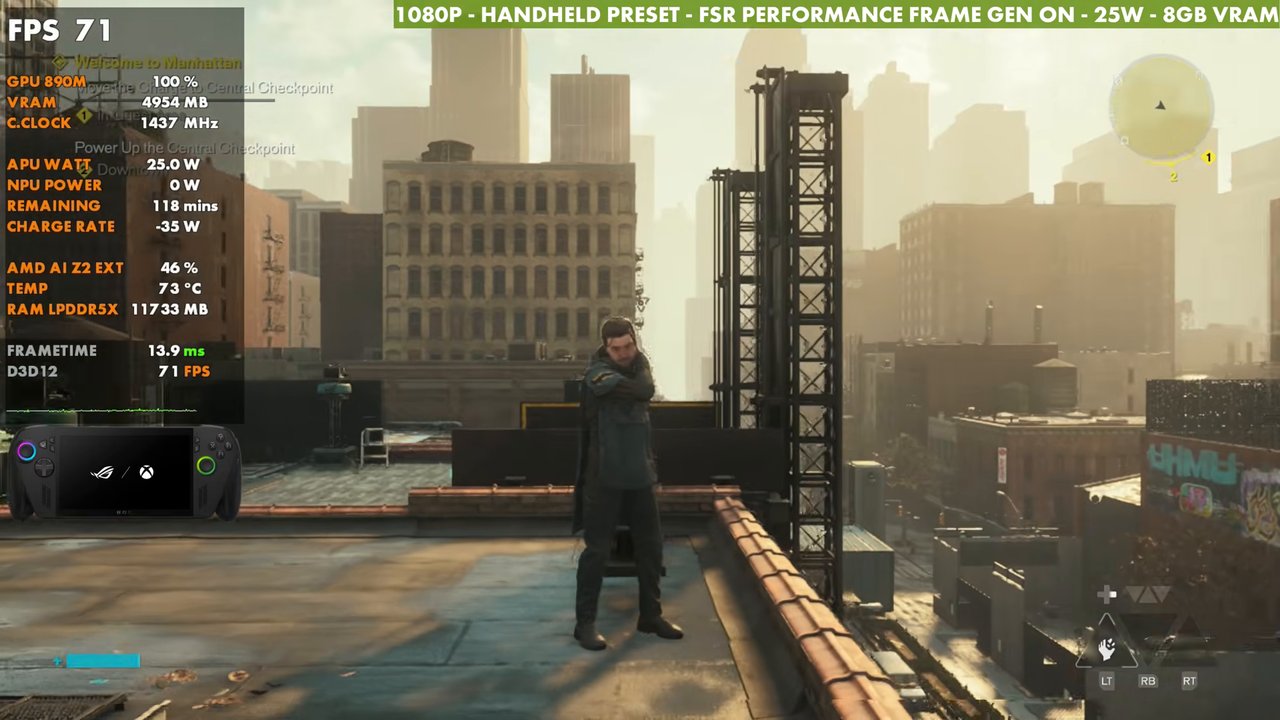
With the Handheld preset, FSR Performance and 25W, turning frame gen on does a pretty decent job; the overlay read 71 FPS in this spot. Frame gen is a little janky in this game and adds a bit of input latency, but with the higher base frame rate you can get away with it just fine.
Presets and my custom settings
The Medium preset loses a little performance and gets tougher in combat. I don't think the High preset is the way to go here (the overlay read 36 standing still). You might want to set some individual settings to High and mix it up instead.
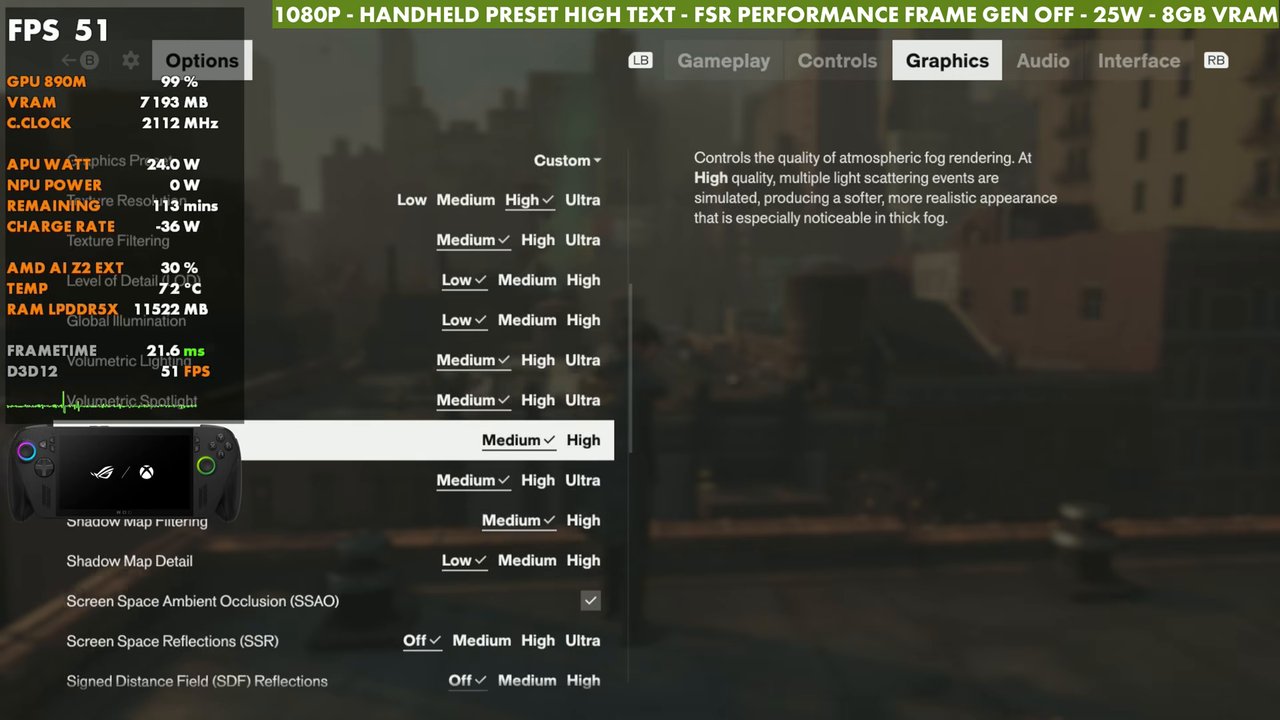
What I've mostly been using is a custom setup: the Handheld preset with high textures, ray tracing off, post-processing off and FSR Performance.
25W vs 30W vs 35W
You can also run 35W, handheld or plugged in, if you're docked and want more out of it. I set up a manual 35W. It jumps up at first, then settles in, and on average it gains about 6 FPS, a little more or less depending on where you're at. In this spot that was about 56 FPS at 35W and about 53 at 30W, versus about 50 back at 25W. The extra 10 watts doesn't gain you a ton, but it helps when things get busy and the CPU needs to keep up.
Verdict
Control Resonant isn't running great on a lot of hardware at launch, but on the ROG Xbox Ally X it's workable. 1080p with FSR Performance and the Handheld preset with high textures at 25W worked out fine for me, with or without frame gen, and 35W is there if you don't mind the battery burn or you're docked.
Want more handheld tests?
New Steam Deck, ROG Ally, Legion Go and Steam Machine performance videos every week.