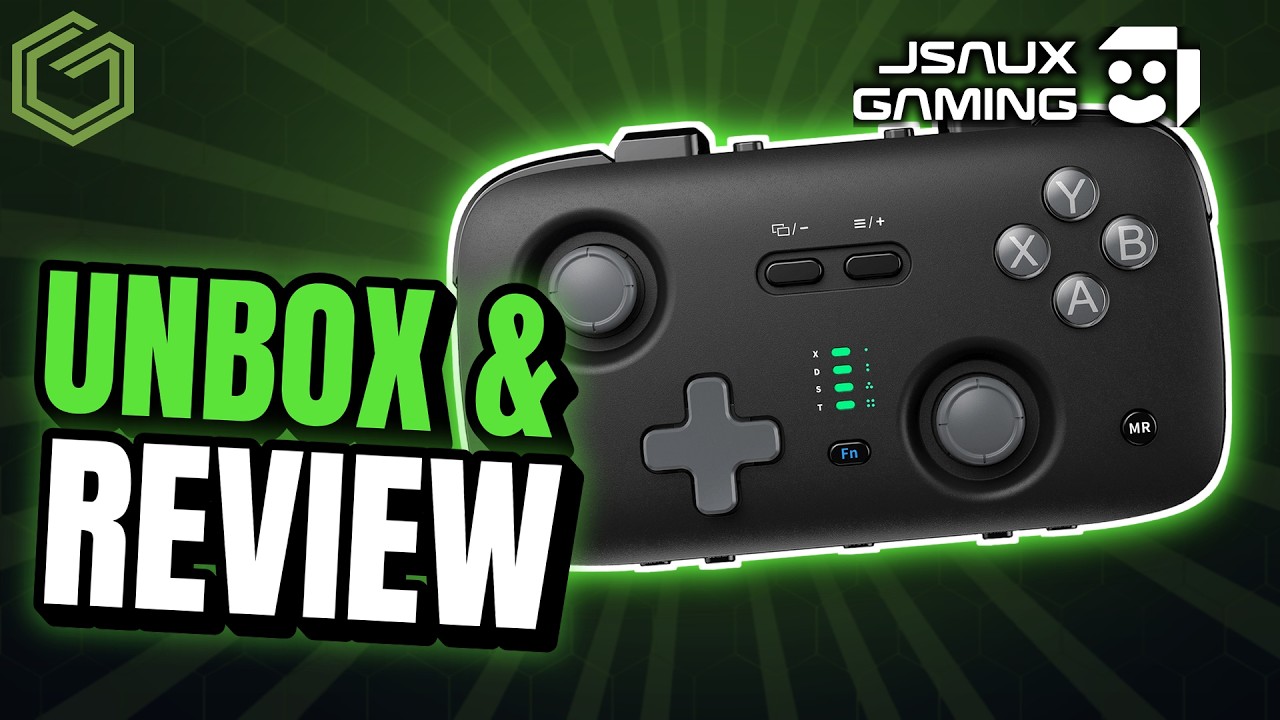
 ▶Watch on YouTube
This one's a controller review. JSAUX sent over a couple of its SkyLark S1 Pro portable controllers, and I've been using them for about a month on different handheld PCs and my Switch 2. They've worked well, there are a ton of modes and settings you can customize in the app, and for their size they've been pretty comfortable for a portable controller.
Disclosure: JSAUX sent these two controllers over for review, but like always, my opinions are my own. The JSAUX link below is an affiliate link, so I may earn a commission if you buy through it.
- A pocket-size controller with recessed TMR sticks, full analog triggers, dual rumble motors and the KeyLinker app.
- Connects over 2.4G (USB receiver in the box), Bluetooth or USB-C, with four modes including Xbox and Switch.
- Worked on the OneXPlayer 3, Xbox Ally X and Switch 2. The Switch 2 took me a few tries wirelessly; plugging in once to pair was super slick.
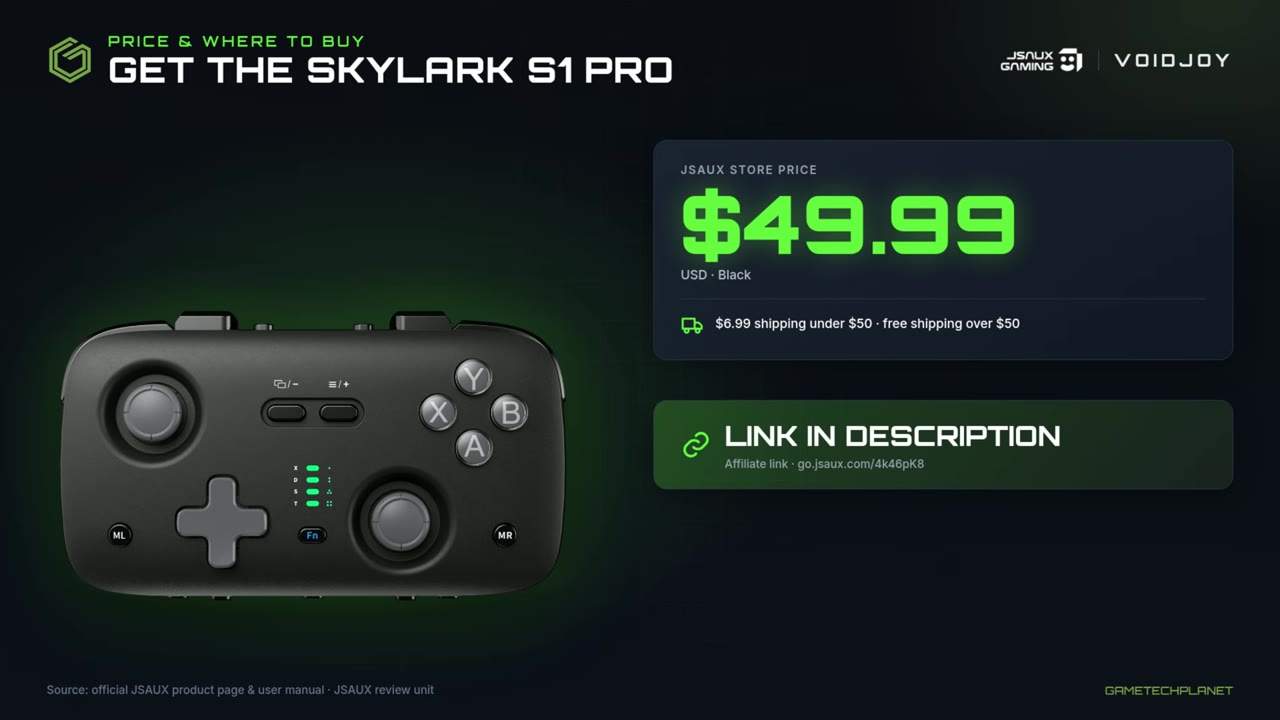
- $49.99 on JSAUX's site at the time of the video. In today's market, 50 bucks isn't that bad for something like this.
Price and specs
JSAUX's site listed the SkyLark S1 Pro at $49.99 at the time of the video, and there may be sales on and off depending on when you're reading this. The product page has plenty of information on the TMR joysticks, the buttons, what you can and can't connect to, and links to the full guides.
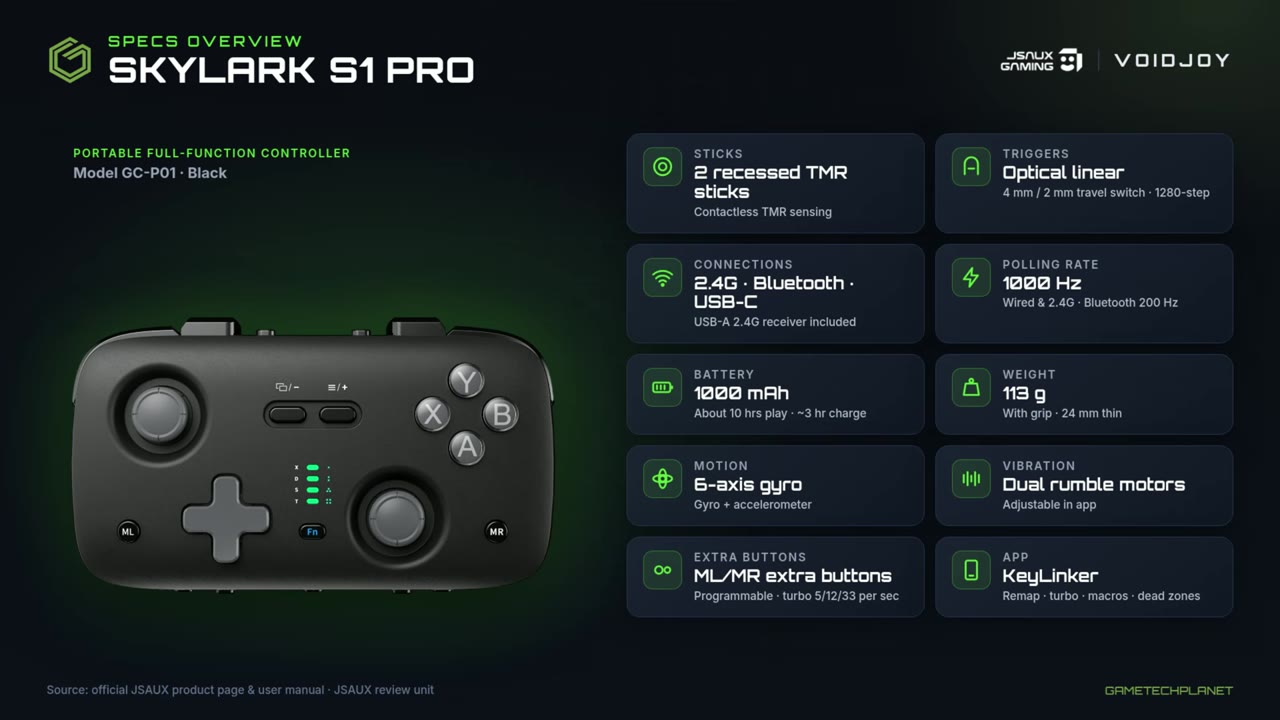
Here's the spec overview from the video, based on JSAUX's product page and user manual:
- Sticks: 2 recessed TMR sticks (contactless TMR sensing).
- Triggers: optical linear, with a 4 mm / 2 mm travel switch (1280-step).
- Connections: 2.4G, Bluetooth and USB-C, with a USB-A 2.4G receiver included.
- Polling rate: 1000 Hz wired and 2.4G, 200 Hz over Bluetooth.
- Battery: 1000 mAh, about 10 hours of play and about a 3-hour charge.
- Weight: 113 g with grip, 24 mm thin.
- Motion and vibration: 6-axis gyro and dual rumble motors (adjustable in the app).
- Extra buttons: programmable ML/MR buttons, turbo at 5/12/33 per second.
- App: KeyLinker for remapping, turbo, macros and dead zones.
Most devices are supported, but some aren't, like Xbox consoles and the PlayStation 5, and there's no NFC. It's worth checking JSAUX's list before you buy.
JSAUX SkyLark S1 Pro controller (affiliate link)
go.jsaux.com/3ULTB0R
Unboxing and feel
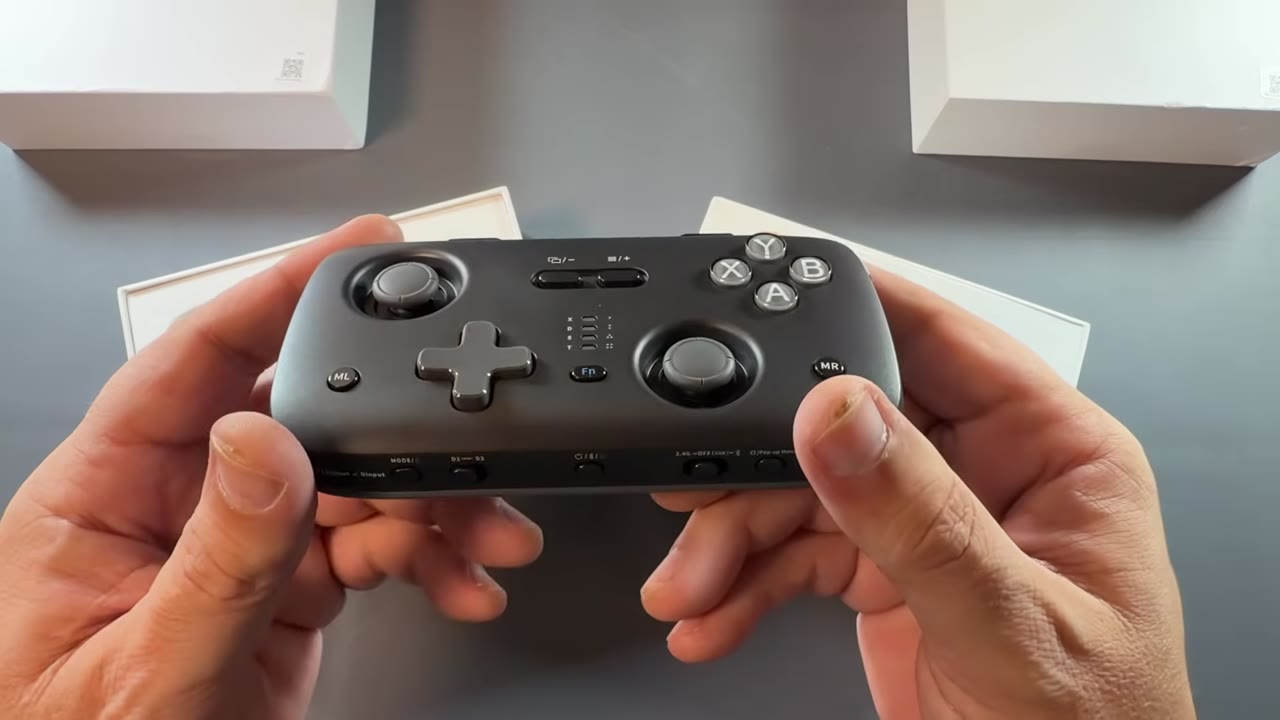
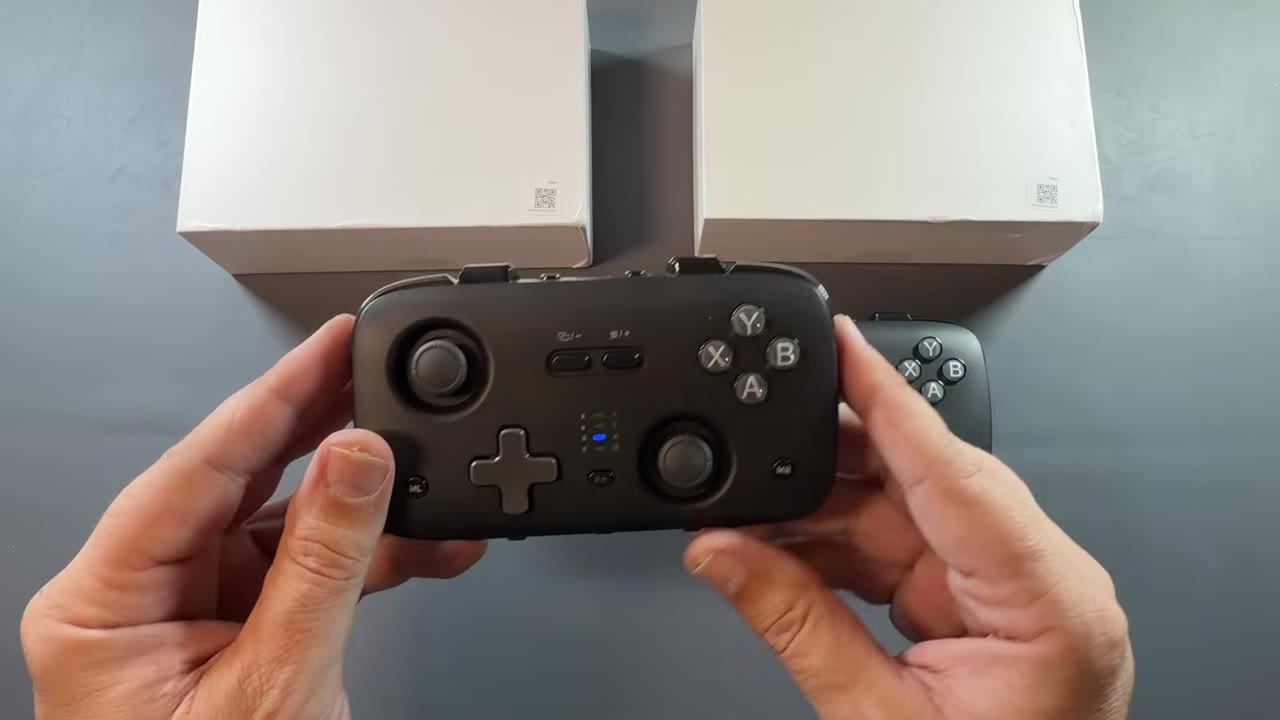
Both controllers are the same, but since I got two, I opened both up. They're slightly bigger than I expected when I first heard they were headed my way, but it still fits in my hand. Long gaming sessions are going to be a little harder on something this size, but it works better than using a single Switch Joy-Con by itself. All in all, it felt pretty good in the hand. Even the plastic doesn't feel too bad, and the sticks felt great.
In the box you also get the 2.4G receiver for a USB port. You may need a USB-C adapter to use it on some handheld PCs and other devices. There's also a USB cable so you can charge and connect directly. If you're using the Switch 2, I recommend connecting with the wire first to pair it, though I did get it working wirelessly too.
You get all your buttons, from RB and RT to LB and LT, and the triggers work in a racing game for speed and acceleration, so you have full functionality there. There are trigger locks next to the USB-C port. On the bottom are the mode button (four modes, including Xbox and Switch), the D1/D2 switches, the power button, a switch for 2.4G, off (USB connection) and Bluetooth, and the pop-up menu button. It's pretty well thought out, especially for such a small device.
The app
There's an app for phones and tablets. I used it on my iPhone. After a short tutorial, the controller shows up, and you can change the keys, set joystick sensitivity (low, medium or high), adjust the triggers, and set up motor controls and turbo buttons. The three-dot menu has tests, tutorials, advanced settings, factory reset and firmware updates. Mine was already up to date.
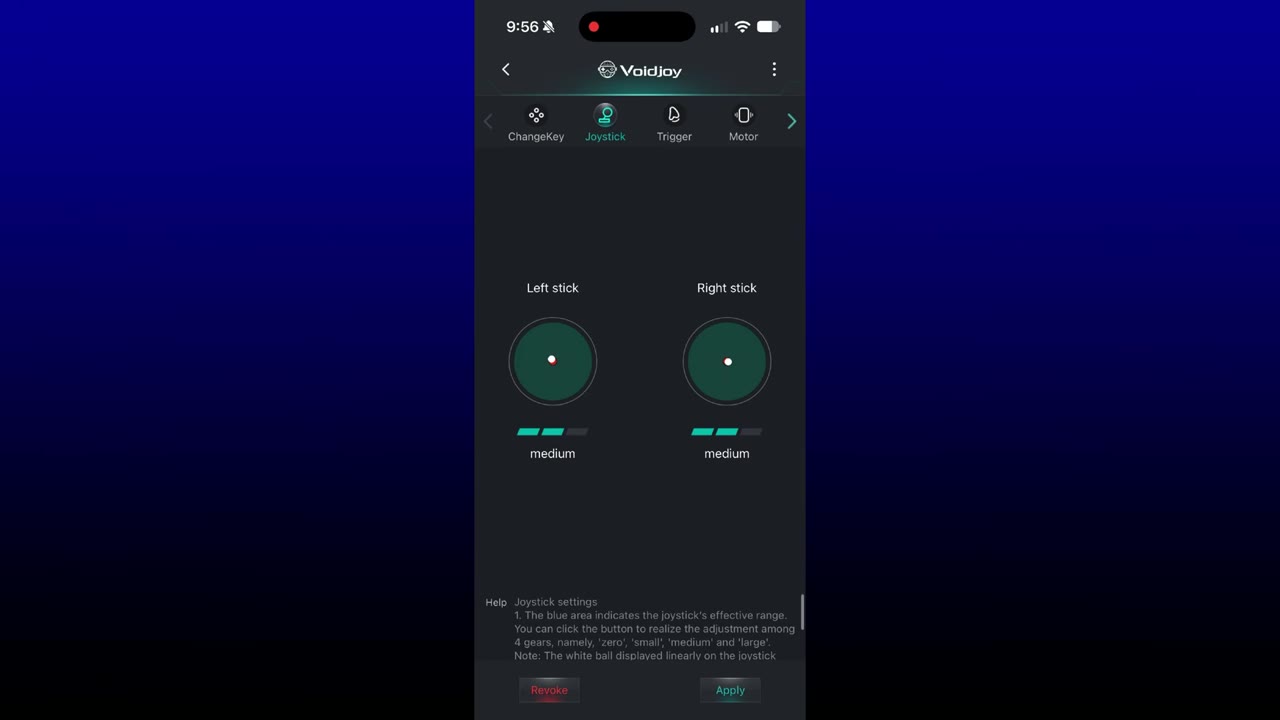
For the most part, I didn't do much customizing. Pretty much everything worked how I needed it to out of the box, but there's a ton you can do there.
On handheld PCs: 2.4G and Bluetooth
Most of my time was on the OneXPlayer 3, my Xbox Ally X and the Switch 2. On the OneXPlayer 3, I switched the controller to 2.4G and plugged the receiver into the handheld's full-size USB port. Turn it on, hold the button while it blinks, and it connects. The X mode light shows purple for Xbox controller mode.
I played some Call of Duty and Forza Horizon 6, mainly to see how those two felt on the triggers. I didn't jump into multiplayer with it yet; I was finishing up campaign stuff. I was surprised how decent those little triggers felt for aiming and shooting, and the same goes for racing. There's a little rock to them sometimes when you push them all the way down, mostly on the left side, but it's not a lot of wiggle and it didn't really bother me. Having the triggers on the other side of the LB and RB buttons is a little odd, but it works out fine for the design.
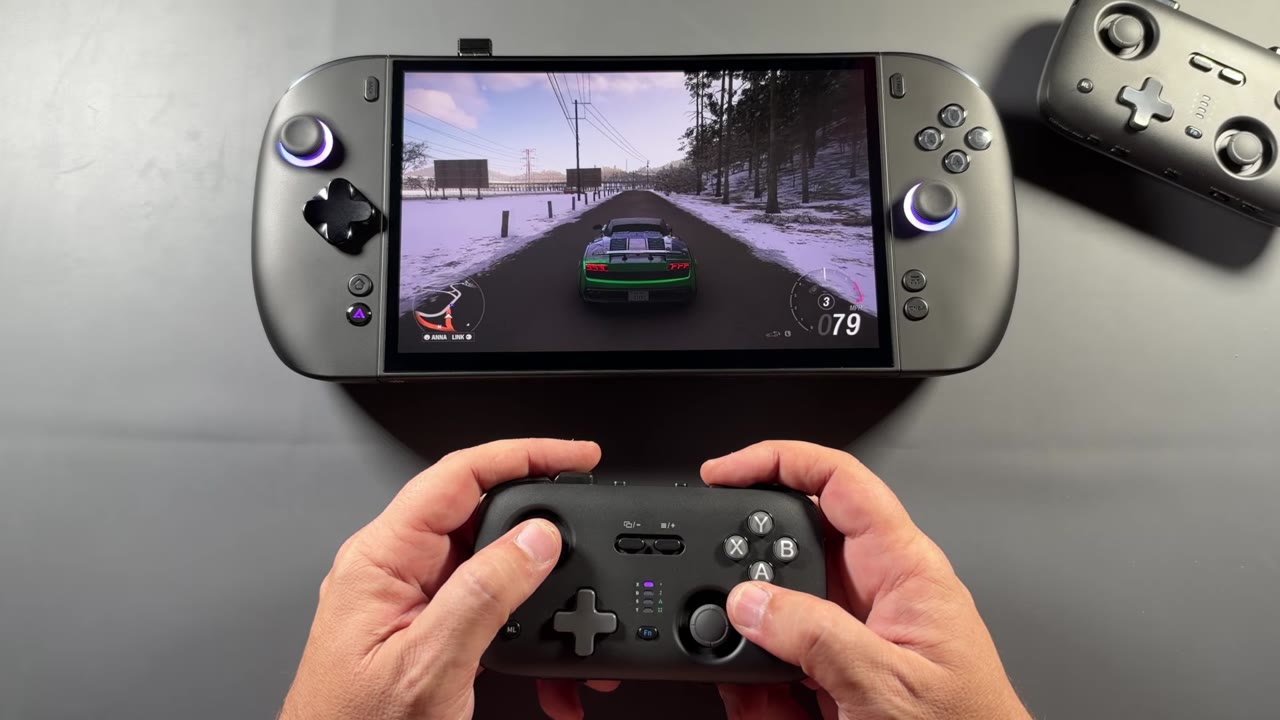
For Bluetooth, I pulled the receiver, moved the switch to Bluetooth, held mode until it was back on X, then held the power button until the light blinked. It popped up in the settings as an Xbox controller, and a second later the light stopped blinking and it was connected like any other Bluetooth controller. Either way, 2.4G or Bluetooth, everything worked fine in the same games. I've also used it on the Xbox Ally X a bit, and on the Claw the other day. They've been pretty versatile and work the way you'd expect.
On the Switch 2
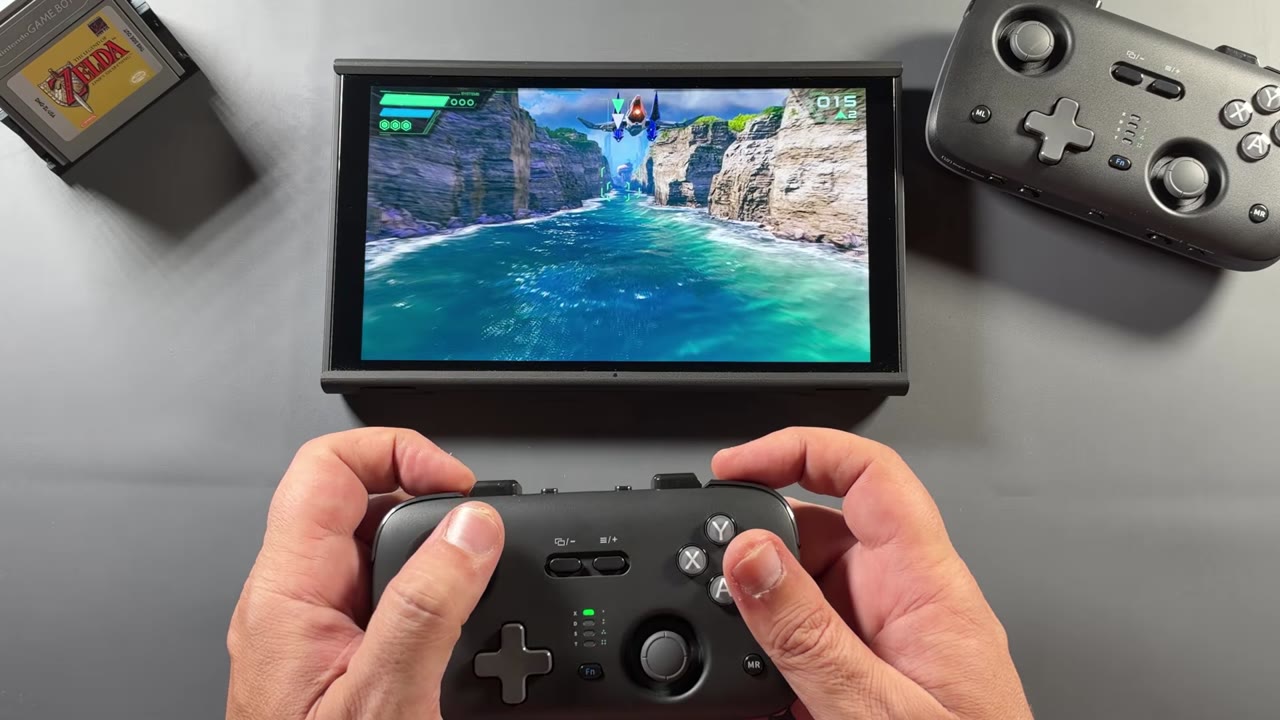
The Switch 2 can always be a little finicky. Getting it connected wirelessly took me some messing around. I had it in the right modes for Bluetooth and Switch, but it was tricky the first couple of times before it finally took. It was probably something on my end or a step I was missing. When I connected the second controller later, the easiest way was to plug the USB cable into the docked Switch 2: it pairs automatically, and then you can unplug it. That worked super slick.
Once connected, there were no problems at all. I played Star Fox, one of the games I've enjoyed most on the Switch 2 this year, plus some Mario Kart and some of the online classics, like Super Nintendo Earth Defense Force, a game I really liked growing up. It felt fine, and it kind of made sense as a Nintendo controller. It's a little different, and if you're a Nintendo person, you probably know what I mean.
Verdict
These controllers have been pretty good. I haven't put them through all their paces or programmed a lot in the app. I've mostly been enjoying them on handheld PCs and the Switch 2, and they've been great for me over the past month or so, with no problems so far. They're also handy when I'm recording videos and don't want to hold one of my devices: I can connect one quickly and record some footage. It's a small, well-thought-out controller with a lot of connection options, and I'll definitely be hanging on to these and using them some more.
Want more handheld tests?
New Steam Deck, ROG Ally, Legion Go and Steam Machine performance videos every week.