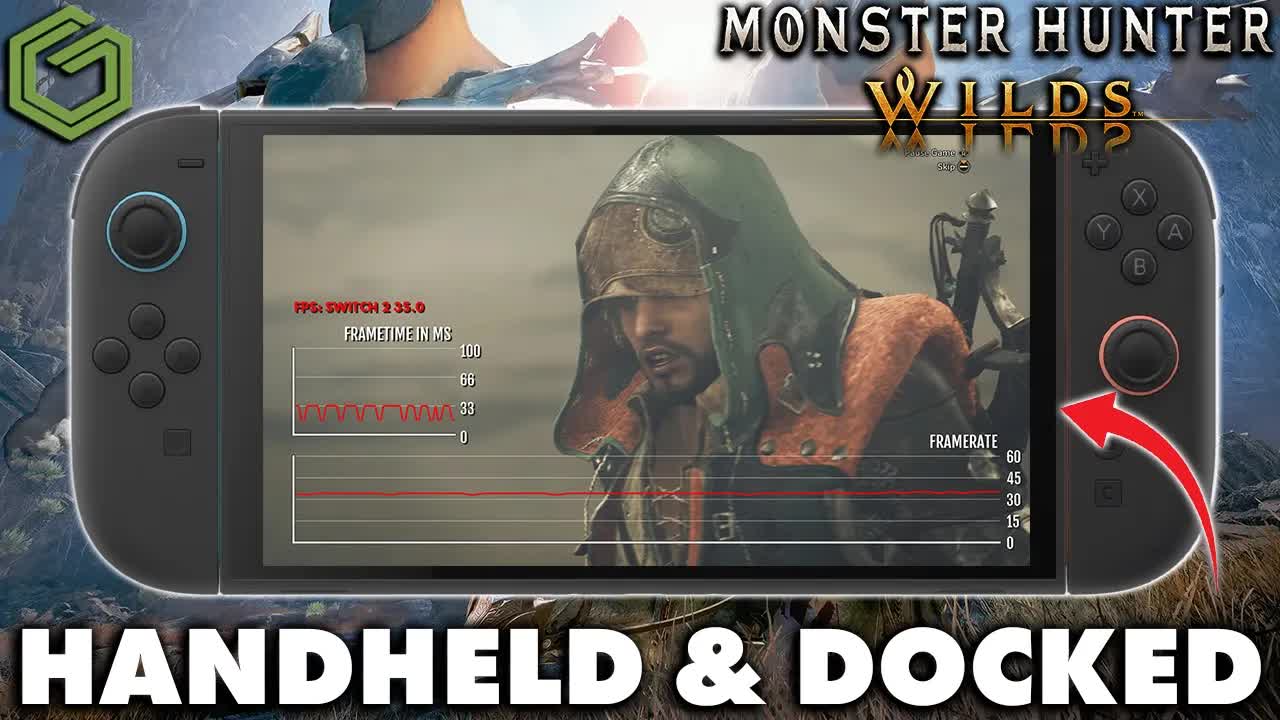
 ▶Watch on YouTube
- This is the Monster Hunter Wilds Prologue Demo on Switch 2, captured on launch day, Oct 20, 2026, in handheld and docked (4K output).
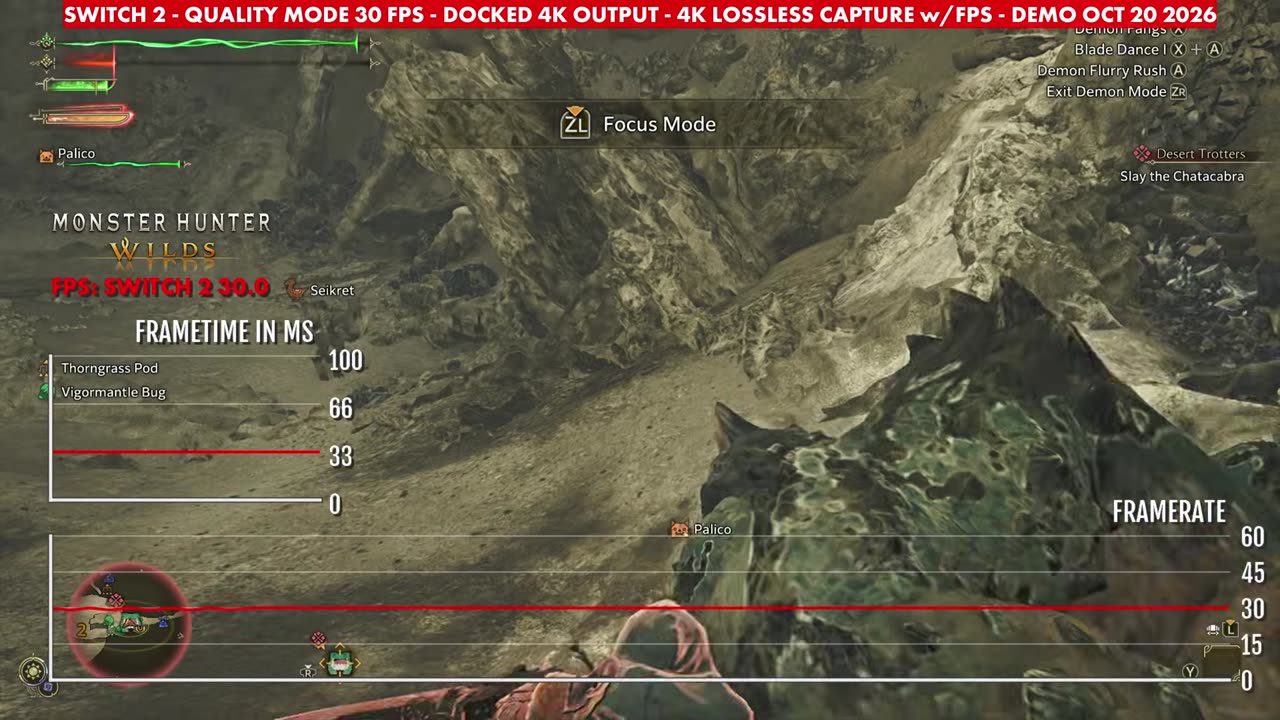
- Docked, Prioritize Quality with the 30 FPS cap reads a flat 30 on the overlay the whole time.
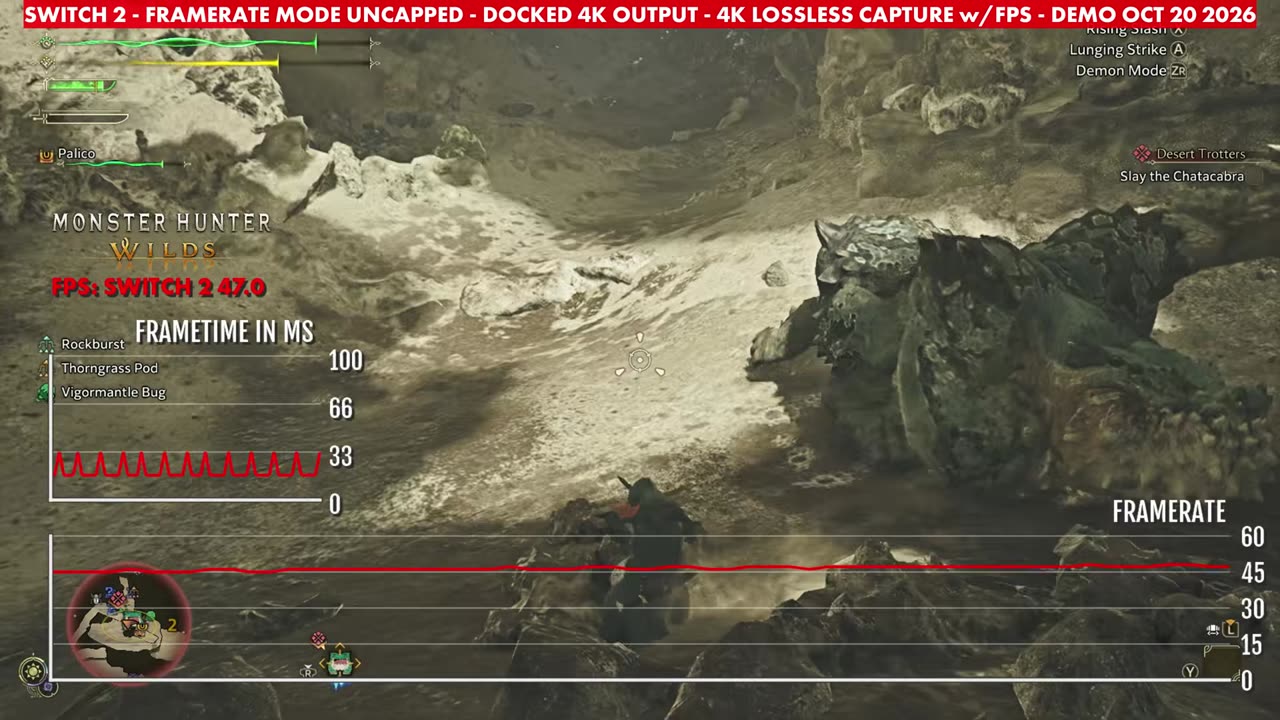
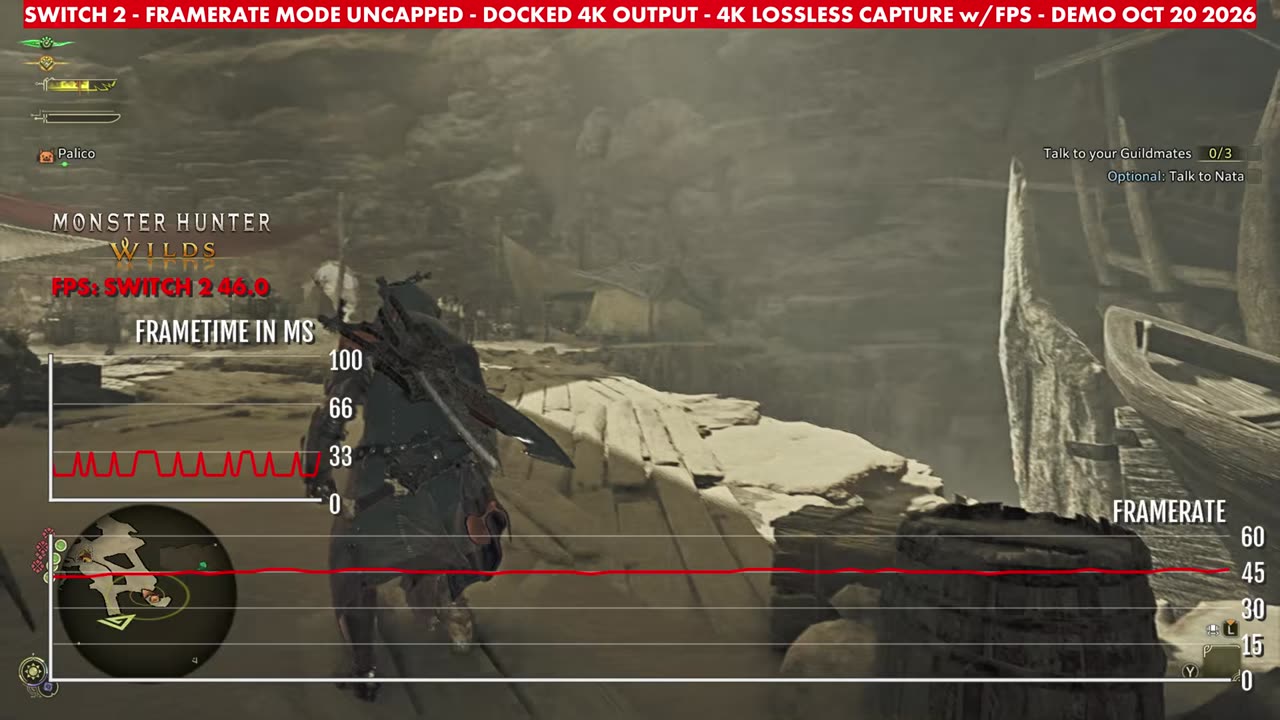
- Prioritize Framerate, uncapped reads 42 to 48, mostly in the mid 40s.
- Prioritize Quality, uncapped reads 32 to 40, mostly in the mid to upper 30s.
- Handheld was filmed off the screen, so there are no FPS readings for handheld mode.
Capcom's Monster Hunter Wilds has a Prologue Demo on Switch 2, and I captured it on launch day, Oct 20, in handheld and then docked with a 4K output, using a lossless capture with a frame-rate and frame-time overlay. There's no commentary in this one, just gameplay, so this is a short look at how the demo looks and runs on Switch 2.
What's in the video
- Settings (0:00): the demo's Display options. Performance Settings (TV Mode) offers Prioritize Quality or Prioritize Framerate, and there's a Frame Rate Limit option (30 fps capped or uncapped). The menu notes Performance Settings are adjustable only in TV mode.
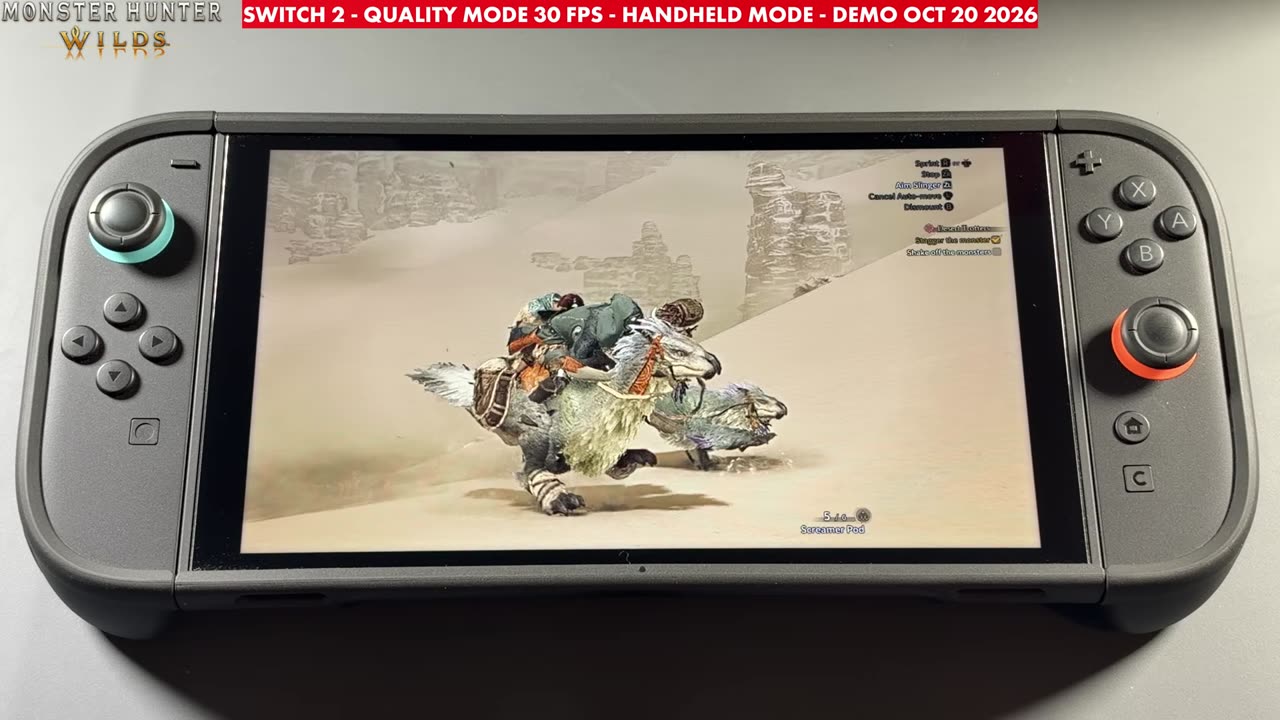
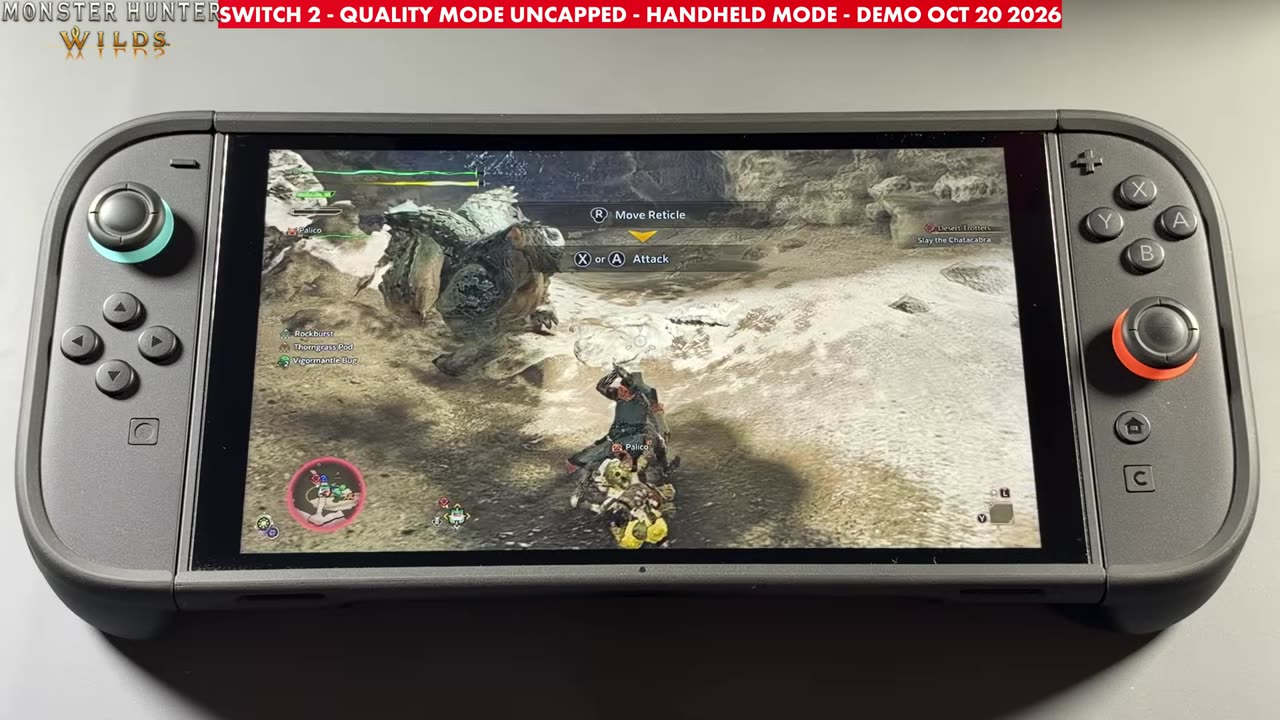
- Handheld mode (0:42): filmed off the Switch 2's screen, so there's no overlay. Quality mode at 30 FPS first, then Quality mode uncapped.
- Docked, 4K output (3:15): lossless 4K capture with an FPS and frame-time overlay, running Quality 30 FPS, Framerate mode uncapped, and Quality mode uncapped.
Handheld
I don't have a way to measure frame rate in handheld mode, so the handheld section is the game running on the screen: the desert opening, the camp and the Chatacabra fight. The on-screen label shows Quality mode at 30 FPS for the first part and Quality mode uncapped after that.
Docked (4K output)
All the numbers here are what the on-screen frame-rate overlay read in my docked capture, through the Chatacabra fight.
Prioritize Quality, 30 FPS cap: the overlay reads 30 in every reading, and it came back to a flat 30 again when I switched back to this setting later in the capture.
Prioritize Framerate, uncapped: the overlay reads between 42 and 48, sitting mostly around 44 to 46.
Prioritize Quality, uncapped: the overlay reads between 32 and 40, mostly 34 to 37 with a few readings at 38 to 40.
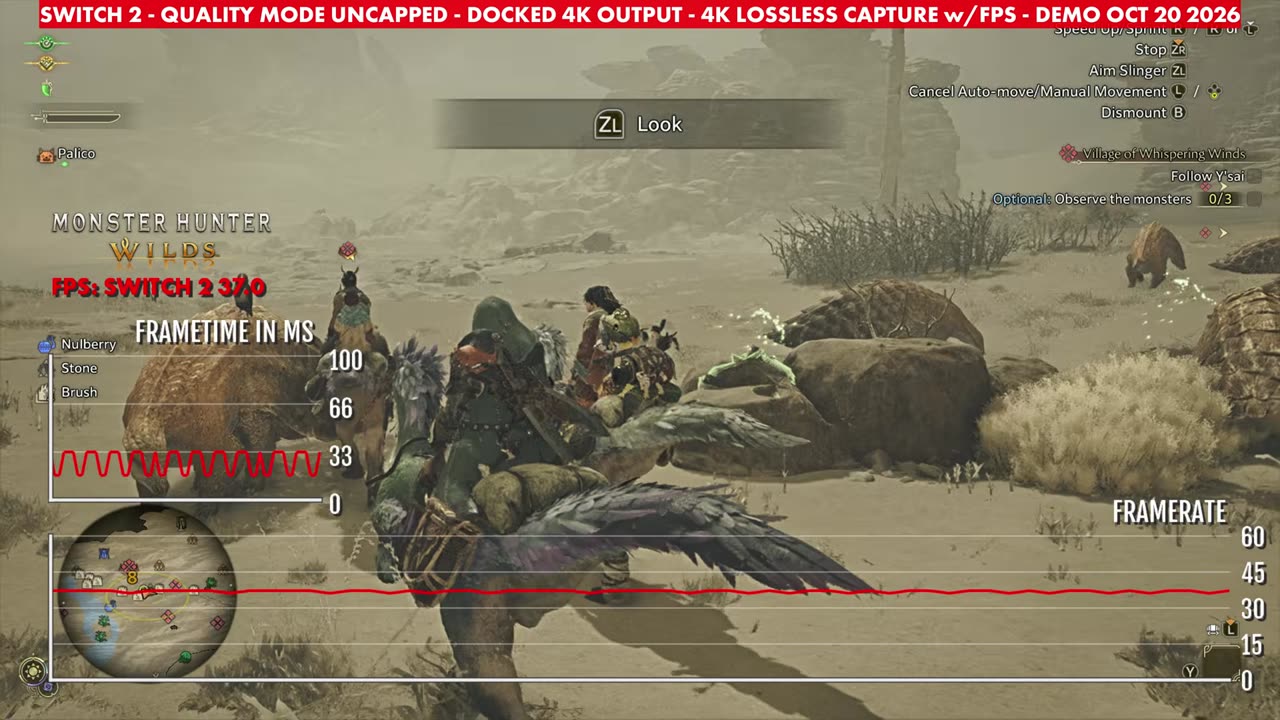
So in this demo, Framerate mode uncapped runs a little over 10 FPS higher than Quality uncapped, while the 30 cap gives the steadiest frame rate. This is the demo, so the full release could change how it runs.
Want more handheld tests?
New Steam Deck, ROG Ally, Legion Go and Steam Machine performance videos every week.