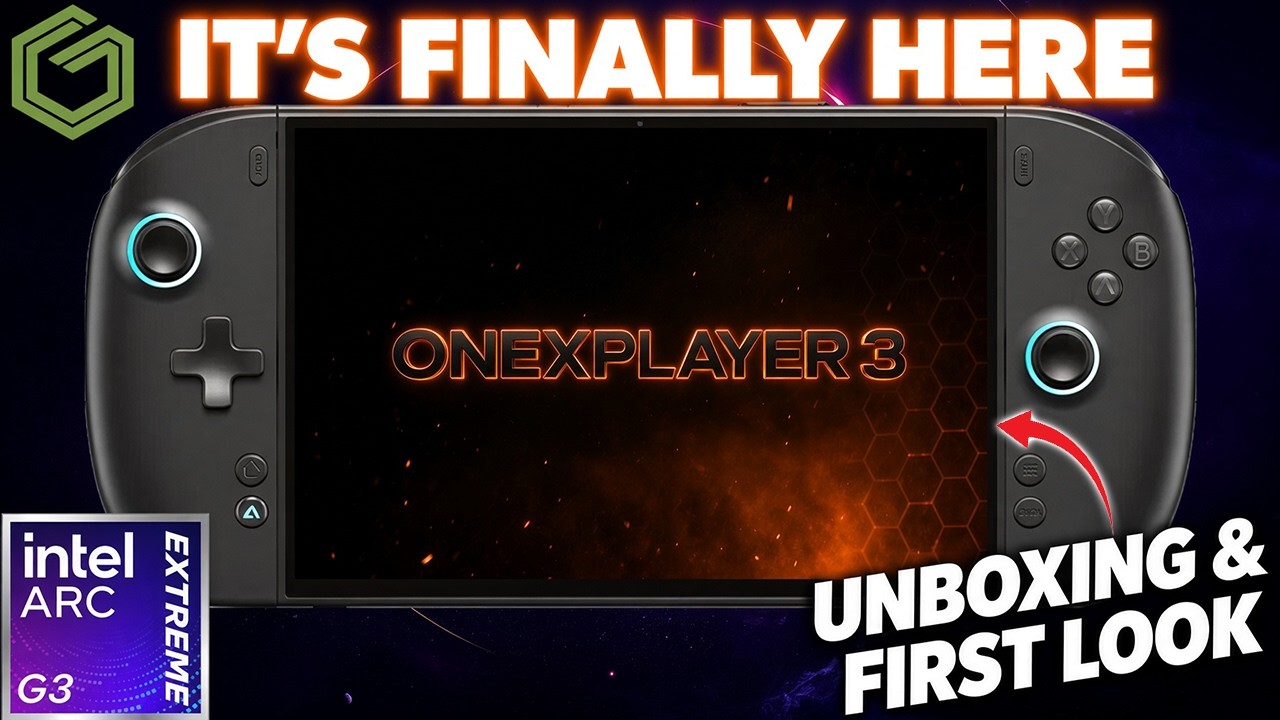
 ▶Watch on YouTube
- Model tested: 32 GB RAM, 1 TB SSD, Intel Arc G3 Extreme (B390 graphics), listed at $1,849 on OneXPlayer's site.
- Same 8.8" OLED screen as the Legion Go 2, and for me it's more comfortable to hold than the Go 2.
- The G3 Extreme has given me roughly 10–30 FPS more than last-gen Intel in most games.
- The controllers are my bigger complaint, but not a dealbreaker. This is likely the G3 Extreme device I keep for long-term testing.
The Intel Arc G3 Extreme is finally here for testing, in the form of the OneXPlayer 3, and it has surprised me these past couple of weeks. These are my first impressions from my first week or so, plus some game testing. The full review will be a lot more thorough.
I'm pretty surprised at how much I've turned out to like this device. I do think it's going to wind up being the G3 Extreme device I keep for long-term testing, over the newer Claw or the Acer Predator, based on everything I've seen.
Quick note: I bought this OneXPlayer 3 with my own money, and nobody sent it to me.
What's in the box
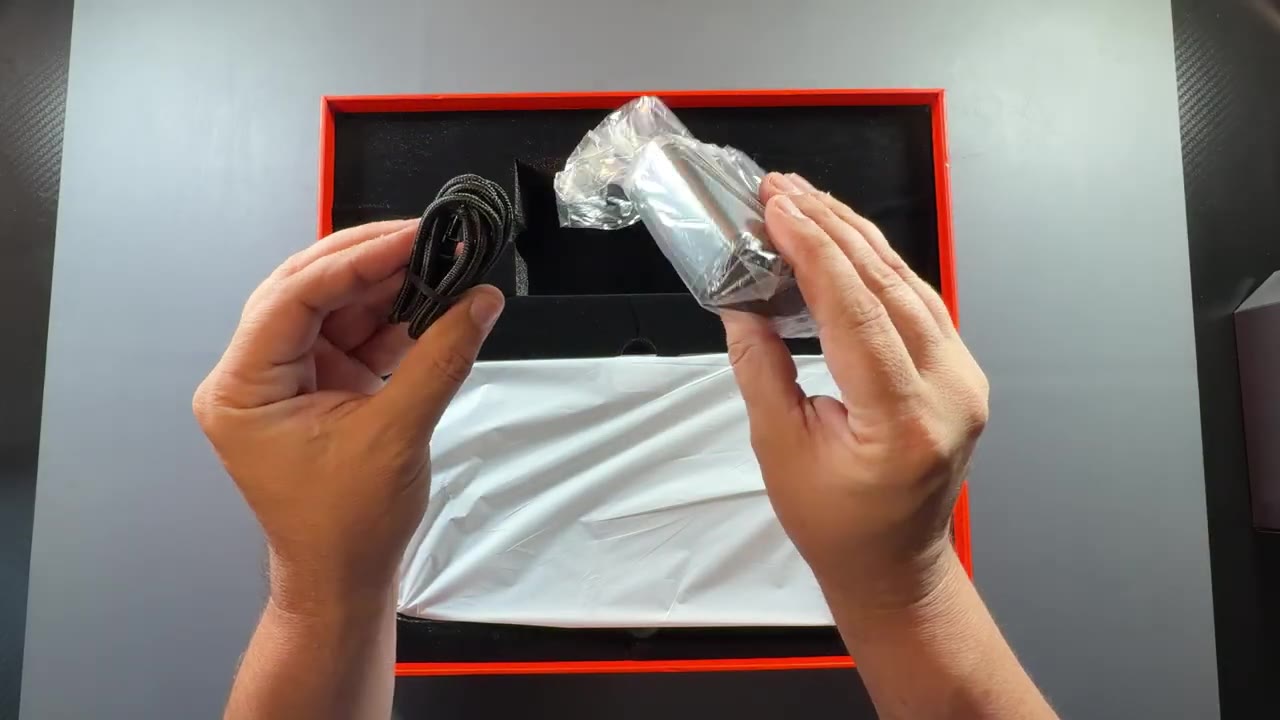
- The OneXPlayer 3 (32 GB / 1 TB / Intel Arc G3 Extreme)
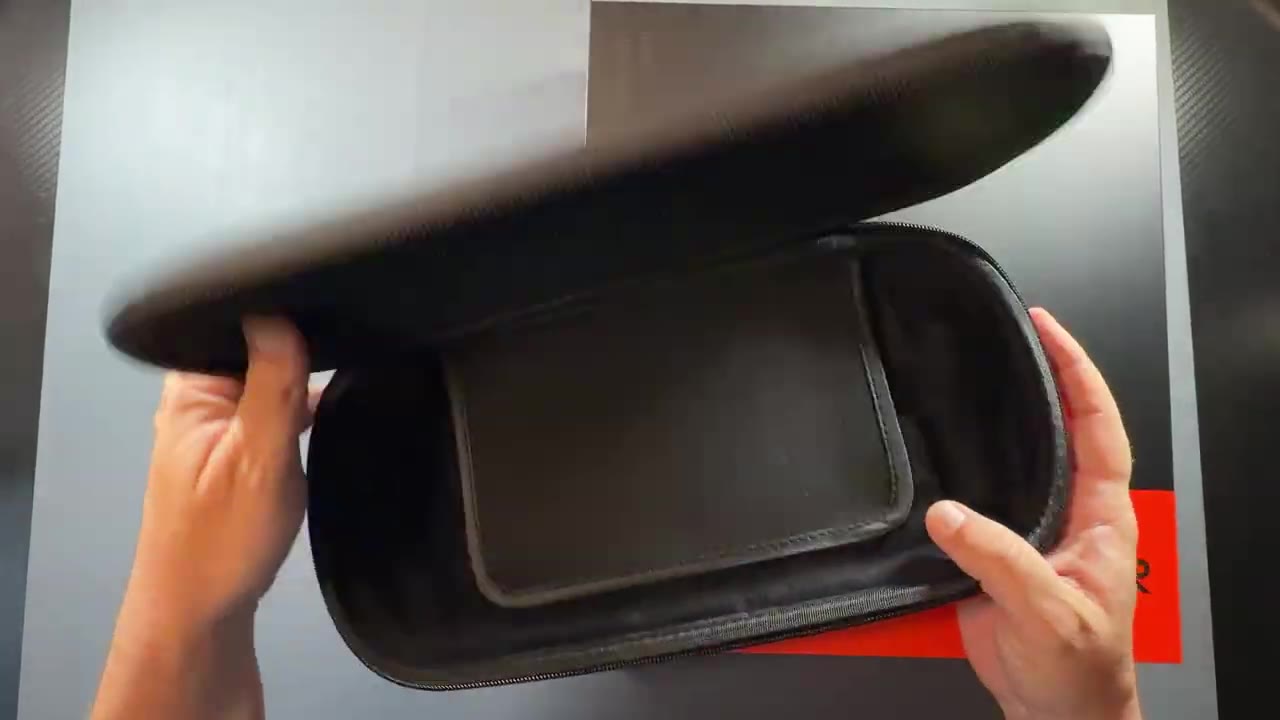
- A free hard case for pre-ordering (I think that deal is still on their website)
- A loosely packed swappable D-pad, if you don't like the one that's on there
- 100 W charging brick and cable
The case is pretty decent. There isn't a lot of extra room for accessories or the charger, but it's soft inside, has a screen protector flap, and the zipper and handle are really nice. Sometimes these zippers feel really cheap, and I didn't have that here.
The 100 W charger matters. If you plug the device into something under 100 W, it will cap its TDP. It also helps charge the 85 Wh battery.
Design and feel
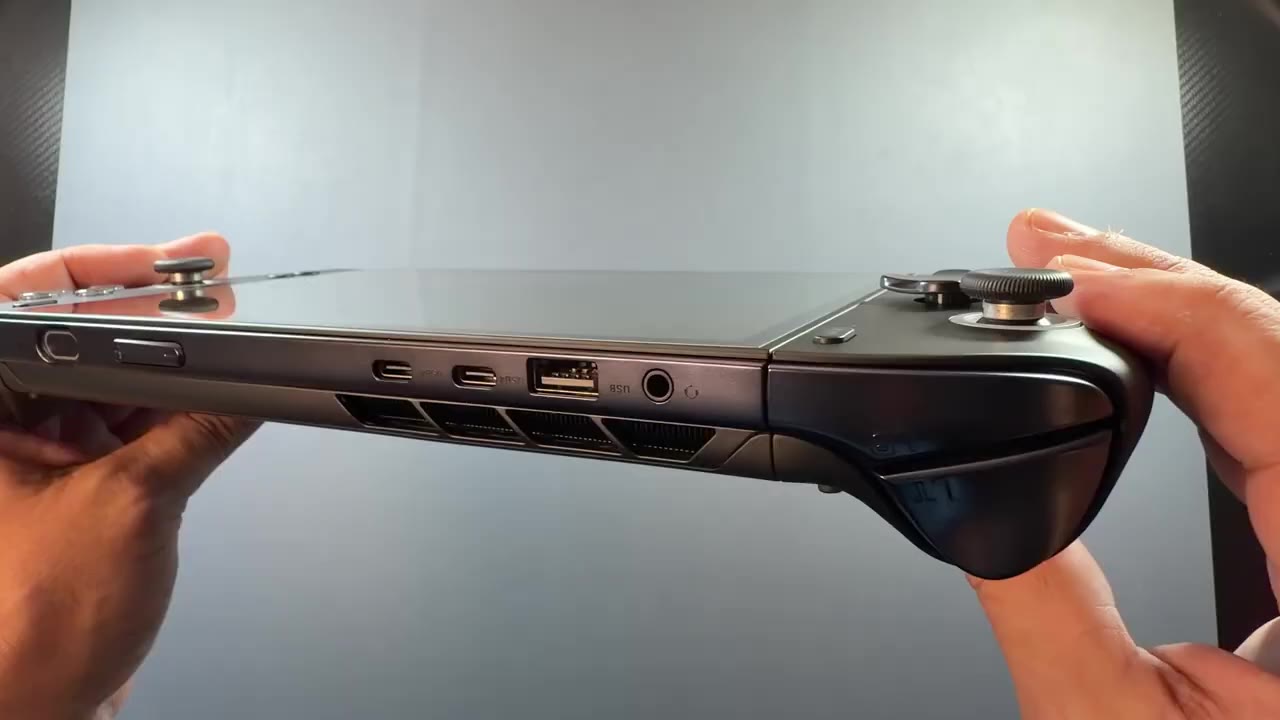
It's very similar in size and form factor to the Legion Go 2, with removable controllers and the identical 8.8" OLED screen with HDR. The screen isn't quite as shiny out of the box because there's a protective film on it from the factory. Around the device you get:
- Extra back buttons, trigger locks and the controller release
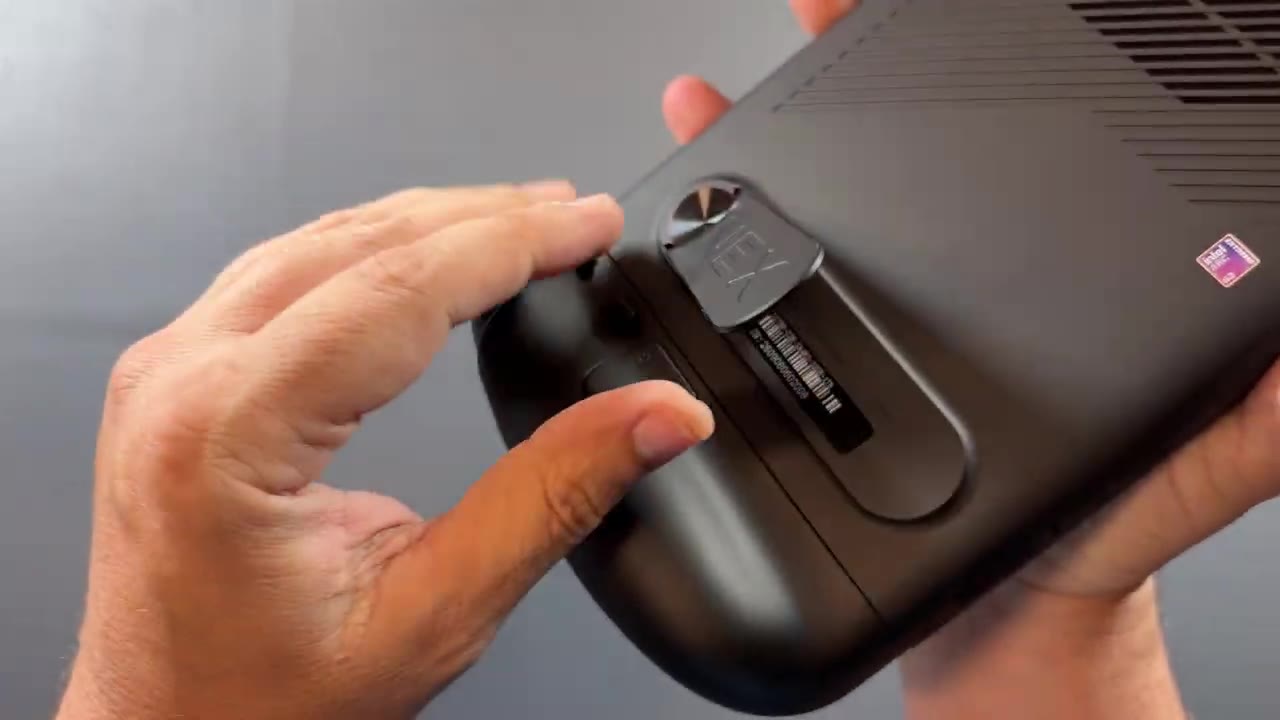
- Bottom speakers and expansion slots
- Kickstand
- Top: power button with fingerprint sensor, volume, two USB-C, a full-size USB port (I like having that) and a headphone jack
It feels surprisingly lighter than it is. I think that's because the controllers are a little wider, with more grip than the Go 2. I realize it's still a big boy. It's heavy, it's thick, but for me it's more comfortable to hold and use than my Go 2. The kickstand isn't as nice as the Go 2's, but it's worked fine for me. I don't use the keyboard accessory, so I haven't had the wobble issues I've seen in other reviews.
The controllers are one of my bigger complaints. There are no Hall effect joysticks. In the time I've been using it, it hasn't been any kind of dealbreaker, and it feels just fine. OneXPlayer does have Elite or Pro controllers coming in a few months that I'll be interested in.
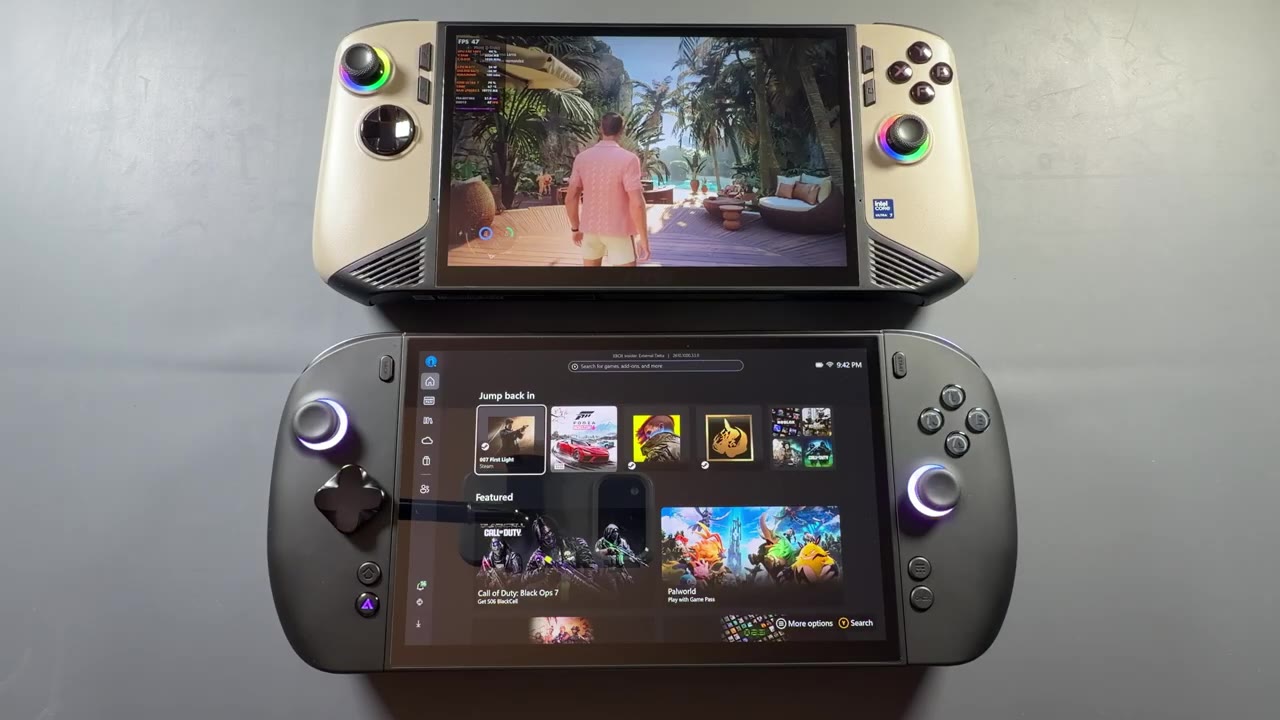
Next to the last-gen MSI Claw 8 with its 8" IPS screen, it's really not that much bigger, and the screen is much nicer. I've loved the Claw, but now that I have the new Intel, I can't really go back.
Models and pricing
- 24 GB RAM / 512 GB
- 24 GB RAM / 1 TB
- 32 GB RAM / 1 TB: $1,849 (the one I have)
The 24 GB models are a little less expensive, but keep in mind their RAM runs a little slower than on the 32 GB model. For comparison, the Legion Go 2 for me in the US, new at Best Buy, is $1,999 plus tax. So yeah, everything is super expensive, and pricing is definitely an issue for all these devices.
Early game performance
Game testing is the reason I got this, and the performance from this chip has been great.
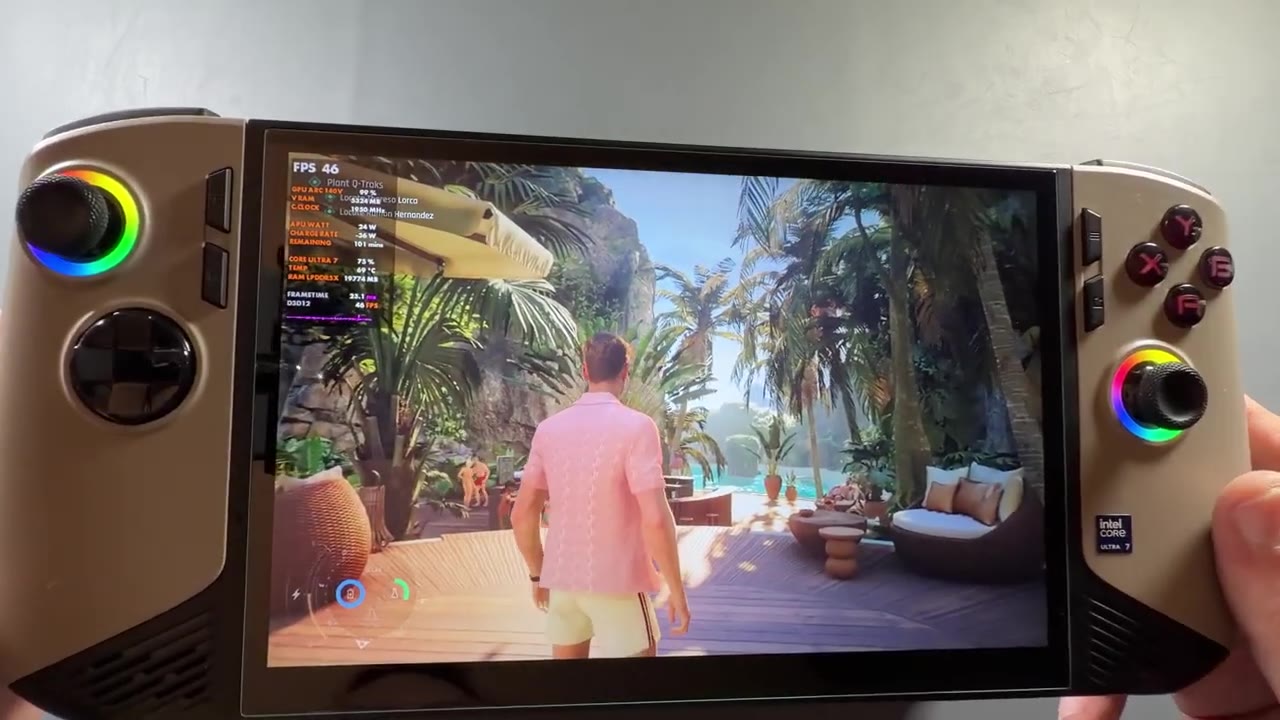
- 007 First Light, same spot, same 1200p settings, same driver: 69–73 FPS on the G3 Extreme vs 46–47 FPS on the last-gen Intel Claw
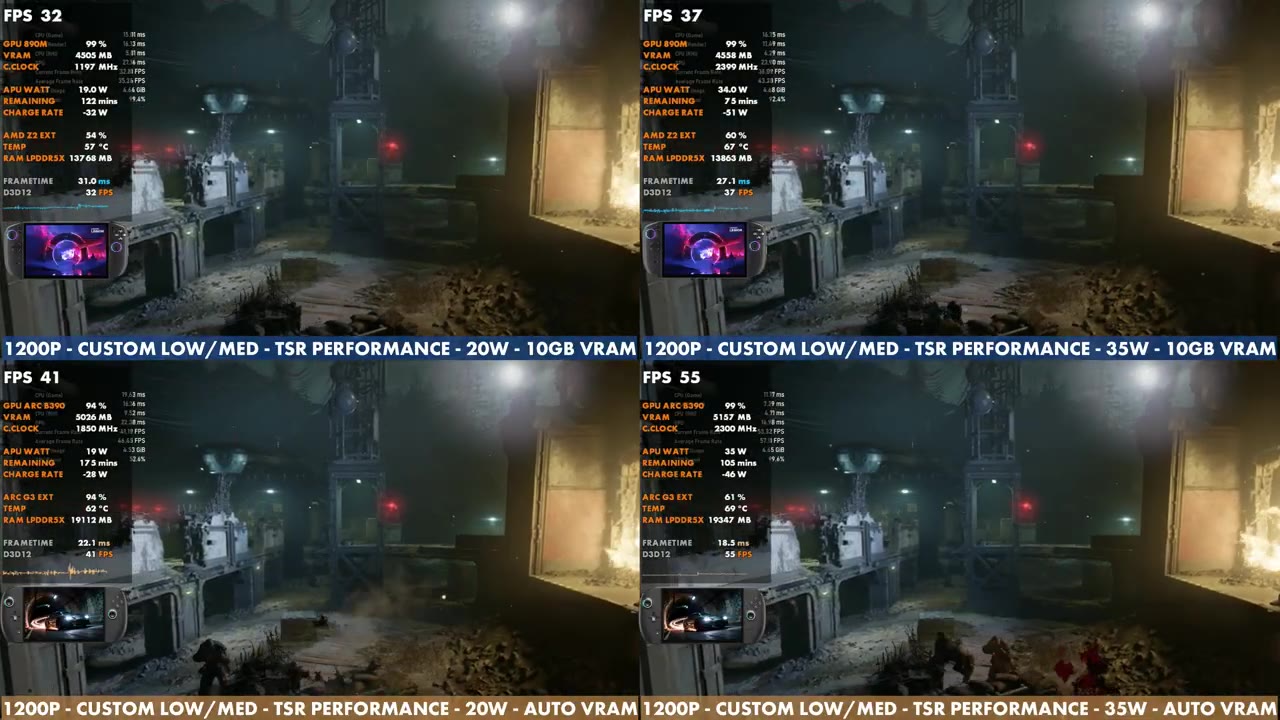
- Gears of War: E-Day: about a 20 FPS difference vs last-gen Intel, depending on the scene
- At 20 W, the G3 Extreme beat the Z2 Extreme at 35 W in the Gears benchmark, at least in that game
- Most games: a 10–30 FPS increase over last-gen Intel
It's beating my Z2 Extreme devices, both my Xbox Ally X and my Legion Go 2, and my last-gen MSI Claw by a lot. So much so that this is the one I pick up to game on now. I don't feel like I have to compromise nearly as much, and I run a lot of games at high, medium-high or even ultra, like when I was playing Gears E-Day. I'm even thinking about a docked 40 W comparison against the Steam Machine, maybe for some 1080p gaming.
First impressions verdict
- Likes: G3 Extreme performance, the comfortable wide grips, the big 8.8" OLED, the free hard case, the full-size USB port
- Not so much: the controllers (no Hall effect sticks), a kickstand that isn't as nice as the Go 2's, and the price
I'm having a blast with it, both the OneXPlayer 3 itself and the Intel Arc G3 chip. Looking at the performance difference, I'd probably lean toward this one if I wanted a 3-in-1, but I'll compare it more to the Go 2 in the full review, along with build quality and the controllers.
Let me know on X or in the YouTube comments if you're looking at the OneXPlayer 3 or the Legion Go 2, and what you want me to test in the full review. Thanks for reading.
Want more handheld tests?
New Steam Deck, ROG Ally, Legion Go and Steam Machine performance videos every week.