 ▶Watch on YouTube
- For the most part it's very playable on the Steam Deck, and it runs better than The Blood of Dawnwalker.
- Rated Playable (not Verified). No custom Proton layers used.
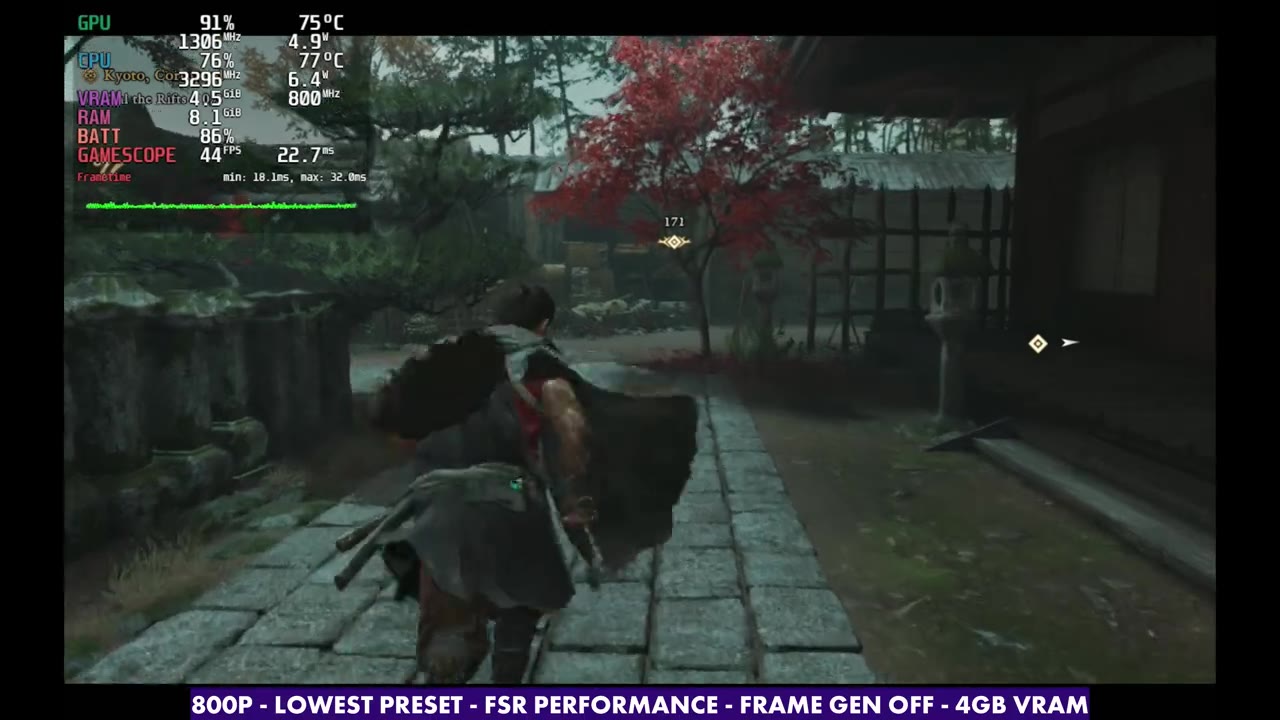
- 800p, 16:9 only, borderless window. Lowest preset gave around upper 30s to low 40s in the hub, and 50–60 FPS in some mission areas.
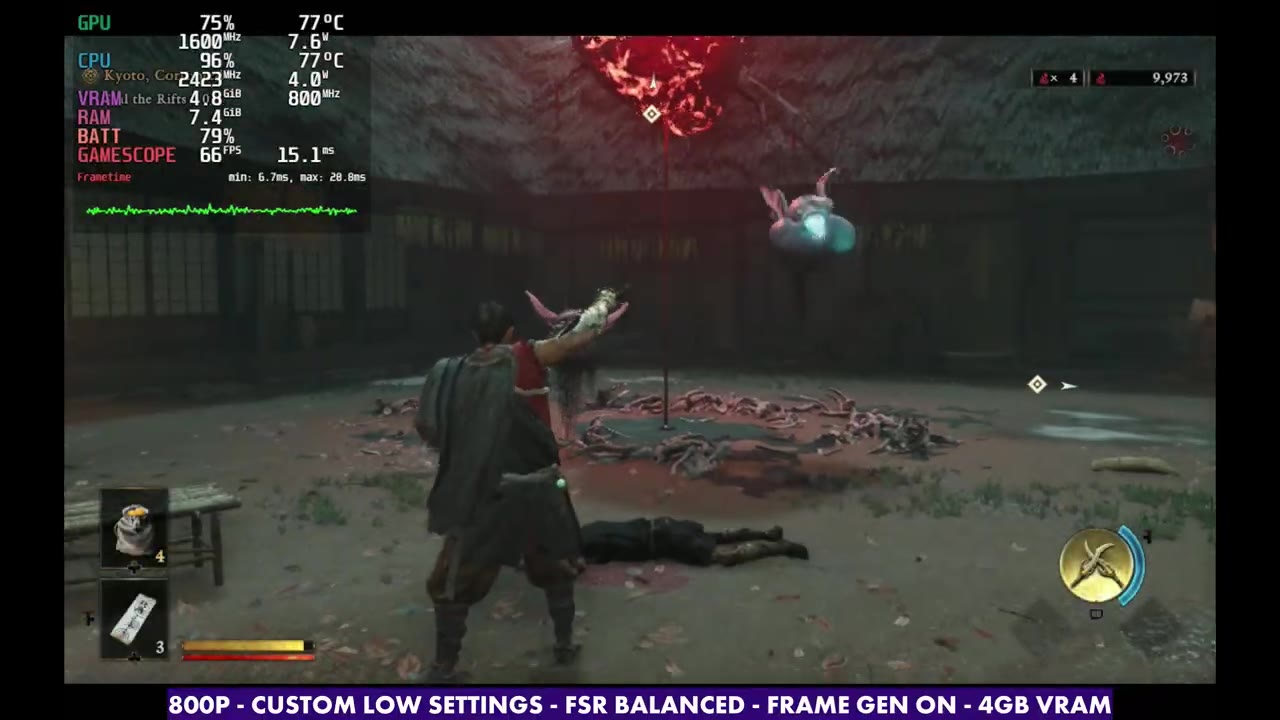
- Frame gen with a manual GPU clock of 1400–1600 MHz pretty much doubles your frame rate.
Onimusha: Way of the Sword is out, and right after The Blood of Dawnwalker, it's the next game I tested on the Steam Deck OLED. For the most part it's very playable on the Steam Deck. It runs better than Dawnwalker does, but it does have its areas where you struggle to stay in the upper 30s, lower 40s.
The game isn't Verified, but it is rated Playable, and I'm not using any other Proton layers. It has Denuvo, which means five different computer logins, and Proton layers count toward that. Since I'm testing on multiple handhelds, I can't jump around trying a bunch of layers, so let me know if anything's working better for you.
Base settings
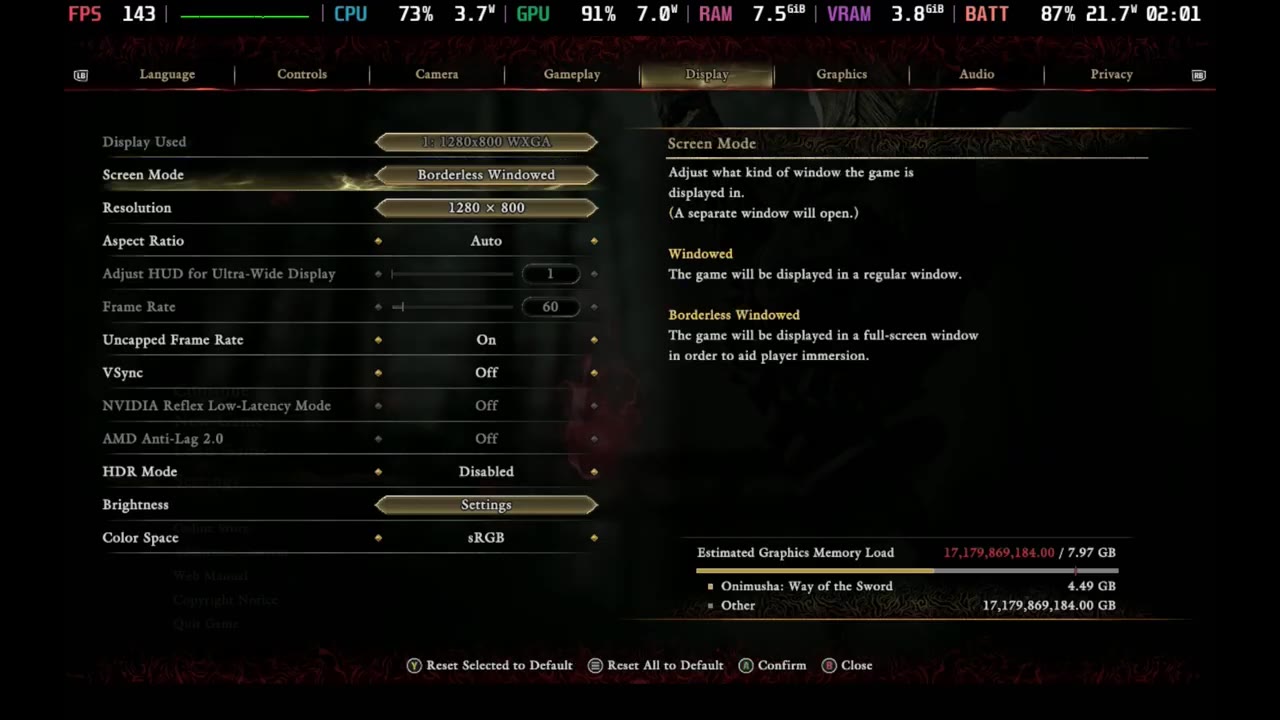
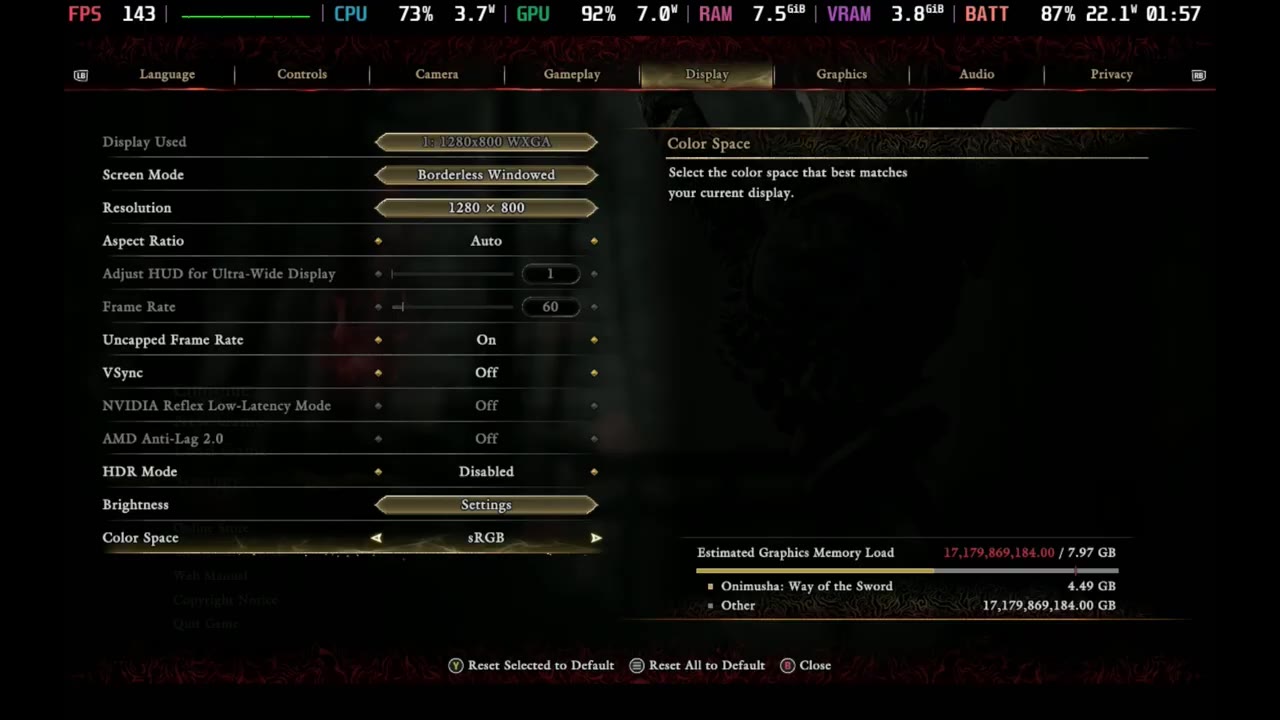
- Borderless window (there's no fullscreen option)
- 800p, 16:9 only (no 16:10 option, that's Capcom for you)
- Uncapped frame rate, V-Sync off (for the video)
- Lowest preset, prioritizing performance on CPU
- That puts upscaling at FSR Performance, with pretty much everything at low or off
Performance by preset
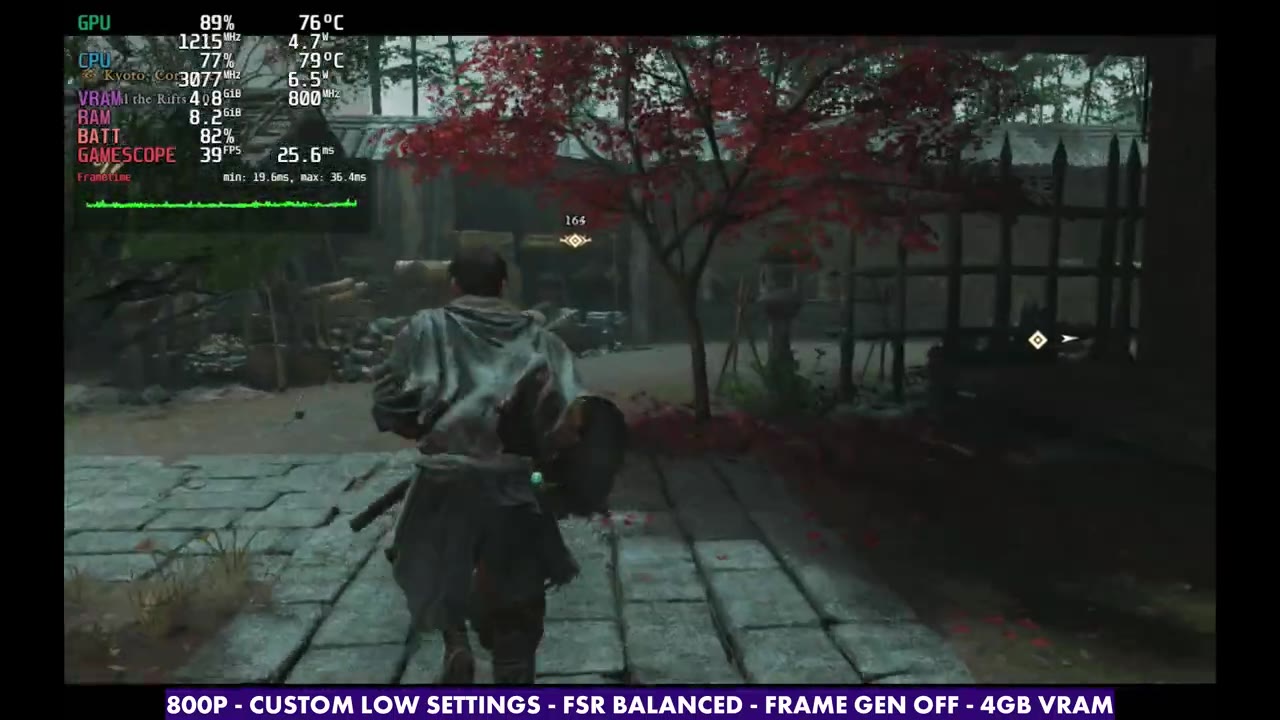
Performance really depends on where you are. The little base area with the shop and quests runs in the upper 30s, lower 40s on the lowest preset. Jump out to another mission area with the exact same settings, and it can be 50 to 60 FPS without much of a struggle. I'm only about 3 hours in, so other areas could be better or worse. Still, I think a lot of people will get 45 to 60 FPS most of the time, and that's before frame gen.
Here's what I saw in the same spot in the hub:
- Lowest (FSR Performance): around 43 FPS
- Low (FSR Balanced, a few things up to medium/high): around 34–36 FPS, about 6 FPS less
- Medium (FSR Quality): drops roughly another few FPS
- High: about 30–31 FPS, and busy areas are going to be a bit of an issue
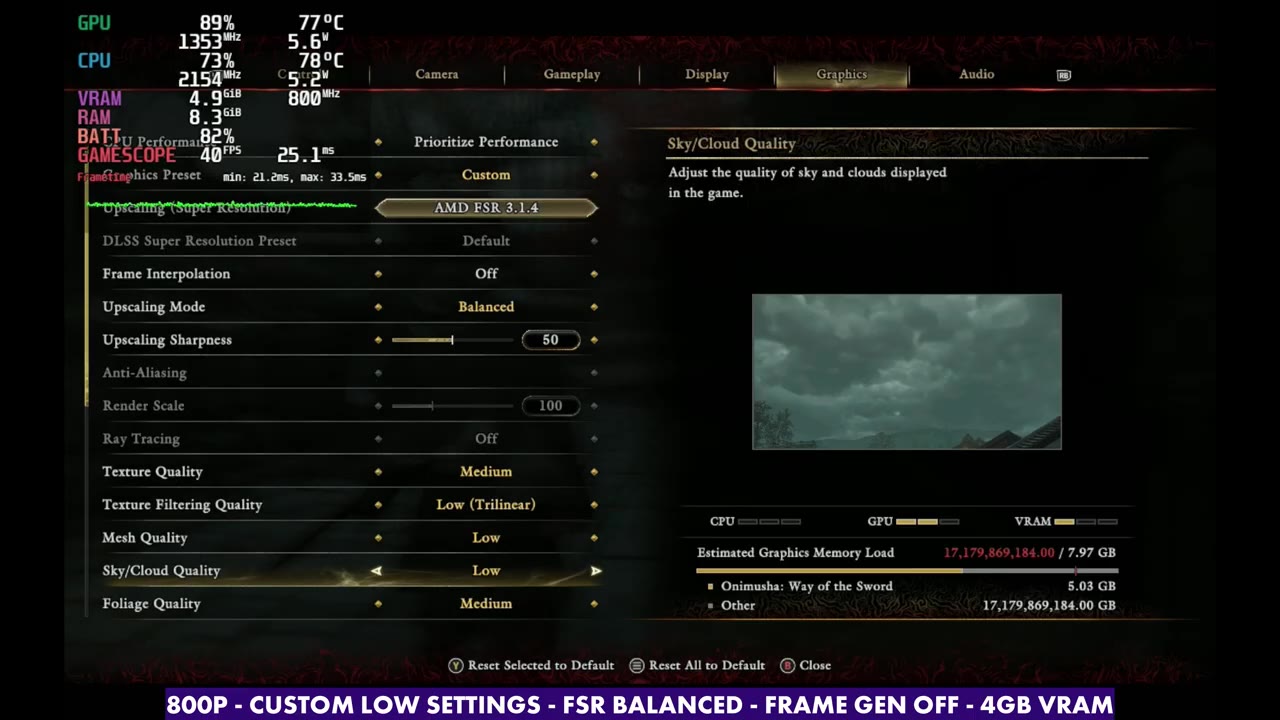
My custom low settings
I think custom settings between Lowest and Low work best, or touch some Medium if you really want to push it and you're fine with a 30 FPS lock. Here's what I'm using:
- FSR: Balanced
- Texture quality: Medium
- Texture filtering, mesh, sky/cloud, foliage quality: Low
- Foliage movement: Off
- Ground quality, cull distance, shadow quality: Low
- Contact shadows: On
- Ambient occlusion: Low
- Motion blur: Off
- Screen space reflections: Off
- Scattering: Off
- Volumetric fog: Low
It's bumped up a little from the lowest preset, but not all the way to low-medium. You could go there if you're okay with a lower frame rate and less headroom in heavier areas.
Frame gen
Without frame gen, you're looking at the 30s and 40s, or the 50s and 60s, depending on where you are. Turn on frame gen with a manual GPU clock of 1400 to 1600 MHz and you get pretty good performance. It works well in this game, roughly doubling your frame rate, and the input latency isn't too bad. So if you're okay with frame gen, you can take advantage of it here and it'll do just fine.
Verdict
Onimusha: Way of the Sword is a playable experience on the Steam Deck OLED, and it looks and plays better than other recent releases we've tested. I'm sure there's room for improvement with some updates and patches, too.
Let me know on X or in the YouTube comments how you're doing with performance on this game on the Steam Deck, and if any Proton version is working better for you. Thanks for reading.
Want more handheld tests?
New Steam Deck, ROG Ally, Legion Go and Steam Machine performance videos every week.