 ▶Watch on YouTube
The PlayStation Portal just got a new 1080p High Quality mode, and it affects both Remote Play from your PS5 and Cloud Streaming. It's a device I haven't covered in a while, but I do use it a bit, especially since I don't have a PlayStation 5 right now. I plan on replacing it by the time Wolverine comes out, so for now I'm using cloud gaming on the Portal, and that's what I tested this update with.
- New 1080p High Quality mode streams at a higher bitrate than the 1080p Standard mode, for Remote Play and Cloud Streaming.
- Update the Portal first, then pick it in-game under Max Resolution and use Apply and Restart.
- In person I can notice a little difference: certain things are sharper, and it still feels pretty good. I didn't notice any extra input latency on my network.
- The update also refines Cloud Streaming (bundle picker, game invites, trophies, search) and onboarding.
What's in the update
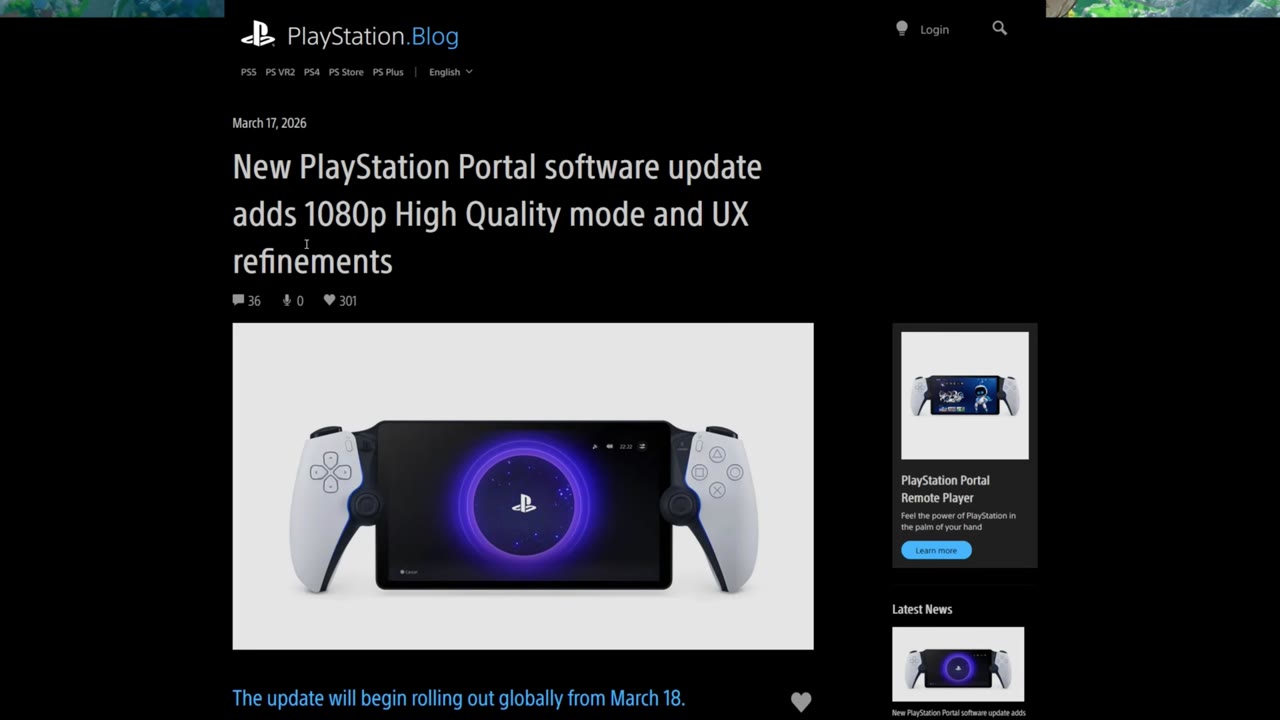
Sony's PlayStation Blog post covers the new PlayStation Portal software, which started rolling out globally on March 18. The big addition is the 1080p High Quality mode, which lets you stream games at a higher bitrate compared to the 1080p Standard mode we had before. It works for both Remote Play from your PlayStation console and Cloud Streaming.
They've also refined the Cloud Streaming experience: a new screen to pick a specific game when you stream from a game bundle, clear notifications for game invites while you're streaming, better trophy notifications, and an improved search screen. Onboarding is easier for new accounts too, with a QR code you scan on your phone to create an account and sign in. They keep streamlining this device, and while it's still tied to the PlayStation 5, they keep making it more independent, which I think has been pretty cool since launch.
How to update the Portal
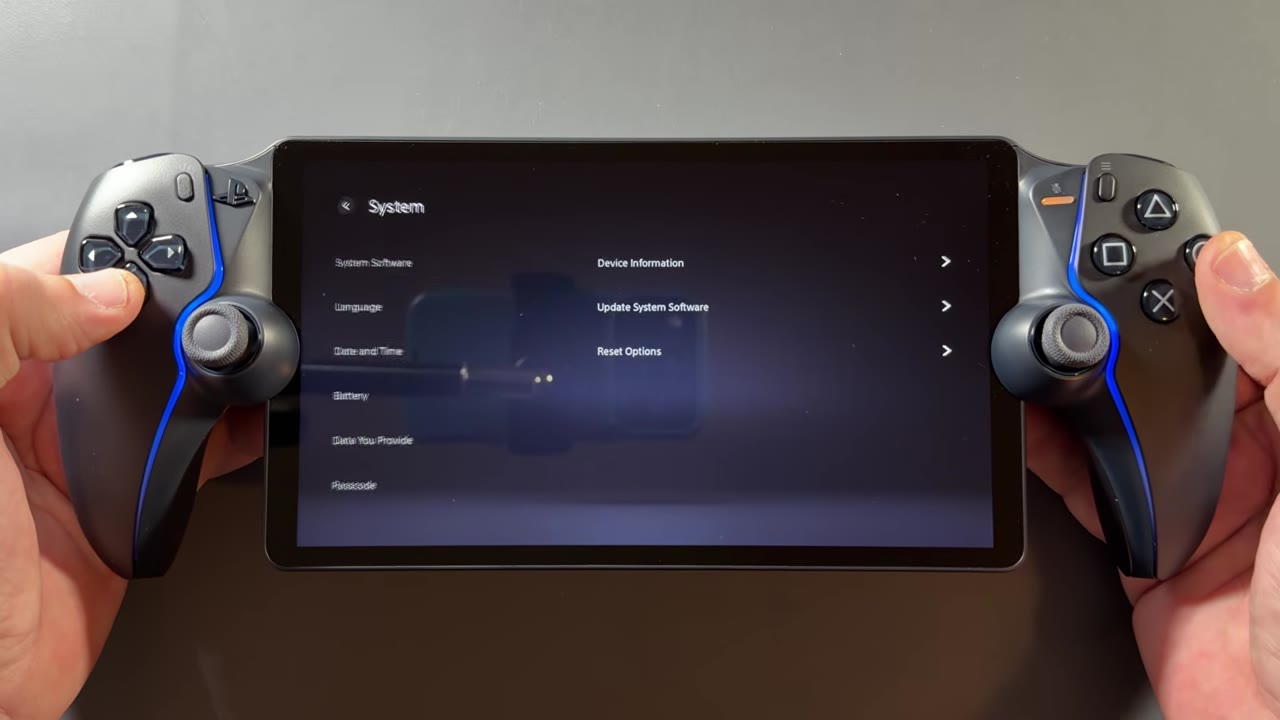
- Press the PlayStation button and open Settings.
- Go to System. Device Information shows your current version, and Update System Software checks for the new one.
- Run the system update and make sure you're on the newest version. Sony lists this update as version 7.0.0 on its PS Portal system software page.
How to turn on 1080p High Quality
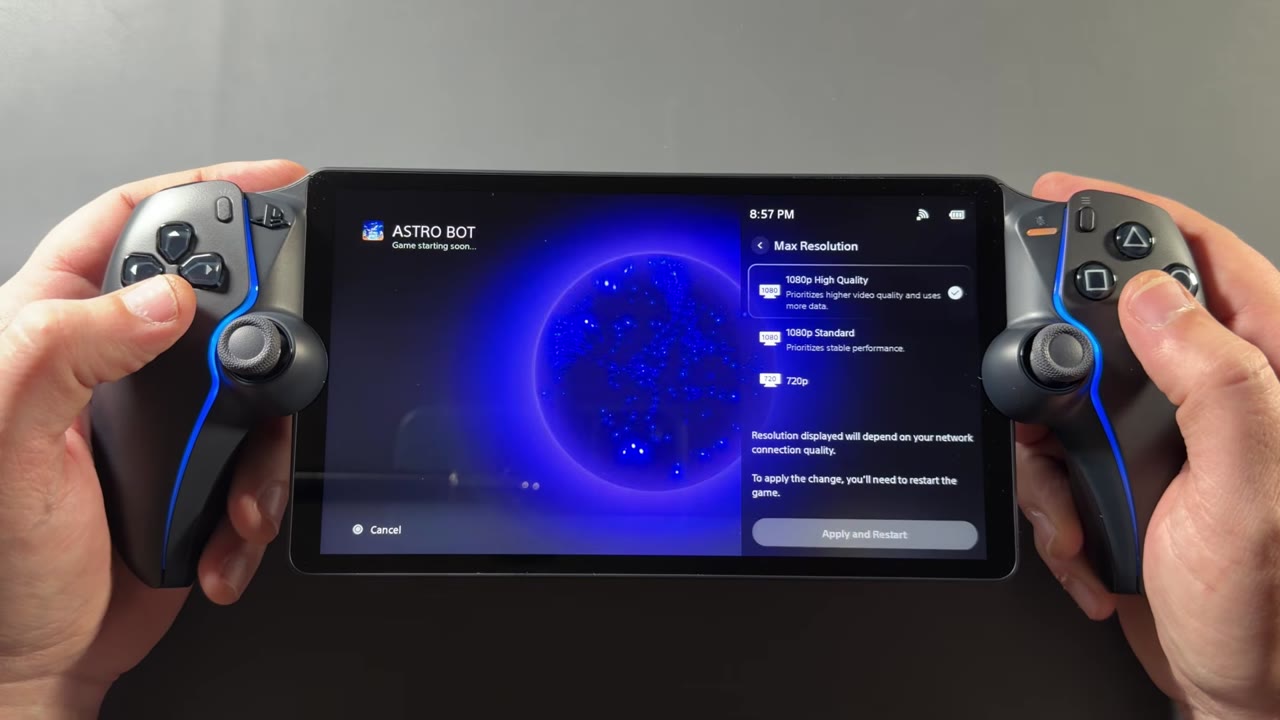
- Launch a game through Remote Play or Cloud Streaming. I used Astro Bot from the cloud.
- As soon as the game opens, press the PlayStation button to bring up the settings for that game.
- Open Max Resolution. You now have 1080p High Quality, 1080p Standard and 720p.
- Pick 1080p High Quality and select Apply and Restart. It restarts your game and your stream at that quality.
If you're not familiar with the cloud option, you can buy supported games, like PS5 titles, and stream them to the Portal without a console. With a PlayStation Plus subscription there are a bunch of other games you can stream too. All of the cloud side is subscription-based, though, so it ties you to that $18 a month or your yearly sub, even if you're only using the Portal.
How it looks
In person, I can notice a little bit of a difference. I'm very used to cloud gaming with GeForce Now and Xbox Cloud Gaming, but it's very hard to capture footage that truly shows the difference on a small screen, with YouTube compression on top of that. I did some close-up recording of 1080p High Quality and 1080p Standard to show them. In person I can tell certain things are sharper and a bit better while I'm playing.
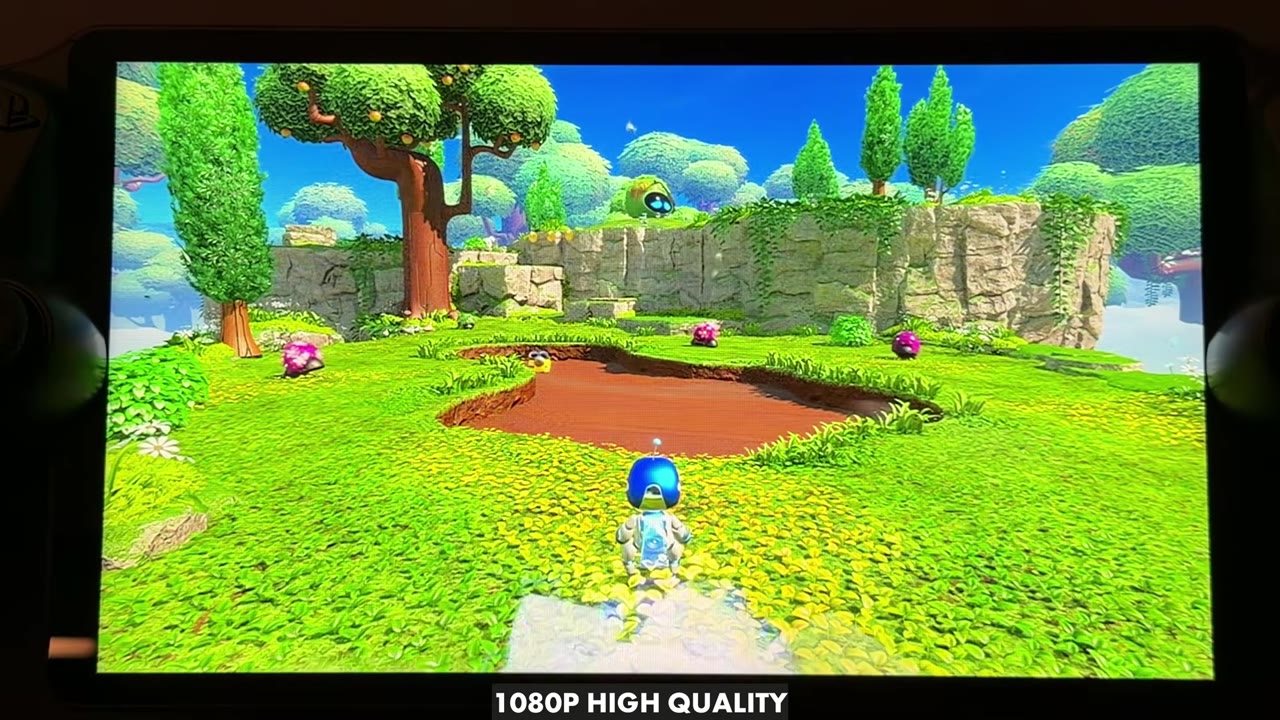
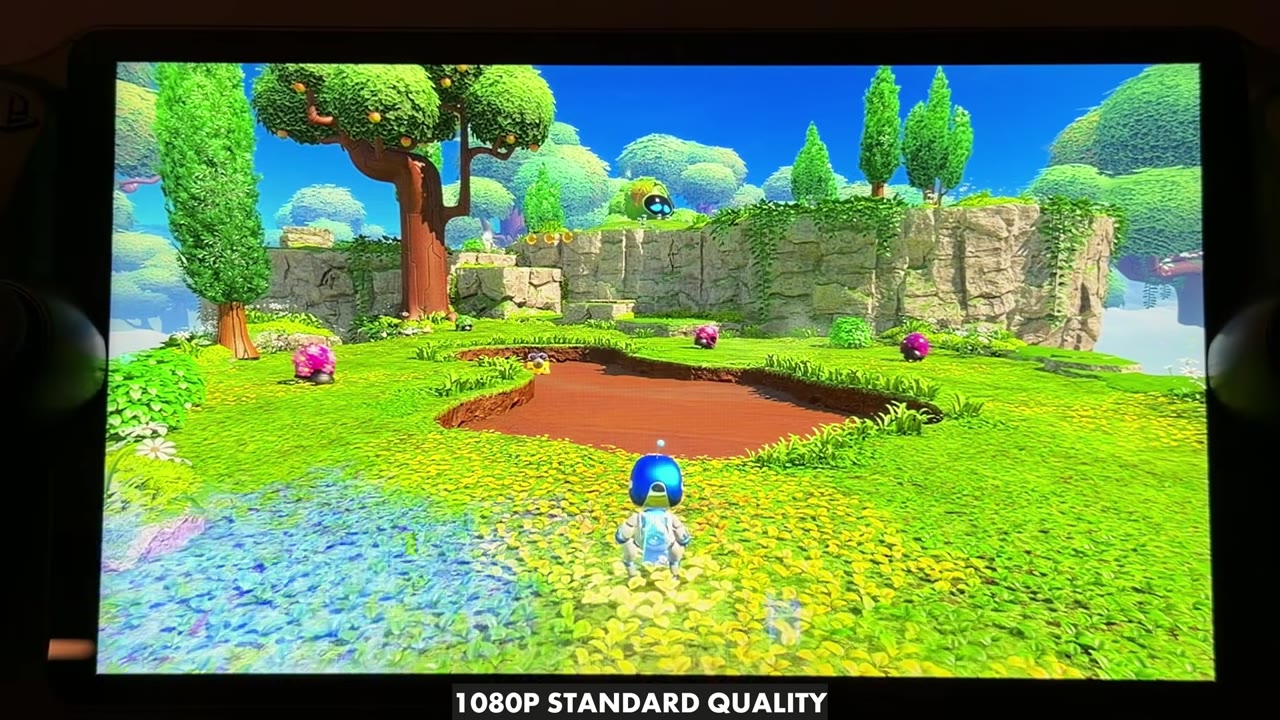
It still feels pretty good as far as cloud gaming goes. There's always a little bit of input latency, but I'm not noticing it making things any worse, at least for me on my network. I've always thought PlayStation had a pretty clean stream compared to something like Xbox Cloud Gaming, and that still seems to be the case with 1080p High Quality. When I get a PlayStation 5 back, I'll take a look at Remote Play, because I think that might benefit even more than cloud. I always had a little better experience remote playing my console than streaming from the cloud.
Verdict
It's a quick update, but a nice one: higher quality streaming, some UX changes, and the Portal keeps separating itself a little more from the console with each update. Maybe Sony is also getting ready for the rumored OLED model. I doubt it'll have a larger screen, and on this size screen the difference between the two modes can be hard to see, but a higher quality screen could be another reason they're rolling out this mode.
FAQ
What is 1080p High Quality mode on the PlayStation Portal?
It's a new streaming option that uses a higher bitrate than the 1080p Standard mode, for both Remote Play and Cloud Streaming.
How do I turn on 1080p High Quality on the PS Portal?
Update the Portal, launch a game, press the PlayStation button, open Max Resolution, pick 1080p High Quality and select Apply and Restart.
Does 1080p High Quality add input latency?
There's always a little input latency with cloud gaming, but I didn't notice it getting any worse on my network.
Want more handheld tests?
New Steam Deck, ROG Ally, Legion Go and Steam Machine performance videos every week.