 ▶Watch on YouTube
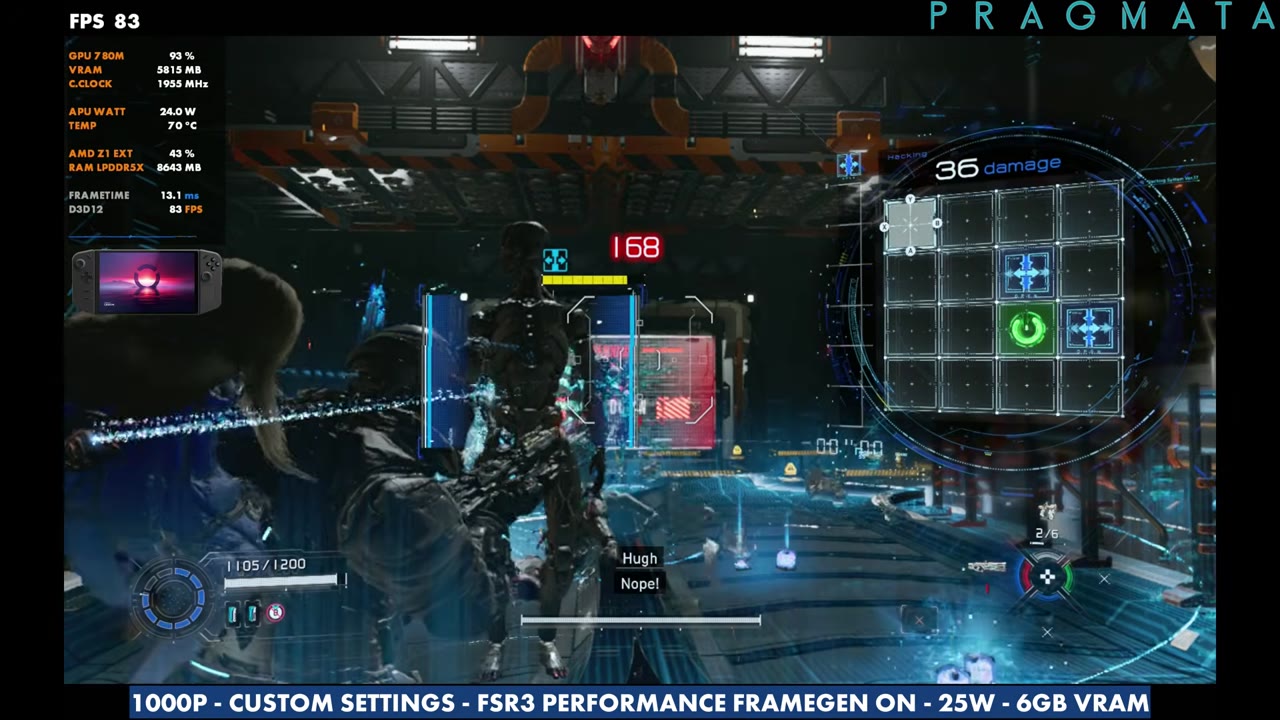
I haven't tested many games on the original Legion Go lately, though I still try to cover it for major updates. With Pragmata not working on the MSI Claw 8 AI+ at the time, I had a chance to check it out on the Z1 Extreme, and it's running really well, even with the original Go's 16GB of RAM. Everything here is in Xbox mode (what used to be called the Xbox full screen experience) at 25W, with my own custom settings at 1000p and FSR3 Performance.
- Tested at 1600x1000, custom settings, FSR3 Performance, 25W and 6GB VRAM, with frame generation off and on.
- Without frame gen, the overlay mostly read around 55 to 65 FPS in the base and early gameplay, and the mid-40s to low 50s in a heavier street area later on.
- With frame gen on, the overlay mostly read the 70s to 80s, up to the low 90s at times. It's not a straight double, but it's clean and I didn't feel a lot of input latency.
- In the base, FSR3 Quality read around 49–53 and Balanced around 54–59 on the overlay.
What I tested
The presets aren't much help here. Quality and Balanced use no upscaling, and Performance and Minimum use FSR 1, so you'd have to change things anyway. I'd rather go through and make my own changes.
- Device: Lenovo Legion Go (Z1 Extreme, 16GB RAM), Xbox mode, 25W
- VRAM: 6GB. I usually use 4GB because it takes from system RAM too, but the game likes to use more than 4GB and runs a bit better on 6. 8GB might be a bit much since it pulls a lot from system RAM.
- Display: borderless window, 1600x1000, variable frame rate, V-sync off, ray tracing off
- Upscaling: AMD FSR3 Performance, frame generation off and on
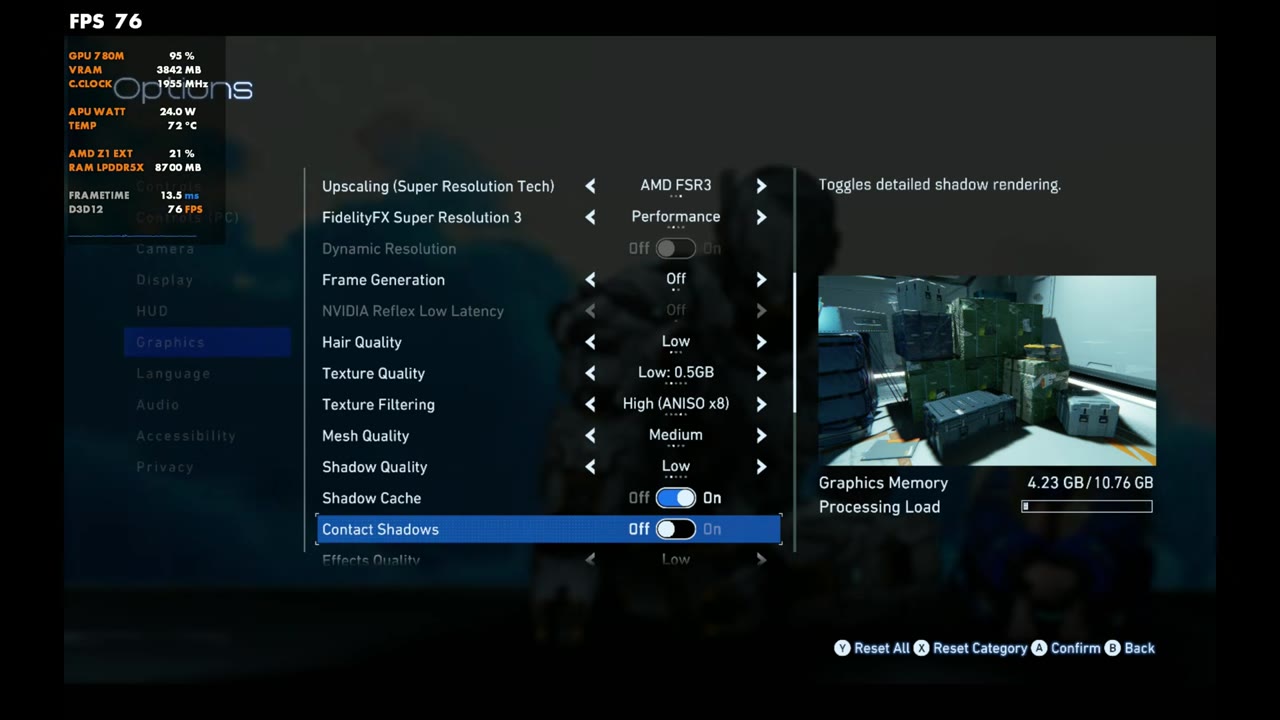
- Graphics: global illumination Low, hair Low, textures Low (0.5GB), texture filtering High (ANISO x8), mesh Medium, shadows Low with shadow cache on, contact shadows off, effects Low, video quality Full HD, SSAO ambient occlusion, volumetric lighting Lowest, and everything under that off (personal preference)
- FPS numbers are what the on-screen overlay read, checked every two seconds against the settings label on screen, unless I say otherwise.
For me, this turned out to be a pretty good sweet spot on the original Legion Go. You can go 800p with a little less upscaling if you want more frame rate or a lower TDP.
In the base
Running around the base with frame gen off, the overlay read about 55 to 62 FPS. Turning frame gen on moved that to about 73 to 84. Lessening the upscaling to FSR3 Quality cost about 10 FPS (around 49 to 53 on the overlay), and Balanced landed in between at around 54 (54 to 59 on the overlay). The base is lighter than the rest of the game, though, and Balanced will be down closer to 40 in certain areas once you get out of there. I stuck with Performance, with and without frame gen, for the gameplay.
Gameplay without frame gen
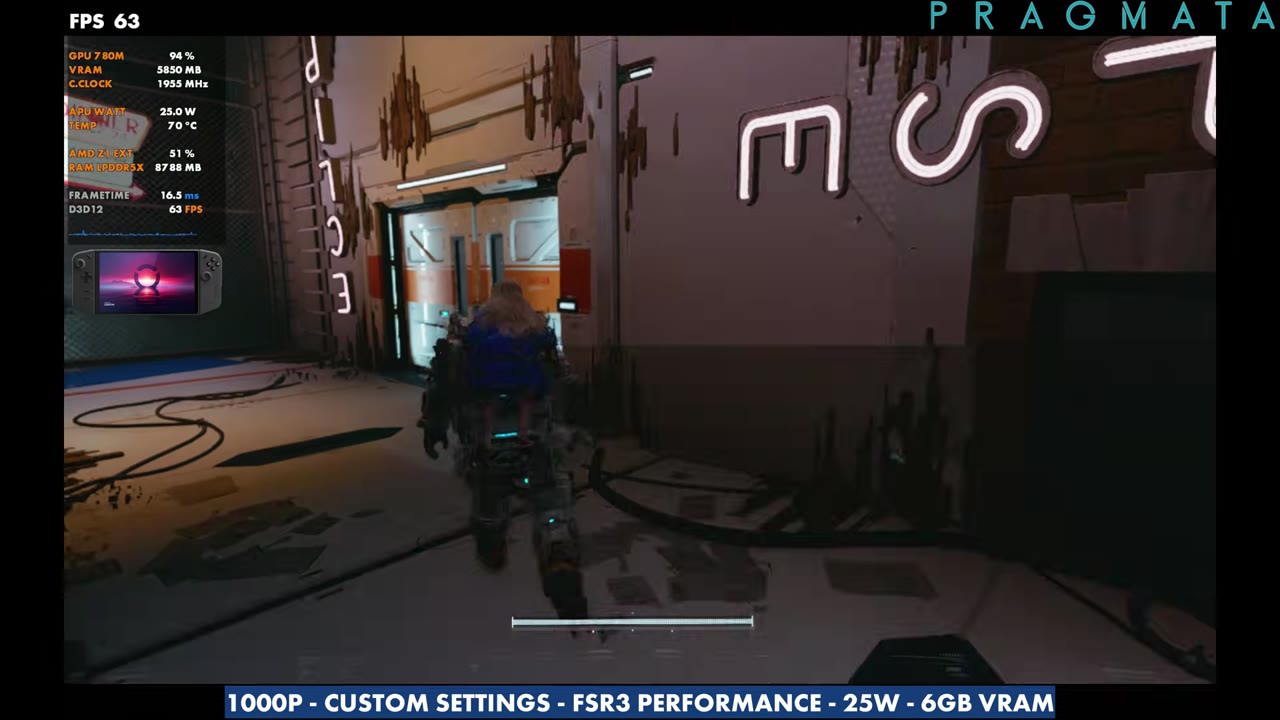
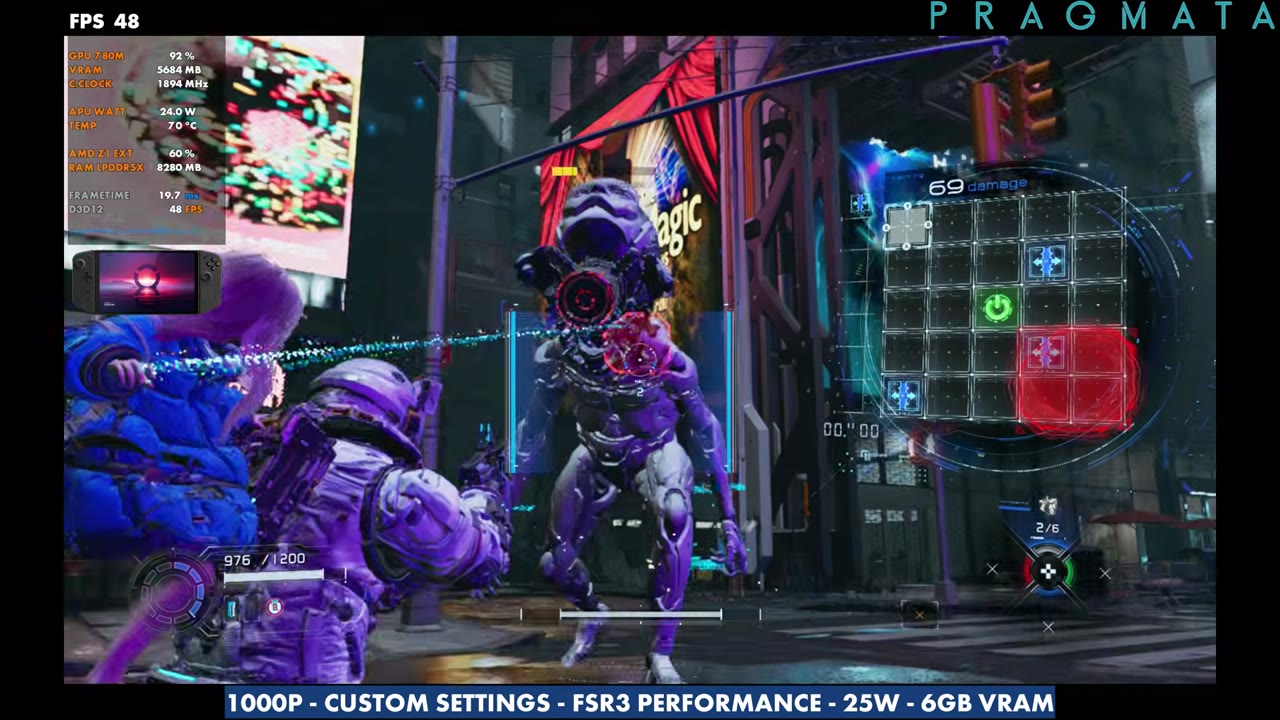
In the first gameplay stretch at 1000p, FSR3 Performance and 25W, the overlay mostly read around 59 to 65 FPS, dipping to about 54 at the lowest. A later stretch read about 56 to 65. The heaviest part of the video was a street area near the end, where the overlay sat in the mid-40s to low 50s (about 44 to 53).
Gameplay with frame gen
With frame generation on, you're not going to exactly double the frame rate, but it does gain a good amount. In combat the overlay mostly read around 79 to 86 FPS, up to about 95 at times, and one later stretch sat in the high 80s to about 91. In a different area it read lower, mostly the 60s to mid-70s. It's pretty clean, I don't feel a lot of input latency, and they did a pretty good job implementing it, so I'd say it's worth checking out no matter what resolution or upscaling you wind up using.
Verdict
Pragmata is running really well on the original Legion Go. Everyone's going to have their own preferences, so use this as a guide and head your own direction with higher or lower resolution, more or less aggressive upscaling, and your TDP. For the same game on other handhelds, I also tested it on the MSI Claw 8 AI+ after Intel's driver fix.
FAQ
Can the original Legion Go run Pragmata?
Yes. At 1000p custom settings, FSR3 Performance and 25W, it mostly read around 55 to 65 FPS without frame gen in the base and early gameplay, lower in heavier areas.
How much VRAM should the Legion Go use for Pragmata?
I used 6GB. The game likes to use more than 4GB, and 8GB pulls a lot from the 16GB of system RAM.
Is frame generation worth using in Pragmata on the Legion Go?
For me it was. It doesn't double the frame rate, but it's clean, I didn't feel a lot of input latency, and the overlay mostly read the 70s to 80s.
Want more handheld tests?
New Steam Deck, ROG Ally, Legion Go and Steam Machine performance videos every week.