 ▶Watch on YouTube
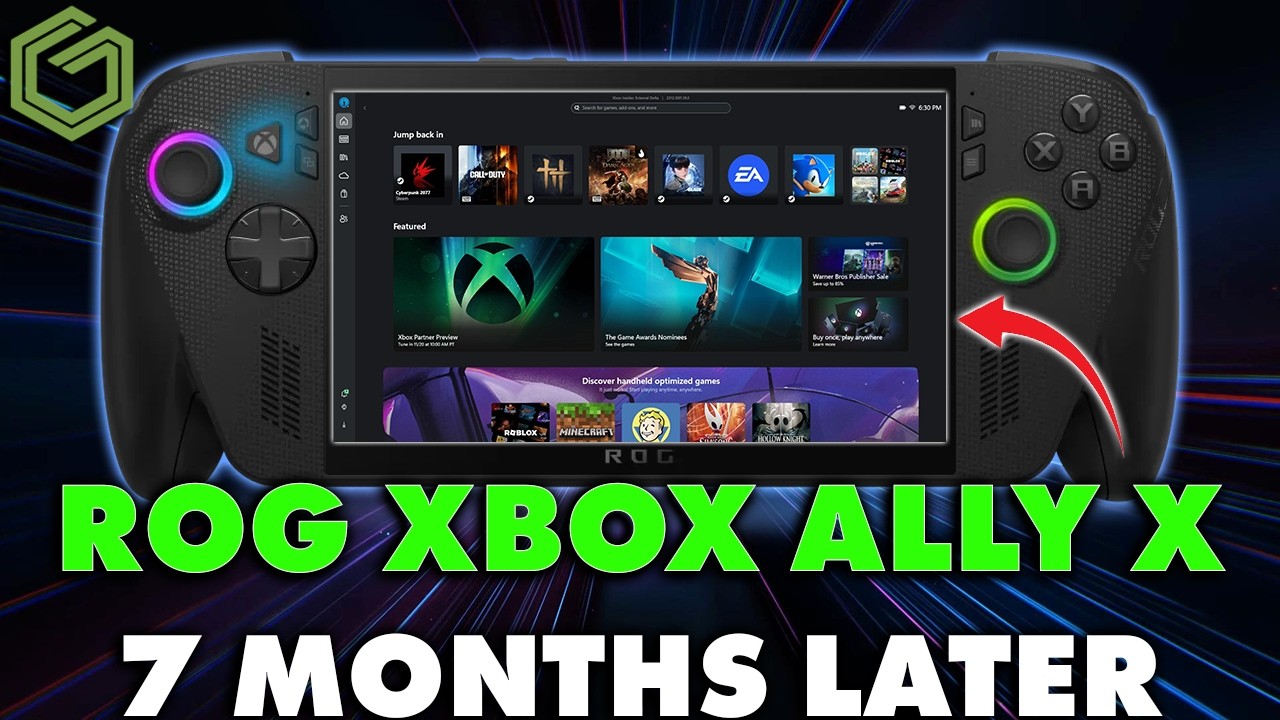
It's been about seven months since the ROG Xbox Ally X launched, and after almost daily use, it's time to go over the goods and bads since my full review. Pretty much that whole review is still relevant. Not a lot has changed other than updates, which are a big part of this story.
- Still one of the most comfortable handhelds I use, right up there with the Steam Deck.
- The Hall effect sticks, triggers and shoulder buttons have had no issues after six or seven months.
- The Z2 Extreme's performance, efficiency and battery life still hold up, and the updates have made it even better.
- Xbox mode and the steady flow of BIOS, GPU driver and feature updates have been really impressive.
- The 7-inch screen, plastic flex, clunky face buttons and $1,000 price are what hold it back for me.
The model I'm using
There are two Xbox Ally models made with ASUS, the white one and the black one. This is the higher-end, more expensive black model, the ROG Xbox Ally X.
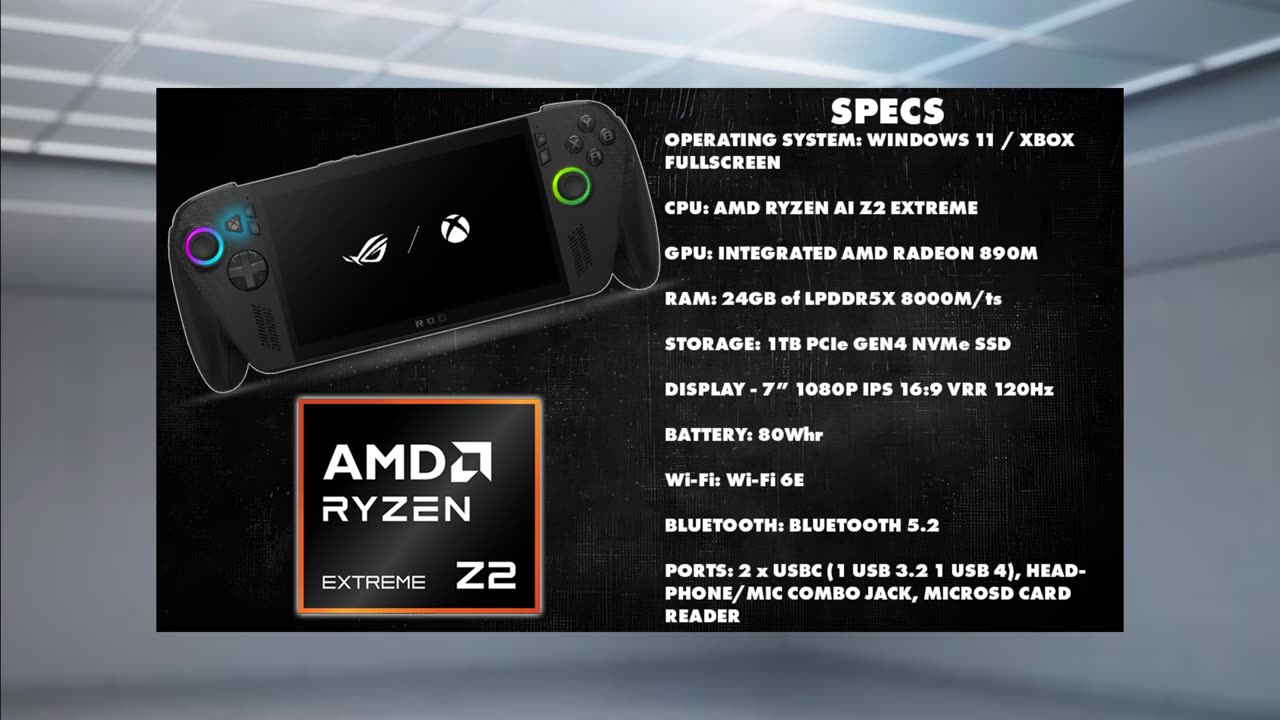
- AMD Ryzen AI Z2 Extreme with integrated Radeon 890M graphics
- 24GB LPDDR5X-8000 shared RAM
- 1TB PCIe Gen4 NVMe SSD
- 7-inch 1080p IPS display, 120Hz with VRR
- 80Wh battery
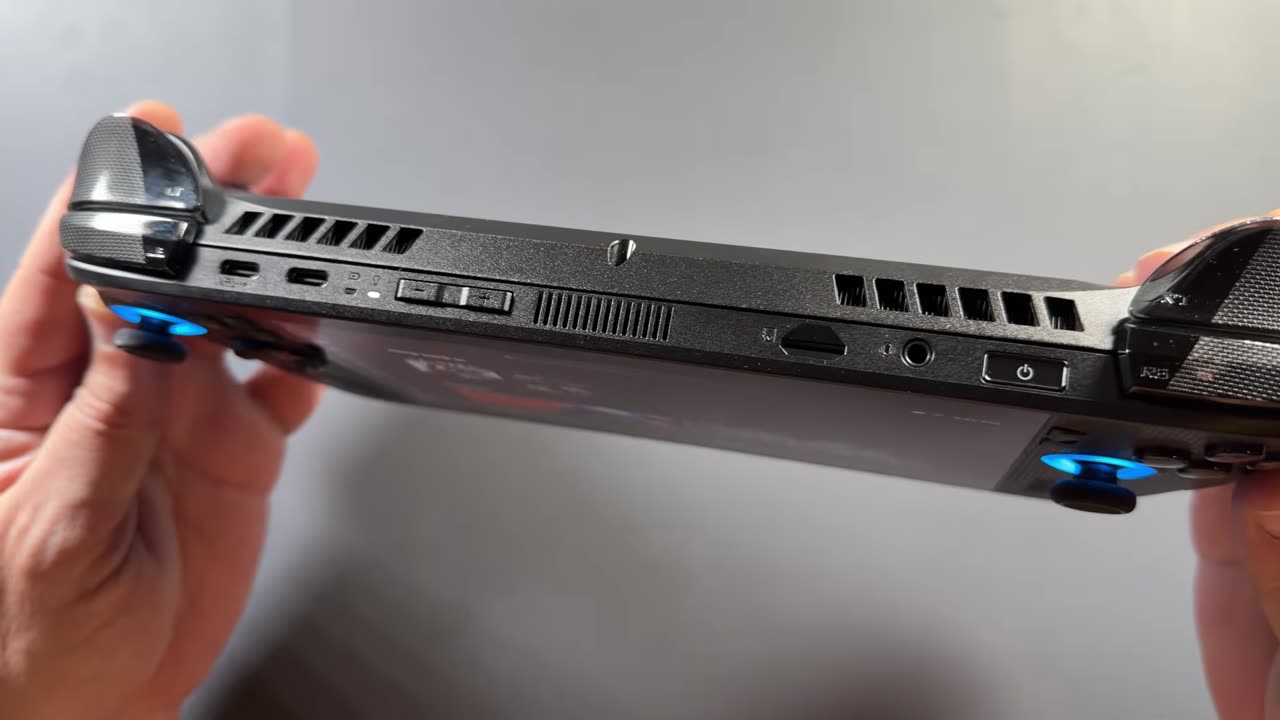
- Two USB-C ports (one USB 3.2, one USB4), headphone jack and microSD card reader
- Windows 11 with the Xbox full screen experience
The goods
Comfort
I laughed at the Xbox-style grips in the beginning, especially when the prototypes first leaked. After all these months, they're very comfortable. I still consider this one of the most comfortable Windows handhelds, or handhelds in general, that I use, and I keep it right up there with the Steam Deck, which has always been one of my favorites. It may not have the premium feel of some other handhelds I have, but with all the changes over the original Ally, it's one of the most comfortable and easiest to use in longer sessions.
Sticks, triggers and shoulder buttons
After six or seven months, the Hall effect joysticks still feel great. I've liked them since launch. The triggers and shoulder buttons have been fine too: no squeaking, no sticking and no other problems.
Performance, thermals and battery
The Z2 Extreme still offers great performance and efficiency, and with all the updates, it's even better now. It may not be the huge FPS boost over the original Z1 Extreme a lot of people were looking for, but it does perform better, and it really shines over the Z1 Extreme at lower TDPs. That helps the battery too.
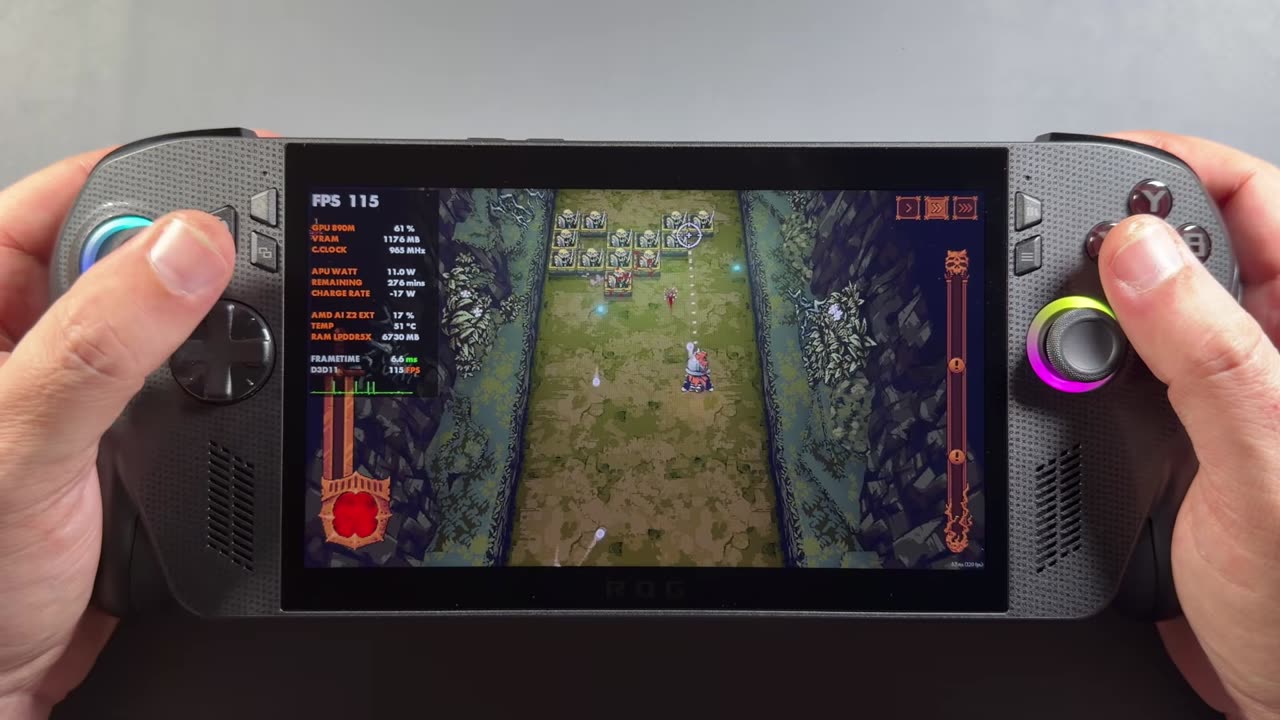
Unless you really rev it up for an extended period, the device has been fairly quiet for me with really good thermals, which I've liked from day one. There's no fan whine, and at the 17 to 25 watts I typically run, the fans aren't too loud.
I'm still pretty happy with the battery life, especially coming from launch Z1 Extreme devices like the Legion Go and original Ally, which could get under an hour at full power. Full performance on the Z2 Extreme drains the battery faster too, but with the bigger battery and better efficiency, you're usually looking at more like 2 hours, or maybe an hour and a half if you're pushing things higher. At 15 to 20 watts, you get a lot more battery life and 25-watt Z1 Extreme performance out of the Z2 Extreme.
Auto SR and the 24GB of RAM
Microsoft's new Auto Super Resolution uses the NPU for AI upscaling, taking 720p or 900p gaming up to 1080p or 1440p, and it does a great job for 4K. I've been covering it on the channel, and it's been working really well.
The 24GB of RAM is a good balance: 16GB of system RAM, which is usually the minimum I'd recommend these days, while still leaving 8GB for VRAM, with room to adjust either way. In this market, it's probably helping keep the price where it is, or keeping it from going up, at least so far. For a lot of the games and resolutions we're playing on this device, 24GB over 32GB maybe isn't so bad right now.
Xbox mode
This one gets a lot of mixed feelings. What used to be called the Xbox full screen experience is now just Xbox mode. It started on the ROG Xbox Ally devices and has moved to pretty much all handhelds, and even desktop PCs. I personally really like it. It needed updates from the beginning, but it's been getting a lot of quality-of-life updates.
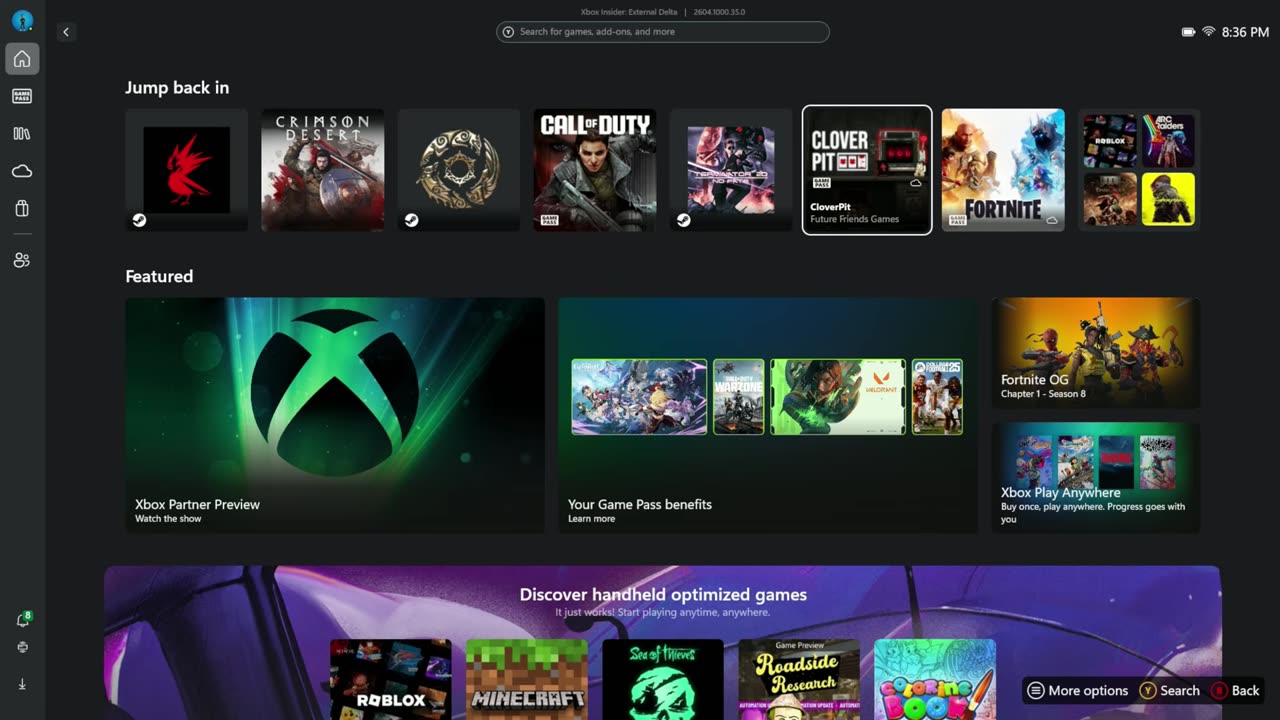
If you're a Game Pass subscriber, especially Ultimate, all the Game Pass games, cloud gaming and Play Anywhere titles tie right into the device. You can also jump over to Steam or Steam Big Picture mode easily and go back and forth, which is honestly pretty good compared to the plain desktop experience. Your other launchers and libraries can be pulled in, and you can add your own stuff. I think this is a vision of what future Xbox consoles or hybrid consoles are going to look like.
The updates
Something that's been really impressive since launch is the flow of updates. There have been many BIOS updates, which I've covered on the channel, pretty much all of them. There have been multiple GPU driver updates, which we're always waiting for on handhelds. There have been Armoury Crate SE and firmware updates, and lots of Xbox mode updates, including adding your own apps to the library, default game profiles, the Xbox sound scheme, Auto SR and more.
It's still Windows, and there's always more work to be done, but Xbox mode keeps getting better. I don't know if they'll keep up this pace between BIOS, GPU drivers and features, but if they do, they're really keeping the promises they made about updates when it came to this Xbox and ASUS partnership. The past six or seven months have been pretty impressive.
The bads
I like a lot more about the Xbox Ally X than I dislike, but no handheld's perfect.
It can still feel like a PC
Even though I praise Xbox mode a lot, there are times it still feels like a PC. They're working on setup and on being able to skip updates, but when you turn one of these on, there's still a ton to do: the typical Windows setup, getting everything signed in, usually an hour or two of updates, and then getting your games on there. Once you're through all that, it's quick and easy to use, and I like the experience overall, but it's still Windows getting there.
Xbox mode quirks
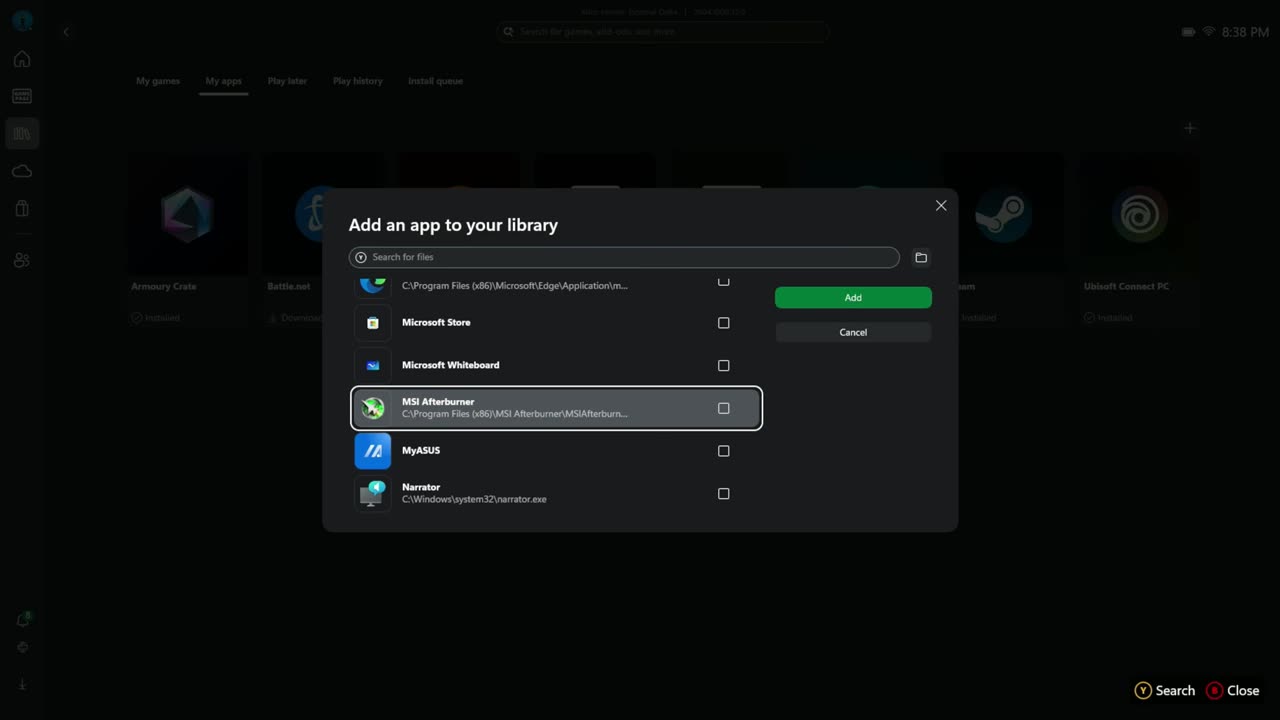
There are times Xbox mode still has issues, where you need to refresh the app or it freezes up during updates. It happens to me a lot less these days, and they seem to be squashing these things pretty quickly. I really love being able to add apps to the library myself now, so I don't need a separate launcher for it. That's one less thing running on the device, which I always like. Sometimes those apps break or stop launching, though, and I have to remove them and re-add them. It's a small annoyance.
The screen
The VRR and the display quality itself have been pretty good, with no real ghosting. For me, it's always been the out-of-the-box contrast and colors, things that can be corrected in software. Compared to other handhelds, it's never been as good out of the box for me.
The bigger thing for me is the 7-inch size. These days it feels really small, and that's a personal thing that holds me back on this device. I still grab it a lot, use it a ton and really like it, but the screen size always gets me a bit. I know some people prefer a smaller screen because it's more compact, comfortable and lighter. I'd prefer at least 7.4 or 7.8 inches. It's not a bad screen, but it's not my favorite. On the other hand, a 7-inch panel ASUS has been producing for a long time for past Ally devices might be easier and cheaper to make, and that could be helping keep the price from going up.
Face buttons and build quality
Some owners, especially on Reddit, have reported squeaky triggers and stick issues after a few months. I haven't had any of that. As I mentioned in my review, though, the ABXY face buttons still feel pretty clunky and loud compared to my other handhelds, even after six or seven months. They work, and none have broken, but I notice it every time I pick it up.
The overall build quality could use some improvements in my opinion. I've made sure all the screws are tight, and the device has never been taken apart, but the plastic body around the triggers still has some movement and squeaking, even just while gaming and gripping it. I don't know how many people notice it, but the plasticky feel and the movement could have been tidied up. Again, maybe the smaller RAM, the easier-to-produce screen and the plastic body are good enough and are helping keep the price where it is.
The price
I know things are getting super expensive in this market, but I still think $1,000 is a bit of a premium ask. Between the screen, the plastic body and the buttons, it doesn't necessarily feel like a $1,000 device. We're lucky, though, that they've been able to keep the launch price so far, and compared to a lot of other devices after price increases or cancellations, it's not so bad. There's also the less expensive white model, which is much less capable for half the price.
Seven months in
After seven full months of almost daily use, the Xbox Ally X is still one of the most comfortable handhelds I've used, especially among Windows handhelds, even in 2026. The ergonomics, battery life, performance, efficiency and Xbox mode improvements are generally really good, and I've only seen them get better since launch. Microsoft and ASUS have done a good job with support and updates so far, and for now, that puts the Xbox Ally devices a bit ahead of some other brands we've seen have issues with updates.
It's not flawless. The smaller, more dated screen in my opinion, the build quality, the plastic flex and the face buttons, all at $1,000, put me in an odd spot sometimes. Still, especially if you're a fan of Xbox or Game Pass, it's worth taking a look at. It's a true Xbox portable with really good performance and battery life that you can tweak how you want, and it has kept its launch price and its support in a market where prices keep going up. If you want the best screen, rock-solid premium build quality or something on a tighter budget, there are a ton of other handhelds out there, including more premium options with OLED or bigger screens.
At the end of the day, for me, the Xbox Ally X is still a really good, solid handheld that I enjoy using. It's very comfortable, it's getting a lot of updates, and it gives us a glimpse of where Xbox is headed with its UI, operating system and future consoles, which makes the device a bit more exciting than it would be otherwise.