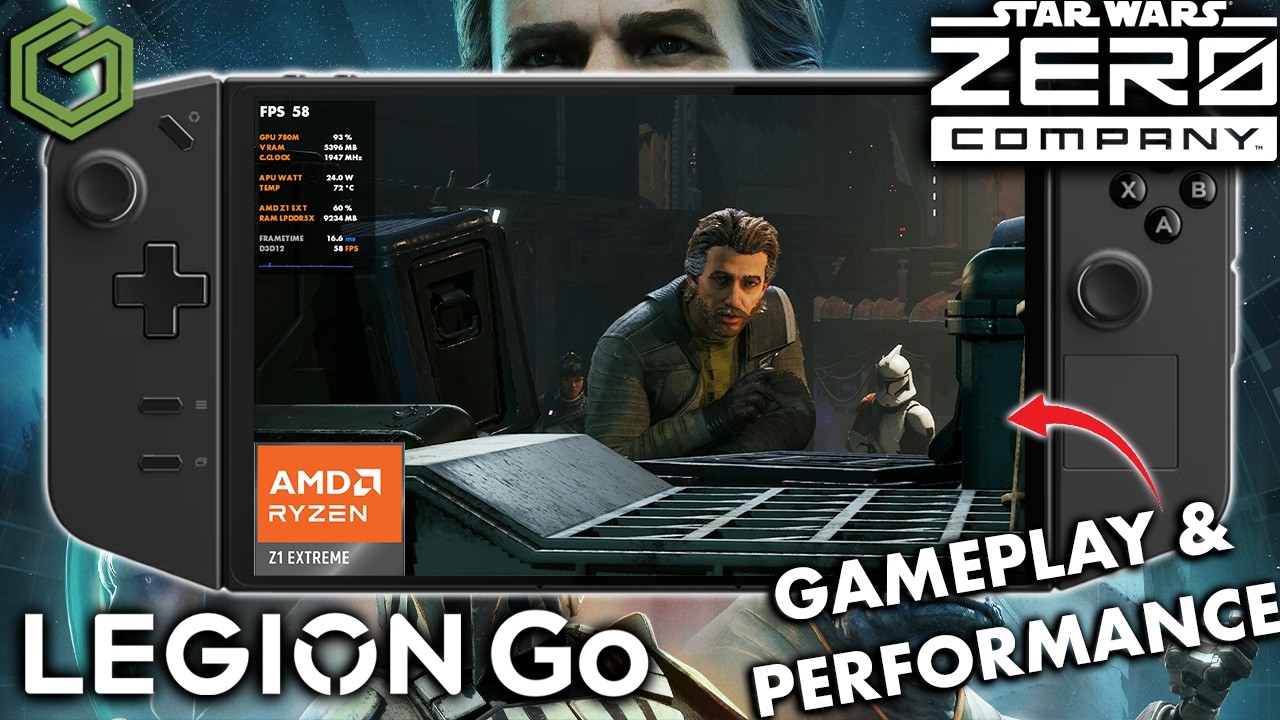
 ▶Watch on YouTube
- Star Wars: Zero Company runs okay on the original Legion Go with the Z1 Extreme.
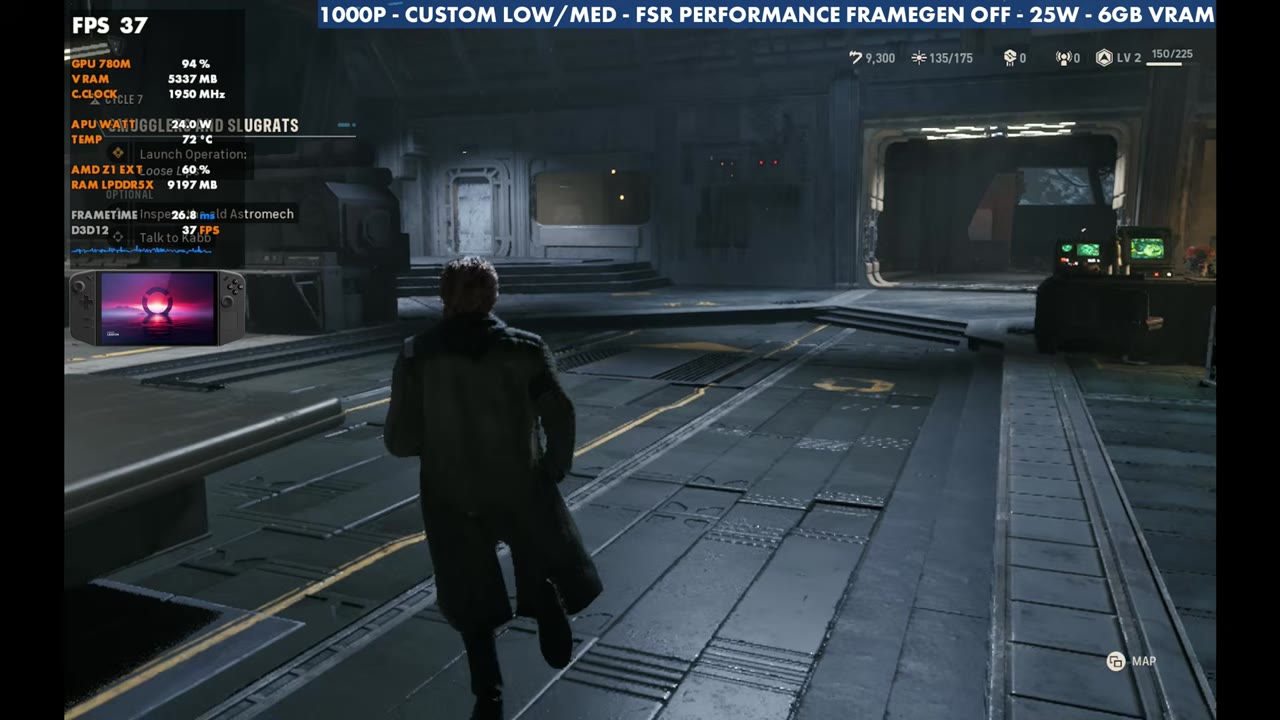
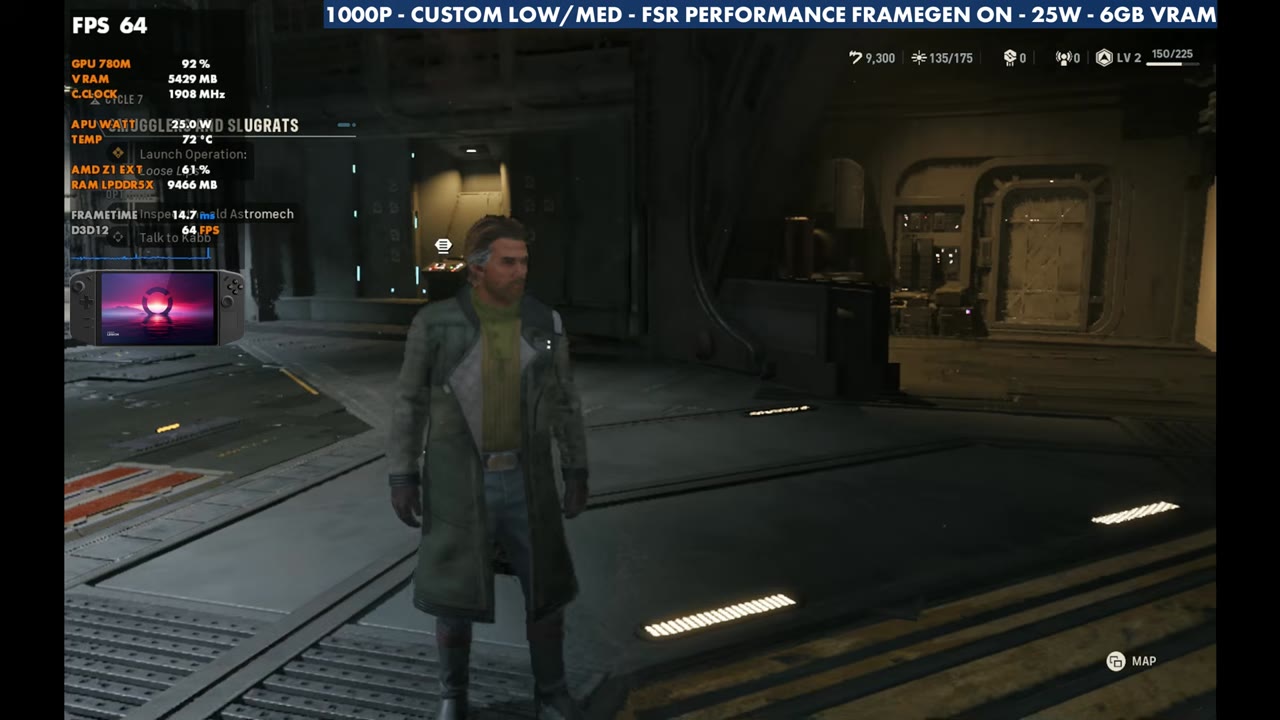
- At 1600x1000, FSR Performance, custom low/medium and 25W: about 30–40 / 35–45 FPS in the hub areas.
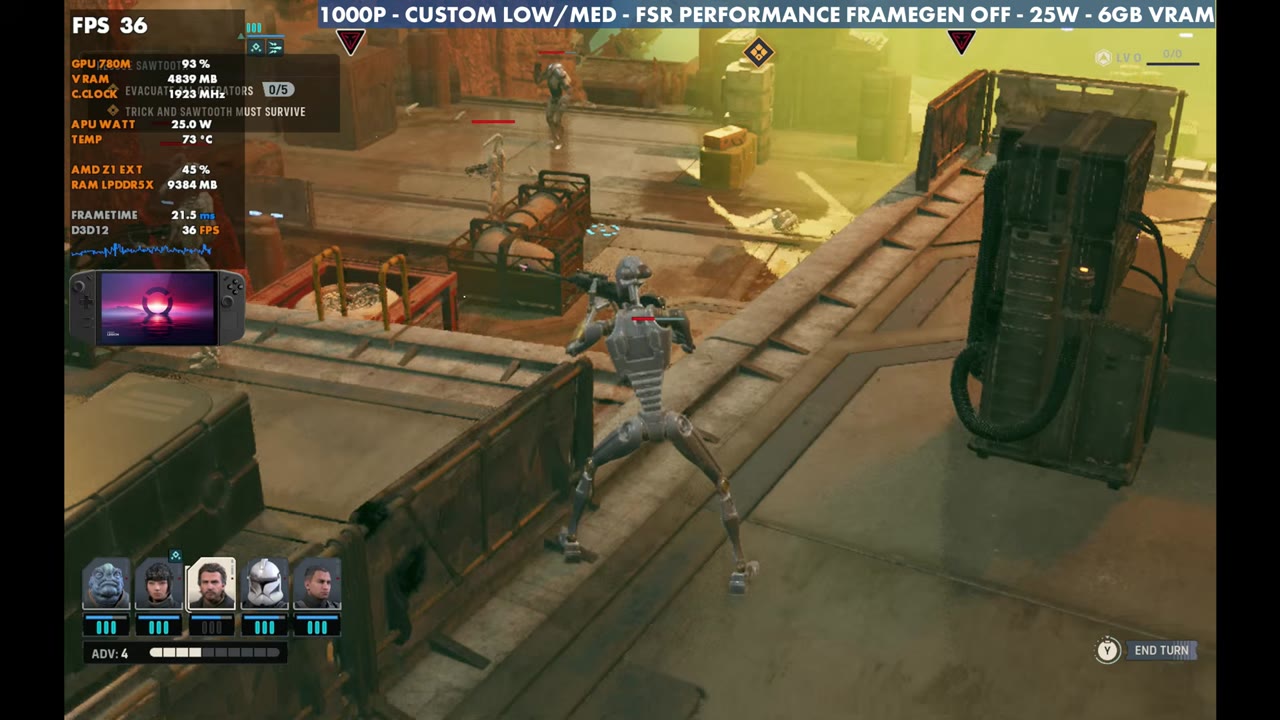
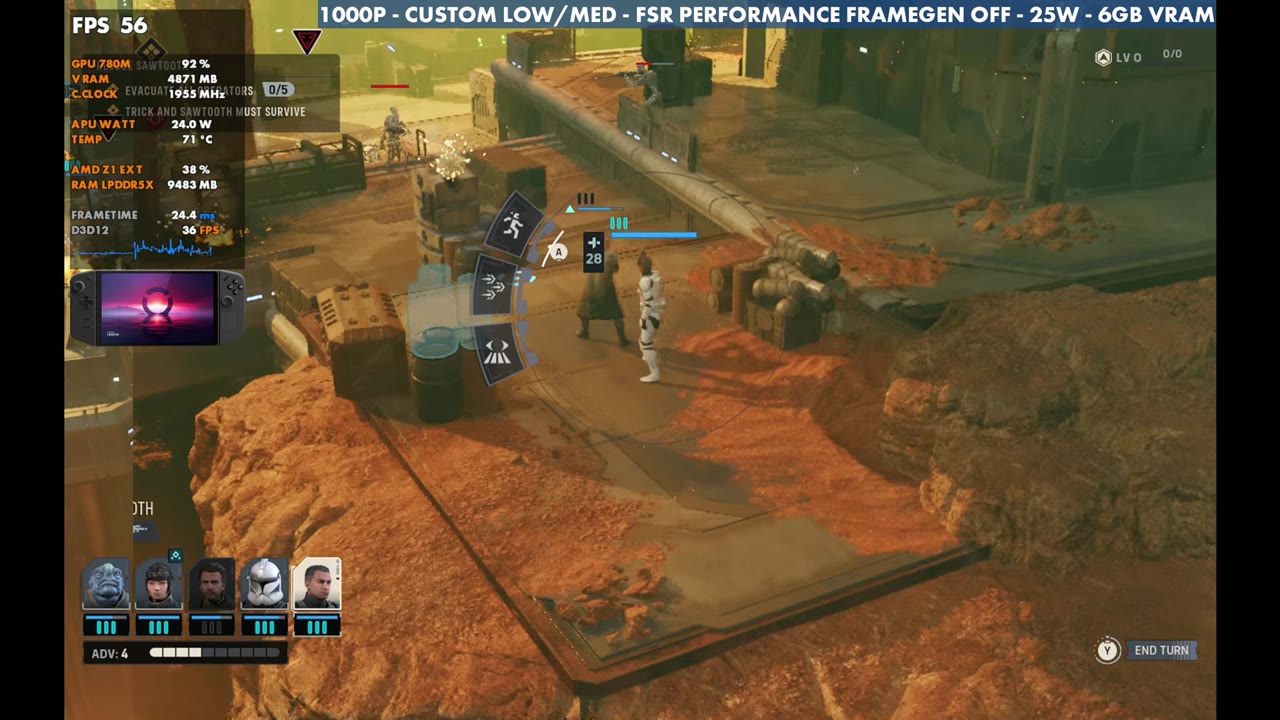
- Battles range from about 30 FPS up to 45 or 50, depending on the map.
- Frame gen roughly doubles the frame rate. In a turn-based tactics game, the added input latency doesn't really matter.
The Legion Go with the Z1 Extreme is about three years old now, and I wanted to see how Star Wars: Zero Company runs on it. It's a UE5 game that definitely needs some performance optimization and patches. That isn't just on handhelds: it has frame rate drops and stutters on more powerful hardware and desktops too. We see that with UE5 a lot, but it still runs okay here.
What I tested
- Fullscreen at 1600x1000 (16:10). My capture card makes the menu show it reversed, as 1000x1600
- Upscaling: AMD FSR Performance
- 25W, mostly for battery life, since this game is a bit difficult to run
- 6GB VRAM
- Frame gen off and on
800p might be the way to go for some of you, maybe with a different upscaling mode. You can drop FSR to Quality or Balanced, but you'll probably have to lower the resolution to do it.
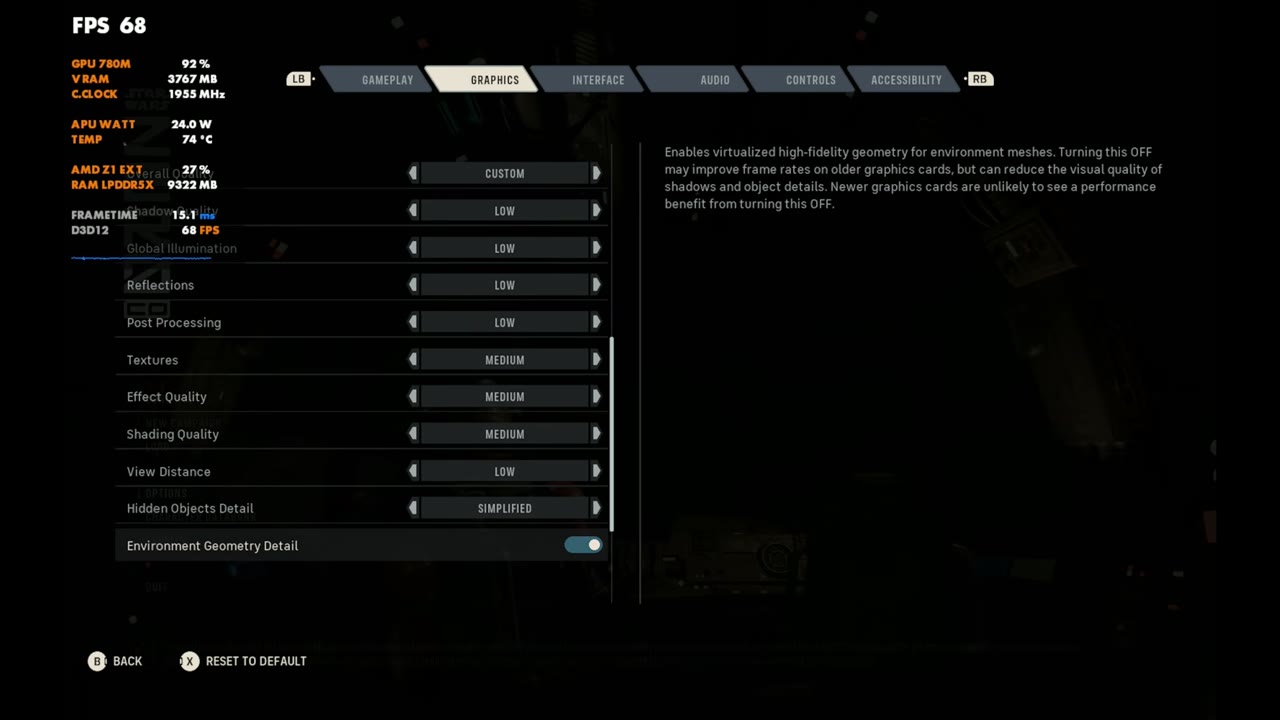
Custom settings
- Low on everything above textures
- Textures, effects and shading: Medium
- View distance: Low
- Everything else left alone
You could turn those mediums down a little, but it doesn't make a huge difference. Turning anything else up was causing me some trouble.
Hub areas
In the main base and hub areas, it's pretty much 30 to 40 FPS, or 35 to 45, depending on where you are. That's only slightly lower than 1200p with FSR Performance on my Z2 Extreme devices, the Legion Go 2 and the Xbox Ally X.
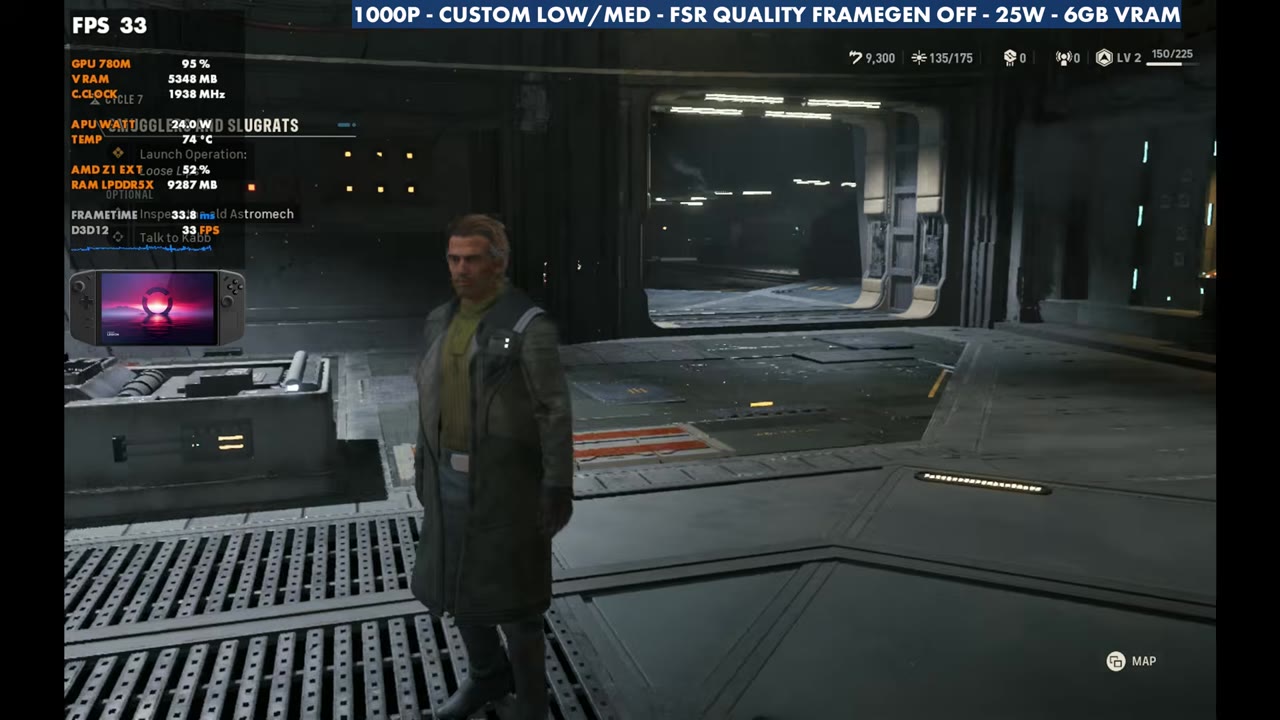
Switching to FSR Quality, you'll definitely be in the 20s a lot once things get busy. That's where 800p comes in, and I think it would work out just fine if you want more frame rate without frame gen.
Frame generation
Turning on frame gen with FSR still on Performance works just fine here and pretty much doubles the frame rate or so. It's not perfect, but it does smooth things out. Everyone has their own preference on frame gen, but this isn't a game where the extra input latency really matters, since most of it is turn-based tactics combat.
Battles
The third-person areas where you're running around are pretty similar in performance. The battle areas, where you're really playing the game, vary more. Without frame gen, I've seen anywhere from about 30 FPS up to 45 or 50 with these settings, depending on the map and the battle. You can still kick frame gen on to bring the frame rate up.
Verdict
The game needs some patching and optimizing across the board, but it runs okay on the Z1 Extreme. It's a UE5 game, it's tough to run, and it's not the best optimized, but it's a good, fun game that I'm really enjoying, and you can get away with playing it here. Six gigs of VRAM and about 25 watts is probably the better way to go, then adjust your upscaling and resolution from there. Something like 800p with FSR Quality might be even better, with or without frame gen.
Want more handheld tests?
New Steam Deck, ROG Ally, Legion Go and Steam Machine performance videos every week.