 ▶Watch on YouTube
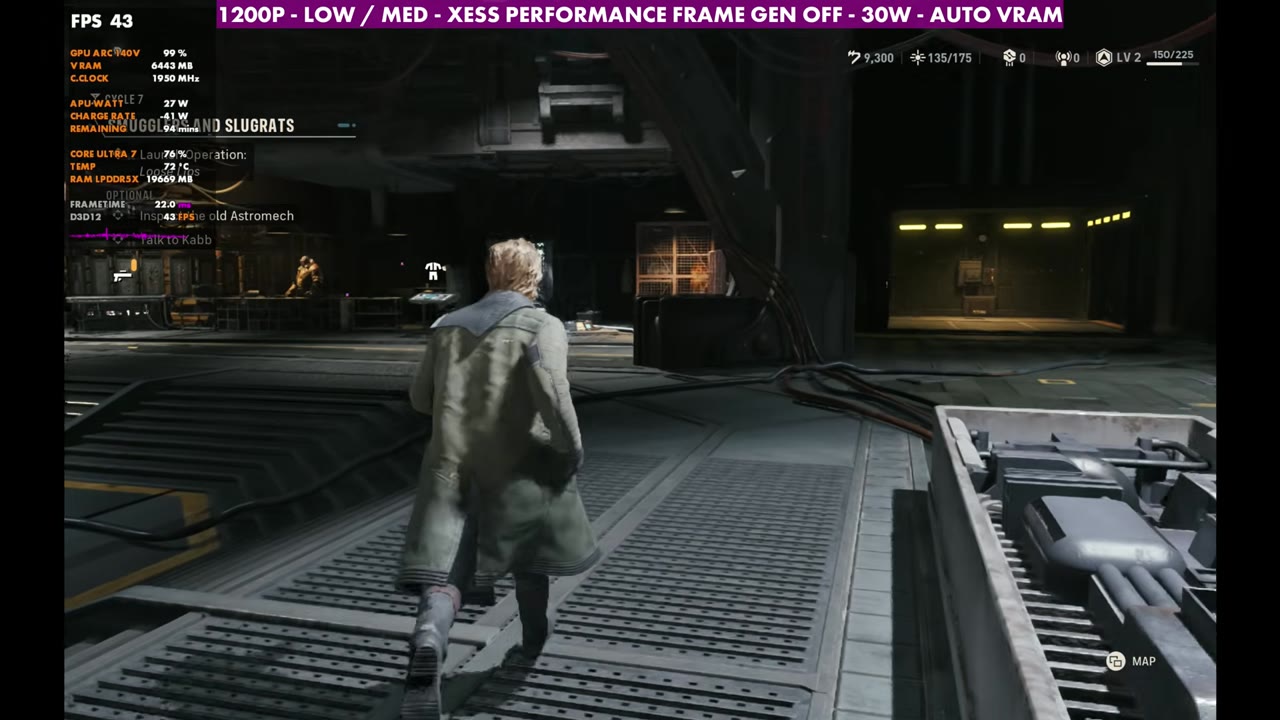
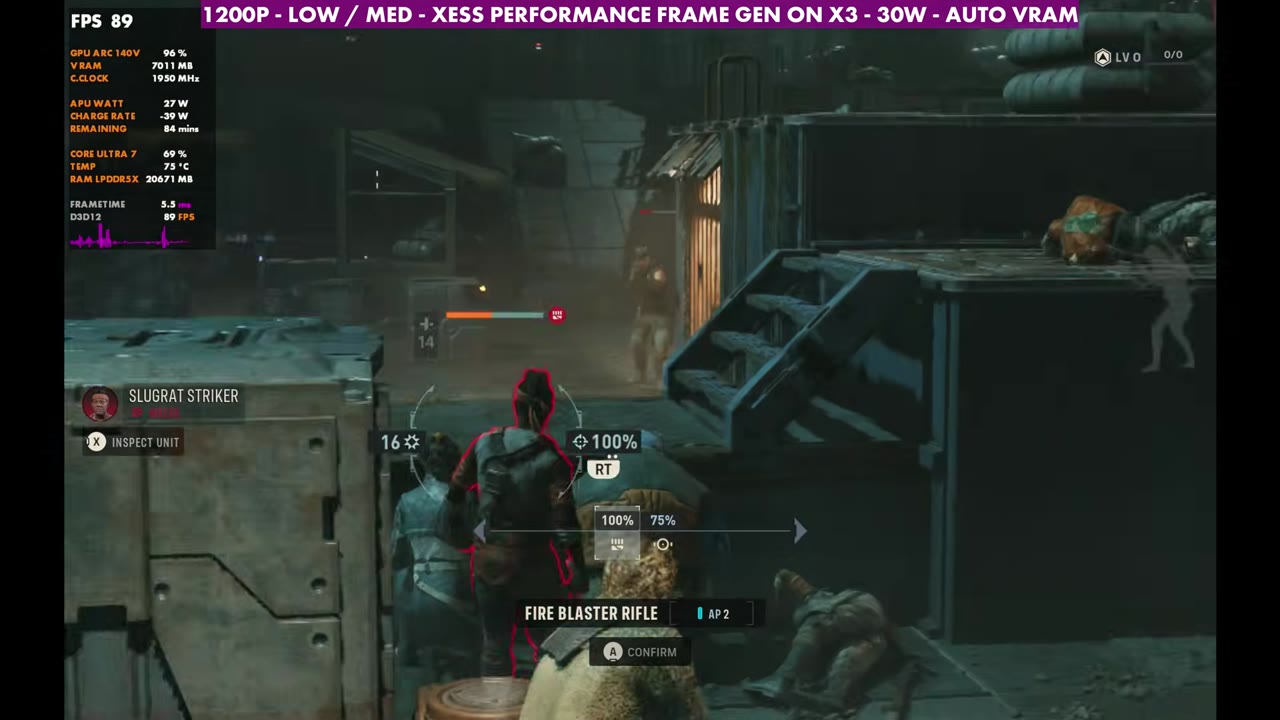
- At 1200p, XeSS Performance, custom low/medium and 30W, the hub runs around 40 to 45 FPS.
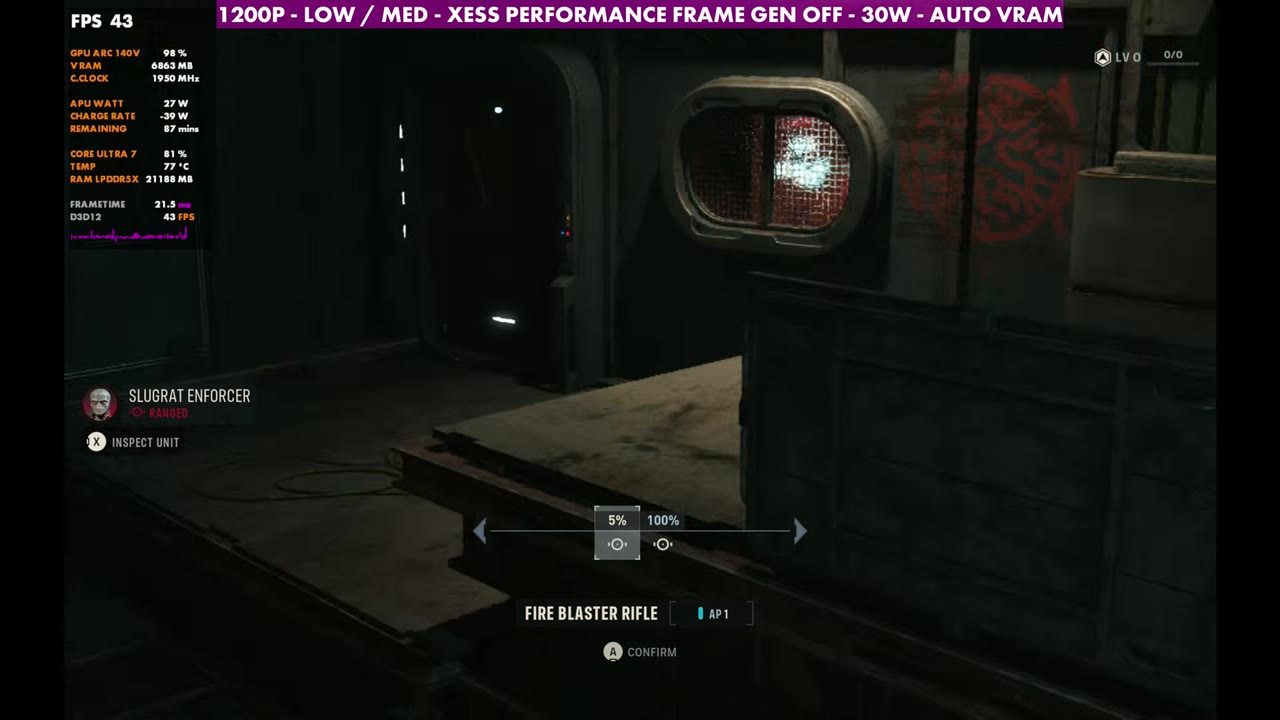
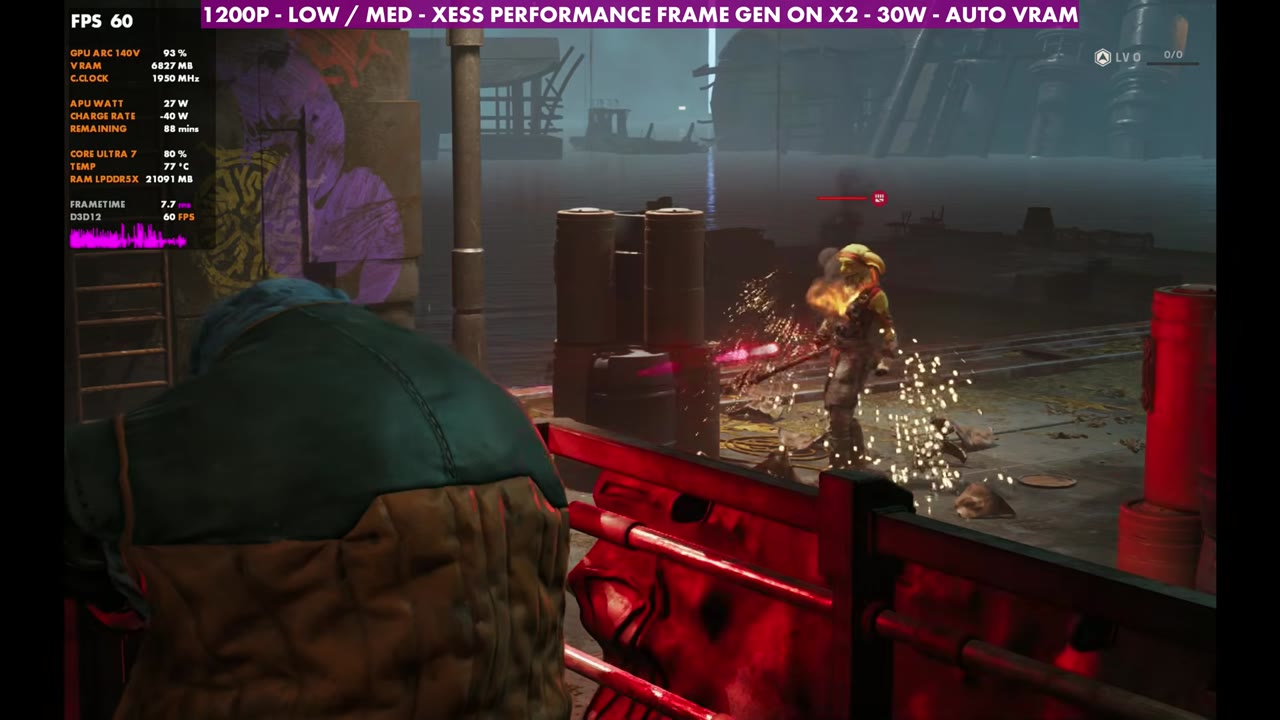
- Missions vary from about 30 FPS up to 50, depending on how many units are on screen and what's happening.
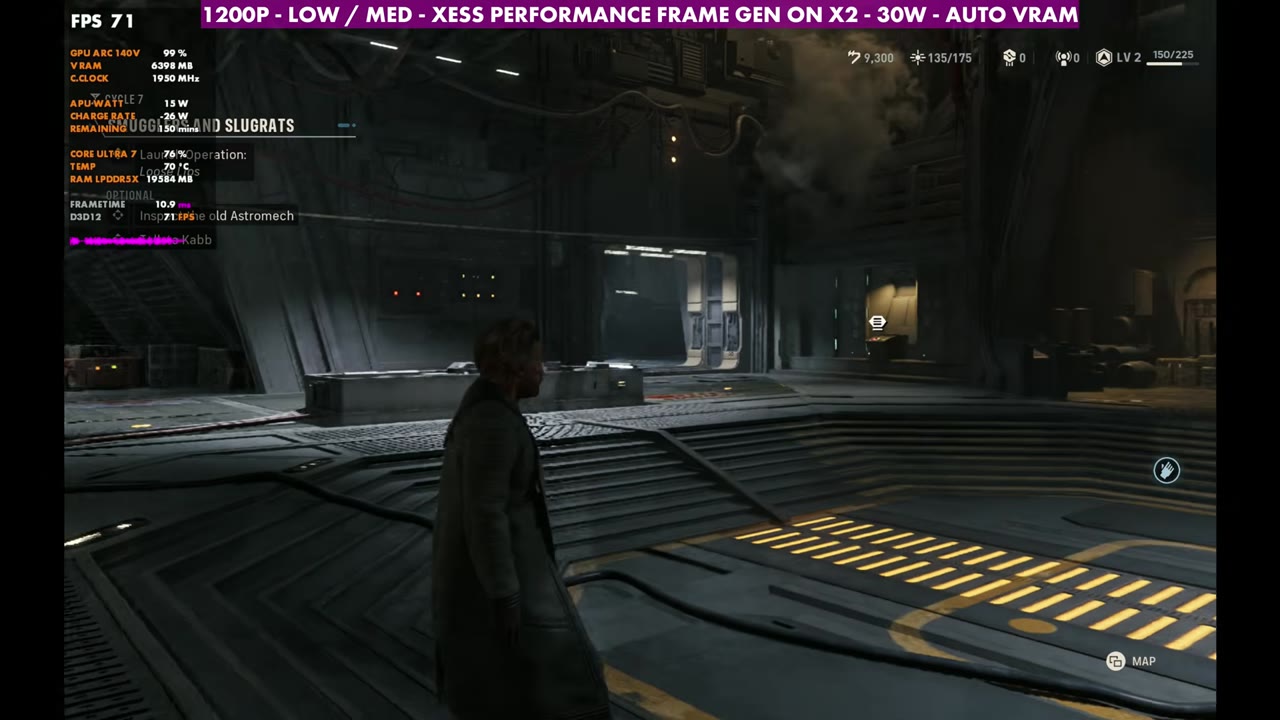
- Intel's frame gen works well here: 2x puts the hub at about 72 FPS, and 3x is a good option too in a game like this.
- It's a heavy UE5 game that still needs optimization patches, on handhelds and more powerful PCs alike.
Star Wars: Zero Company is a game I'm really enjoying, and it's been reviewing well, but it's an Unreal Engine 5 game that's heavy to run. It needs some optimization patches to fix performance issues on a lot of handhelds, and on more powerful hardware and desktops too. Here's how it runs on the MSI Claw 8 AI+ with Intel's second-generation Core Ultra 7, with Windows and drivers fully updated, including Intel's new certified GPU driver for August 2026.
What I tested
- 1920x1200 (16:10), the screen's native resolution, in borderless window
- Upscaling: Intel XeSS Performance
- Up to 30W
- VRAM on auto
- Frame gen off, then Intel frame gen at 2x, 3x and 4x
I'm not going too deep on settings in this one. The focus is on letting the Claw run up to 30 watts at its native 1200p, upscaled with XeSS Performance. You can adjust the resolution and upscaling wherever you want from there.
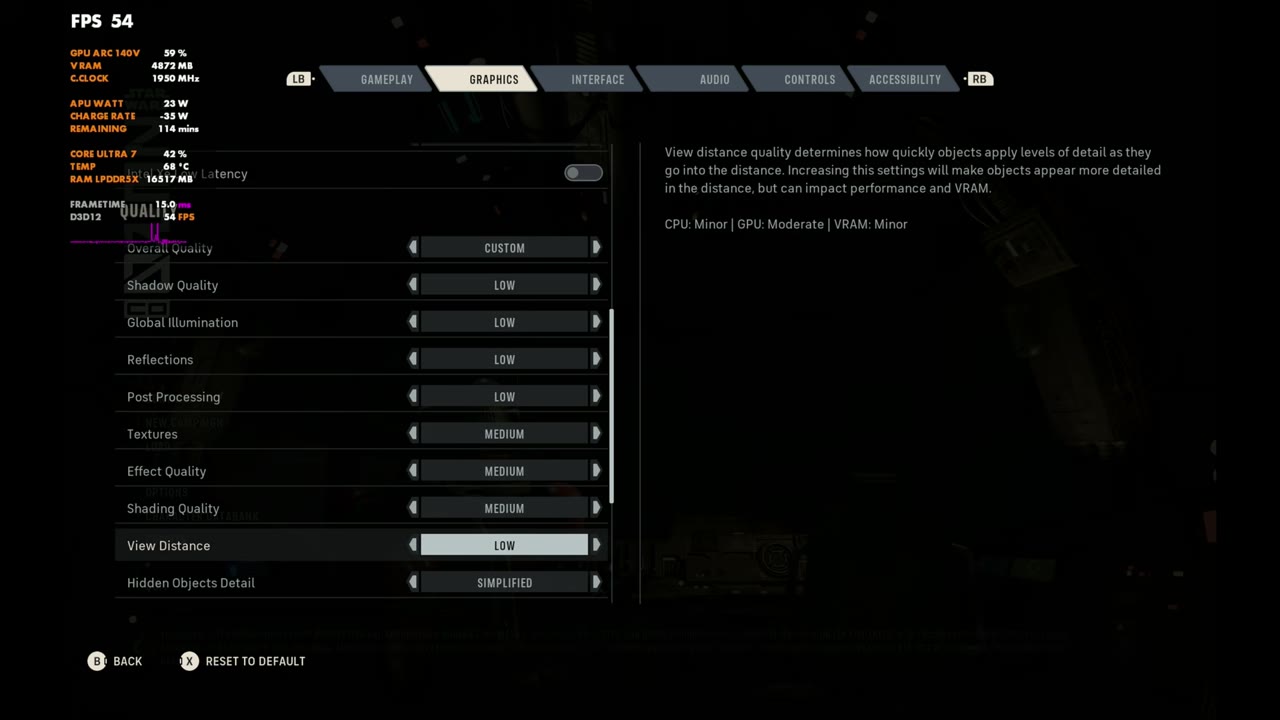
Custom settings
- Low on the first quality settings: shadows, global illumination, reflections and post processing
- Textures, effects and shading: Medium
- View distance: Low
- The simplified geometry detail option (Hidden Objects Detail: Simplified) left on
I was able to raise those few settings to medium without losing any real performance, and it makes things look at least a little better, even though the game is still heavy to run.
Hub area
The main hub is where you run around, do a lot of your upgrades, pick missions and all that. It can drop frames here and there, but for the most part, with these settings, I'm around 40 to 45 FPS in the hub.
Intel frame generation
Intel's frame gen only kicks in when you're on borderless, not full screen. At 2x, the hub goes to about 72 FPS. You get a little more input latency and some artifacting, but it's really not too bad. I like Intel's frame generation pretty well.
3x works out pretty well too. This isn't a first-person shooter or anything where you need fast reaction times, so if you're after a higher frame rate, you can definitely kick it on.
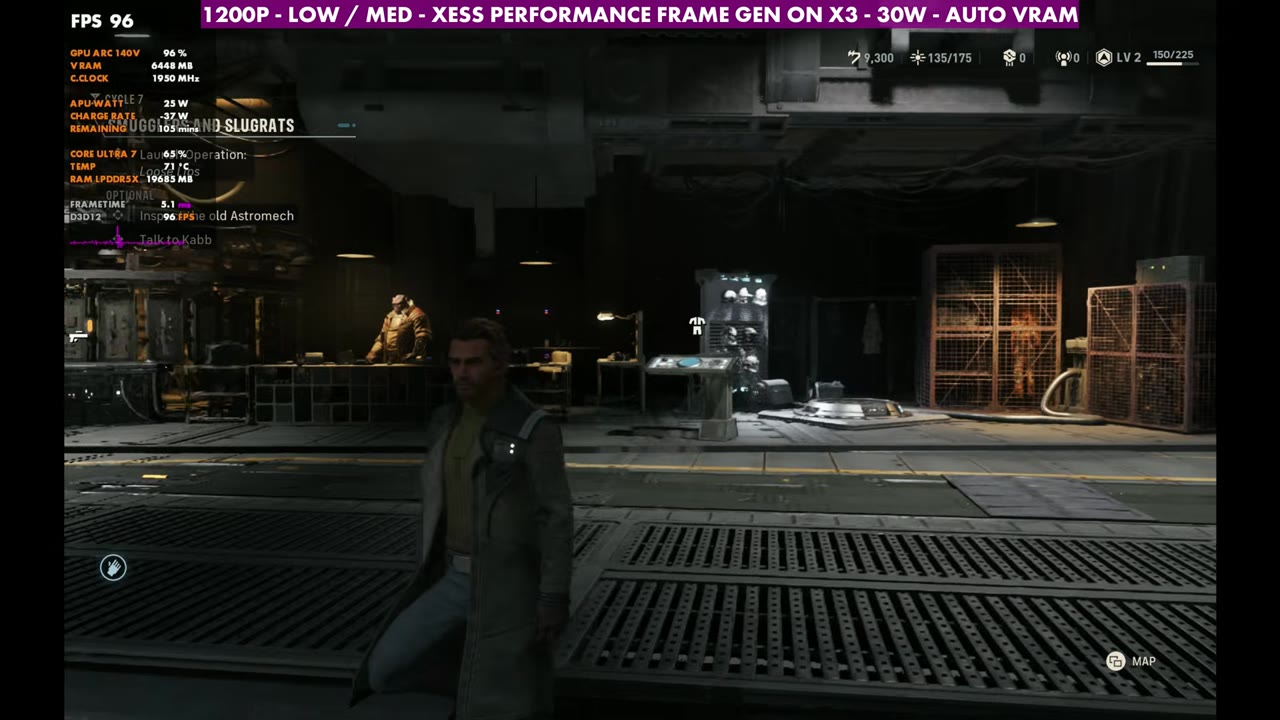
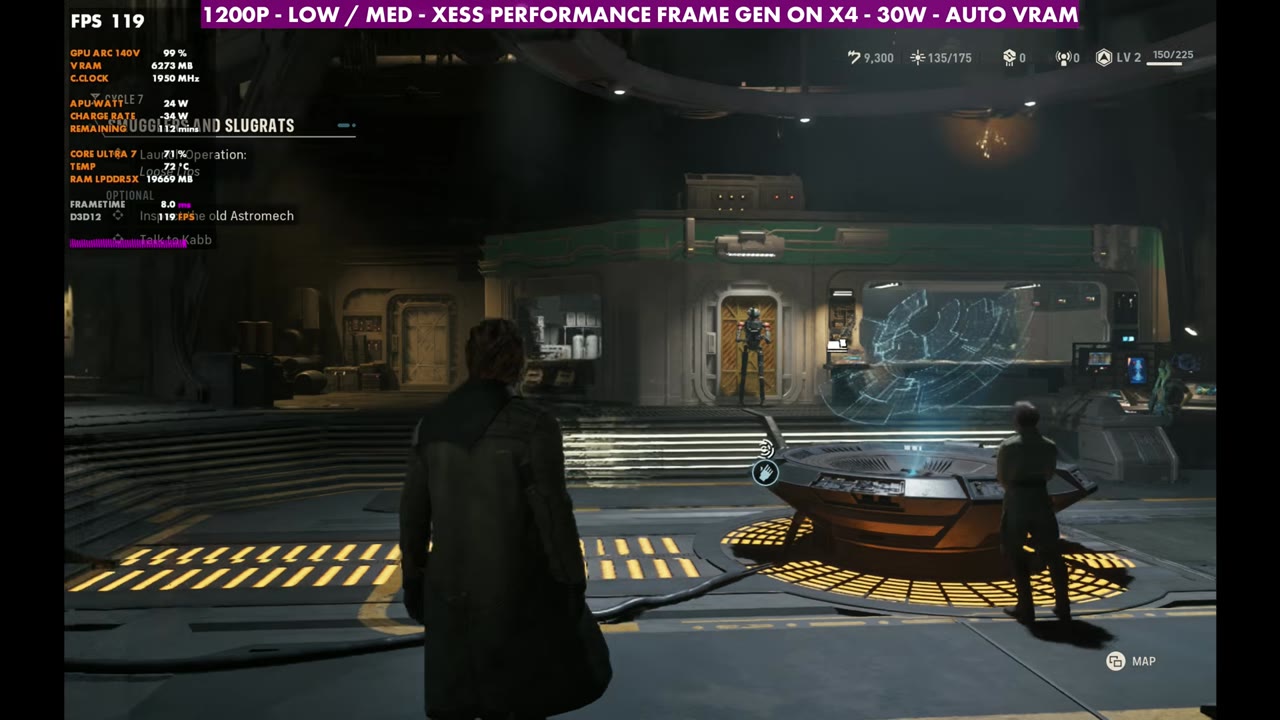
4x I typically wouldn't use in any game, since it has the most input latency and visual issues. It worked out fine here as well, but I mainly wanted to show all of them.
Missions
Once you get into missions, it varies. With these settings, I've seen anywhere from 30 FPS all the way up to 50, depending on how many units are on screen and what's happening. Sometimes it's more CPU bound than GPU bound, and it can swap back and forth. The gameplay at the end of the video runs a mission with no frame gen, 2x and 3x.
Verdict
Performance is somewhat consistent, but it can vary a bit depending on where you are, what's going on and whether you're using frame generation. You can lower the resolution, change the upscaling and use frame gen or not to get it running how you want. I still think it needs some optimization patches and fix-ups to make it a little better on all PCs and systems. For the same game on the original Legion Go, see my Legion Go Z1 Extreme test.
Want more handheld tests?
New Steam Deck, ROG Ally, Legion Go and Steam Machine performance videos every week.