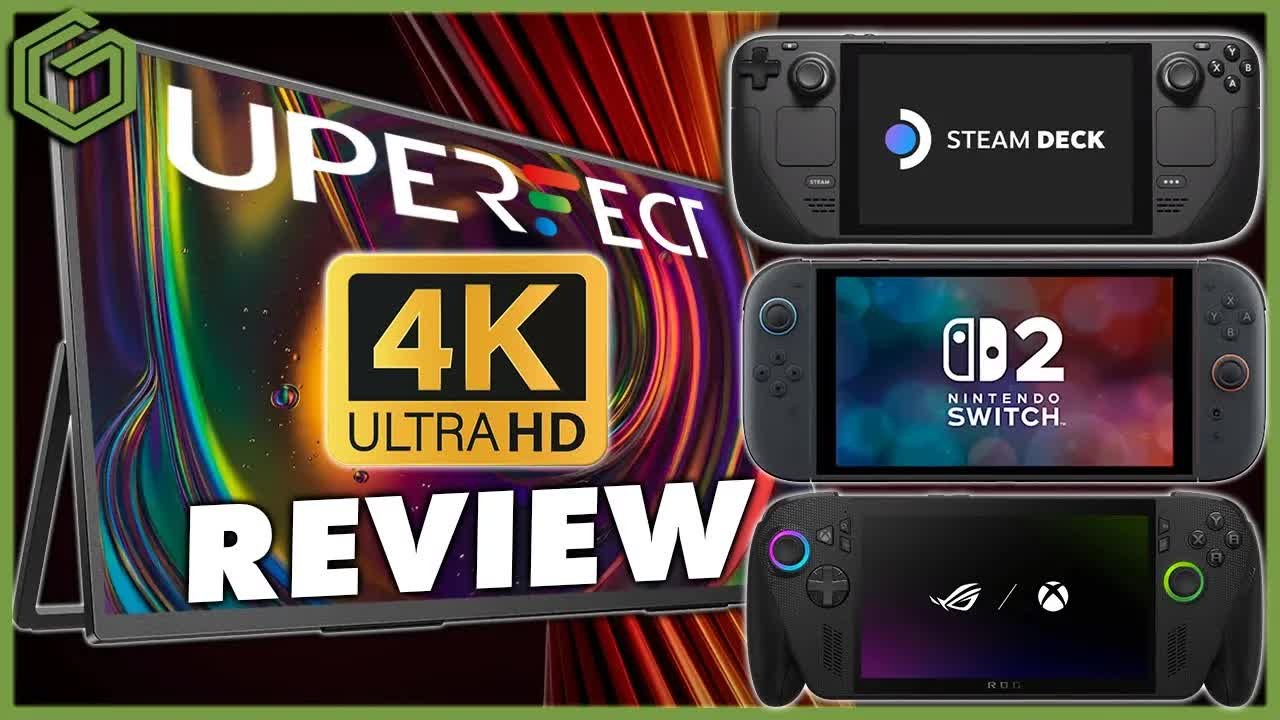
 ▶Watch on YouTube
Another UPerfect monitor review, this time for a 19-inch 4K QLED display I've been using for about the past month. At the time of the video it was sold as the UColor Apex, a 19-inch 4K QLED at 144Hz with HDR, and it's been a great monitor for my PC handhelds. I've used it with my Switch 2 as well.
Disclosure: UPerfect sent this monitor over for me to check out, and a huge shout out to them for that. Whether I buy something or have it sent to me, I review it the same way, with my honest opinions. Take that as you will. The UPerfect link below is an affiliate link, so I may earn a commission if you buy through it.
- A 19-inch 4K, 144Hz QLED portable monitor with HDR, FreeSync, a matte screen and a built-in kickstand.
- Over about five weeks with the ROG Xbox Ally X, Switch 2, MSI Claw, Legion Go 2 and my Xbox, it worked as advertised and never gave me any problems.
- Great color and really good contrast and blacks for a QLED. It doesn't match OLED, but it does a really nice job.
- My main complaint was the screen protector glue around the edge out of the box.
- Typically $540, and $480 on sale at the time of the video.
Price and discount codes
At the time of the video, UPerfect listed the UColor Apex at typically $540, on sale for $480. I also had two discount codes: GameTechPlanet60 for $60 off orders over $400, and GameTechPlanet80 for $80 off orders over $500.
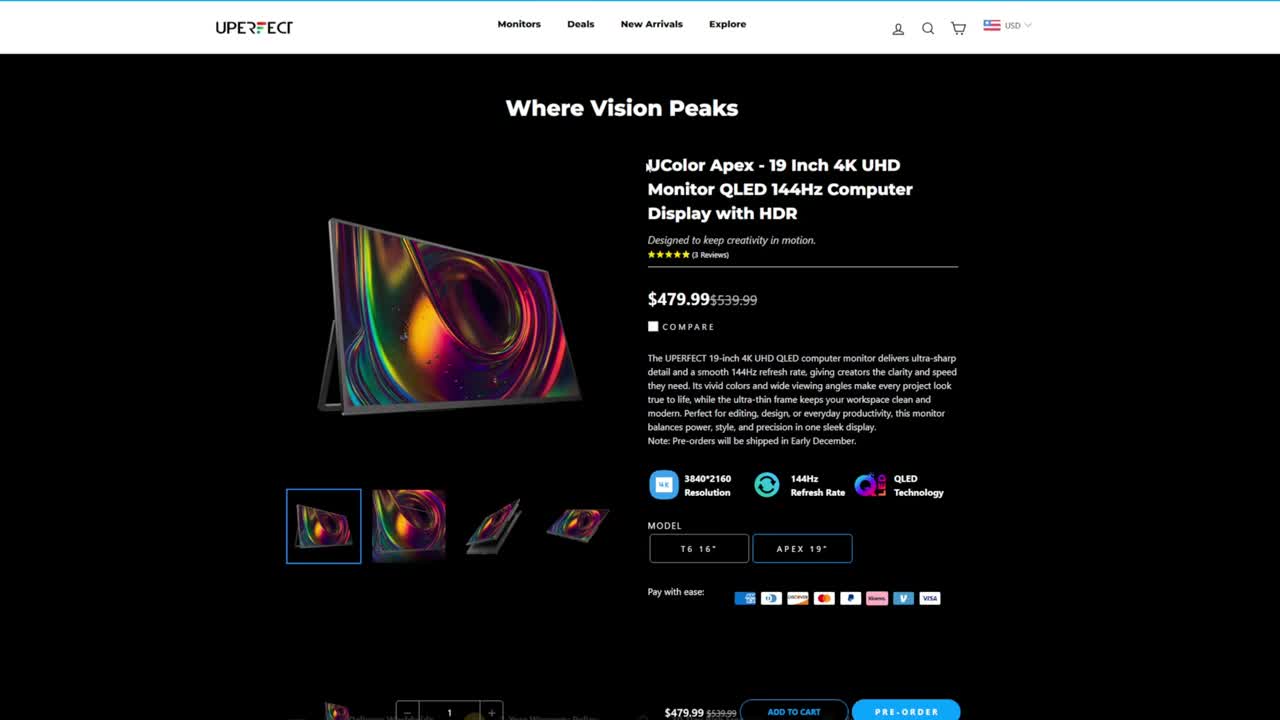
Price check (Oct 29, 2026): UPerfect's store now lists this monitor as the GR19BU 19 Inch 4K UHD Gaming Monitor ("originally called UColor Apex") at $479.99, marked down from $539.99. Prices and codes change, so check before you buy.
UPerfect 19-inch 4K 144Hz QLED monitor (affiliate link)
Unboxing
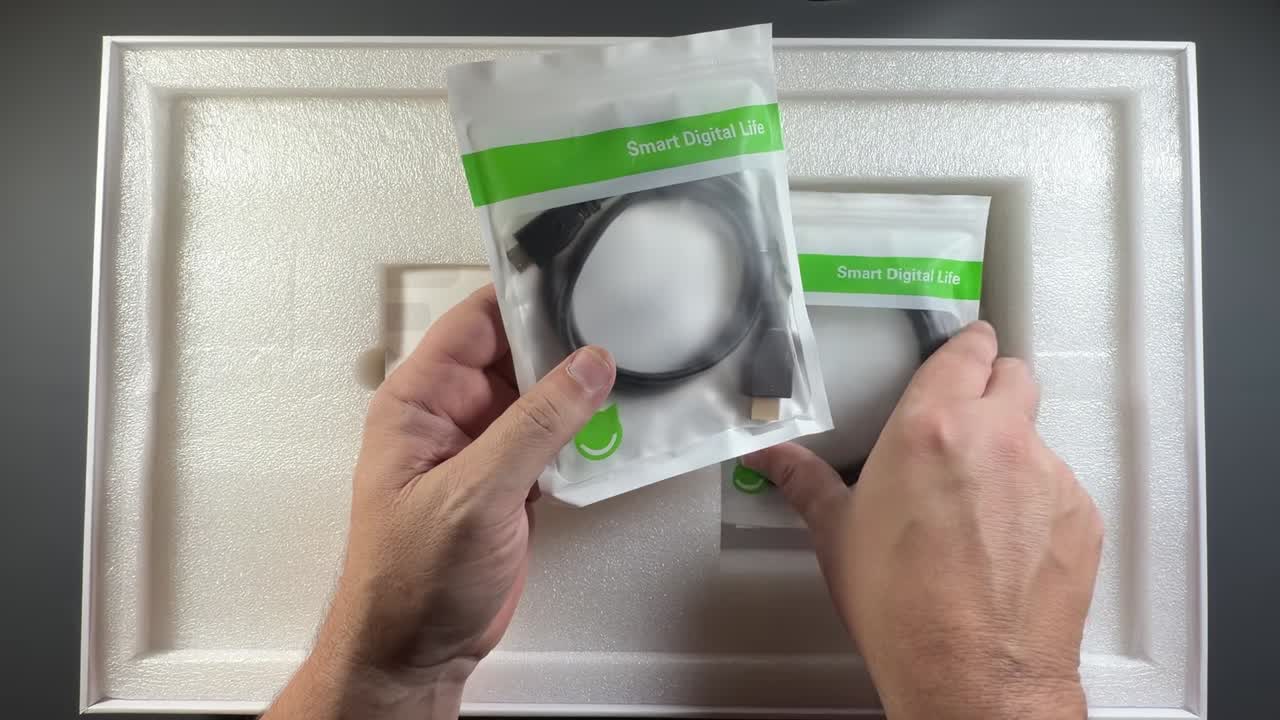
The unboxing is pretty standard for UPerfect: the normal white box with the 19-inch monitor on top. Underneath, there's a small user manual that shows what the different buttons and ports do, which is nice to have on hand, plus all the wires you need to get started: USB-C to mini HDMI, HDMI to mini HDMI, VESA mount screws, a USB-C to USB-C cable and the power supply.
You'll typically need to power the monitor, but I've also used power banks with it to keep it completely portable, and that worked out just fine.
Build, screen and kickstand
One of the only real complaints I had was the protective coating on the screen. It had a little bit of glue around the edge, especially at the top, and I really had to work to get it off. I used some cleaner and a cloth to get the rest of it mostly off. For the most part I've really enjoyed this monitor, but that packaging could use a little help. Ultimately, it cleaned up and looks just fine.
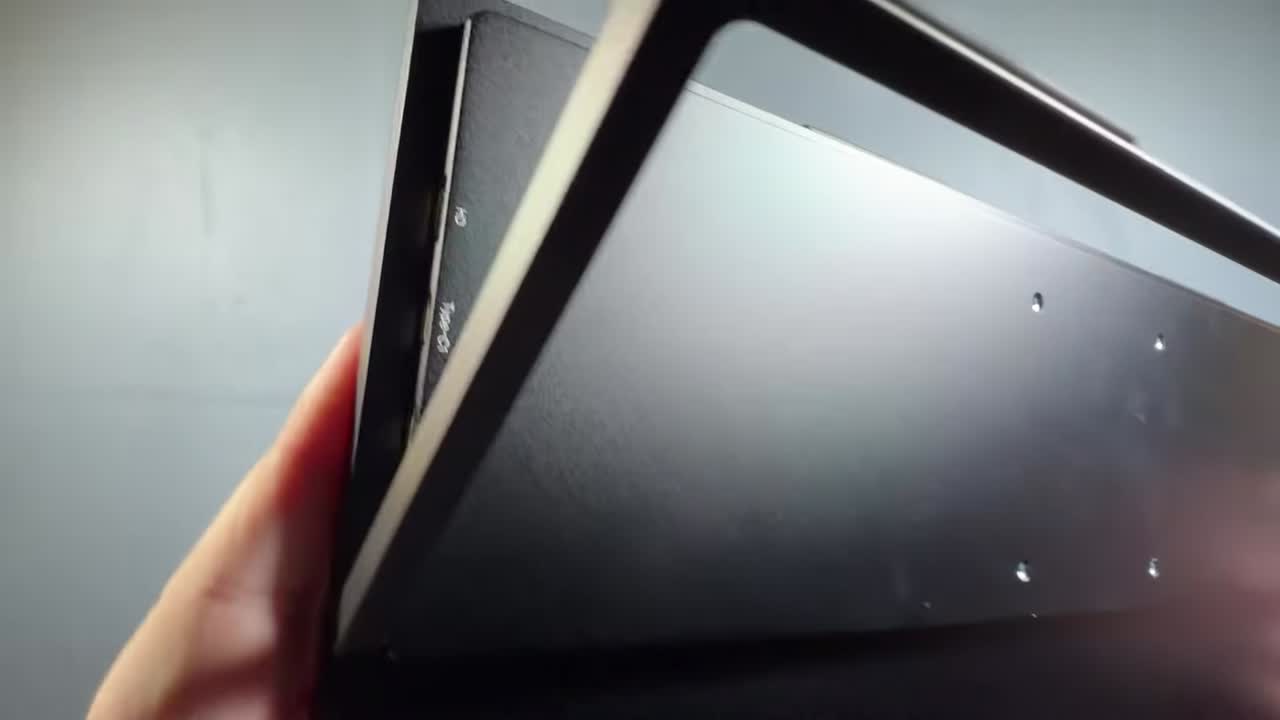
It's a matte screen, which works out really nice on the 4K QLED. The buttons on the back are all labeled (menu, volume, brightness), and the USB-C and mini HDMI ports are on the side. I also like that it has a built-in kickstand on the back instead of the flimsier covers we've had on some others. It's pretty sturdy and makes it a little more portable and easier to set up.
Build quality is pretty good, and it's lightweight. The viewing angles are pretty good for a QLED. I wouldn't say they're as good as the OLEDs I've reviewed for UPerfect, but it's really nice, especially compared to some IPS panels.
HDR, menu and speakers
You can turn on HDR in Windows and calibrate it with the Windows app. HDR isn't my favorite for a lot of things, but Auto HDR is good for something like Silksong. It's not going to match OLED for contrast or the darks, but the QLED does a fantastic job. I've had QLED TVs too, and with or without HDR, I think it looks really good, with really good contrast and pretty decent blacks.
The menu is pretty typical: brightness, contrast and black equalizer, color effects with saturation, hue and sharpness, input and connection info, resets, and advanced settings for Ultra HDR, FreeSync and 3D sound, plus source, language, speaker volume and color temperature. I mostly tested it out of the box, but there's a lot you can adjust to get more out of it. I was definitely using FreeSync, and that worked out really well.
The built-in speakers do a good job. For most people they'd be just fine, considering it's a small, thin device that's really more about the 4K display. You can always use Bluetooth speakers, headphones or the headphone jack.
Using it with the Switch 2
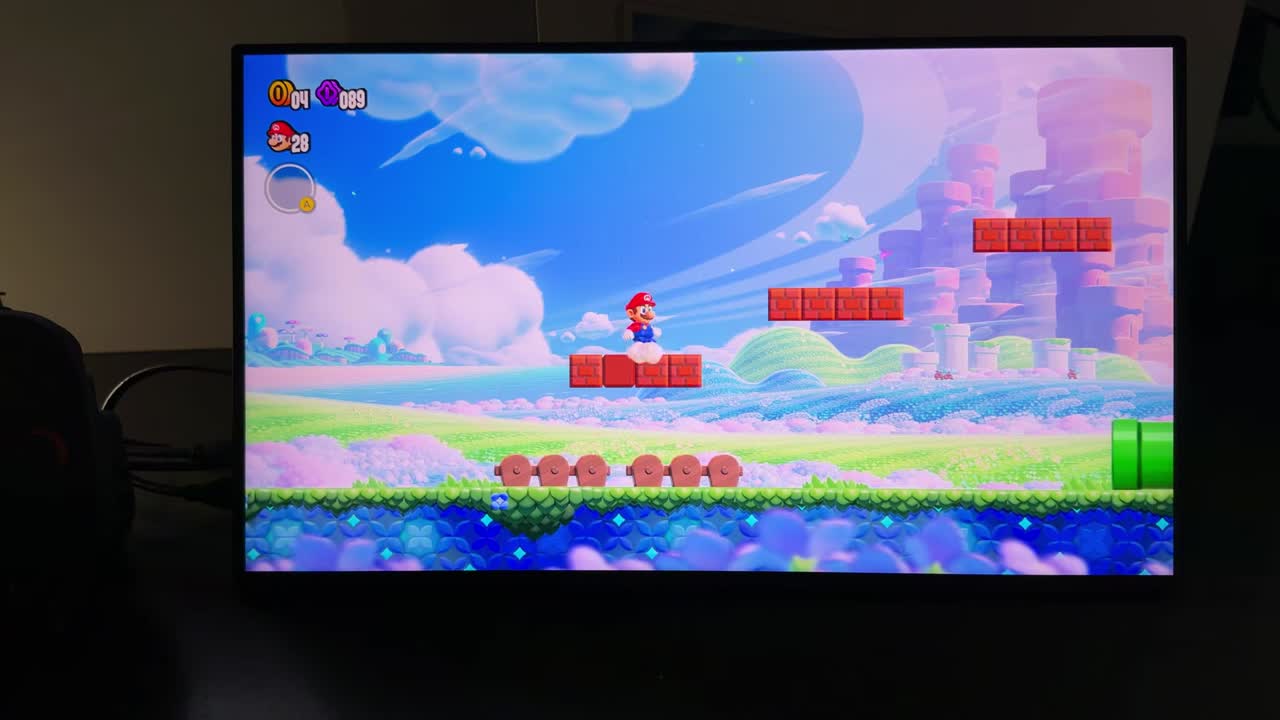
I used a couple of different docks, including the official Switch 2 dock, and never ran into any problems. I always kept the monitor powered and plugged in, but used my power brick a few times too. Colors are great, and motion, with FreeSync or even without at something like 4K 60, runs really smooth on this 144Hz panel.
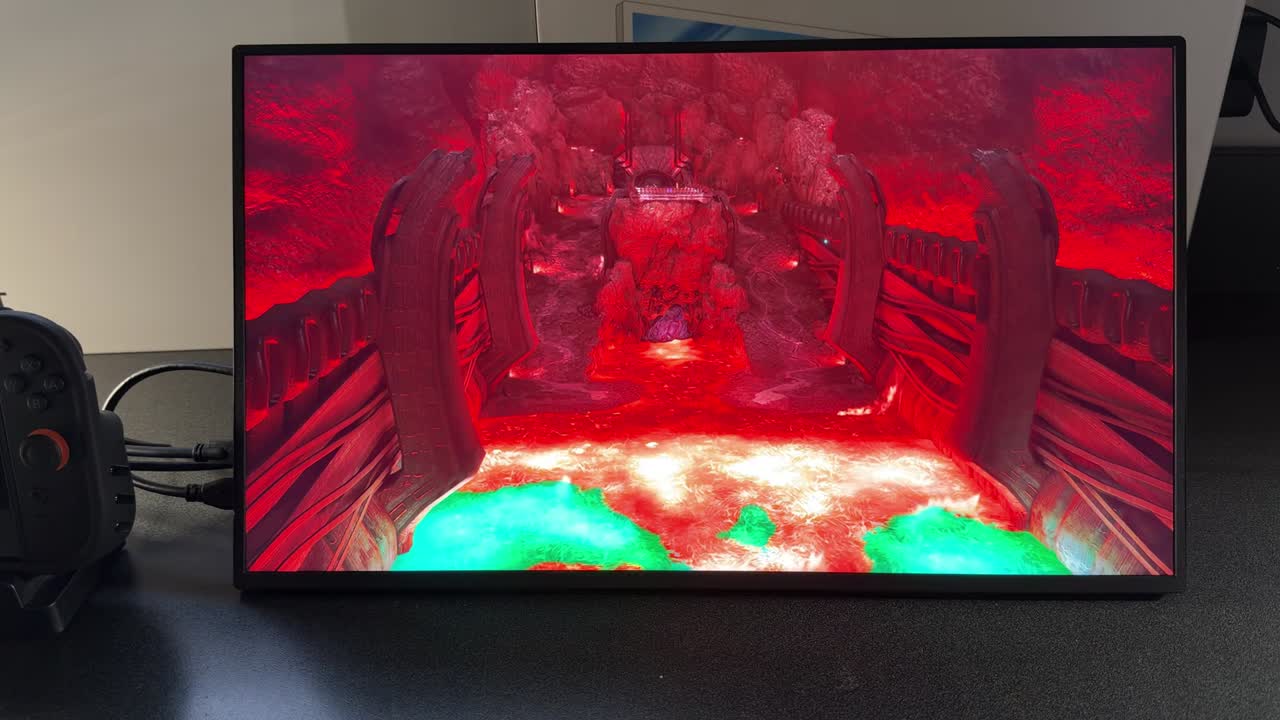
On the Switch 2 I jumped into Mario Wonder and Metroid Prime 4, which looked pretty good on the bike heading into the first volcano area. It never gave me any compatibility issues: I could run HDR, 4K, or switch to 1080p at 120Hz. Zoomed in at the 4K 60 option, things look really sharp, and having it all crammed into 19 inches probably helps, even at 1080p or 4K upscaled output. Classic games through Switch Online (GameCube, Super Nintendo, Game Boy) looked good too. Your Switch, Xbox, PS5 or other consoles should all work really well here with the full 4K option and HDR.
Using it with PC handhelds
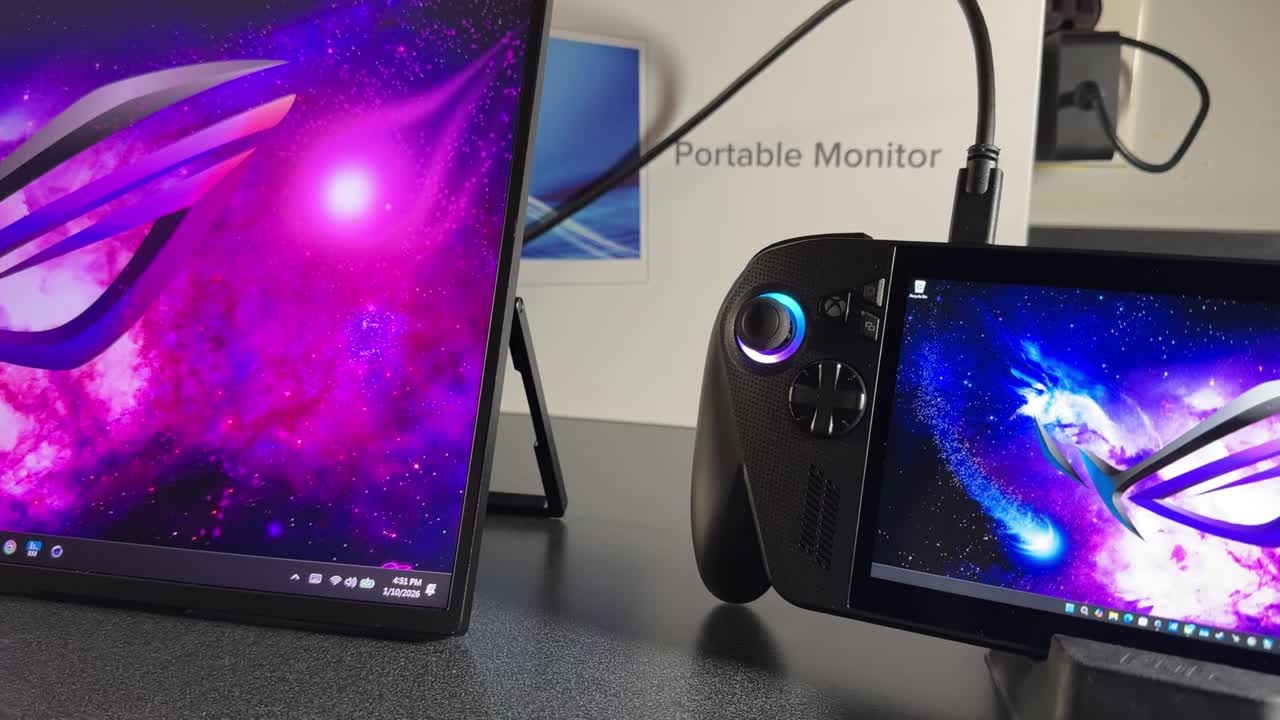
Handheld PCs are something I really like to use with these. The setup is easy: power the display, plug in your handheld, and you don't even have to charge the handheld if you're running on battery. That gives you a pretty good portable setup.
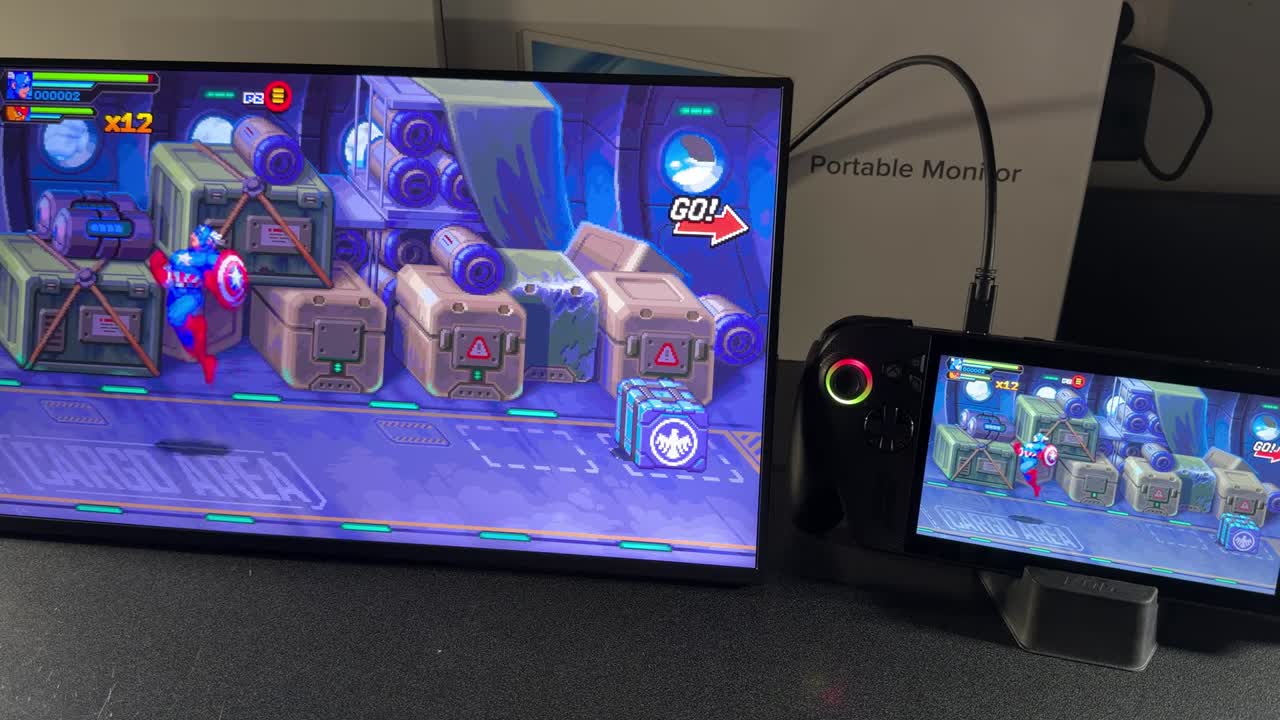
Input latency is about nine milliseconds on this panel. With my Ally X next to the display, the two screens basically match each other as I play, and I didn't have any issues with that. No matter what game I loaded, it always felt good and fluid, even with my Bluetooth controller.
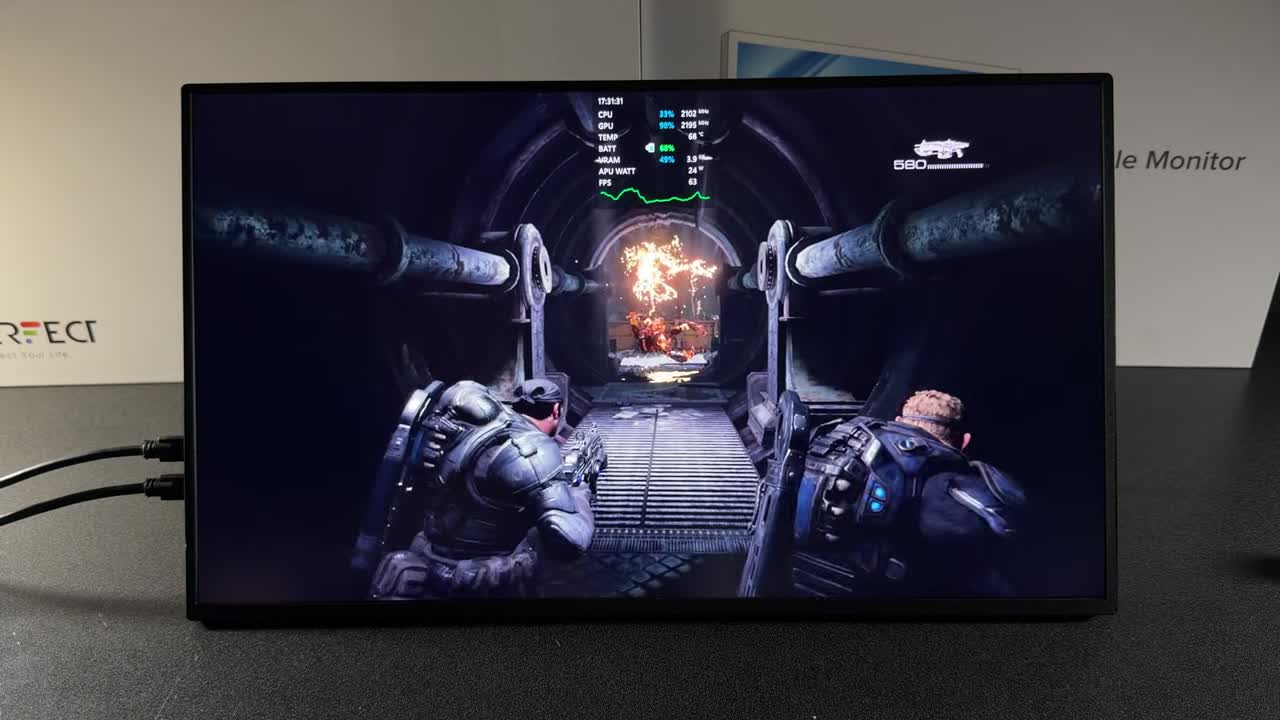
Call of Duty at 1080p on mostly low and normal settings ran really well on the Xbox Ally X, and squishing 1080p onto the 19-inch 4K screen still looks really good. It's not like native 4K, but it looked really nice. Gears and some darker scenes looked good too. It's not going to be the quality of OLED, but the QLED does a fantastic job in any game I loaded, on a console or on my handheld PC.
Verdict
This was really impressive, much like the 3K OLED UPerfect monitor I reviewed last year, and it really gives that one a run for its money. I may even like this one more, but I'd have to look at them side by side to really say. This one is 16:9 versus that one's 16:10. I tested a lot of devices with it, and it's got great color, a lot of options in the menu, pretty good sound, and I haven't had any problems in the month or five weeks I've been using it. The 4K 144Hz QLED with HDR is a pretty good hit for me, and it'll probably be my new go-to portable monitor until I get my hands on the next thing to check out.
Want more handheld tests?
New Steam Deck, ROG Ally, Legion Go and Steam Machine performance videos every week.