Quick answer: Microsoft has officially launched Auto SR on the ROG Xbox Ally X and Ally X20 and select AMD Ryzen Copilot+ PCs. Handheld play on battery and 1080p game support are available now, while a new Performance Mode of up to 120 FPS and Auto HDR support are rolling out through Windows updates.
Microsoft's Automatic Super Resolution, or Auto SR, is officially out of preview on the ROG Xbox Ally X and the ROG Xbox Ally X20. Microsoft's November 10 DirectX blog post says it's also now available on select AMD Ryzen Copilot+ PCs.
The biggest change for handheld owners is that Auto SR now works on the built-in screen. During the Xbox Insider preview it only worked docked. Microsoft says it now runs in handheld mode, including unplugged on battery. It also works with games running at 1080p, so you no longer have to drop a game's resolution before Auto SR turns on. Docked to a higher-resolution TV or monitor, it can upscale up to 1440p. Microsoft does note that 1080p on the internal screen may not perform as well as other setups.
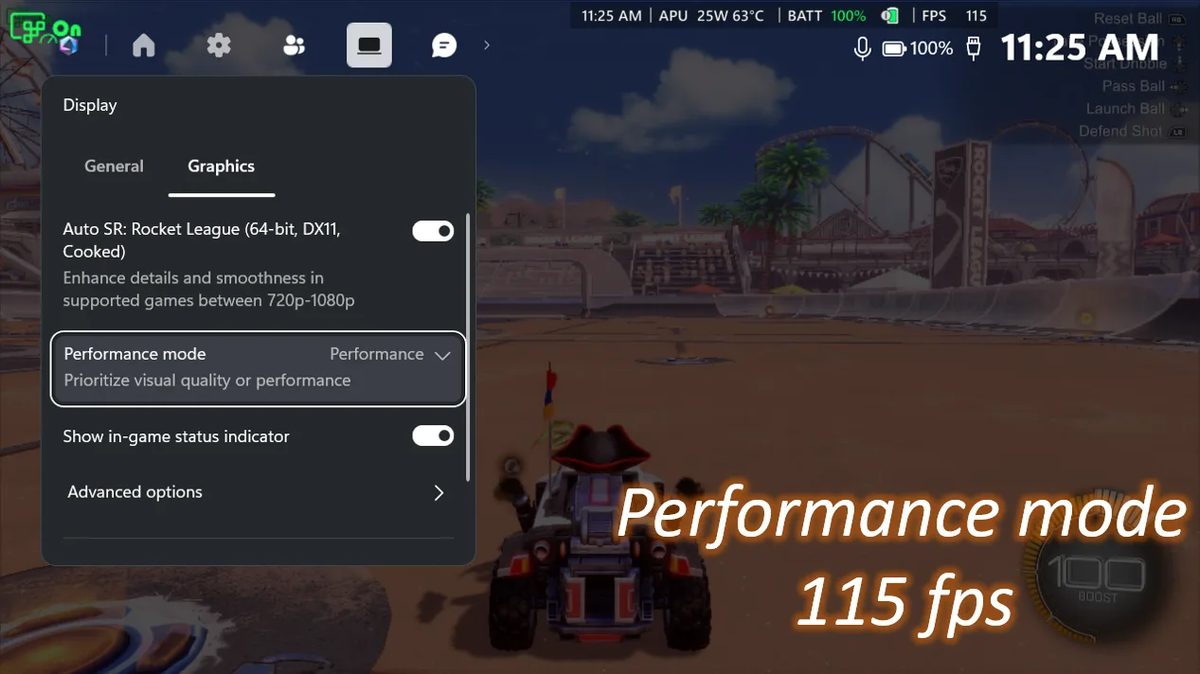
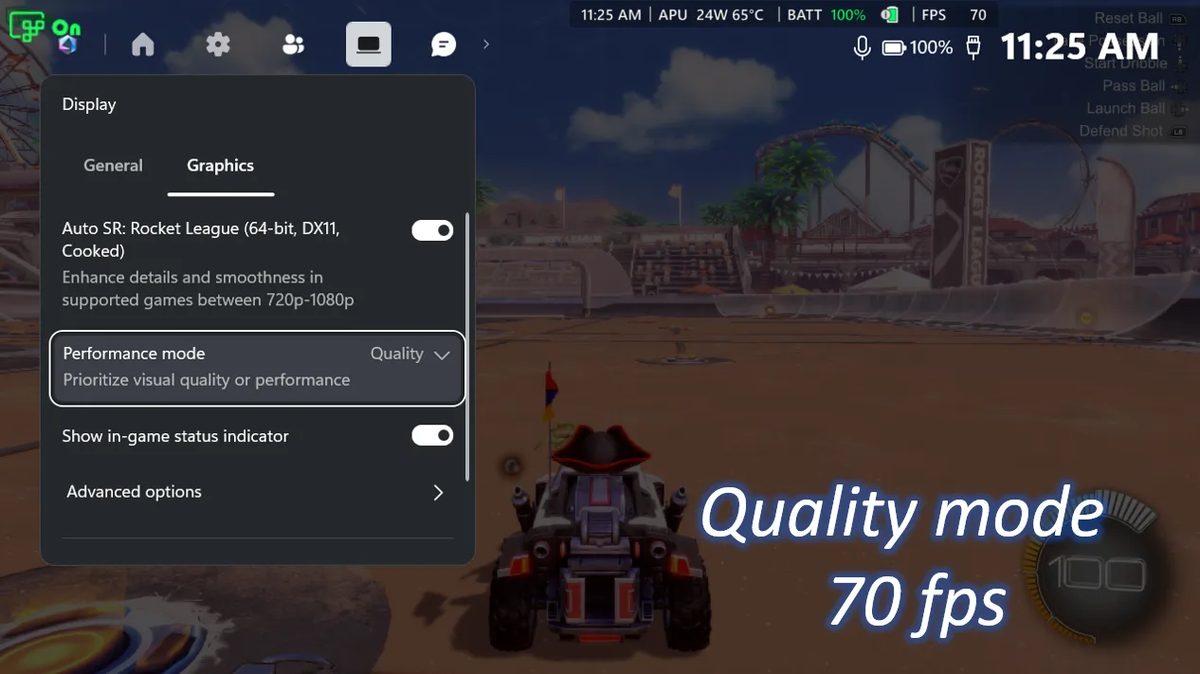
There's also a new Performance Mode. Auto SR used to top out around 60 to 75 FPS, and Performance Mode raises that limit to up to 120 FPS. In Microsoft's own Rocket League example on the ROG Xbox Ally X at 720p and high settings, Quality Mode averaged 70 FPS and Performance Mode averaged 115 FPS. Auto SR and Auto HDR can now be used at the same time too, where before you had to pick one.
Handheld play, 1080p support and the AMD Ryzen Copilot+ PC expansion are available now. Performance Mode and Auto HDR support are rolling out with Windows updates, so they may take a while to reach every device. VideoCardz notes Auto SR supports DirectX 10 and newer games, but not DirectX 9, Vulkan or OpenGL.
To set it up, update Game Bar and Windows 11, get the Auto Super Resolution Package from the Microsoft Store, then find it in Game Bar under Widgets, Display, Graphics. I tested the earlier docked preview against FSR 3 in my Auto SR vs FSR 3 at 4K docked article.