Quick answer: GameNative 1.4.0, the open-source app for running Steam, Epic, GOG and Amazon PC games on Android, now uses Gamescope as the default renderer on supported Adreno devices. It adds FSR, NIS, SGSR and integer scaling, HDR output, ReShade and LSFG 2x/3x frame generation.
GameNative 1.4.0 is out. It's the free, open-source Android app that downloads and runs the Windows games you own on Steam, Epic Games Store, GOG and Amazon right on the device, with no cloud streaming. The GitHub release is dated November 5, and the biggest change is Gamescope. It's now the default renderer on supported Adreno (Snapdragon) devices, and the older X11 option is still there. The release notes flag it as a potential breaking change.
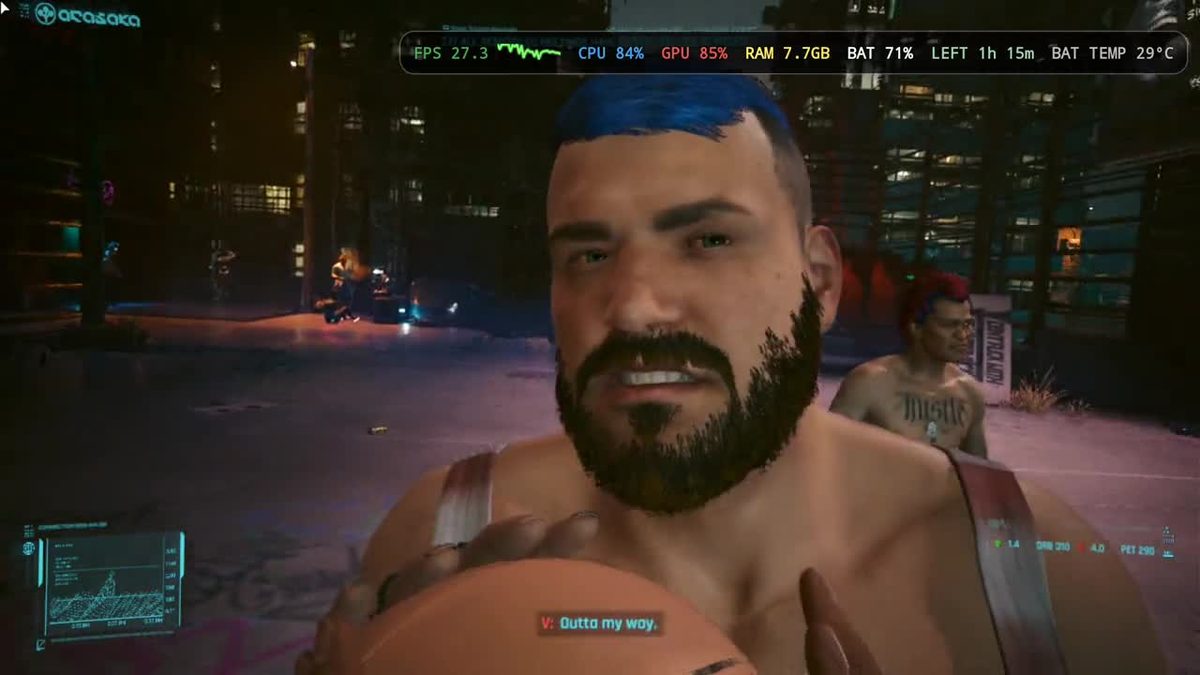
VideoCardz says Gamescope brings lower-latency rendering plus built-in upscaling filters: AMD FSR, NVIDIA Image Scaling (NIS), SGSR and integer scaling. You can change the scaling mode, sharpness and effects from the in-game QuickMenu without restarting the game. HDR output and ReShade support are also new.
LSFG frame generation now works through Gamescope too, with 2x and 3x modes and adjustable optical-flow settings. According to VideoCardz, Gamescope compatibility also reaches Mali and other GPUs with supported Vulkan drivers, so it isn't limited to Qualcomm Adreno chips.
Under the hood, the default is now Proton 11.0-2 (rebuild 9), with FEX improvements, DXVK 3.1.1, vkd3d-proton 3.1 and new Turnip driver builds. The changelog lists fixes for games like Just Cause 2, Alan Wake, Project Zomboid, Counter-Strike 2 and DRAGON BALL FighterZ, plus Battle.net games and Age of Empires II: DE and IV. It also adds GOG Galaxy service support through Comet, Steam Cloud and Epic Online Services fixes, a fix for Castle Crashers showing two controllers on the AYN Thor and Flip 2, and a "limiting factor" toggle for the performance HUD.
The update ships as a free APK on GitHub, with a separate build for Meta Quest headsets. VideoCardz points out that how well games run still depends on your device, its GPU drivers and the compatibility settings you pick.