NVIDIA released GeForce Game Ready driver 621.01 on October 21, and it adds support for Microsoft's Advanced Shader Delivery (ASD) on all GeForce RTX GPUs and RTX Spark devices. With this driver, NVIDIA joins AMD and Qualcomm, whose drivers already support it.
ASD moves shader compiling off your PC. Developers capture a game's shaders into a database, Microsoft's cloud precompiles them for hundreds of thousands of hardware and driver combinations, and the version that matches your system comes down with the game through the Xbox PC app. NVIDIA says that lets you skip the shader compilation screen, and that a near-100% cache hit rate removes the mid-game shader compiling behind CPU spikes and stutter.
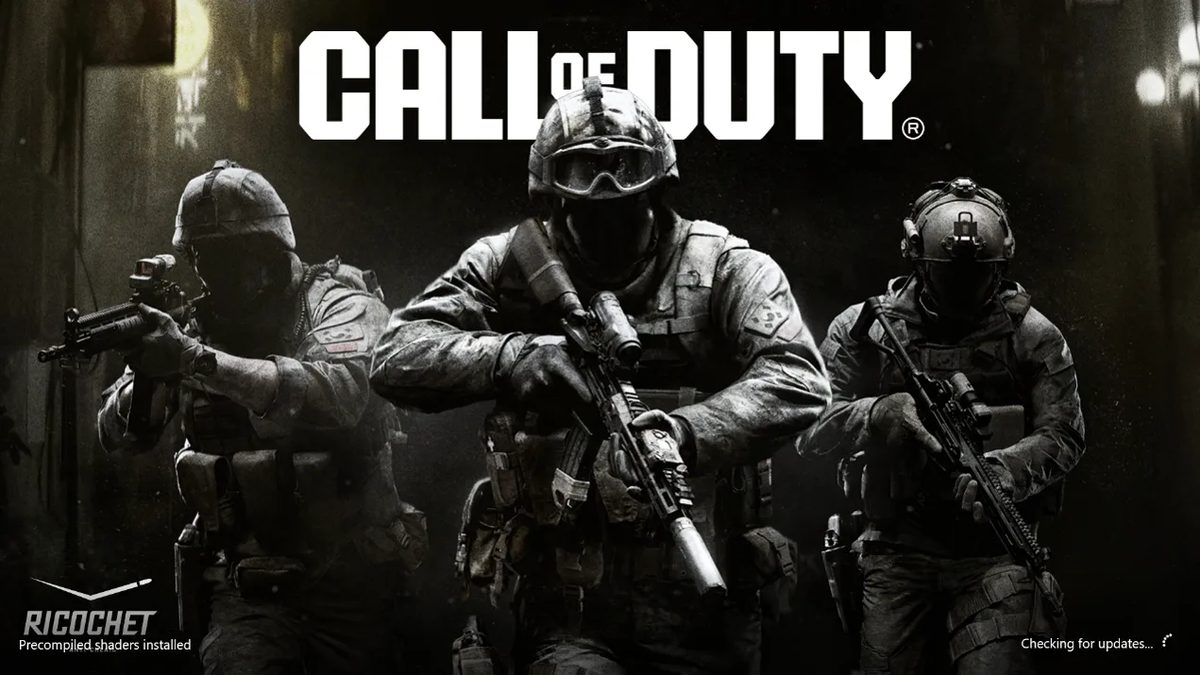
Call of Duty: Modern Warfare 4 and Gears of War: E-Day support it now. Microsoft says Modern Warfare 4's first-launch shader compile takes a few seconds with ASD instead of several minutes on a typical PC, and the game shows "Precompiled shaders installed" in the bottom-left corner when it's working. To get it, install the Xbox PC app before downloading the game. Digital Foundry points out that ASD doesn't help with traversal stutter.
You'll need Windows 11 24H2 or newer and driver 621.01 or newer. Microsoft's list also covers AMD RDNA 1 through RDNA 4 graphics on Adrenalin 26.6.1 or newer, which includes AMD-powered Windows handhelds, plus Intel Arc B570 and B580, Core Ultra Series 2 and 3, and Snapdragon X2. Microsoft also says ASD is coming soon to Steam and the Epic Games Store, and Epic plans to add it to Fortnite in an upcoming update.
Digital Foundry noted the driver wasn't showing in the NVIDIA app on its PC, so it installed it manually from NVIDIA's site.