Quick answer: NVIDIA has filed a bug report for GeForce Game Ready driver 621.01 after users reported brief freezes and black screens during video playback, and users say rolling back to 617.42 stops the problem. There's no fix date yet.
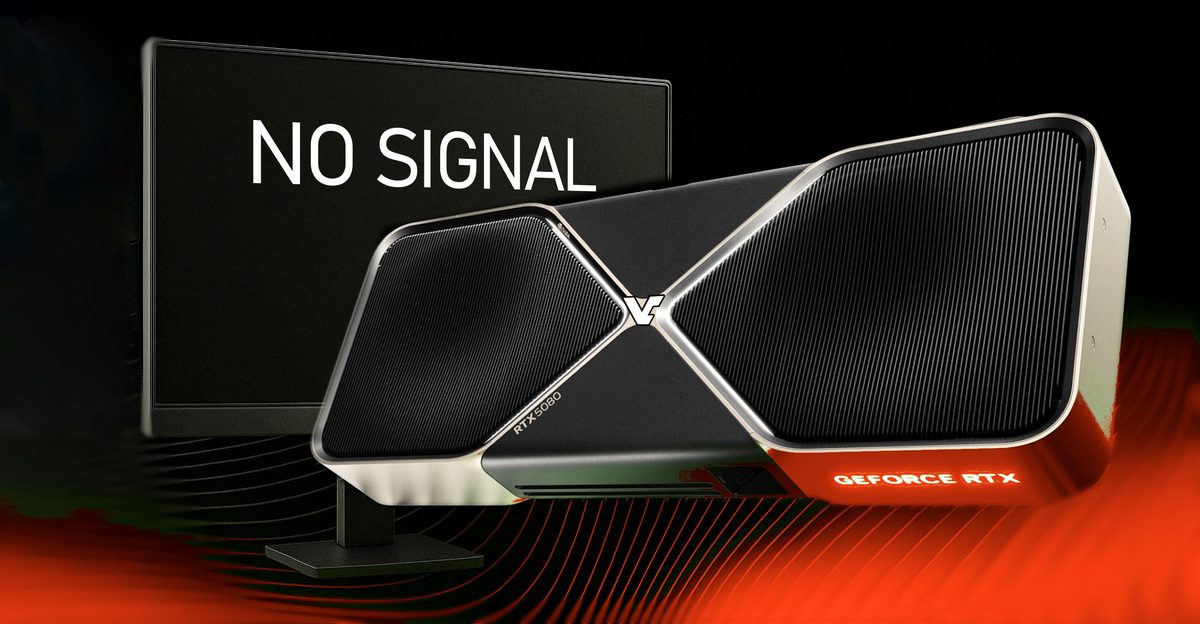
NVIDIA's new GeForce Game Ready driver 621.01, released October 21, has a problem with video playback. Users report that watching videos in Chrome, Edge or VLC can make the screen freeze or go black for a few seconds before it recovers on its own, with no restart needed. In some cases, launching a game while a browser video is playing sets it off.
Many of the reports involve RTX 5080 cards, and an RTX 4090 owner has described the same behavior. Affected PCs often log Event ID 153 from nvlddmkm, NVIDIA's display driver, in Windows Event Viewer. One user also saw LiveKernelEvent 141 and 117 errors, which point to GPU timeout and recovery events.
An NVIDIA representative confirmed the company has filed a bug report and asked affected users for watchdog crash dumps. NVIDIA hasn't said when a fix will arrive.
For now, multiple users say going back to driver 617.42, released October 6, stops the freezes. Windows Digitals notes that the NVIDIA App and Windows Update may offer 621.01 again after a rollback. It also suggests turning off hardware acceleration in your browser as something to try if you want to stay on 621.01, though nobody has confirmed that it fixes this bug.
Rolling back does mean giving up what 621.01 added, including Advanced Shader Delivery for all RTX GPUs.