 ▶Watch on YouTube
Crimson Desert just got official Intel support. Only days after the game started working on the MSI Claw 8 AI+ through an Intel driver update (which wasn't official for Crimson Desert), the developers released a patch that adds Intel support, XeSS 3.0 and XeSS multi frame generation. I tested it on the Claw at 1200p and 800p with the low preset and high textures.
- The game now launches fine on the Claw, from Xbox or Steam, with no GPU driver warning.
- New in the settings: XeSS 3.0 upscaling and Intel XeSS frame generation at 2x, 3x and 4x.
- Low preset, high textures, about 30W: 1200p with XeSS Performance played around 30–38 FPS without frame gen, 60-something with 2x frame gen and 102–105 with 4x.
- At 800p it was about 30–50 FPS without frame gen (mostly the 40s) and roughly 70–90 with 2x frame gen.
- XeSS 2x frame gen looks and feels pretty good to me. I wouldn't recommend 3x or 4x for a game like this because of the input latency.
What the patch adds
The game drew plenty of attention at launch for not having XeSS or real Intel support at all, which made it hard to play on Intel. That has been changing quickly. This patch brings a ton of changes and improvements, not just to performance, graphics and Intel support, and the graphics settings get a lot of attention this time. It's all in the patch notes on the game's website.
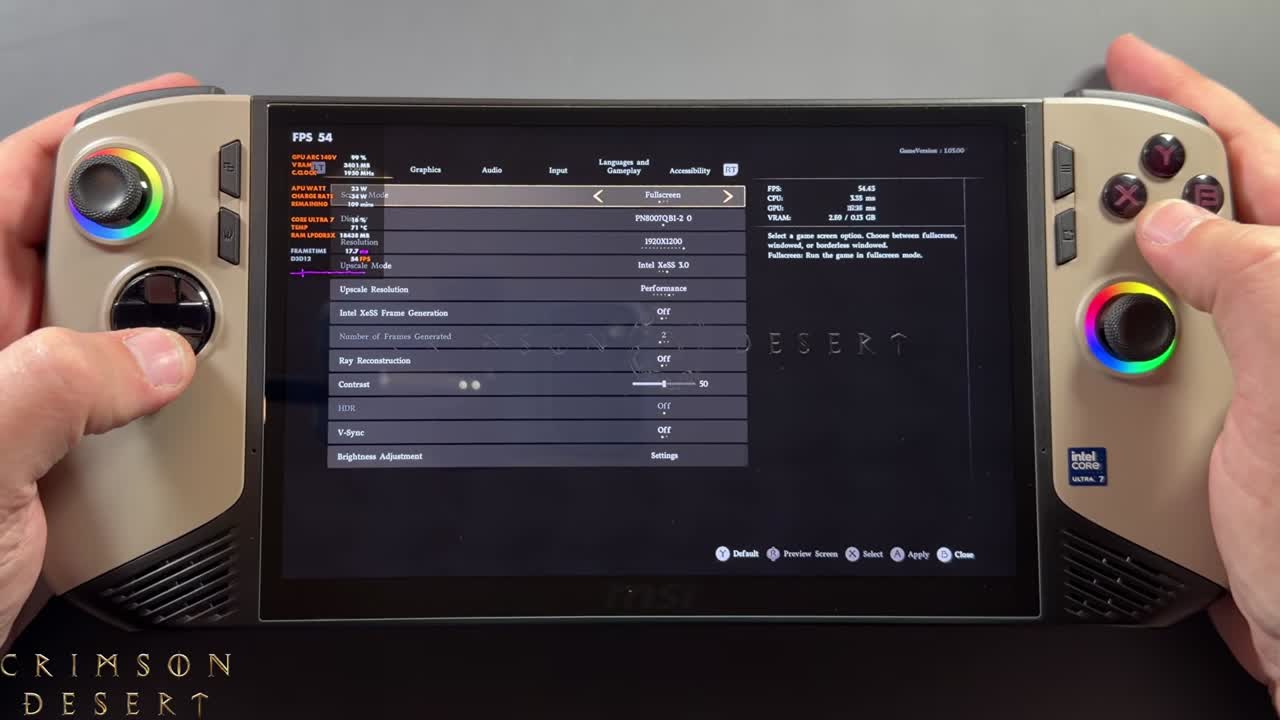
Now when I launch the game, from Xbox or Steam, it starts without any warnings about the GPU driver. In the display settings I can run up to 1920x1200, choose Intel XeSS 3.0 as the upscaler and turn on Intel XeSS frame generation with 2, 3 or 4 generated frames.
What I tested
- MSI Claw 8 AI+ (Intel Core Ultra 200V), allowing about 30W
- Low preset with high texture quality, since the game is still really hard to run
- 1920x1200 and 800p, XeSS 3.0 (mostly Performance), frame gen off, 2x, 3x and 4x
- Early areas of the game. Heavier areas later on will run worse.
- FPS are the numbers I gave in the video; captions give the on-screen overlay reading
1200p with XeSS frame generation
Even with XeSS Performance, 1200p gets hard to run in the heavier areas without frame gen, around 30 to 38 FPS. Turning on 2x frame gen works just fine. It takes a moment to catch up, then sits at about 60-something FPS, which nearly doubles the frame rate. You always lose a little of your base FPS when you turn on frame gen. It works well, and it feels a lot better than FSR frame generation felt on the other handhelds at launch, which was pretty rough, though they've been fixing that quickly.
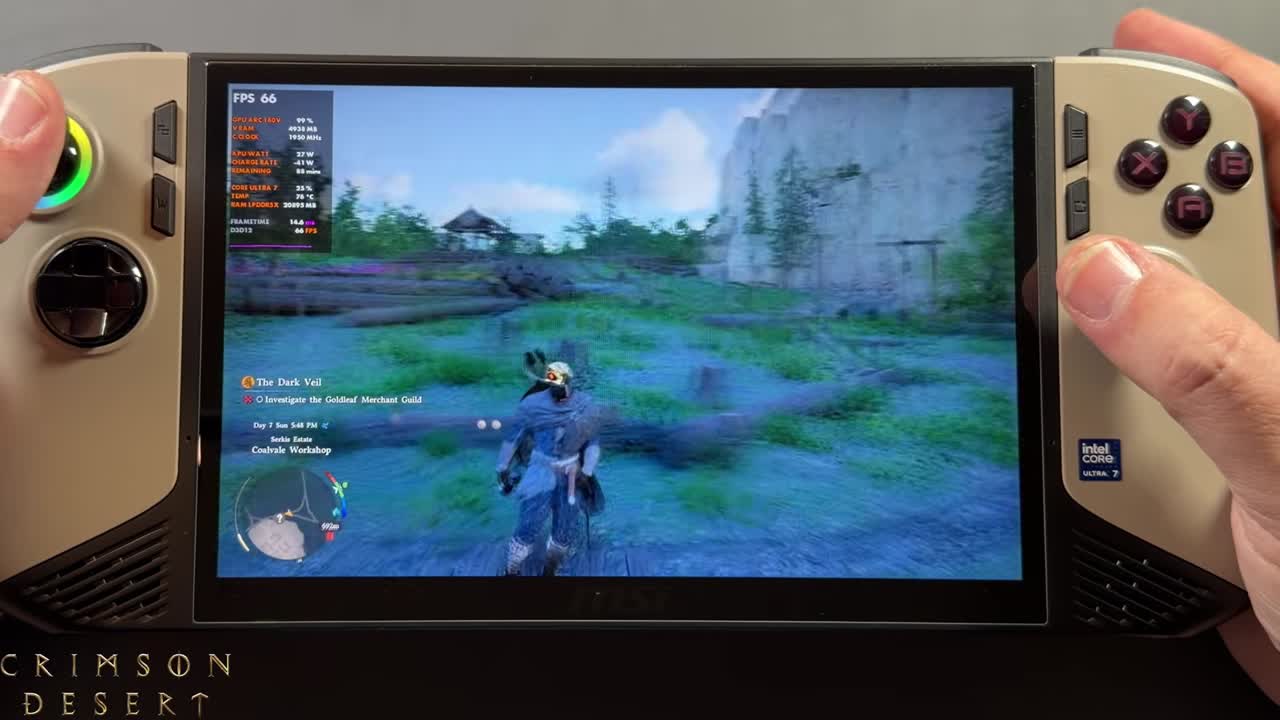
3x sometimes takes a minute to kick in, but I haven't had any crashes or failures. You start to feel the input latency more as you add frames, especially going from 3x to 4x. In an area that was in the 30s without frame gen, 4x had the game running 105, 102 FPS. There's more floatiness and more input latency, but it works, and surprisingly there's nothing bad for ghosting or artifacting, which we used to see a lot with frame gen. Still, I wouldn't recommend even 3x or 4x in a game like this, where input latency matters in high-stakes battles and especially boss fights.
800p
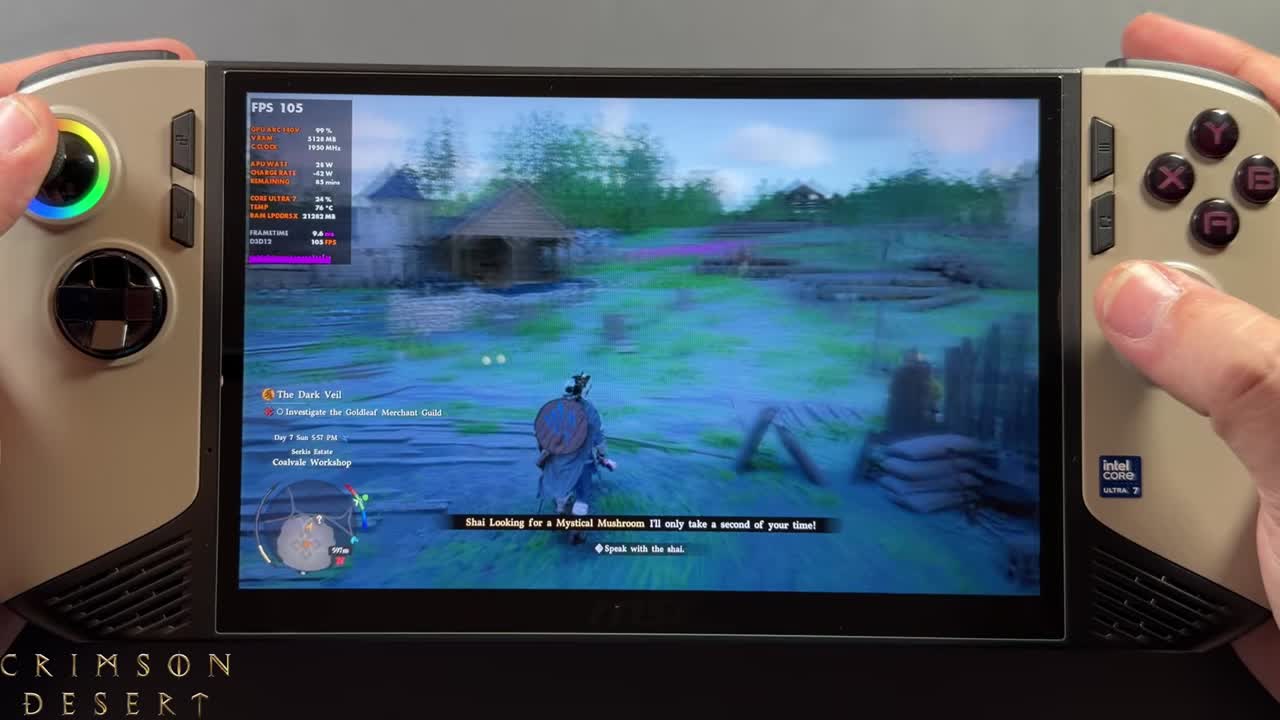
I'll probably play mostly at 800p. With the way this game runs, especially on this size screen, I think that's the better spot for now. With XeSS Performance and 2x frame gen, an area that runs about 40 to 45 FPS without frame gen was at 80 to 90 FPS. You don't need Performance upscaling at 800p, though. Quality or Balanced gives a better picture, and it looks good even on the smaller screen. With 2x frame gen that was still around 70 to 80 FPS, depending on what's happening. That's not a heavy area of the game, and performance definitely gets worse later on.
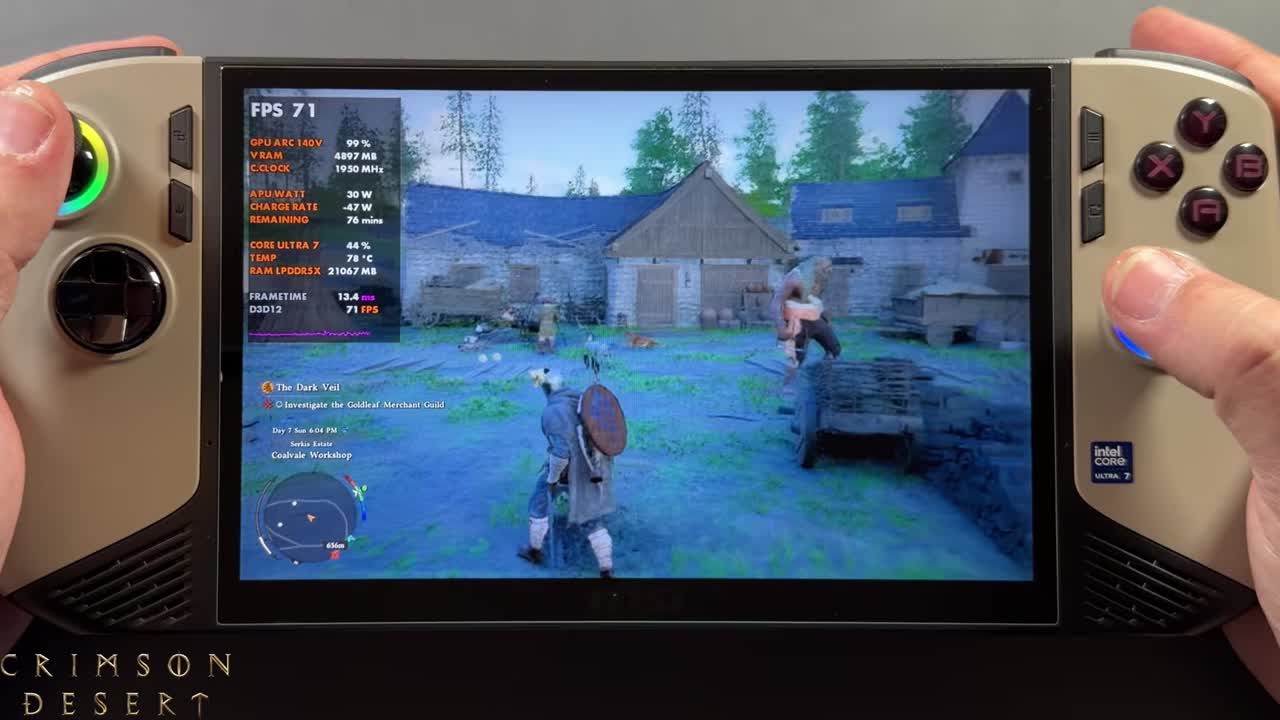
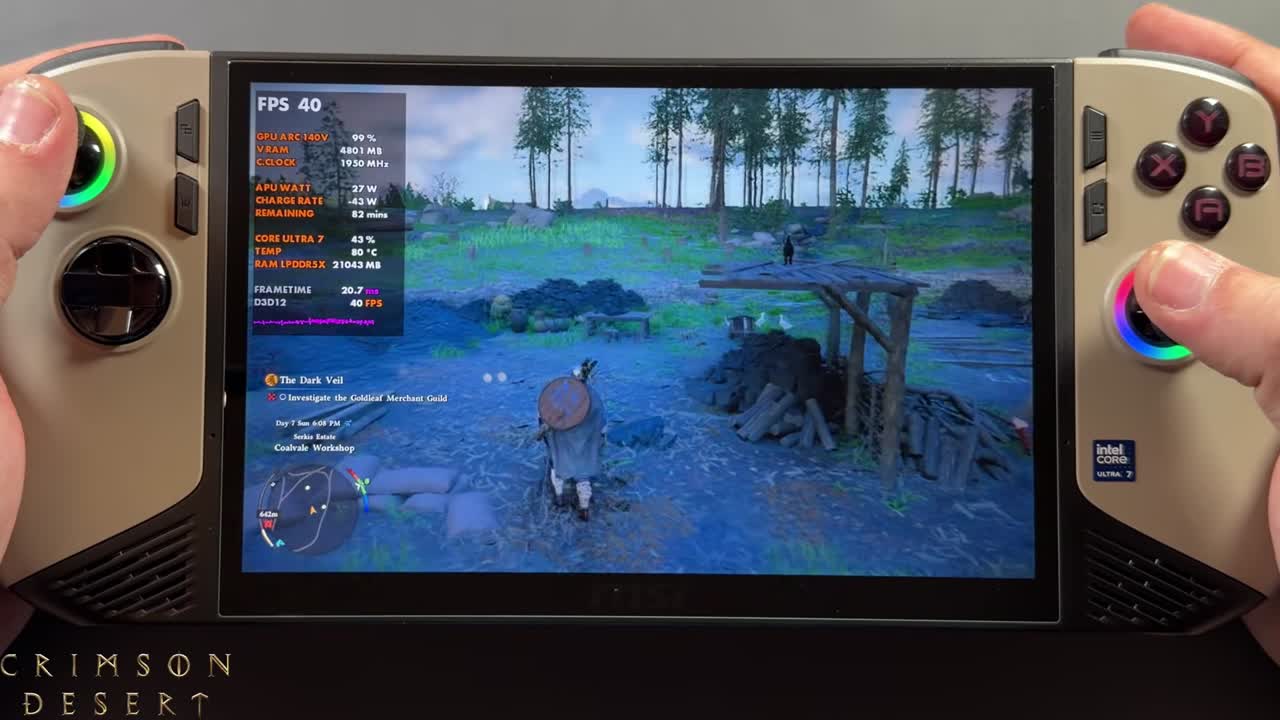
With frame generation off, it was in the 40s here, and I've seen the 30s in heavier areas. Overall, I've been getting around 30 to 50 FPS base at 800p with the low preset and high textures in the early areas.
Verdict
Intel support, XeSS 3.0 and multi frame gen are finally here, and you can try it all on the Claw. I think 2x frame gen with Intel's XeSS looks and feels pretty good, and I wouldn't mind using it through a lot of this game. The developers keep tweaking performance and fixing bugs, and there's been talk of a possible Switch 2 port. I'd definitely pick up a copy there if they did it. If they start focusing on handheld performance for the Steam Deck and Switch 2, this game could run a lot better down the road, so it's one I'll keep coming back to.
FAQ
Does Crimson Desert support XeSS on the MSI Claw 8 AI+?
Yes. The patch added official Intel support, XeSS 3.0 upscaling and Intel XeSS frame generation at 2x, 3x and 4x.
What FPS does Crimson Desert get on the MSI Claw 8 AI+?
On the low preset with high textures at about 30W, 1200p with XeSS Performance was around 30–38 FPS without frame gen and about 60-something with 2x. At 800p it was about 30–50 FPS without frame gen and 70–90 with 2x.
Should you use 3x or 4x frame gen in Crimson Desert?
It works, and 4x pushed it past 100 FPS, but you feel more input latency. I wouldn't recommend it for a game like this, especially in boss fights. 2x feels pretty good.
Want more handheld tests?
New Steam Deck, ROG Ally, Legion Go and Steam Machine performance videos every week.