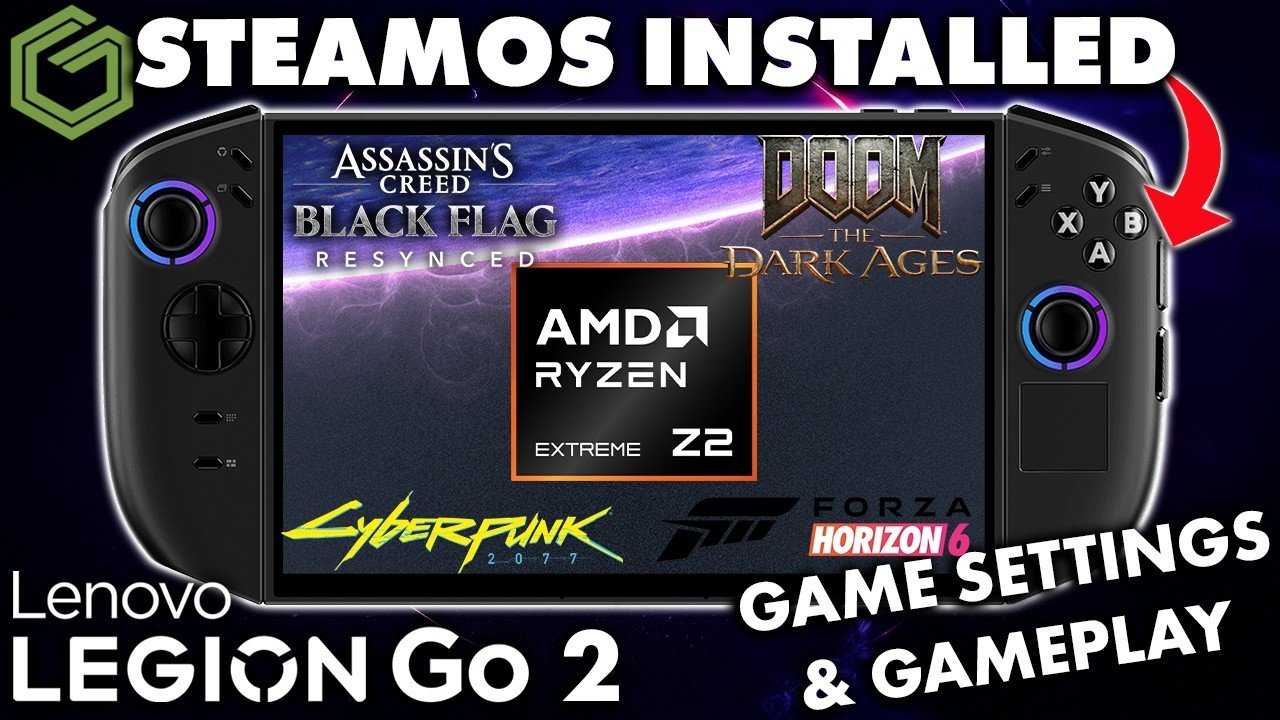
 ▶Watch on YouTube
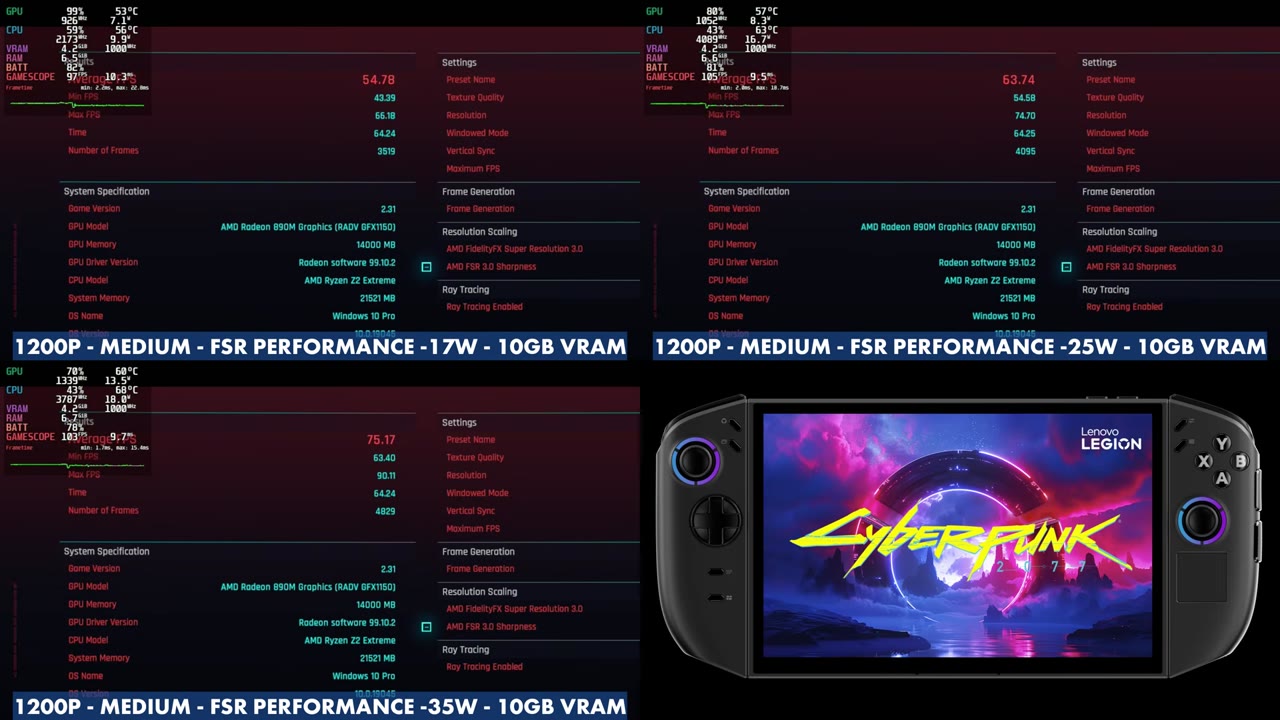
- Cyberpunk 2077 benchmark at 1200p Medium with FSR Performance: 54.78 average at 17W, 63.74 at 25W and 75.17 at 35W.
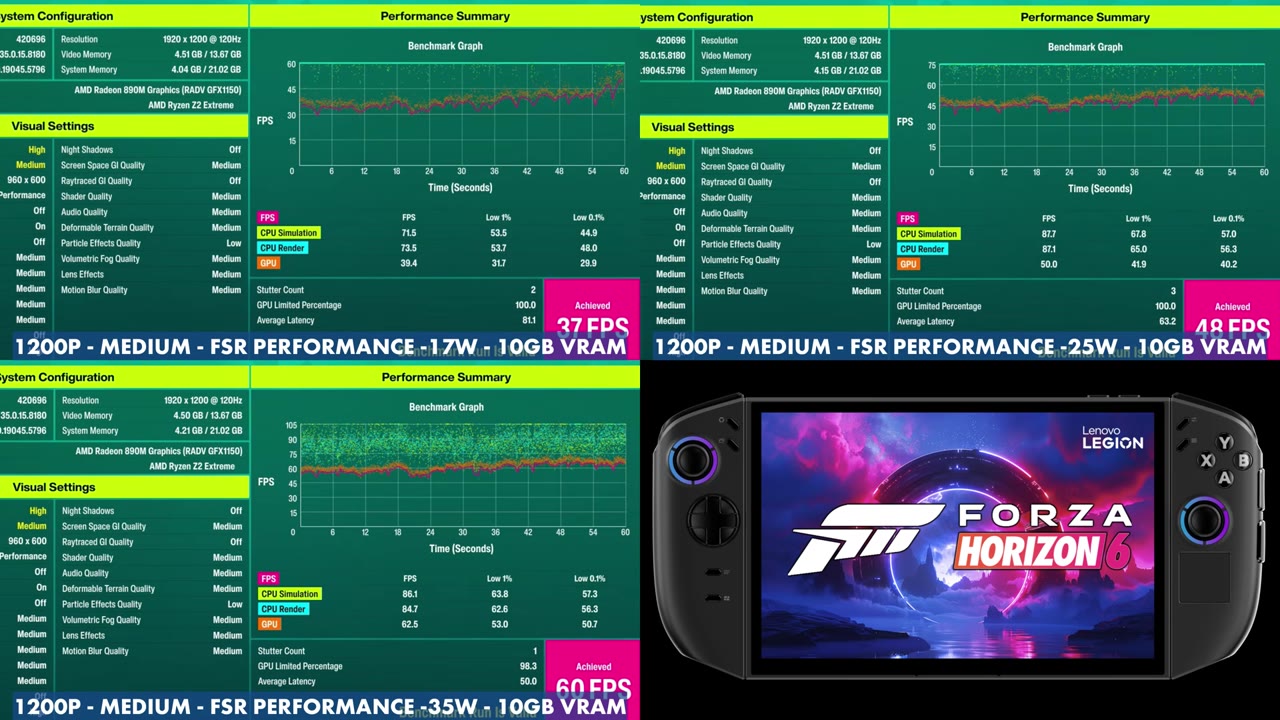
- Forza Horizon 6 benchmark at 1200p Medium with FSR Performance: 37 FPS at 17W, 48 at 25W and 60 at 35W.
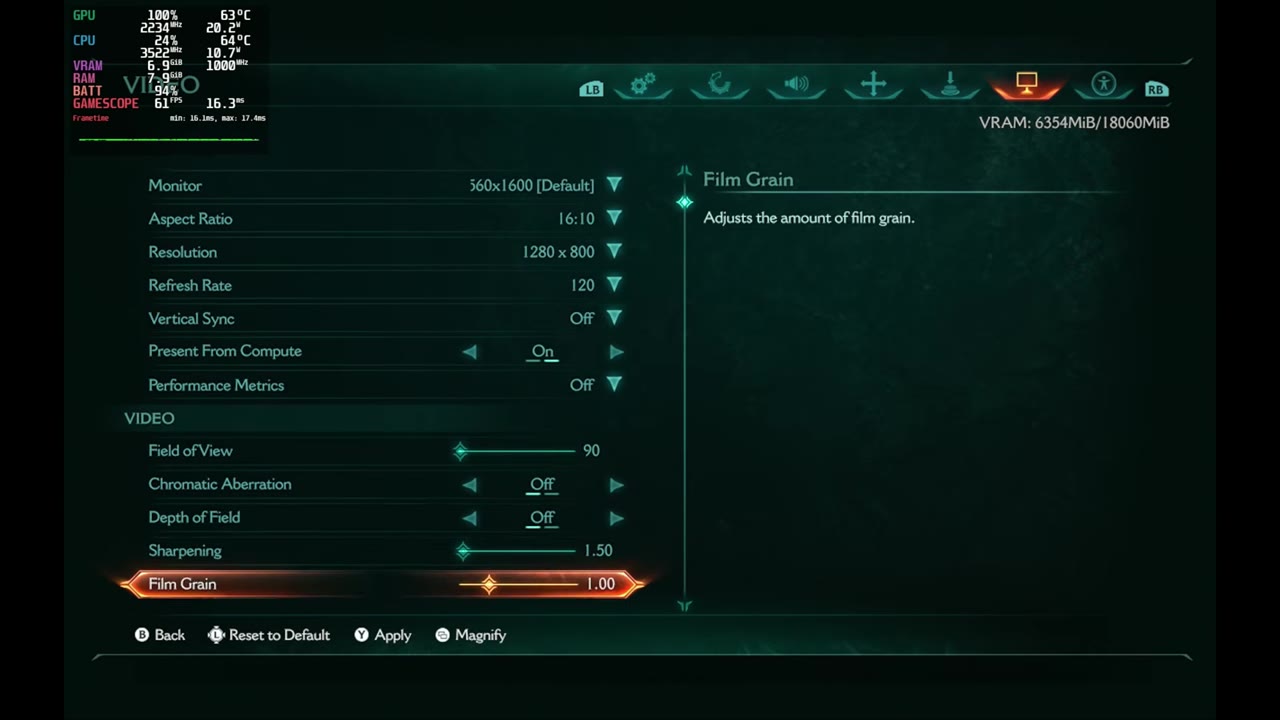
- Doom: The Dark Ages at 30W on the Handheld preset: overlay readings in the 40s and 50s at 1200p with FSR Performance in gameplay.
- 007 First Light at 800p and Black Flag Resynced at 1200p sit mostly in the 30s and 40s in the overlay.
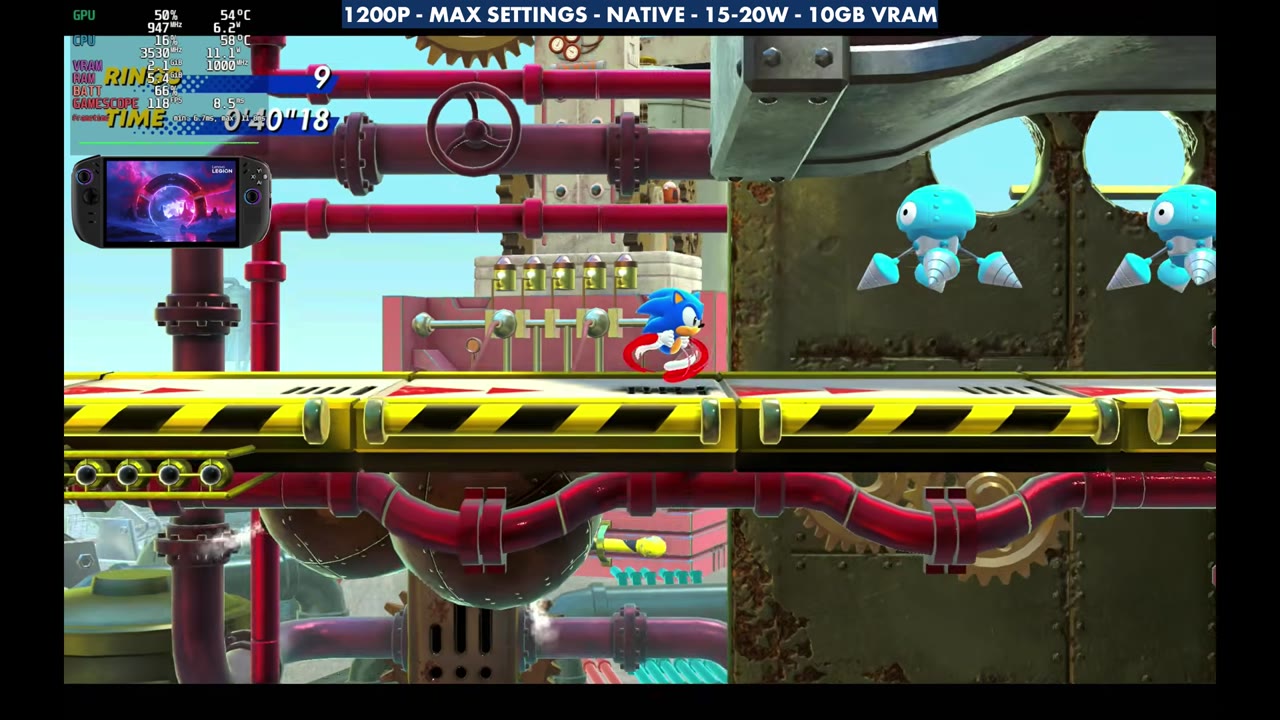
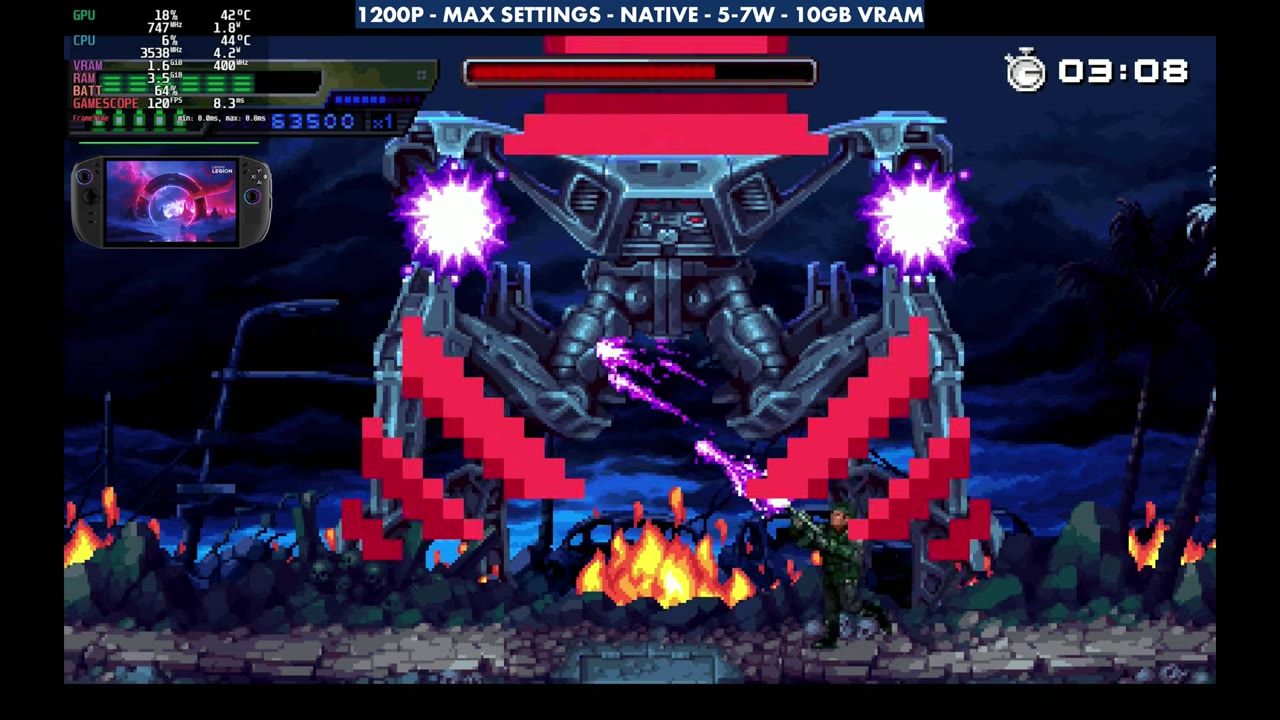
- Sonic Superstars and Terminator 2D: No Fate run at 1200p max settings around 120 FPS at low TDPs.
I'm still on the Legion Go 2 Z2 Extreme with SteamOS, working on some final videos before heading back over to Windows, and I've had a handful of games tested and recorded. This one rounds them up: Cyberpunk 2077, Doom: The Dark Ages, 007 First Light, Forza Horizon 6 and Assassin's Creed Black Flag Resynced, plus some easier-to-run games at the end with Sonic Superstars and Terminator 2D: No Fate.
I used different TDPs and resolutions to see baseline performance. None of this is meant as recommended settings, but it should give you a good idea of how things are running. The video has no voiceover after the intro, so the numbers below come from the in-game benchmarks and the performance overlay, with the settings from the on-screen labels. Overlay readings are what it showed at that moment, not averages.
Test setup
- Lenovo Legion Go 2 with the AMD Ryzen Z2 Extreme
- SteamOS
- 10GB VRAM allocation for every game
- TDP from 5W up to 35W, depending on the game
- 800p or 1200p, labeled on each test
Cyberpunk 2077
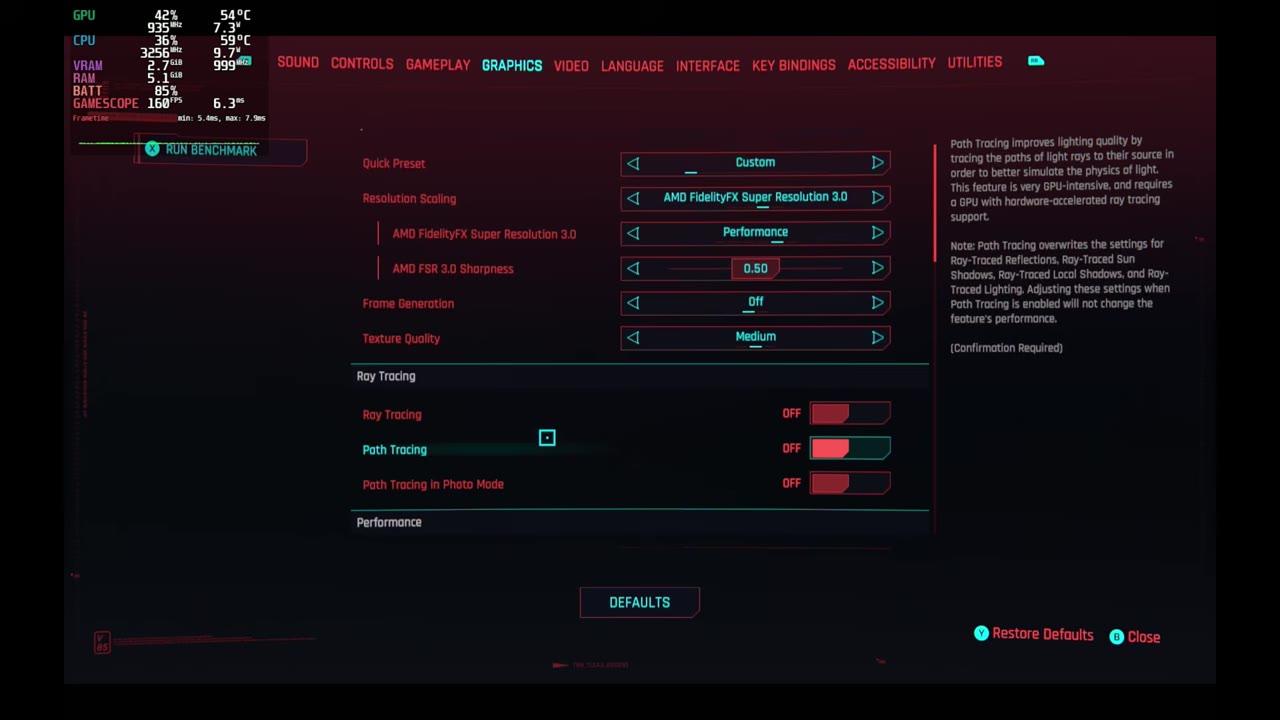
Cyberpunk ran at 1200p with a Custom preset on Medium textures and FSR 3.0 Performance, frame generation off and ray tracing off.
| TDP | Average FPS | Min FPS | Max FPS |
|---|---|---|---|
| 17W | 54.78 | 43.39 | 66.18 |
| 25W | 63.74 | 54.58 | 74.70 |
| 35W | 75.17 | 63.40 | 90.11 |
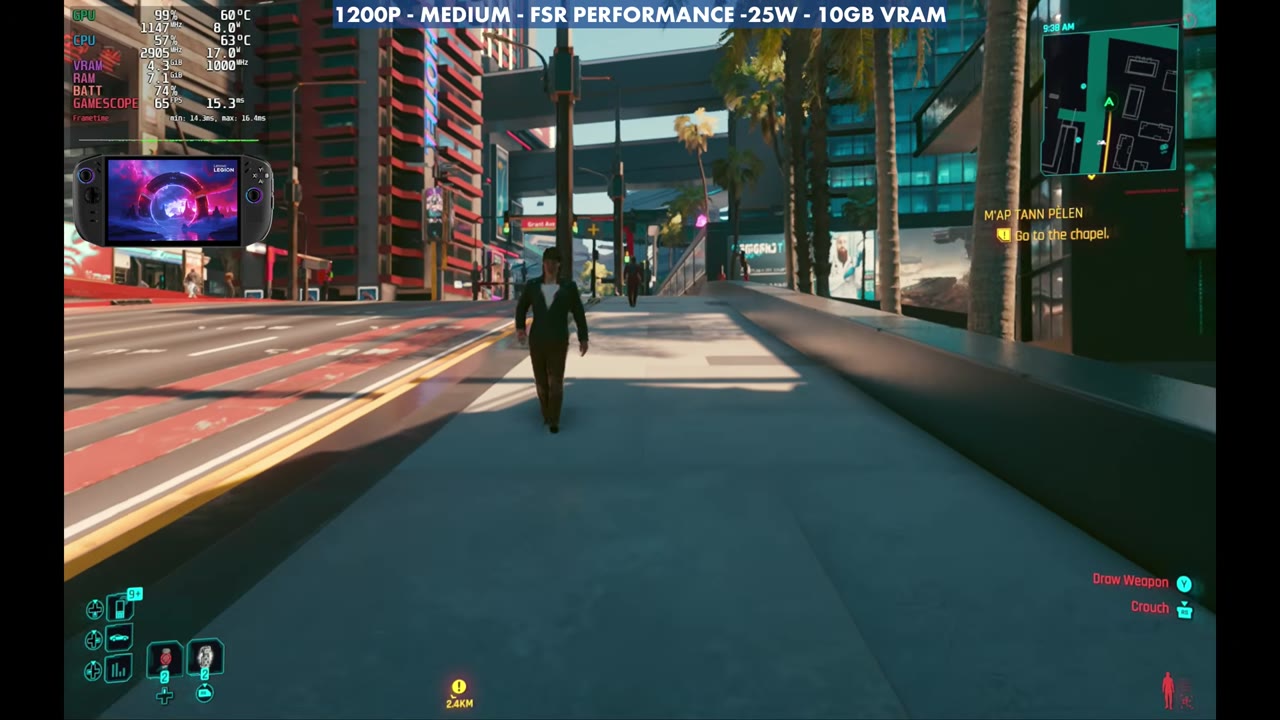
In gameplay at 25W with the same settings, the overlay read 65 FPS walking through the city and 46 FPS in a Dogtown fight.
Doom: The Dark Ages
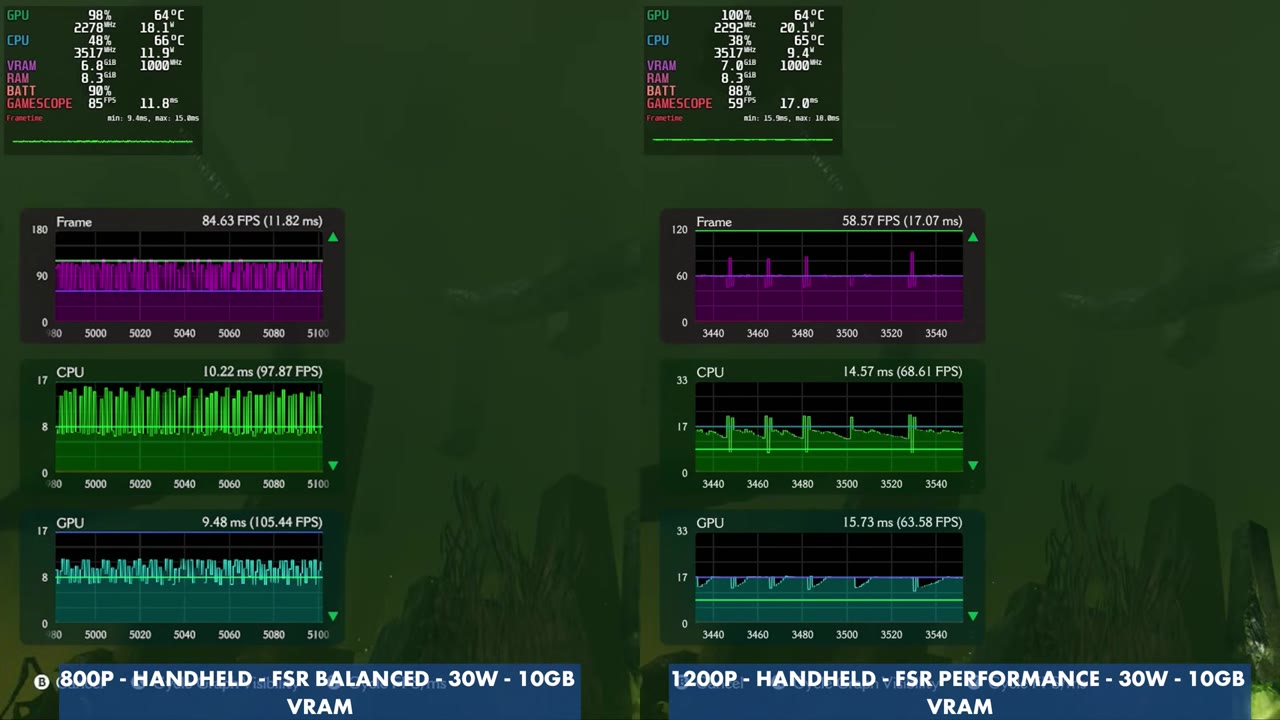
Doom ran at 30W on the Handheld preset. I compared 800p with FSR Balanced against 1200p with FSR Performance in the same spot, then played at 1200p.
- 800p, Handheld, FSR Balanced, 30W: 84.63 FPS in the game's performance graph
- 1200p, Handheld, FSR Performance, 30W: 58.57 FPS in the same spot
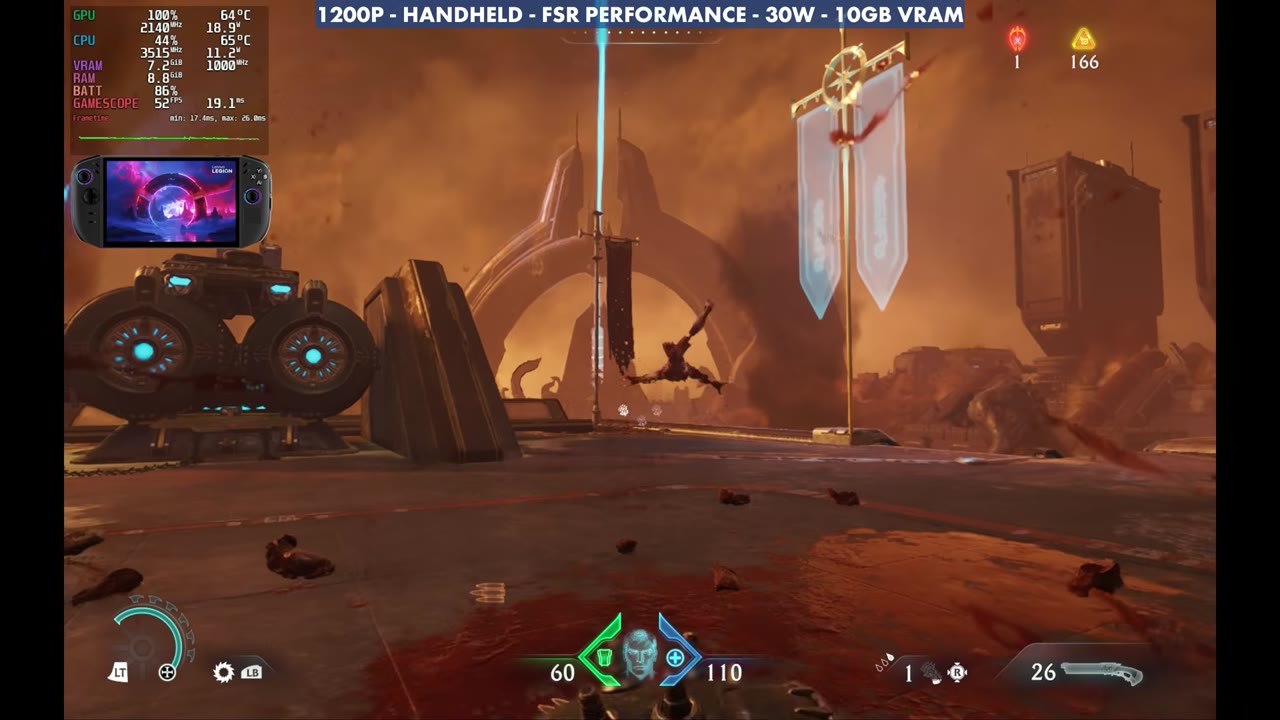
Playing at 1200p with FSR Performance, the overlay read 52 FPS in an open fight, 51 FPS in a mech section and 43 FPS in a darker interior.
007 First Light
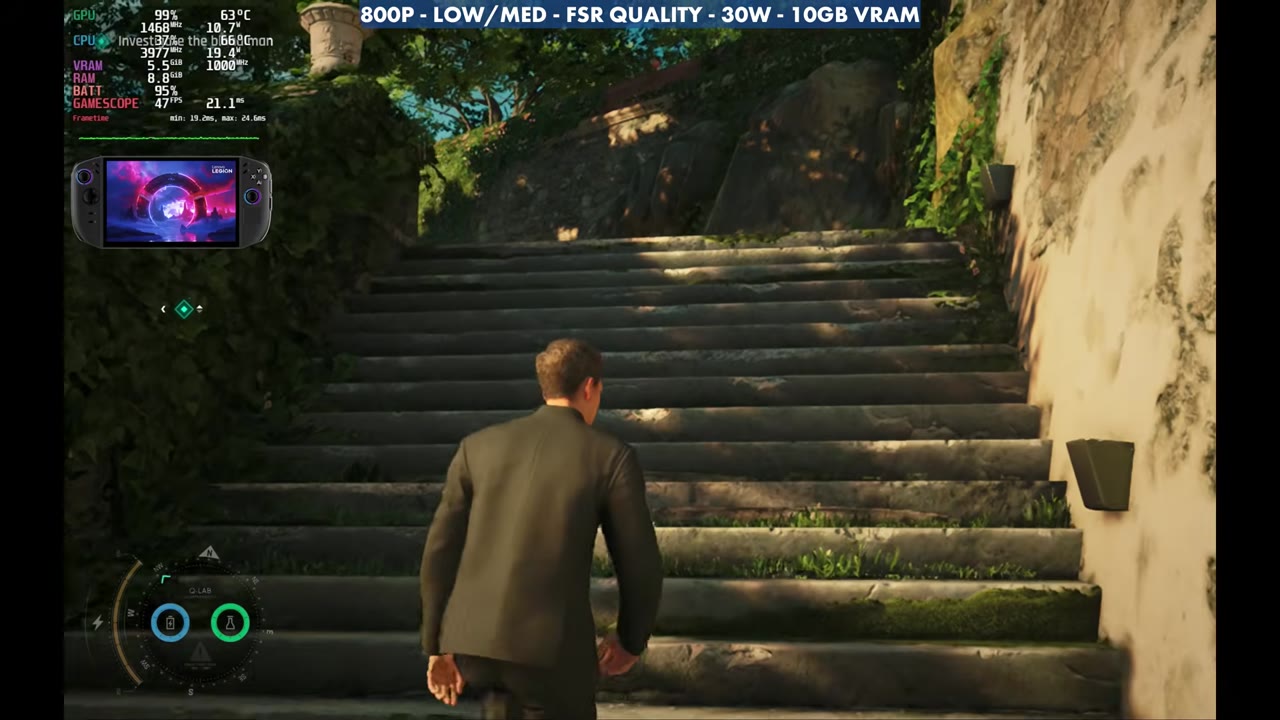
007 First Light ran at 800p with a Low/Medium mix, FSR Quality and 30W.
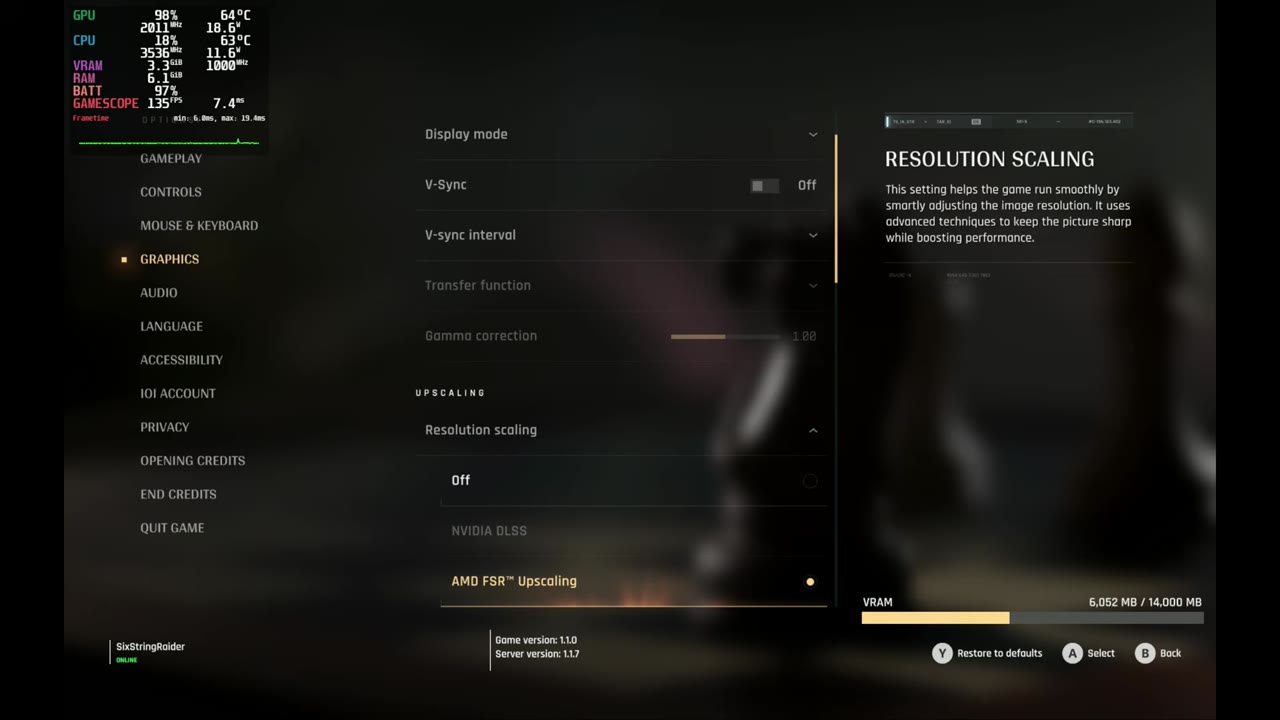
The overlay read 47 FPS on the stairs in the opening area, 34 FPS in the busy market and 41 FPS on the boat.
Forza Horizon 6
Forza Horizon 6 ran at 1200p on Medium with FSR Performance, using the built-in benchmark at three TDPs.
| TDP | Benchmark (achieved) |
|---|---|
| 17W | 37 FPS |
| 25W | 48 FPS |
| 35W | 60 FPS |
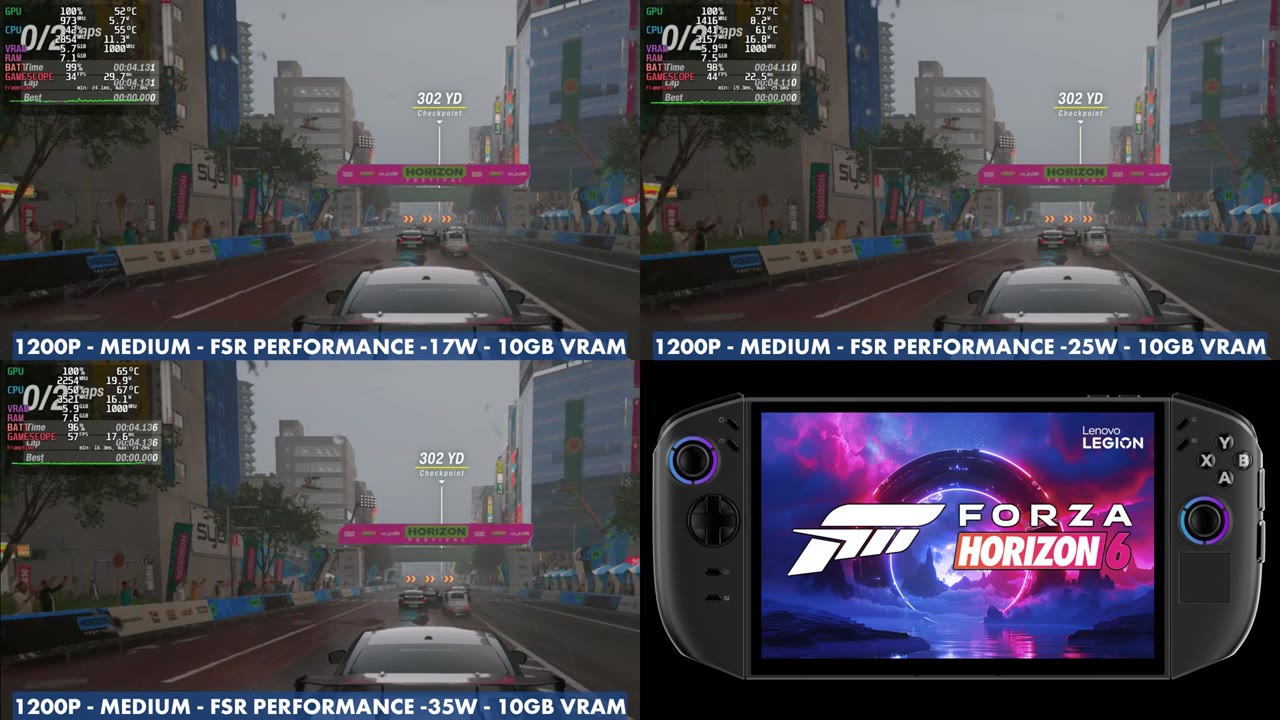
In a race with the same settings, the overlay read 34 FPS at 17W, 44 FPS at 25W and 57 FPS at 35W at the same moment.
Assassin's Creed Black Flag Resynced
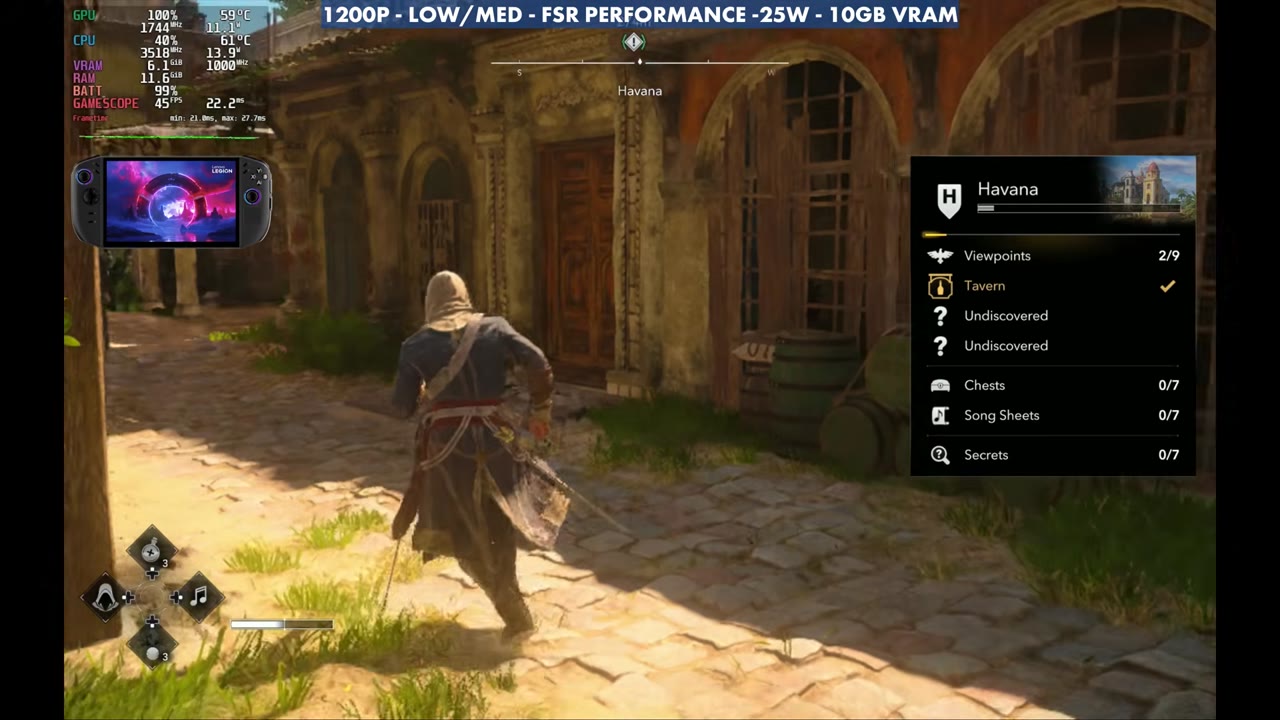
Black Flag Resynced ran at 1920x1200 with a Low/Medium mix, FSR Performance and 25W.
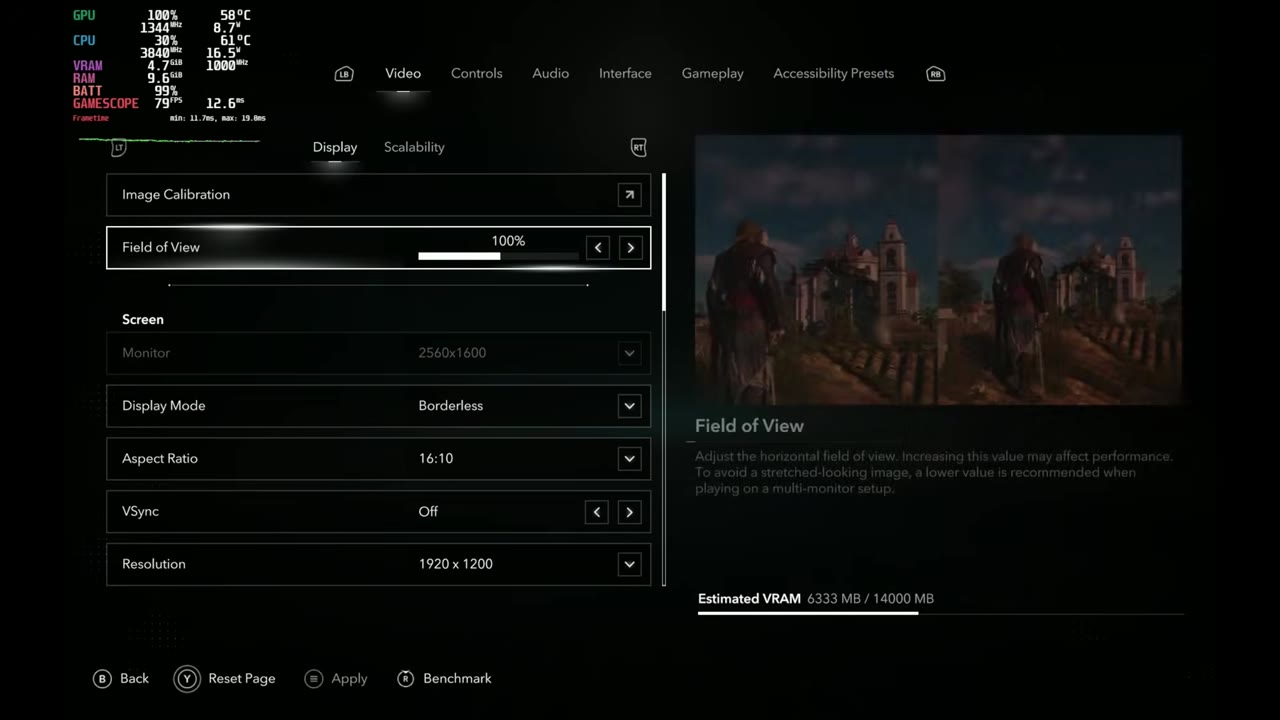
The overlay read 45 FPS running through Havana, 44 FPS in a village fight and 47 FPS boarding a ship.
Sonic Superstars and Terminator 2D: No Fate
The easier-to-run games went to 1200p max settings at native resolution with very little power. Sonic Superstars at 15 to 20W showed 118 FPS in the overlay, and Terminator 2D: No Fate at just 5 to 7W showed 120 FPS.
For more on SteamOS on this handheld, see my Legion Go 2 vs Xbox Ally X comparison and the Legion Go hub.
Want more handheld tests?
New Steam Deck, ROG Ally, Legion Go and Steam Machine performance videos every week.