 ▶Watch on YouTube
- The original Legion Go (16 GB, Z1 Extreme, from 2023) fared pretty well in Phantom Blade Zero.
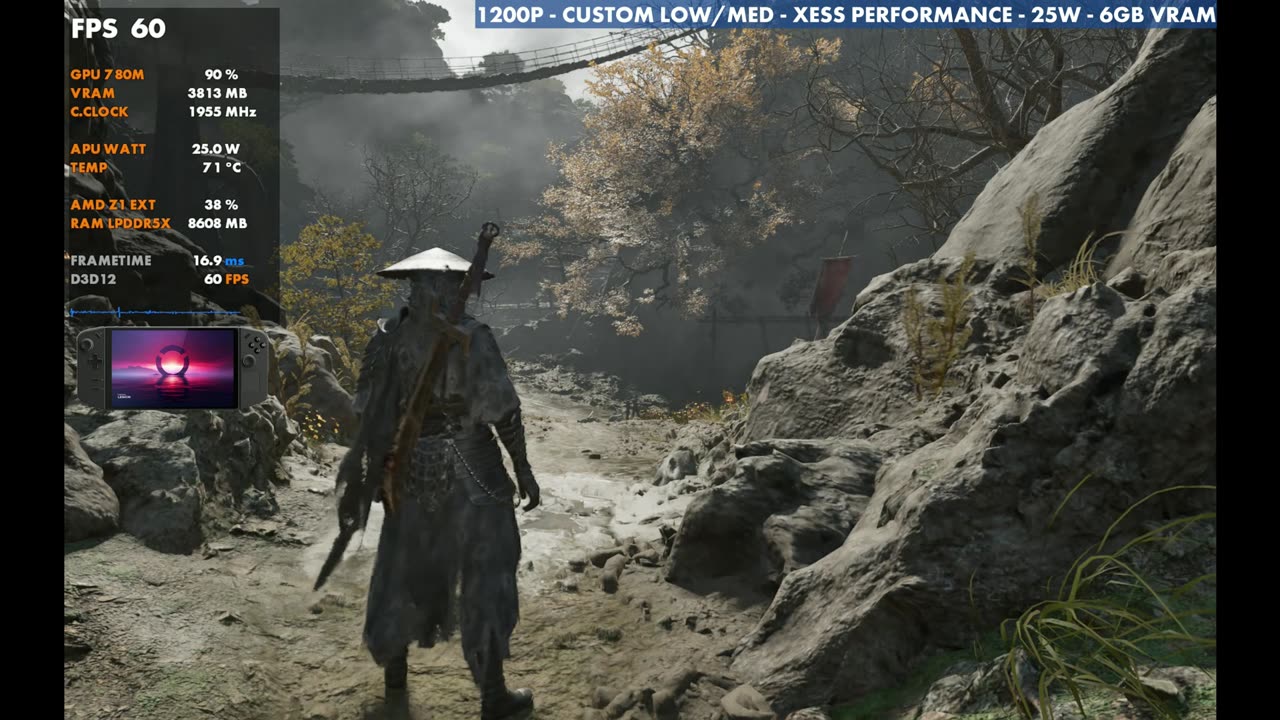
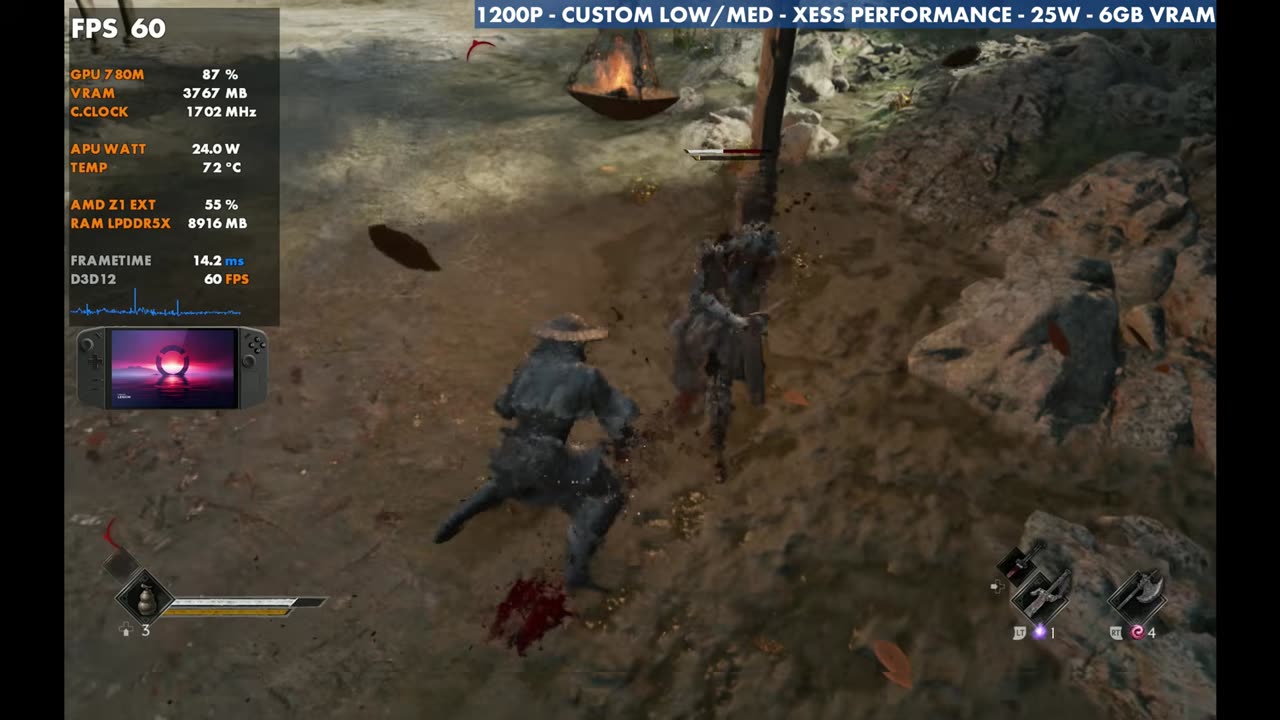
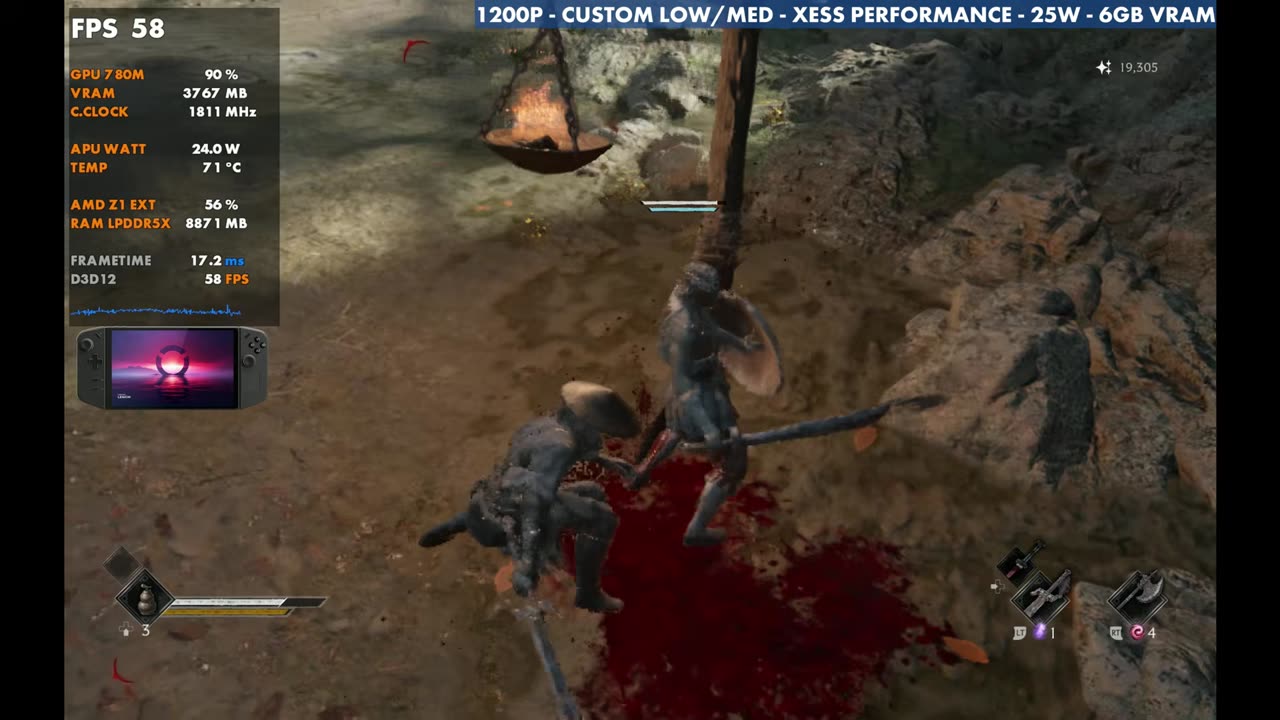
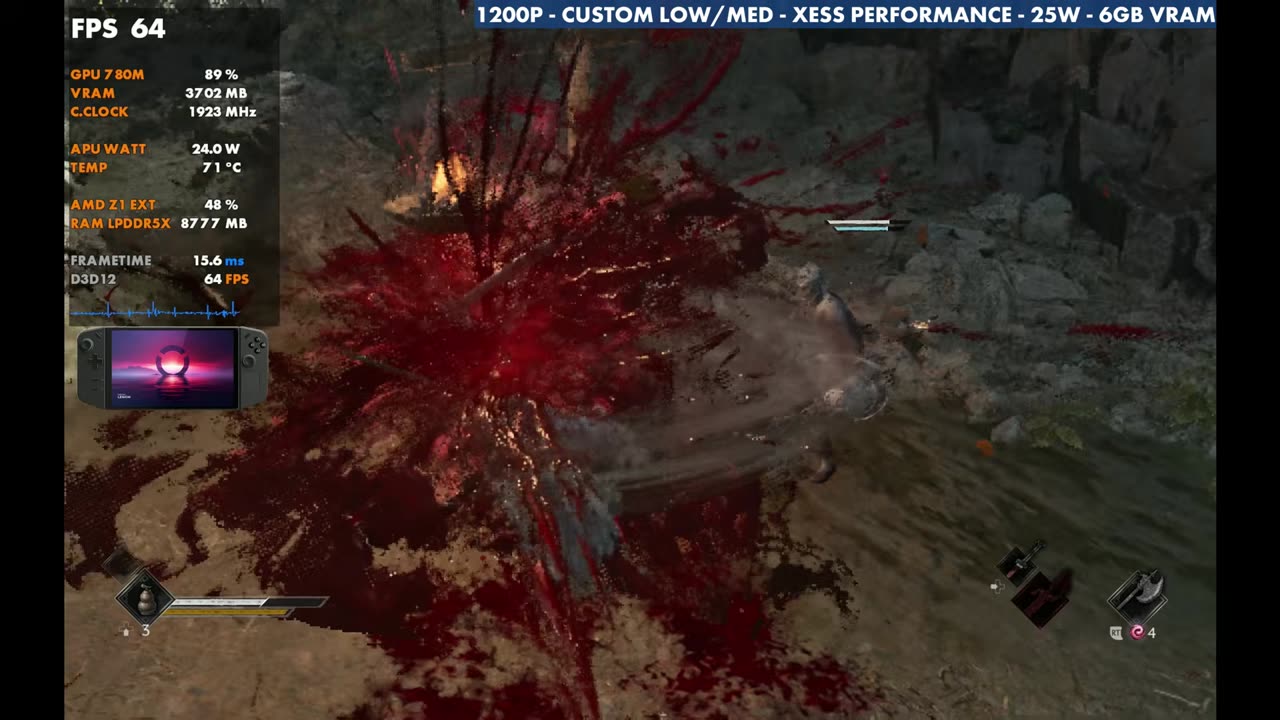
- At 1200p with a custom low/medium mix, XeSS Performance and 25W, I'm seeing 40 to 70 FPS depending on combat, enemies and area.
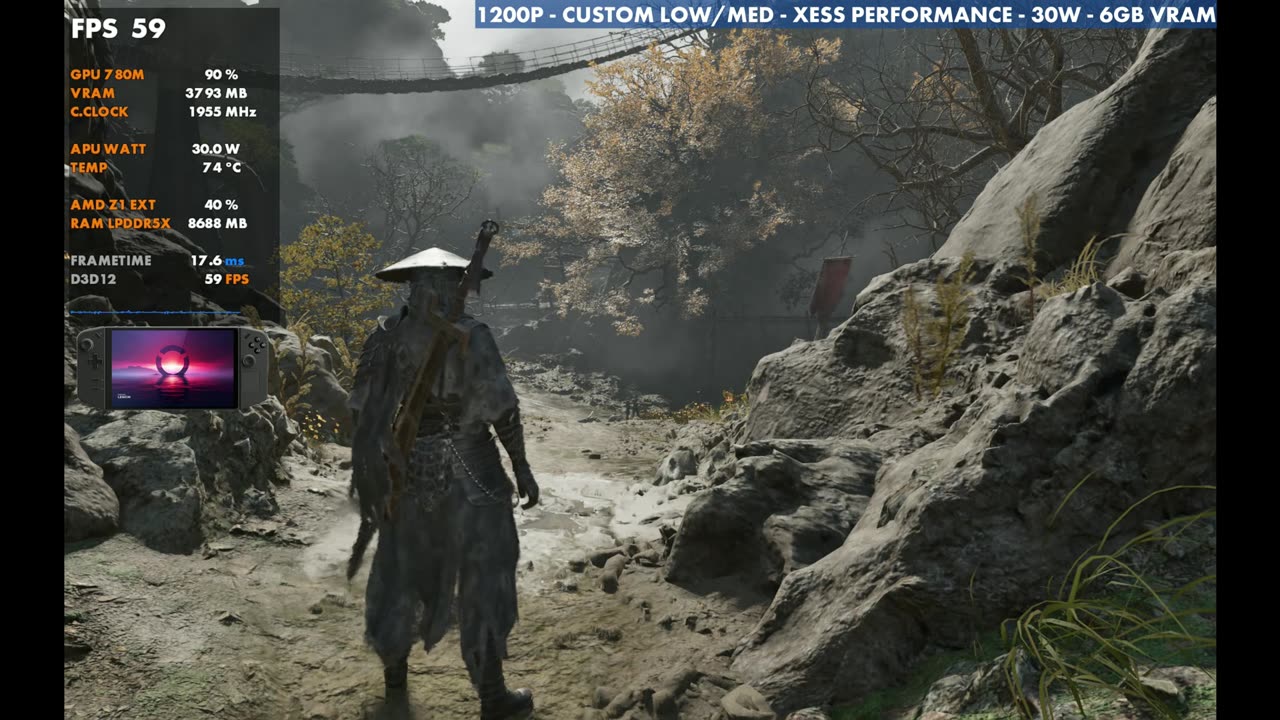
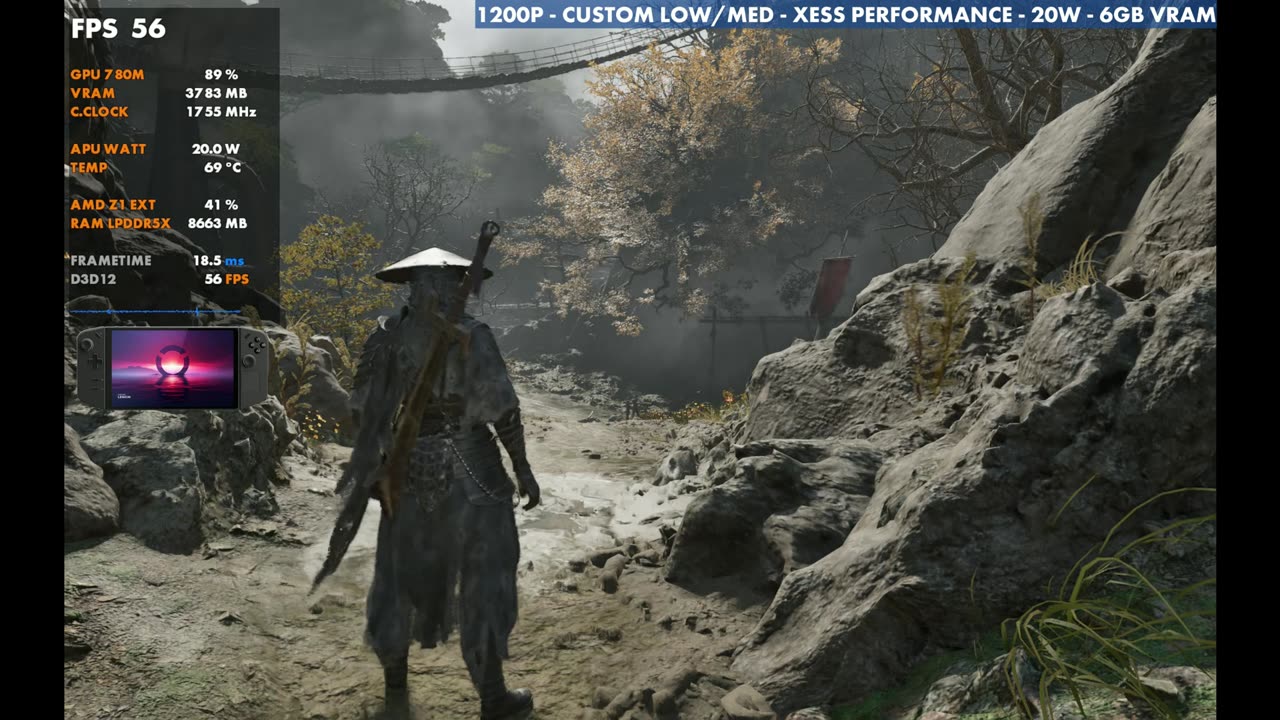
- 30W didn't gain anything standing still. 20W starts to lose a little, especially when things get busy.
- XeSS beats FSR in this game for now: cleaner and better FPS.
I had to get the old Z1 Extreme Legion Go back out to see how Phantom Blade Zero would run on it, and it fared pretty well. This is the 16 GB model from 2023, running the Steam version in Xbox mode at 1200p with a custom mix of low and medium settings, XeSS Performance and 25 watts.
The game needs some work on optimization and stability, and it has issues on pretty much all the hardware I've tried it on. I've also tested it on the Steam Machine, the Steam Deck OLED, the ROG Xbox Ally X and the OneXPlayer 3.
What I tested
I'm on the newest available graphics driver from Lenovo. It's an official driver, nothing sideloaded. VRAM is still at 6 GB, but this game doesn't need that much: it's been using three or four, and I might have seen five once.
25 watts was always pretty standard for me in harder AAA games on the Z1 Extreme. It often doesn't scale that well going from 25 to 30, and 30 burns up the battery.
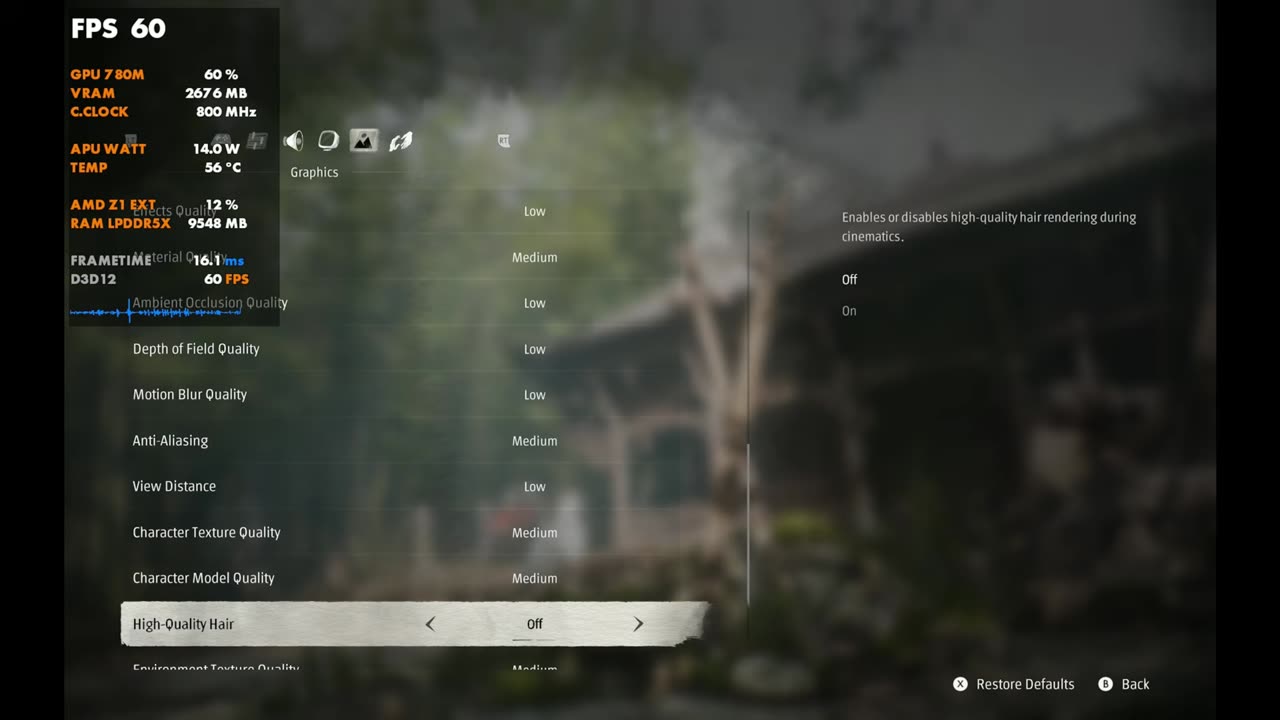
| Setting | What I used |
|---|---|
| Mode / version | Xbox mode, Steam version, newest official Lenovo graphics driver |
| VRAM | 6 GB |
| TDP | 25W (also tested 20W and 30W) |
| Window mode | Fullscreen |
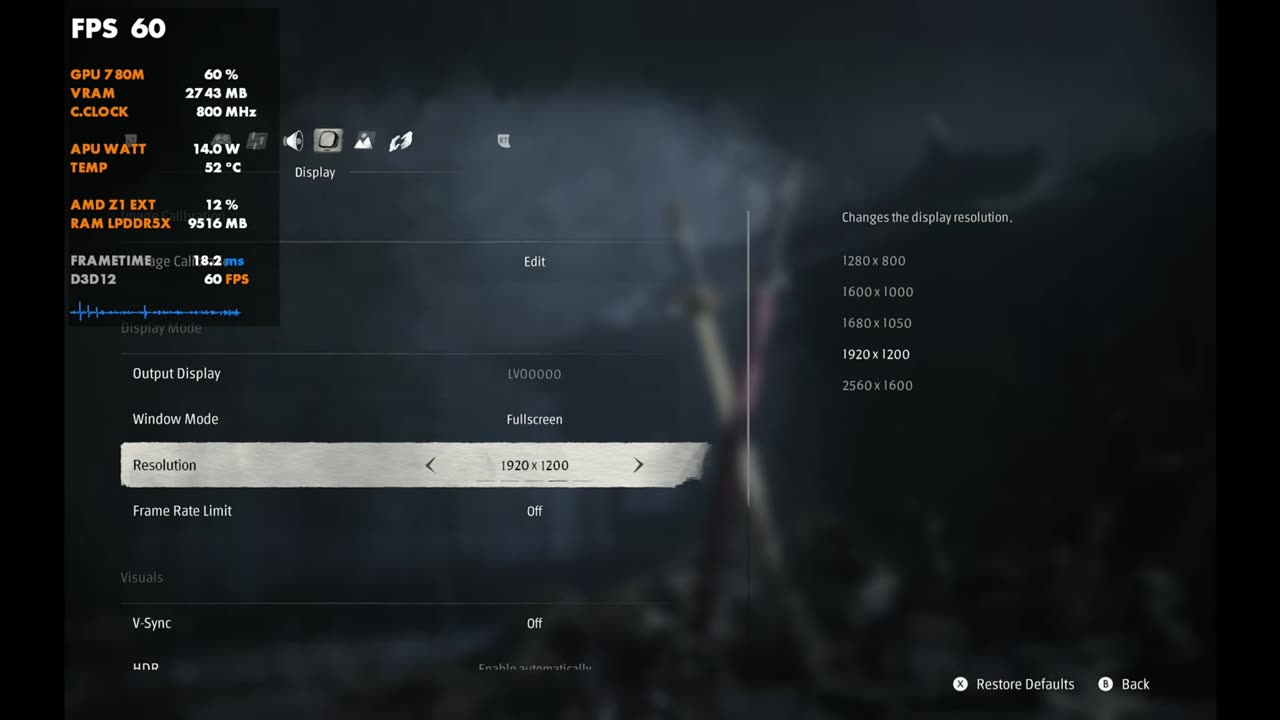
| Resolution | 1920 x 1200 (1200p) |
| Frame rate limit / V-Sync | Off / Off |
| Film grain | Off |
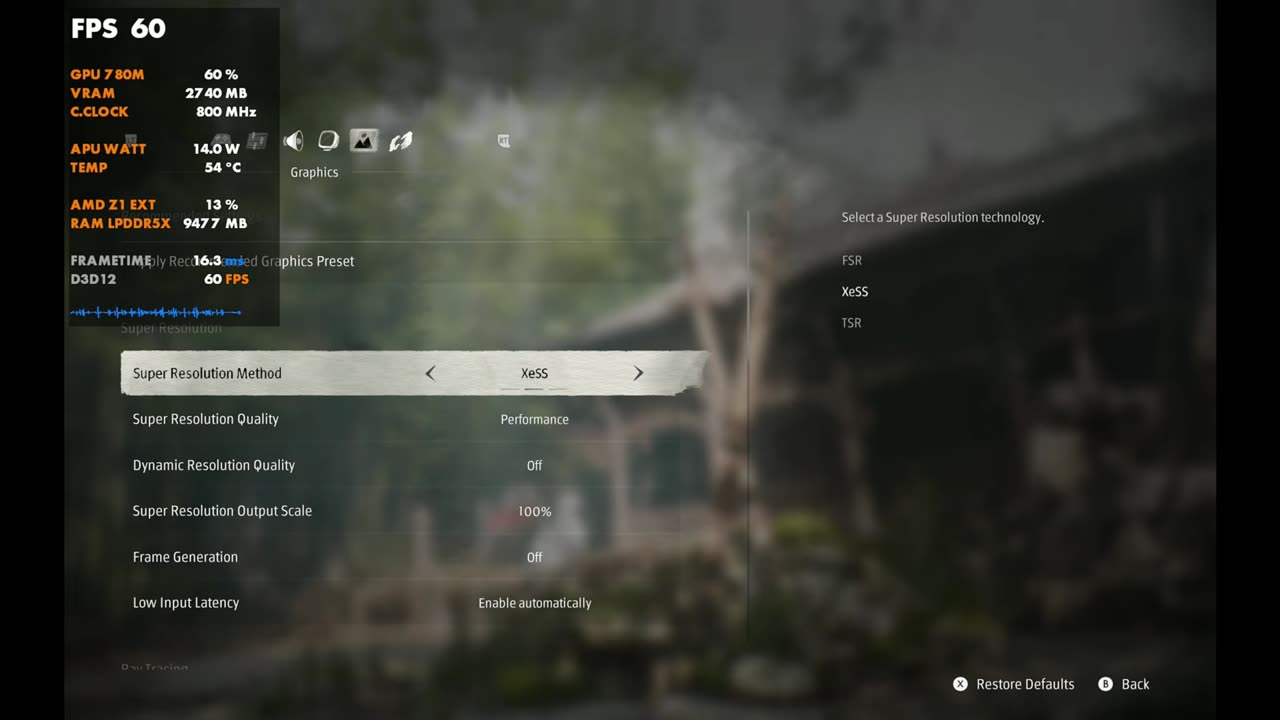
| Super resolution | XeSS Performance, output scale 100%, dynamic resolution off |
| Frame generation / ray tracing | Off / Off |
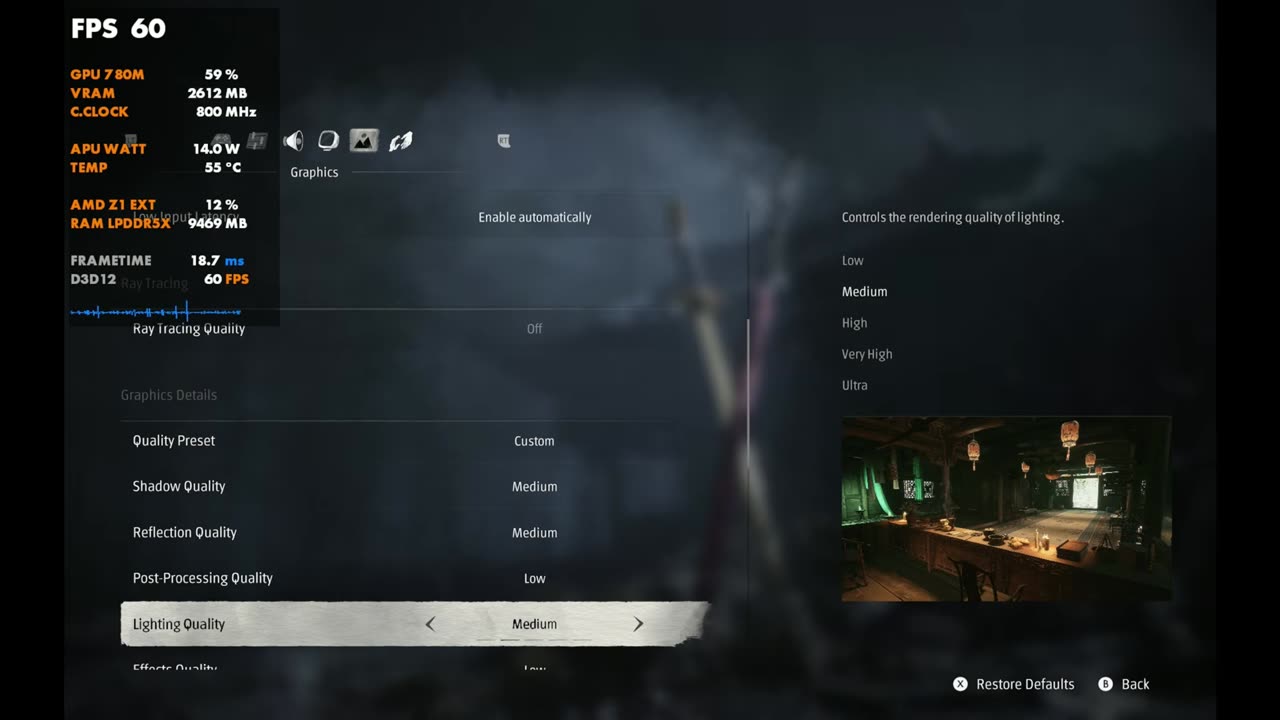
| Quality preset | Custom |
| Shadow / reflection quality | Medium / Medium |
| Post-processing quality | Low |
| Lighting / material quality | Medium / Medium |
| Effects, ambient occlusion, depth of field, motion blur quality | Low |
| Anti-aliasing | Medium |
| View distance | Low |
| Character texture / character model quality | Medium / Medium |
| High-quality hair | Off (that helps a little too) |
| Environment texture / model / detail quality | Medium / Medium / Low |
That mix puts us in the middle. You could lower some things, including resolution (1000p or 800p if you want less upscaling), or raise some things if you're OK with lower FPS. With these settings I'm seeing 40 to 70 FPS, and it varies completely depending on combat, how many enemies are around and where I am. I'm only a couple of hours into the game, so other areas could get better or worse. For the most part, though, I was pretty impressed with how the Legion Go ran it, especially around launch with no real optimization fixes or patches.
20W vs 25W vs 30W
Standing still in my test spot, it's at 60 FPS at 25 watts with these settings. Going to 30W, we really don't gain anything, which is kind of normal for the Z1 Extreme. It might help when things get busy, but I didn't notice much, so 25W was fine. At 20W you start to lose a little, especially when it gets busy, and anything lower than that risks a lot of instability too. For games like this I typically stick with 25W, and it worked out just fine here.
- 25W: 60 FPS (overlay)
- 30W: 59 FPS (overlay)
- 20W: 56 FPS (overlay)
XeSS vs FSR
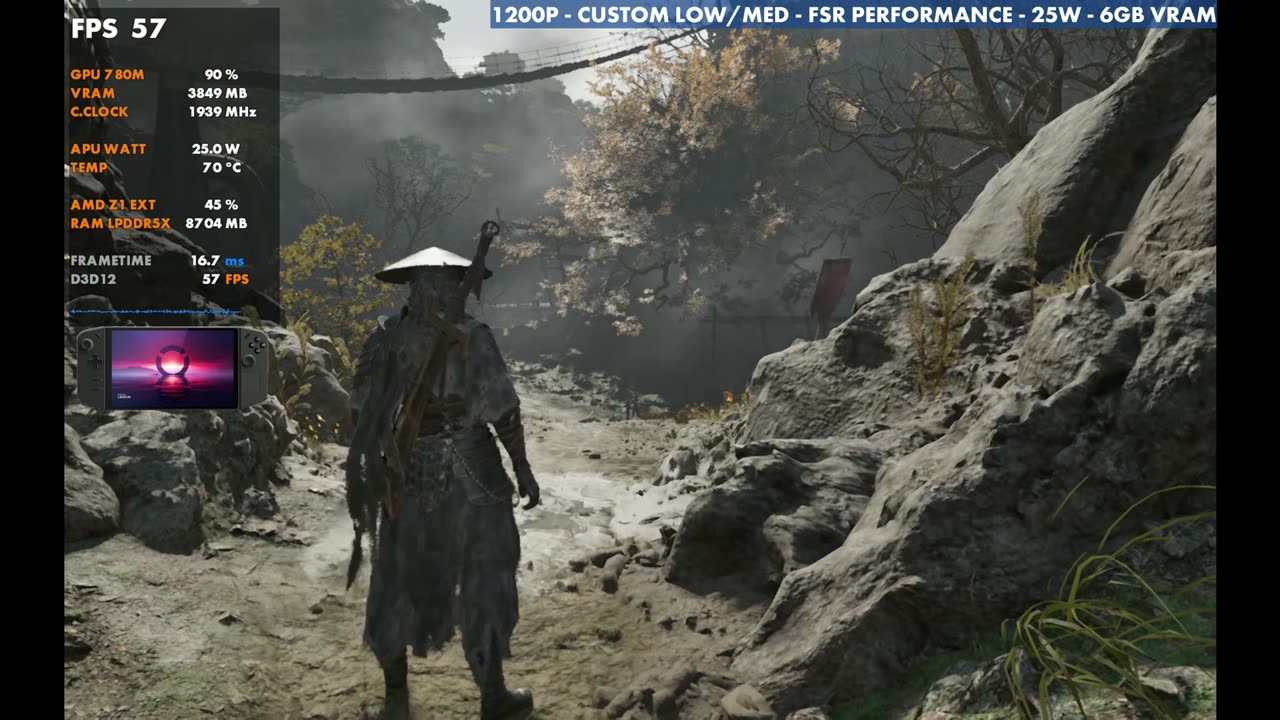
I'm using XeSS over FSR because it's just way better in this game, even though I typically lean FSR on AMD and XeSS on Intel. Switching to FSR Performance, you don't get the same performance as XeSS, and it's a lot blurrier, with more flickering and more issues. XeSS Performance or Balanced is much cleaner with better FPS. For now, XeSS is beating TSR and FSR in this game for me.
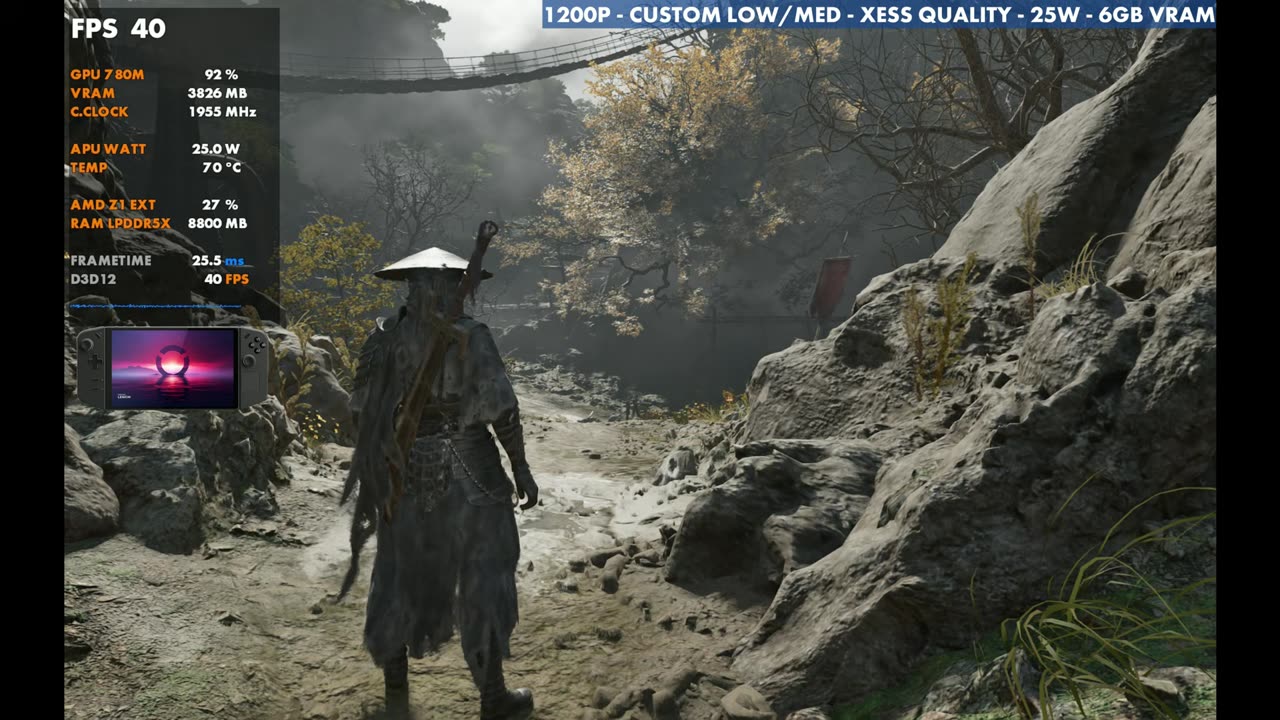
Going up to XeSS Quality costs a lot: in the same spot, it drops to about 40 FPS on the overlay.
- XeSS Performance: 60 FPS (overlay)
- FSR Performance: 57 FPS (overlay)
- XeSS Quality: about 40 FPS (overlay 40)
Gameplay
The gameplay footage is at 25W, 1200p and XeSS Performance with the custom settings above. The overlay mostly sits in the 50s and 60s through combat.
Verdict
Phantom Blade Zero still needs optimization patches and some fixes, but the game is doing well and I'm enjoying it. A lot of people still have the original Legion Go, and on the Z1 Extreme it runs better than you might think. So far, so good. We'll see how other areas do.
FAQ
Which Legion Go is this?
The original Lenovo Legion Go with the Z1 Extreme and 16 GB of memory, from 2023.
Is Phantom Blade Zero playable on the Legion Go Z1 Extreme?
Yes. At 1200p with custom low/medium settings, XeSS Performance and 25W, I'm seeing 40 to 70 FPS depending on the area and combat.
Does 30W help?
Not really. Standing still it didn't gain anything over 25W, and I didn't notice much when things got busy either.
Want more handheld tests?
New Steam Deck, ROG Ally, Legion Go and Steam Machine performance videos every week.