 ▶Watch on YouTube
JSAUX has a newer style of its ModCase for the Steam Deck LCD and OLED, and this time I'm looking at it with the Cooler Kit. What I always like about JSAUX is that when they send me stuff, there's no obligation to make a video. If I like it, I can make one if I want. I did like this case and the cooler, so here's my review: how the case fits on my Steam Deck OLED, and whether the fan actually works.
Disclosure: JSAUX sent the ModCase and cooling fan over for me to check out, with no obligation to make a video. Whether I buy something or have it sent to me, I review it the same way, with my honest opinions. Take that as you will. The JSAUX link below is an affiliate link, so I may earn a commission if you buy through it.
- A sturdy, well-fitting case with a built-in kickstand, clear back, hard front cover and a strap for accessories like a dock, M.2 enclosure or power bank.
- The cooling fan has its own battery and a knob for on/off and fan speed, and it works with or without the case.
- In Expedition 33, the fan took about 4°C off both the CPU and GPU on its lowest setting and about 8 to 9°C on max.
- Only a couple of nitpicks: a slightly longer reach to the thumbsticks and top buttons that sit close to the case.
Kits and price
Like the past ModCase, JSAUX sells this one in different kits: the Basic Set, the M.2 Slot Kit, the Power Bank Kit (I've already reviewed that power bank on the channel, in the Steam Deck playlist), the Cooler Kit I'm focusing on here, and the Ultimate Kit with everything. Some were on sale and some full price, but either way I think these are pretty fair prices.
At the time of the video, JSAUX's store showed the Basic Set at $29.99, the Cooler Kit and M.2 Slot Kit at $49.99, the Hub Kit and Power Bank Kit at $79.99, and the Ultimate Kit at $179.99.
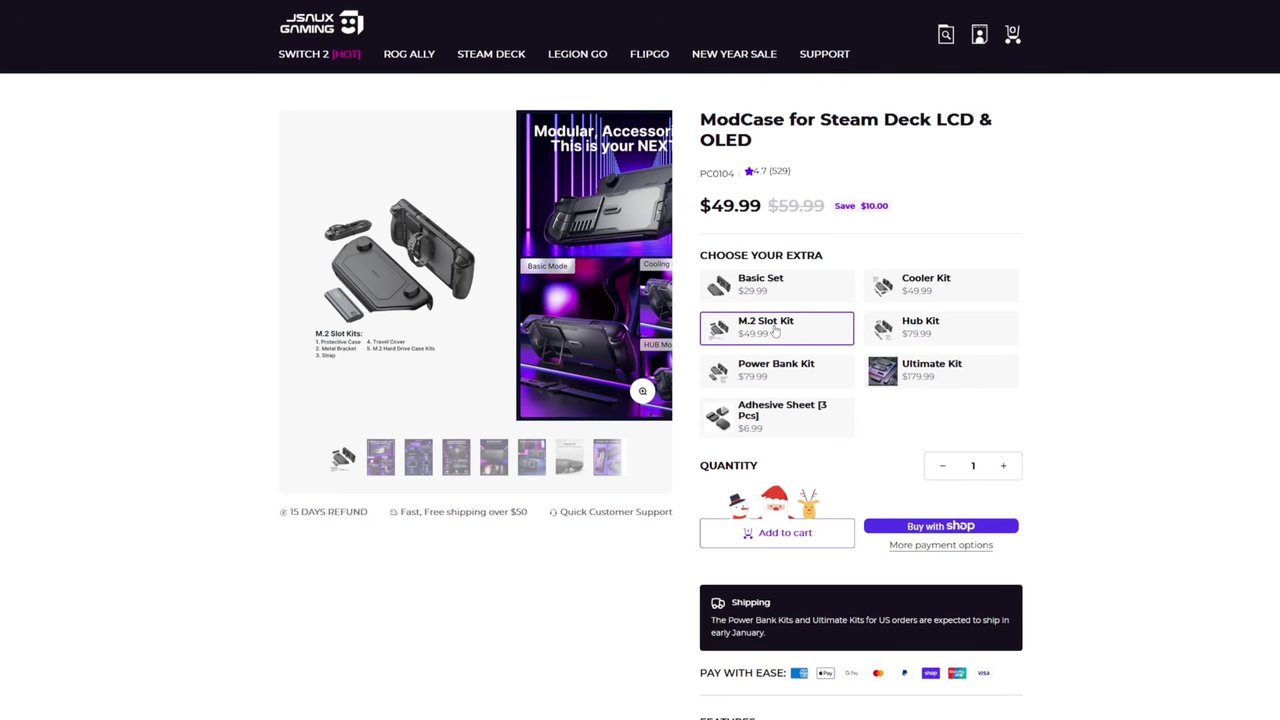
Price check (Oct 30, 2026): JSAUX's store lists the same kit prices: Basic Set $29.99, Cooler Kit $49.99, M.2 Slot Kit $49.99, Hub Kit $79.99, Power Bank Kit $79.99 and Ultimate Kit $179.99. Prices change, so check before you buy.
JSAUX ModCase for Steam Deck (affiliate link)
go.jsaux.com/4sinrpw
Unboxing
The box holds the ModCase itself, for the LCD or OLED model, along with the strap for the back and the usual paperwork. The fold-out guide shows all the features and cutouts, the kickstand and how to put the front cover on. The case has a bit of a different look compared to the past ModCase I reviewed, with the kickstand built in on the back this time, a clear back and the sliding mount for accessories.
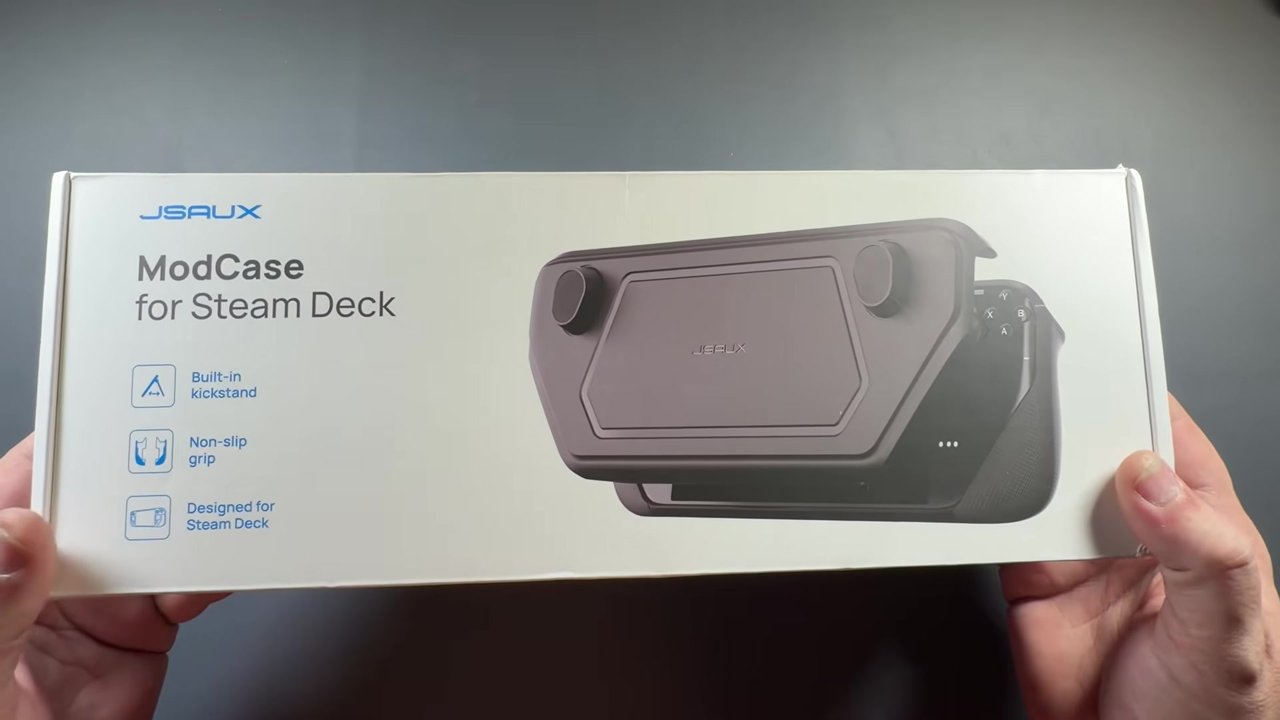
The front cover is a really nice hard cover with foam inside. Under that is the case itself, which is very sturdy and feels very nice. The materials are pretty good, and the cutouts line up really nicely with everything on the Deck.
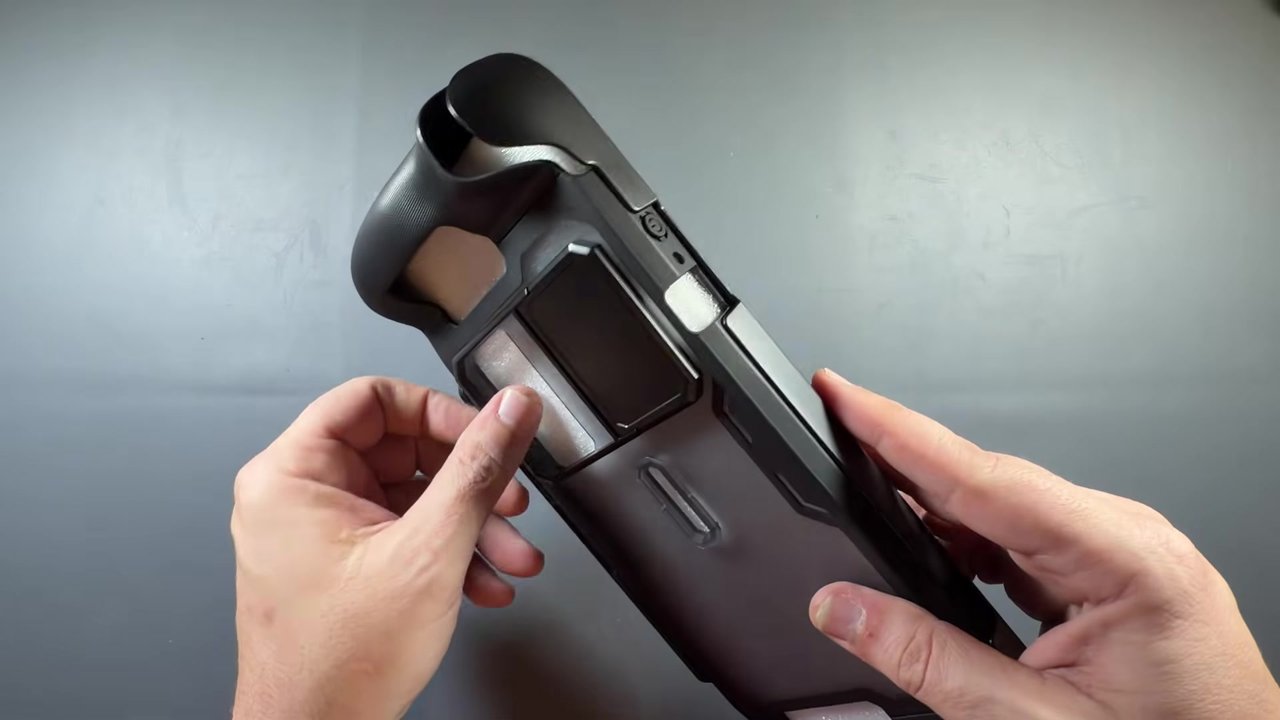
The strap slides onto the back of the case and wraps around a lot like a watch band, so you can hold whatever accessory you want back there, like the dock, an M.2 enclosure or a battery pack, and plug it in.
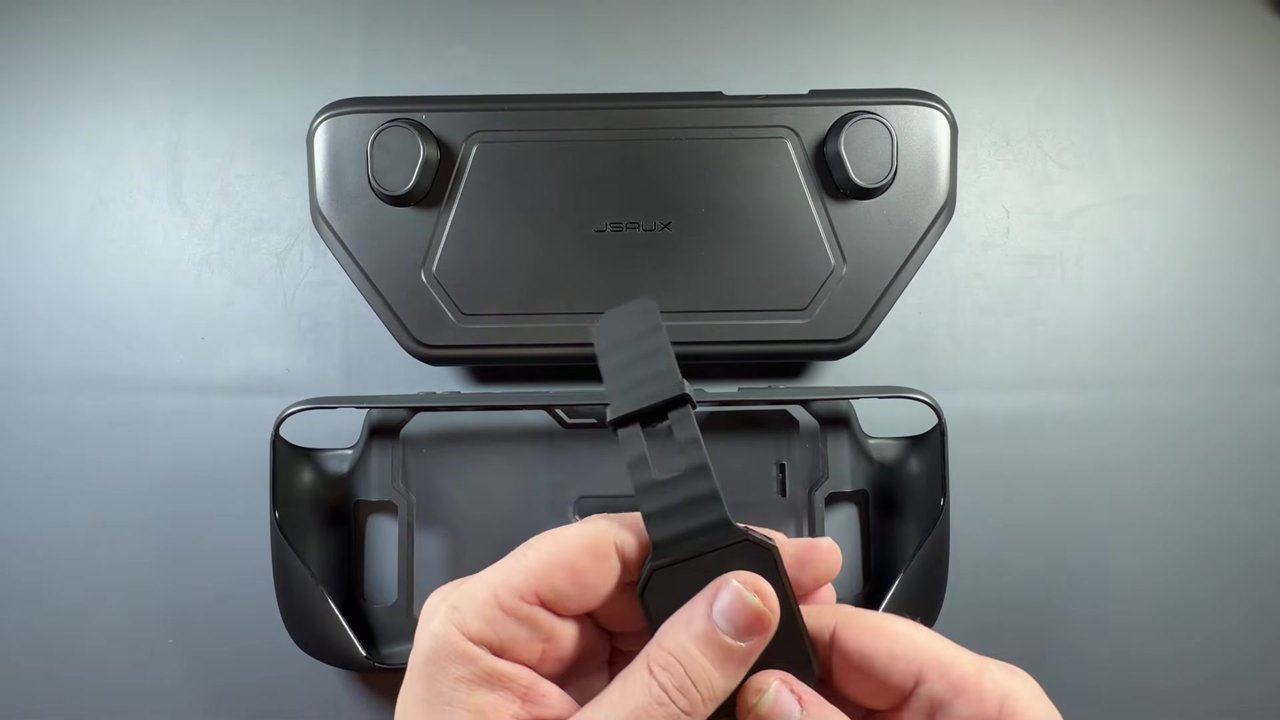
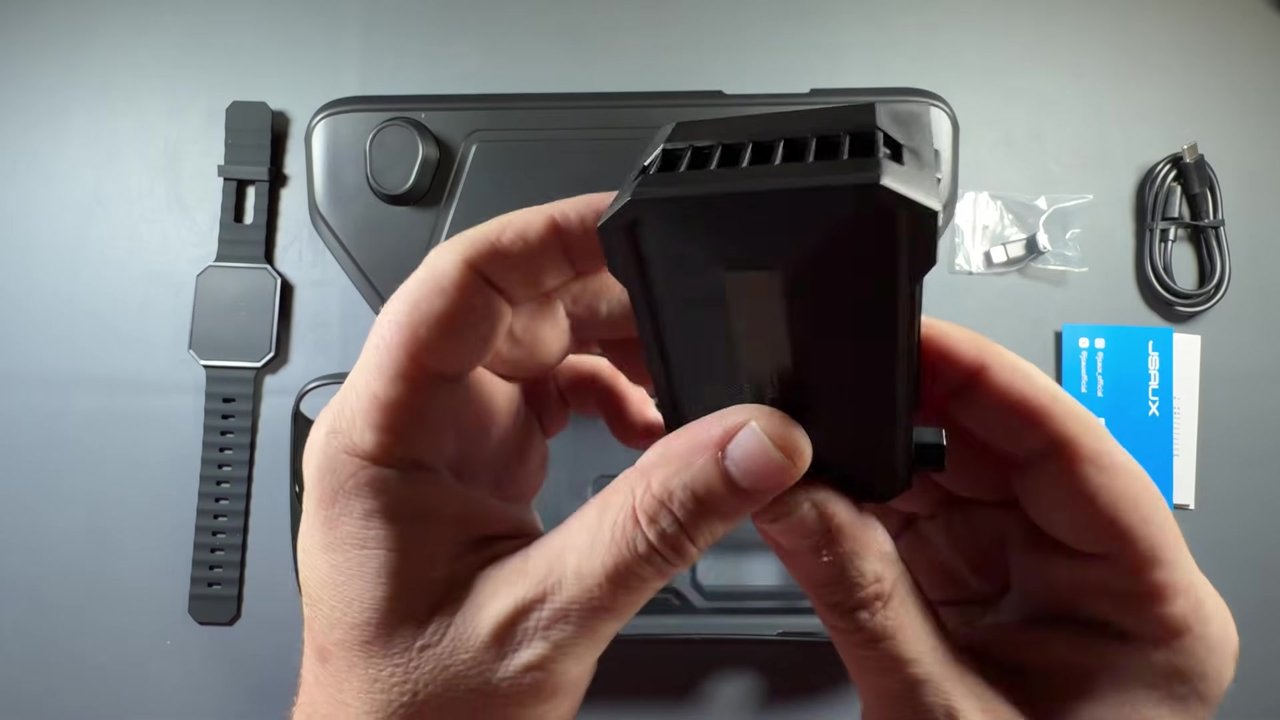
The Cooler Kit adds the cooling fan, a little USB adapter and a charging cable. One thing I really like about this fan is that it doesn't have to be plugged in. It has an internal battery you charge up, and a knob that turns it on and adjusts the fan speed. It has an intake and an outtake, pulls air from the Steam Deck, and attaches to the ModCase, or straight to the Steam Deck with an included insert if you don't have or want the case.
Fit and the kickstand
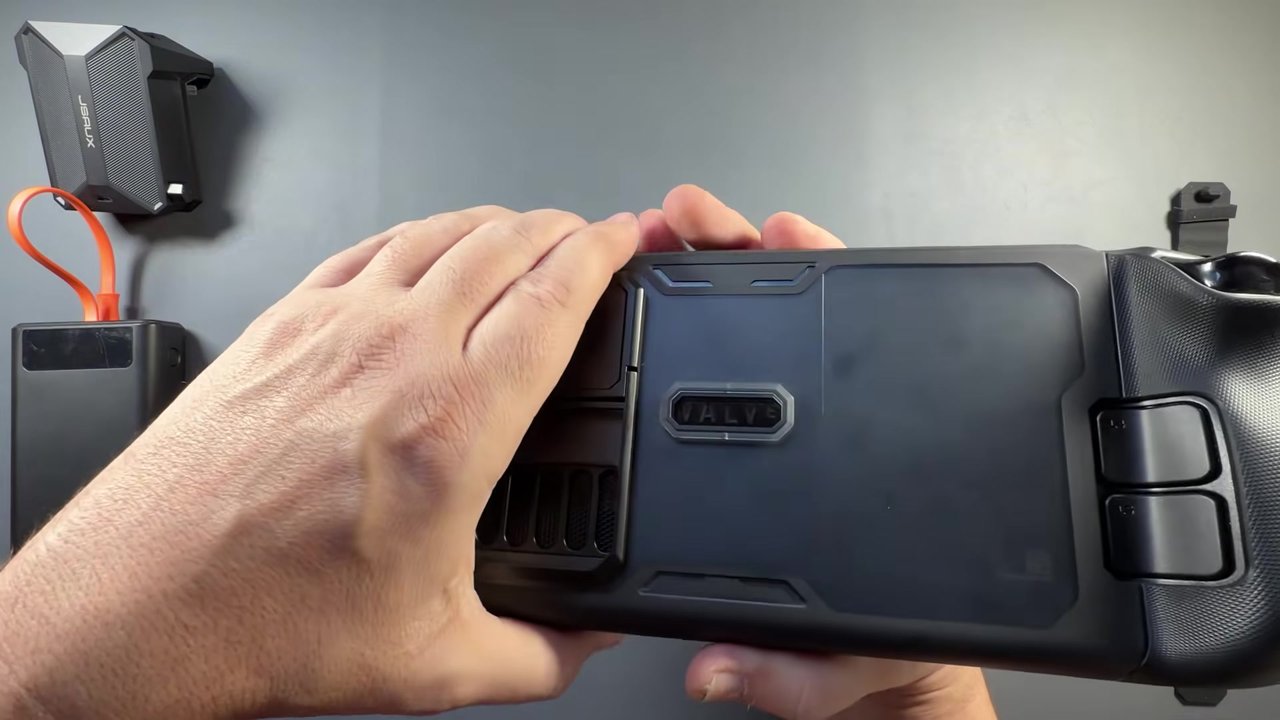
It's pretty simple to get on. Like the last ModCase, you put the bottom in first and get it down as tight as you can, then carefully stretch the top over the left and right triggers and the corners. Everything lined up really nicely for me, and I didn't have any problems. The top is a little flexible because it needs to be to get on and off, but it feels more rigid than before, at least as far as I remember. I don't have my original ModCase anymore.
The front cover lines up and presses on with friction, and it works really well. You get all-around protection, including the triggers, with access to charging. The built-in kickstand seems to work pretty well and is pretty sturdy, and I don't feel like I can knock my Steam Deck over too easily. My JSAUX battery from the past review works just fine with the new strap.
The cooling fan
The fan comes with an extra piece for using it without a case: you peel it off, stick it on the Steam Deck, and slide the fan on. I'm reviewing it with the ModCase, so I set that aside, but it's nice that they gave that option for anyone who wants the fan without a case.
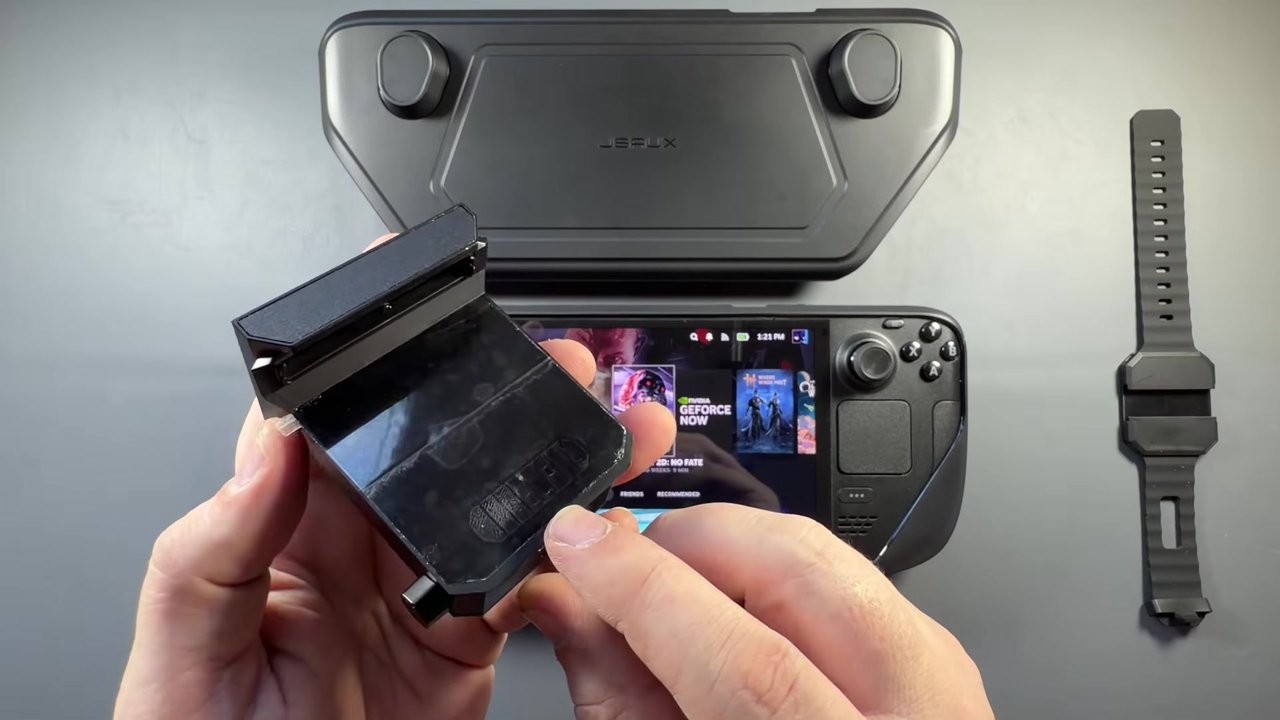
On the ModCase, the fan slides right down and lines up with the Steam Deck's exhaust, helping pull hot air out quicker. You can still use the kickstand, it doesn't interfere with anything, and you can still get to the USB port and the power button. It feels pretty good on the Steam Deck and doesn't seem to add a lot of top-heavy weight or make it uncomfortable to use.
Temperatures in Expedition 33
I let the Steam Deck OLED heat up for about 15 minutes in Clair Obscur: Expedition 33, sitting in one spot. That got the CPU to 74°C and the GPU to 71°C.
- Fan on its lowest setting: the temps dropped right away to 72°C and 69°C, and after some time they settled at about 70°C CPU and 67°C GPU, about 4°C off each.
- Fan on max: after letting it settle, about 65 to 66°C CPU and 63°C GPU, about 8 to 9°C off, maybe 10 depending.
I'm sure that changes per environment and per game, and I want to play around with it in more games. But from this quick look, it does help bring down the Steam Deck's temperatures. It could be very helpful if you're in a hotter environment, or in summertime when the cooling isn't great. We've even seen the Switch overheating in hot areas of the globe.

A couple of nitpicks
The fit is pretty good, the grip is nice, the cutouts all worked out really well, and I didn't have many complaints. There are only a couple of things I'd mention:
- Thumbstick reach: the case adds a little where the corners go into your palms, so I notice I'm reaching a little further for the thumbsticks.
- Top buttons: the two top buttons sit really close to the case, so you have to work a little to push them.
Neither one is a deal breaker, and I've gotten used to them, but they may or may not bother somebody.
Verdict
I really like the new design and feel of this ModCase, along with all the other accessories you can get for it. And the fan does actually do something: it makes a bit of a difference in temperatures, if that's something you've wanted to try.
Want more handheld reviews?
New Steam Deck, ROG Ally, Legion Go and Steam Machine videos every week.