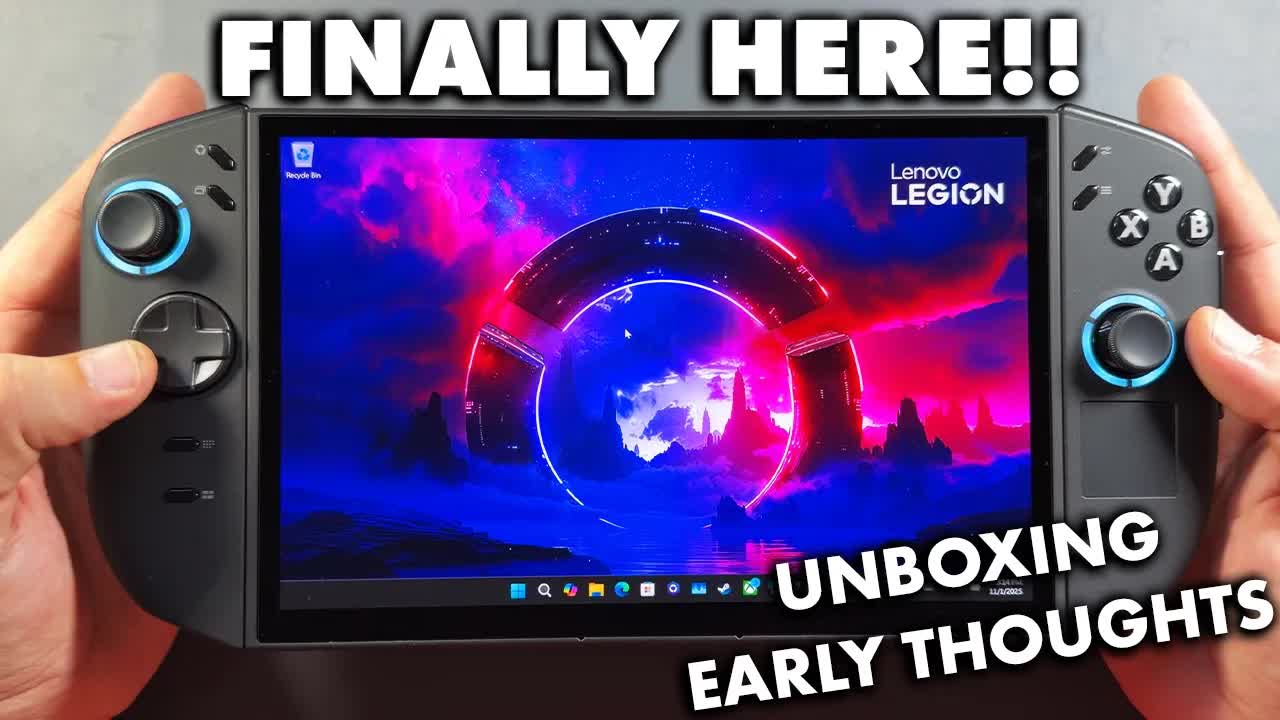
 ▶Watch on YouTube
This is my unboxing and first impressions of the Lenovo Legion Go 2, not a review of the device. It launched October 31 in the United States, and at the time of writing I'd had it for about 24 to 36 hours. I always like to do an unboxing and first impressions before the real review, so this is just the first day and a half or so and what I'm thinking off the bat. My full Legion Go 2 Z2 Extreme review came a few weeks later.
Quick note: I bought this Legion Go 2 myself. It came to $1,440 USD with tax. Nobody sent it to me.
- The 1TB Ryzen Z2 Extreme model, with a 144Hz 1200p OLED with true VRR. A case and a 65W charger come in the box.
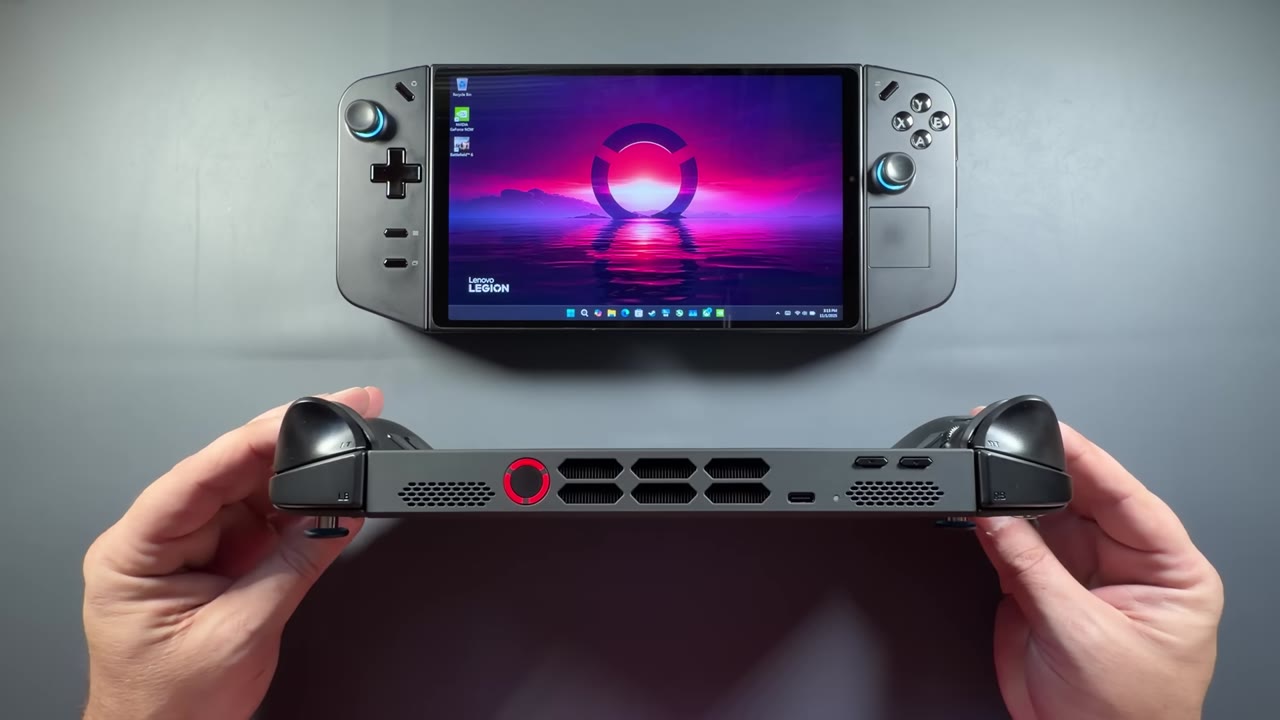
- Very premium feeling out of the box, as it should be for the price. It's a little thicker than the original Legion Go, with more venting, and it runs really cool.
- Setup took me about an hour to an hour and a half. It already had the newest BIOS and a proper GPU driver, and early performance was right where I'd expect from a Z2 Extreme.
- Not perfect: the sticks feel a bit loose to me, the side buttons still annoy me (though they're better), the soft case is a step down from the original's, and $1,440 with tax is a big ask.
What's in the box
It's pretty simple. The nice thing is that we still get a case with the Legion Go 2. Inside the box:
- The Legion Go 2 in its carrying case
- A 65W charger, boxed off to the side
- A little bit of paperwork, with info on docking, the buttons, and plugging it in first
- A cardboard stand you can fold up, like with the Legion Go S models
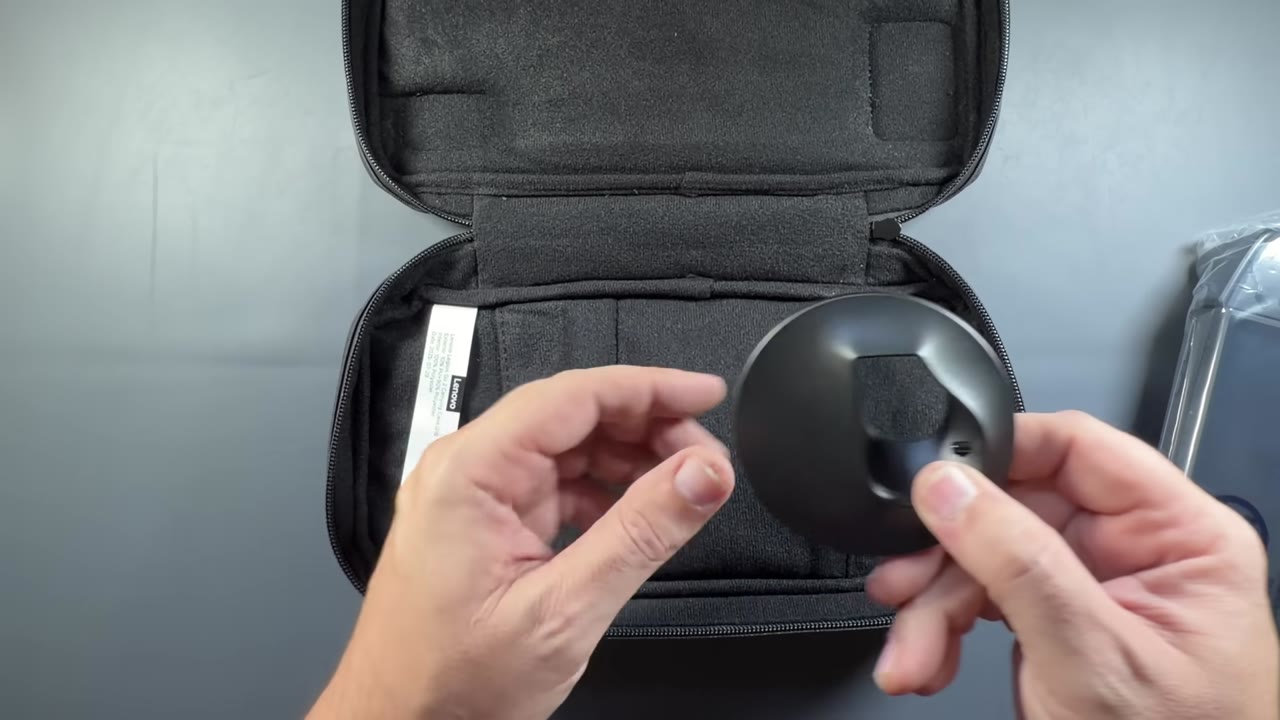
- The stand for FPS mode, inside the case
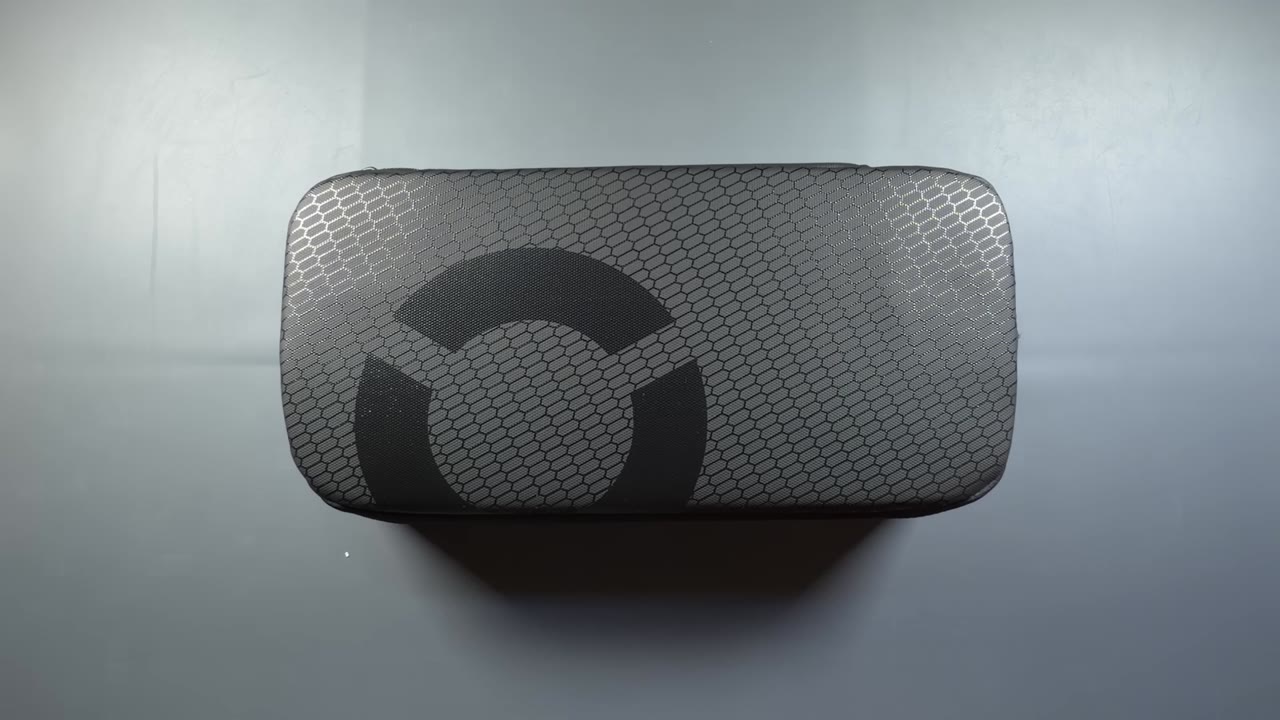
One of the first things I was disappointed in, especially for over $1,400, is the case. It's a soft case and fairly small, and it's not nearly as good or protective as the one that came with the original Legion Go. I'm still happy we get a case at all, though.
Setup
Like any other Windows handheld, it's a full Windows 11 setup, which can take anywhere from an hour to three hours depending on your internet. This one took me about an hour to an hour and a half, which was pretty good. There were a lot of Microsoft Store and Windows updates, but no Legion Space updates to speak of. The newest BIOS was already on it and the GPU driver was right too, so I didn't have to do any of the extra DDU and BIOS work some people have run into. I was fortunate there. Legion Space is what you'd expect if you've ever used a Legion Go.
Design and feel
It does feel premium, except for the sticks, for me. They're improved over the original Legion Go, but they're a bit loose, and that reminds me of the original ROG Ally. I'll keep using it and see whether it's actually a problem for me. The side buttons and extra buttons on the right controller still annoy me. They were way too easy to press on the original, and they're much better now, so I can deal with it, and they haven't bothered me that much.
The controllers are still removable, on the same rail system. They felt much better to me than the original Legion Go's, snapping on a little better and staying on tighter, in my opinion. We'll see how that holds up long term. On the bottom there's a headphone jack, the SD card reader and another USB-C port, which is nice to see, and the kickstand across the back is very sturdy.
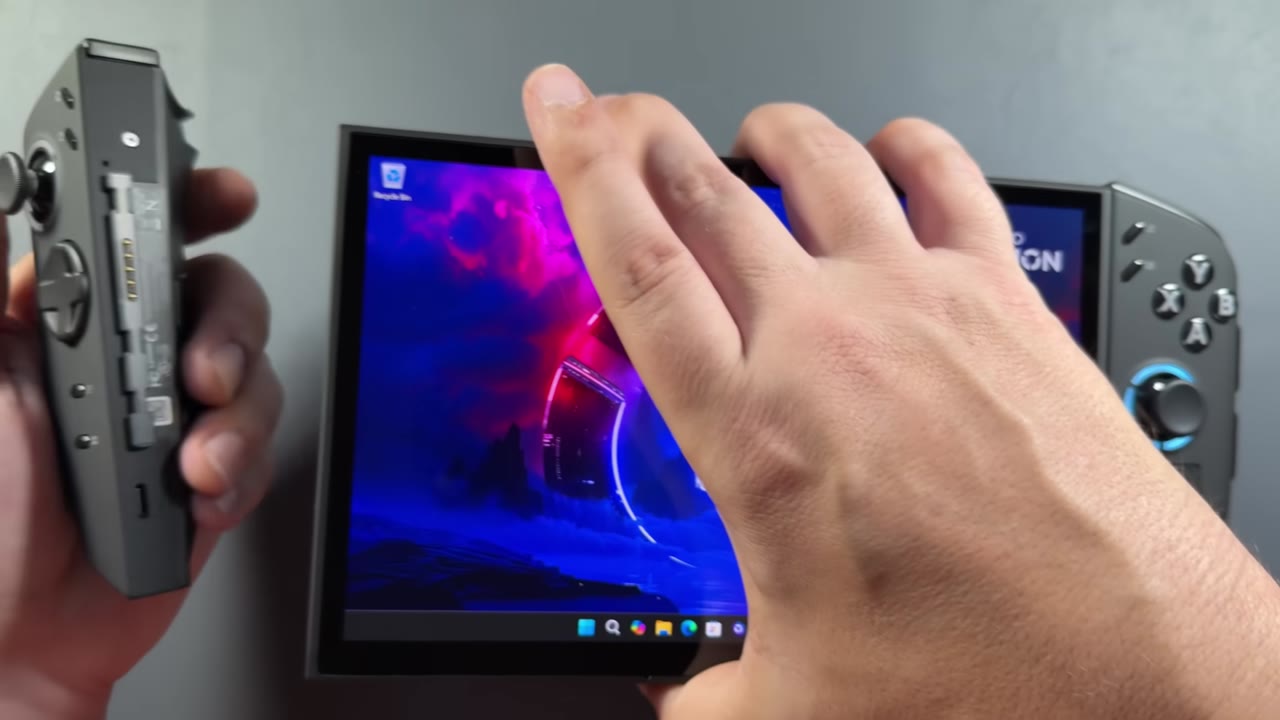
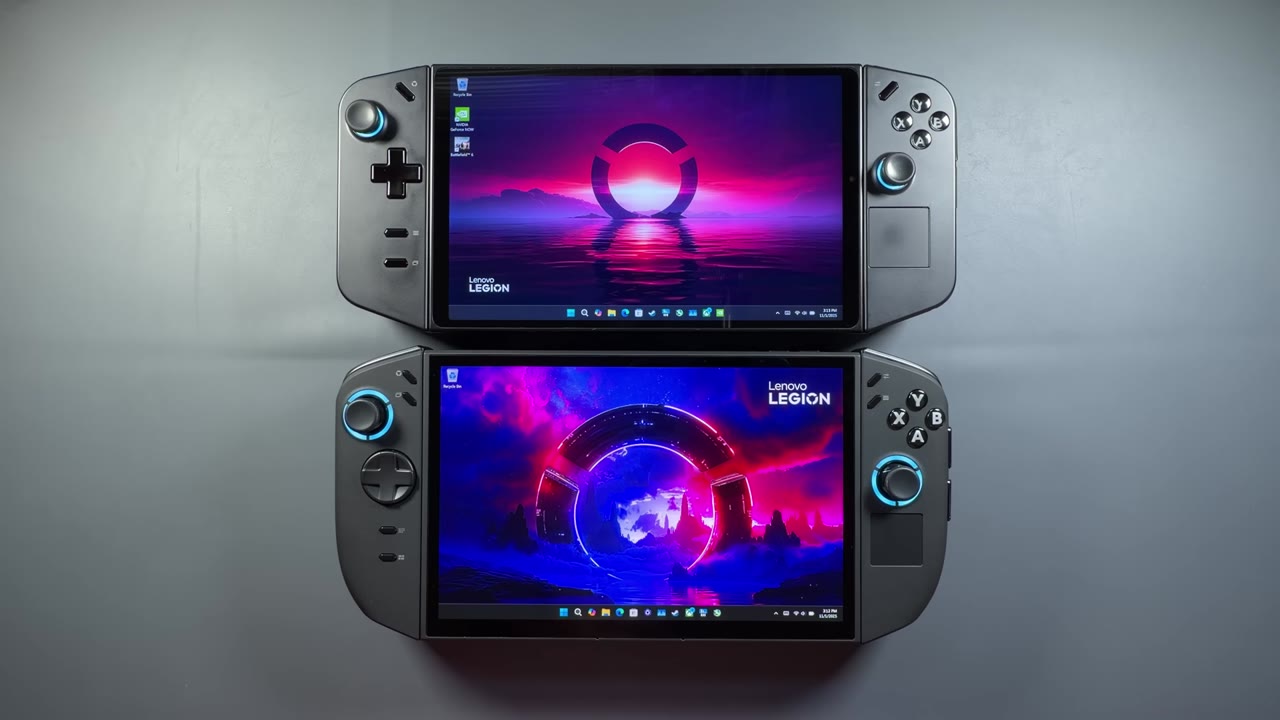
Next to the original, the two are very similar in size, but with the curve on the bottom the Go 2 takes up a little less space. It is a bit chunkier, a little thicker than the original, with a lot more venting. It runs very cool. I was really surprised and had to check a lot of numbers to make sure they were right. It's got some weight to it, which you'll be used to if you've had the original, and it's not as ergonomic as the Xbox Ally X I've been testing.
Early performance
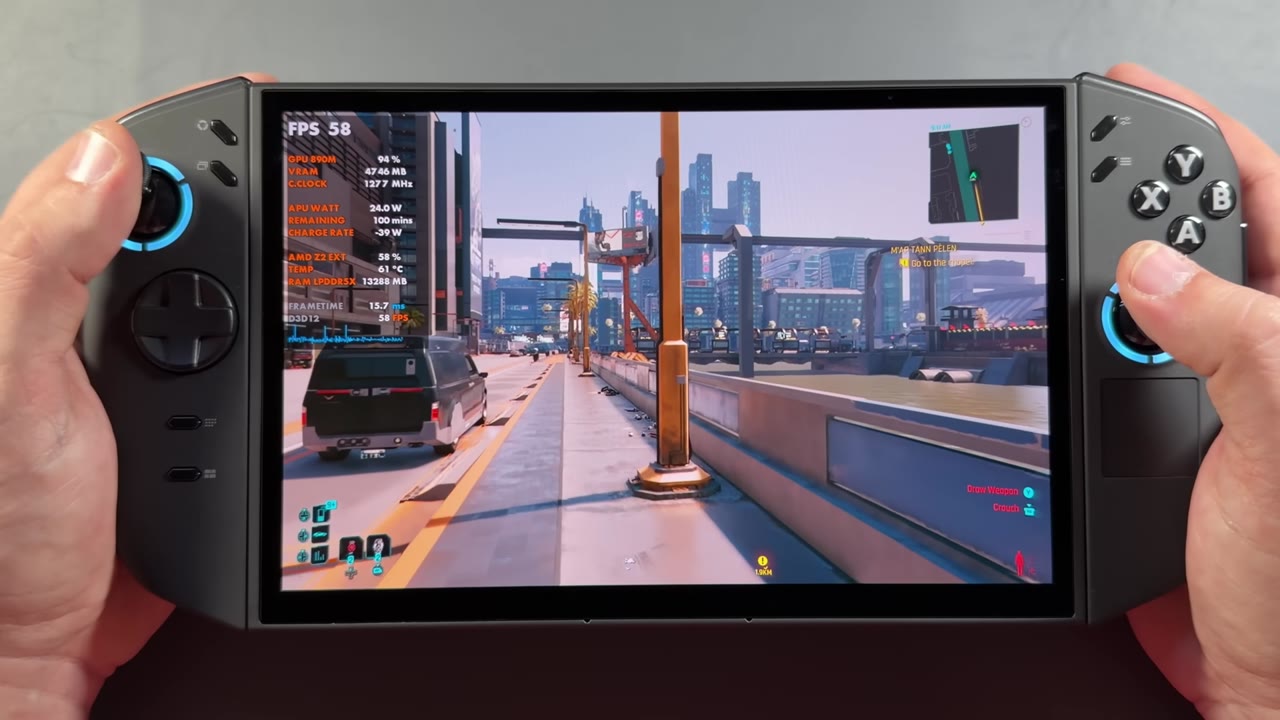
After only about a day and a half, I'd played four or five games and recorded some of them. Having tested the Xbox Ally X, I had an idea of where a Z2 Extreme should land, especially at lower TDPs, and this one seems to be performing the way we'd expect with the BIOS and drivers. I'm sure there's room for improvement and more updates, but out of the box it's a better launch for performance than the Z1 Extreme was, without the hiccups and BIOS and driver problems I ran into then.
The display
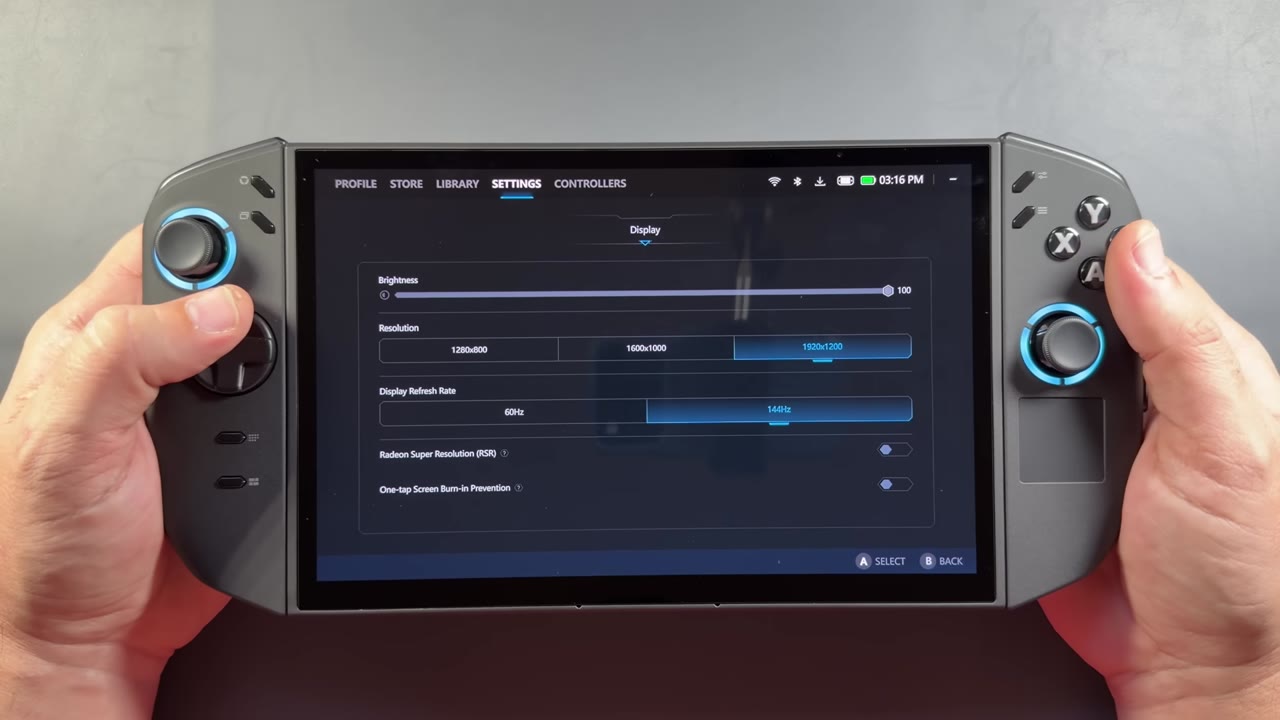
Even though this size is still kind of pushing it for a handheld, in my opinion, the screen is obviously gorgeous. Lenovo did something really special with a 144Hz true VRR OLED without the flicker issues you can run into. I also prefer the 1200p resolution over the original's 1600p, especially for the power these devices have and the kind of games we're going to play anyway. Colors pop, contrast and blacks look great, and there's plenty of room for adjustment. I've only recently started testing HDR in Windows, and I'm not a big fan of Windows HDR, but there's a lot of peak brightness here, so it'll be fun to dig into. This display is going to be one of the showcases of the device and probably one of the big reasons enthusiasts grab it.
First impressions so far
All in all, it's a really good-looking device that's well improved over the original Legion Go, but I have a long way to go and haven't had it nearly long enough to form any real opinions. I don't think it's as comfortable as a lot of the devices I already use. It's more comfortable than the original Legion Go, in my opinion, but not quite up there with the Steam Deck or the Ally X. The controls feel pretty good, and the buttons, including the triggers and face buttons, feel great. I just need to adapt to the sticks.
The real issue for this device is going to be the price. For me it was $1,440 USD with tax, and as Lenovo has said, it's been pushed into a more enthusiast, niche market. When you get that expensive and call it high end, that's where you put yourself. Since I buy these things myself, I look at it from the perspective of actually putting out over $1,400 for it, whether it's really worth it, and who it's really for. That's what the full review is for.
Want more handheld reviews?
New Steam Deck, ROG Ally, Legion Go and Steam Machine videos every week.