 ▶Watch on YouTube
Disclosure: I received a free review copy of the game through Keymailer.
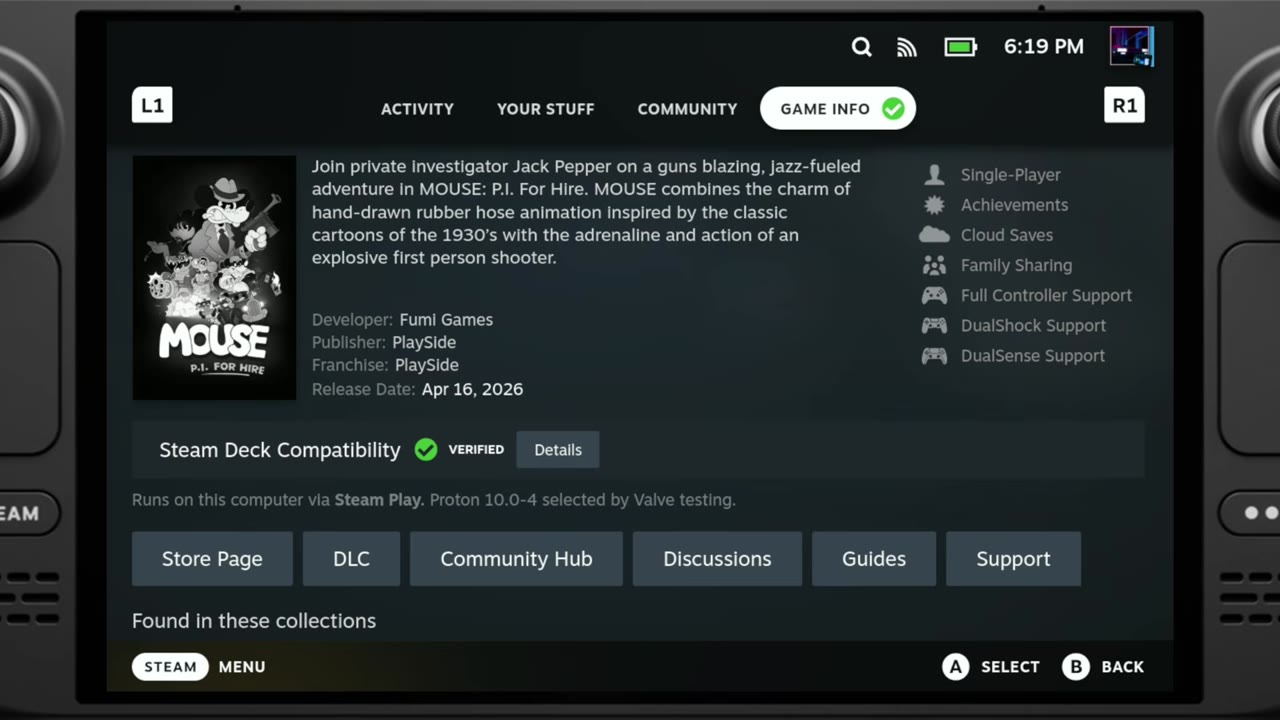
Mouse: P.I. For Hire is Steam Deck Verified at launch, and for good reason. I played it on my Steam Deck OLED at 800p and ran through the low, medium and high presets plus a maxed-out custom setup. Other than some big swings in FPS if you don't lock things down, and a few stutters or drops when loading into areas, performance is just fine. We sometimes see Verified games that still run pretty rough, but this one is running really well.
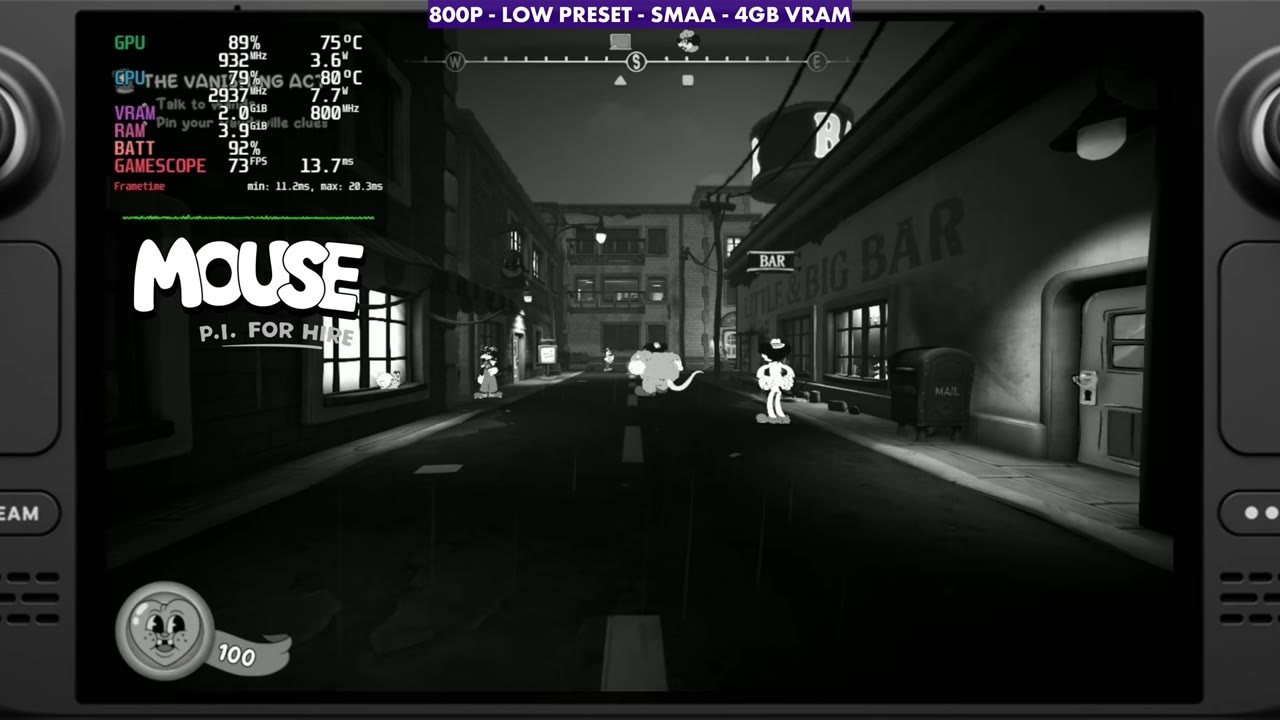
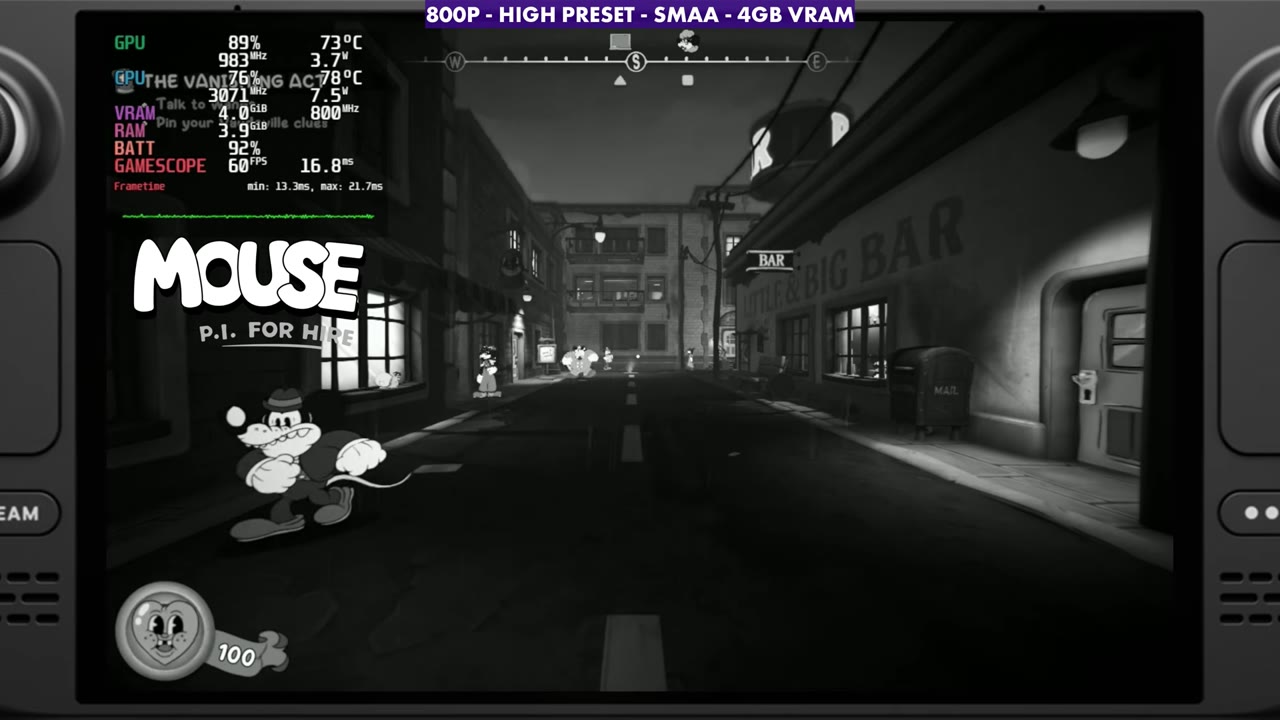
- Tested at 800p, unlimited frame rate and V-sync off, just to see what the Deck is doing. There's no FSR in the game, so I used SMAA anti-aliasing.
- Same spot, standing still: low around 73–75 FPS, medium around 71–72, high around 59–60, and a custom ultra setup with everything maxed around 50.
- For a first-person shooter, I'd aim for settings that hold a 60 FPS lock, which lands somewhere between medium and high.
- The developers had already pushed their first update by the time I recorded.
What I tested
- Steam Deck OLED, about the first hour of the game and the first mission
- 800p, frame rate unlimited, V-sync off (the game defaulted to a 40 FPS limit for me)
- No FSR or other upscaler in the game, so SMAA on
- The low, medium and high presets, plus custom ultra (every setting maxed out by hand)
- FPS numbers are the ones I read off in the video, in the same spot standing still, and the captions below give the on-screen overlay reading
Preset results
Standing still in the same area, the low preset sat around 73 to 75 FPS. Medium was close behind at around 71 to 72. High is where the frame rate starts to take more of a hit, at around 59 or 60. With my custom ultra setup, going through and maxing everything out, it was around 50 FPS in that spot.
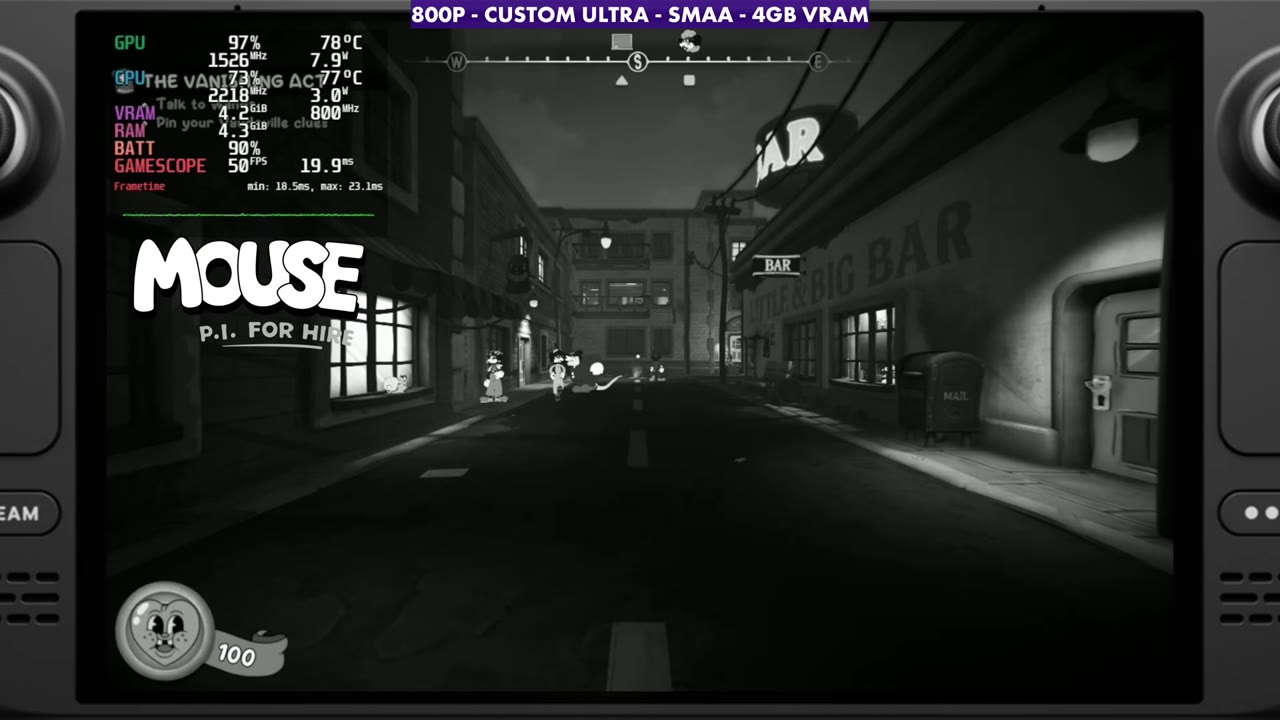
Unlocked, you'll see some large swings in FPS, and there are some stutters or drops while loading into areas. Locking the frame rate takes care of most of the swings.
Locking the frame rate
With up to 90 FPS on the OLED (60 on the LCD), I think most people will want settings they can lock to 60 FPS, and that lands in the medium-to-high range depending on how you want to run things. If you want to save battery, you can go lower and lock to 30 or 40 FPS instead. Being a first-person shooter, 60 or higher just feels better to me.
Verdict
I'm having a lot of fun with Mouse: P.I. For Hire, and from everything I've seen in my first hour or so and the first mission, it's running great on the Deck. It should only get better as patches and updates come out. The video ends with gameplay at low, medium, high and custom ultra, plus the first mini boss fight.
FAQ
Is Mouse: P.I. For Hire Steam Deck Verified?
Yes, it was Steam Deck Verified at launch, and it runs really well on the Steam Deck OLED.
Does Mouse: P.I. For Hire have FSR on the Steam Deck?
Not when I tested it at launch. I used SMAA anti-aliasing at 800p instead.
Can the Steam Deck hold 60 FPS in Mouse: P.I. For Hire?
In the spot I tested, low and medium were in the low-to-mid 70s and high was around 59–60, so settings between medium and high are where a 60 FPS lock makes sense.
Want more handheld tests?
New Steam Deck, ROG Ally, Legion Go and Steam Machine performance videos every week.