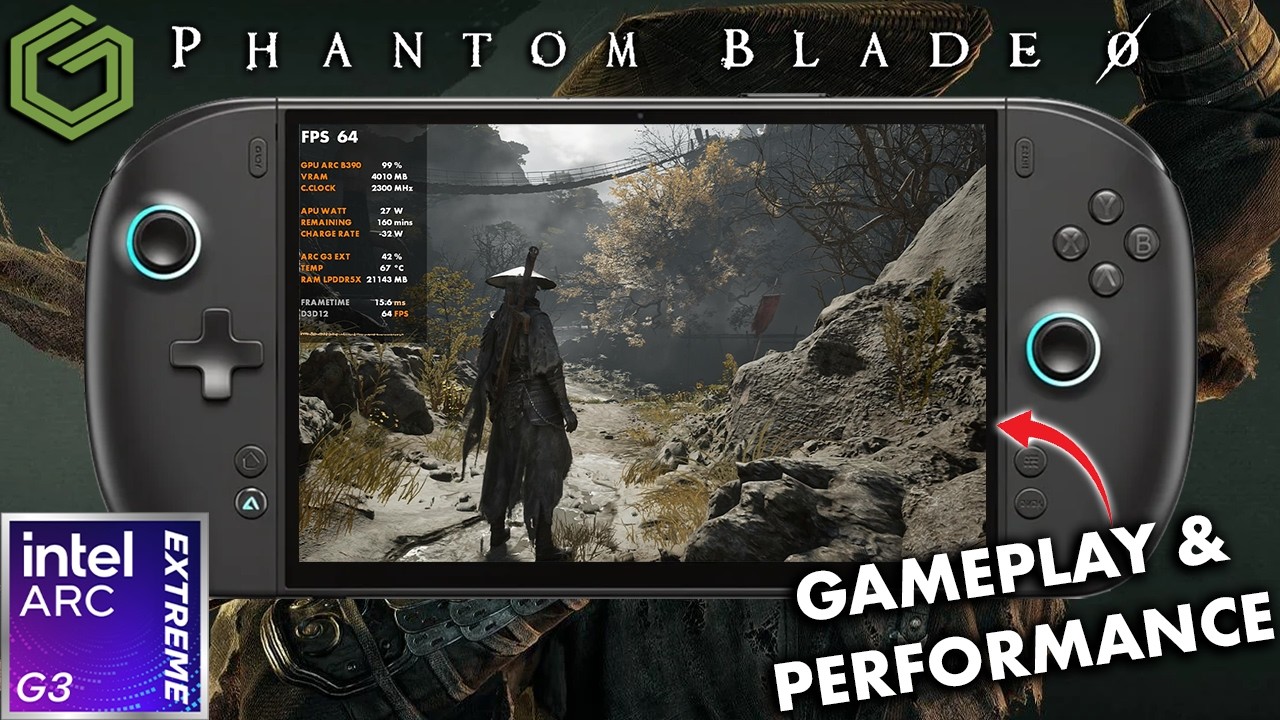
 ▶Watch on YouTube
- Very playable on the OneXPlayer 3 with the Intel Arc G3 Extreme, at 1200p with a custom mix of medium and high settings.
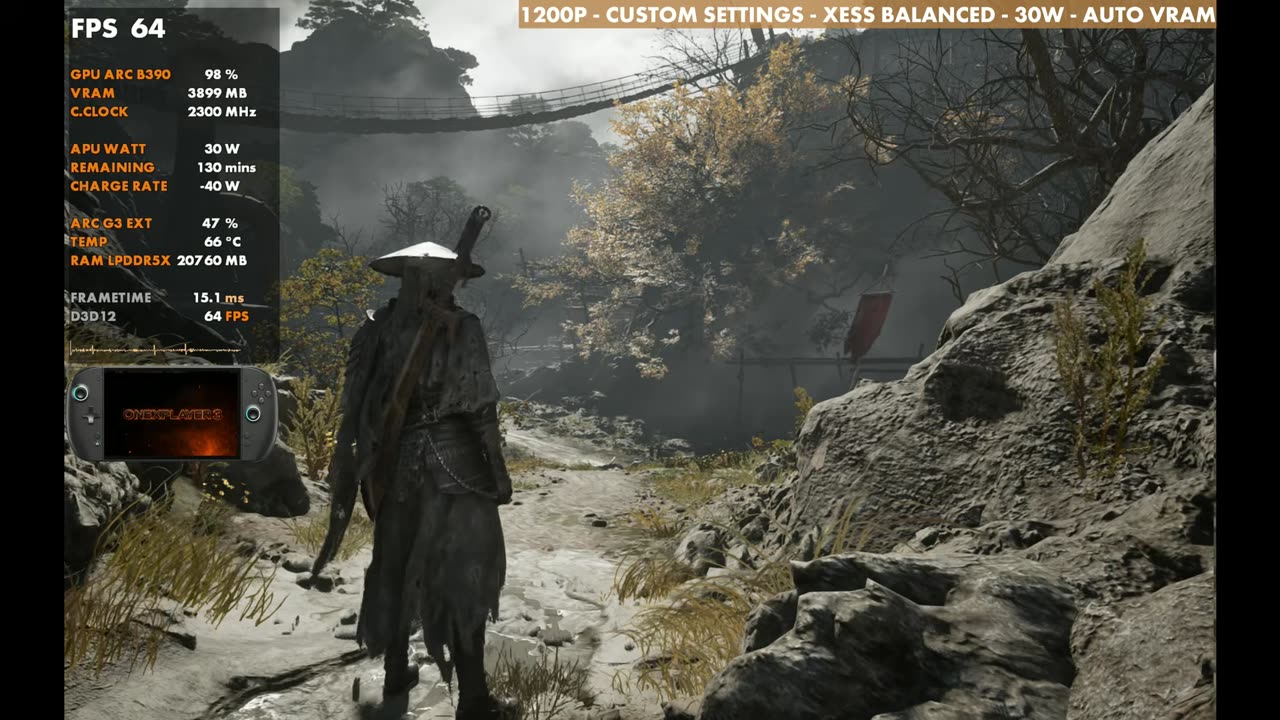
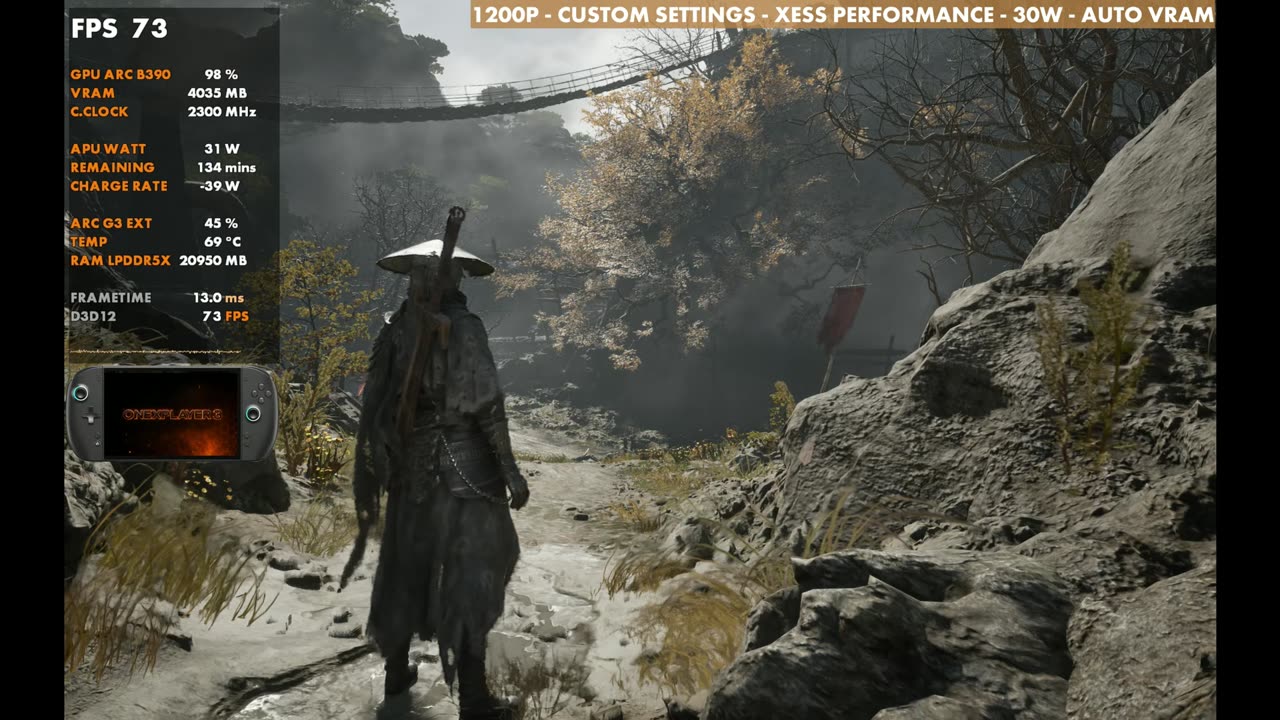
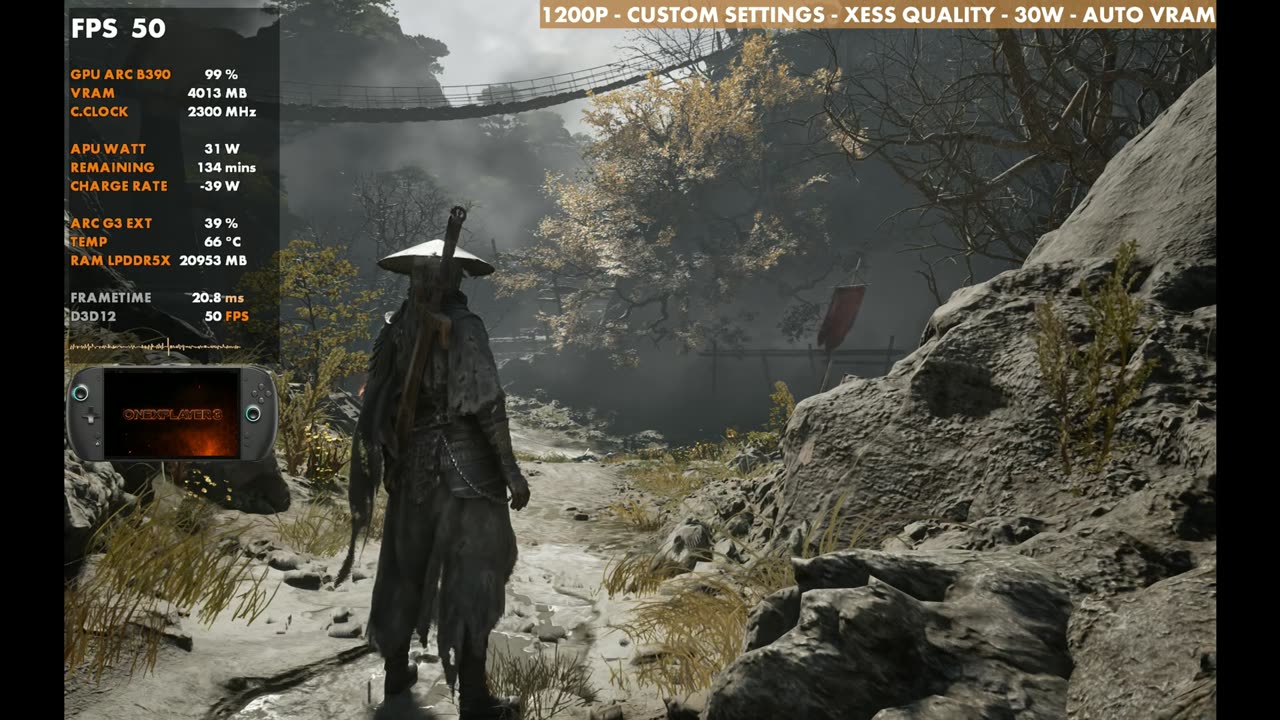
- With XeSS Balanced at 30W, I got 64 to 65 FPS standing still in my test spot. Performance mode gets about 73, Quality about 48 to 50.
- The chip scales well with TDP: 20W, 25W, 30W and 35W are all tested below.
- Frame gen works really well, but timing matters a lot in this game, so I'd rather leave it off.
The OneXPlayer 3 is back for more of my Intel Arc G3 Extreme coverage, this time with Phantom Blade Zero. I ran the Steam version in Xbox mode on Windows, on the newest Intel graphics driver from October, at 1200p with a custom mix of medium and high settings, XeSS Balanced and 30 watts.
I've already tested this game on the Steam Machine, the Steam Deck OLED and the ROG Xbox Ally X. As usual, these aren't "best settings". I try to find a middle ground so you get a general idea of how the game runs, and you can go up or down from there.
What I tested
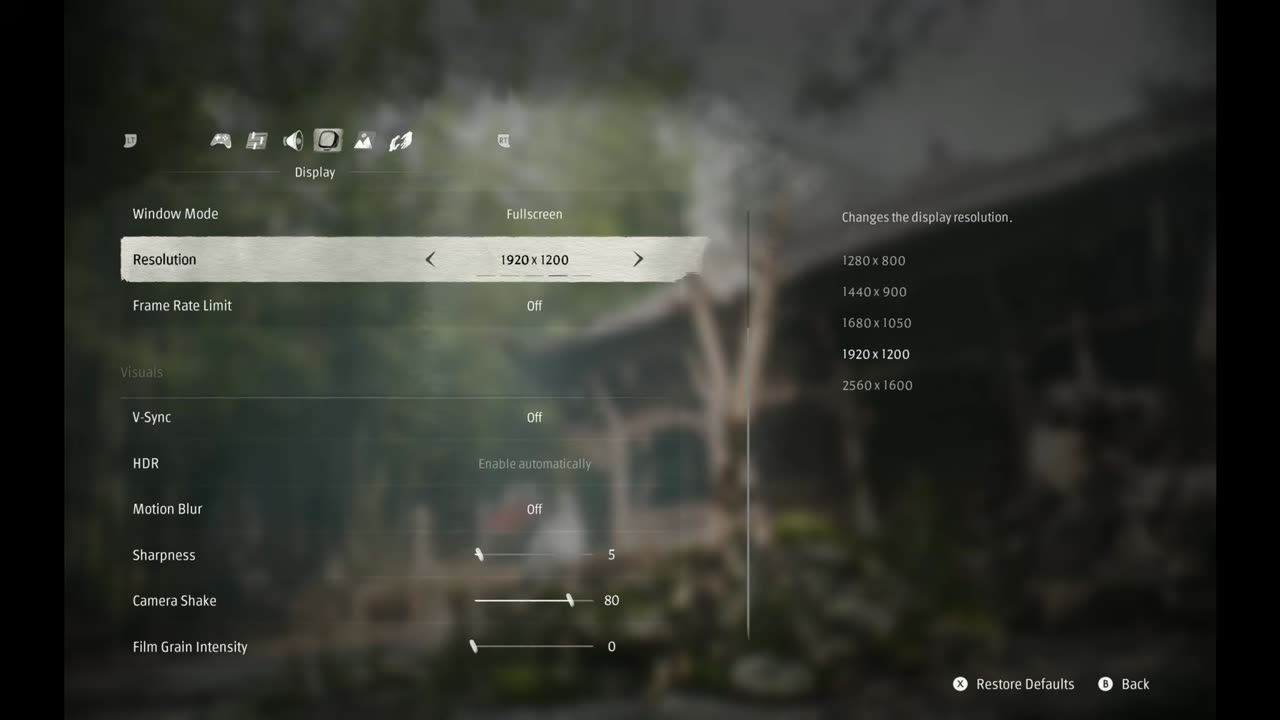
I'm running 1200p fullscreen with V-Sync off for testing, so you may see some tearing and jitter in the footage that you won't see on the device's screen, or with VRR or V-Sync. You can lower the resolution, but I haven't seen a need to. There are plenty of other tweaks to make while still upscaling to 1200p, and XeSS is nice and clean in this game like usual.
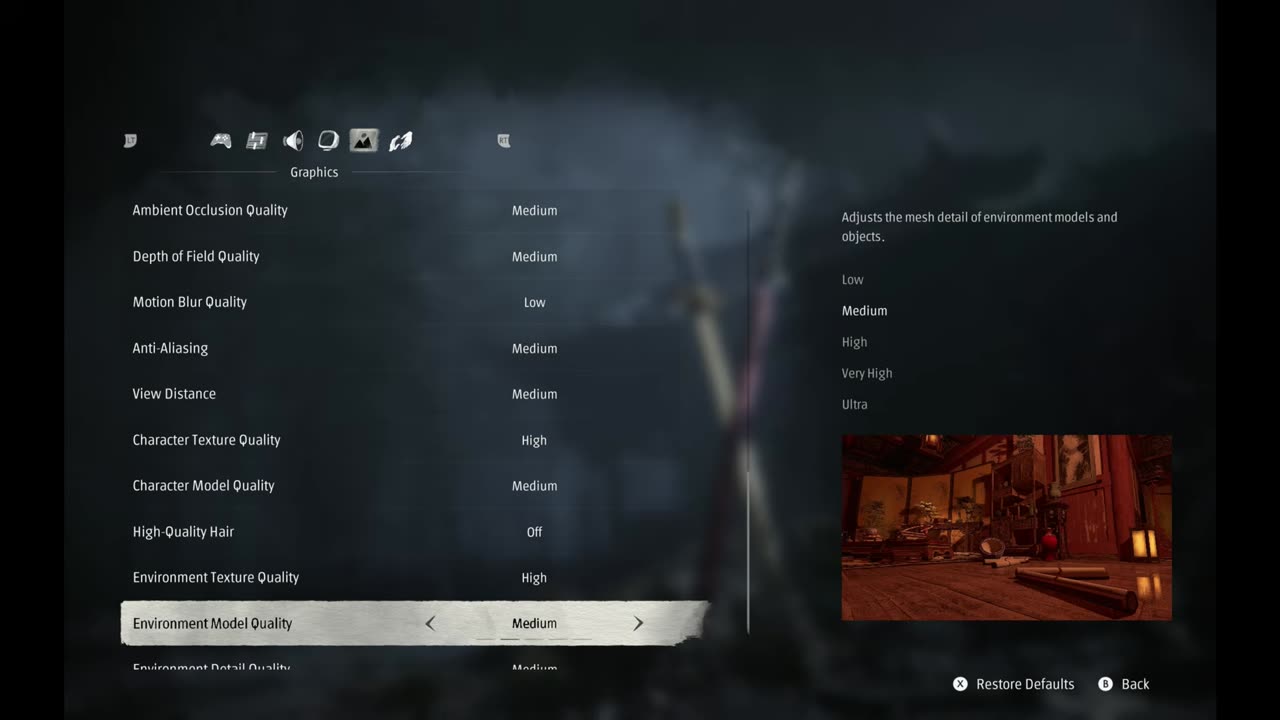
| Setting | What I used |
|---|---|
| Mode / version | Xbox mode on Windows, Steam version, newest Intel graphics driver (October) |
| TDP | 30W (also tested 20W, 25W and 35W) |
| Window mode | Fullscreen |
| Resolution | 1920 x 1200 (1200p) |
| Frame rate limit / V-Sync | Off / Off |
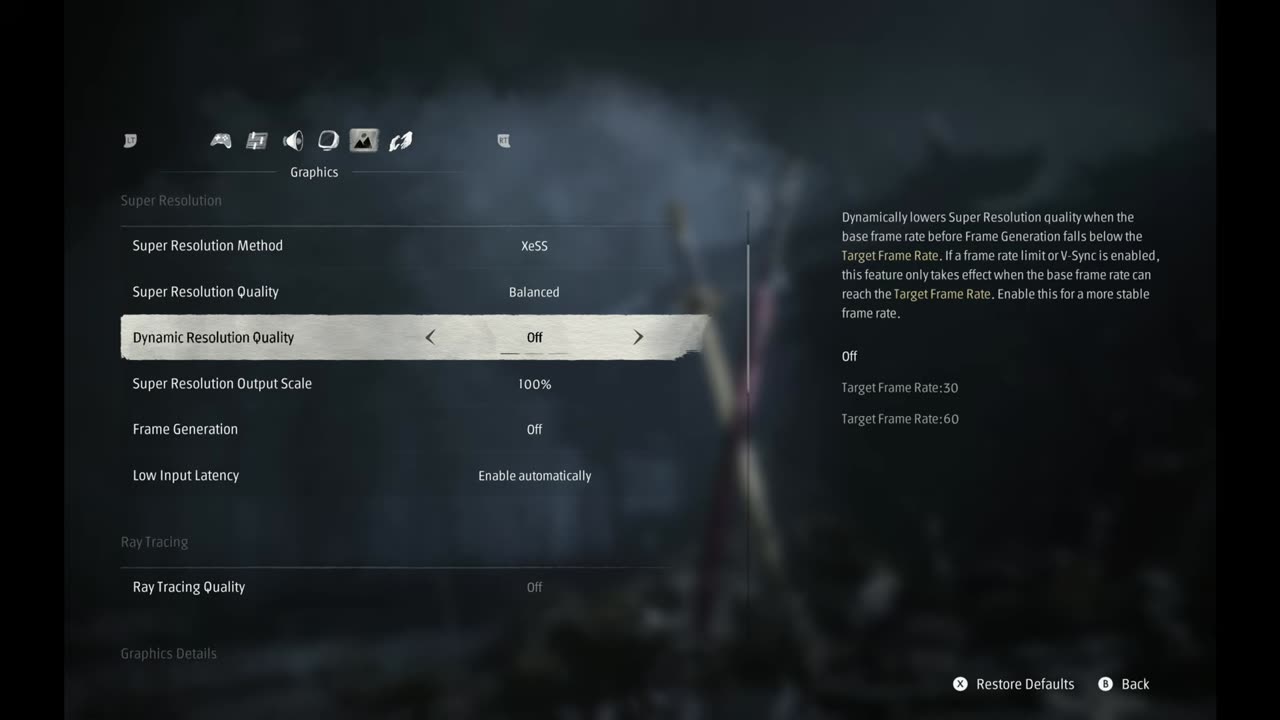
| Super resolution | XeSS Balanced, output scale 100%, dynamic resolution off |
| Frame generation | Off |
| Ray tracing | Off |
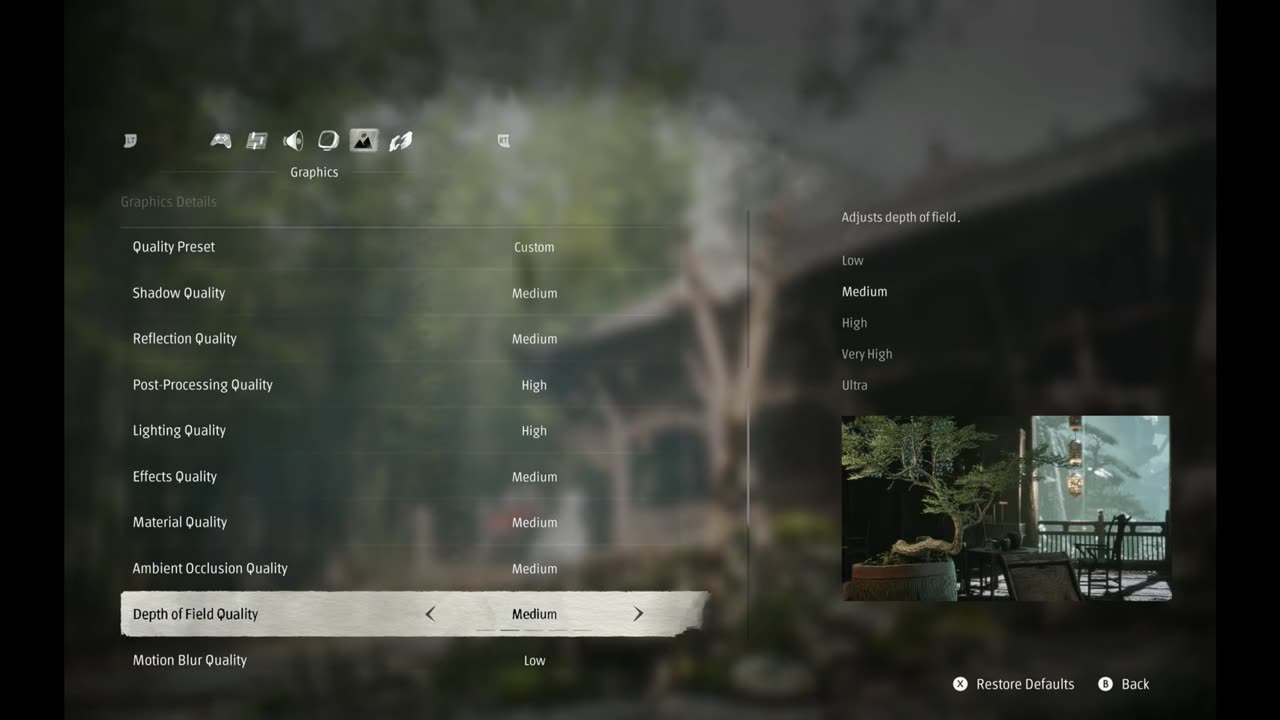
| Quality preset | Custom |
| Shadow / reflection quality | Medium / Medium |
| Post-processing / lighting quality | High / High |
| Effects, material, ambient occlusion, depth of field quality | Medium |
| Motion blur quality | Low |
| Anti-aliasing | Medium (I don't think it matters with XeSS, but I could be wrong) |
| View distance | Medium |
| Character texture / character model quality | High / Medium |
| Hair quality | Off |
| Environment texture / model / detail quality | High / Medium / Medium |
For me, this is a pretty good middle ground, and it looks good too. We're not running all low settings like we used to on a lot of handhelds. The G3 Extreme can often hold its own at these medium to high settings now, even in a game like this that isn't well optimized at launch. It has some issues that aren't because of the hardware, and it needs some work, but it's very playable here.
XeSS modes
Standing still in my test spot at 30W, XeSS Balanced sits at 64 to 65 FPS. Switching to Performance is still pretty clean, with a little more flicker and blur, and gains quite a bit: about 73 FPS. Quality looks much better but drops to about 48 to 50 FPS in this area. Balanced is usually what I pick to run and show things, so you can go up or down from it.
- XeSS Balanced: 64–65 FPS (overlay 64)
- XeSS Performance: about 73 FPS (overlay 73)
- XeSS Quality: about 48–50 FPS (overlay 50)
All of those are at 1200p, 30W, with the custom settings above, standing still in the same spot.
20W vs 25W vs 30W vs 35W
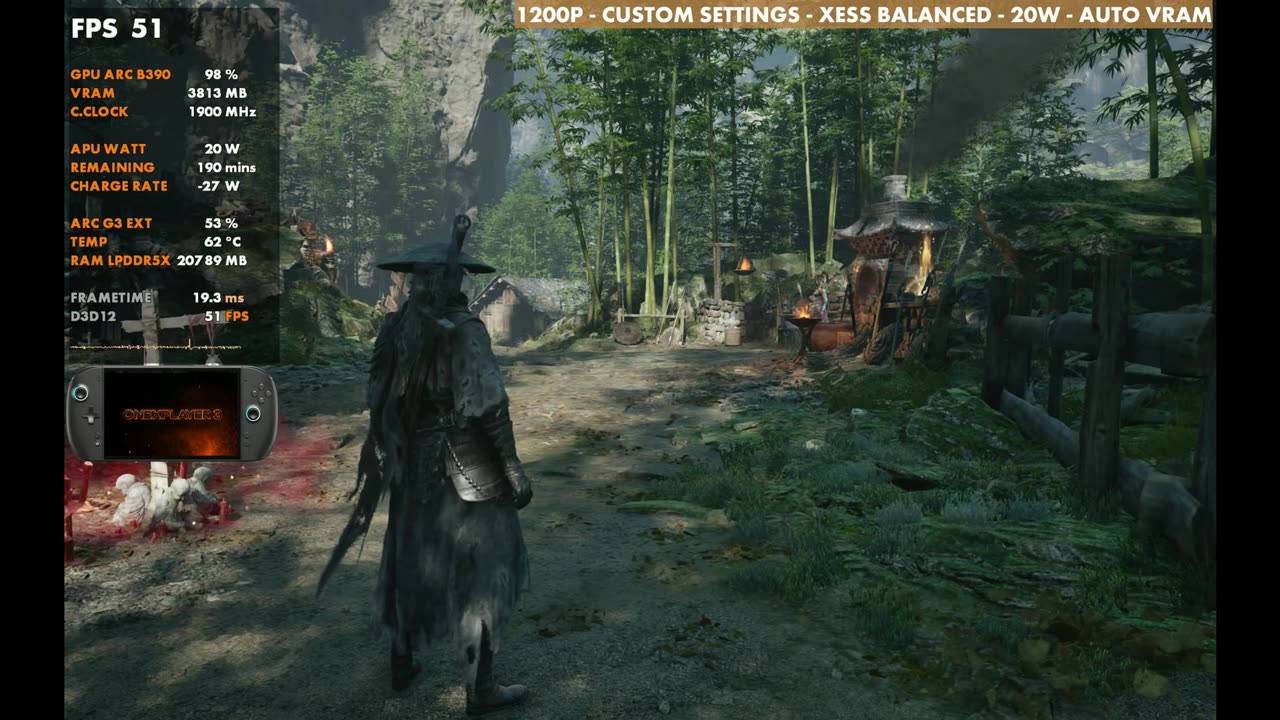
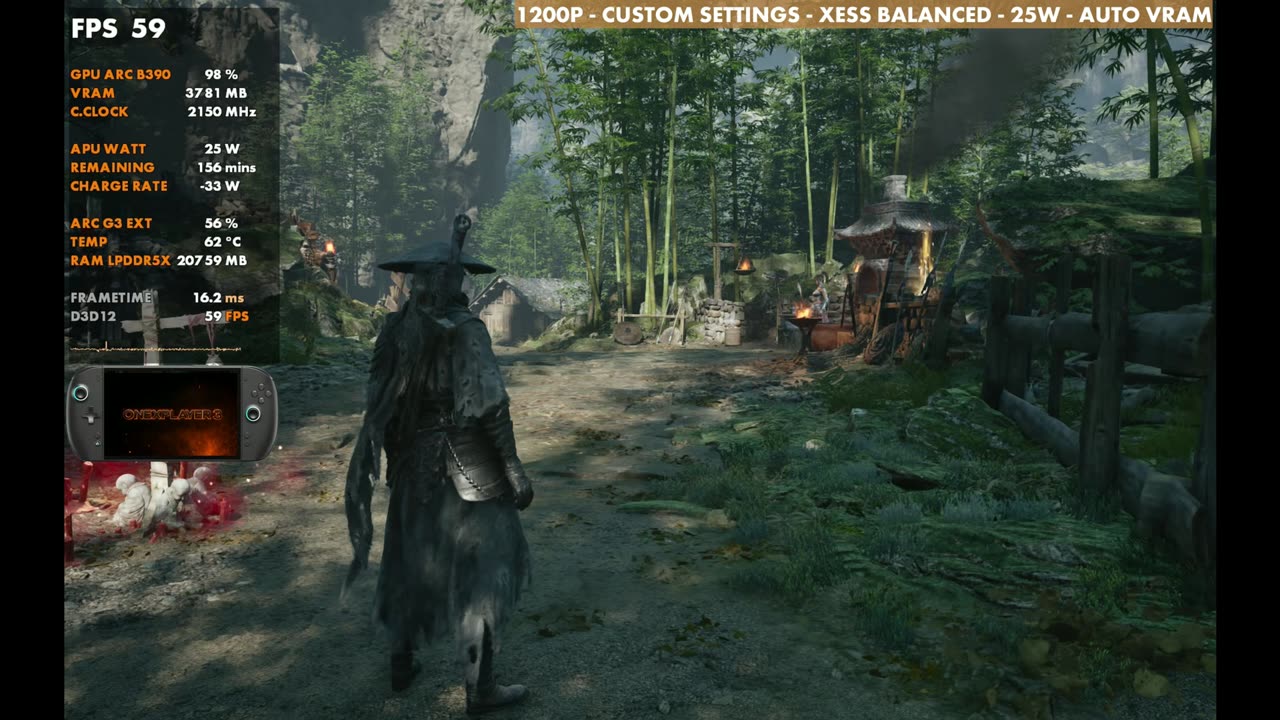
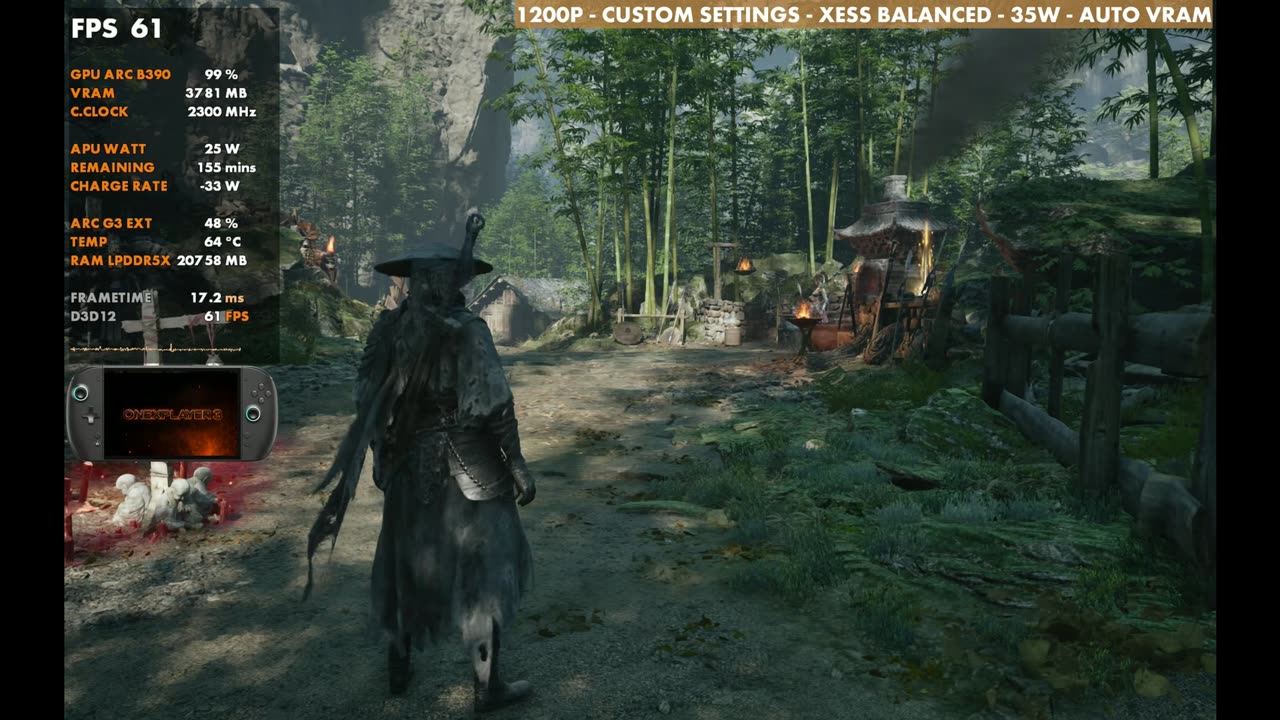
I've stuck with 30 watts up to this point, but the chip scales really well. It did fare better in some other games, but anywhere from 20 to 35W is usable. In a second test spot with XeSS Balanced, 30W reads 61 FPS on the overlay. Dropping to 20W brings it down to about 50, so you lose about 10 or 11 FPS. Bumping it to the 25W I use for a lot of games gains about nine from there.
The game does like to have a bit more power available, especially once you get into combat, so you don't get as much stutter and as many dips. That's where 35W comes in, unless you unlock the 40W mode, which is the max you can get. Standing still, 35W does about the same as 30W, but it might help if you're seeing more dips in combat. I'm sure later zones will be harder to run, since I'm still working through the game.
- 20W: about 50 FPS (overlay 51)
- 25W: overlay 59 FPS
- 30W: overlay 61 FPS
- 35W: similar to 30W standing still (overlay 61)
Frame generation
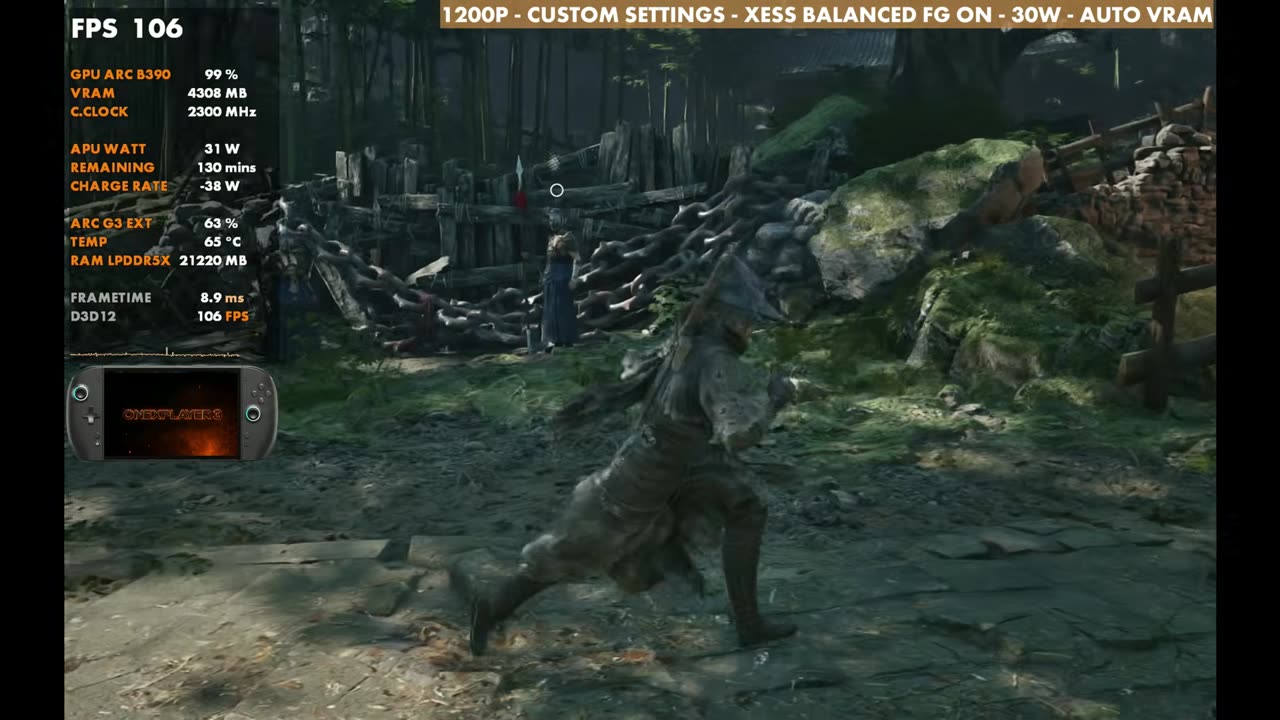
With XeSS Balanced, 30W and the same custom settings, you can turn on frame generation, and it works really well. In a game like this where timing really matters, though, I can tell the difference, so I'd personally rather not use it. It's there if you want it, and it was fine.
Gameplay
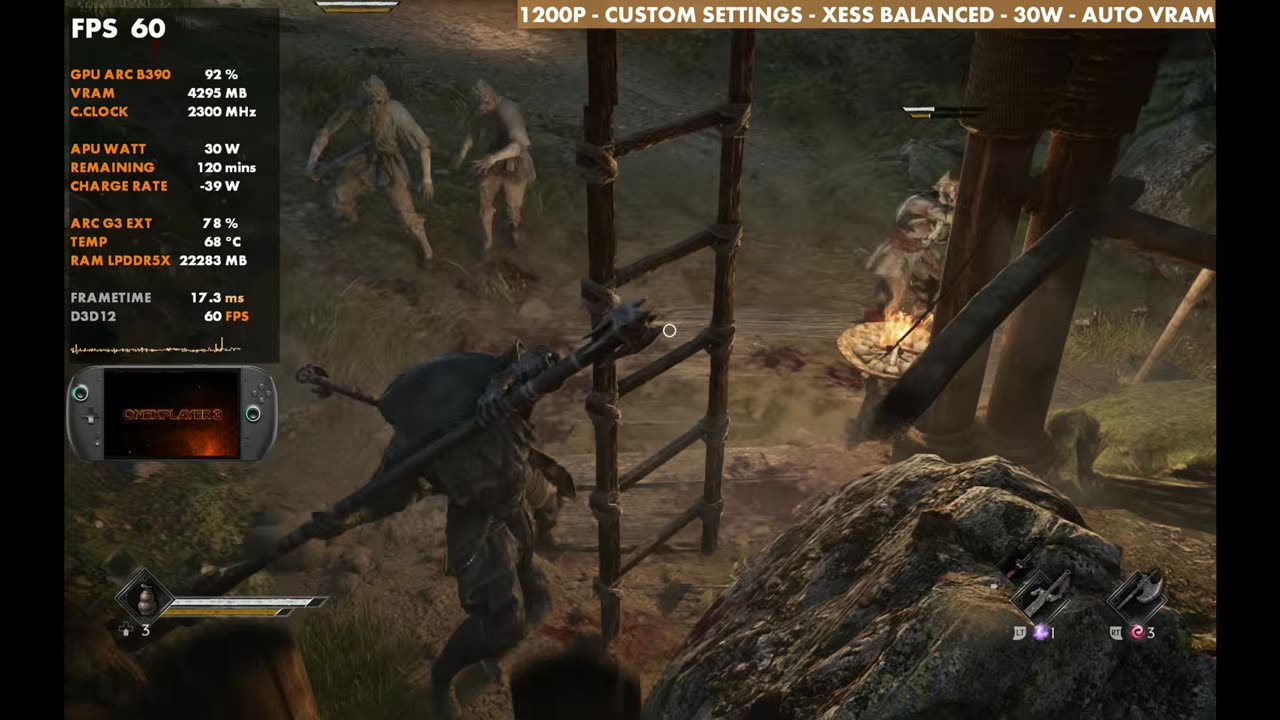
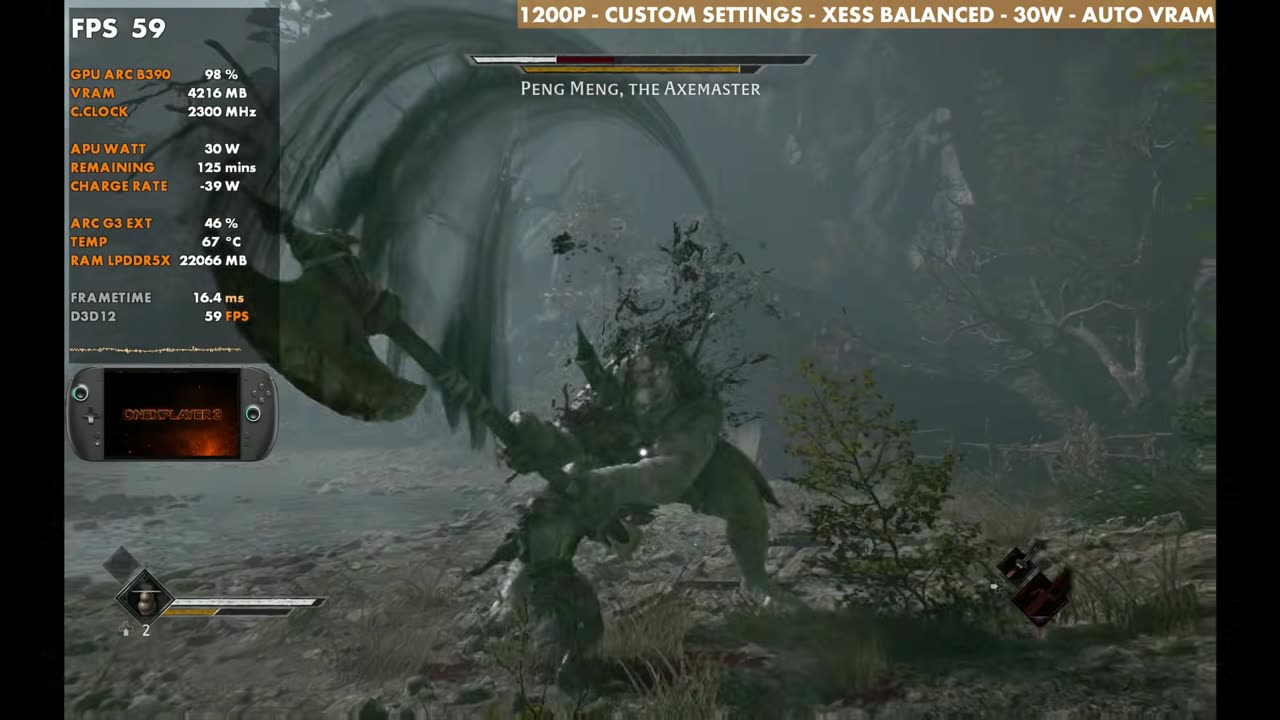
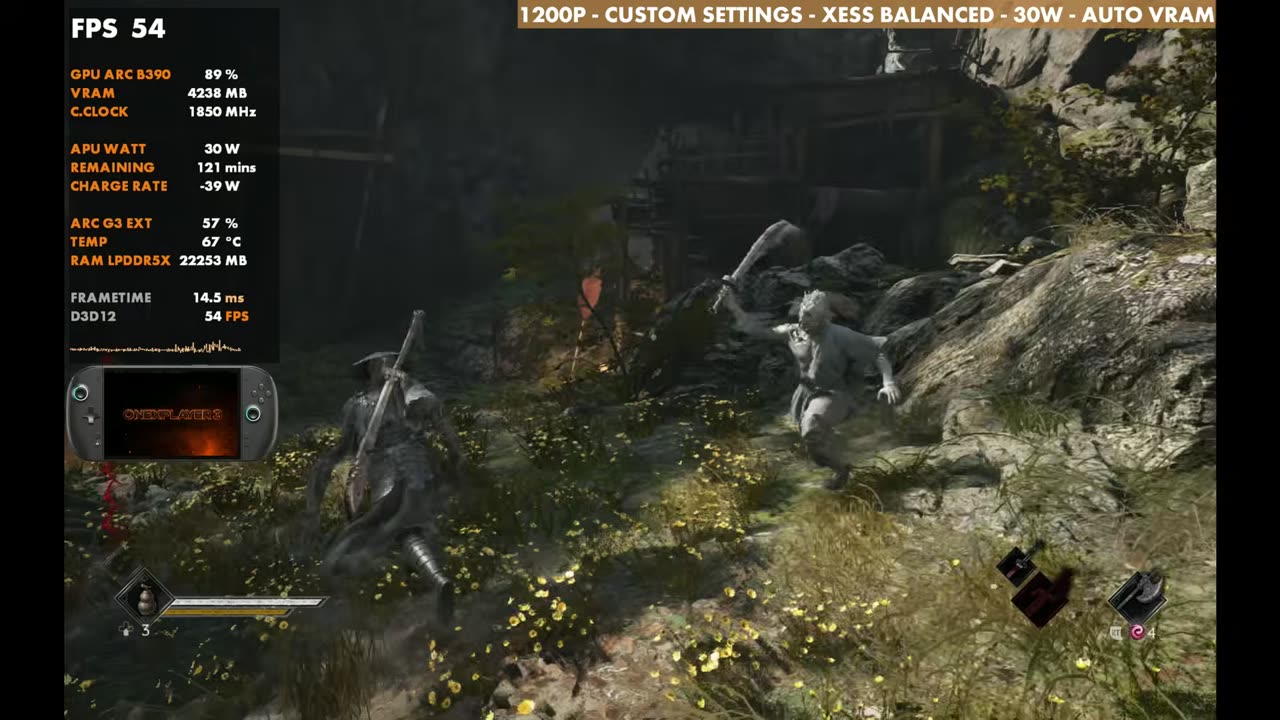
For the gameplay, I stuck with 30W, 1200p, XeSS Balanced and the custom settings, with frame gen off. In the footage the overlay mostly sits in the 50s and 60s, climbing higher in quieter areas and dipping into the 40s at times.
Verdict
Phantom Blade Zero isn't well optimized at launch, and it definitely needs some work. On the OneXPlayer 3, though, the Intel Arc G3 Extreme handles it at 1200p with medium to high settings, and XeSS Balanced at 30W was a pretty good middle ground for me. It's very playable here, with plenty of room to go up or down on settings, resolution and TDP.
FAQ
Is Phantom Blade Zero playable on the OneXPlayer 3 G3 Extreme?
Yes. At 1200p with custom medium/high settings, XeSS Balanced and 30W, I got 64 to 65 FPS standing still in my test spot, and it's very playable.
How does TDP change performance?
I used 30W. 20W came in about 10 or 11 FPS lower in my second test spot, and 35W was about the same standing still but can help with dips in combat.
Should frame gen be on?
It works really well, but timing matters a lot in this game and I can tell the difference, so I'd rather leave it off.
Want more handheld tests?
New Steam Deck, ROG Ally, Legion Go and Steam Machine performance videos every week.