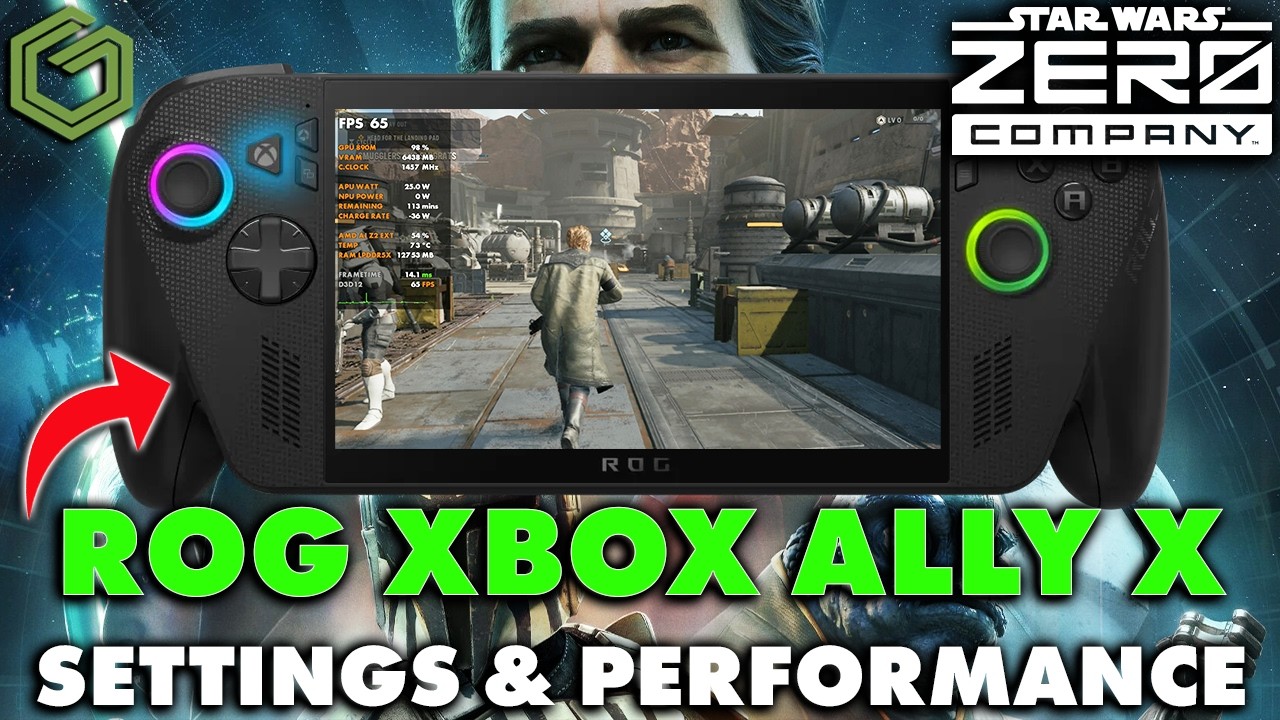
 ▶Watch on YouTube
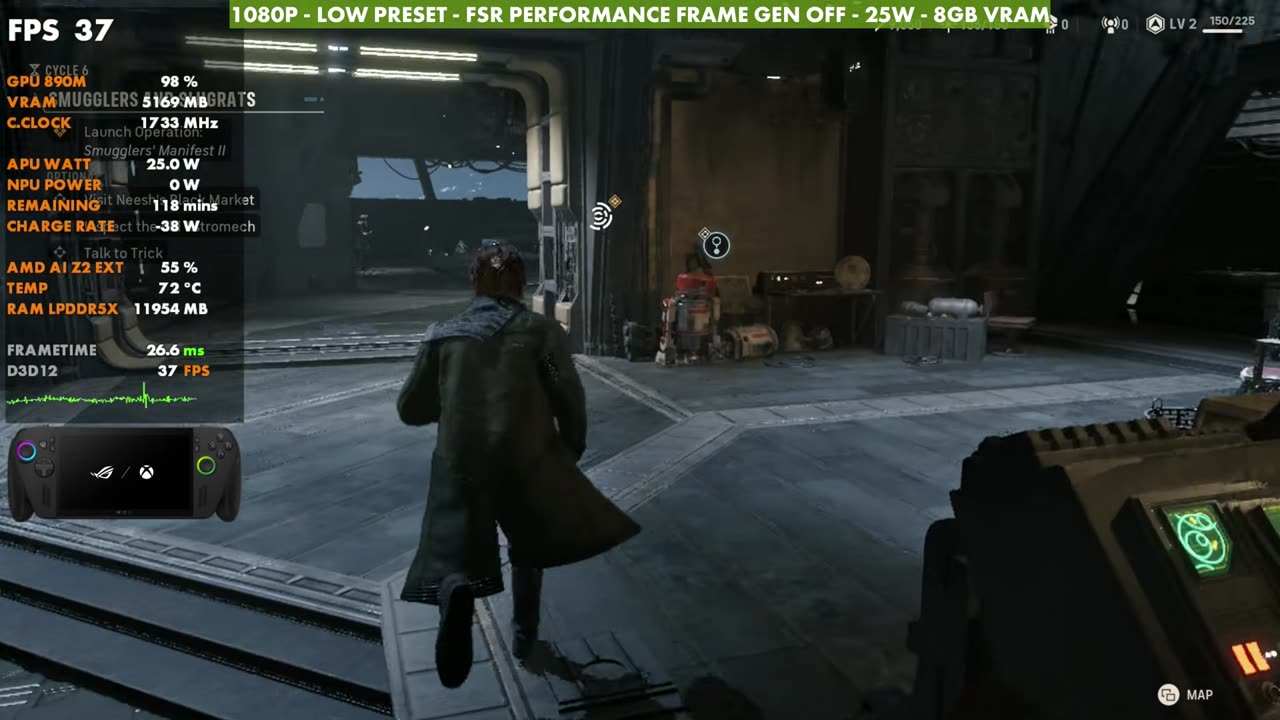
- At 1080p with FSR Performance and 25W, the Low preset gets 35 to 45 FPS in the hub, one of the harder areas to run.
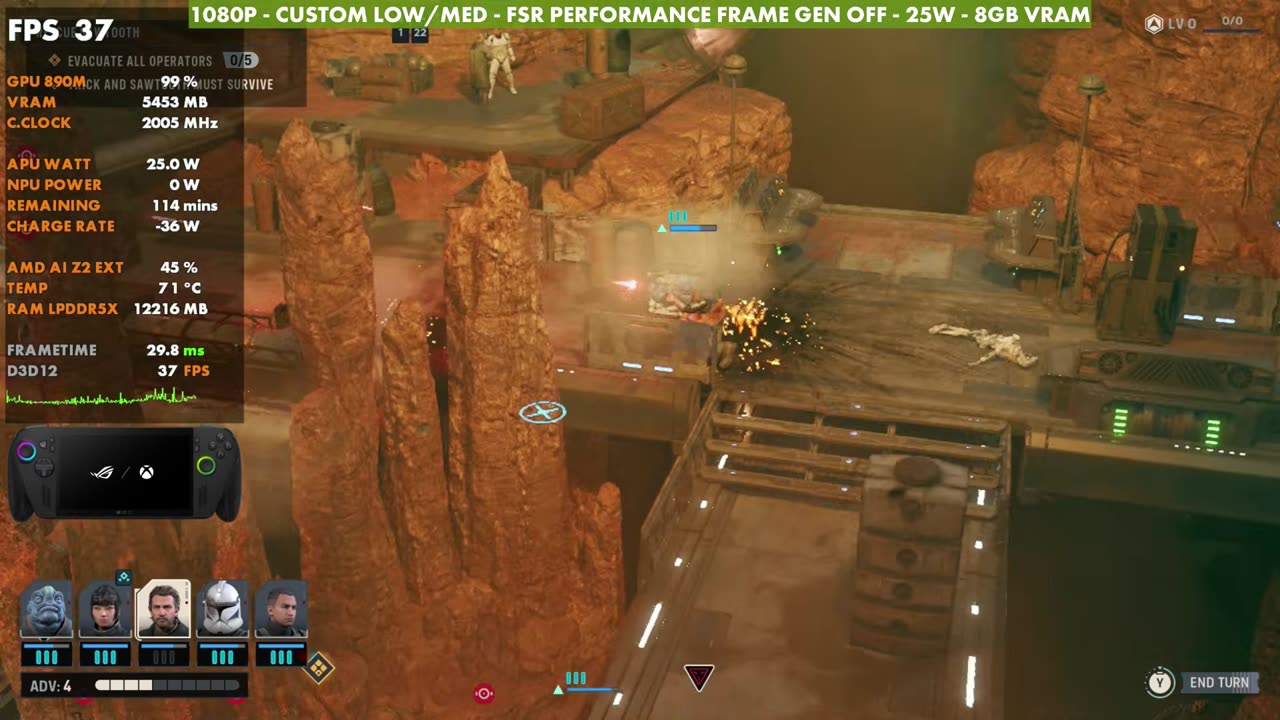
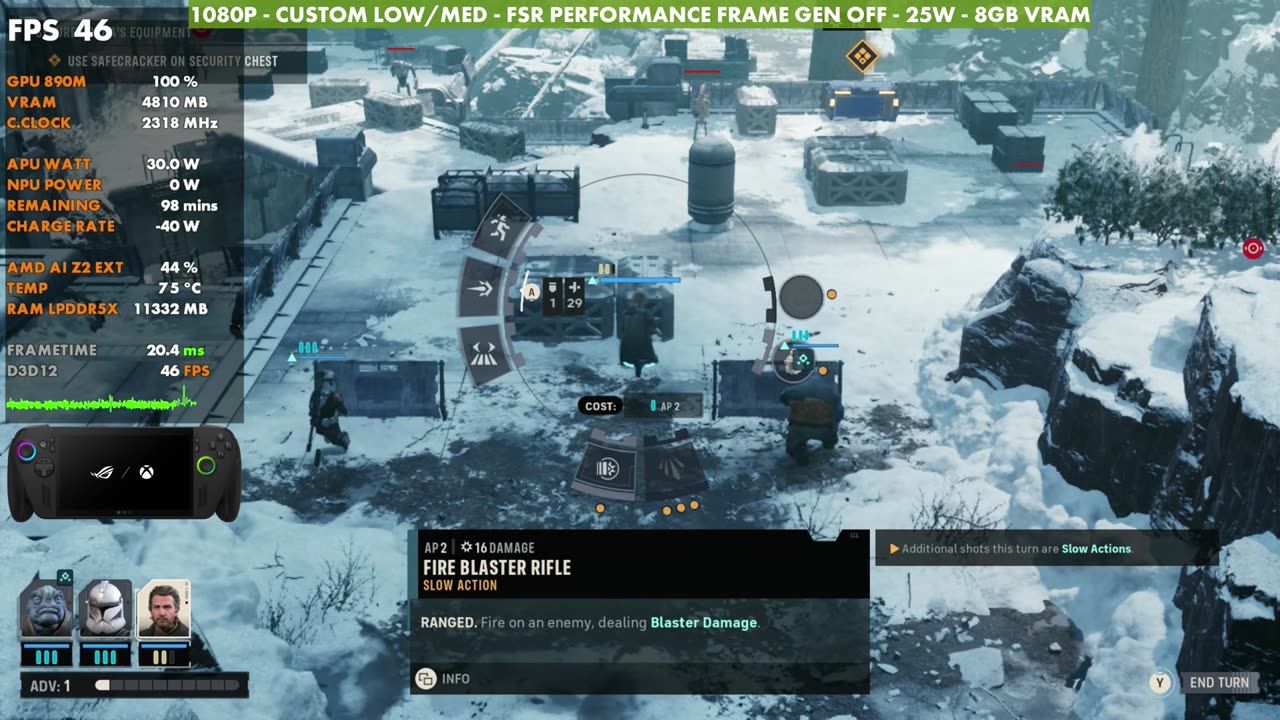
- My custom low/medium settings land between Low and Medium, with missions anywhere from 32 to 50 FPS, usually in the 40s.
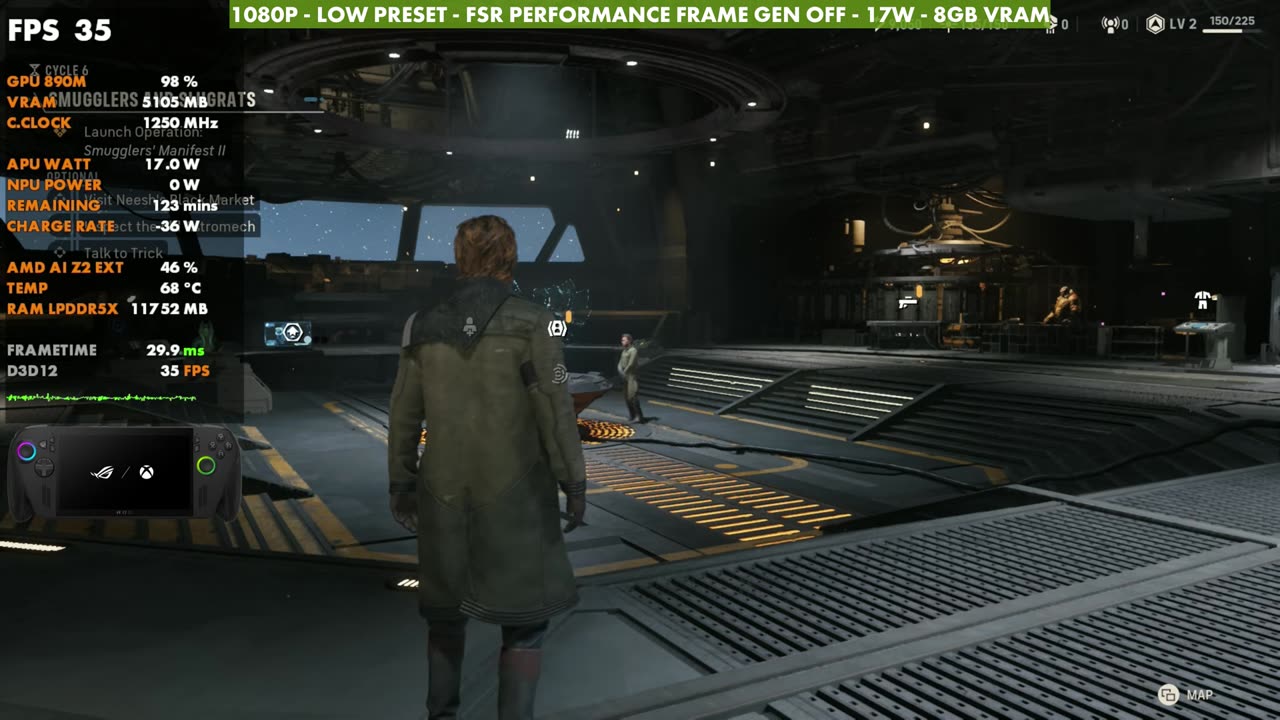
- At 17W, expect to drop below 30 FPS in battle unless you lower the resolution to 900p or 720p.
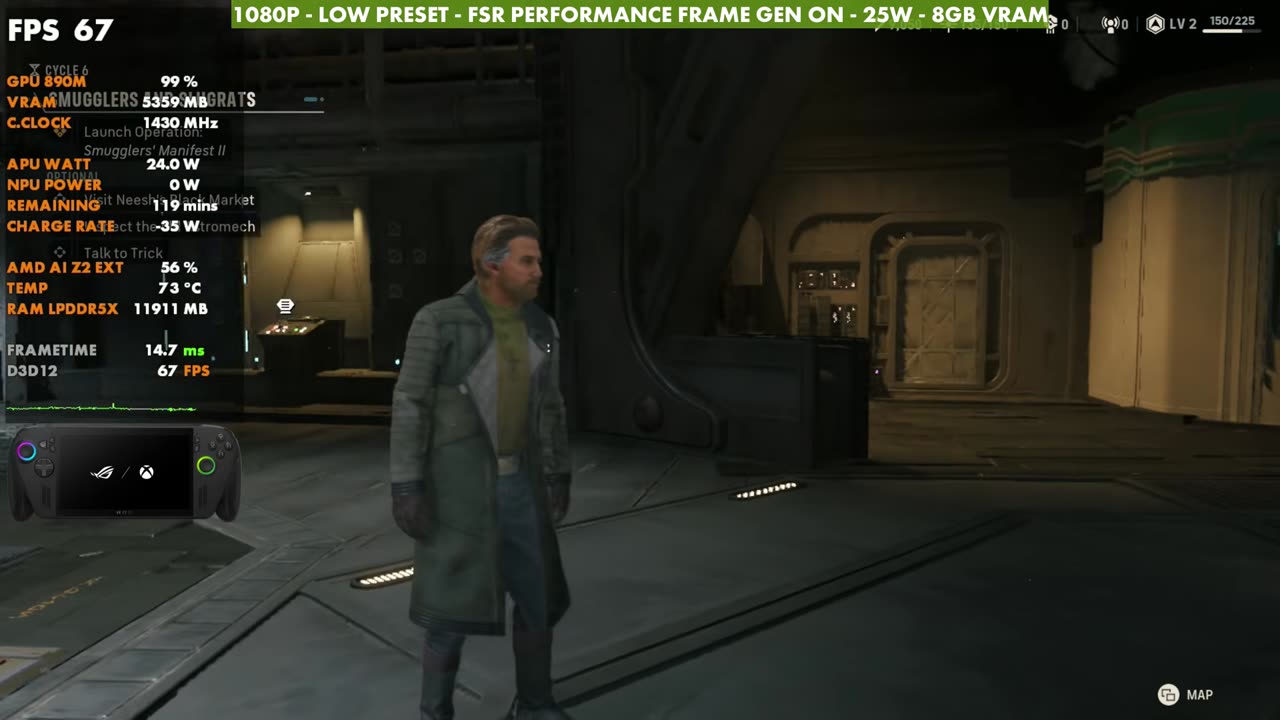
- Frame gen works fine in a game like this, and it's very playable on the Xbox Ally X, but the game still needs optimization patches.
Star Wars: Zero Company is very playable on the ROG Xbox Ally X, and it's doing a lot better than what I saw on the Steam Deck, where the game really needs work. There are optimization issues on all kinds of hardware: even on my RTX 4060 Ti PC, I'm seeing frame rate drops and skips. Here, though, it's something you can get running well. I focused on 1080p with FSR Performance upscaling at 25 watts, with a quick look at a few other options too.
What I tested
- 1920x1080, full screen
- Frame rate unlimited, V-Sync off (for recording)
- Upscaling: AMD FSR Performance
- 25W (plus a quick look at 17W), 8GB VRAM
- Low, Medium and High presets, then my custom low/medium settings
- Frame gen off, plus a look with it on
If you want to play around, 900p and 720p are good options to try too.
Low preset in the hub
The hub is where you do your unlocks and upgrades and talk to crew members. It's actually one of the more stuttery and harder-to-run areas, along with anywhere you're running around in the third-person view. On the Low preset with FSR Performance at 25W, I get anywhere from 35 to 45 FPS pretty consistently.
Dropping to 17W
If you want to save some battery at 17 watts, you take a hit, and in battles and other maps it's definitely going under 30 FPS. You'd probably want 900p with Balanced or Quality upscaling (most likely Balanced), or 720p with whatever upscaling you prefer, to get away with 17W. Going under 20 watts means more tweaking. Between 25 and 35 watts, you can get away with higher settings and resolution. Trying to run native, you'll probably go under 30 FPS in some areas.
Frame generation
Turning frame gen on with the Low preset at 25W gets you more FPS. This isn't a first-person shooter, so you can get away with it, and it's not too bad. I don't think a lot of people necessarily need frame gen for this game, but it definitely works.
Medium preset
On the Medium preset, you lose a good bit more and definitely go under 30 FPS in a lot of areas of the game.
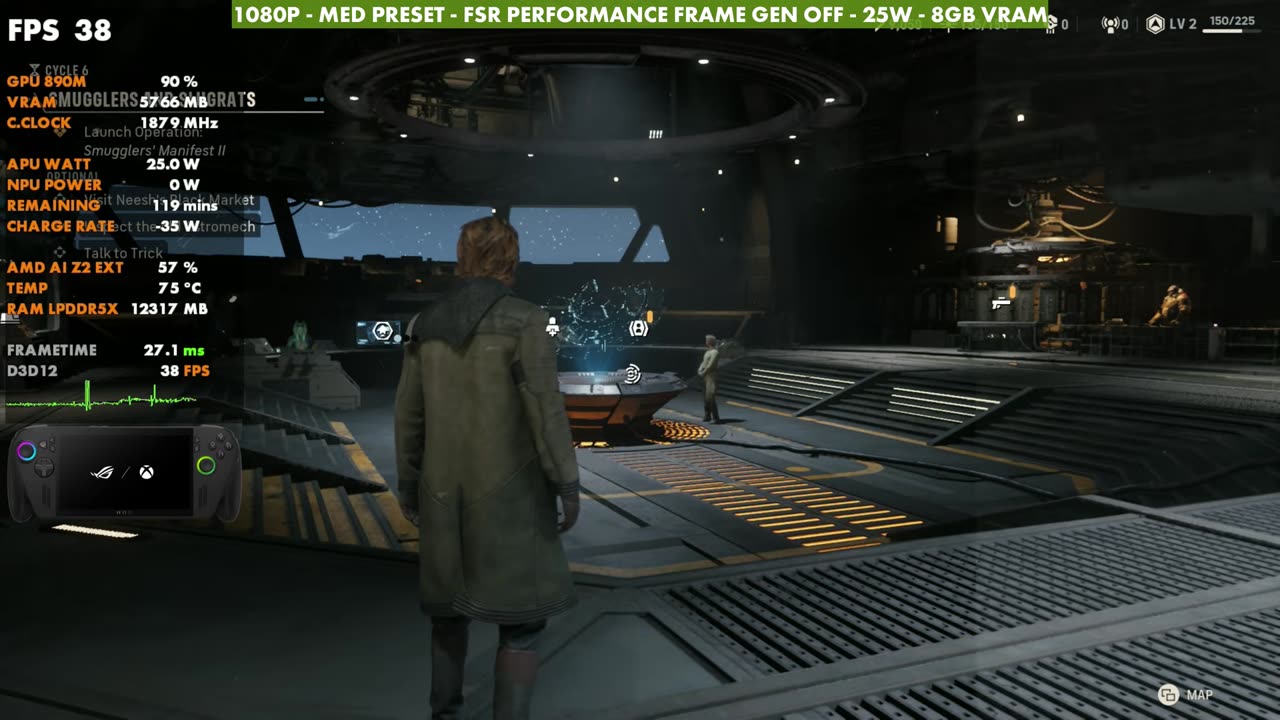
My custom low/medium settings
What I ended up doing was picking settings in the middle, sticking with 1080p, FSR Performance and 25W, with frame gen on or off:
- Shadows: Medium
- Global illumination: Low
- Reflections: Medium
- Post processing: Low
- Textures: Medium
- Effects: Low
- Shading: Medium
- View distance: Low
- Hidden objects detail: Simplified
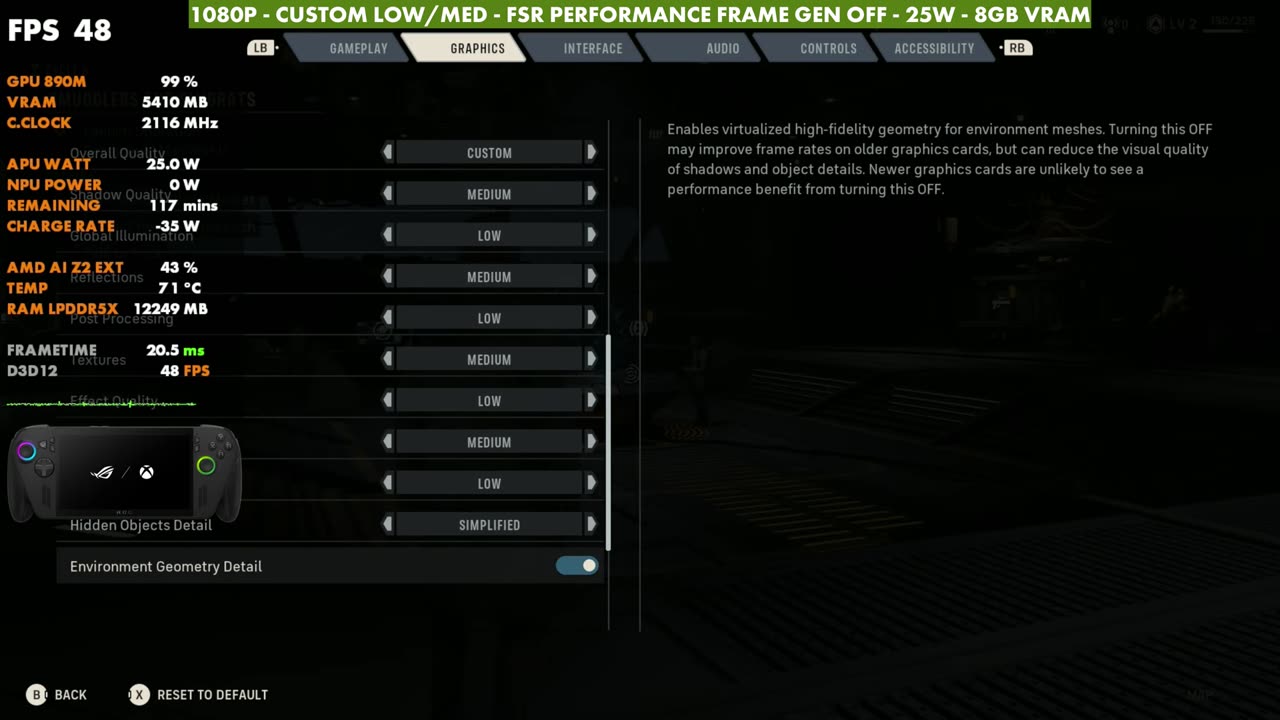
That gets me between the Low and Medium presets without dropping to 30 FPS in battle. The lowest I'd seen so far was 32, though I'll have to see how it holds up farther into the game.
Missions and combat
One of the lower spots I saw was a mission with a lot of enemies and effects on screen. With these custom settings it still worked out okay, staying above 30 FPS and usually in the 40s, with or without frame gen. Other battle maps run even better, so it varies. I've seen anywhere from 32 to 50 FPS with these settings depending on where I am.
Verdict
There's plenty of room to adjust this how you want: 720p, 900p or 1080p, different upscaling, and a mix of low and medium settings. There might be a couple you could tick up to high and get away with, but I wouldn't push things too far, because some maps already take a bit of a hit. It's very playable on the ROG Xbox Ally X, but the game still needs some patches. For the same game on other handhelds, see my MSI Claw 8 AI+ and Legion Go Z1 Extreme tests.
Want more handheld tests?
New Steam Deck, ROG Ally, Legion Go and Steam Machine performance videos every week.