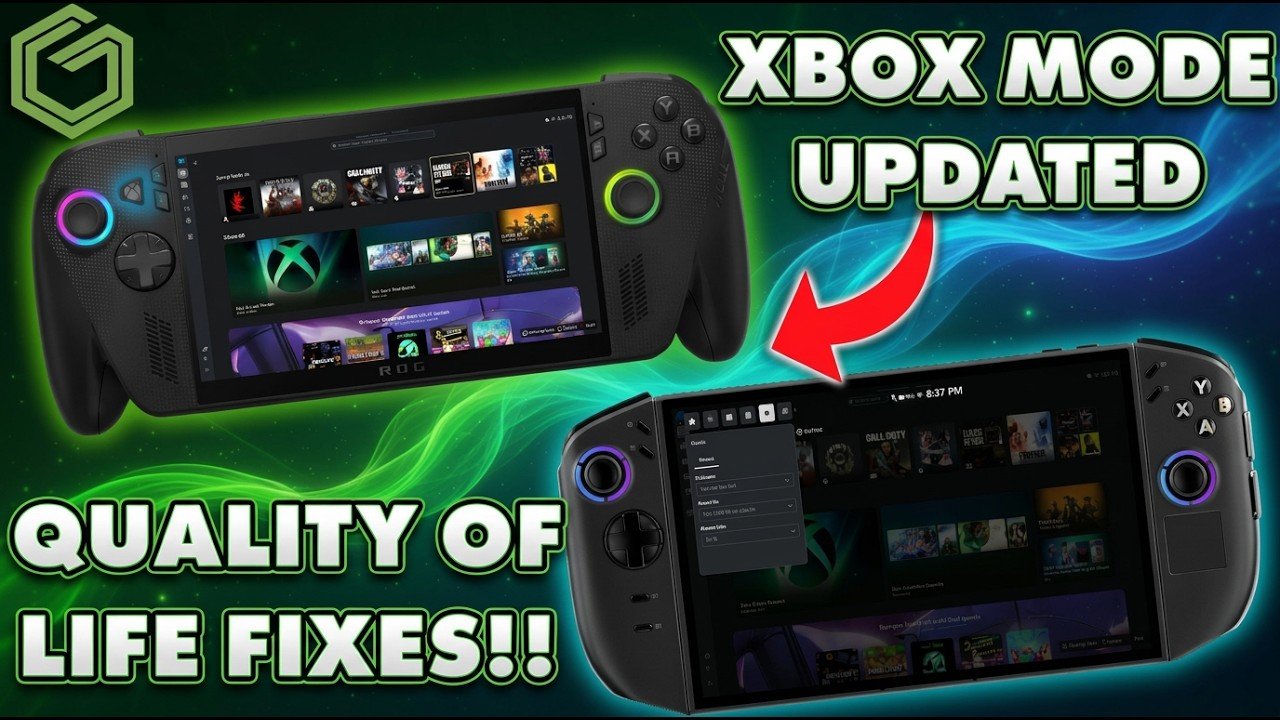
 ▶Watch on YouTube
Xbox mode, what used to be called the Xbox full screen experience, has picked up a lot of quality-of-life updates this year. This is a hands-on look at what the February and March 2026 updates added, mostly on the ROG Xbox Ally X. None of it is specific to the Xbox Ally devices: it should apply to pretty much any Windows handheld running Xbox mode, and I'd assume a PC running it too.
- February: battery percentage in the Game Bar, gamepad navigation sounds, improved library filters and better controller navigation.
- March: manually add any game or app to the library (and edit it), a new display tab and widget, a projection tab, custom notification placement and display widget notification controls.
- Coming in April: an Auto Super Resolution preview, according to Microsoft.
- For me, it's a lot snappier and way better than at launch in October 2025.
February updates
Battery percentage now shows in the Game Bar, which a lot of people had asked for. There are new navigation sounds too, which make it sound more like what you're used to on an Xbox. I'm sure these improvements tie into the next console as well.
Library sorting is better. In your games, apps or whatever you're browsing, especially games, you can sort by handheld compatibility and performance fit. Pick "most compatible" in your owned games, and it sorts down to the games deemed most compatible for the handheld. That's part of Microsoft's handheld compatibility system, and there are lots more sorting options for going through your library.
Add any app or game to the library
I used to use One Game Launcher a lot, because we couldn't add custom shortcuts to the library in Xbox mode. Now, in My Games or My Apps, there's a plus icon in the top right corner. Click it, and you get a list of apps and programs you can add. I scrolled down to MSI Afterburner, since that's one I use a lot from Xbox mode, checked it and clicked Add. If what you want isn't in the list, the little folder icon lets you pick any .exe and add it.
You can edit entries too: change the artwork, the path, the name, command line arguments and so on, then save. This has been working really well for me, and I don't always have to run One Game Launcher anymore. It's a much appreciated update that most of us have wanted since the full screen experience started.
Display tab and notifications
The Game Bar has a new display tab. When I'm docked, it has projection choices you'd normally find in Windows settings (extend, duplicate or only one screen), resolution options (including higher resolutions if I'm docked to something bigger) and frame rate options. That's going to be quicker and easier, especially docked once the new upscaling arrives, because you can make changes right from the Game Bar without going into Armoury Crate or anything else. I think that's pretty nice.
In Settings, under General and Notifications, there's a new Position option with nine spots around the screen for notifications to pop up. It's a small change, but one people like having.
Final thoughts
It seems like Microsoft is listening to feedback and continuing to improve Xbox mode, which I definitely like to see. More features are coming in April along with Super Resolution, and I'm looking forward to testing that, docking to 4K, 1440p and all that. Six to nine months ago we didn't even have this option and were booting into normal Windows. I love SteamOS too, but for a lot of things I like having Windows, or games that aren't supported on Linux yet. Whether you're a fan of Xbox mode or not, I think Microsoft is making great strides in the right direction. It's not a perfect situation, but I actually prefer Xbox mode now, and it has made using Windows handhelds a bit easier for me.
Want more handheld tests?
New Steam Deck, ROG Ally, Legion Go and Steam Machine performance videos every week.