 ▶Watch on YouTube
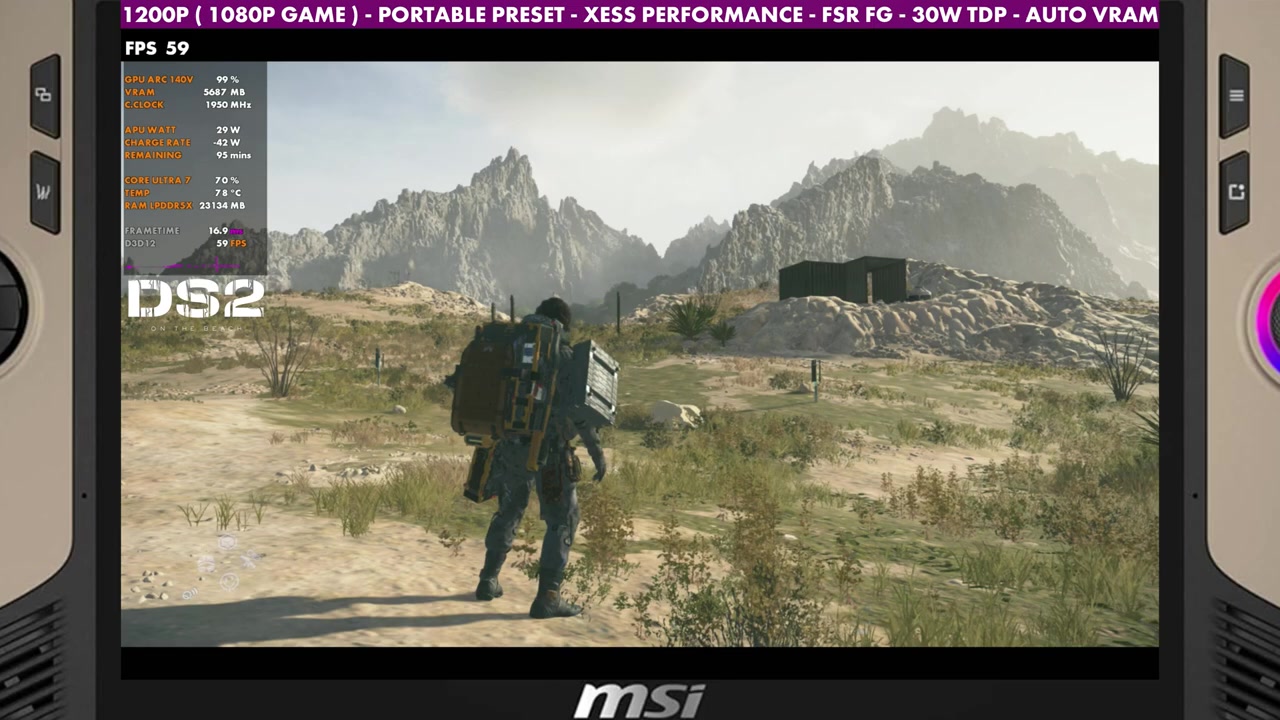
The MSI Claw 8 AI+ with Intel's Core Ultra 200 chip is a handheld I still really love to use, and it still performs really well even up against the Z1 Extreme and Z2 Extreme handhelds. For Death Stranding 2 I concentrated on 1200p, which the game runs at 1080p because there's no 16:10 support, with XeSS on Performance at 30W. Here's how the presets, upscalers and frame gen options ran.
- Tested at 1080p (the game has no 16:10 support, so no 1200p), XeSS Performance, 30W, auto VRAM.
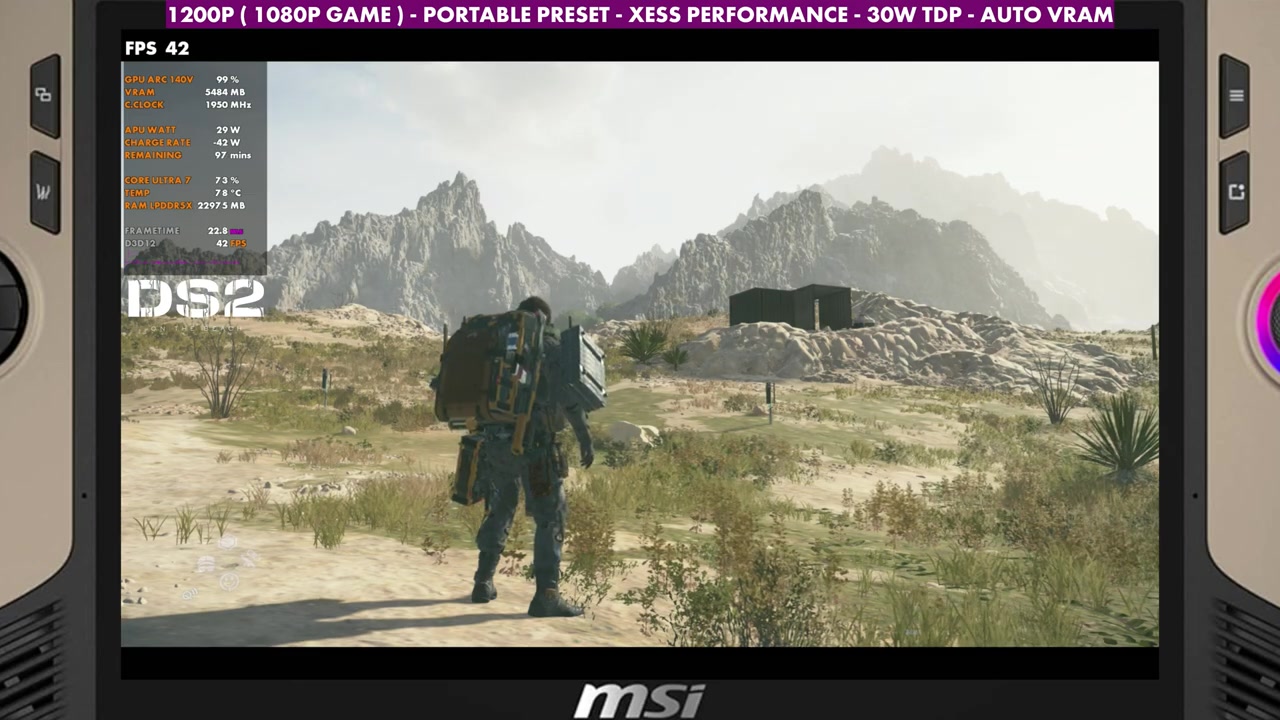
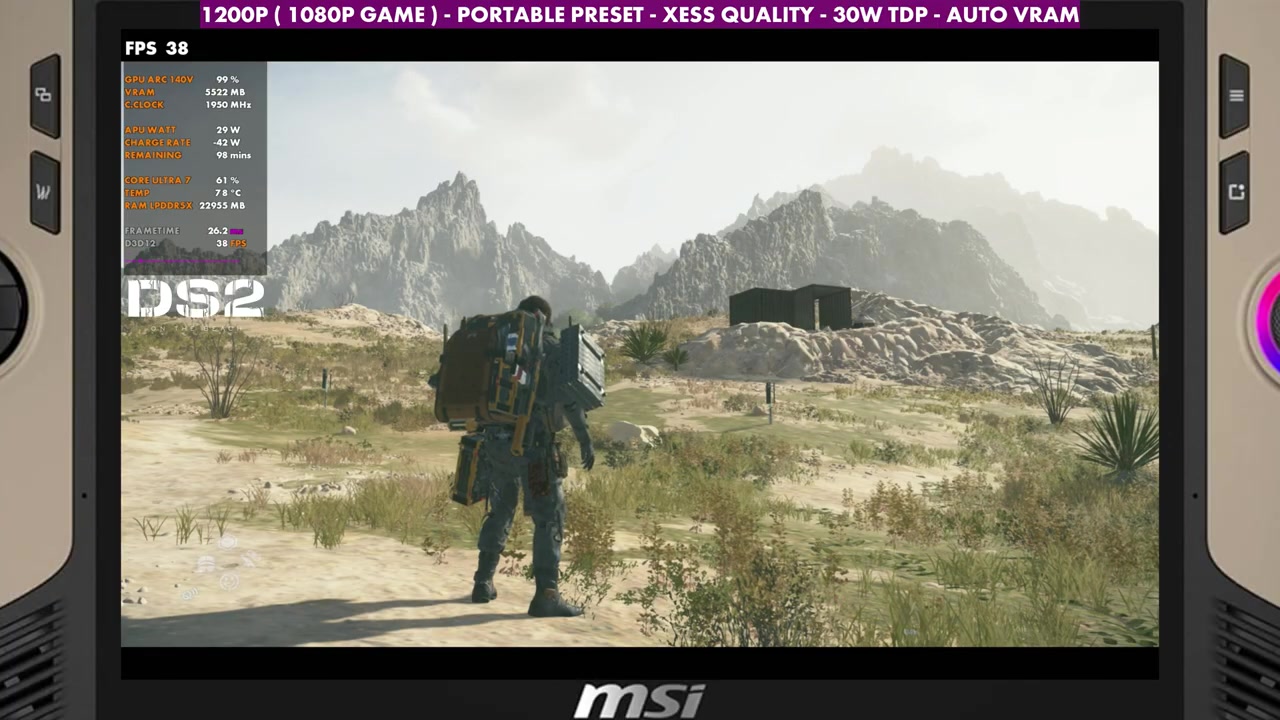
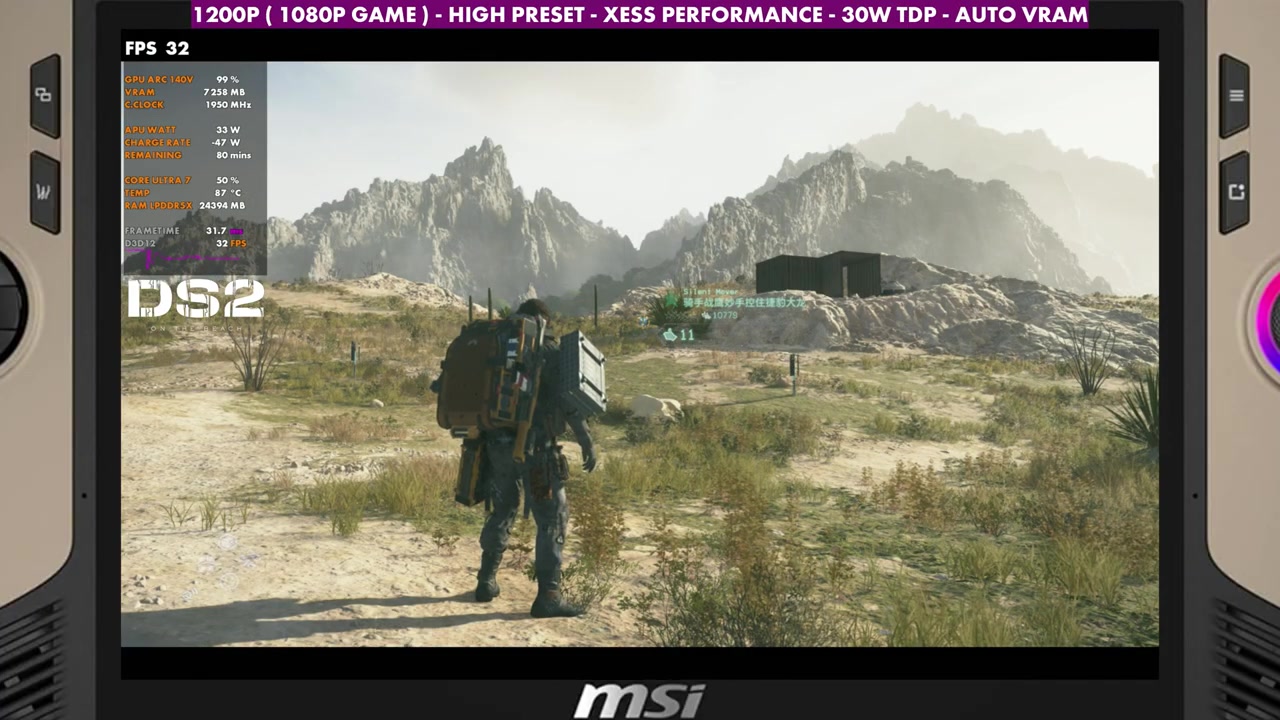
- At my test spot on the portable preset: about 42 FPS with XeSS Performance, about 40 on Balanced and about 4 less on Quality.
- The low preset only costs a couple of FPS. Medium and high cost more and dip further later on.
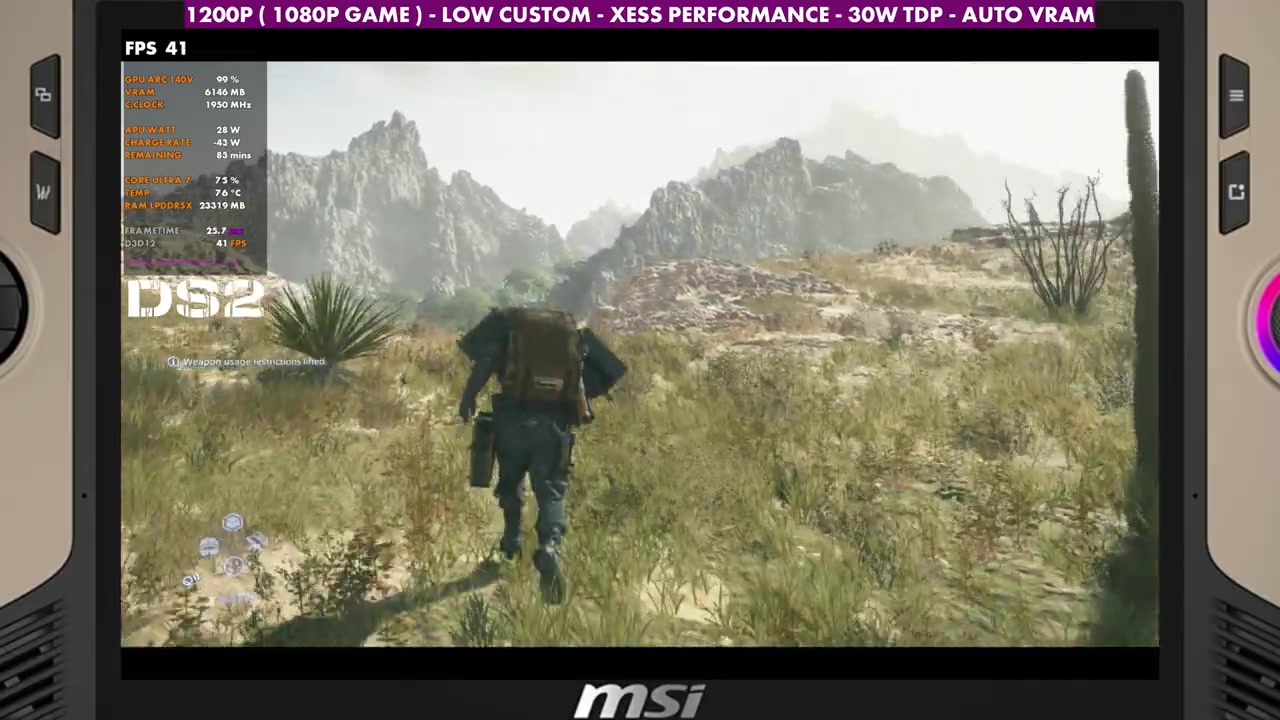
- My setup: low preset, 8x texture filtering, contact shadows off. Gameplay overlay readings mostly landed in the mid 30s to high 40s.
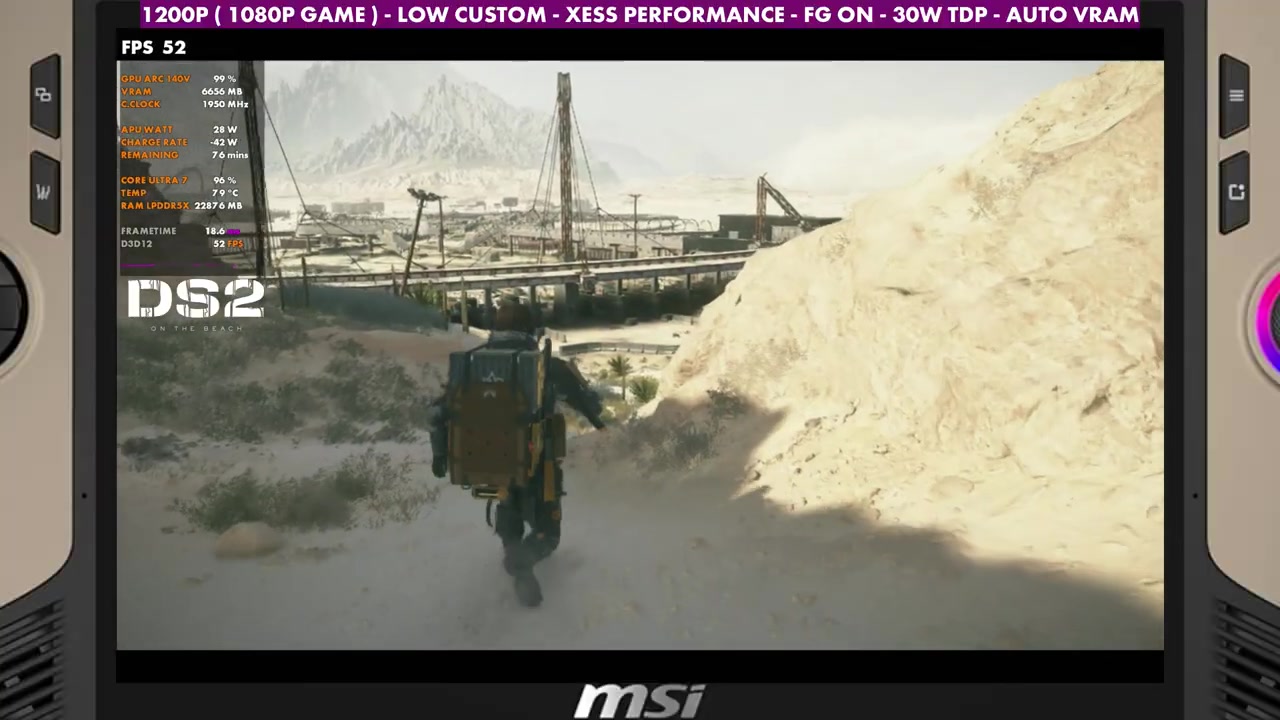
- FSR frame gen works really well. XeSS frame gen in the game was broken for me, but the Intel driver's XeSS frame gen override works fine.
What I tested
- MSI Claw 8 AI+ (Intel Core Ultra 200), Windows
- 1200p screen, which the game runs at 1080p (no 16:10 support)
- XeSS Performance, 30W TDP, auto VRAM
- Portable, low, medium and high presets at the same spot, then my custom low settings for gameplay
You could run 20W or 25W, but I really wanted to let the Claw run what it wanted on this game, since it's a little tough to run. You can also run other resolutions if you want to.
Upscalers on the portable preset
Standing in one spot to get an idea of performance, the portable preset with XeSS Performance read 42 FPS on the overlay. Going to XeSS Quality loses about 4 FPS in this area, which isn't a big dip, so you can choose what you want there. Balanced is about 2 FPS different from each, at about 40.
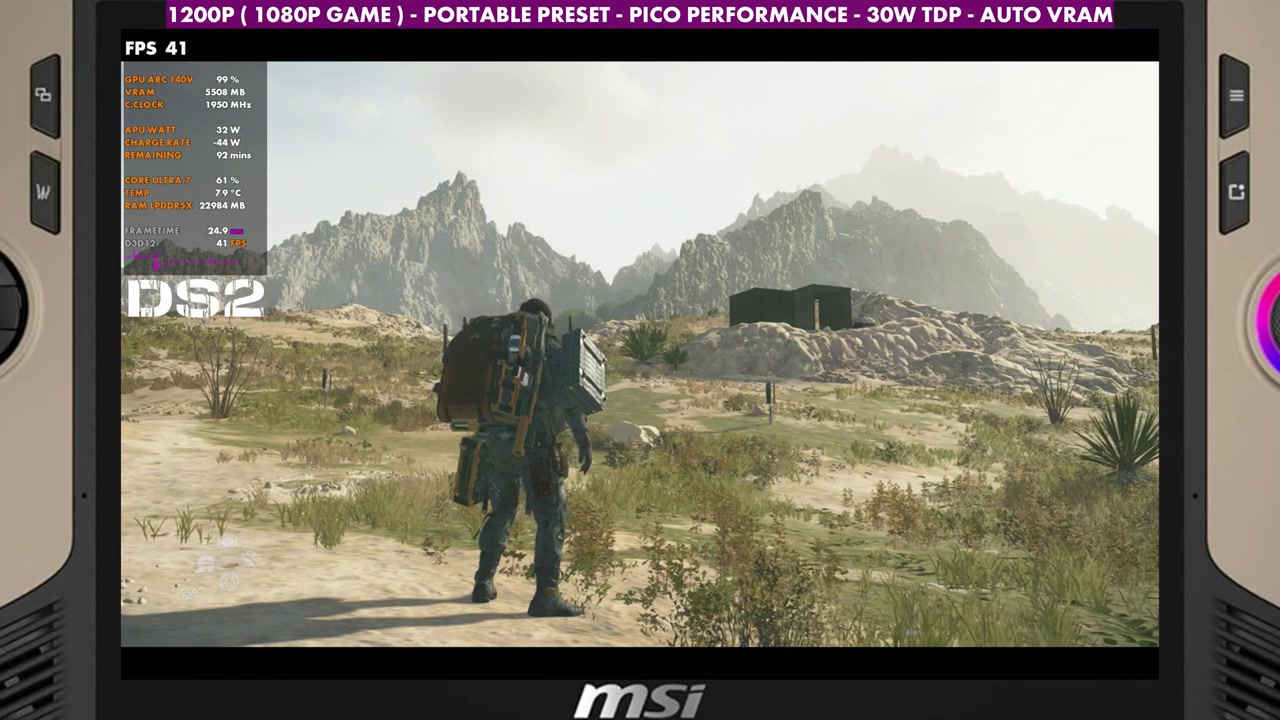
Switching to PICO upscaling on Performance loses 1 or 2 FPS here or there, but it should have better image quality in some areas and it's built into the game pretty well, so it's an option, and so is FSR. I'm using XeSS since it's native to Intel and tends to work really well on these chips.
Frame gen: FSR works, XeSS needs the driver override
FSR frame generation works really well, and I used it in some areas and in some of the gameplay. XeSS frame gen is usually really great, but in this game it's been broken for me: it doesn't want to work at all, and in some cases it messed up the visuals and crashed the game.
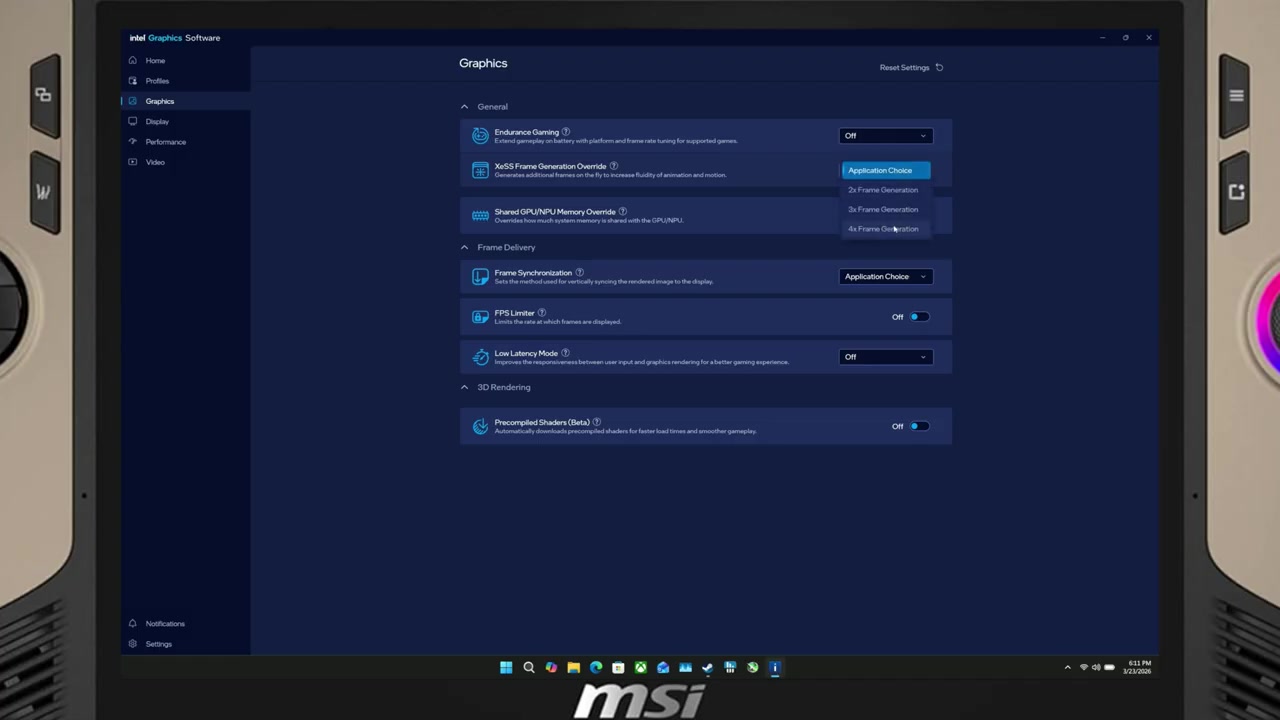
If you want XeSS frame gen and you're having the same problem, you can override it with the newest Intel driver and the Intel Graphics Software app, which has 2x, 3x or 4x XeSS frame gen at the driver level. When you turn on XeSS frame gen that way, the driver overrides the version in the game, and it ends up working fine. It hasn't crashed the game or given me any problems. I stuck with the FSR version for gameplay because it's easier to swap back and forth. (I have a full guide to the Intel driver and XeSS frame gen override on the Claw 8 AI+.)
Presets
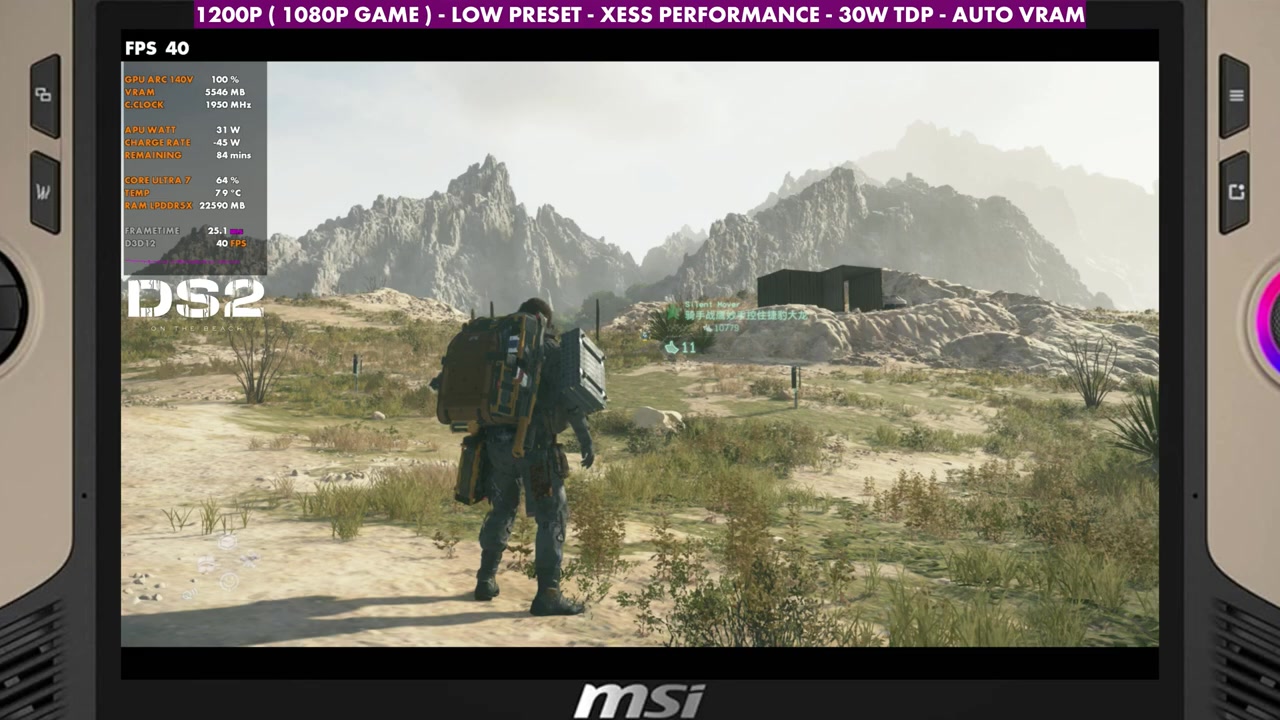
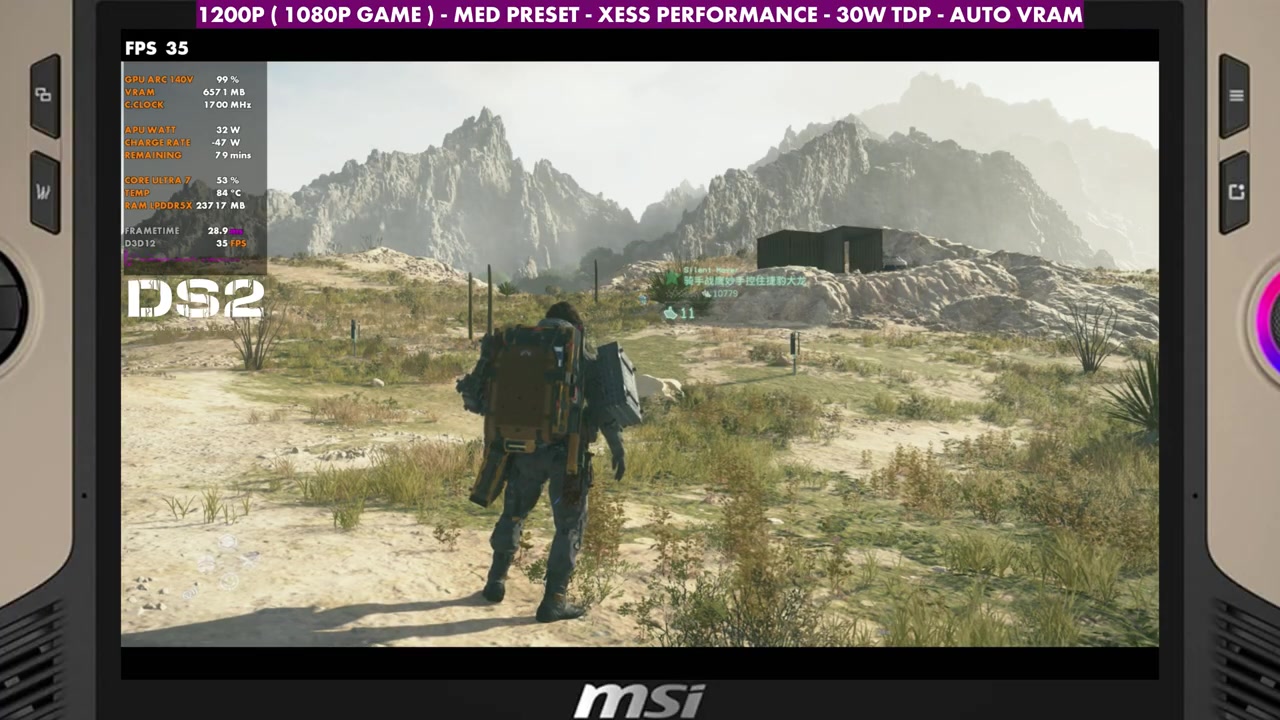
The low preset actually doesn't lose much over portable, only a couple of FPS, so you gain some visuals. It's nice to see the Claw handle that, since low was tough on some other handhelds. Medium loses a bit more, and in some other areas it gets down to about 28 or 30 FPS. High really dips later on as well. You could also adjust things between low and medium.
My custom low settings
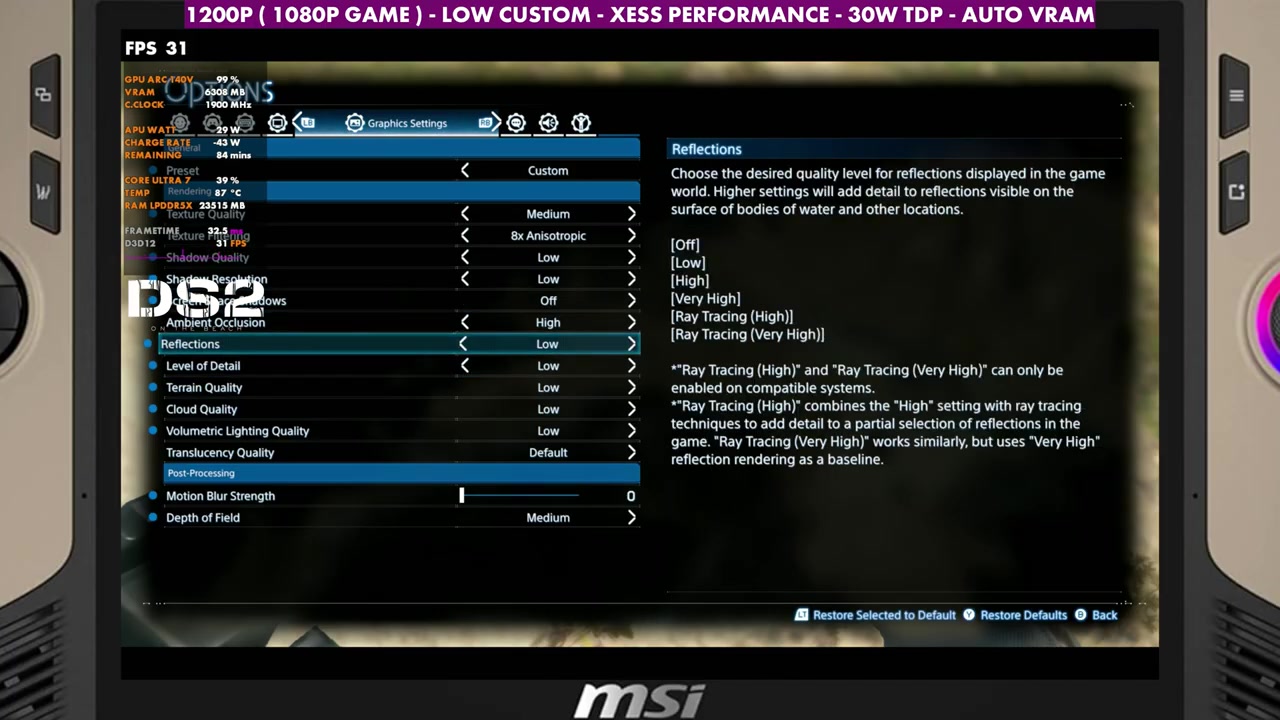
To keep it simple, I went up one from portable to low, set texture filtering to 8x and turned off contact shadows, and that ended up working pretty well for me. Adjust things to your own liking.
- Preset: Custom, based on low
- Texture quality medium, texture filtering 8x anisotropic
- Shadow quality and shadow resolution low, contact (screen space) shadows off
- Ambient occlusion high; reflections, level of detail, terrain, cloud and volumetric lighting low; translucency default
- Motion blur 0, depth of field medium
In the gameplay with these settings at 1080p, XeSS Performance and 30W, the overlay mostly read the mid 30s to high 40s (35 to 48) across different areas without frame gen, and 52 to 60 with FSR frame gen on.
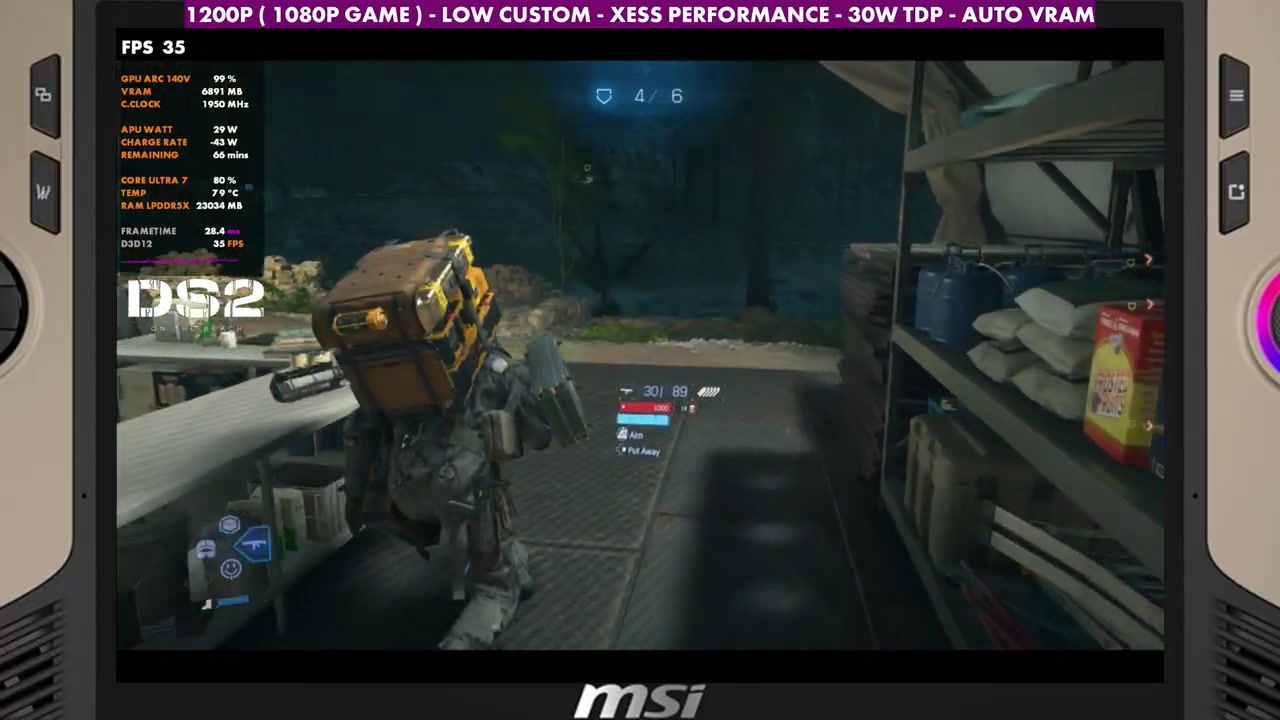
Turning settings down more or lowering the resolution to 800p or 1000p will get you even more performance out of the game.
Verdict
The Claw 8 AI+ handles Death Stranding 2 well at 30W. Being able to step up from portable to low for only a couple of FPS is nice to see, XeSS is the upscaler I'd use on this Intel chip, and FSR frame gen does a really good job here. The in-game XeSS frame gen was broken for me, but the Intel driver override gets around that.
FAQ
What resolution does Death Stranding 2 run at on the MSI Claw 8 AI+?
The game has no 16:10 support, so on the Claw's 1200p screen it runs at 1080p.
What FPS does Death Stranding 2 get on the MSI Claw 8 AI+?
At 1080p, XeSS Performance and 30W, about 42 FPS at my test spot on the portable preset. With my custom low settings, the overlay mostly read the mid 30s to high 40s in gameplay, and 52 to 60 with FSR frame gen.
Does XeSS frame gen work in Death Stranding 2 on the Claw?
The in-game XeSS frame gen was broken for me and even crashed the game. Using the Intel driver's XeSS frame generation override (2x, 3x or 4x) instead worked fine. FSR frame gen in the game works really well.
Want more handheld tests?
New Steam Deck, ROG Ally, Legion Go and Steam Machine performance videos every week.