 ▶Watch on YouTube
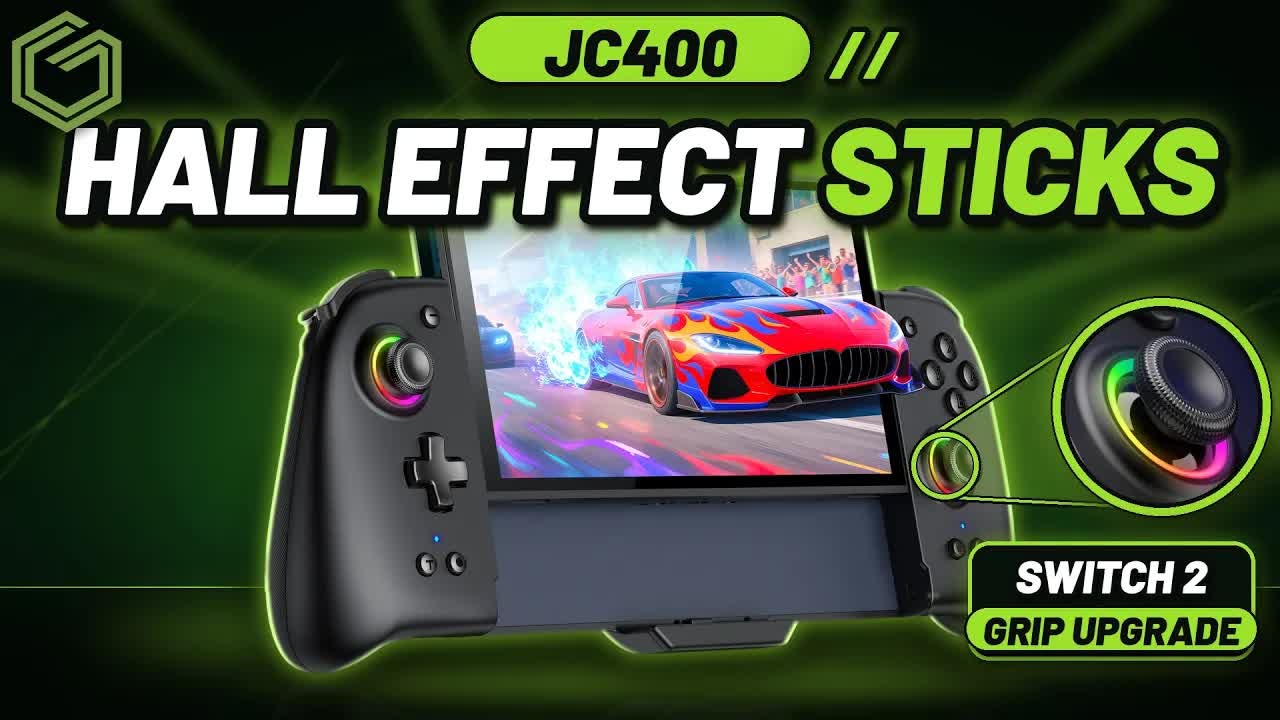
The EXTREMECOOL JC400 is a wireless all-in-one controller for the Switch 2: the console slides in, locks in place, and you get a full-size grip with Hall effect sticks. I've been using it on my Switch 2 for the past week or two, and it's been working out great.
Disclosure: this is a paid collaboration. EXTREMECOOL sponsored the video and sent the JC400 over for me to review. They didn't want to see the video before it went up, and everything here is my own honest opinion. Whether I buy something or have a product sent to me, I review them the same way. Take that as you will. Links to the controller are below.
- A wireless all-in-one grip for the Switch 2. It sits snug and locks in with rear lock switches, and it doesn't add hardly any weight.
- The full-size Hall effect sticks feel great. For me, it's more comfortable than the Joy-Cons or the kill switch case I've been using, especially with bigger hands.
- It has its own battery, rated at 10 to 15 hours, so it isn't draining the Switch 2. I'm at about 9 hours on one charge and still going.
- I think it's a good value around $40. I've seen it on sale in the $35 to $45 range, and around Black Friday I think I saw about $36. Prices change.
- The trade-offs: the shell and face buttons feel a bit plasticky, the D-pad is a little mushy, rumble can be weak, you can't dock with it on, and it blocks the game card slot while it's attached. It also shows up as a Pro-style controller, so there's no C button or GL/GR.
What's in the box
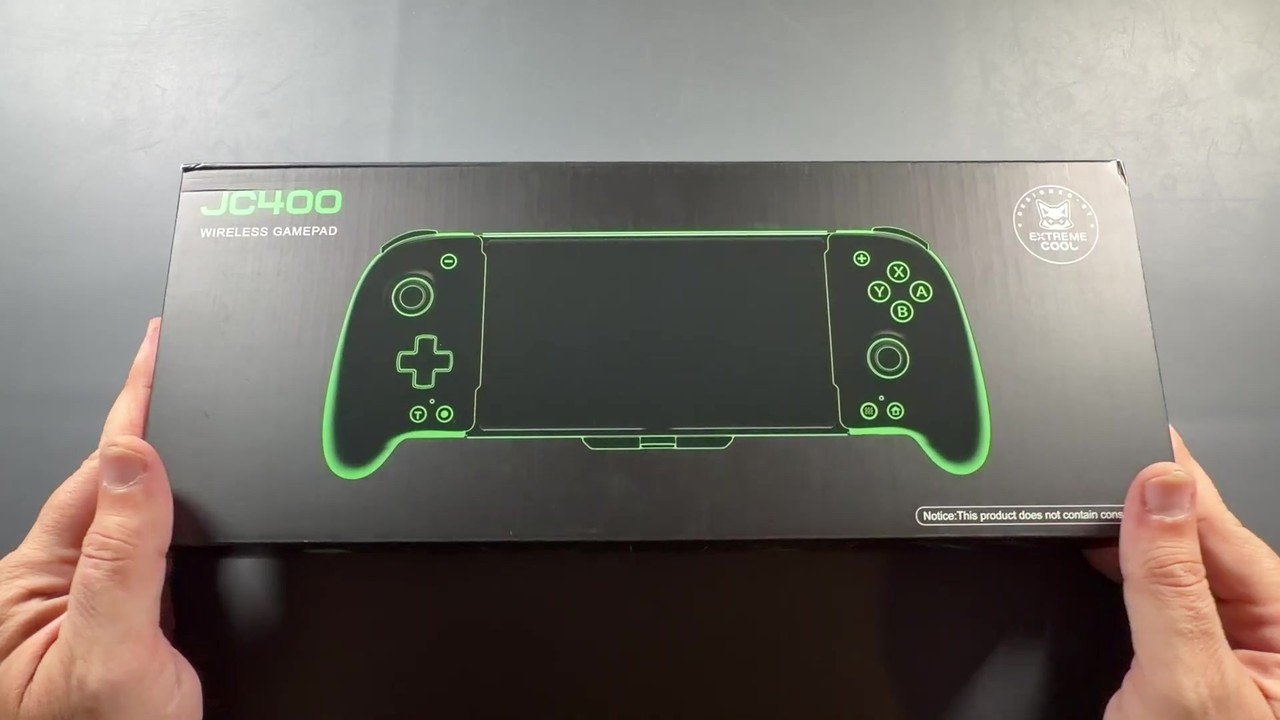
The box is labeled JC400 Wireless Gamepad, designed by Extreme Cool. This isn't a controller that plugs into the Switch 2's rails. It connects wirelessly.
Inside you get the controller, a USB-C cable for charging, and a couple of pieces of paperwork for getting started or heading to the website for help.
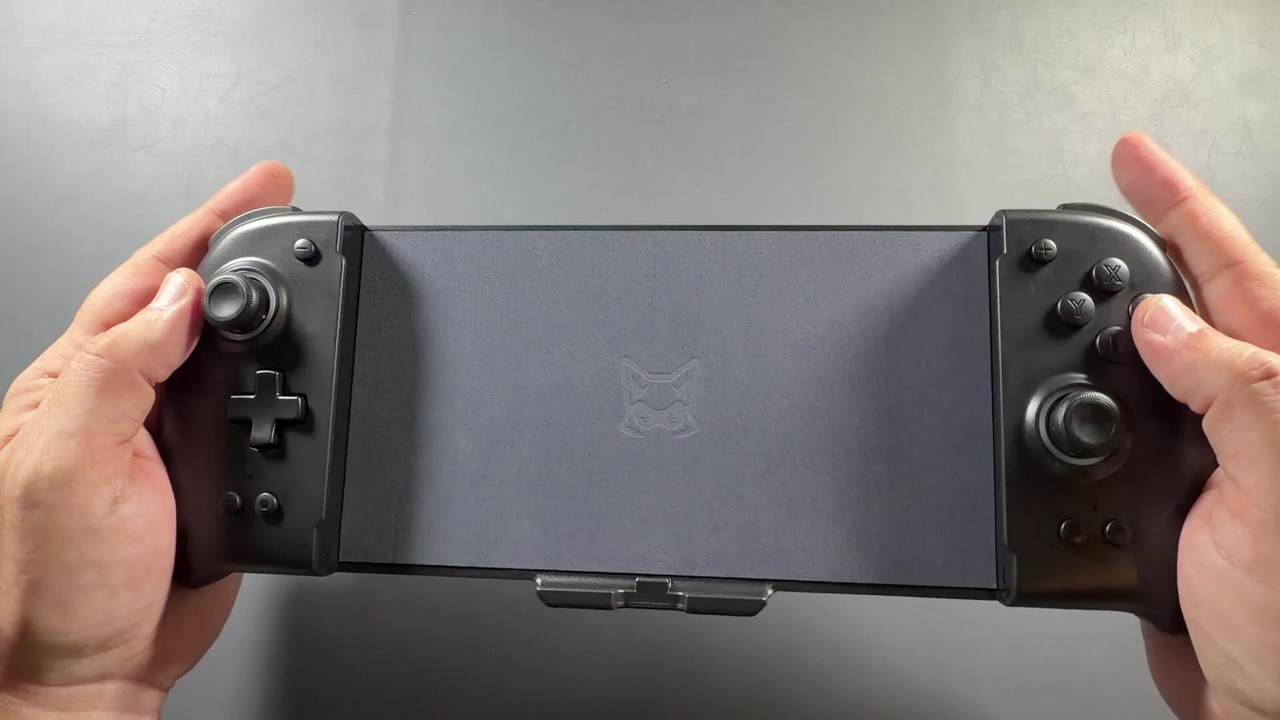
It's super light. I almost thought it didn't have the battery in it. The good thing is it's still sturdy, and it doesn't add hardly any weight to the Switch 2, which I do appreciate.
Design, fit and comfort
The Switch 2 sits in there snug and locks in with the rear lock switches, which makes it a lot harder to get out. That's nice. Comfort in the hand overall has been nice, and it connected and worked just fine right off the bat.
It doesn't really block venting or charging. The one thing it does block is the game card slot on top of the Switch 2. When the console is slid in, you can't open that, so you have to slide it out to change a game card. On the top of the controller itself, though, there are four storage slots for game cards, which is kind of cool.
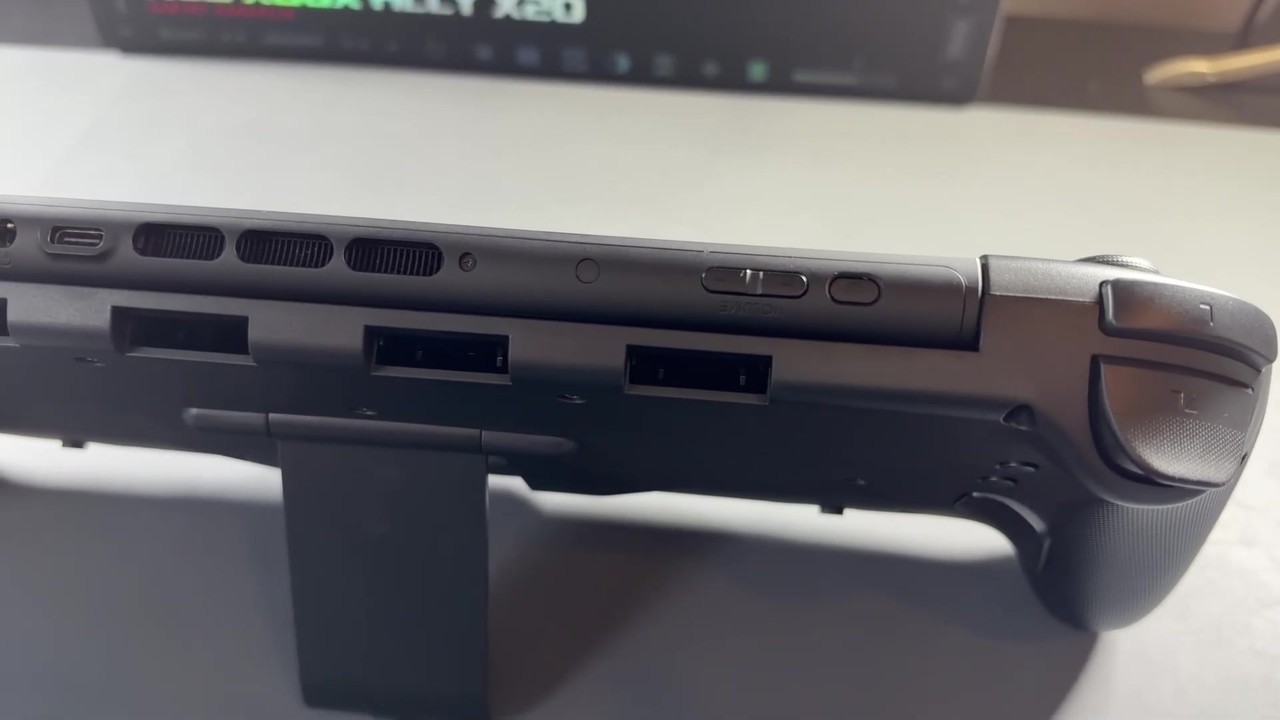
The kickstand has worked great for me. And for comfort, this has been much better than the Joy-Cons, or even the kill switch case I've been using since the Switch 2 came out. I do prefer the full-size Hall effect sticks.
Key features and back buttons
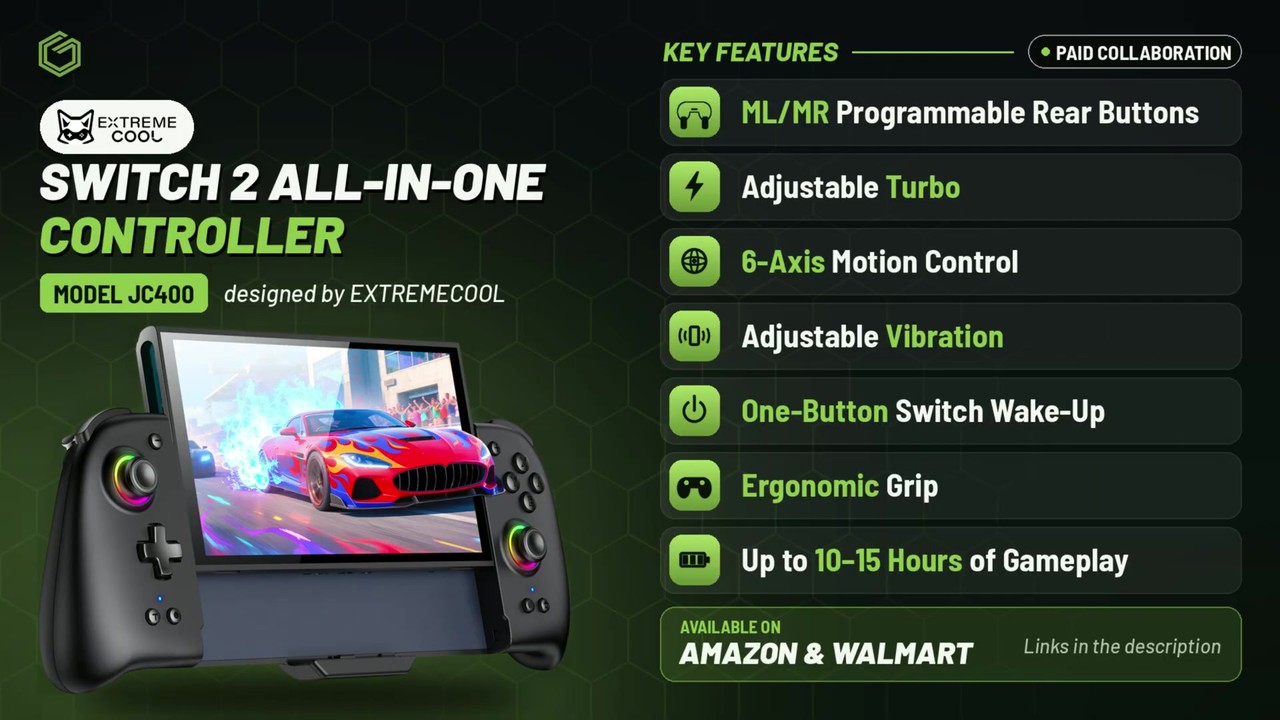
Besides the wireless connection and those locks, you get RGB lighting, three levels of adjustable turbo, motion controls, adjustable vibration, Switch 2 wake-up, and programmable back buttons. Some of these I used a good bit. Some of them I didn't really get into, just because they're not for me.
On the back you've got the programmable ML and MR buttons, plus the other buttons back there, including the S buttons. If you want to program a macro, you hold M and MR or ML for about two seconds, you'll get a vibration, press the buttons you want in order, then press MR or ML again to lock it in. To clear them, hold M for five seconds and you'll get a flash. There's also a full walkthrough on EXTREMECOOL's site, including the extras like double-presses.
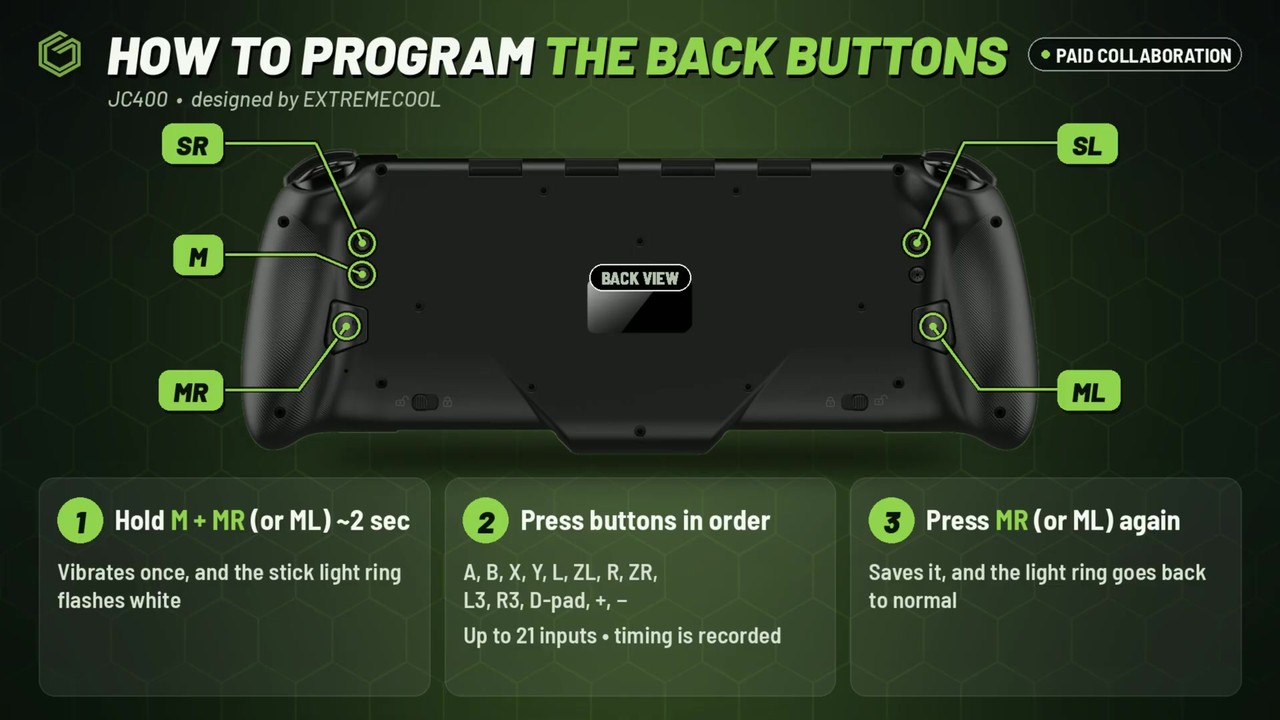
EXTREMECOOL's back button programming guide
It's easy to program, clear, and keep adjusting. The programmable buttons are really cool, even though I didn't get into them a lot.
Pairing and wake-up
Pairing was no problem. You go through the usual Change Grip/Order process on the Switch 2. The first time I slid my Switch in, turned the controller on, and put it in pairing mode, it instantly paired up and didn't give me any problems.
It pairs as a Pro Controller, so certain extras like the C button or GL/GR aren't there. For everything else, it worked really well.
It can also wake the Switch 2, but that doesn't work out of the box. You have to set it up first, and it can be a bit finicky. I didn't really get into that feature. Most of the time with these controllers, I don't bother with wake-up, but the option is there.
How it feels in games
For me, this is the important part, and it feels great. I have a little bit bigger hands, and even compared with the newer, larger Joy-Con 2s, this is a lot more comfortable. It feels like a more normal-sized controller in my hands, and having those full-size sticks is a big deal.
The Hall effect sticks feel great. The tension's really good, and it reminds me of something similar to my Xbox controller. The triggers and shoulder buttons actually feel pretty good too, kind of like the sticks do.
The face buttons are a little clicky and cheaper feeling than I would prefer, but they've been fine. The D-pad itself worked just fine, though it might be a little mushy and maybe not the greatest in certain games, like fighting games. I didn't have any major issues with it.
So there's some hit and miss on the feel and build quality of the buttons, but the most important parts, the triggers and the sticks, feel really good.
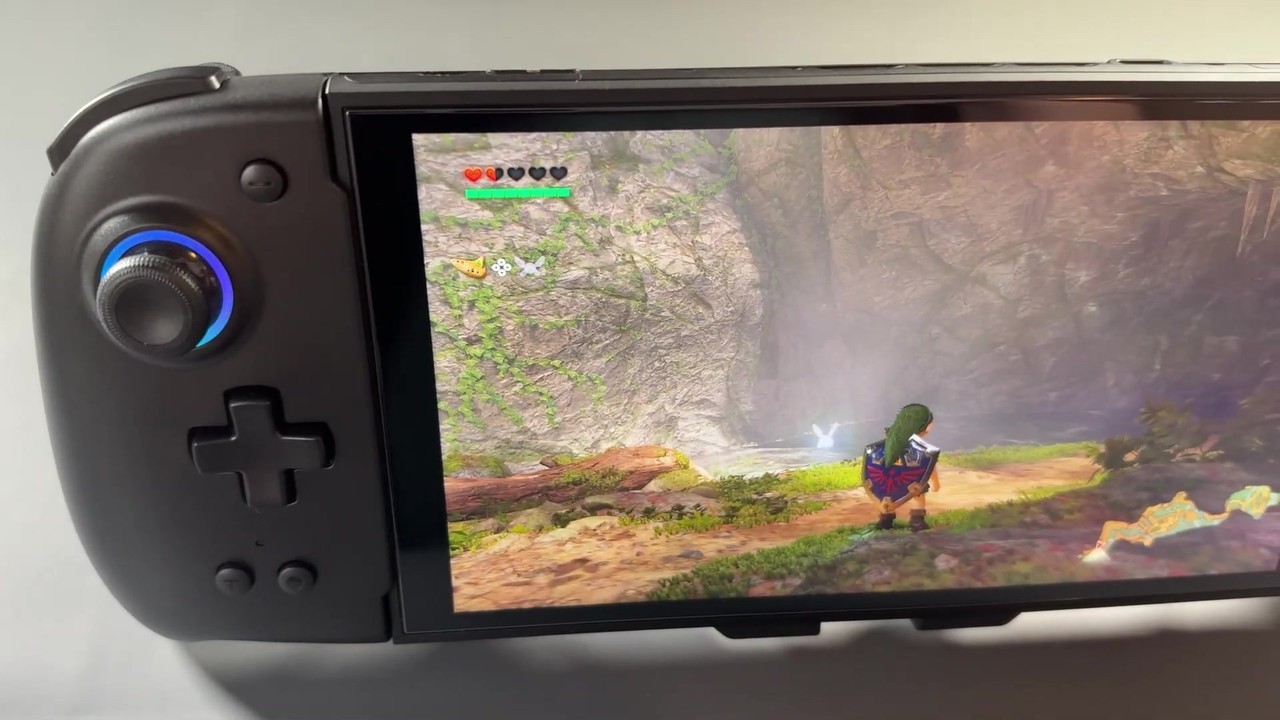
The games I tried, classic stuff, newer stuff, Super Nintendo, and I was jumping into some GameCube after that, all worked just fine. I assume they would, because it connects basically like a Pro Controller. Anything you can play with that should be fine, minus those extra buttons you don't get, like the C button. Gaming on this, for me, feels a lot more comfortable than the kill switch or the Joy-Cons I'd typically be using with the Switch 2. I can game for longer without hand fatigue.
Battery life and charging
Because this isn't plugged into the Switch 2, it isn't draining the console's battery while you play. The controller has its own battery, rated at 10 to 15 hours. I kind of like that, and I prefer it over pulling from the Switch. I can just charge each one separately. You may have a different preference, but that's how this one works.
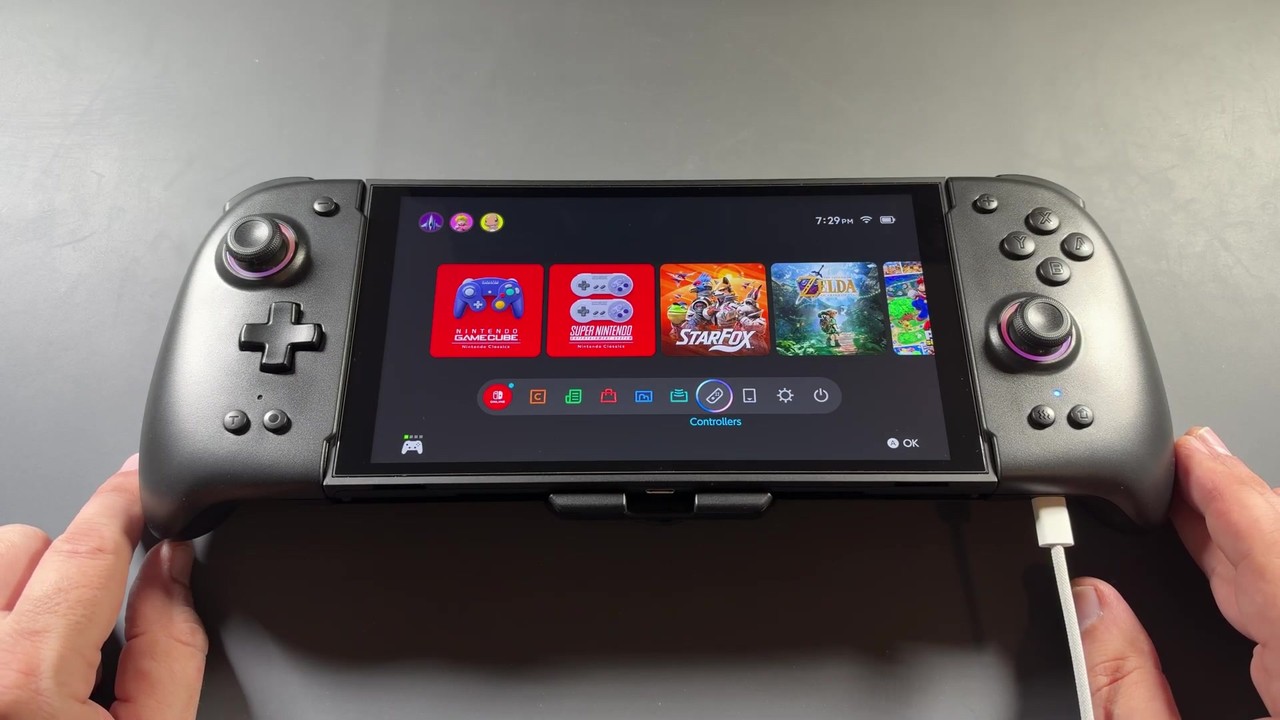
You charge it with the USB-C port on the bottom, just to the right of the Switch 2's own bottom USB-C port.
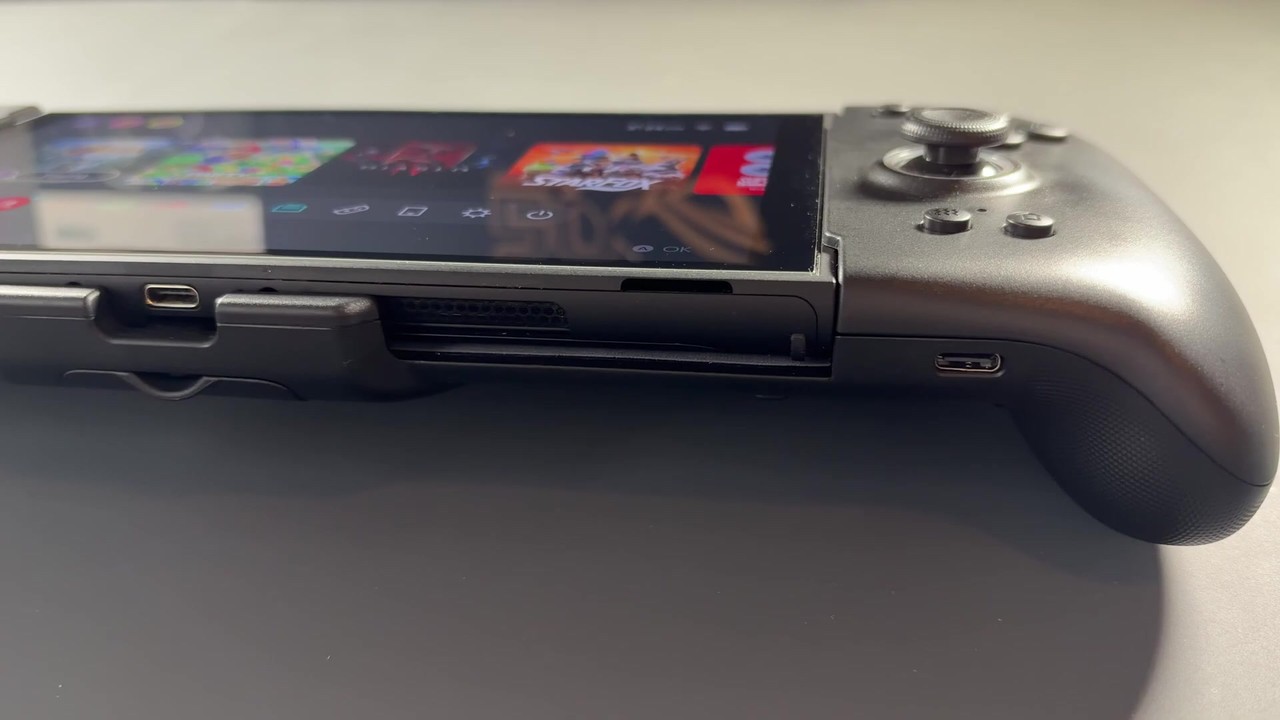
I can't necessarily confirm the 10 to 15 hour rating, but I'm about 9 hours into a full charge and still going. I have a hunch I'll at least get that 10, and probably more than that, by the time I'm done.
Pros and cons
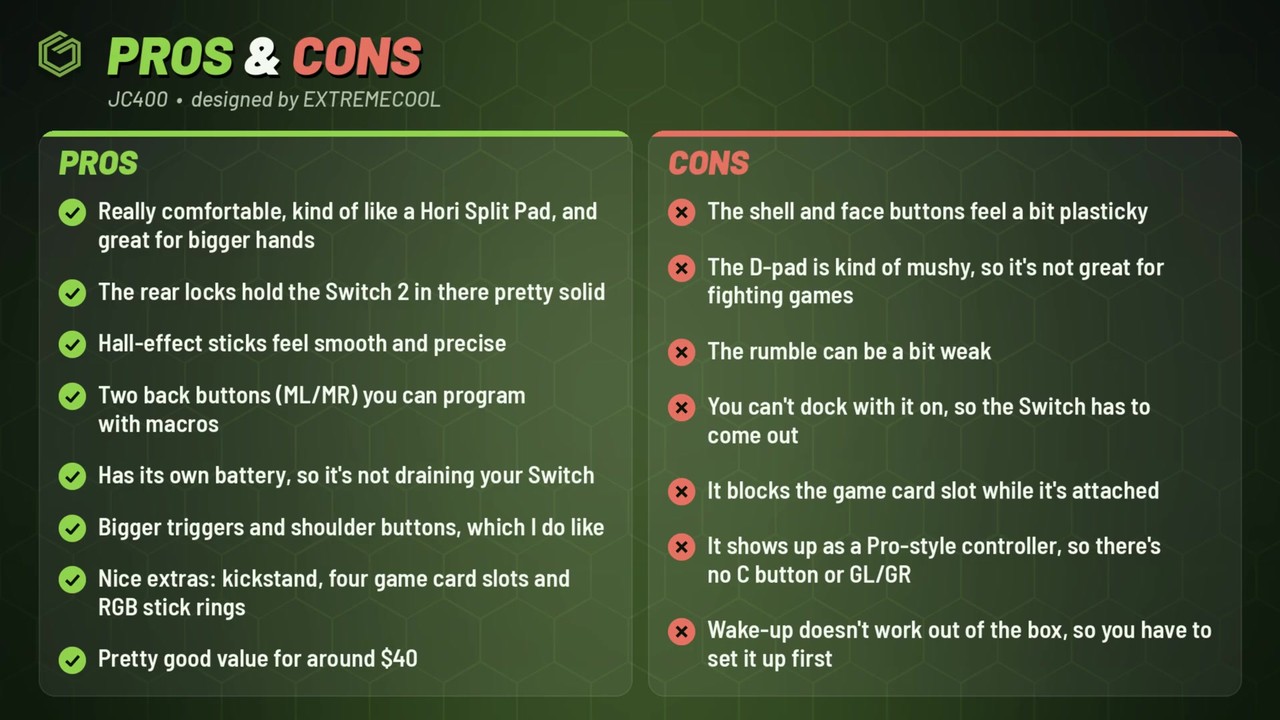
On the plus side, it is really comfortable, kind of like a Hori Split Pad, and great for bigger hands. The rear locks hold the Switch 2 in pretty solid. The Hall effect sticks feel smooth and precise. You get two programmable back buttons, and I like that it has its own battery so it isn't draining the Switch. The bigger triggers and shoulder buttons feel nice. The kickstand, four game card slots, and RGB stick rings are nice extras too. And for around $40, I think it's pretty good value.
The cons are mostly the ones I already hit. The shell and face buttons can feel a bit cheaper or plasticky. The D-pad is a little mushy, so it's not great for fighting games. The rumble can be a little weak. You can't dock the Switch 2 with this attached, so the console has to come out. It blocks the game card slot while it's on, though you can slide it up to get a card in. It shows up as a Pro-style controller, so there's no C button or GL/GR. And wake-up doesn't work out of the box; you have to set that up first. That's not the biggest complaint, since a lot of these controllers need some kind of setup, but it can be a bit finicky.
Where to get it, and what I think
I've been seeing it in the $35 to $45 range on sale, and especially with Black Friday stuff I think I saw like $36. These are always changing, so check before you buy. In the $40-ish range, and even less on sale, I think it's a good value, and I think it's probably worth that price in the end.
EXTREMECOOL JC400 on Amazon EXTREMECOOL JC400 on Walmart
I haven't looked at everything out there for Switch 2. I've used a lot of these kinds of grips on my original Switch, and they tend to lean toward this more full-size design, even though that usually adds some size. This one really didn't add any weight for me, so it's been good.
Besides those negatives, it's been overall just fine. Honestly, I don't even think I'll put my kill switch back on here, at least not anytime soon. I just prefer the larger, more normal-size sticks and the way this feels in my hands. It's definitely one of my favorite controllers I've got for the Switch 2 right now.
FAQ
Does the EXTREMECOOL JC400 drain the Switch 2's battery?
No. It has its own battery and connects wirelessly, so it isn't pulling power from the Switch 2. It's rated at 10 to 15 hours. I'm at about 9 hours on one charge and still going.
Is the JC400 more comfortable than Switch 2 Joy-Cons?
For me, yes, especially with bigger hands. The full-size Hall effect sticks feel great, and it's been more comfortable than the Joy-Cons or the kill switch case I've been using since the Switch 2 came out.
How much does the JC400 cost?
I think it's pretty good value for around $40. On sale I've been seeing $35 to $45, and around Black Friday I think I saw about $36. Prices change, so check before you buy.
Can you dock the Switch 2 with the JC400 attached?
No. You have to take the Switch 2 out to dock it. It also blocks the game card slot while it's attached, though you can slide the console up to get a card in, and the controller itself has four game card storage slots.
Want more handheld reviews?
New Steam Deck, ROG Ally, Legion Go and Steam Machine videos every week.