 ▶Watch on YouTube
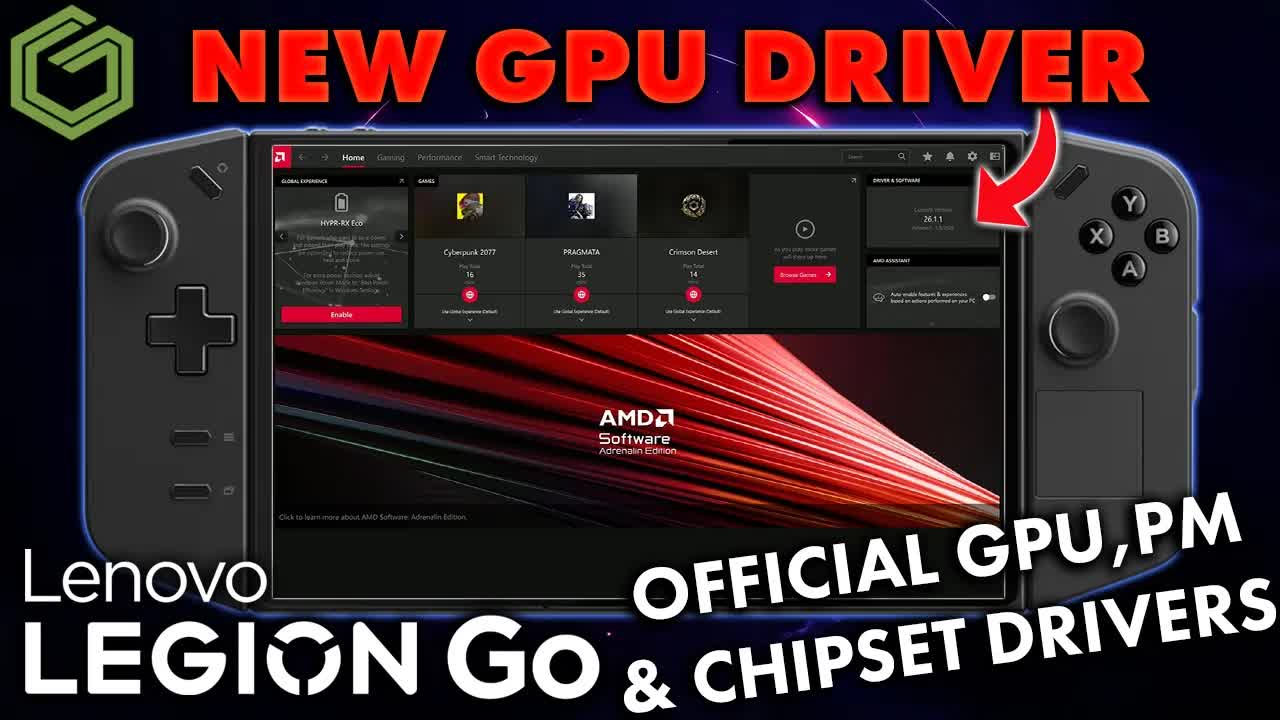
- Lenovo posted three new packages for the original Legion Go Z1 Extreme on the support site: GPU, chipset and power management, dated around April 23, 2026.
- The GPU driver shows as 26.1.1 (January 8 dated) — the same Adrenalin build Lenovo put on the Legion Go 2 Z2 Extreme. Newer than the old September 2025 package, not brand-new calendar-wise.
- Nothing showed in Legion Space, Windows Update or the Store for me on the East Coast US. Support-site manual download was the path.
- Works whether you're on official Lenovo drivers or the side-loaded ROG Ally driver.
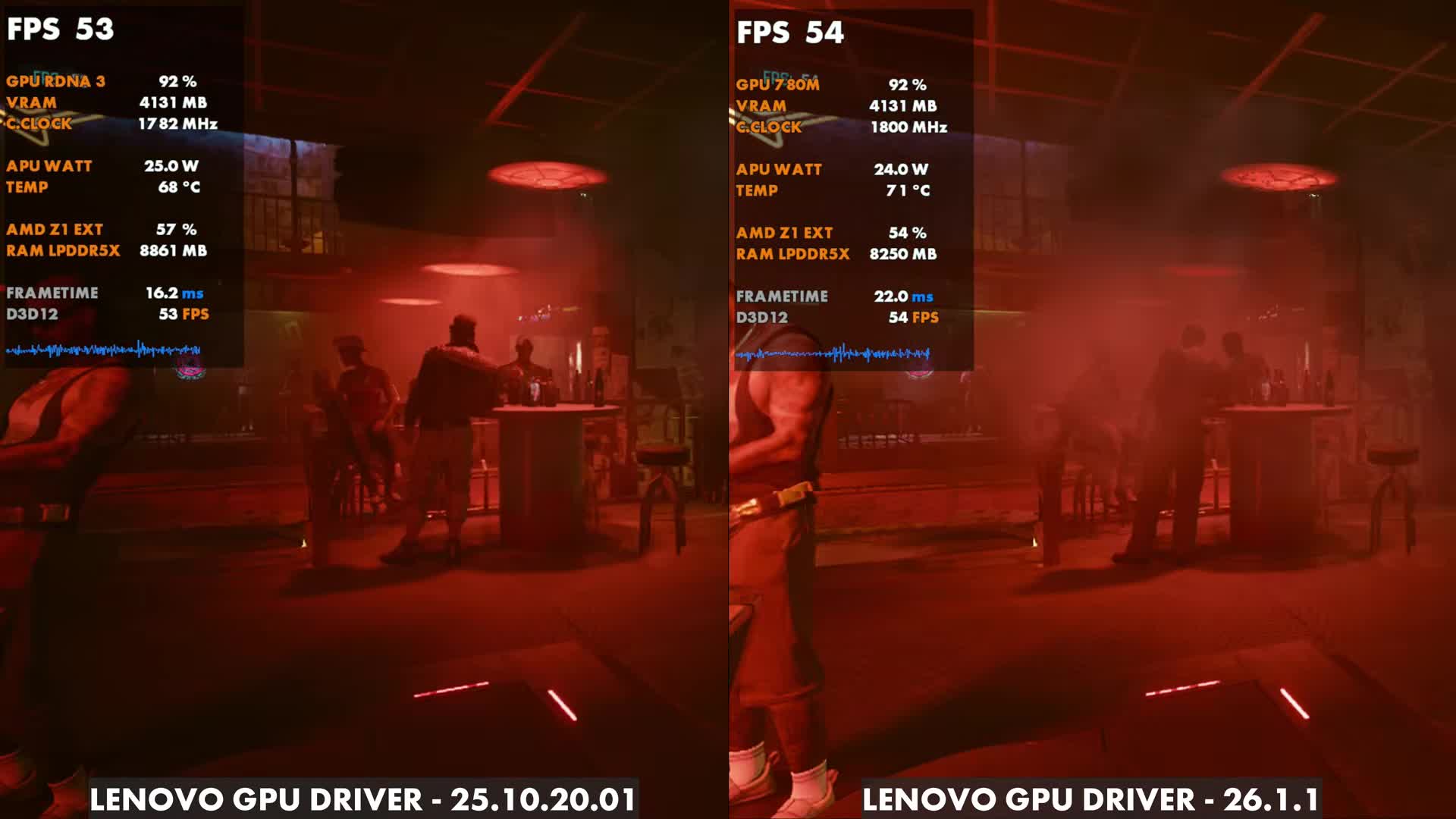
- Cyberpunk side-by-side: old Lenovo 25.10.20.01 at 53 FPS vs new 26.1.1 at 54 FPS (about 1 FPS, same as the bench). Pragmata and Crimson Desert were fine.
Credit where it's due: Lenovo put out more drivers for the original Legion Go Z1 Extreme in April 2026, on top of the January BIOS and other updates from earlier in the year. Here's what landed, how I installed it from the support site, and a quick look at how a few games behaved afterward.
What's in the update
- GPU driver — shows as 26.1.1 after install, January 8 dated. Matches the Legion Go 2 Z2 Extreme package Lenovo also posted. Replaces the older September 2025 official driver.
- AMD chipset / motherboard drivers
- Power management drivers
All three were listed on the Lenovo support site around April 23. I checked Legion Space, Windows Update and the Microsoft Store first — nothing for me yet — so this was a manual download.
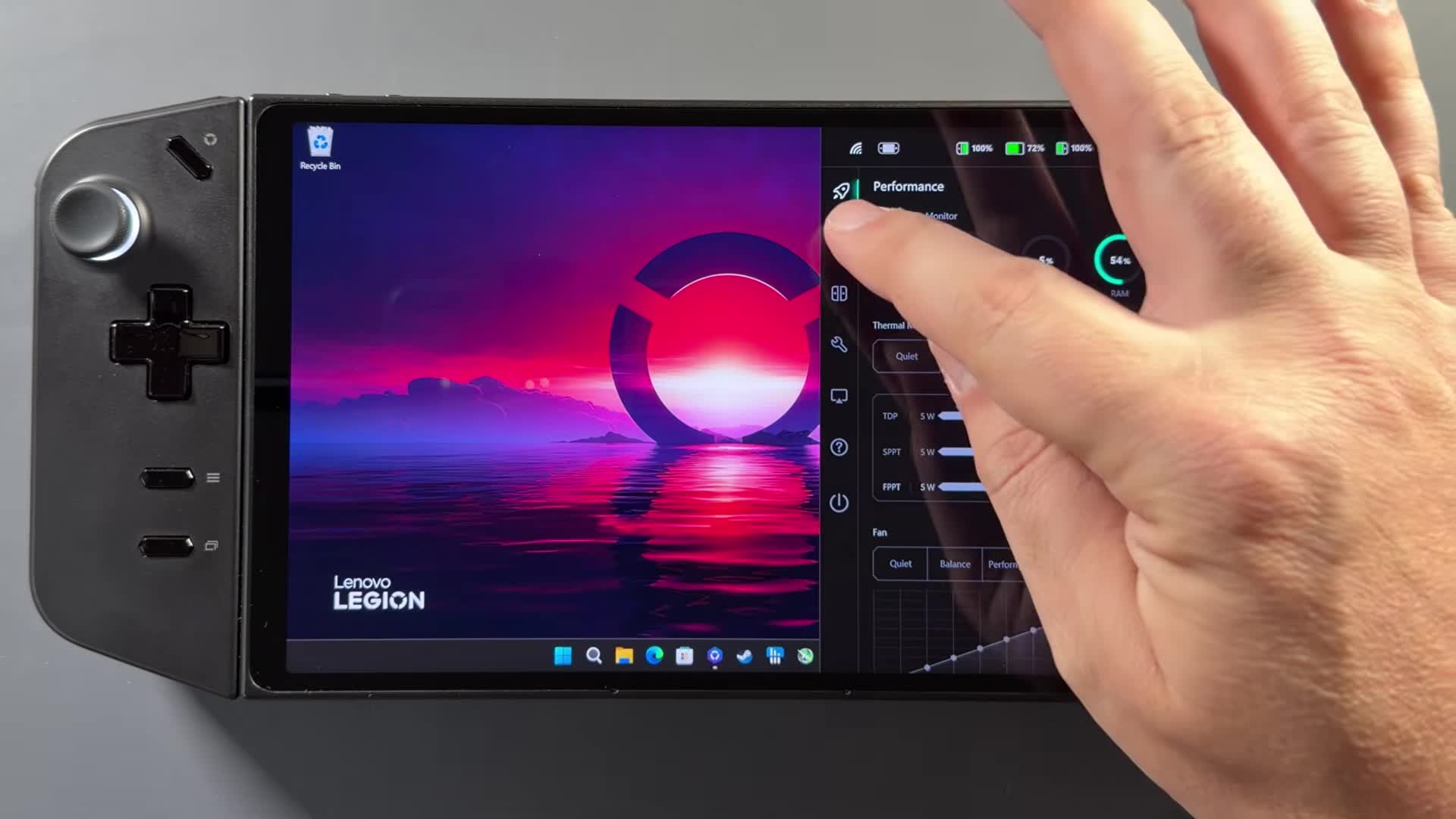
How to install
- Open the Legion Go support page (device tabs in the quick-access menu will recognize the handheld, or search for it).
- Choose manual update and download the GPU, chipset and power-management packages.
- From Downloads, start with the smallest package — power management. Run it, choose Install (not Extract), Next → Finish.
- Next, the chipset package. Accept → Next → Install (not Extract only). It will ask for a restart when it's done.
- Then the GPU package the same way: Accept → Install (not Extract only). That also installs/updates AMD Adrenalin. Restart again.
After the GPU install I didn't need a Store update for Adrenalin — it just worked, including the proper landscape orientation. If Adrenalin looks wrong for you, check the Microsoft Store for updates. This path worked for me on both the official Lenovo driver and the side-loaded ROG Ally driver.
After the update
I re-checked Cyberpunk against the old official Lenovo driver. On a side-by-side overlay the old 25.10.20.01 read 53 FPS and the new 26.1.1 read 54 FPS — about a 1 FPS gap, matching the three Cyberpunk benchmark runs I did. The new driver felt a little closer to the side-loaded ROG Ally driver than to the old official package, but the difference isn't huge.
Pragmata was running really well for me on this stack — with frame gen I was seeing about 40 to 60 FPS on high/medium with lower textures and upscaling, depending on the area. Crimson Desert was fine too. Across those three games, nothing looked broken versus the older official driver or the side-loaded ROG package.
Glad the original Legion Go got something. I wouldn't expect a flood of more updates this late, but three useful packages (GPU, chipset, power) is a solid drop.
FAQ
Where do you get the April 2026 Legion Go drivers?
From the Lenovo support site for the Legion Go. They weren't in Legion Space, Windows Update or the Store for me when I checked.
What GPU driver version do you end up on?
26.1.1 (January 8 dated), the same Adrenalin build Lenovo posted for the Legion Go 2 Z2 Extreme.
Does this work if you side-loaded the ROG Ally GPU driver?
Yes. I installed these on both the official Lenovo driver and the side-loaded ROG Ally driver.
Want more handheld tests?
New Steam Deck, ROG Ally, Legion Go and Steam Machine performance videos every week.