 ▶Watch on YouTube
After the original spec sheet came out, a lot of people were pretty concerned about how LEGO Batman: Legacy of the Dark Knight would run, especially on handhelds. On the ROG Xbox Ally X, with the Ryzen AI Z2 Extreme and 24GB of RAM, it can be a bit hit and miss, especially with frame times depending on where you are. But it's quite playable, especially if you lock your frame rate or keep the TDP higher, at least for now.
- Tested in Xbox mode at 900p with FSR3 Balanced, custom settings, 25W and 8GB of VRAM.
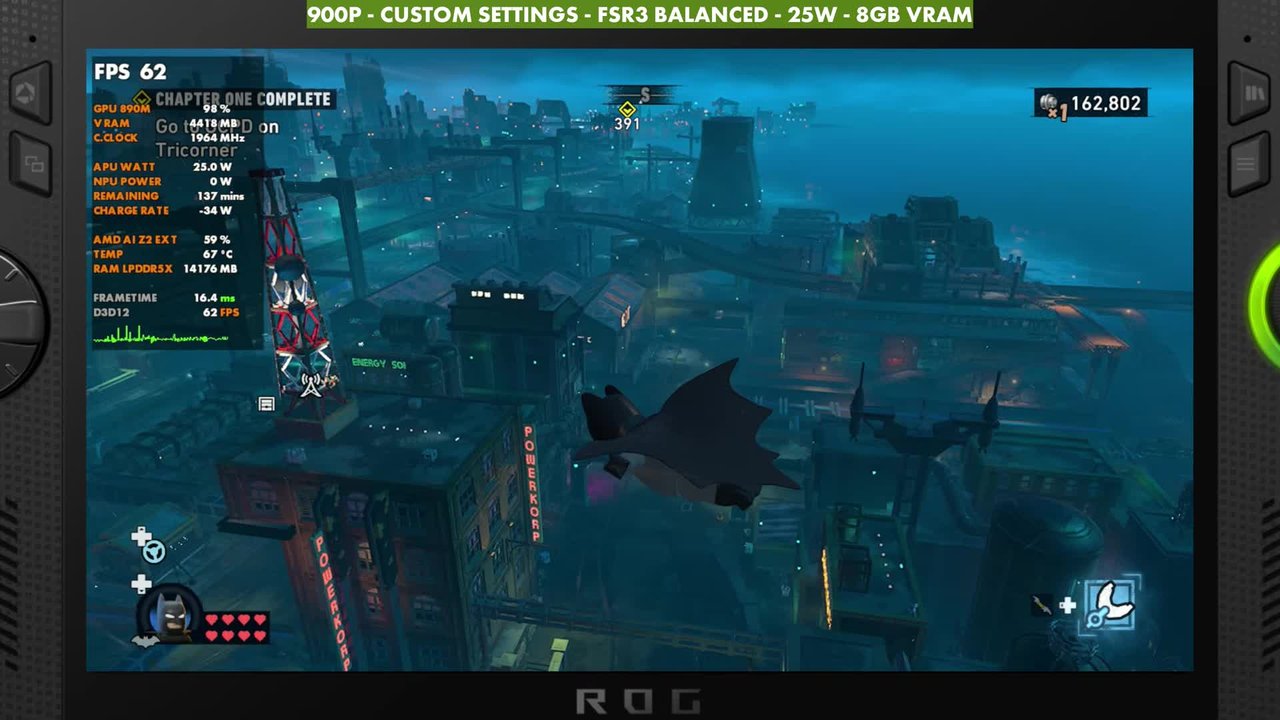
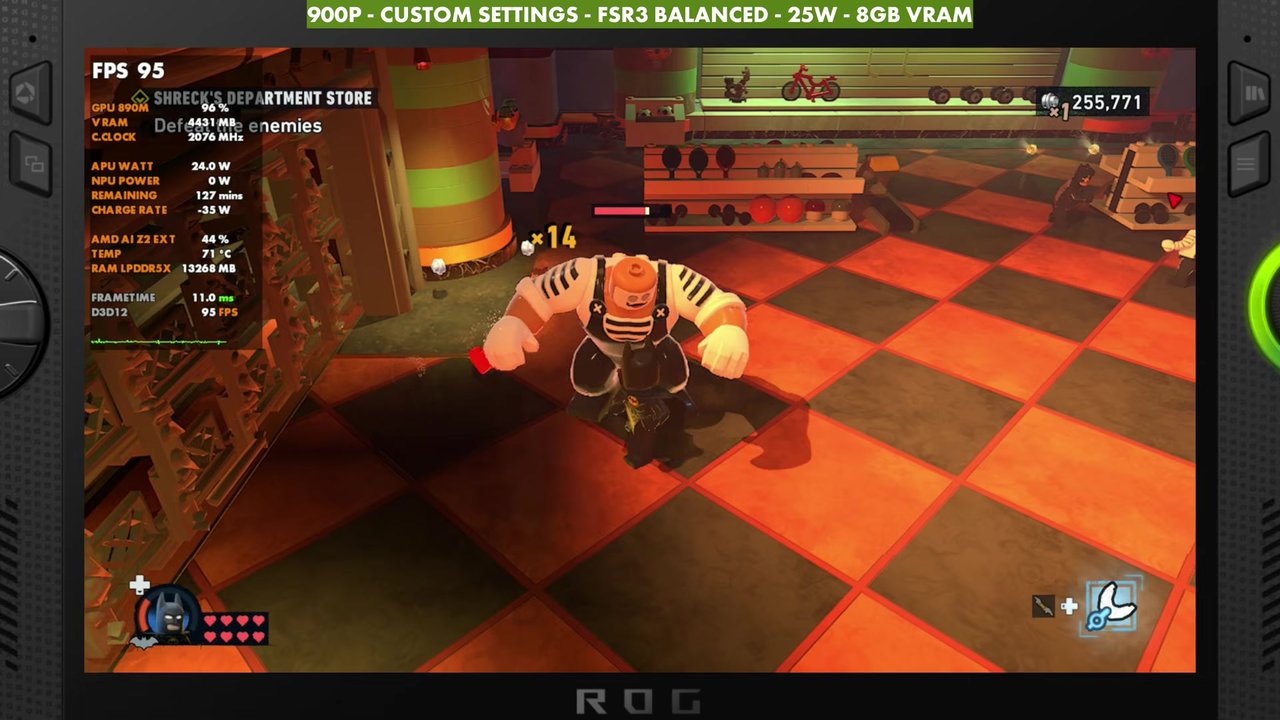
- With no frame gen, the overlay mostly read the 40s to 60s on the ground in the open world (about 40 at the lowest), 60 to 90 up high away from everything, and about 80 to 100 in indoor areas.
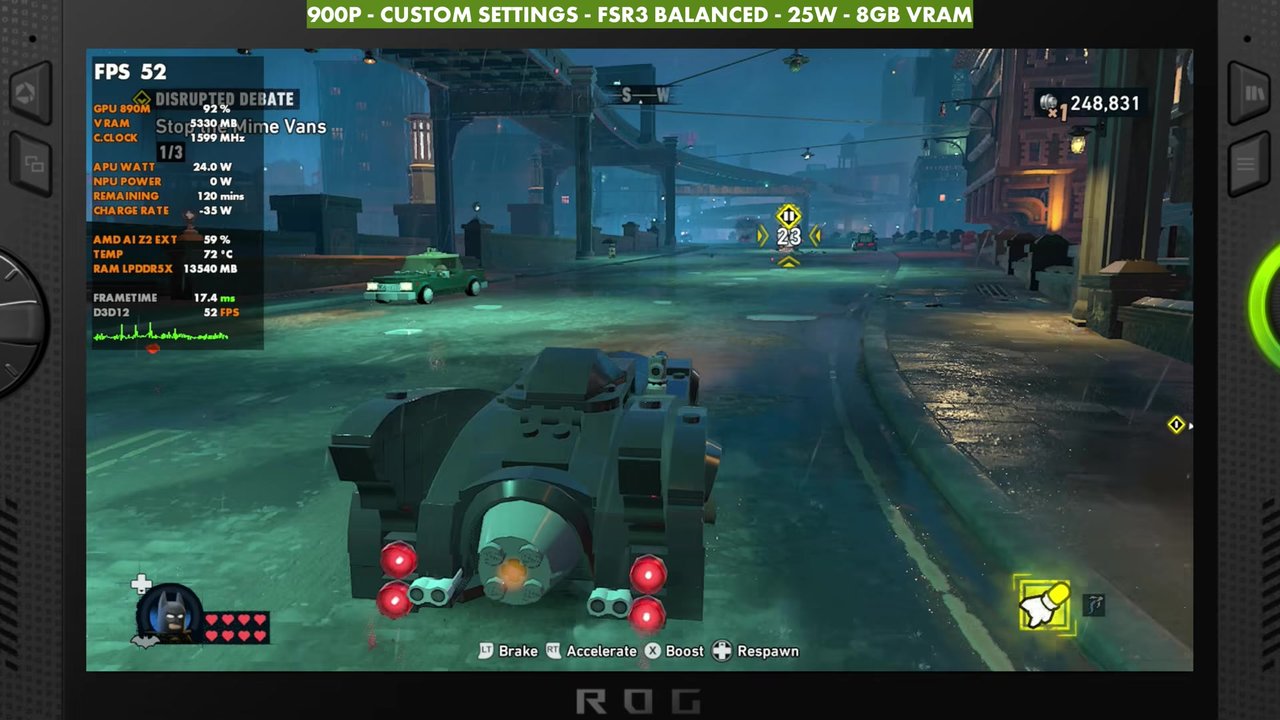
- Driving around is where you can see big drops and stutters while the game loads things in.
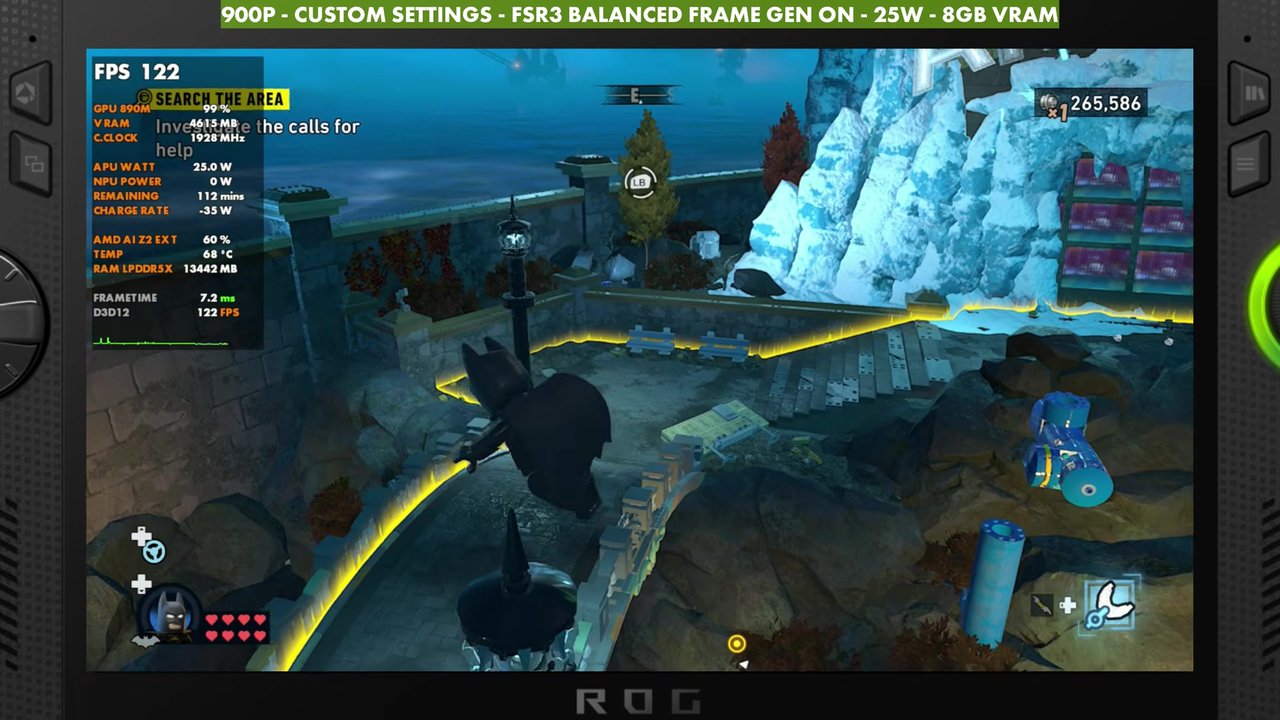
- Frame gen more than doubles the frame rate in a lot of cases, with really good frame times. With it on, the overlay read about 83 to 146.
Test setup
I'm not getting into a ton of settings with this game right now, maybe in the future with some updates. These aren't best settings. Everybody prefers different things when it comes to TDP, resolution, upscaling and settings on these handhelds, but this is what's been working okay for me with the game as it runs right now.
- Device: ROG Xbox Ally X (Ryzen AI Z2 Extreme, 24GB RAM)
- Mode: Xbox mode, with my MSI Afterburner overlay for all the information
- TDP: 25W. You can go a bit lower if you need to, but some areas of the open world are much harder to run.
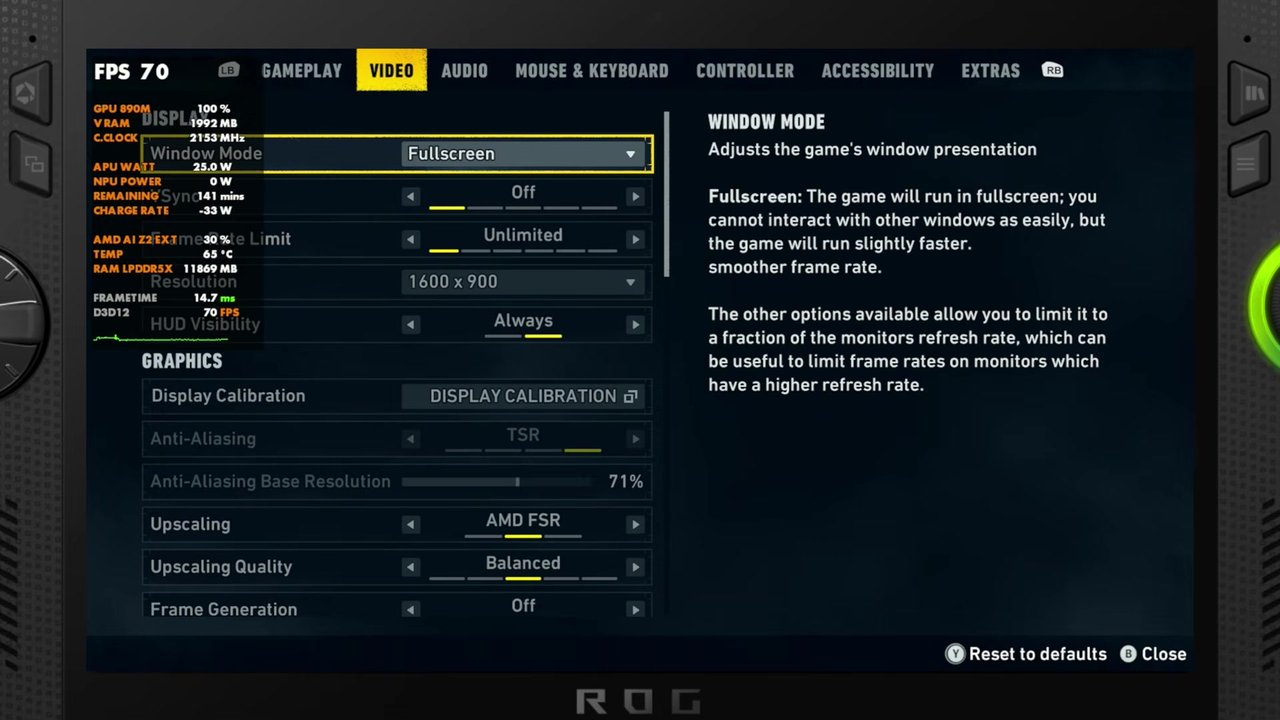
- Resolution: 900p (1600x900). You could go a little lower, but the areas that have trouble are usually CPU-limited, where GPU usage drops, so more FSR or a lower resolution doesn't necessarily help.
- Upscaling: FSR3 Balanced, with or without frame gen
- Settings: lighting low, shadows medium, view distance and streaming distance near, textures high (medium or high both work), material quality low, LEGO mesh quality low, effects low, reflections medium, post processing off, population quality low. Full screen effects are on except motion blur, vignetting and bloom.
- VRAM: 8GB
- The game was still in early access when I made the video. FPS numbers are what the on-screen overlay read, checked every two seconds.
Open world without frame gen
Up high and away from everything, you can get 60, 70 or 80 FPS pretty easily. Once you start moving around, things vary a lot, from about 38 or 40 FPS up to 80 or 90 outside. In the open world gameplay in the video, the overlay mostly read the 40s to 60s on the ground. I didn't really have any trouble with stutter or input latency while playing.
Driving around is where you can run into times where things go much lower. GPU usage drops while the game tries to load things in, and you get a big FPS drop or some stutters. It completely depends on where you are, and it's early days, so I'll be watching for performance patches.
If you want, you can lock it to 30 or 40 FPS, get a little more aggressive with settings and lock to 60, or even run things higher at a locked 30.
Indoor areas
Indoor areas, like mission interiors or the Batcave when you're doing upgrades, are typically much smoother, with max GPU usage and everything working really well. In the indoor sections of the video, the overlay read about 80 to 100.
Frame gen
I think the game was really optimized for frame gen, and it works really well. Input latency is really not too bad at all for me, it more than doubles the frame rate in a lot of cases, and frame times are really good. If you're okay with frame gen, I'd turn it on and give it a try in this game, because it feels pretty good. With frame gen on at the same settings, the overlay read about 114 to 146 in the first section and mostly the 90s to 100s (about 83 to 115) in the open world gameplay at the end.
Verdict
This is where I landed for now on the Xbox Ally X, so adjust the resolution, upscaling and settings however you like. I'll retest when performance patches arrive, and maybe mess around with FSR 4 later on.
FAQ
Does lowering the resolution help LEGO Batman on the Xbox Ally X?
Not always. The areas that struggle are usually CPU-limited, where GPU usage drops, so more FSR or a lower resolution doesn't necessarily help.
Is frame gen worth turning on in LEGO Batman on the Xbox Ally X?
If you're okay with frame gen, yes. It more than doubles the frame rate in a lot of cases, frame times are really good and input latency isn't too bad.
Want more handheld tests?
New Steam Deck, ROG Ally, Legion Go and Steam Machine performance videos every week.