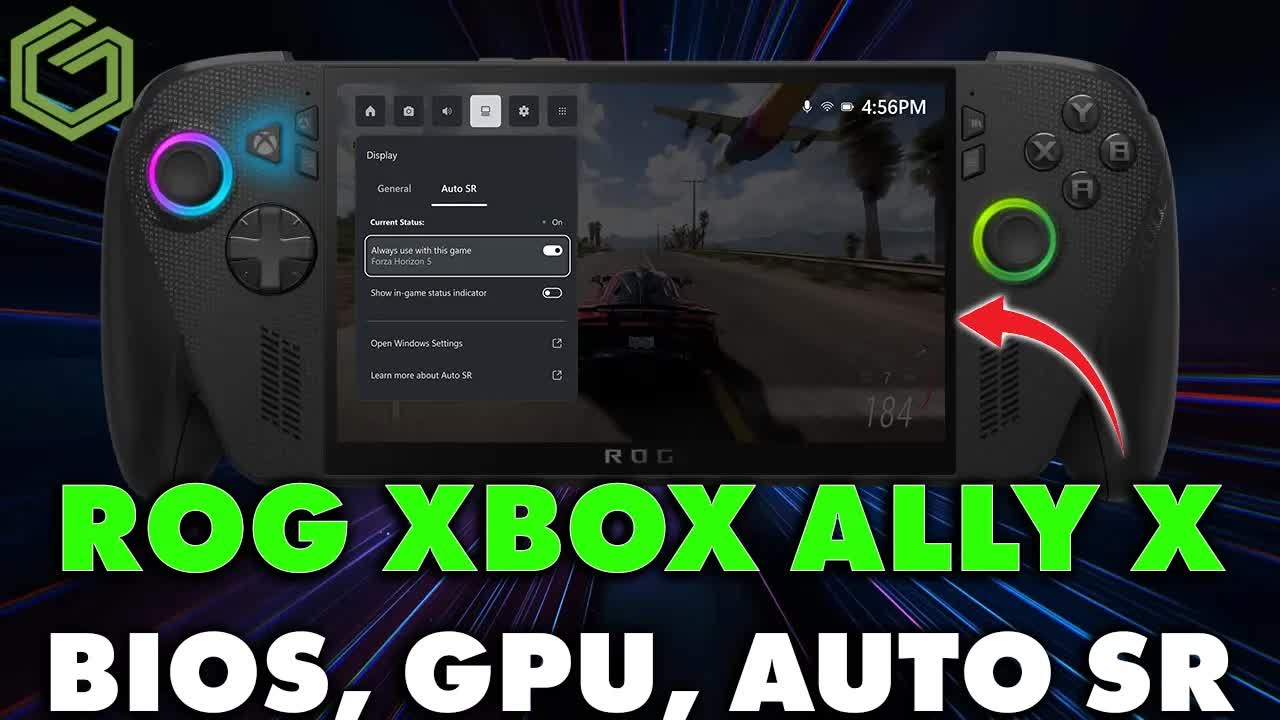
 ▶Watch on YouTube
- New BIOS 317 (up from 316) and a GPU driver dated April 9, 2026 for the ROG Xbox Ally X, plus Windows, Microsoft Store, Armoury Crate and MyASUS updates.
- The white Xbox Ally (Z2 A) didn't show matching BIOS/GPU updates when I checked.
- Auto Super Resolution (preview) is in for Xbox Insiders: output at 1080p or higher, game render about 720p–900p, and you need to be plugged into power.
- In Crimson Desert at 720p with FSR Performance + Auto SR, I was around 50 FPS on the 1080p screen; turning Auto SR off gained about 10 FPS but stayed at a 720p output.
- Docked at 4K, 720p FSR Performance + Auto SR sat around 50 FPS; native 720p with Auto SR only was about 35–42 FPS.
- After BIOS 317, my usual Cyberpunk check stayed low even after clocks recovered. Pragmata, Crimson Desert and Mouse: P.I. for Hire looked fine.
The ROG Xbox Ally X picked up a pile of updates in a couple of days: a new GPU driver, BIOS 317 and the Auto Super Resolution preview for Xbox Insiders. I held the BIOS and driver until Auto SR dropped so I could cover everything in one pass.
What's in the update
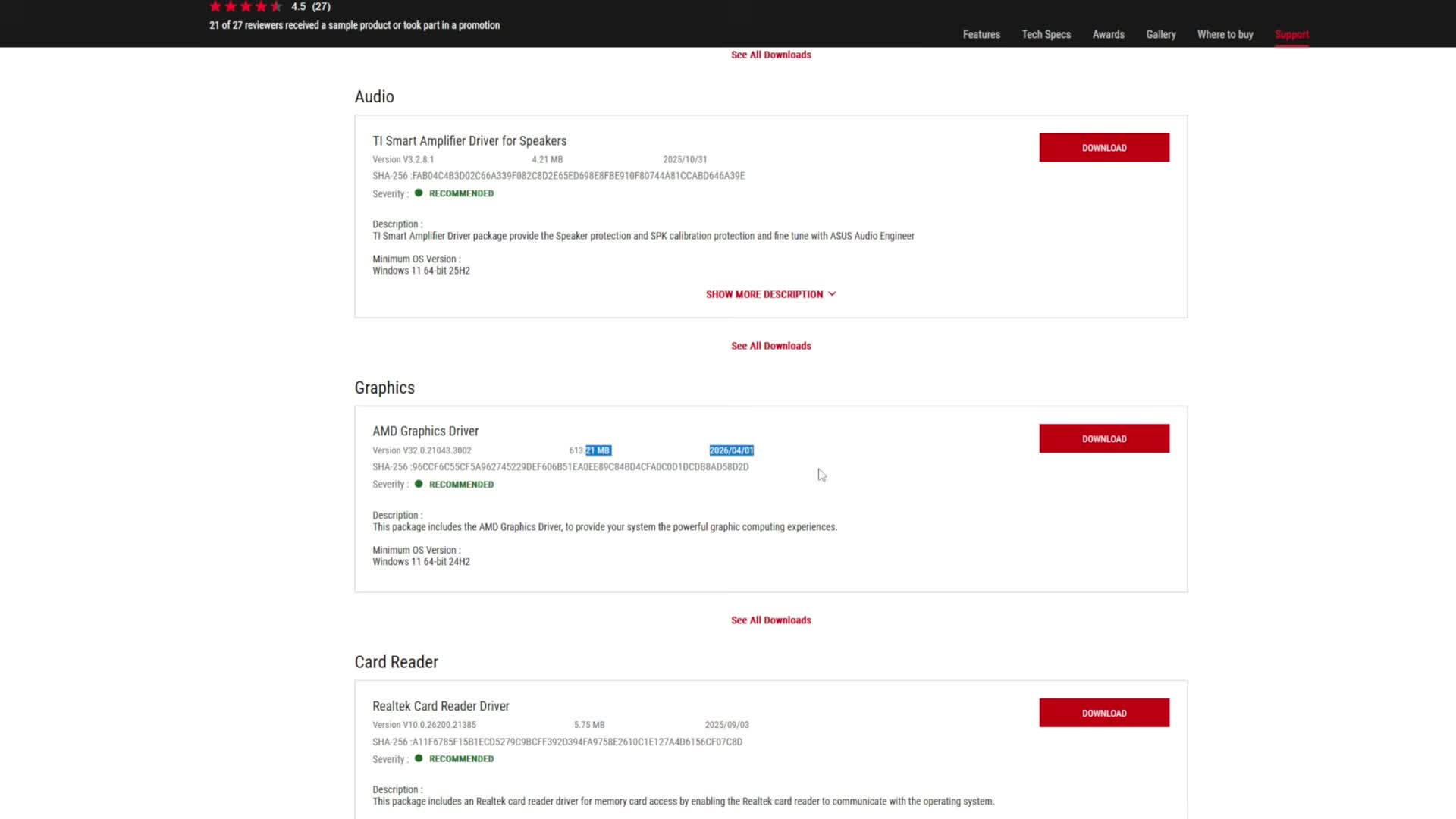
- GPU driver dated April 9, 2026 (AMD). Armoury Crate SE eventually showed it; you can also grab it from the ASUS support site.
- BIOS 317, replacing BIOS 316 from about three weeks earlier. Armoury Crate wasn't listing the BIOS for me yet, so I installed it through MyASUS (or download it from the site).
- Windows Update, Microsoft Store, Armoury Crate and MyASUS packages, including the Auto Super Resolution package for Insiders.
- After the BIOS/driver cycle I also got a touch-panel firmware update on a later restart. Stay plugged in for that.
I didn't see matching BIOS or GPU updates for the white Xbox Ally when I made the video. That can change, so check Armoury Crate SE, MyASUS or the support site if you have that model.
How I installed it
- Finish Windows Update and Microsoft Store updates first.
- Install the GPU driver from Armoury Crate SE if it shows there, or manually from the ASUS site. Restart.
- Install BIOS 317 from MyASUS (or the support download). Stay on power. Expect several restarts.
- After you're back, check for the touch-panel firmware and any leftover Armoury Crate / MyASUS items.
- For Auto SR: turn on Auto Super Resolution preview under System → Display → Graphics, and use the Display tab in Xbox/Command Center once a game is running.
After the BIOS and driver: quick game check
I usually re-run Cyberpunk after these updates. On earlier BIOS versions that bench sat around 65 to 68 FPS for me. On 317 the clocks were stuck around 1,000–1,200 MHz at first; even after I got them back up, the FPS stayed low. It's a finicky game and I've seen similar stuck behavior on the Legion Go before. Pragmata, Crimson Desert and Mouse: P.I. for Hire were fine on the new stack.
Auto Super Resolution
Auto SR is a preview for Xbox Insiders. I'm on the normal stable Windows channel, just with Insider access. You need an output of 1080p or higher, a game render around 720p to 900p, and for now you have to be plugged into power. Docked is better, but it also works on the native 1080p screen. The game needs fullscreen or exclusive fullscreen — Pragmata's borderless mode wouldn't engage it properly, so I switched to Crimson Desert.
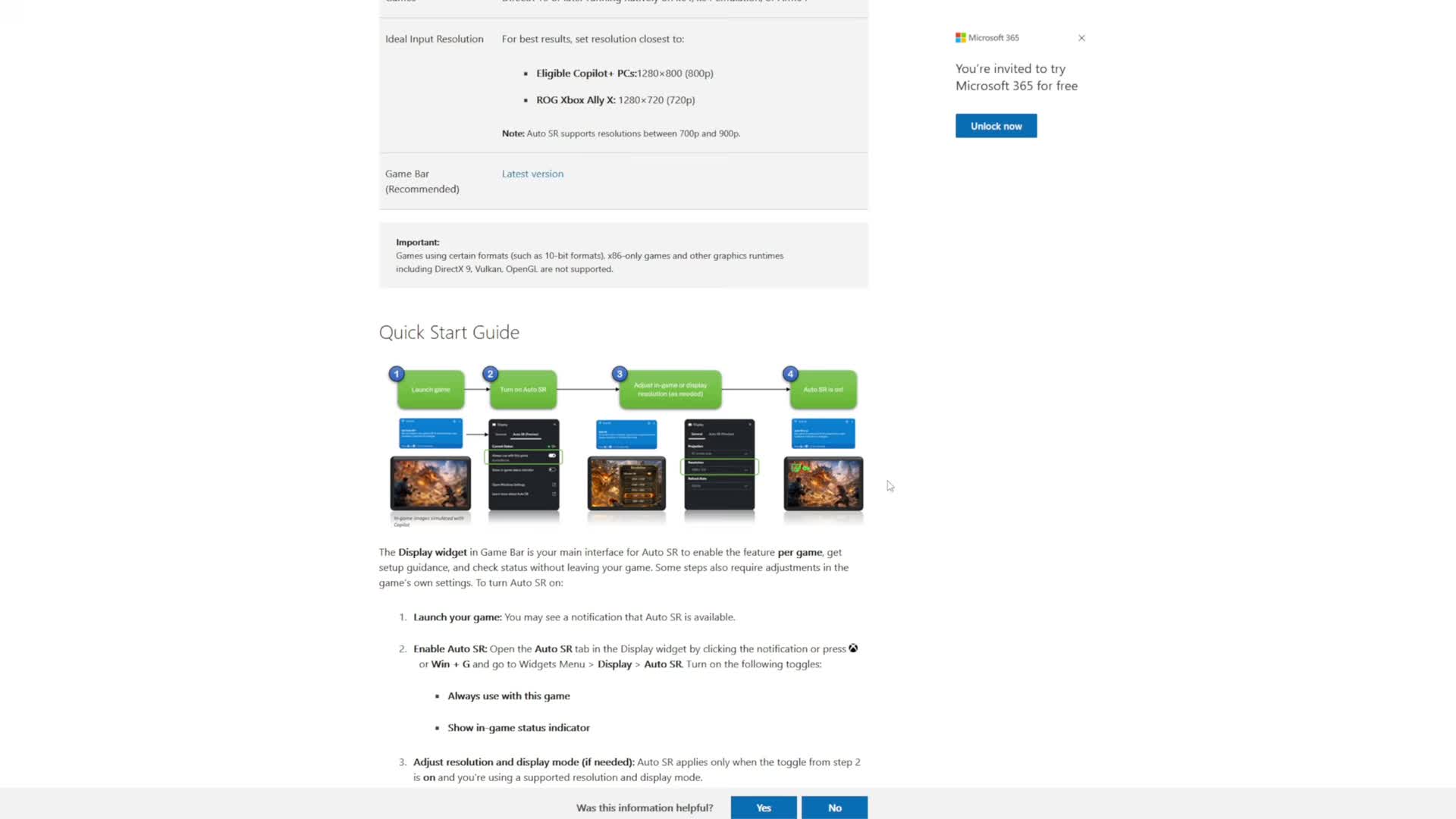
On the handheld screen at 720p with FSR Performance plus Auto SR I was around 50 FPS. Turning Auto SR off gained about 10 FPS, but you're then looking at a 720p image on a 1080p panel. Native 720p with Auto SR only (no FSR) was about 40–41 FPS.
Docked at 4K output, 720p FSR Performance without Auto SR was about 60 FPS — but the image only goes as far as that 720p. With Auto SR on, FSR Performance at 720p sat around 50 FPS while Auto SR pushed toward 4K; native 720p with Auto SR only looked cleaner and ran about 35–42 FPS. FSR Balanced + Auto SR was around 48 FPS; 900p with Auto SR around 41–42. Straight native 4K on low settings without Auto SR was about 14–15 FPS standing still.
I can see the appeal for docked play, especially from 1440p toward 4K. Handheld up to 1080p is less clear-cut so far. I'll dig into Auto SR more in dedicated tests — this video was mainly about getting the whole April update pile covered.
FAQ
Do you need to be an Xbox Insider for Auto SR on the Ally X?
Yes. In this video Auto Super Resolution preview required Xbox Insider access, and you also need to be plugged into power.
Will BIOS 317 and the April GPU driver show up for the white Xbox Ally?
I didn't see them when I checked. Re-check Armoury Crate SE, MyASUS or the ASUS support site for that model.
Did anything break after the updates?
Cyberpunk stayed low for me after BIOS 317 even once clocks recovered. Pragmata, Crimson Desert and Mouse: P.I. for Hire looked fine.
Want more handheld tests?
New Steam Deck, ROG Ally, Legion Go and Steam Machine performance videos every week.