 ▶Watch on YouTube
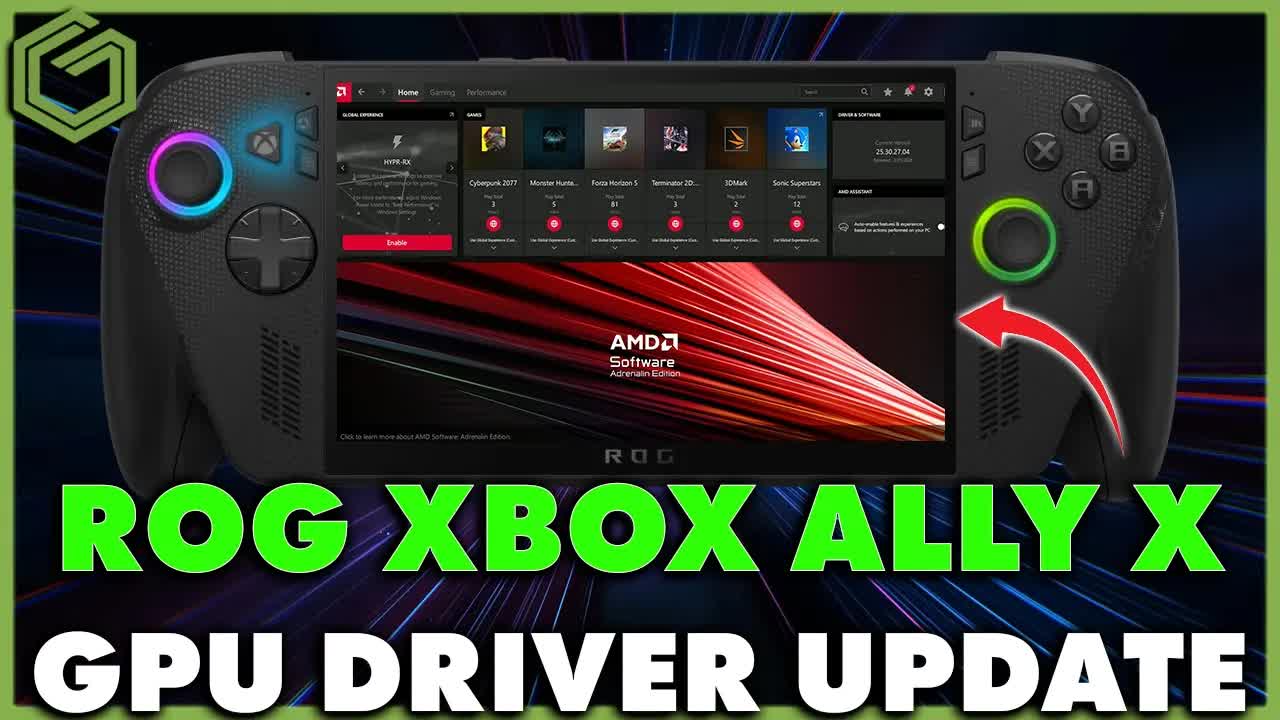
- The ROG Xbox Ally X finally has a new GPU driver: version 25.30.27.04, released February 25, 2026, replacing the October 2025 driver it's had since around launch.
- It arrived in Armoury Crate SE together with an MCU firmware update and a Wi-Fi driver.
- Install all three with Update in Armoury Crate SE while plugged in, restart, then update the Radeon software in the Microsoft Store if it doesn't update itself.
- Cyberpunk 2077: the same FPS at 25W, and about 1–2 FPS better in a lot of areas at 17W (benchmark result 47 on the old driver vs 48 on the new one).
- The white ROG Xbox Ally didn't have a new GPU driver when I checked, only the MCU firmware and Wi-Fi updates.
Just a few hours after my BIOS update video for both ROG Xbox Ally handhelds, ASUS pushed more updates: MCU firmware, Wi-Fi drivers and, for the ROG Xbox Ally X, a new GPU driver. It's the first new graphics driver for this device since October 2025, so here's how I installed everything on the Xbox Ally X through Armoury Crate SE and a quick look at Cyberpunk 2077 on the old and new drivers.
What's new
Earlier the same day, the Xbox Ally X got BIOS 316 and the white Xbox Ally got BIOS 318 (here's that guide). These are the three updates that showed up in Armoury Crate SE on the Xbox Ally X afterward:
- MCU firmware update
- Radeon graphics driver: version 25.30.27.04, released 2/25/2026, up from the October 2025 driver
- Wi-Fi driver
On the white ROG Xbox Ally, I looked for a GPU driver and didn't find one yet. It did have the MCU firmware and Wi-Fi drivers if you want to install those, and I believe there were some new optional drivers in Windows Update too.
How to install the GPU driver, MCU firmware and Wi-Fi driver
- From the Windows desktop, open Armoury Crate SE and check for updates in the update center. I checked there before anywhere else.
- You should see the three updates: MCU firmware, the Radeon graphics driver and the Wi-Fi driver.
- Plug in. You need to be on power for the firmware update.
- Click Update. Armoury Crate SE downloads everything first, then installs the updates in order: MCU firmware, then the graphics driver, then Wi-Fi.
- During the graphics driver install, the screen turns off and on. During the Wi-Fi update, you'll see your Wi-Fi drop and come back in the bottom-right corner. Both are normal.
- When it's done, you're prompted to restart. Click Restart now.
- After the restart, open the Microsoft Store and update your Radeon software in case it didn't update automatically, so it's the right version for the new driver.
- Open the AMD software. Under Driver & Software it should show 25.30.27.04, released 2/25/2026.
Cyberpunk 2077: old driver vs new driver
I ran the same Cyberpunk benchmark I'd been using to test the new BIOS updates, at 25W and 17W, old driver vs new driver, just to see if everything was running the same, better or worse.
- 25W: pretty much always the exact same FPS on both drivers. That's not a bad thing, since we don't want to see any drop in performance.
- 17W: a little bit of an improvement, about 1–2 FPS better in a lot of areas. The benchmark ended at 47 FPS on the old driver and 48 on the new one. I ran it a few times and kept getting that, and it's kind of the first time in a while I've seen 17W come out ahead.
- In Cyberpunk so far, the GPU clock speed seemed a little higher a lot of the time during the benchmark runs. That might not always stay the case, since it depends on what these devices are up to.
So there may be some improvements on the lower end at 17W versus the 25W range. I haven't had a chance to go through a bunch of other games yet, but I haven't run into any problems.
My take
I'm really happy with the updates Microsoft and ASUS keep pushing out for this device. We've been getting monthly updates, sometimes more often, with BIOS updates, firmware and now GPU drivers, and the AI upscaling is coming in April. Love or hate the device, I think they're doing a pretty good job there.
FAQ
What is the new ROG Xbox Ally X GPU driver version?
25.30.27.04, released February 25, 2026. It replaces the October 2025 driver the device had since around launch.
How do you install it?
Through Armoury Crate SE's update center on the desktop, plugged in. It installs the MCU firmware, graphics driver and Wi-Fi driver in order, then asks you to restart. Update the Radeon software in the Microsoft Store afterward if it didn't update itself.
Does the new driver improve performance?
In Cyberpunk 2077 it was the same FPS at 25W and about 1–2 FPS better in a lot of areas at 17W, with the benchmark ending at 48 FPS vs 47 on the old driver.
Did the white ROG Xbox Ally get the new GPU driver too?
Not when I checked. It had the MCU firmware and Wi-Fi driver updates.
Want more handheld tests?
New Steam Deck, ROG Ally, Legion Go and Steam Machine performance videos every week.