 ▶Watch on YouTube
- At 1080p, custom settings, FSR Medium, 25W, it's 40 to 50 FPS most of the time through the first couple of missions.
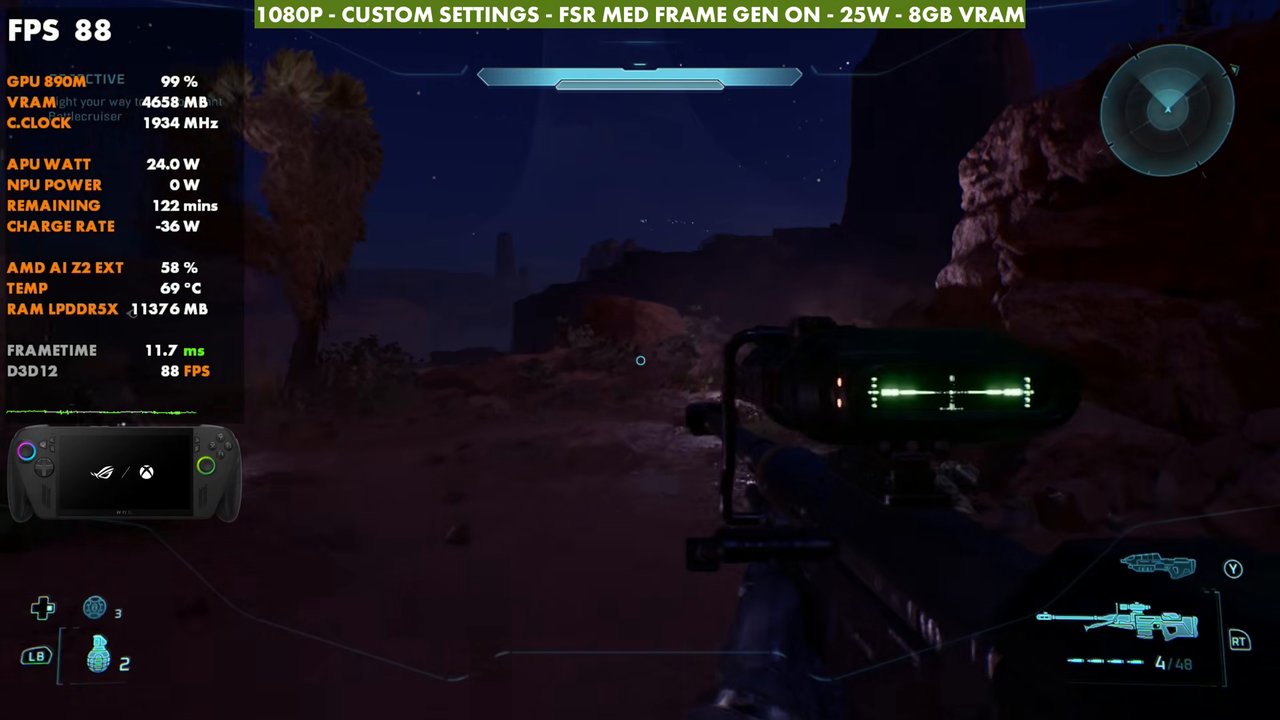
- Frame gen ticks it up to the 70s standing still and higher in places.
- 35W didn't perform any better than 25W in my testing.
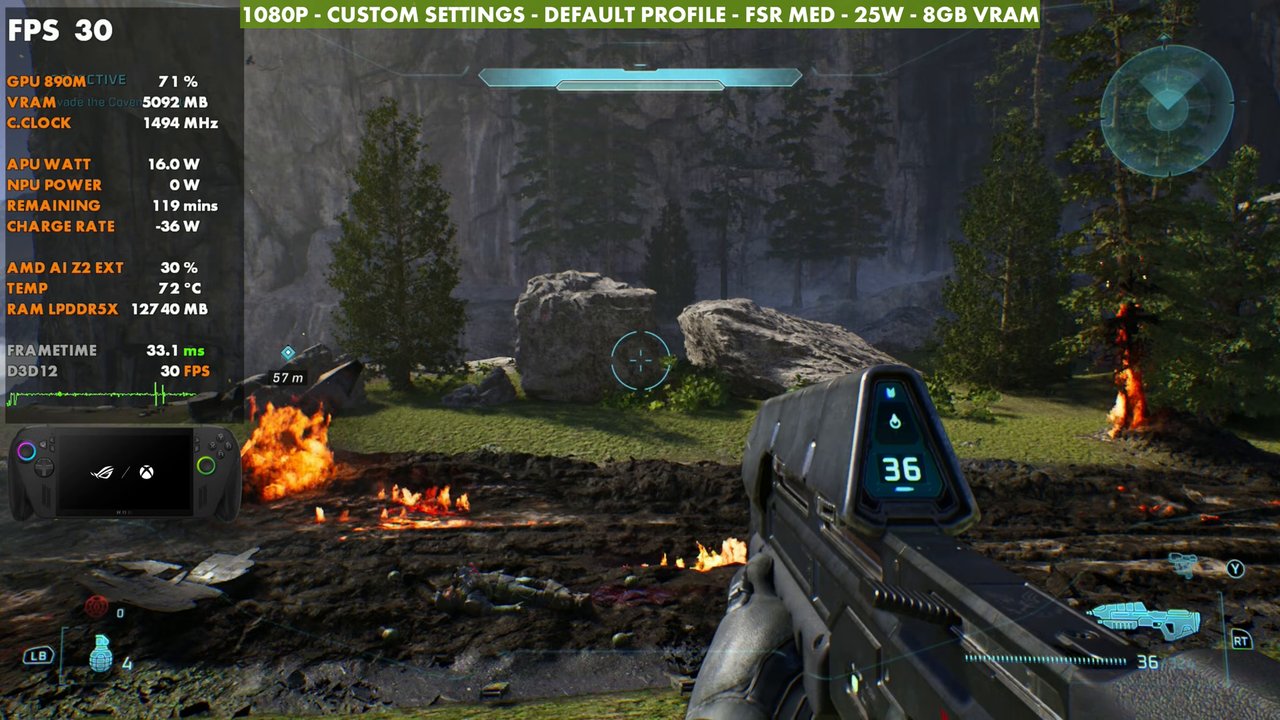
- The default game profile runs 30 FPS at around 17W and felt janky, so I didn't use it.
Halo: Campaign Evolved is the remake of the original Halo: Combat Evolved, one of my favorite Xbox games, so this is one I've been looking forward to. I tested it on the ROG Xbox Ally X during early access, and I expect game updates and maybe driver updates to smooth out performance even more and leave more room to move settings up. For now, it runs pretty well.
Test setup
- ROG Xbox Ally X in Xbox mode (the Xbox full screen experience)
- 25W (Turbo mode). I messed around with 35W and couldn't get it to perform any better. Going under that, say to 20W or so, is where you start to notice performance losses.
- 1080p upscaled with FSR, mostly on Medium. Frame gen tested off and on. TSR is there too, but I haven't been messing with it much.
- No frame rate limit or V-sync, so you may see some tearing in the screen capture
- 8GB VRAM (labeled in the video). The game doesn't really go over 4 to 5GB, so that's plenty.
FSR upscaling at 1080p
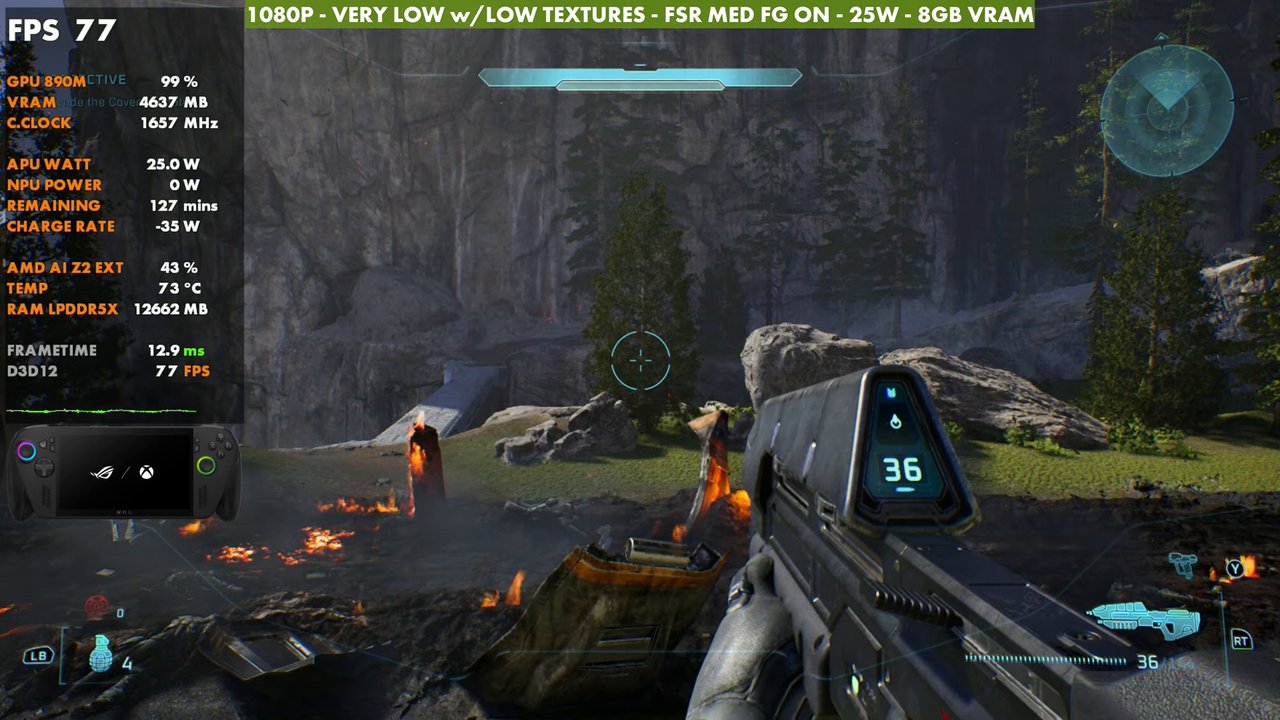
Standing still in one spot at 1080p on the very low preset with low textures, 25W. Straight native with these settings, pretty much the game at its lowest, is around 23 FPS. You'd have to be at 720p even then. Ultra gives a bump of about 15 over native, High gets up to 43 (another five), and Medium gains another five on top of that, so about 25 FPS over native. On the 7-inch screen of the Xbox Ally X, I think you can get away with a little more upscaling. To push even higher, Low adds another 10 FPS with a 33% render resolution.
| 1080p, very low w/ low textures, 25W (overlay readings) | FPS |
|---|---|
| FSR Native | 23 |
| FSR High | 43 |
| FSR Medium | 48 |
| FSR Low | 58 |
| FSR Medium + frame gen | 77 |
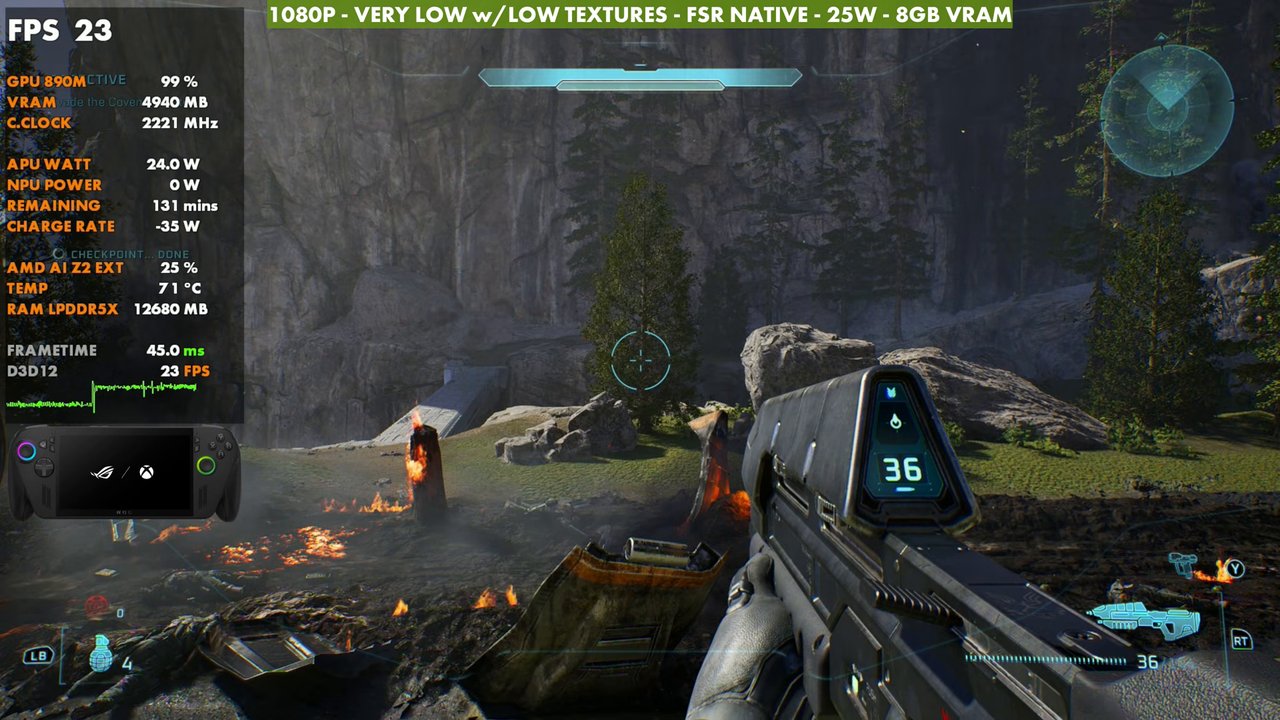
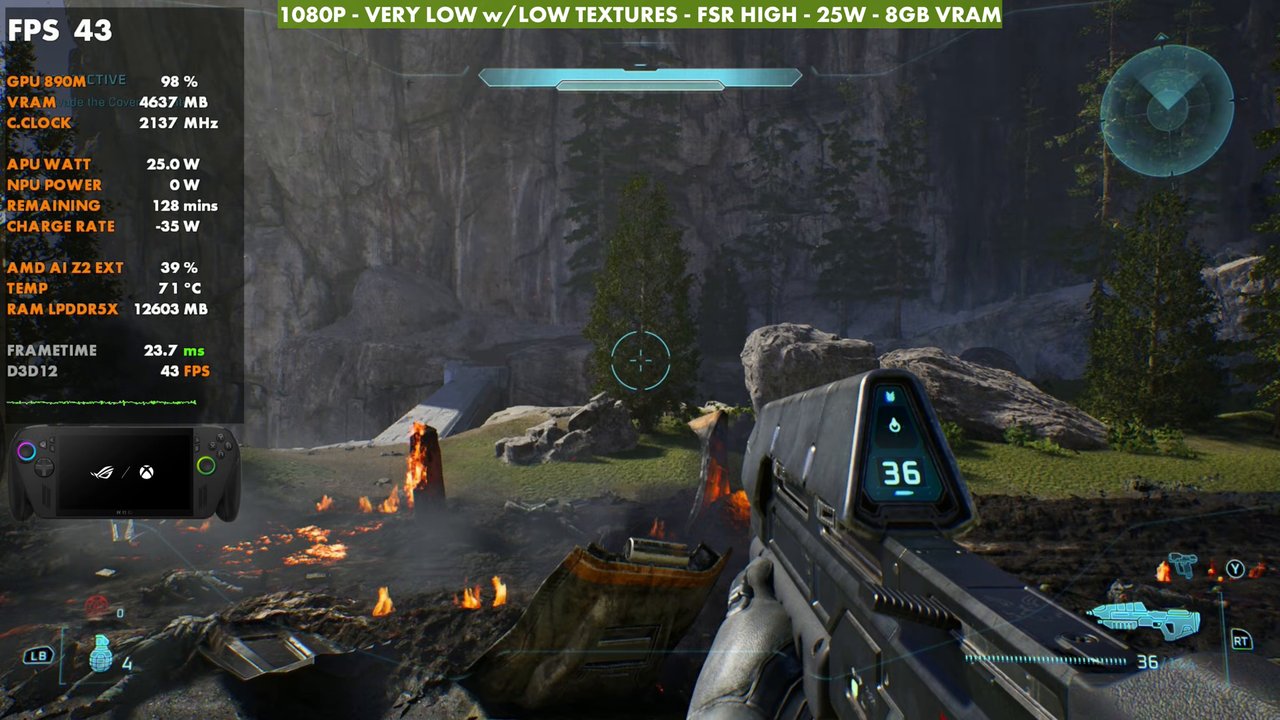
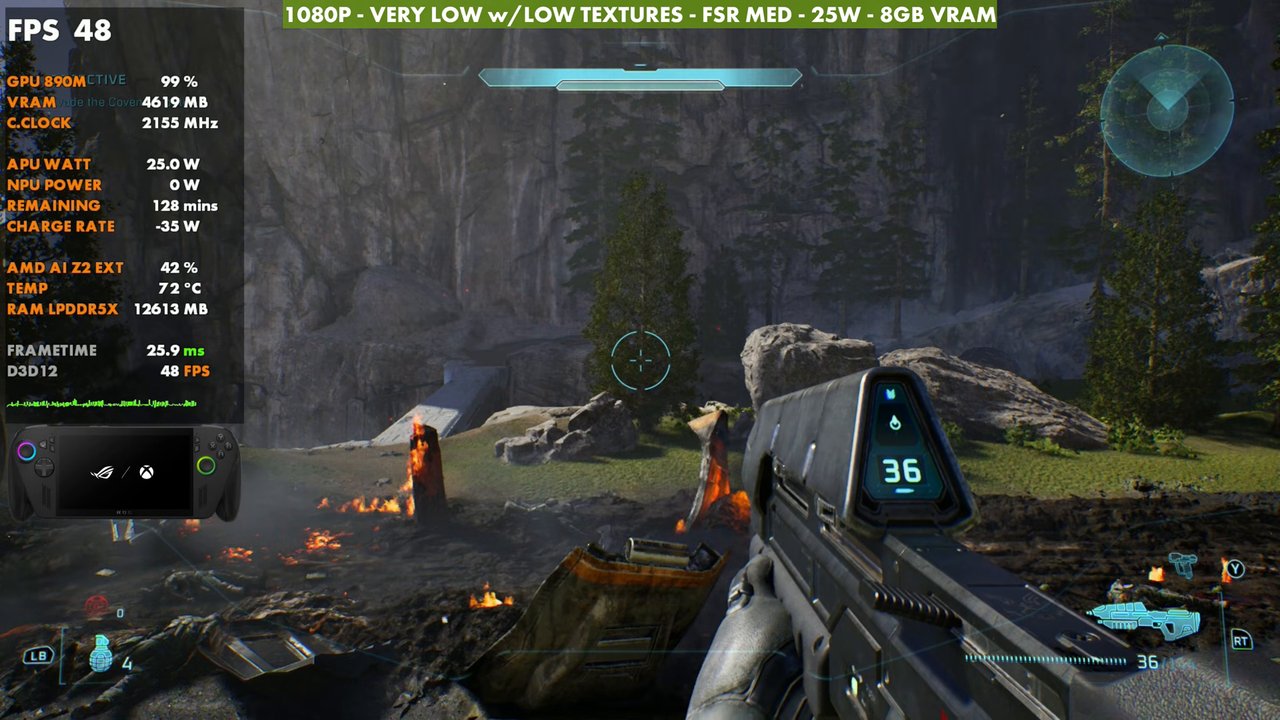
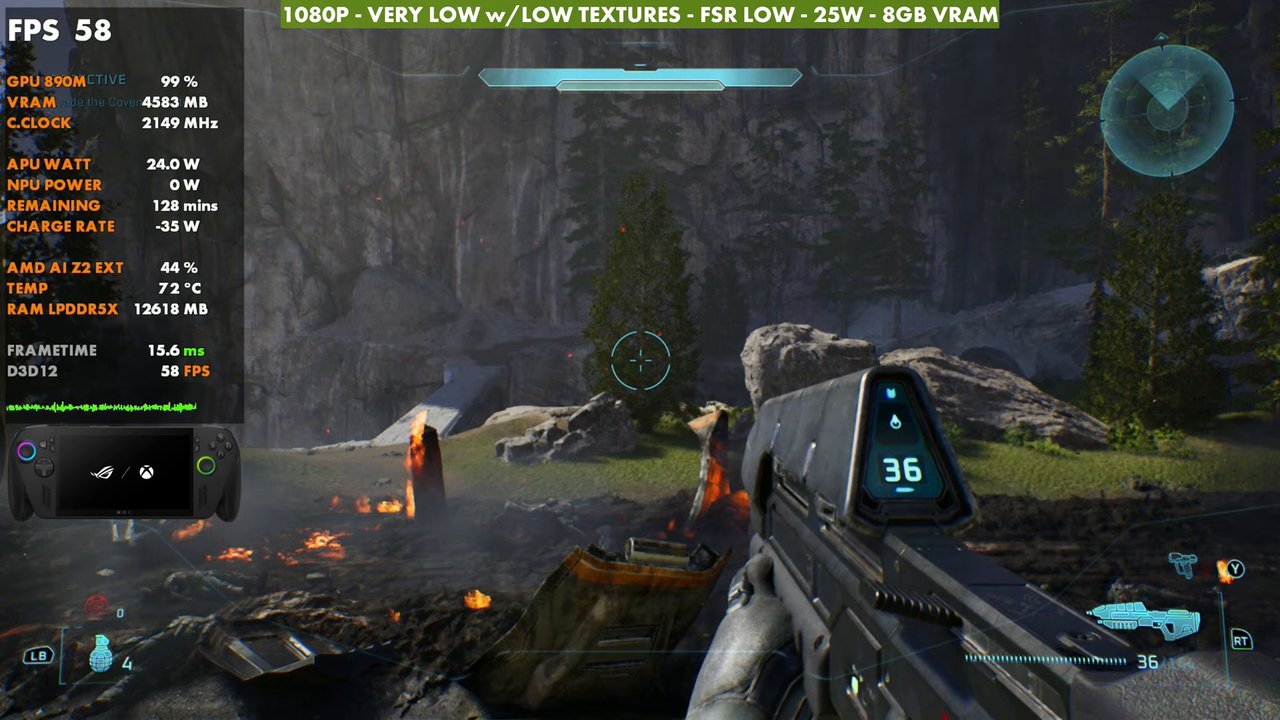
These aren't recommended settings or what I'd use in particular. Turning frame generation on with them ticks it up to the 70s or so. It definitely seems like the game was optimized with frame gen in mind, which isn't always my favorite. There is some input latency, but I was able to play with it just fine and it didn't really bother me.
Presets
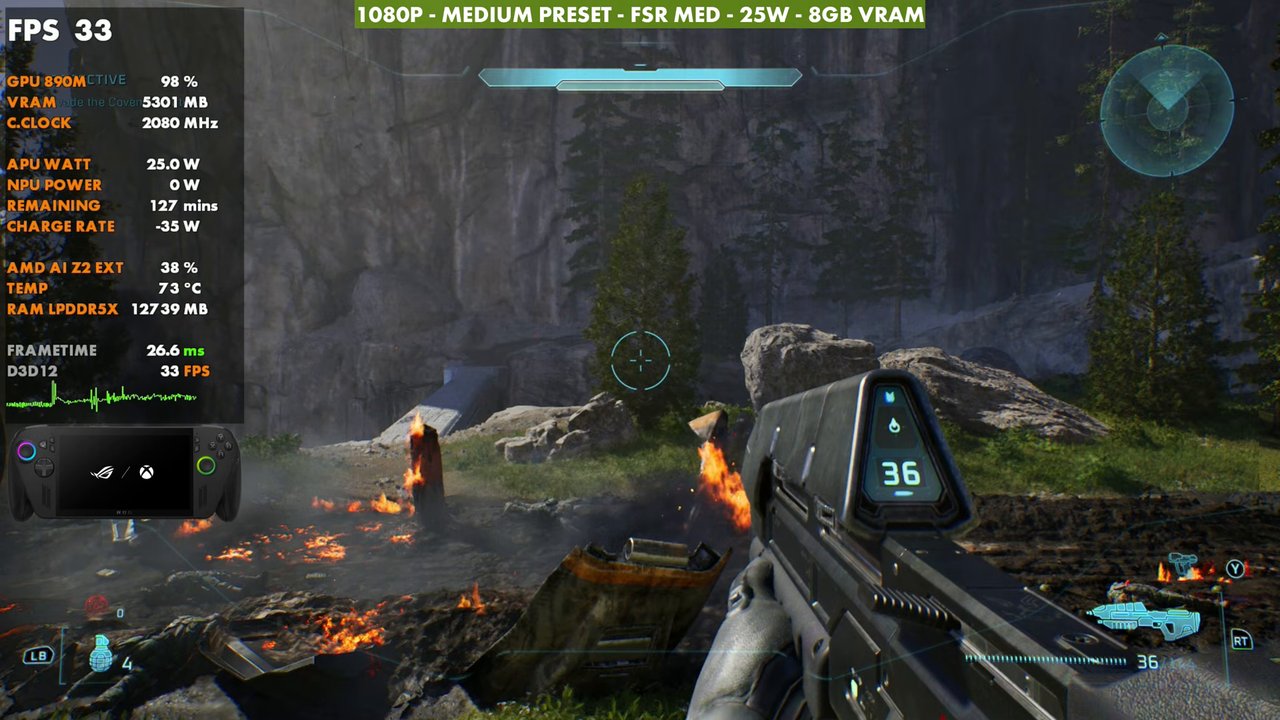
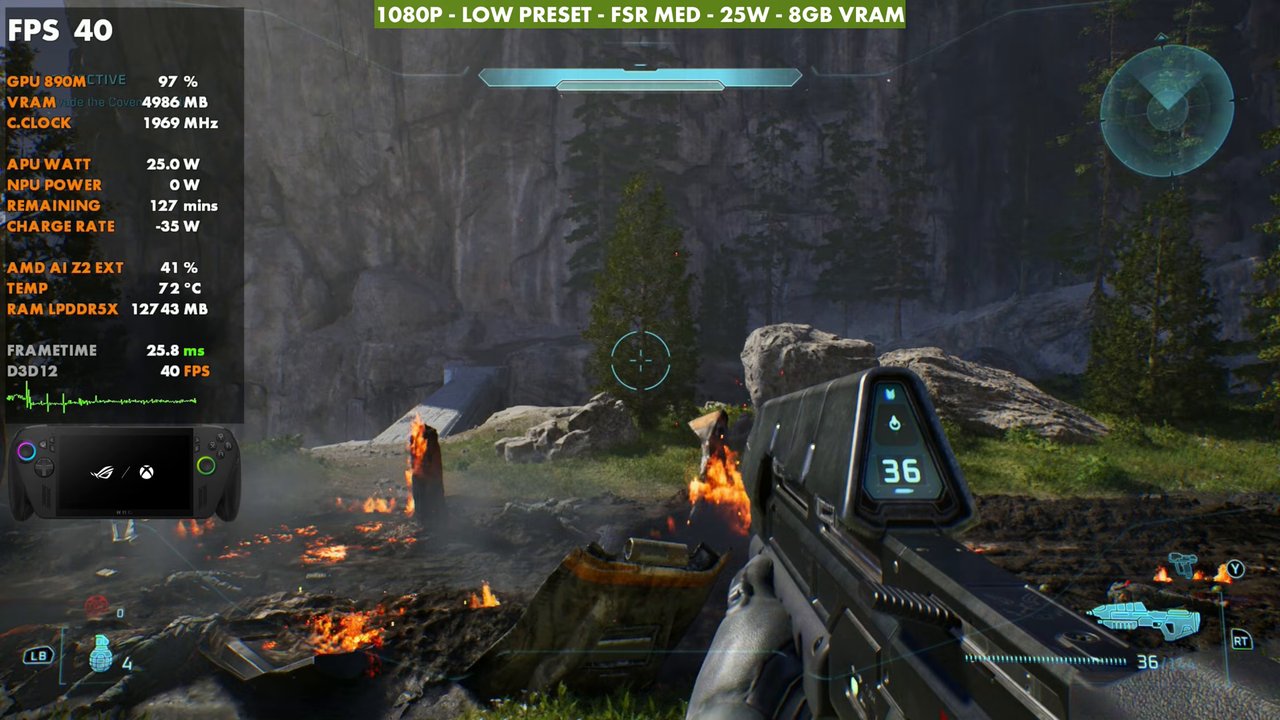
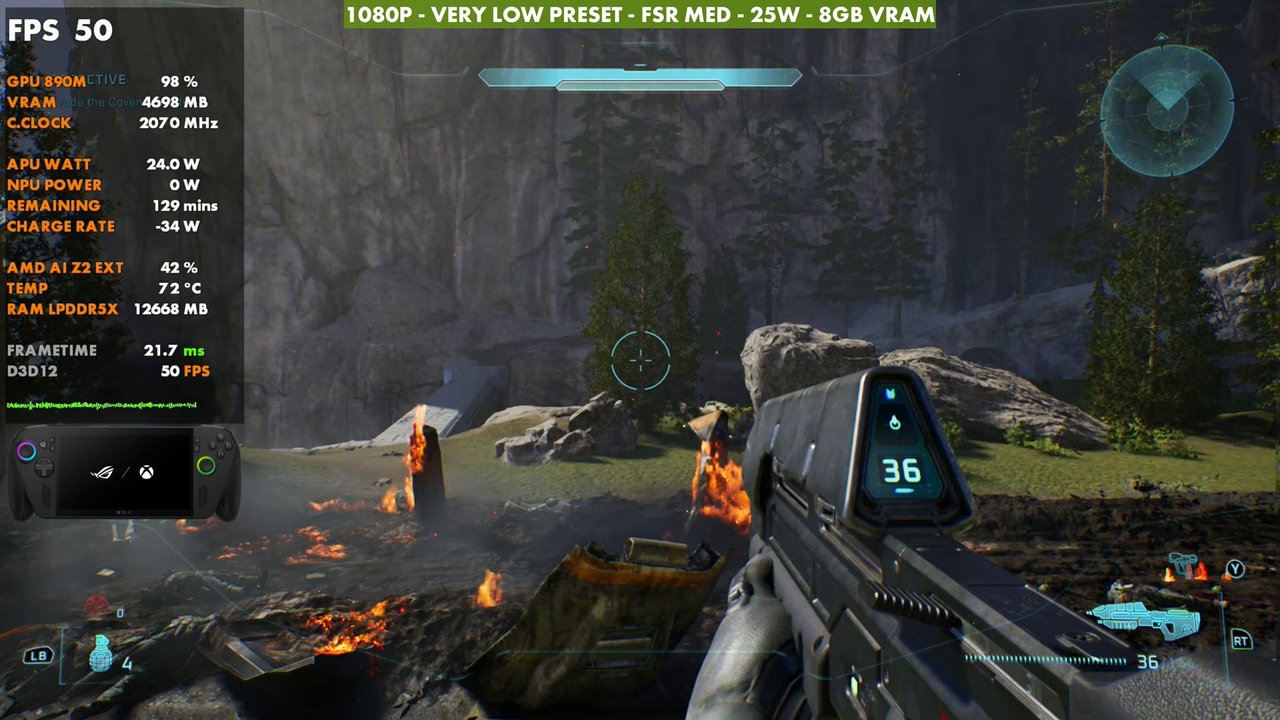
The Xbox Ally X gets very low, low and medium presets, and you can't really go too high anyway because FPS gets pretty low. With FSR Medium, the medium preset comes down to around 30 FPS, which gets pretty rough in busy areas. The low preset is around 39 to 40, so you could get away with it. The very low preset is around 50, a frame or two over my custom settings.
Custom graphics settings
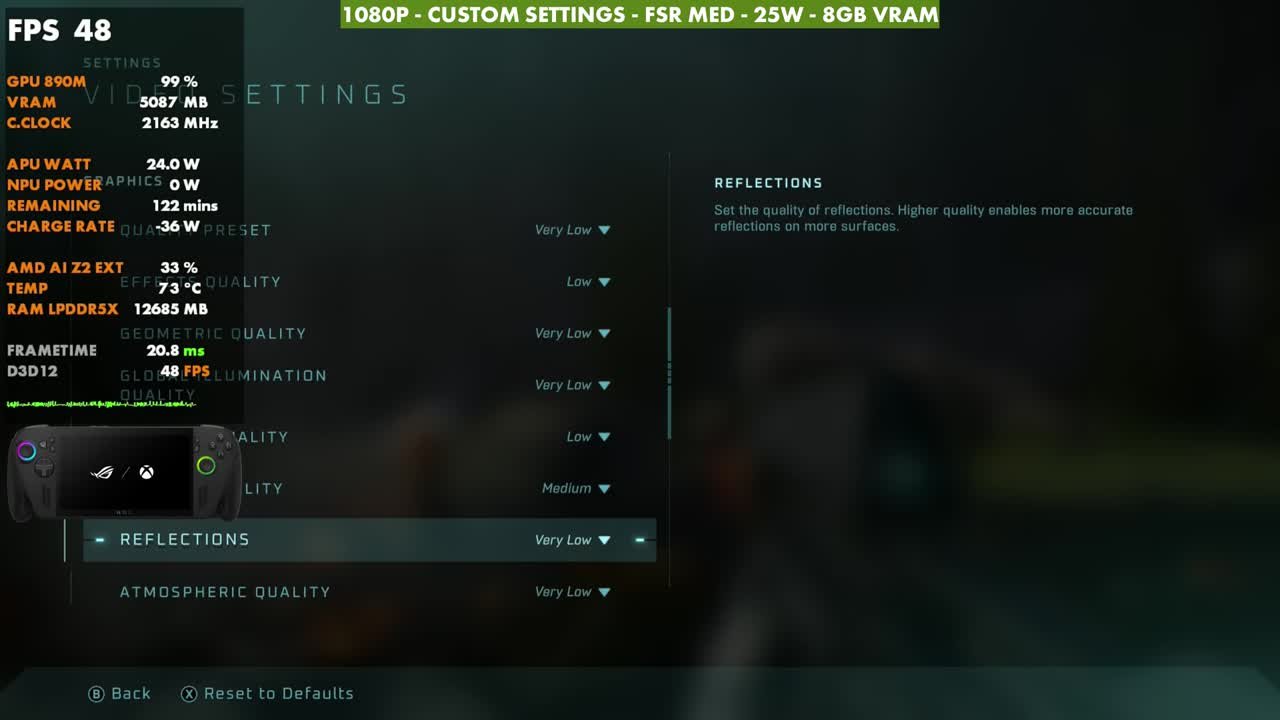
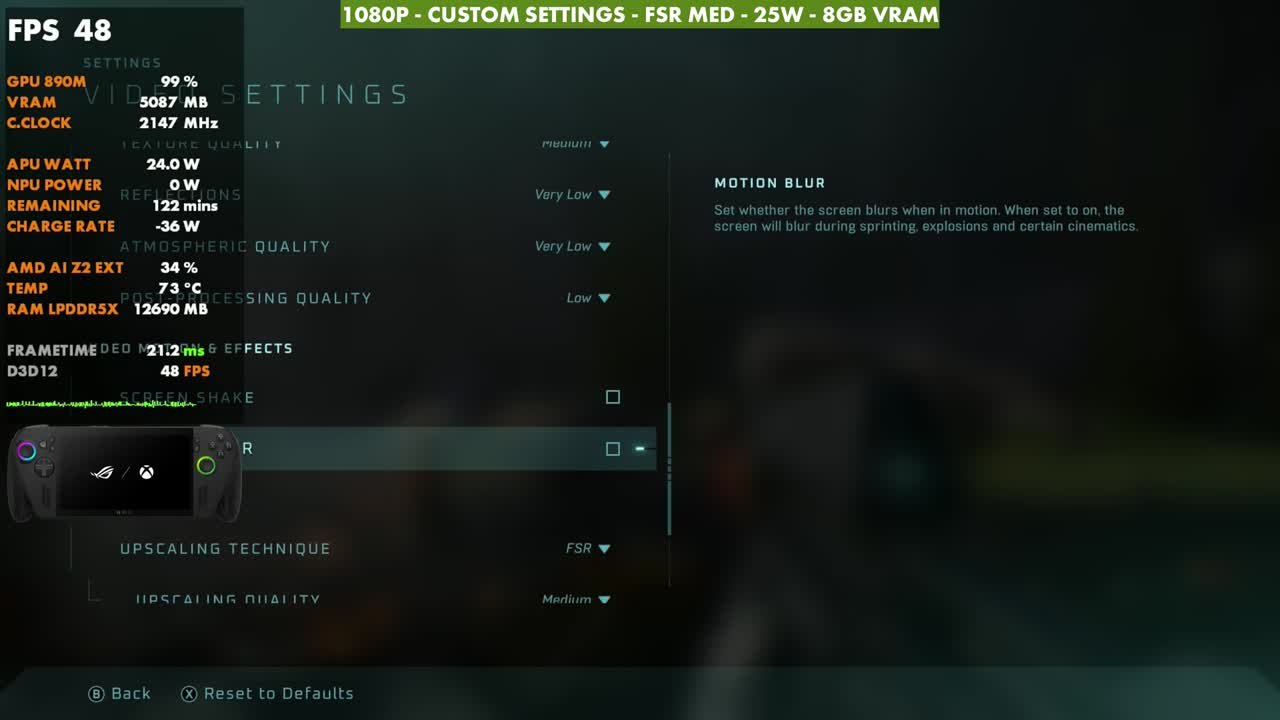
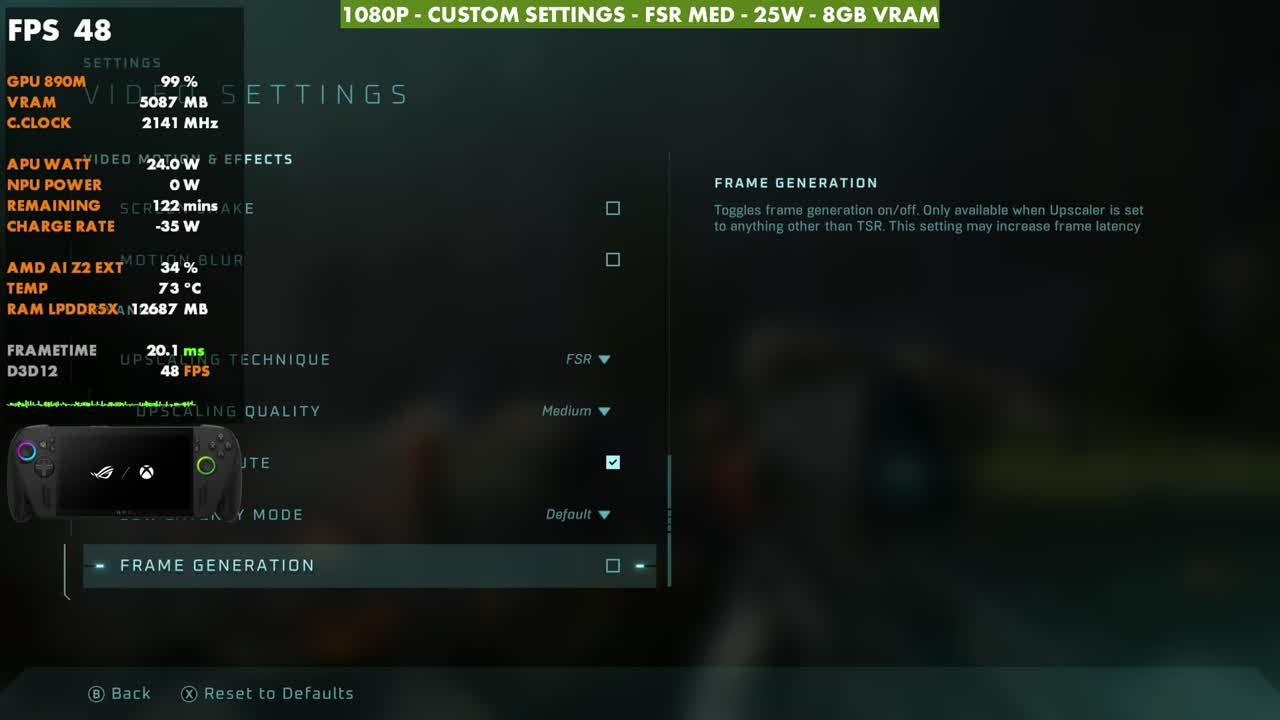
What I wound up doing was bumping a few things up from very low. You lose about two or three FPS, but it bumps some things up and performs fine. You might be able to raise a couple more things that I didn't notice.
| Setting | What I used |
|---|---|
| Quality Preset | Very Low (custom) |
| Effects Quality | Low |
| Geometric Quality | Very Low |
| Global Illumination Quality | Very Low |
| Lighting Quality | Low |
| Texture Quality | Medium |
| Reflections | Very Low |
| Atmospheric Quality | Very Low |
| Post-Processing Quality | Low |
| Screen Shake / Motion Blur | Off |
| Upscaling | FSR, Upscaling Quality Medium (High works too) |
| Frame Generation | Off or On (tested both) |
The default game profile
The Xbox Ally X has a default game profile for Halo that you can turn on. It definitely prioritizes battery life over performance: 30 FPS at around 17W. It felt absolutely horrible and looked janky, and I wasn't enjoying it at all. I would have preferred something like 40, or something that runs a little better. I didn't use it in this video because I didn't like how it felt or looked, on the actual screen or in the capture.
Gameplay at 1080p
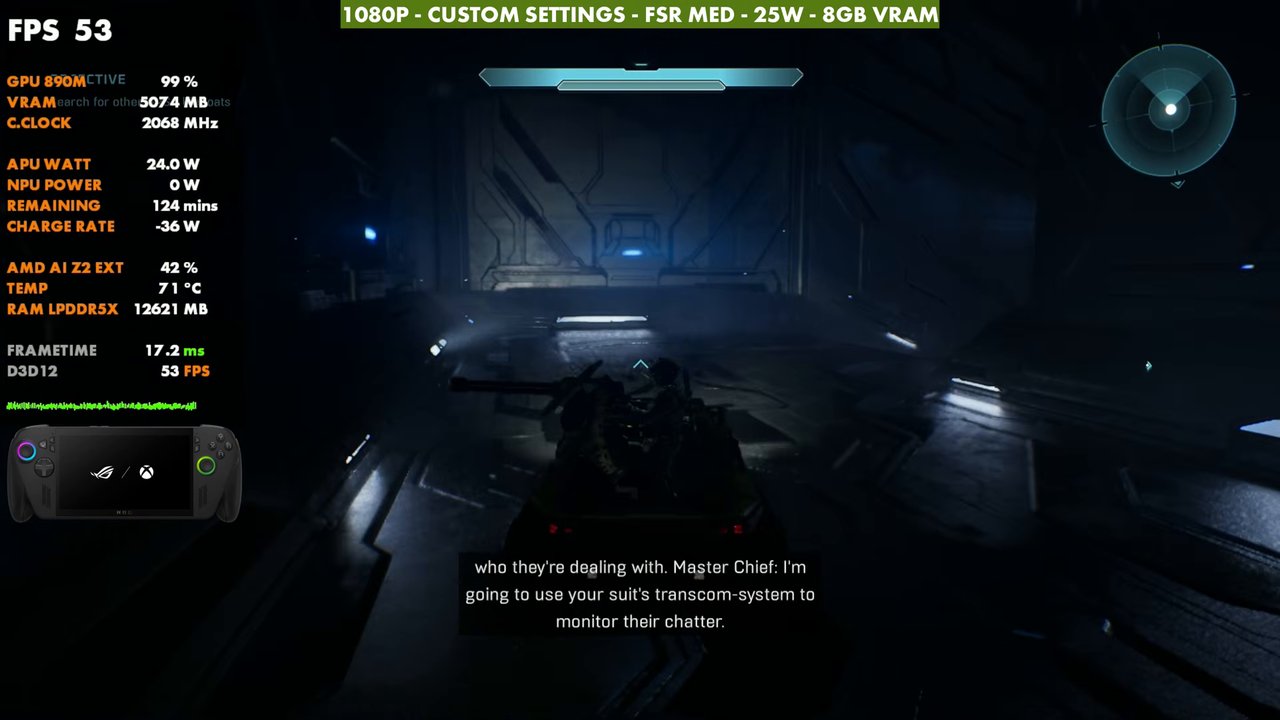
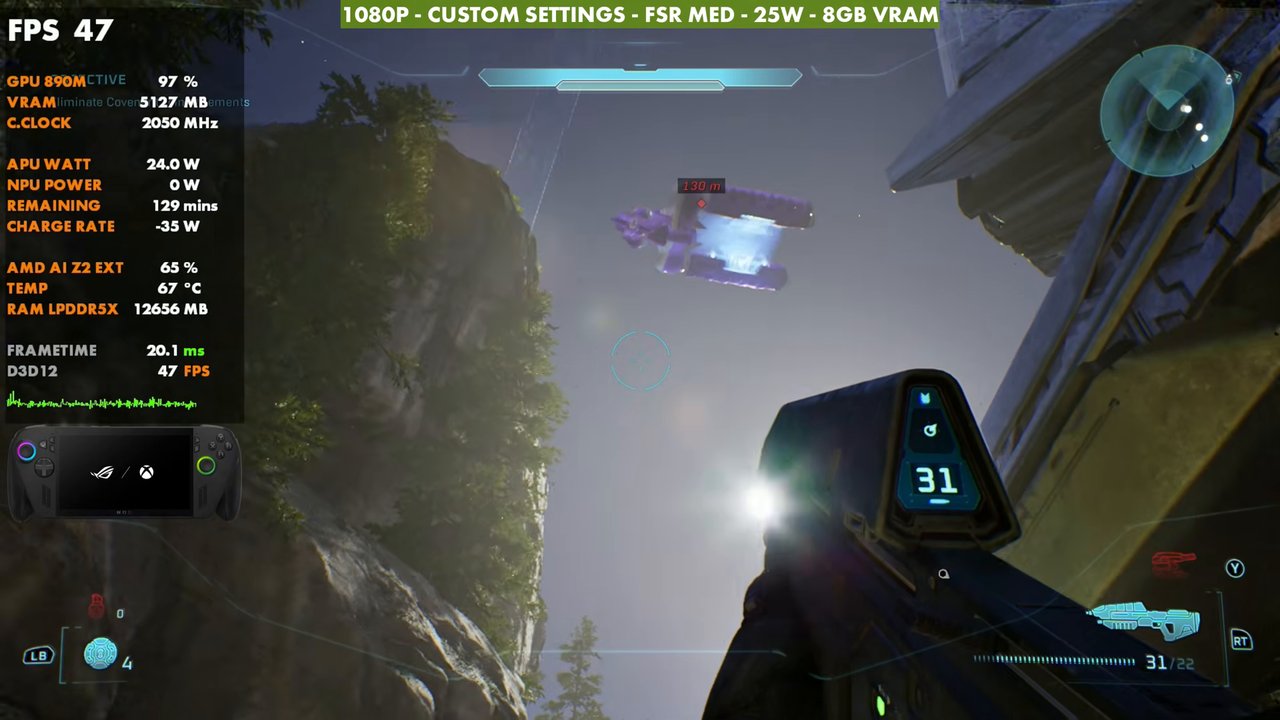
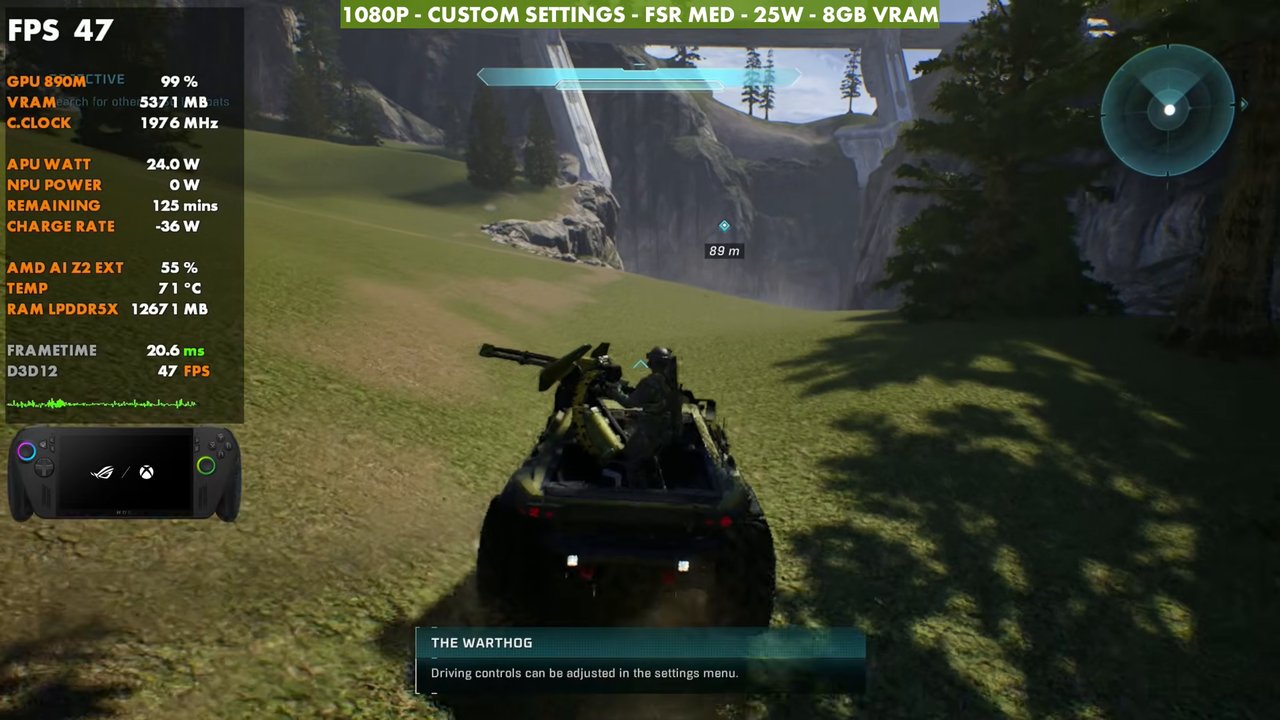
The gameplay covers the first couple of missions with my custom settings at 1080p, 25W and FSR Medium, with and without frame generation. Overlay readings from a few moments:
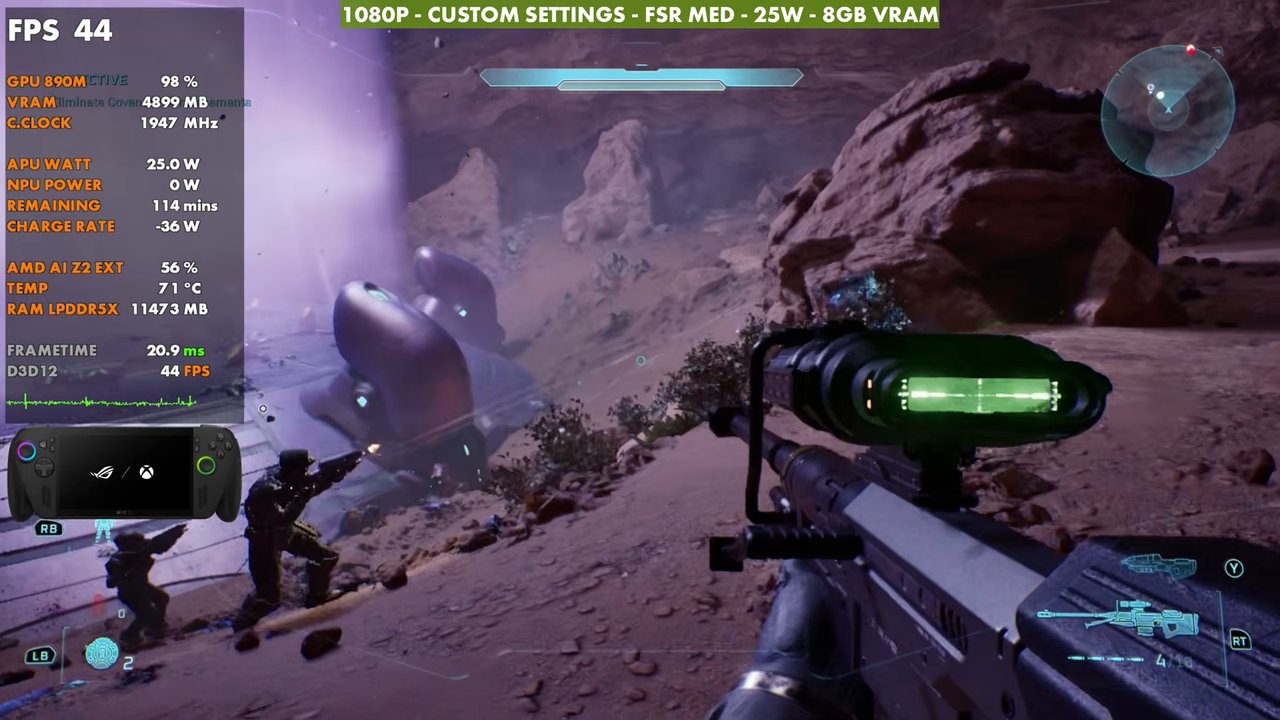
Verdict
With those custom settings at 1080p, Halo: Campaign Evolved runs 40 to 50 FPS most of the time on the Xbox Ally X. The game seems to run pretty well, it looks decent, and I'm having a good time with it. I'd like to revisit it once there are more patches for the game and driver updates, since I'm not seeing anything gained from extra wattage right now. Ultimately, it runs pretty well here.
FAQ
How well does Halo: Campaign Evolved run on the ROG Xbox Ally X?
At 1080p with custom settings, FSR Medium and 25W, it's 40 to 50 FPS most of the time, and the 70s or more with frame gen.
Does 35W help Halo: Campaign Evolved on the Xbox Ally X?
Not in my testing. 35W couldn't get it to perform any better than 25W.
Should you use the default game profile for Halo on the Xbox Ally X?
I didn't. It runs 30 FPS at around 17W to save battery, and it felt janky to me.
Want more handheld tests?
New Steam Deck, ROG Ally, Legion Go and Steam Machine performance videos every week.