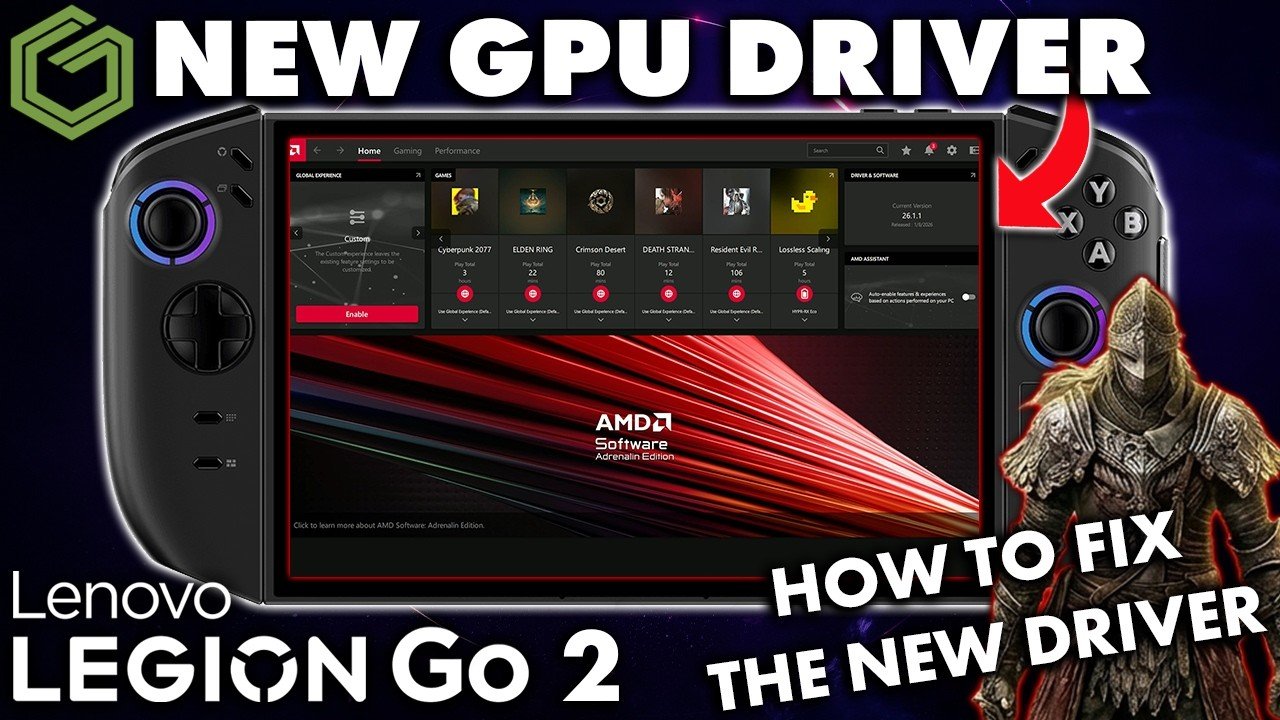
 ▶Watch on YouTube
On March 26, 2026, Windows Update pushed a new GPU driver to the Legion Go 2 Z2 Extreme. It's a January dated driver, newer than the September one this device has had since launch, but it breaks AMD Adrenalin, so you lose access to all its features and settings. Lenovo even put out a statement saying it had no ETA for a new GPU driver, so it's been hard to tell whether this one was official from Lenovo and pushed early or just came from Windows. With some suggestions from you guys in the comments, I got it working.
- The Windows-pushed driver is AMD driver version 1.0.0.1, which Adrenalin shows as 26.1.1, dated January 8, 2026. As of March 31, Lenovo's site still didn't have it.
- It breaks Adrenalin, and the Microsoft Store never offered me an Adrenalin update to fix it.
- The fix: uninstall only the AMD software, then run the newer ROG Xbox Ally X driver package from ASUS as a normal install. It fixes Adrenalin without replacing the driver.
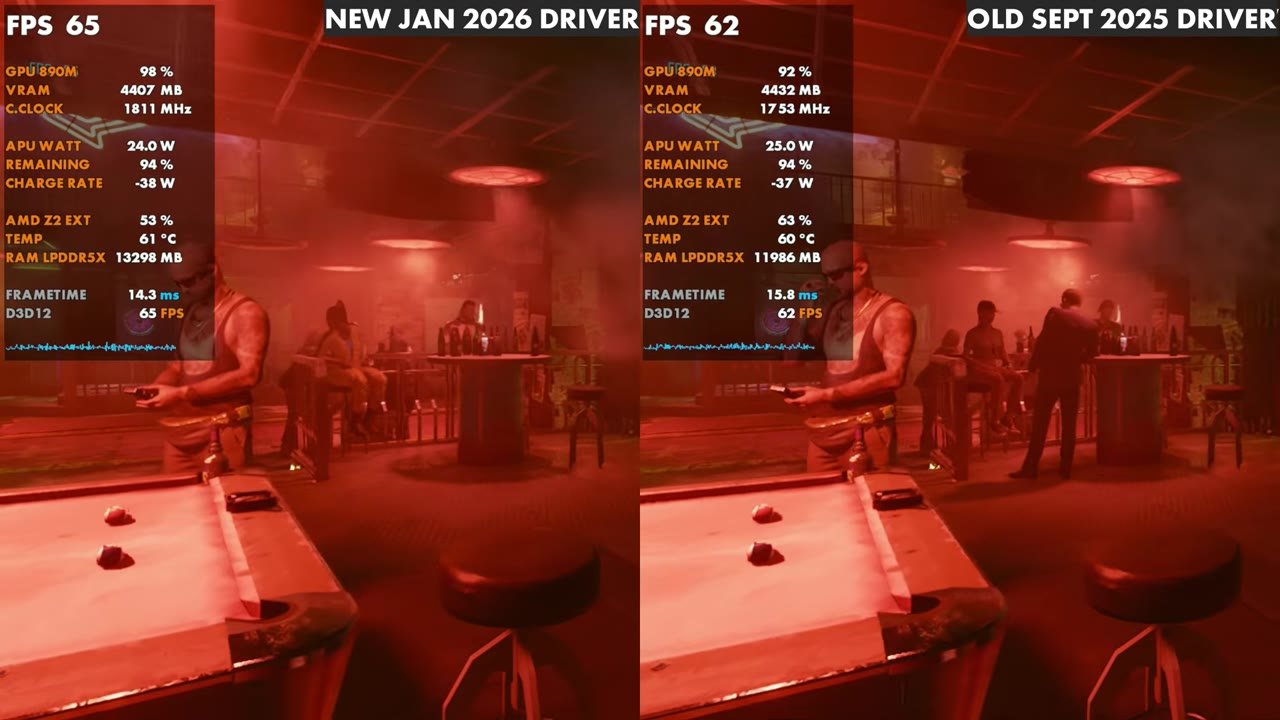
- Cyberpunk was a little better than on the old September driver (overlay side-by-side: 65 vs 62, 64 vs 61, 67 vs 67).
- Elden Ring, which used to crash within minutes for me, ran for over an hour with no crashes.
- Update: a week later Lenovo posted this same driver on its site. See the official Legion Go 2 GPU driver 26.1.1 install, which no longer needs this workaround.
The problem
After the update, Device Manager showed AMD driver version 1.0.0.1, but Adrenalin was broken, and I couldn't fix it any of the normal ways I'm used to. I searched the Microsoft Store for an Adrenalin update over a few days and never got one. Someone commented that they did get an update there, but it never showed up for me. At the time of this video (March 31, 2026), Lenovo's support site still had no download for this newer driver.
How to fix Adrenalin
As some of you commented, if you download the newer ROG Ally X driver package and install it, it won't overwrite the driver, but it will fix the AMD software. That's what I did.
- Open Settings, go to Apps and Installed apps, and uninstall AMD Software. Don't uninstall the driver or anything else, only the software.
- Go to the ASUS support site for the ROG Xbox Ally X and download the newer GPU driver they put out in March. It comes with a newer version of Adrenalin that works with this January dated driver. You're not side-loading the ASUS driver here, only getting the Adrenalin software to install and work.
- In Downloads, double-tap the file to run it as if you're installing it normally, and follow the prompts. Make sure you're on Install, not Extract.
- It goes through the process and asks you to restart. For me it didn't error out; it just said restart the device.
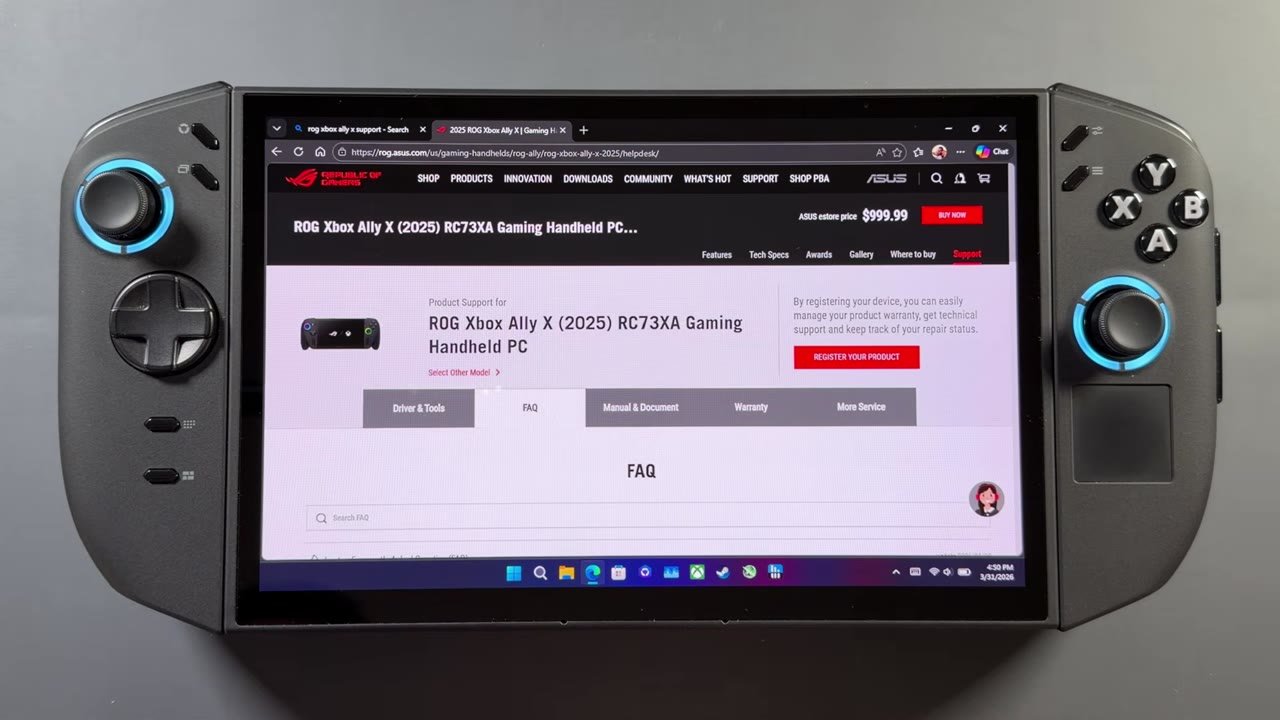
After restarting, I checked that it didn't change the driver, and it didn't. It stayed on the same driver Windows installed, which Adrenalin confirms: it's dated January 8, 2026 (26.1.1), a couple of months older than the driver on my Xbox Ally X. That's three or four months newer than what this device had, though still a couple of months old at the time. Legion Space, the quick access menus and all the Adrenalin features are working for me now.
How games ran
No games have crashed or given me issues so far on the few I'm testing, from Cyberpunk to Crimson Desert and Elden Ring.
In Cyberpunk, I put the new driver side by side with Lenovo's official September dated driver, which is still the one on their site. Surprisingly, the new driver was a little better. It's pretty much the same performance, but a bit ahead. In the overlay comparisons it read 65 vs 62, 64 vs 61 and 67 vs 67 FPS (new driver first).
I didn't have a comparison for Crimson Desert, but I jumped in to see how it ran, and for the most part it was fine at 1200p with somewhat bumped-up settings. I stayed in for about half an hour running around with no crashing.
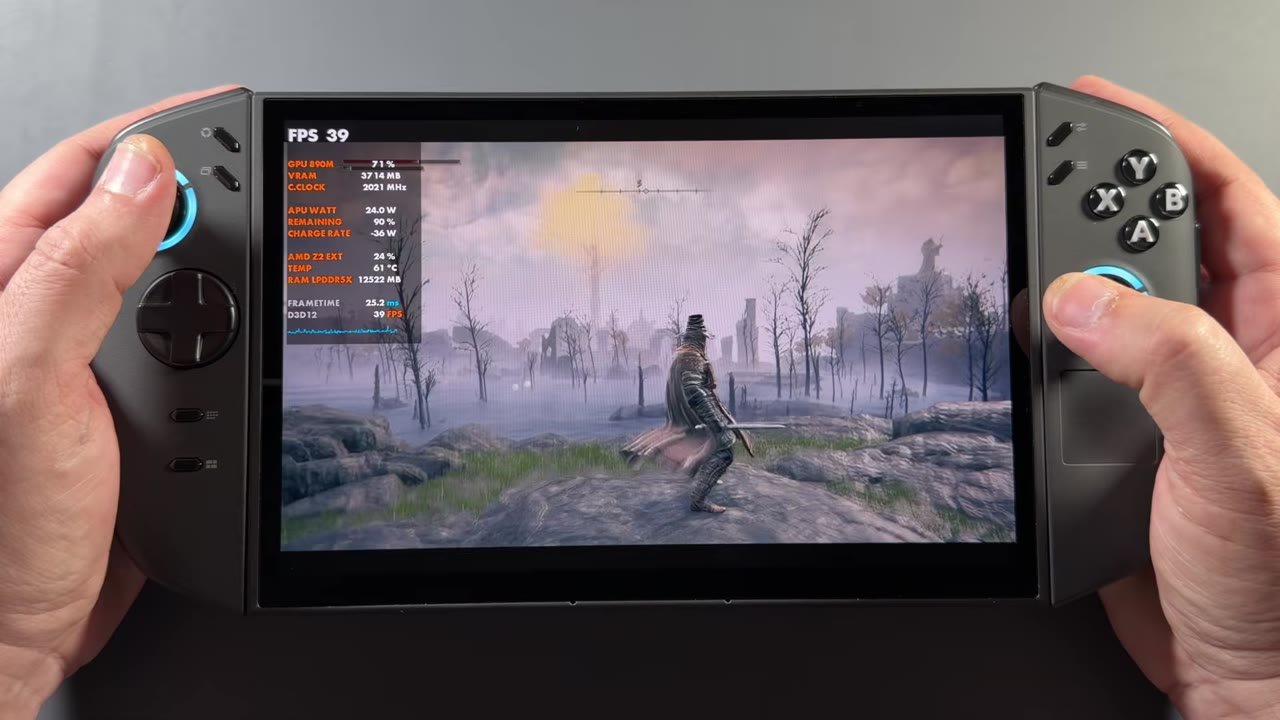
Elden Ring is the big one. It used to crash on me within the first 3 to 5 minutes, whether in this area or anywhere else in the game. It was unplayable, and I'd never really been able to test it on the Go 2. Now I can get in. I let it run for a little over an hour, ran around a few different areas and messed around waiting for it to crash, and it never did. Performance isn't where it should be. It doesn't push the GPU all the way even though clocks are good, with settings around medium to high. But this is way better than what I was getting before.
Final thoughts
I don't know how official this driver is, but installing Adrenalin through the Xbox Ally X driver package worked just fine with the Windows-pushed driver. Everything works on the device, performance is the same or better in the few games I've tried, and Elden Ring still hasn't crashed on me. Maybe there are some fixes in this driver that make things work that weren't working at all before. I'll keep an eye out for official updates from Lenovo for the BIOS, GPU drivers and everything else.
FAQ
Why is AMD Adrenalin broken on my Legion Go 2?
The January dated GPU driver Windows Update pushed on March 26, 2026 broke Adrenalin, and the Microsoft Store didn't offer a matching update for me.
Does the ROG Xbox Ally X package replace the Legion Go 2 driver?
No. With only the AMD software uninstalled first, running it as an install fixed Adrenalin and left the Windows-installed driver in place.
Does Elden Ring work on the Legion Go 2 now?
For me, yes. On this driver it ran for over an hour without crashing, though performance still isn't where it should be.
Want more handheld tests?
New Steam Deck, ROG Ally, Legion Go and Steam Machine performance videos every week.