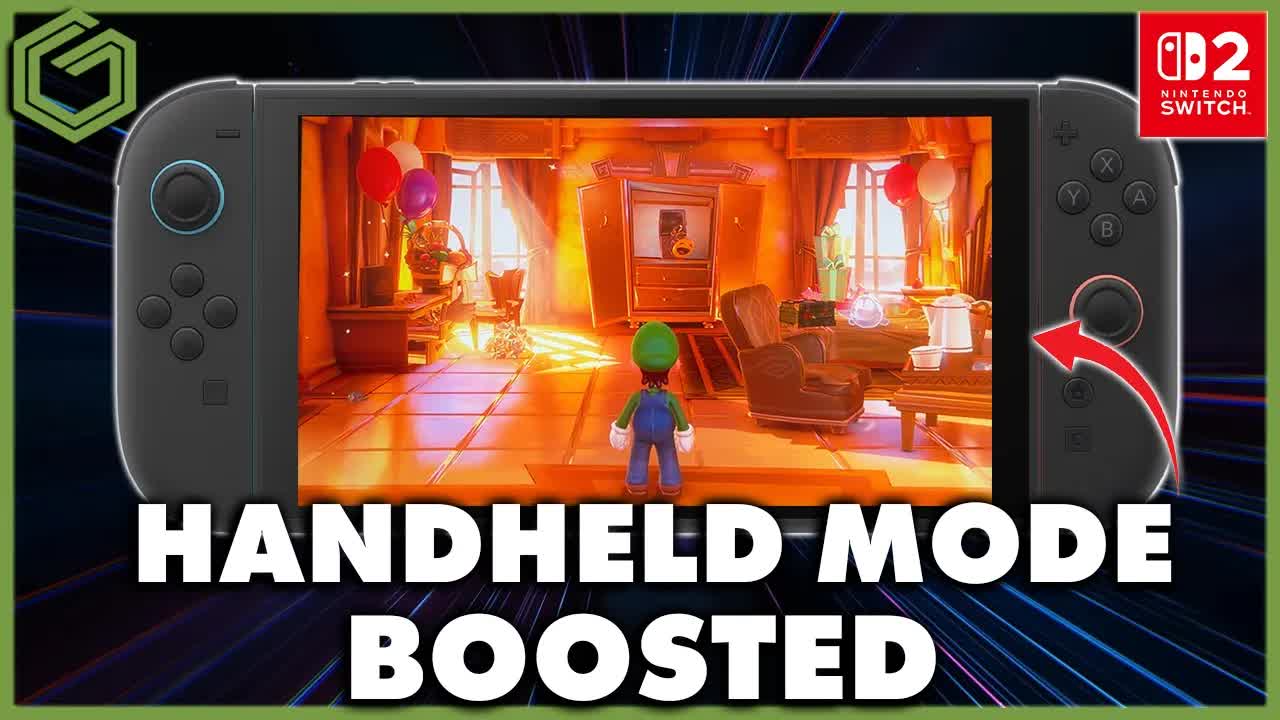
 ▶Watch on YouTube
Handheld Mode Boost is one of the best updates the Nintendo Switch 2 has received since it launched last year. It only affects Switch 1 games, but it lets you play them in their docked mode while you're in handheld, on the Switch 2's 1080p screen. How much of a difference that makes varies from game to game, but for a lot of games it breathes some new life into handheld play.
- Needs Switch 2 system update 22.0.0 or newer.
- Turn it on in System Settings → System → Nintendo Switch Software Handling → Handheld Mode Boost. It's off by default.
- Switch 1 games run as if docked: a sharper picture and, in some games, a more stable frame rate.
- It can use more battery, and there can be little compatibility issues, but for the most part it's well worth turning on.
What Handheld Mode Boost does
When you enable Handheld Mode Boost, Switch 1 games run in their docked (TV) mode while the Switch 2 is in handheld. Nintendo's support page explains that this can improve visuals, that it may increase power consumption, and that the effect varies by game. Some Switch 1 games won't be affected at all, and it has no effect on Switch 2 games. Because it forces TV mode, it can also block touch-screen controls in some games and makes attached Joy-Con 2 controllers act like a Pro Controller (Nintendo Support).
How to turn it on
- Make sure you're on the newest system update. Go to System Settings → System → System Update. I'm on 22.0.0 here.
- Back in the System tab, scroll down to Nintendo Switch Software Handling.
- Toggle Handheld Mode Boost on. The same information from Nintendo's website is shown right there under the toggle.
- Boot up your Switch 1 games and you're good to go.
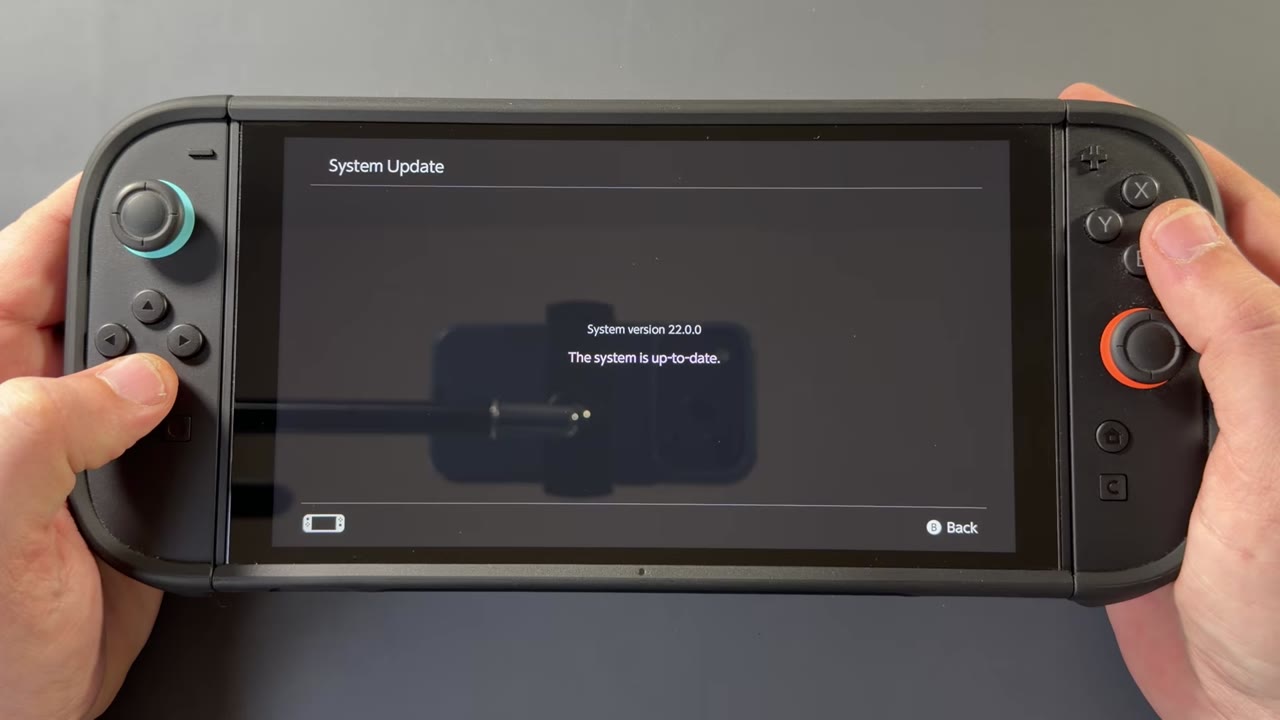
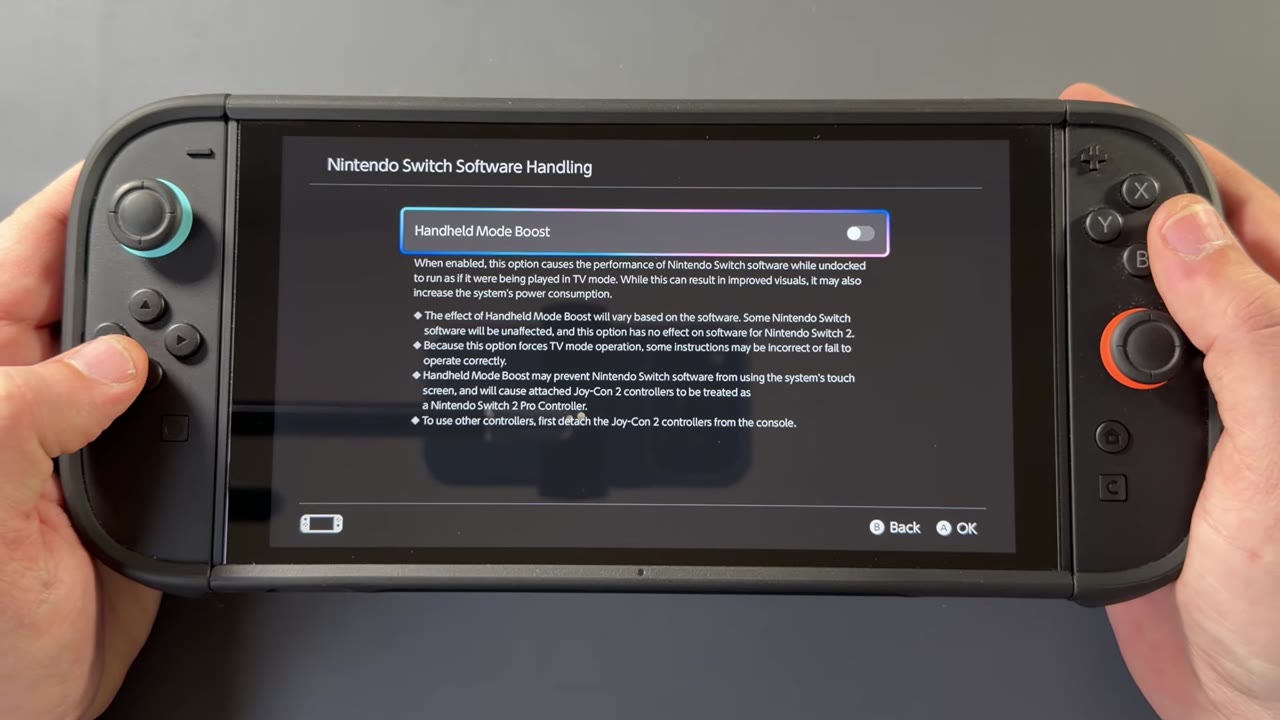
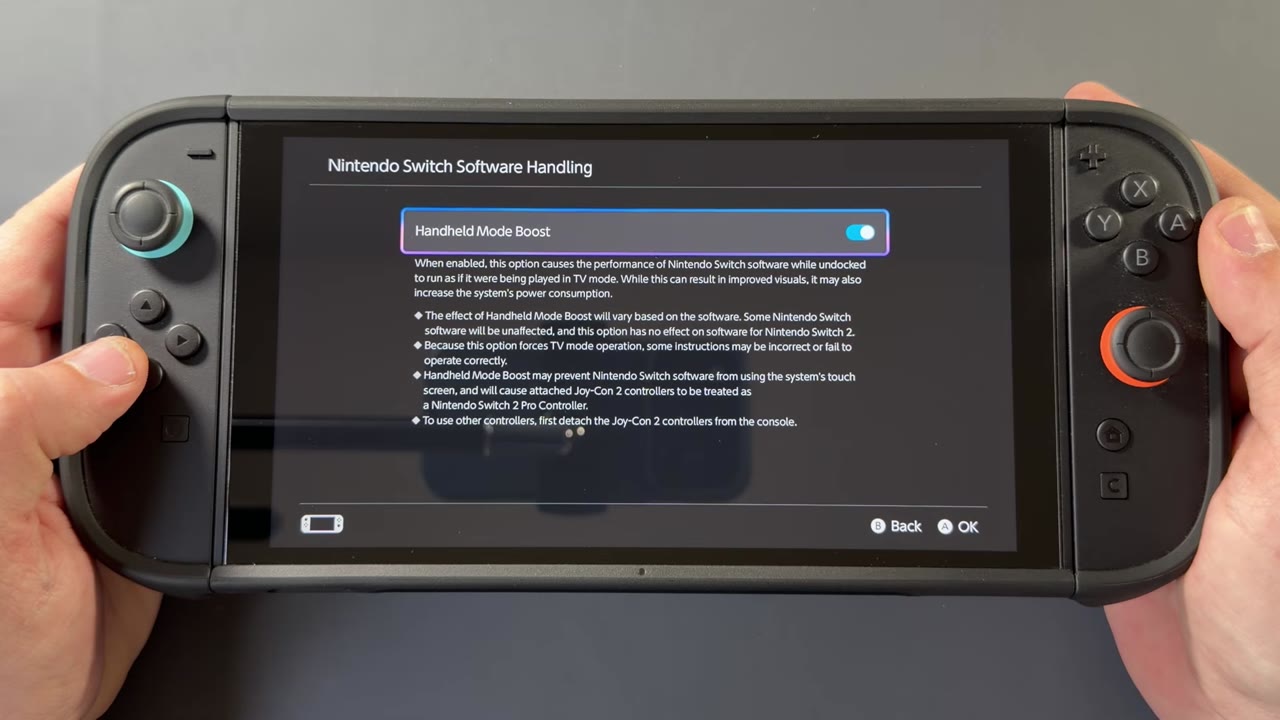
Nintendo's page also mentions you can add an Enable/Disable Handheld Mode Boost toggle to Quick Settings, if you want to flip it without going into System Settings.
How Switch 1 games look with it
I don't have a ton of Switch 1 games that benefit from this, because I bought a lot of that generation's games elsewhere and used my Switch 1 mostly for first-party games. Here's what I noticed in the ones I tried.
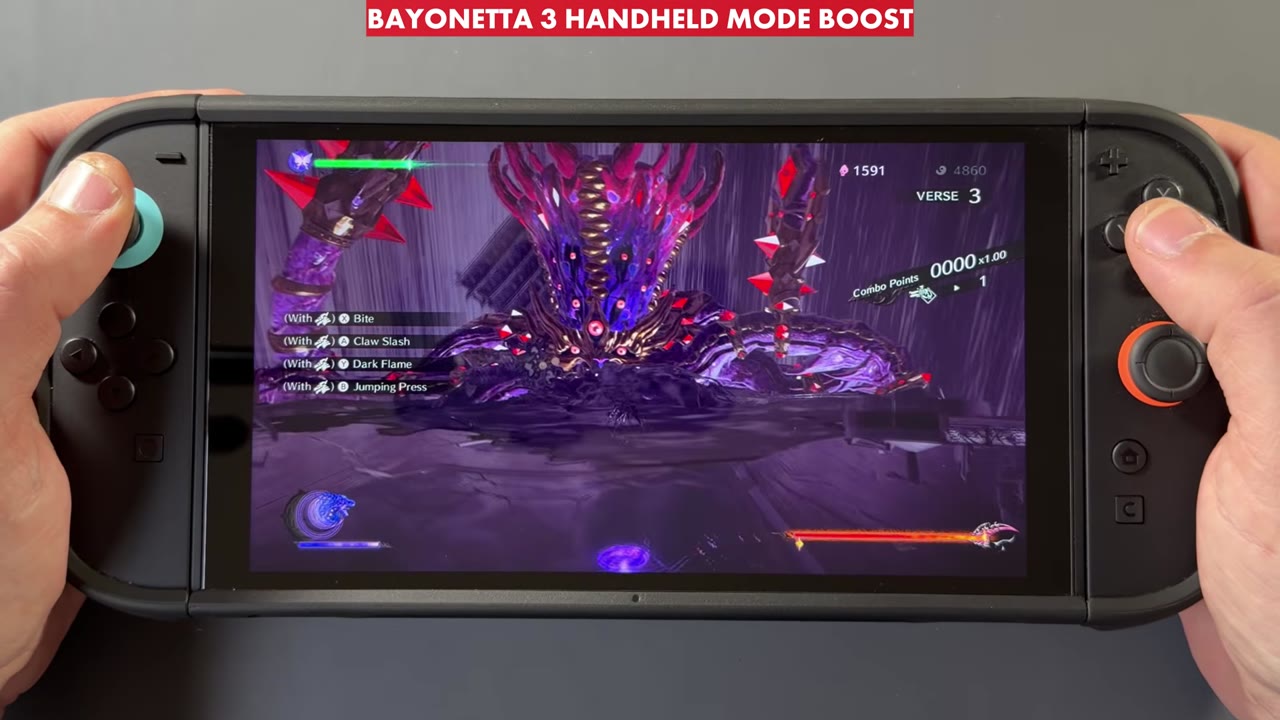
Bayonetta 3 is one I'm definitely enjoying more now on the Switch 2. Playing it in docked mode, I get the better resolution, a little more stable frame rate, and everything looks a bit better.
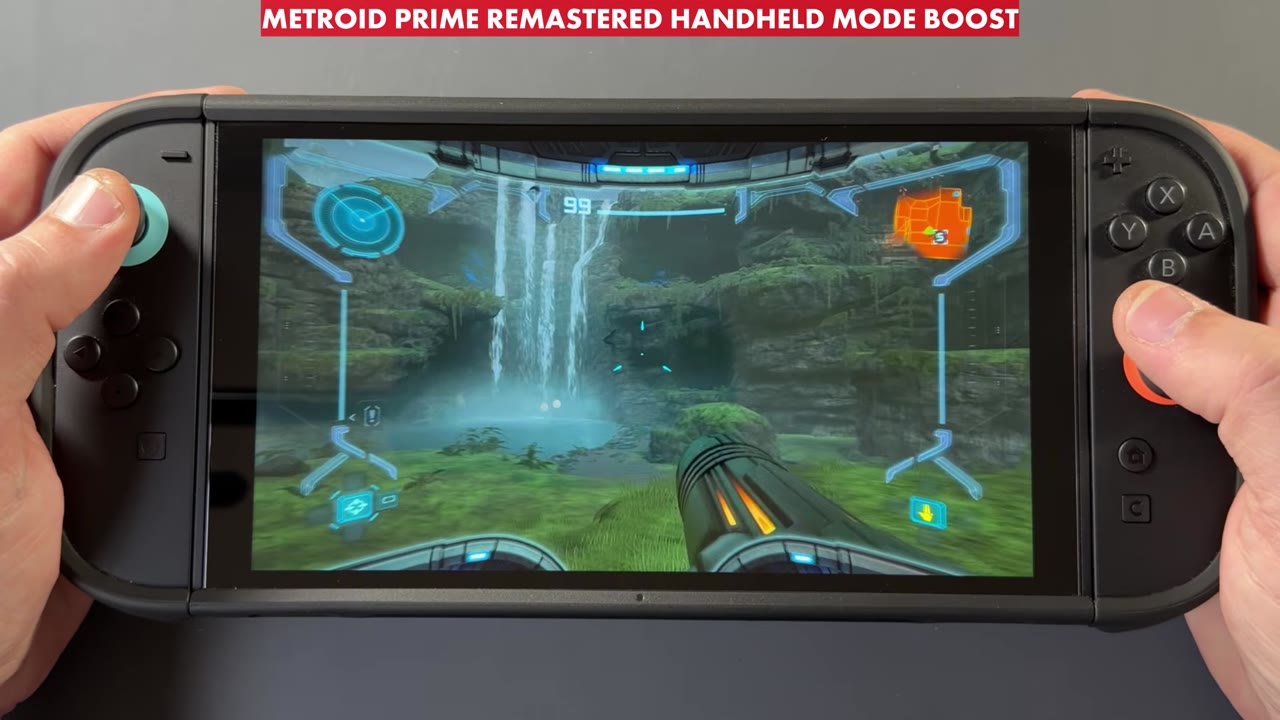
Metroid Prime Remastered already ran really smooth on the Switch 1, but we do get a bump in textures and resolution. If you look really close, you'll see much cleaner textures, and it's a bit more stable and cleaner to look at.
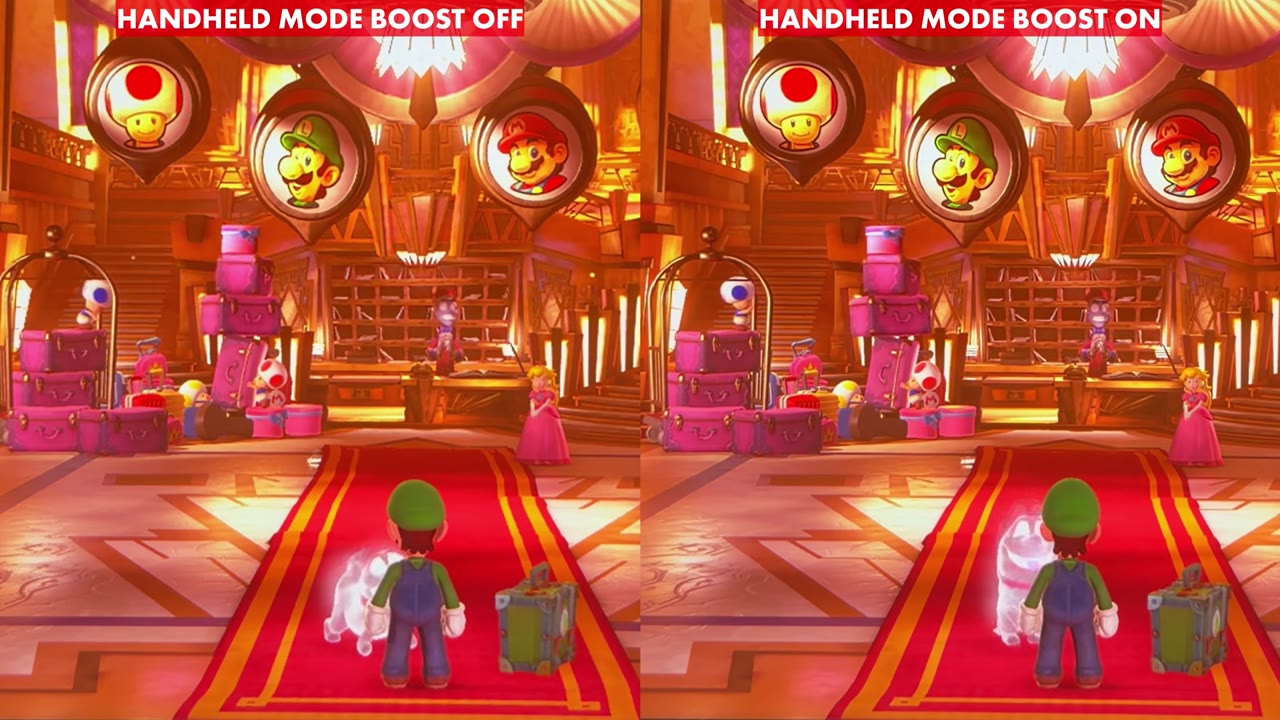
Luigi's Mansion 3 benefits from the higher resolution and a bit more stable gameplay, with an all-around sharper presentation. It's a lot more noticeable in person, but even in the capture the boosted side is a sharper image and much less soft than the Switch 1 handheld mode. I enjoyed it a good bit and could tell how much crisper and cleaner it was.
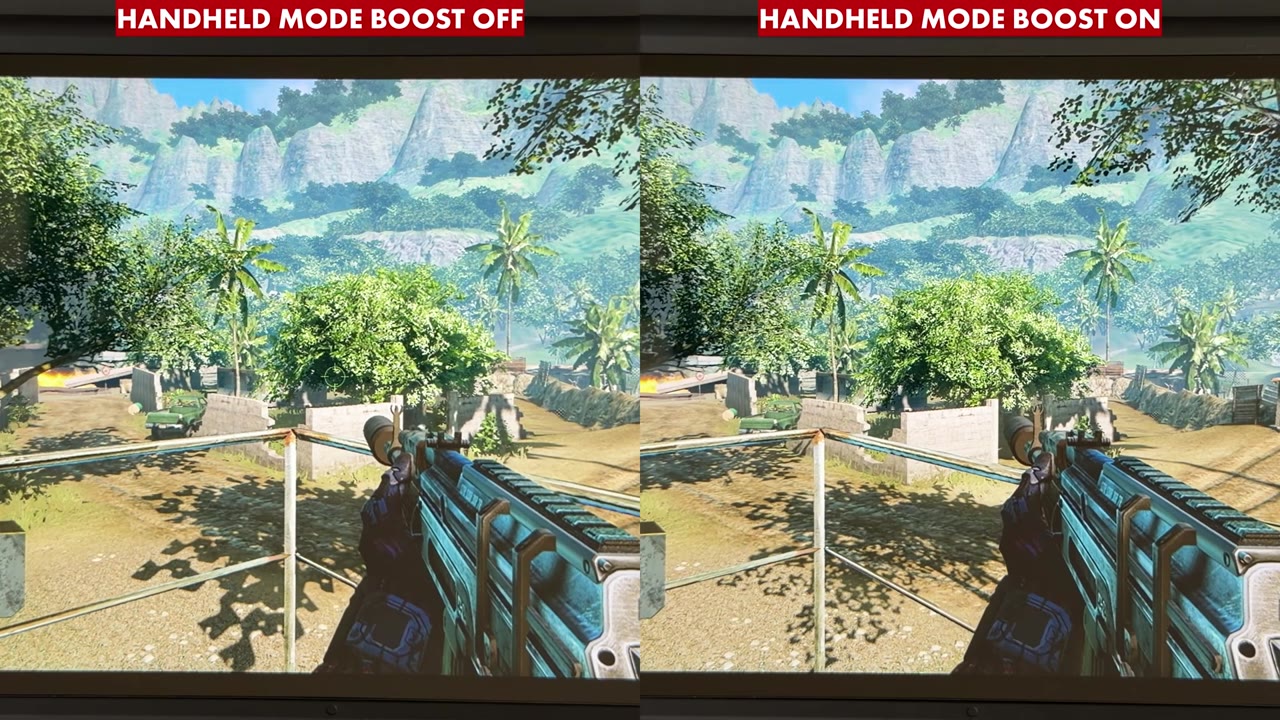
Crysis gets a lot better shadows, a bit sharper picture and a more stable frame rate when you're moving around, which is definitely noticeable. Once you get moving in that game, it's much, much better.
Bright Memory works really well with it. The game uses dynamic resolution, and in handheld mode it can get very low when you're moving, down to 540p rather than 720p in docked mode. It does much better in docked mode, which it can now do in handheld on the Switch 2, so it looks a lot better.
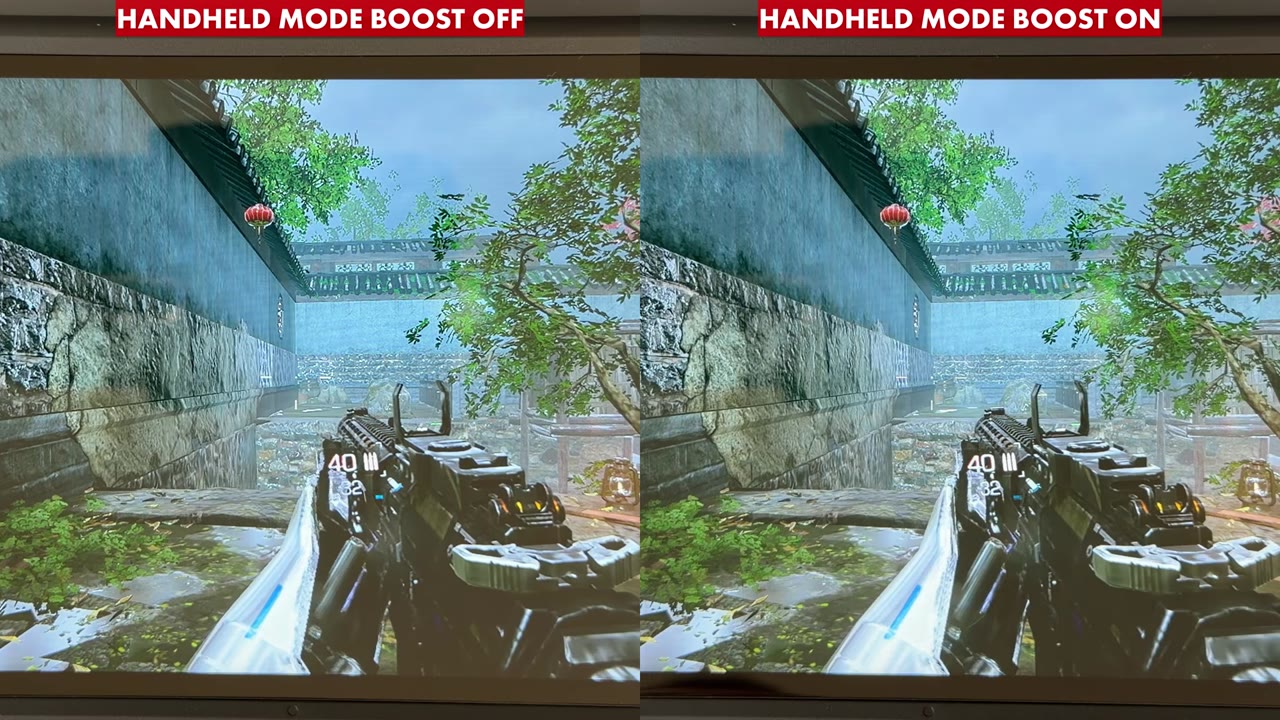
These differences can be hard to see and very hard to film, especially on YouTube. I'd recommend not just going by side-by-sides and booting up some of your own Switch 1 games to see them in person. Some, like Crysis, are really noticeable.
Verdict
I think Handheld Mode Boost is the best thing to hit the Switch 2 since launch, besides new games. Being able to play Switch 1 games in their full docked mode on the larger 1080p screen breathes a lot of life into them in handheld, probably including some I'd held off on because they didn't play well in handheld on the original Switch. It's an easy toggle, and for the most part it's very much worth turning on for your older Switch 1 games.
FAQ
What does Handheld Mode Boost do on the Switch 2?
It lets Switch 1 games run in their docked (TV) mode while the Switch 2 is in handheld, which can mean a sharper picture and a more stable frame rate. It has no effect on Switch 2 games.
How do I turn on Handheld Mode Boost?
Update to system version 22.0.0 or newer, then go to System Settings → System → Nintendo Switch Software Handling and toggle Handheld Mode Boost on.
Does Handheld Mode Boost use more battery?
It can. Because games run as if docked, it may increase power consumption, and there can be little compatibility issues in some games.
Want more handheld tests?
New Steam Deck, ROG Ally, Legion Go and Steam Machine performance videos every week.